Invoice Template for Musician
What is this form?
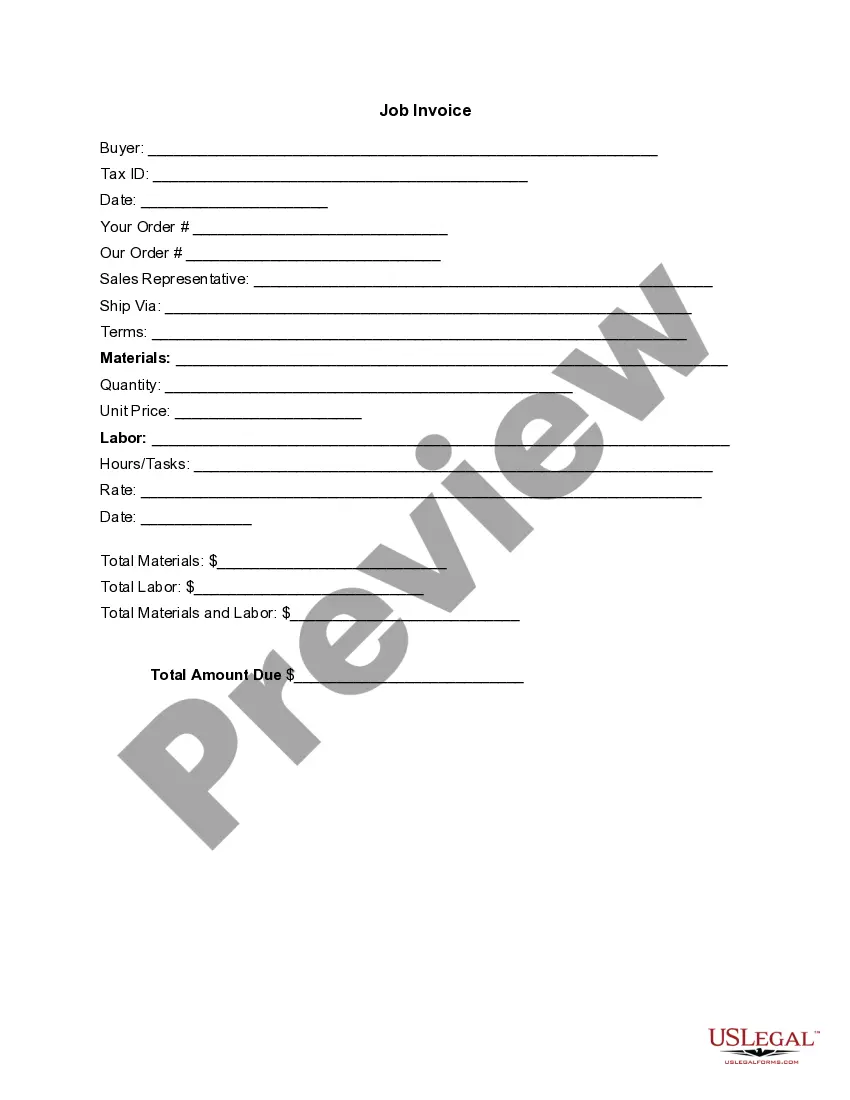
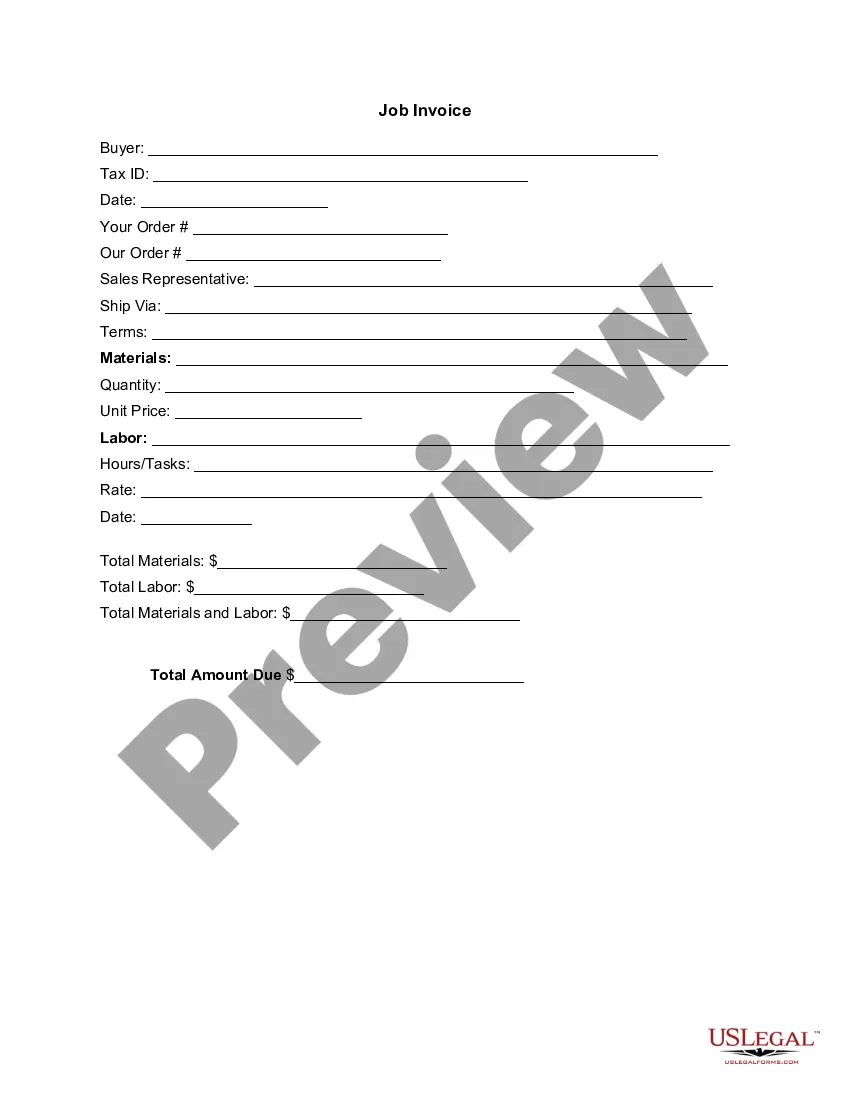
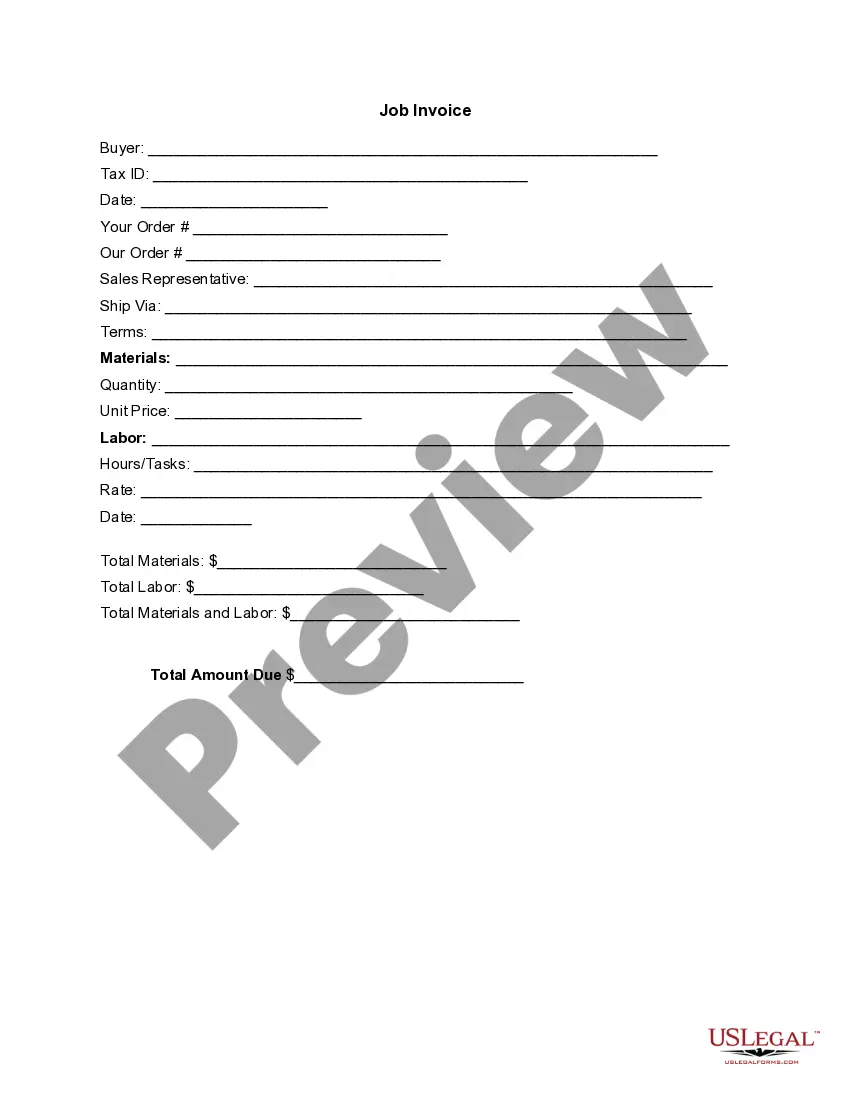
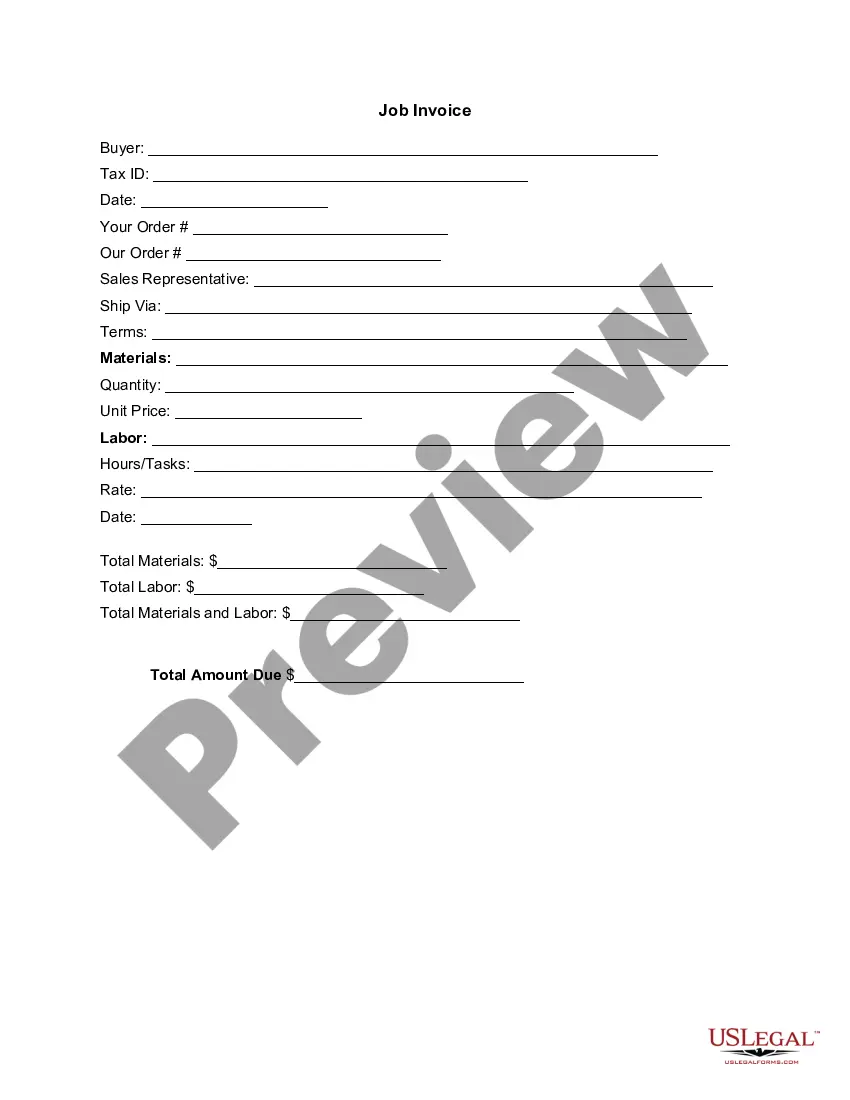
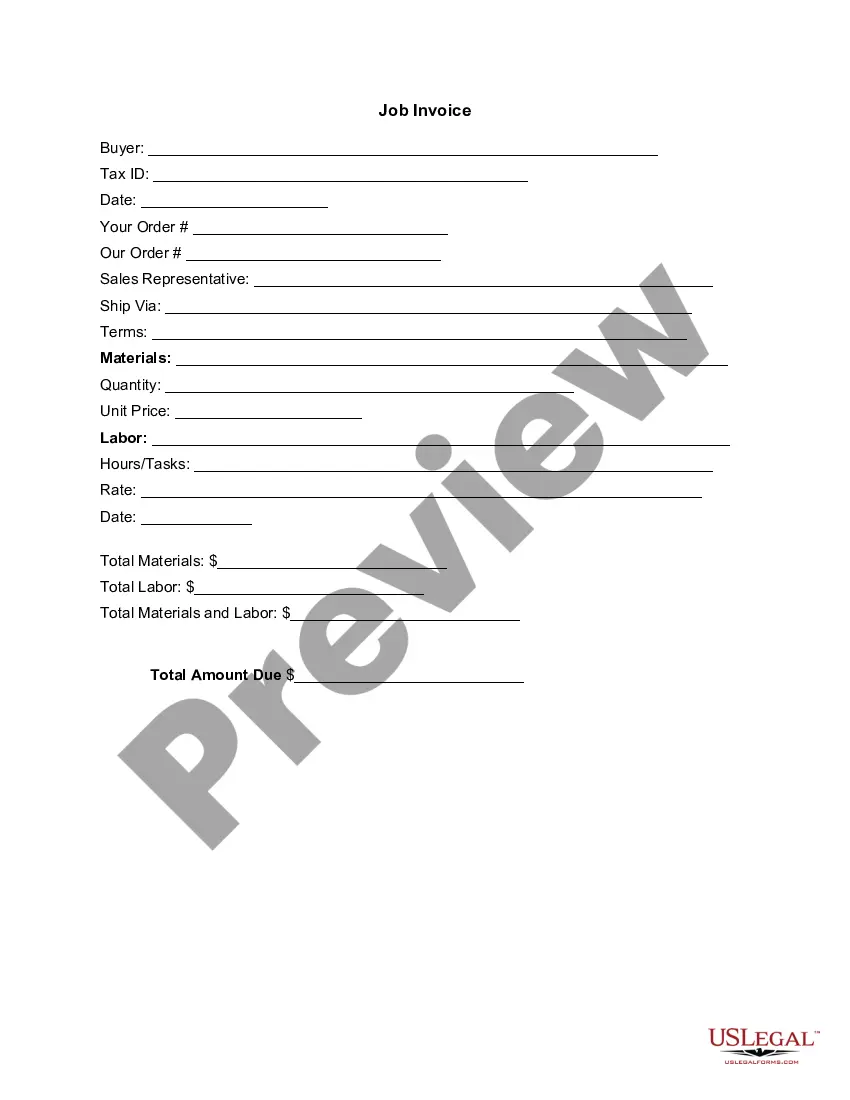
The Invoice Template for Musician is a professional document used by musicians to itemize and request payment for their services. Unlike a general invoice, this template specifically caters to the music industry, detailing information about both materials and labor involved in musical performances or projects. It provides a clear breakdown of costs to ensure prompt and accurate payment from clients.
Main sections of this form
- Buyer information: Includes fields for buyer name and tax ID.
- Date: The date on which the invoice is issued.
- Order details: Space to specify your order and the seller's order.
- Sales representative contact: Identifies the sales representative for the transaction.
- Material and labor listings: Breaks down quantities, unit prices, and total amounts.
- Total amount due: Clearly states the total amount that the client is required to pay.

Common use cases
This Invoice Template is essential any time a musician completes a performance, recording session, or any other music-related service and needs to bill the client. Use it for private events, gigs, studio sessions, or teaching sessions, ensuring that all services rendered are documented and that payments can be tracked accurately.
Who can use this document
- Freelance musicians offering their services to clients.
- Bands and musical groups performing at events.
- Music educators conducting private lessons.
- Recording studio owners billing for session work.
Instructions for completing this form
- Fill in the buyer's name and tax ID for proper identification.
- Enter the date of the transaction and relevant order information.
- Identify the sales representative and preferred shipping method, if applicable.
- List all materials and labor, including quantities and unit prices.
- Calculate total amounts for materials and labor, then total the entire invoice.
Notarization requirements for this form
This form does not typically require notarization unless specified by local law. Ensure to check your local regulations to confirm if any additional steps are needed for enforceability.
Get your form ready online
Our built-in tools help you complete, sign, share, and store your documents in one place.
Make edits, fill in missing information, and update formatting in US Legal Forms—just like you would in MS Word.
Download a copy, print it, send it by email, or mail it via USPS—whatever works best for your next step.
Sign and collect signatures with our SignNow integration. Send to multiple recipients, set reminders, and more. Go Premium to unlock E-Sign.
If this form requires notarization, complete it online through a secure video call—no need to meet a notary in person or wait for an appointment.
We protect your documents and personal data by following strict security and privacy standards.

Make edits, fill in missing information, and update formatting in US Legal Forms—just like you would in MS Word.

Download a copy, print it, send it by email, or mail it via USPS—whatever works best for your next step.

Sign and collect signatures with our SignNow integration. Send to multiple recipients, set reminders, and more. Go Premium to unlock E-Sign.

If this form requires notarization, complete it online through a secure video call—no need to meet a notary in person or wait for an appointment.

We protect your documents and personal data by following strict security and privacy standards.
Mistakes to watch out for
- Failing to include the date of the invoice.
- Omitting the buyer's tax ID, which can lead to payment issues.
- Not itemizing materials and labor correctly, causing confusion about charges.
Benefits of using this form online
- Convenient access to professionally drafted templates anywhere, anytime.
- Editability allows for customization according to specific services and costs.
- Reliability and accuracy, ensuring all necessary components are included for proper billing.
Summary of main points
- The Invoice Template for Musician is tailored to musicians' billing needs.
- It is important to fill out all required fields accurately to avoid payment delays.
- This form is suitable for various music-related services and events.
Looking for another form?



Form popularity
FAQ
Download the free painter invoice template from FreshBooks. Add your painting business name and contact information. Insert your business branding and logo. Include client's name and contact information. Create a unique invoice number. Add date of issue and payment due date.
Download the basic Simple Invoice Template in PDF, Word or Excel format. Open the new invoice doc in Word or Excel. Add your business information and branding, including your business name and logo. Customize the fields in the template to create your invoice. Name your invoice. Save
PayPal (Web, iOS, Android) for creating invoices on mobile devices. Square (Web, iOS, Android) for accepting in-person and online payments. Wave (Web, iOS, Android) for invoicing and accounting for small businesses. Zoho Invoice (Web, iOS, Android) for invoice workflows.
Personalize and make your invoice professional. To begin, choose a color that best represents your brand and upload your brand's logo. Fill-out the appropriate contact information on your invoice. Select a due date on your invoice. Fill in the projects/ tasks you are invoicing the client for. Add payment information.
Download the free illustration work invoice template. Insert your name, your business name and contact information. Add your business logo and media. Fill out the client or business and contact information. Create and include a unique invoice number. Include an issue date and payment due date.
Make your invoice look professional. The first step is to put your invoice together. Clearly mark your invoice. Add company name and information. Write a description of the goods or services you're charging for. Don't forget the dates. Add up the money owed. Mention payment terms.
Download the Square Invoices app on your iOS or Android device. Create your free Square account or sign in with your existing Square account. Tap the '+' sign on the navigation bar and select 'Invoice'.When your clients receive the invoice in their email, they can pay you securely online.
Musician's full name, address and tax number. Bill to: Name, address (this is YOUR company or band name) Details of services provided. Date of the gig, location. Fees + tax (if applicable) Payment due date. Invoice number (helpful for filing and reference when collecting payments)
Download the basic Simple Invoice Template in PDF, Word or Excel format. Open the new invoice doc in Word or Excel. Add your business information and branding, including your business name and logo. Customize the fields in the template to create your invoice. Name your invoice. Save