Invoice Template for Hairdresser
About this form
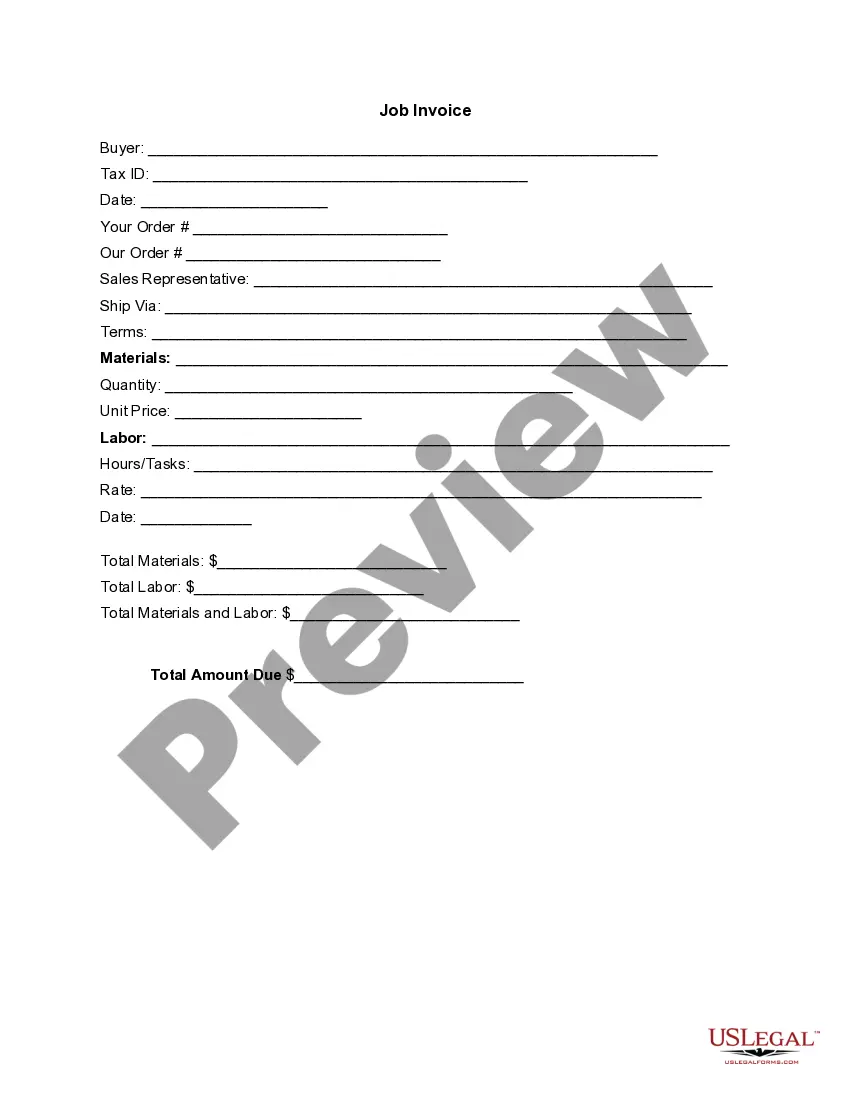
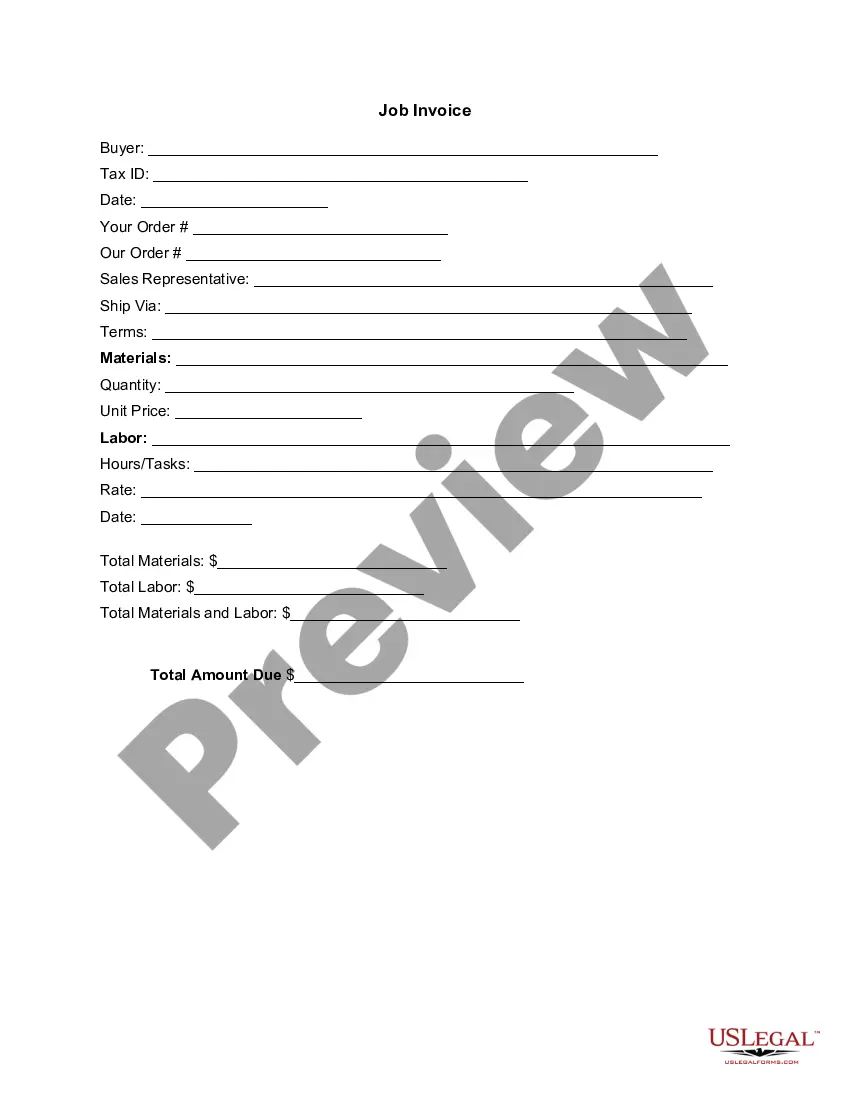
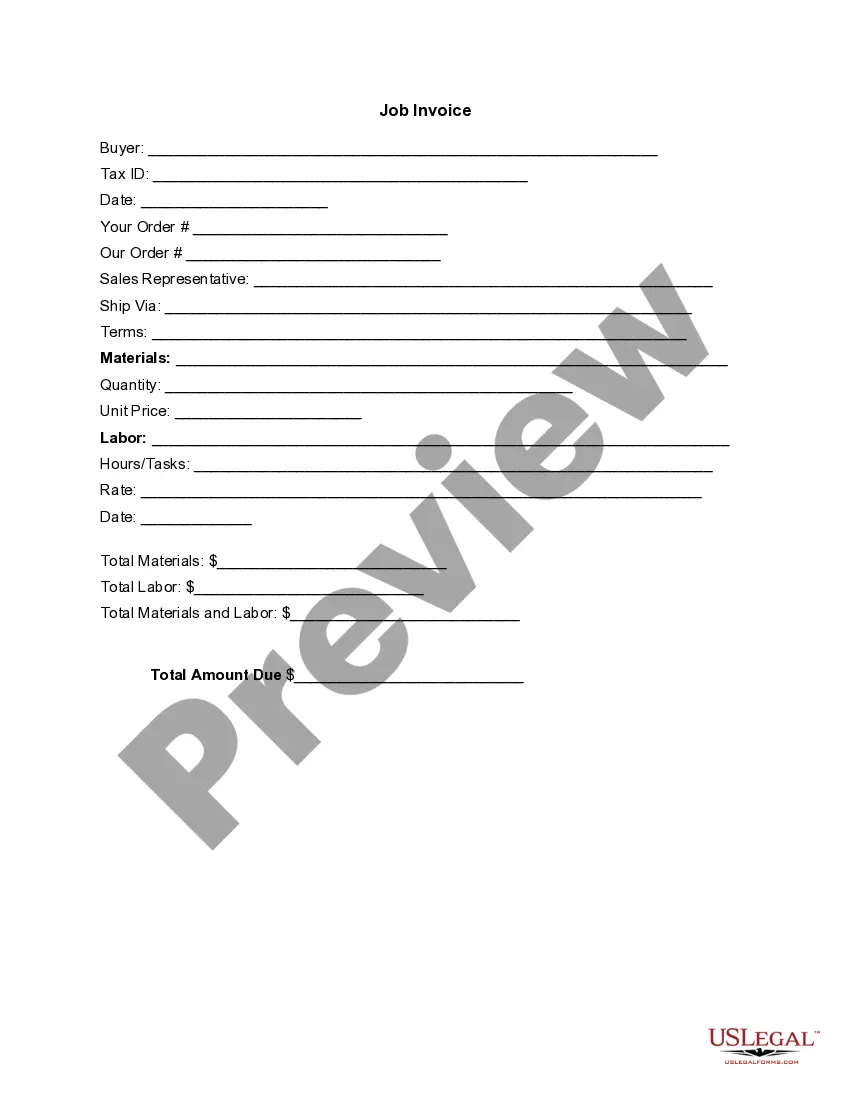
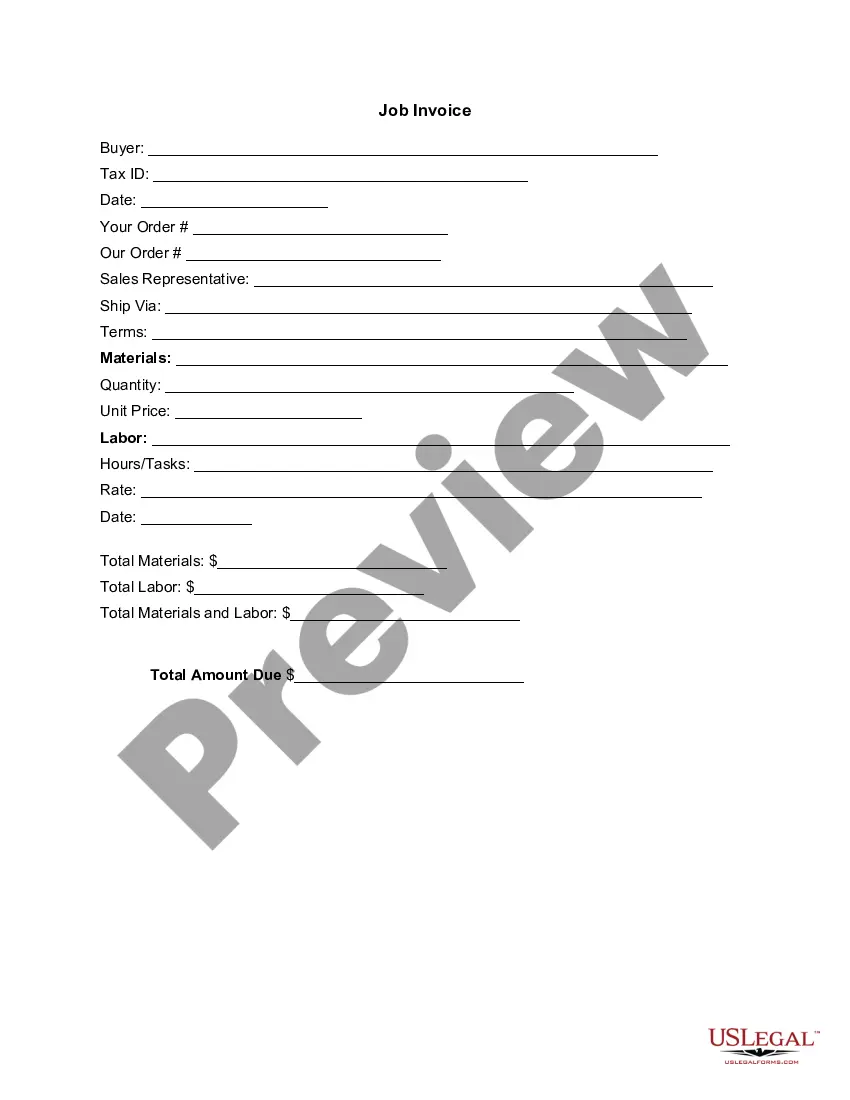
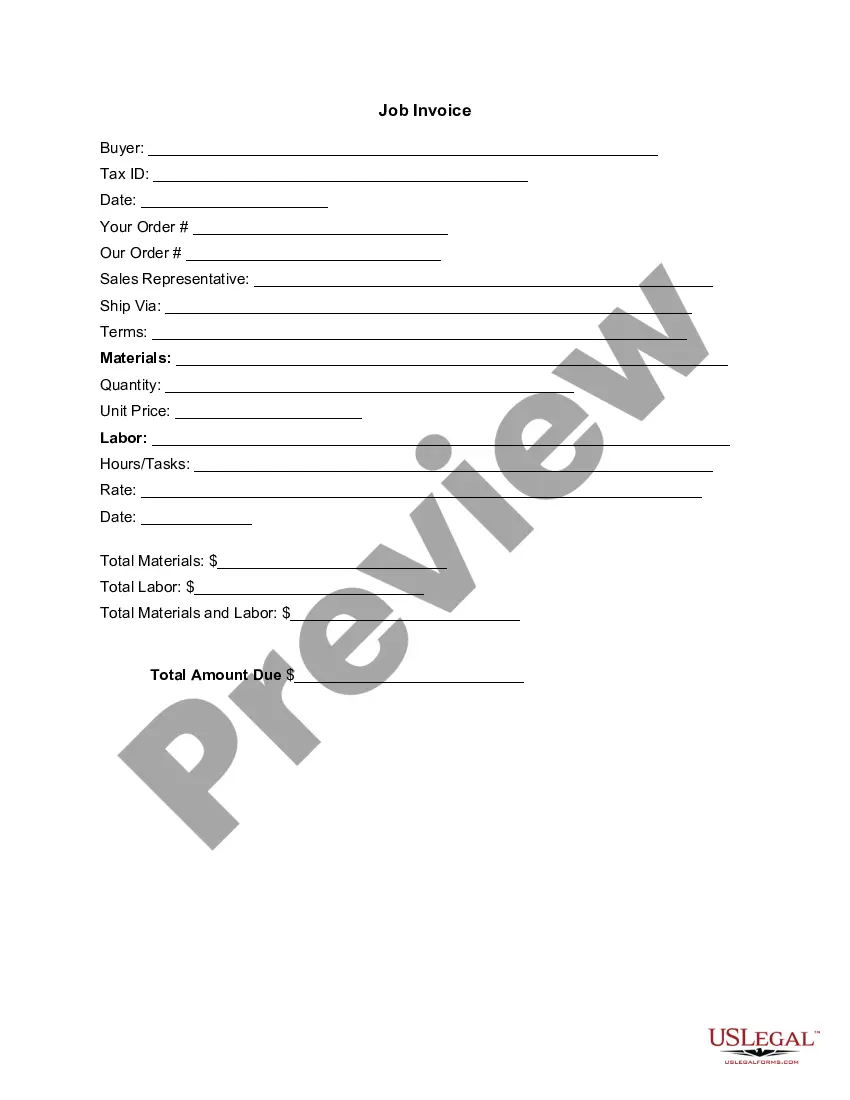
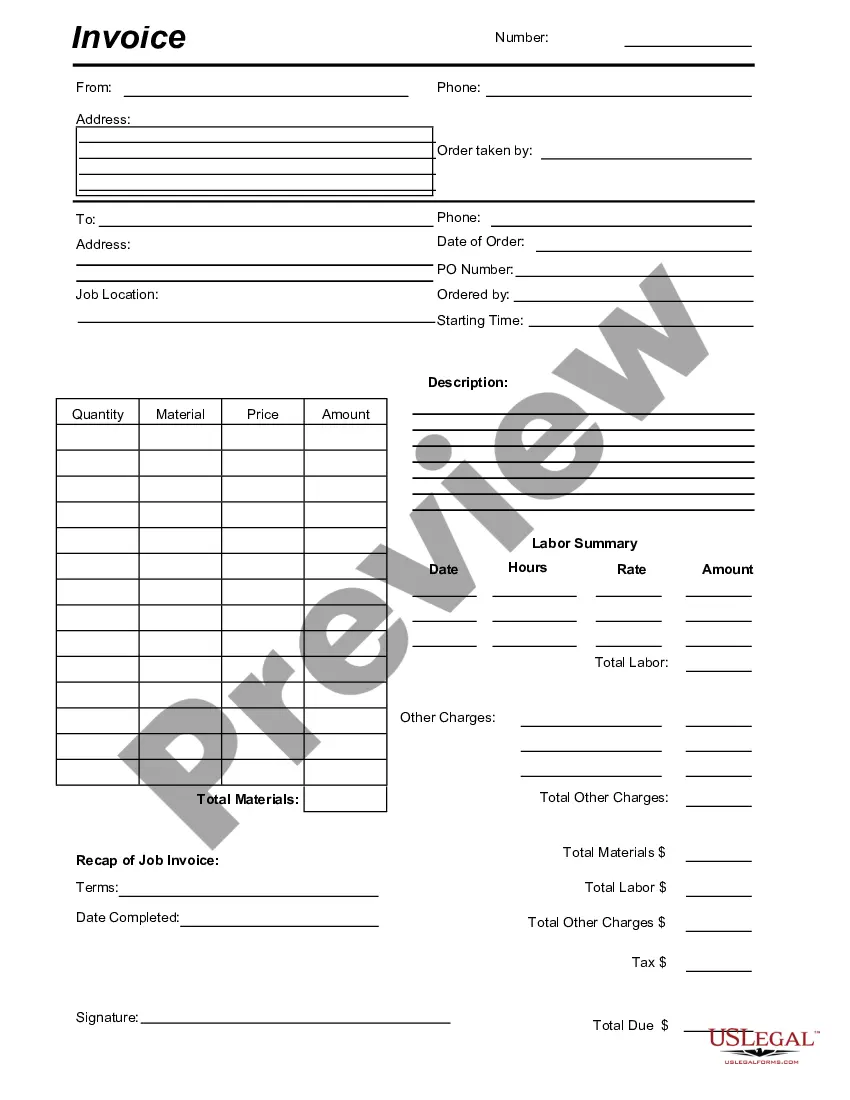
The Invoice Template for Hairdresser is a detailed document designed to outline services provided by a hairdresser and the associated costs. It serves as a professional itemized bill that clients receive after receiving hair services, allowing for clear communication of charges. This form helps to ensure transparency regarding labor and materials costs, distinguishing it from standard invoices used in other industries.
Key parts of this document
- Buyer information, including name and tax ID.
- Date of the invoice issuance.
- Your order and order details from the hairdresser.
- Sales representative and shipping method, if applicable.
- Terms of payment and materials used.
- Itemized list of services rendered, quantity, labor hours, and rates.
- Total amounts due for materials and labor.
Situations where this form applies
This form is needed when a hairdresser provides services to clients and needs to formally bill them. It is especially useful for freelance hairdressers, salon owners, or mobile hair stylists who require a professional invoice to document their services and facilitate payment. Use it whenever services such as haircuts, coloring, or treatments have been provided and payment is expected.
Who this form is for
- Freelance hairdressers who operate independently.
- Salon owners looking to bill clients accurately.
- Mobile hairdressers providing services at various locations.
- Beauty professionals needing to maintain financial records.
Steps to complete this form
- Enter the buyer's name and tax ID at the top of the form.
- Fill in the date when the invoice is issued.
- Specify your order details and any sales representative information, if applicable.
- List the materials used, stating quantity and unit price for each item.
- Detail the labor provided, including tasks completed and hours worked with corresponding rates.
- Calculate and input the total due for both materials and labor.
Does this form need to be notarized?
This form does not typically require notarization unless specified by local law. It serves as a standard invoice for service transactions, which generally does not necessitate notarization to be legally valid.
Get your form ready online
Our built-in tools help you complete, sign, share, and store your documents in one place.
Make edits, fill in missing information, and update formatting in US Legal Forms—just like you would in MS Word.
Download a copy, print it, send it by email, or mail it via USPS—whatever works best for your next step.
Sign and collect signatures with our SignNow integration. Send to multiple recipients, set reminders, and more. Go Premium to unlock E-Sign.
If this form requires notarization, complete it online through a secure video call—no need to meet a notary in person or wait for an appointment.
We protect your documents and personal data by following strict security and privacy standards.

Make edits, fill in missing information, and update formatting in US Legal Forms—just like you would in MS Word.

Download a copy, print it, send it by email, or mail it via USPS—whatever works best for your next step.

Sign and collect signatures with our SignNow integration. Send to multiple recipients, set reminders, and more. Go Premium to unlock E-Sign.

If this form requires notarization, complete it online through a secure video call—no need to meet a notary in person or wait for an appointment.

We protect your documents and personal data by following strict security and privacy standards.
Common mistakes
- Not including detailed descriptions of services and materials.
- Failing to specify payment terms or due dates.
- Omitting the buyer's tax ID or complete details.
- Incorrectly calculating totals for materials and labor.
Advantages of online completion
- Convenience of digital access and immediate downloading.
- Editability allows for customization to fit specific service needs.
- Reliability of professionally drafted templates ensuring compliance.
Summary of main points
- The Invoice Template for Hairdresser is essential for billing clients accurately.
- It facilitates clear communication regarding service charges and payment expectations.
- Printing and providing a professional invoice can enhance client relationships and financial tracking.
Looking for another form?
Form popularity
FAQ
Make your invoice look professional. The first step is to put your invoice together. Clearly mark your invoice. Add company name and information. Write a description of the goods or services you're charging for. Don't forget the dates. Add up the money owed. Mention payment terms.
Include Contact Information. Add the Invoice Date. Establish a Simple Invoice Numbering System. List Your Services. Add Your Payment Terms. Include the Amount Due and the Payment Due Date.
Personalize and make your invoice professional. To begin, choose a color that best represents your brand and upload your brand's logo. Fill-out the appropriate contact information on your invoice. Select a due date on your invoice. Fill in the projects/ tasks you are invoicing the client for. Add payment information.
Include Contact Information. Add the Invoice Date. Establish a Simple Invoice Numbering System. List Your Services. Add Your Payment Terms. Include the Amount Due and the Payment Due Date.
Make your invoice look professional. The first step is to put your invoice together. Clearly mark your invoice. Add company name and information. Write a description of the goods or services you're charging for. Don't forget the dates. Add up the money owed. Mention payment terms.
Download the Square Invoices app on your iOS or Android device. Create your free Square account or sign in with your existing Square account. Tap the '+' sign on the navigation bar and select 'Invoice'.When your clients receive the invoice in their email, they can pay you securely online.
The name of your company. The name of your customer. The date the services were provided. Invoice number. A description of services rendered. Quantity of hours spent on services rendered. The price you're charging for the services or your hourly rate.
Download the basic Simple Invoice Template in PDF, Word or Excel format. Open the new invoice doc in Word or Excel. Add your business information and branding, including your business name and logo. Customize the fields in the template to create your invoice. Name your invoice. Save