Invoice Template for Farmer
Overview of this form
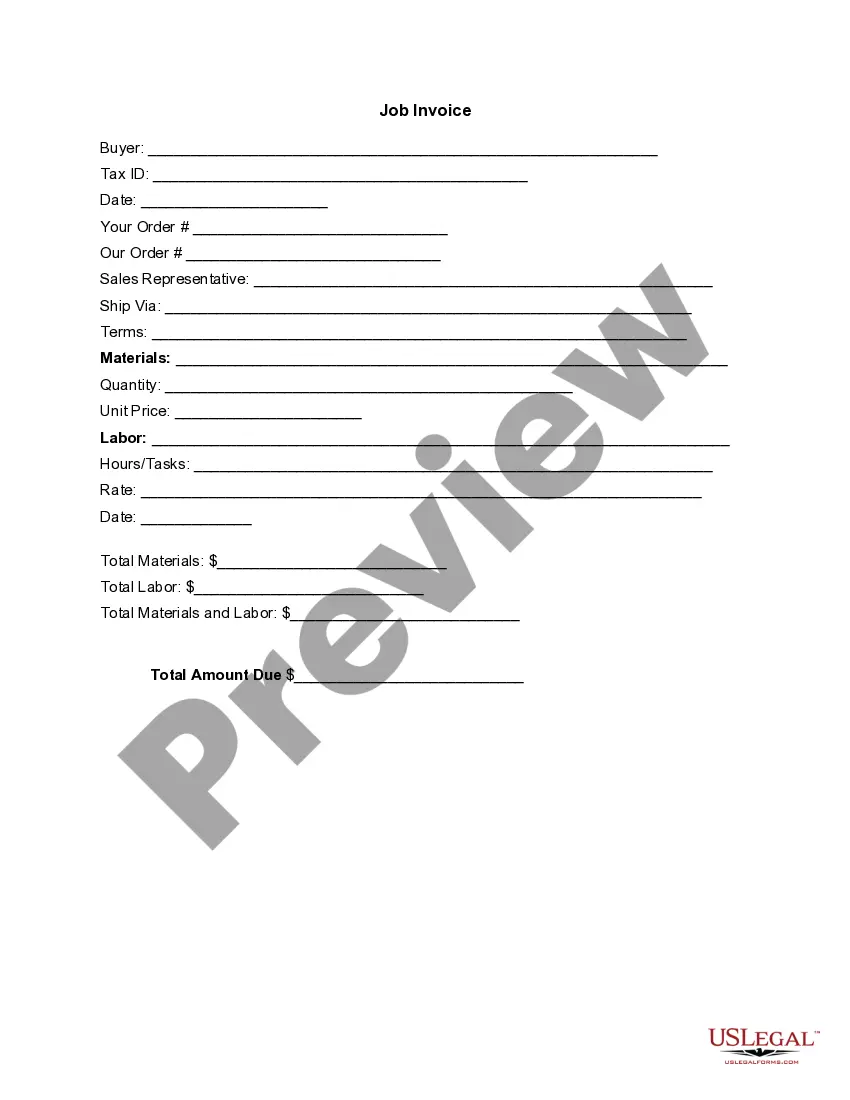
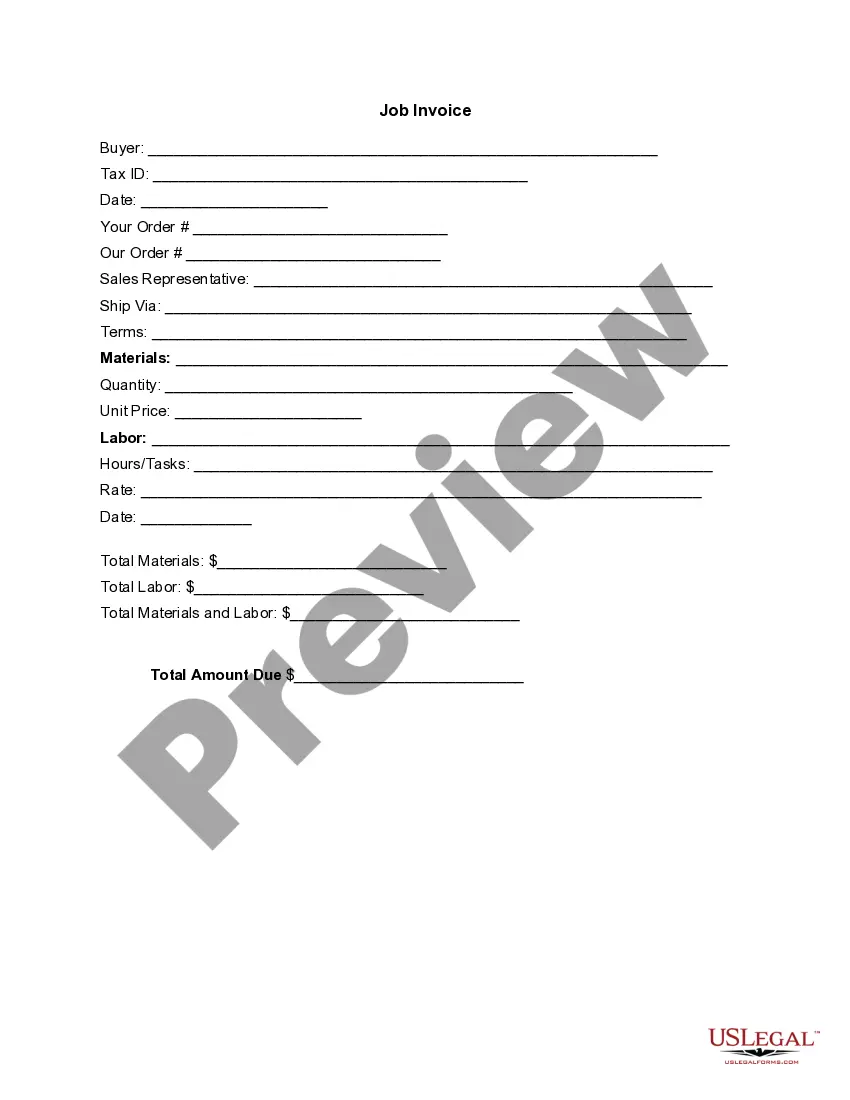
The Invoice Template for Farmer is a detailed document designed for farmers to request payment for goods and services provided. This template not only itemizes the costs associated with crops or farm-related services but also includes specific details about labor and materials used, differentiating it from general invoice forms which may not cater to agricultural practices. Using this template can help ensure accurate billing and clear communication with buyers.
Key components of this form
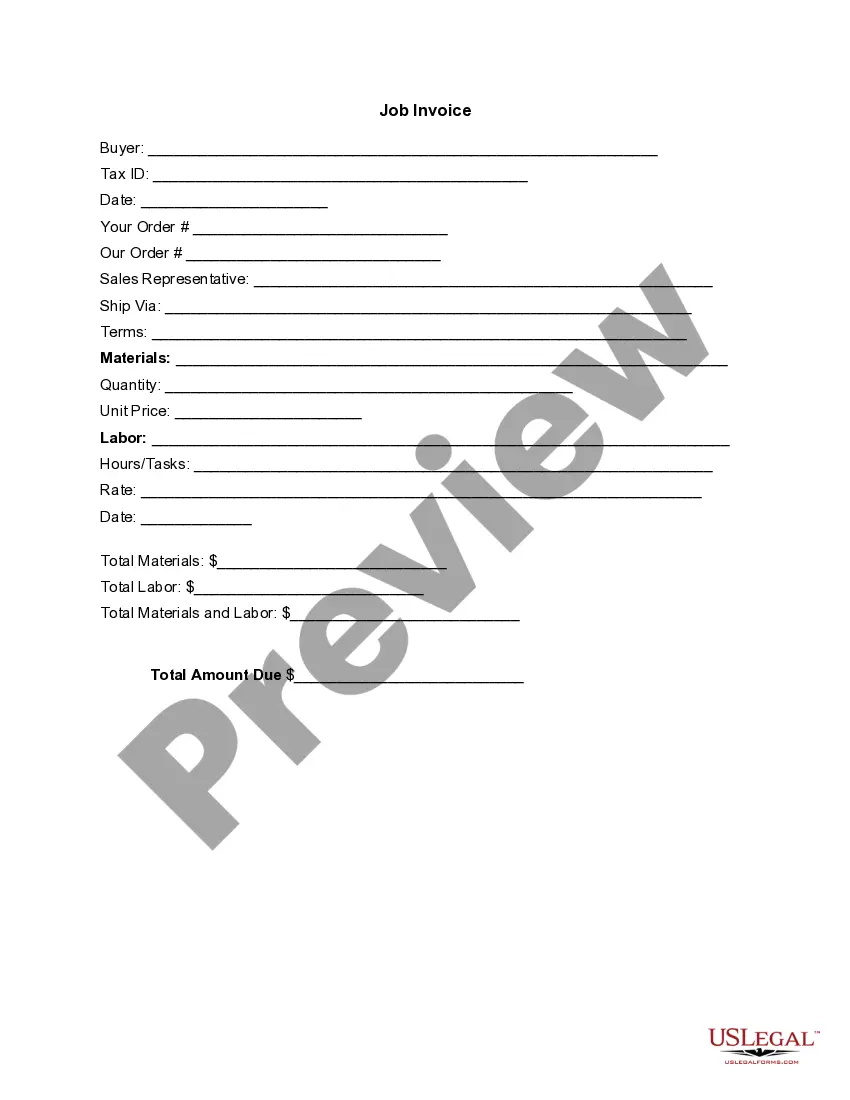
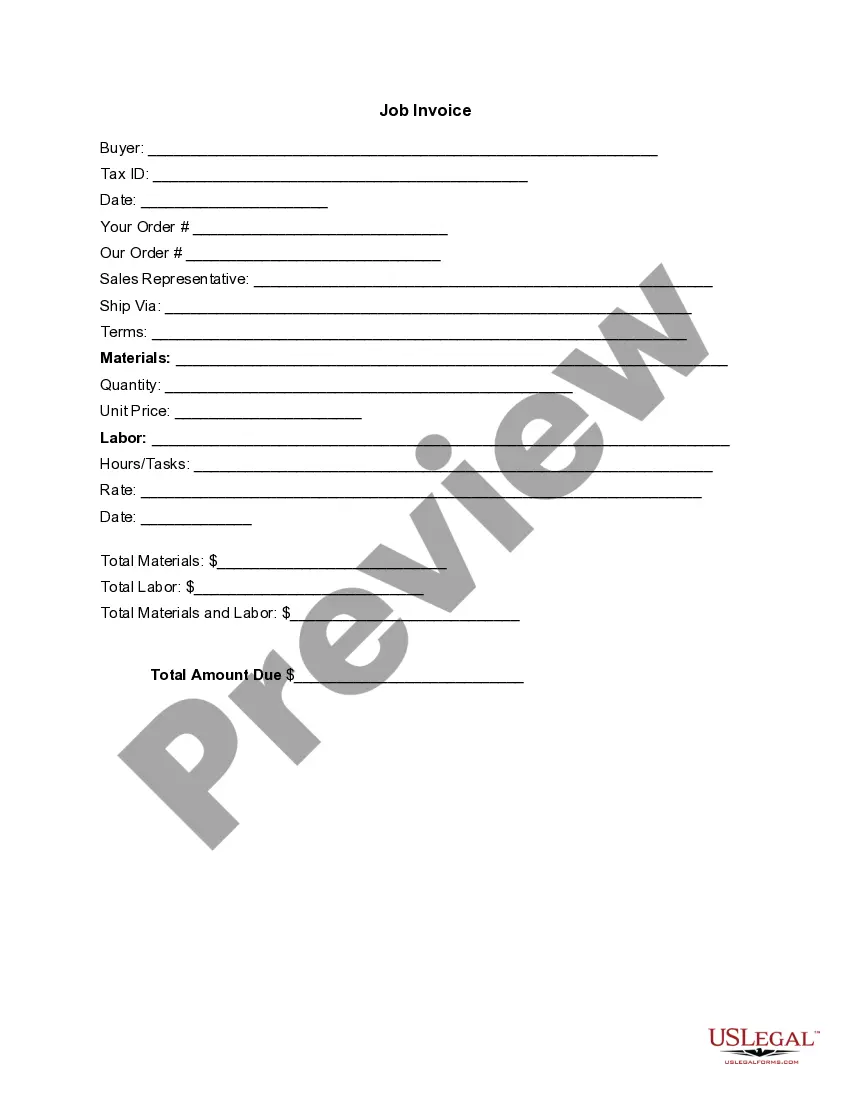
- Buyer information: Name and Tax ID of the buyer.
- Date: The date the invoice is issued.
- Order details: Sections for both Buyer and Seller order references.
- Sales representative: Contact information for the sales representative.
- Shipping method: Indication of how the goods will be delivered.
- Materials and labor breakdown: Itemized sections for materials provided and labor hours completed.
- Total amounts: Calculation of materials, labor, and the total amount due.


Situations where this form applies
This form is useful when a farmer needs to bill a buyer for physical goods such as crops, vegetables, or livestock, as well as for services like harvesting or plowing. It is appropriate to use this invoice after delivering products or completing a service, ensuring that the buyer is informed of the charges in a detailed manner.
Intended users of this form
This form is ideal for:
- Agricultural producers selling directly to consumers or businesses.
- Farmers providing services such as landscaping or maintenance.
- Any entity involved in the sale of farm-related goods and services.
How to prepare this document
- Identify the buyer by entering their name and tax identification number.
- Specify the date of the invoice issuance.
- Input order details, including both buyer's and seller's order numbers.
- Detail the materials used and the labor performed, including quantities and unit prices.
- Calculate total amounts due by summing material and labor costs, and enter the total amount due.
Does this document require notarization?
This form does not typically require notarization unless specified by local law.
Get your form ready online
Our built-in tools help you complete, sign, share, and store your documents in one place.
Make edits, fill in missing information, and update formatting in US Legal Forms—just like you would in MS Word.
Download a copy, print it, send it by email, or mail it via USPS—whatever works best for your next step.
Sign and collect signatures with our SignNow integration. Send to multiple recipients, set reminders, and more. Go Premium to unlock E-Sign.
If this form requires notarization, complete it online through a secure video call—no need to meet a notary in person or wait for an appointment.
We protect your documents and personal data by following strict security and privacy standards.

Make edits, fill in missing information, and update formatting in US Legal Forms—just like you would in MS Word.

Download a copy, print it, send it by email, or mail it via USPS—whatever works best for your next step.

Sign and collect signatures with our SignNow integration. Send to multiple recipients, set reminders, and more. Go Premium to unlock E-Sign.

If this form requires notarization, complete it online through a secure video call—no need to meet a notary in person or wait for an appointment.

We protect your documents and personal data by following strict security and privacy standards.
Mistakes to watch out for
- Failing to include the buyer's tax ID, which could lead to issues with tax reporting.
- Mismatch between the materials supplied and the quantities listed on the invoice.
- Not updating the date of the invoice, which can confuse payment tracking.
Advantages of online completion
- Convenient download and access anytime.
- Edit the template easily to customize for different transactions.
- Reliability of attorney-drafted content ensuring legality and clarity.
Key takeaways
- The Invoice Template for Farmer is specifically designed for agricultural transactions.
- It provides a structured format to ensure all necessary details are captured for billing.
- Using this template can streamline the invoicing process for farmers, making transactions clearer.
Looking for another form?

Form popularity
FAQ
Ensure that your invoice / credit note is legible, especially if handwritten (our preference is for typewritten). In addition, ensure that it is not: printed on dark paper. printed in a colour of ink that is difficult to scan, such as purple.
Download the basic Simple Invoice Template in PDF, Word or Excel format. Open the new invoice doc in Word or Excel. Add your business information and branding, including your business name and logo. Customize the fields in the template to create your invoice. Name your invoice. Save
Anyone can write an invoice to anyone else, The fact that the individuals are not registered with HMRC as self employed does not mean they are not a sole trader.
Create an Invoice Header with Your Business Information. Include Your Client's Contact Details. Provide Invoice Information. Specify Your Payment Terms. Include an Itemized List of Services. List Applicable Taxes. Consider Adding Notes.
Include Contact Information. Add the Invoice Date. Establish a Simple Invoice Numbering System. List Your Services. Add Your Payment Terms. Include the Amount Due and the Payment Due Date.
Download the basic Simple Invoice Template in PDF, Word or Excel format. Open the new invoice doc in Word or Excel. Add your business information and branding, including your business name and logo. Customize the fields in the template to create your invoice. Name your invoice. Save
Download the Square Invoices app on your iOS or Android device. Create your free Square account or sign in with your existing Square account. Tap the '+' sign on the navigation bar and select 'Invoice'.When your clients receive the invoice in their email, they can pay you securely online.
As long as you are the only owner, your business starts when your business activities start. In the United States of America, you are automatically a sole proprietor and are therefore free to invoice clients as necessary. This article also includes information about: What Should Your First Invoice Include?
PayPal (Web, iOS, Android) for creating invoices on mobile devices. Square (Web, iOS, Android) for accepting in-person and online payments. Wave (Web, iOS, Android) for invoicing and accounting for small businesses. Zoho Invoice (Web, iOS, Android) for invoice workflows.