Agreement for Work Change
About this form
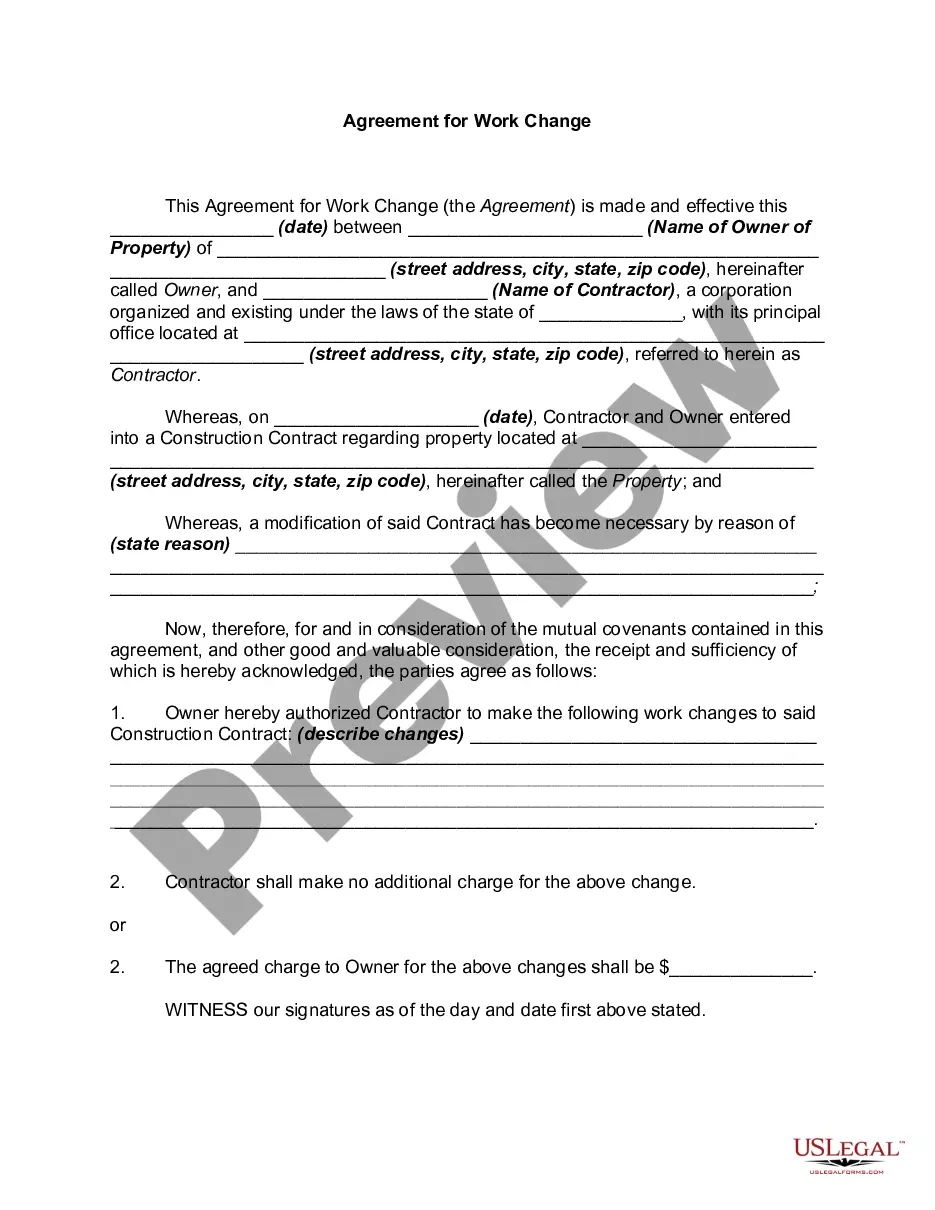
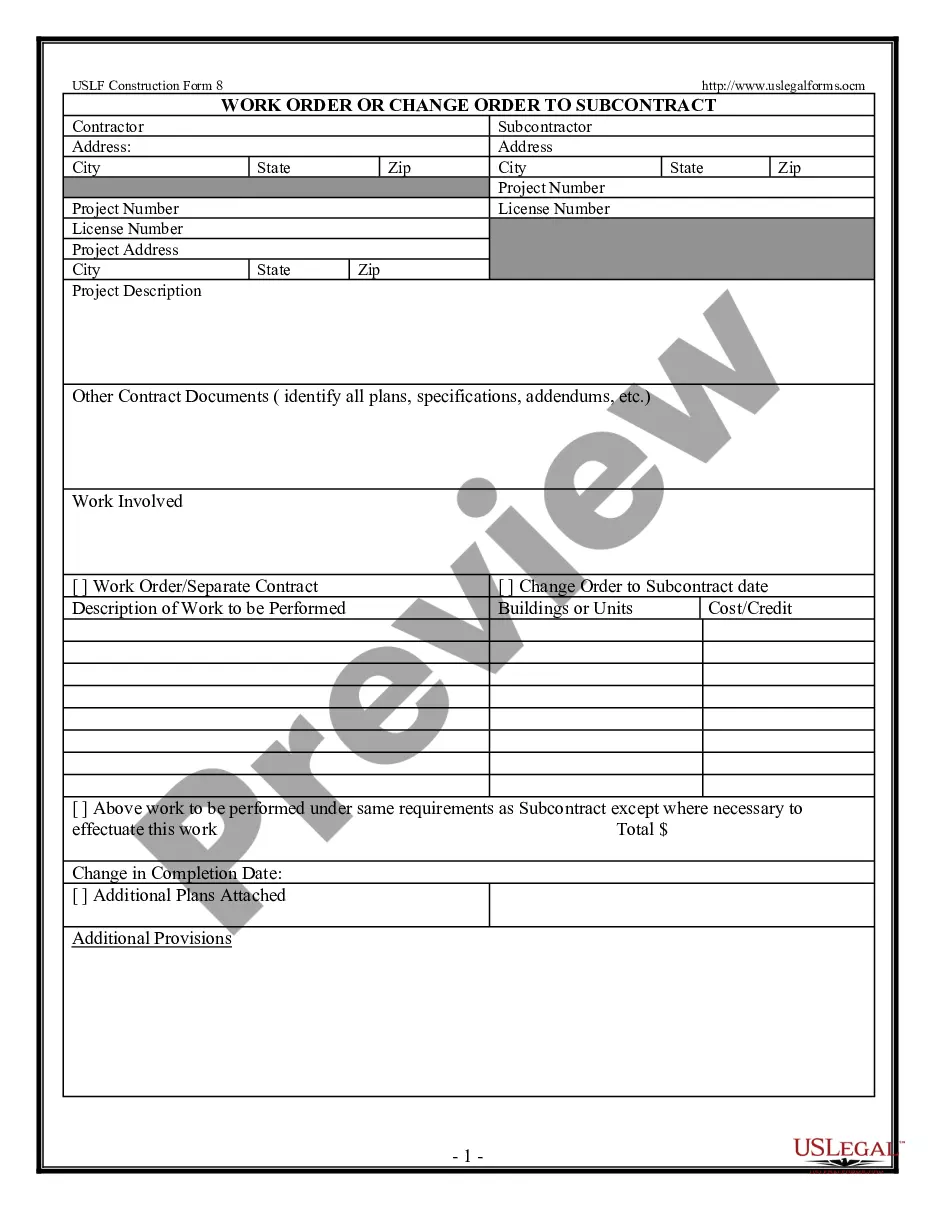
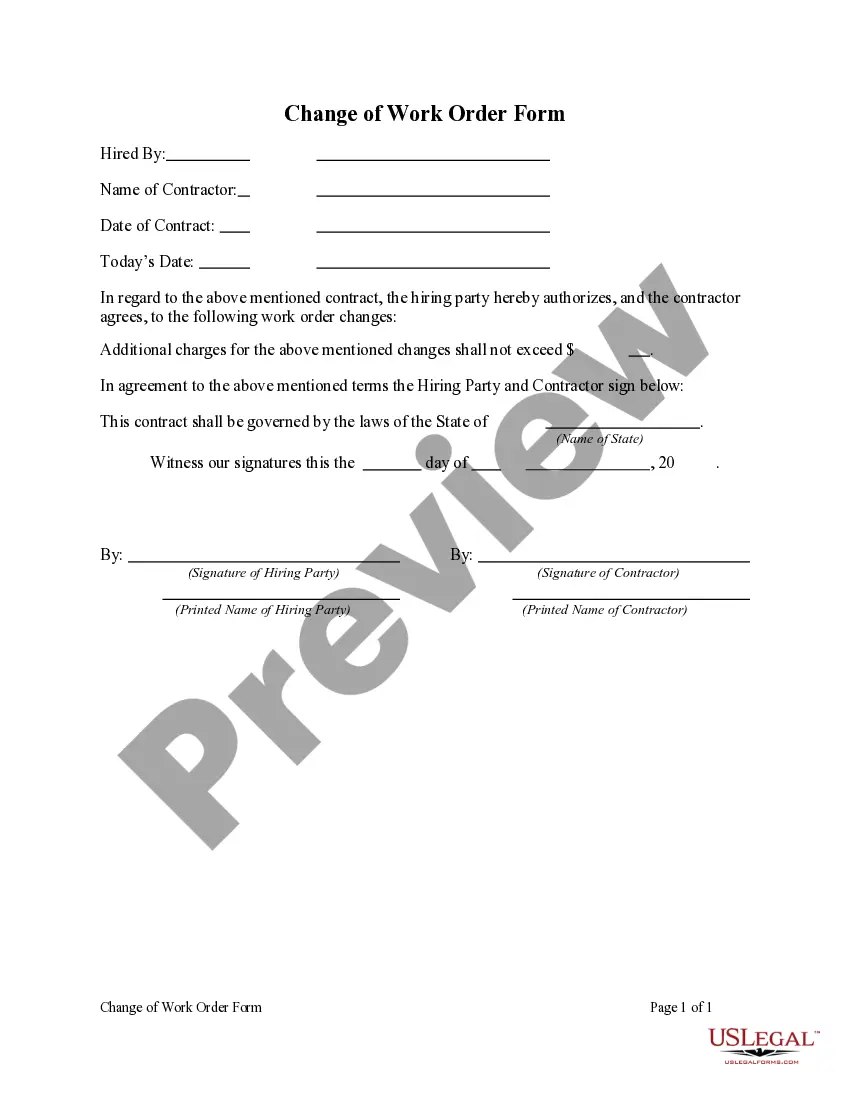
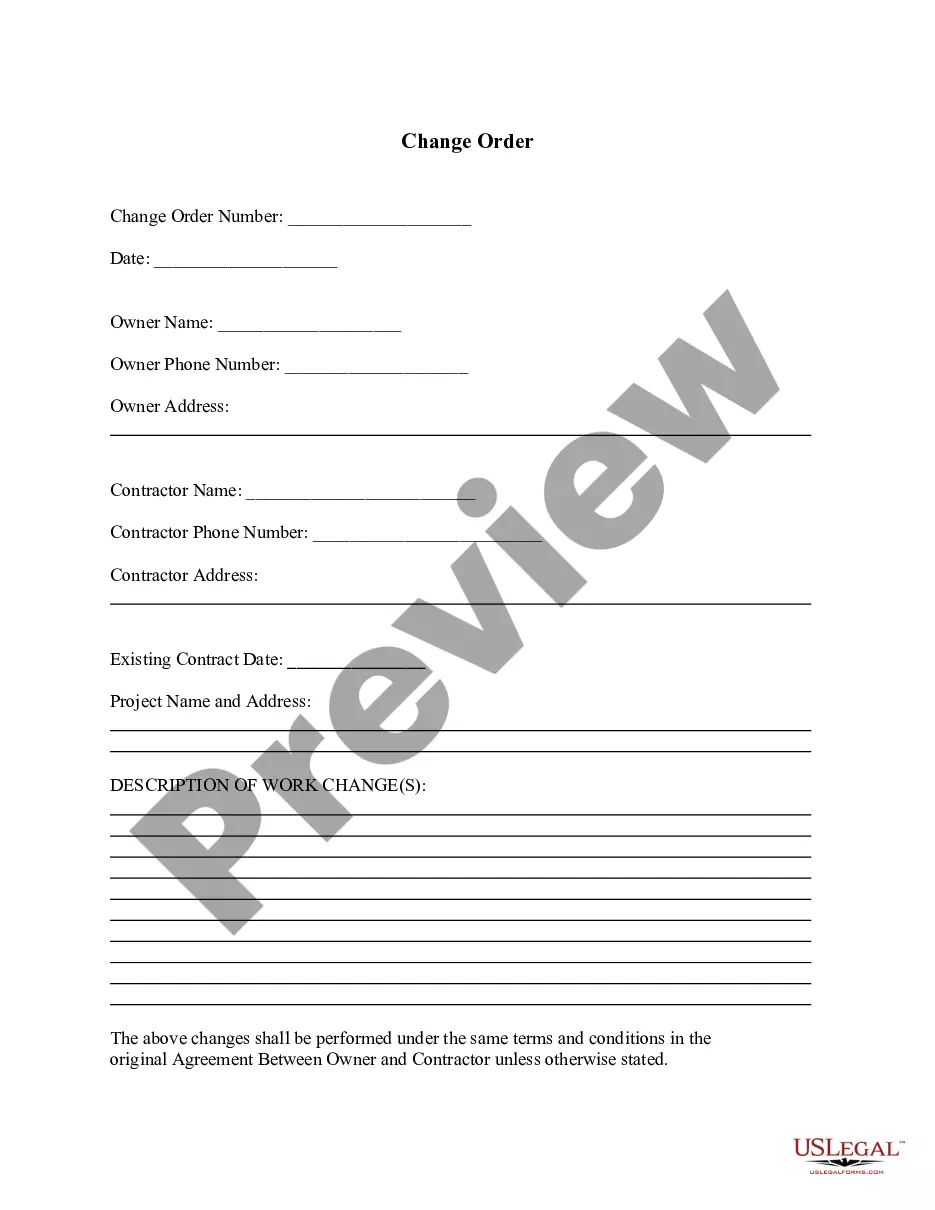
The Agreement for Work Change is a legal document that outlines modifications to an existing construction contract between a property owner and a contractor. This form is essential when changes to the scope of work are necessary, ensuring both parties are in agreement over the new terms. It differs from standard contracts by specifically addressing amendments to work already agreed upon, providing clarity and legality to the alterations made.
Form components explained
- Date of the agreement
- Identification of the property owner and contractor, including contact information
- Reference to the original construction contract and the property location
- Reason for the modification to the original contract
- Description of the specific changes being made
- Details on any additional charges for the changes
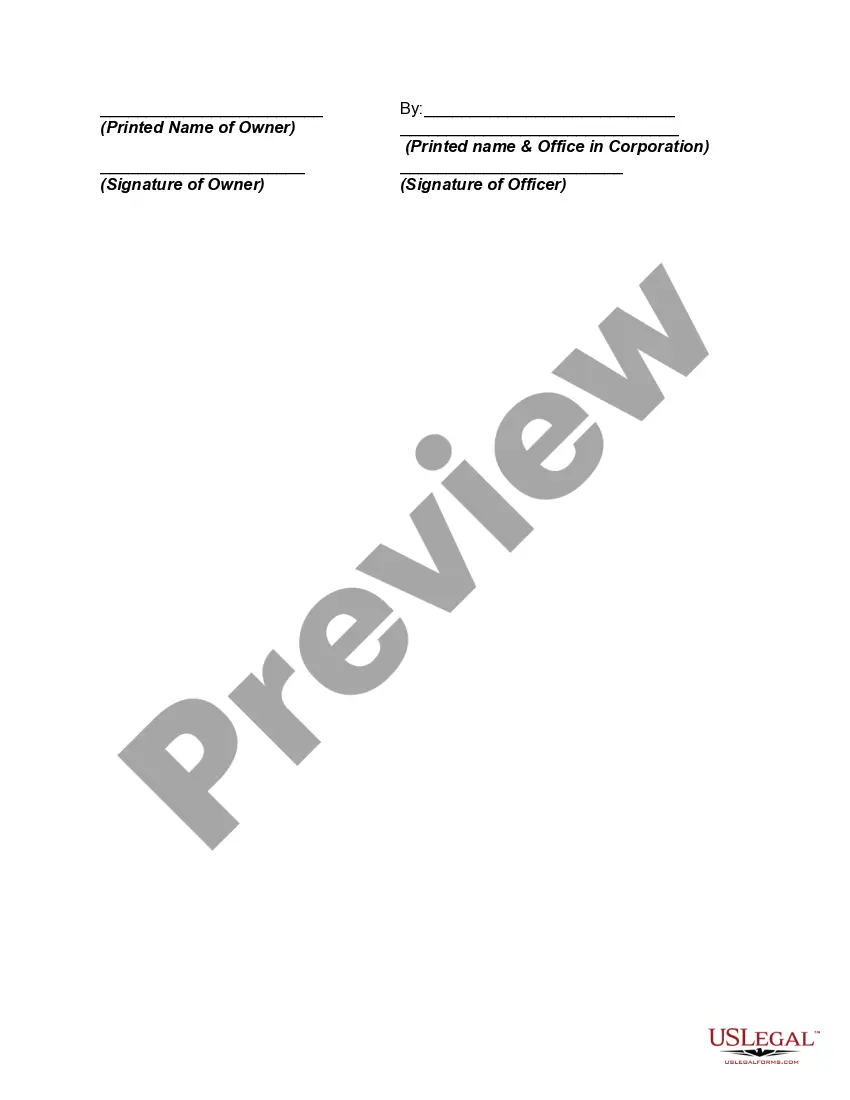
- Signatures of both parties
When to use this form
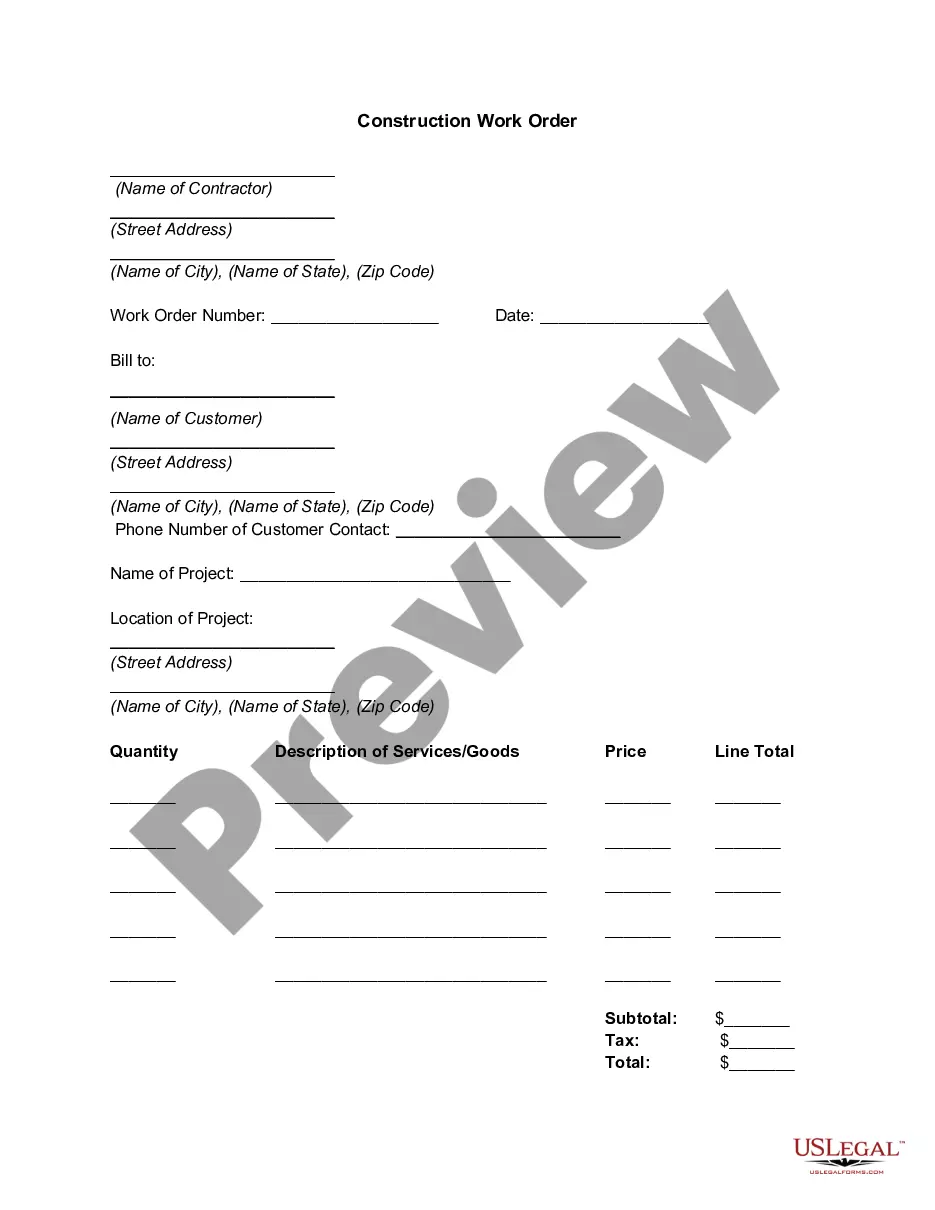
This form should be used when a contractor and property owner wish to formally document changes to an existing construction project. It is applicable in various scenarios, such as additional work being requested, changes in project materials, or alterations to project timelines that necessitate an official amendment to the original agreement.
Who this form is for
- Property owners who need to make alterations to current construction contracts
- Contractors tasked with adjusting project scopes and agreements
- Individuals or businesses involved in construction and renovation projects
Instructions for completing this form
- Identify the date when the agreement is made.
- Clearly state the names and addresses of both the owner and the contractor.
- Reference the date of the original construction contract and the property address.
- Describe the specific changes being approved.
- If applicable, clarify any additional charges for the changes.
- Obtain signatures from both parties to finalize the agreement.
Notarization requirements for this form
This form does not typically require notarization to be legally valid. However, some jurisdictions or document types may still require it. US Legal Forms provides secure online notarization powered by Notarize, available 24/7 for added convenience.
Get your form ready online
Our built-in tools help you complete, sign, share, and store your documents in one place.
Make edits, fill in missing information, and update formatting in US Legal Forms—just like you would in MS Word.
Download a copy, print it, send it by email, or mail it via USPS—whatever works best for your next step.
Sign and collect signatures with our SignNow integration. Send to multiple recipients, set reminders, and more. Go Premium to unlock E-Sign.
If this form requires notarization, complete it online through a secure video call—no need to meet a notary in person or wait for an appointment.
We protect your documents and personal data by following strict security and privacy standards.

Make edits, fill in missing information, and update formatting in US Legal Forms—just like you would in MS Word.

Download a copy, print it, send it by email, or mail it via USPS—whatever works best for your next step.

Sign and collect signatures with our SignNow integration. Send to multiple recipients, set reminders, and more. Go Premium to unlock E-Sign.

If this form requires notarization, complete it online through a secure video call—no need to meet a notary in person or wait for an appointment.

We protect your documents and personal data by following strict security and privacy standards.
Mistakes to watch out for
- Failing to date the agreement properly.
- Not clearly specifying the changes to the original contract.
- Neglecting to include signatures from both the owner and contractor.
- Overlooking local laws that might require additional documentation.
Advantages of online completion
- Convenient access to a legally vetted document for immediate use.
- Editability allows for adjustments specific to your project needs.
- Reliable templates created by licensed attorneys help ensure compliance.
Legal use & context
- Ensures formal documentation of changes to protect both parties.
- Helps avoid misunderstandings and disputes related to construction contract modifications.
Looking for another form?


Form popularity
FAQ
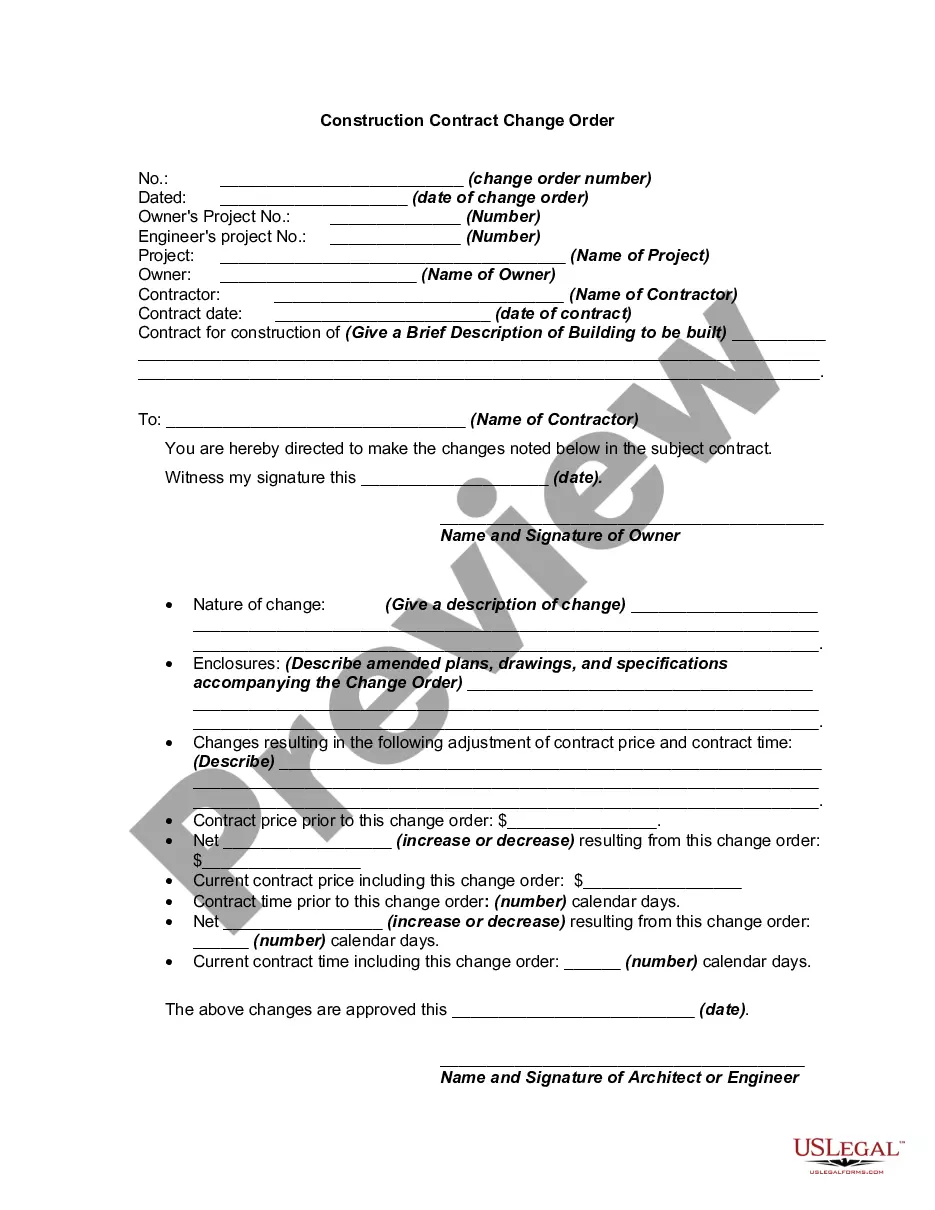
The contractor prepares a change order proposal quoting a price for the extra work. Once the owner and contractor have agreed on scope, price, and schedule, a formal, written change order is prepared and signed by all parties. Then, the contractor proceeds to perform the changed work.
There's something in the contract that allows the change (usually called a 'flexibility clause') the employee agrees to the change. the employee's representatives agree to the change (for example, a trade union)
A non-variation clause generally provides that no amendment or variation of and to a written agreement will be binding on the parties unless such amendment or variation is reduced to writing and signed by both parties.
First, let's start with the fact that there is no law that says that you have to have changes or change orders in a construction contract.Contractors are not banks, yet they are routinely used as such by owners who order changes, but refuse to execute change orders, which can then be billed.
A contract of employment is a legal agreement between the employer and the employee. Its terms cannot lawfully be changed by the employer without agreement from the employee (either individually or through a recognised trade union).Your employer should not breach equality laws when changing contract terms.
You can use a contract amendment letter to list the changes to the original document and have both parties sign. You can create a contract amendment created from a template or from a legal services provider. You can add amendment pagesdigital or printto the end of the original signed contract.
Get it in writing. Keep it simple. Deal with the right person. Identify each party correctly. Spell out all of the details. Specify payment obligations. Agree on circumstances that terminate the contract. Agree on a way to resolve disputes.
Job name, address and phone number. Owner's name. A complete description of new work to be performed. Total price for materials and labor to complete the change. Revised date of completion due to the change order. Signatures of the company representative.
An employer can make a change ('variation') to an employment contract if: there's something in the contract that allows the change (usually called a 'flexibility clause') the employee agrees to the change. the employee's representatives agree to the change (for example, a trade union)