Receipt of Estimates
What this document covers
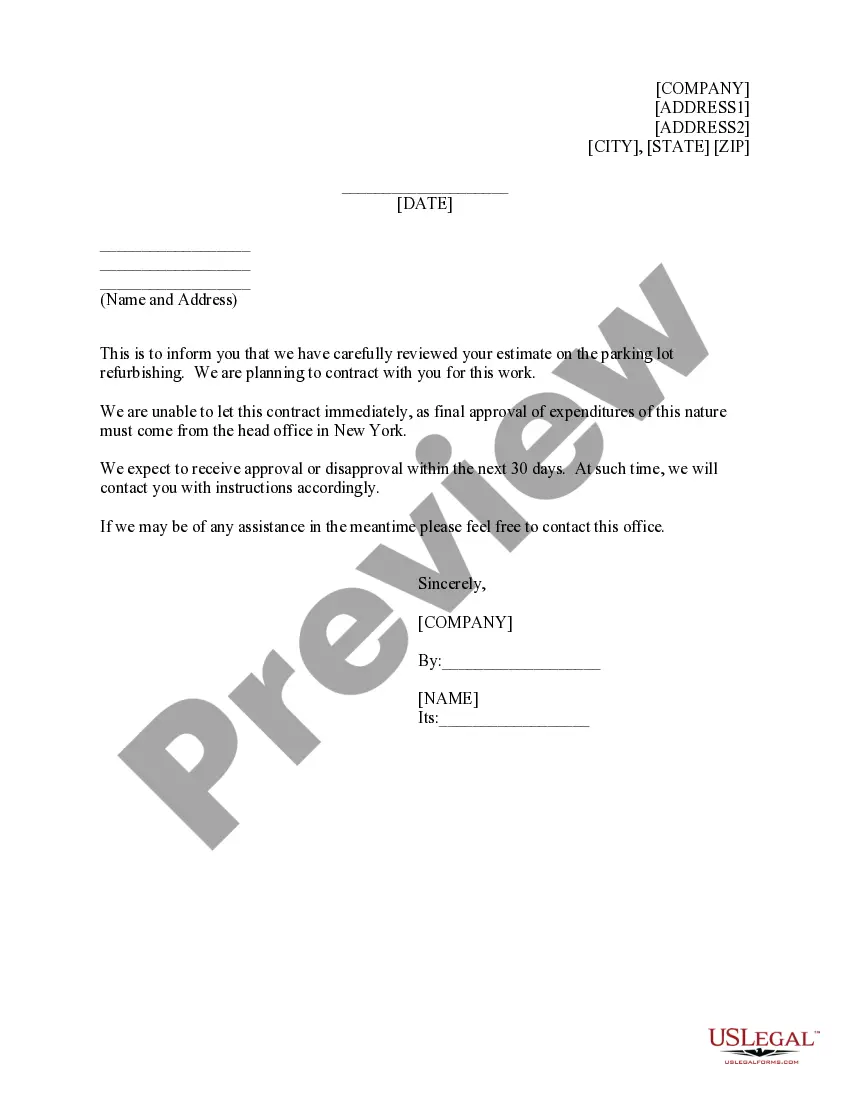
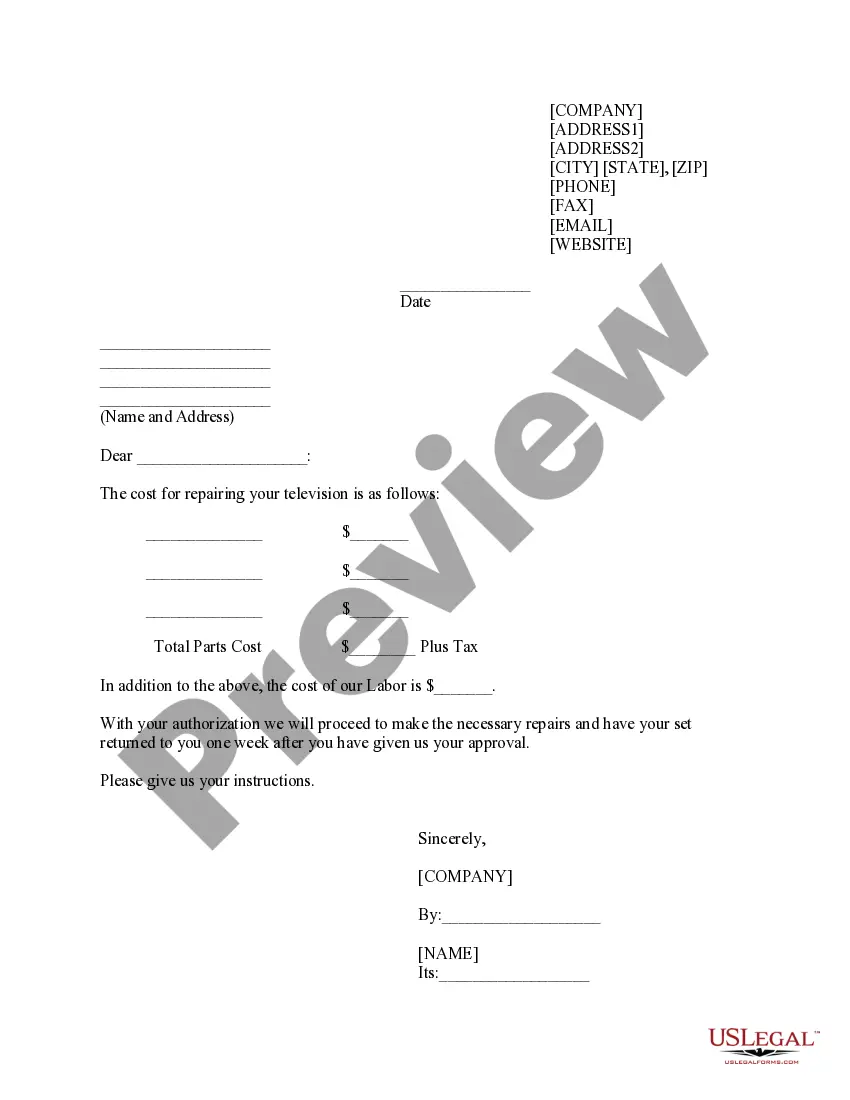
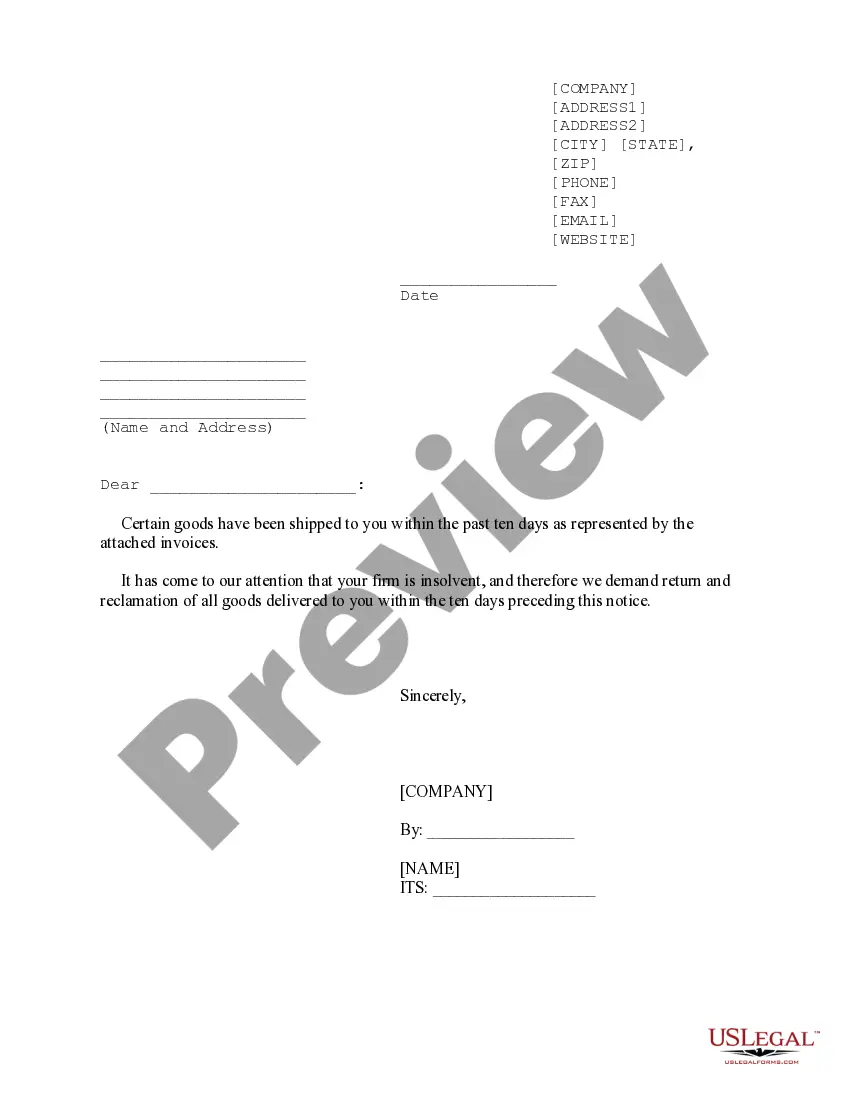
The Receipt of Estimates is a formal document that acknowledges the receipt of a contractor's estimate for work to be performed. Specifically, this form is used to inform the contractor that their estimate has been reviewed, and while the company intends to move forward with the contract, approval from higher authorities is still pending. It serves to keep communication open between the company and the contractor while awaiting final decisions, differentiating it from other contractor documents such as acceptance letters or contracts.
Key components of this form
- Identification of the parties involved (name and address of the contractor)
- Date of the receipt
- Acknowledgment of the contractor's estimate
- Statement regarding the pending approval from higher management
- Contact information for any needed communication during the waiting period
- Signature block for company representatives

Common use cases
This form is typically used when a company has received an estimate from a contractor for a specific project, such as refurbishing a parking lot. It is particularly useful when the company is interested in hiring the contractor but requires authorization from senior management before proceeding. Using this form helps maintain clarity and ensures that both parties are on the same page regarding the status of the project.
Who needs this form
- Companies looking to acknowledge receipt of contractor estimates
- Contractors seeking confirmation that their estimates are under consideration
- Project managers who require a record of communications with contractors
- Any business needing to formalize the evaluation process of contractor proposals
How to prepare this document
- Identify the contractor by entering their name and address at the top of the form.
- Fill in the date when the form is completed.
- Clearly state that you have reviewed the contractor's estimate in the body of the form.
- Indicate that final approval is pending and provide an estimated timeline for when a decision will be communicated.
- Sign the form with the name of the company representative and indicate their title.
- Include contact information for any questions or further communication.
Is notarization required?
In most cases, this form does not require notarization. However, some jurisdictions or signing circumstances might. US Legal Forms offers online notarization powered by Notarize, accessible 24/7 for a quick, remote process.
Get your form ready online
Our built-in tools help you complete, sign, share, and store your documents in one place.
Make edits, fill in missing information, and update formatting in US Legal Forms—just like you would in MS Word.
Download a copy, print it, send it by email, or mail it via USPS—whatever works best for your next step.
Sign and collect signatures with our SignNow integration. Send to multiple recipients, set reminders, and more. Go Premium to unlock E-Sign.
If this form requires notarization, complete it online through a secure video call—no need to meet a notary in person or wait for an appointment.
We protect your documents and personal data by following strict security and privacy standards.

Make edits, fill in missing information, and update formatting in US Legal Forms—just like you would in MS Word.

Download a copy, print it, send it by email, or mail it via USPS—whatever works best for your next step.

Sign and collect signatures with our SignNow integration. Send to multiple recipients, set reminders, and more. Go Premium to unlock E-Sign.

If this form requires notarization, complete it online through a secure video call—no need to meet a notary in person or wait for an appointment.

We protect your documents and personal data by following strict security and privacy standards.
Typical mistakes to avoid
- Failing to provide complete contact information for both parties.
- Neglecting to include the date, which can cause confusion about the timeline.
- Not clearly stating that approval is pending, leading to misunderstandings.
- Leaving the signature line blank, which can invalidate the acknowledgement.
Benefits of completing this form online
- Convenient download and completion at your own pace.
- Editability allows for customization based on specific project needs.
- Reliability in using professionally drafted templates ensures legal compliance.
- Easy access to records for future reference and communication tracking.
Looking for another form?
Form popularity
FAQ
How to Fill Out a Job Estimate Template - YouTube YouTube Start of suggested clip End of suggested clip Choose what you would like to do with your document. Next print out the resulting document. Share itMoreChoose what you would like to do with your document. Next print out the resulting document. Share it with anybody via email fax sms usps or shareable.
Important details included on a receipt Business name and business address. Company phone number or email. Payment date and time. Transaction number. Additional fees or sales tax. Brief description of the product/s or service description. Payment method (cash, cheque, or credit/debit card)
Make a cash sale Sales receipts typically include things like the customer's name, date of sale, itemization of the products or services sold, price for each item, total sale amount, and sales tax (if applicable). If you accept checks, be sure to also include the check number with the sales receipt.
No matter how you're making your receipt, every receipt you issue should include: The number, date, and time of the purchase. Invoice number or receipt number. The number of items purchased and price totals. The name and location of the business the items have been bought from. Any tax charged. The method of payment.