Pay Per Click Services Agreement
What is this form?
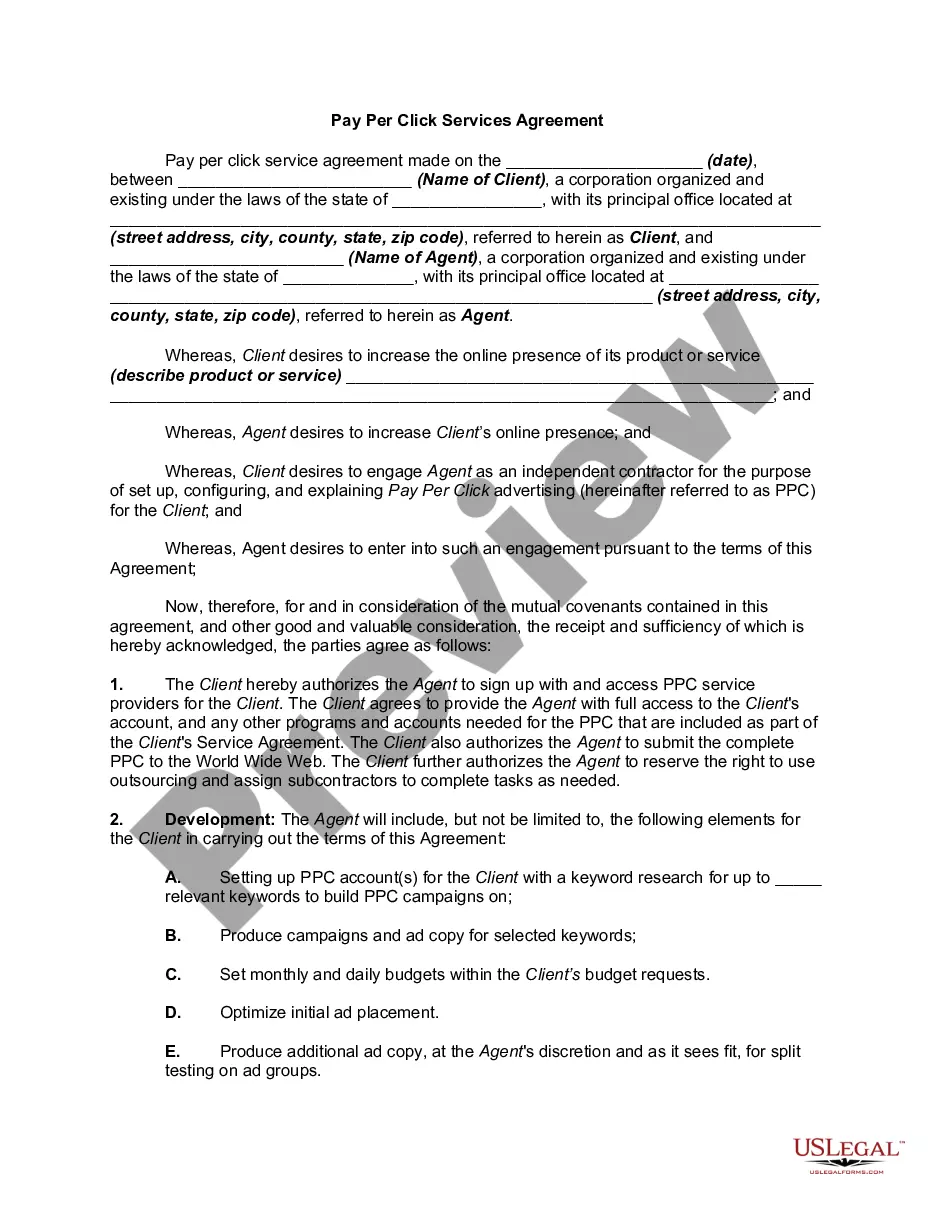
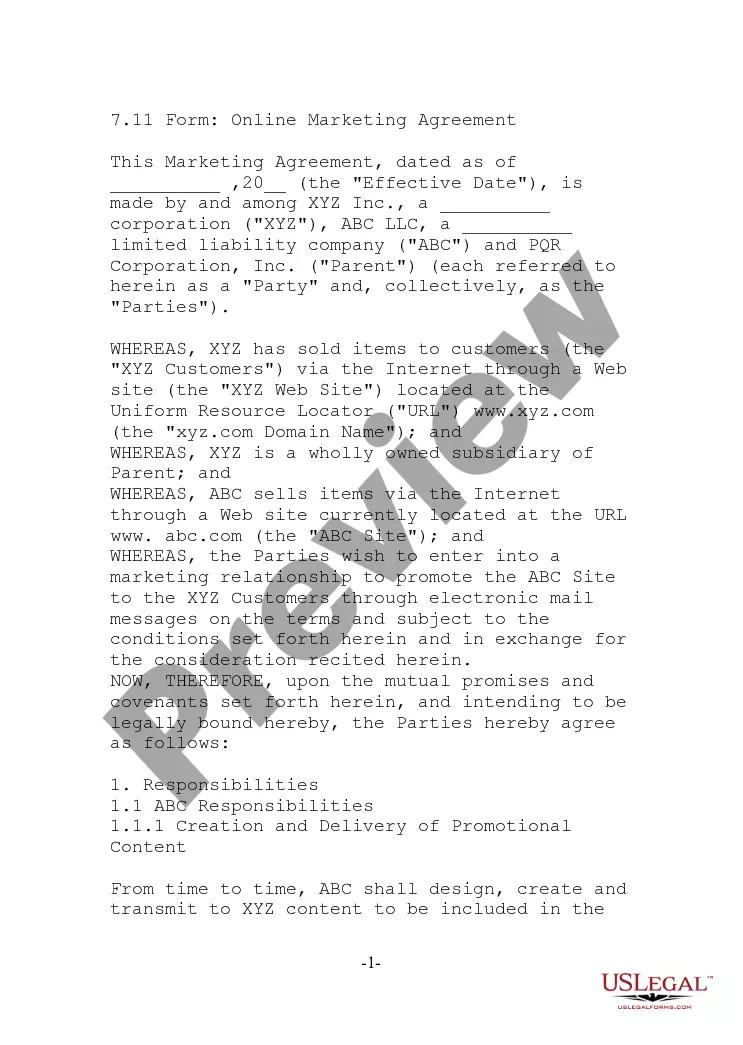
The Pay Per Click Services Agreement is a legal document outlining the terms of advertising services between an advertiser (Client) and an agent (Agent). This agreement specifies how the Client will compensate the Agent based on a prearranged per-click rate for online advertisements. Unlike other advertising models, such as pay per impression or pay per action, this agreement focuses on payment for actual clicks received, which can streamline budgeting and responsibilities for both parties.
Main sections of this form
- Parties Involved: Identification of the Client and Agent, including their legal names and contact information.
- Authorization: Client grants Agent permission to access PPC service providers and manage the advertising campaign.
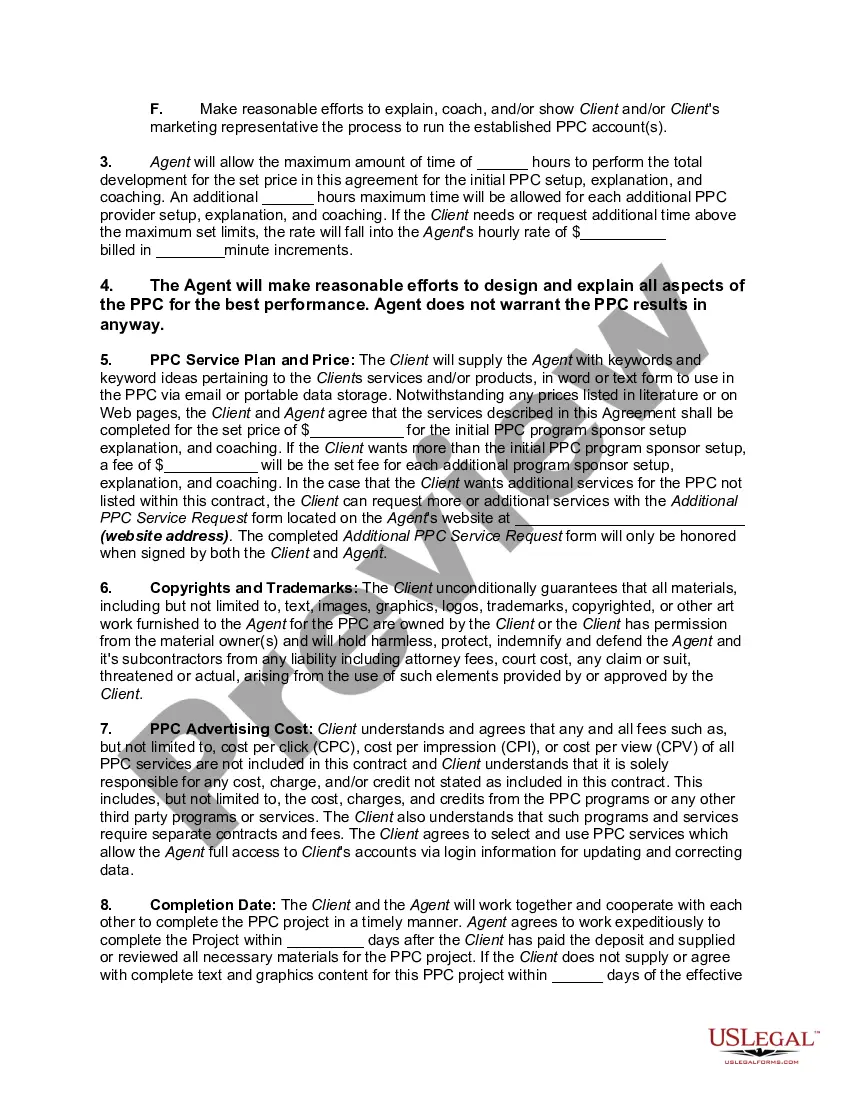
- Development Responsibilities: Outlines the tasks the Agent will undertake, such as keyword research, campaign creation, and budget setting.
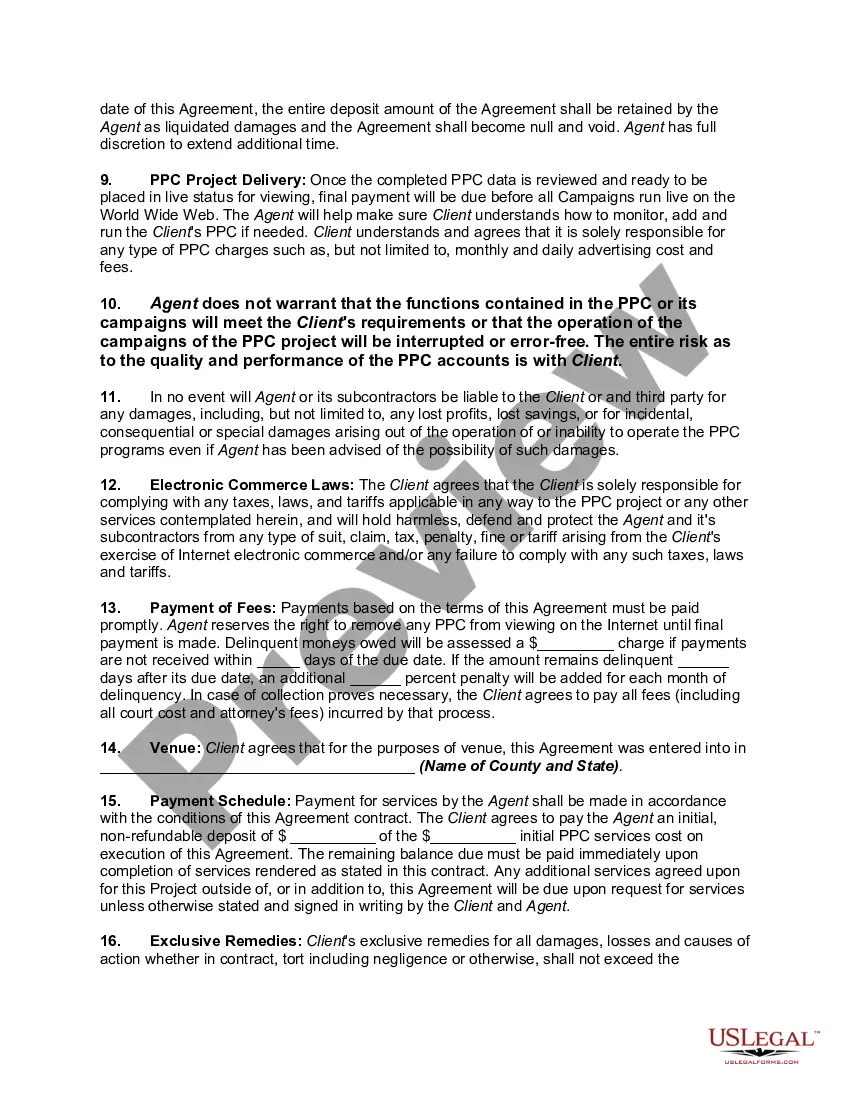
- Payment Terms: Defines the costs associated with PPC services, including deposits and fees for additional services.
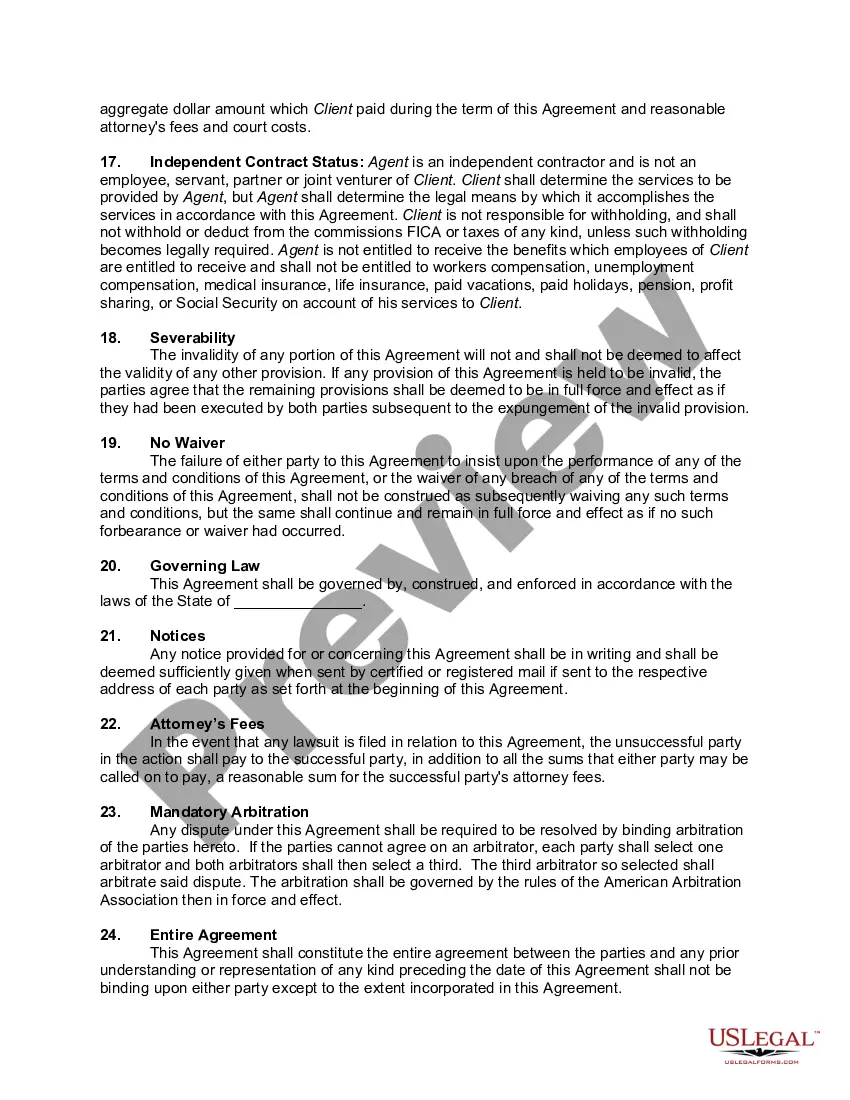
- Liability Clause: Clarifies the limitations of liability for the Agent regarding the performance of the PPC campaigns.
- Termination Conditions: States the conditions under which either party may terminate the agreement.
Common use cases
This Pay Per Click Services Agreement should be used when a business or individual intends to engage with an advertising agent for the purpose of running a PPC campaign. Use this form if you want to clearly outline the responsibilities, payment structure, and expectations related to the PPC services provided, ensuring that both parties have a mutual understanding and legal protection.
Who can use this document
- Businesses: Companies looking to enhance their online presence through targeted advertising.
- Marketers: Marketing professionals who manage PPC campaigns for clients or need a formal agreement with service providers.
- Freelancers: Independent agents providing PPC services who require a formal arrangement with their clients.
- Agencies: Advertising agencies coordinating online ad placements on behalf of clients.
How to prepare this document
- Identify the parties by entering the names and contact information for both the Client and Agent.
- Specify the advertising services including details about the PPC setup and desired outcomes.
- Agree on payment terms, including the per-click rate and additional fees for services.
- Outline the responsibilities and expectations for both parties to ensure clarity.
- Review the completion date and any conditions related to the execution of the agreement.
Is notarization required?
In most cases, this form does not require notarization. However, some jurisdictions or signing circumstances might. US Legal Forms offers online notarization powered by Notarize, accessible 24/7 for a quick, remote process.
Get your form ready online
Our built-in tools help you complete, sign, share, and store your documents in one place.
Make edits, fill in missing information, and update formatting in US Legal Forms—just like you would in MS Word.
Download a copy, print it, send it by email, or mail it via USPS—whatever works best for your next step.
Sign and collect signatures with our SignNow integration. Send to multiple recipients, set reminders, and more. Go Premium to unlock E-Sign.
If this form requires notarization, complete it online through a secure video call—no need to meet a notary in person or wait for an appointment.
We protect your documents and personal data by following strict security and privacy standards.

Make edits, fill in missing information, and update formatting in US Legal Forms—just like you would in MS Word.

Download a copy, print it, send it by email, or mail it via USPS—whatever works best for your next step.

Sign and collect signatures with our SignNow integration. Send to multiple recipients, set reminders, and more. Go Premium to unlock E-Sign.

If this form requires notarization, complete it online through a secure video call—no need to meet a notary in person or wait for an appointment.

We protect your documents and personal data by following strict security and privacy standards.
Common mistakes
- Failing to specify the terms of payment, leading to misunderstandings later.
- Not clearly defining the roles and responsibilities of each party.
- Neglecting to consider state-specific advertising regulations.
- Overlooking the need for mutual signatures, which can invalidate the agreement.
Advantages of online completion
- Convenient access to the form allows for quick customization based on specific needs.
- Editable formats let users tailor the agreement to their particular requirements and preferences.
- Access to forms prepared by licensed attorneys increases reliability and legal validity.
Legal use & context
- This agreement is legally enforceable, ensuring both parties adhere to the agreed terms.
- It legally binds the Client and Agent, providing recourse in the event of a dispute.
- Understanding the terms involved helps protect both parties against potential liabilities.
Quick recap
- The Pay Per Click Services Agreement defines the roles of Client and Agent clearly.
- Payment is based on actual clicks, which can help manage advertising budgets effectively.
- Clarifying responsibilities helps prevent misunderstandings during the campaign.
Looking for another form?

Form popularity
FAQ
On average, businesses should expect to pay $1-$2 per click to advertise on the Google search network. On a monthly basis, the average small and medium-sized businesses spend between $9,000 and $10,000 on PPC.
On average, businesses should expect to pay $1-$2 per click to advertise on the Google search network. On a monthly basis, the average small and medium-sized businesses spend between $9,000 and $10,000 on PPC.
The average cost per click in Google Ads is between $1 and $2 on the Search Network. The average CPC on the Display Network is under $1. The most expensive keywords in Google Ads and Bing Ads cost $50 or more per click.
CPC) is calculated by dividing the total cost of your clicks by the total number of clicks. Your average CPC is based on your actual cost-per-click (actual CPC), which is the actual amount you're charged for a click on your ad. Note that your average CPC might be different than your maximum cost-per-click (max.
Get started in 3 steps. In just a few minutes, you can write a text ad that tells people what you offer. Connect with potential customers by selecting relevant keywords people are searching for on Google. Set a daily budget, and pay per click.
The average cost per click in Google Ads is between $1 and $2 on the Search Network. The average CPC on the Display Network is under $1. The most expensive keywords in Google Ads and Bing Ads cost $50 or more per click.
PPC is an online advertising model in which advertisers pay each time a user clicks on one of their online ads.All of these searches trigger pay-per-click ads. In pay-per-click advertising, businesses running ads are only charged when a user actually clicks on their ad, hence the name pay-per-click.
Sign in to your Seller Central account, then on your homepage, hover over Advertising. On the Campaign Manager page, you'll be asked to Set up your campaign budget and duration. On the next page, you'll be asked to Name this group of ads.
Work out your goals. Decide where to advertise. Choose which keywords you want to bid on. Set your bids for different keywords and select your daily, or monthly, budget. Write your PPC advert and link to a relevant landing page on your website.