Assignment of Software
What is this form?
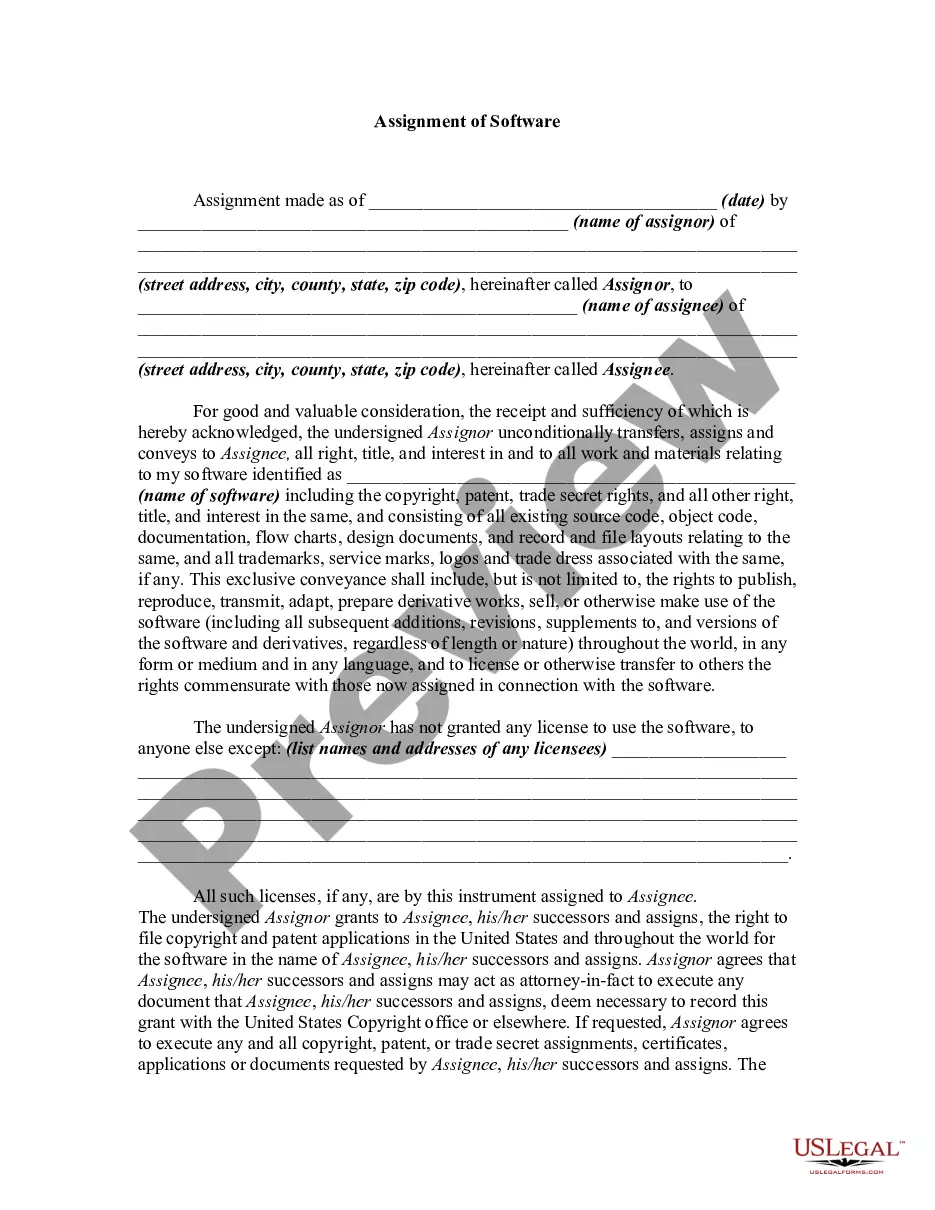
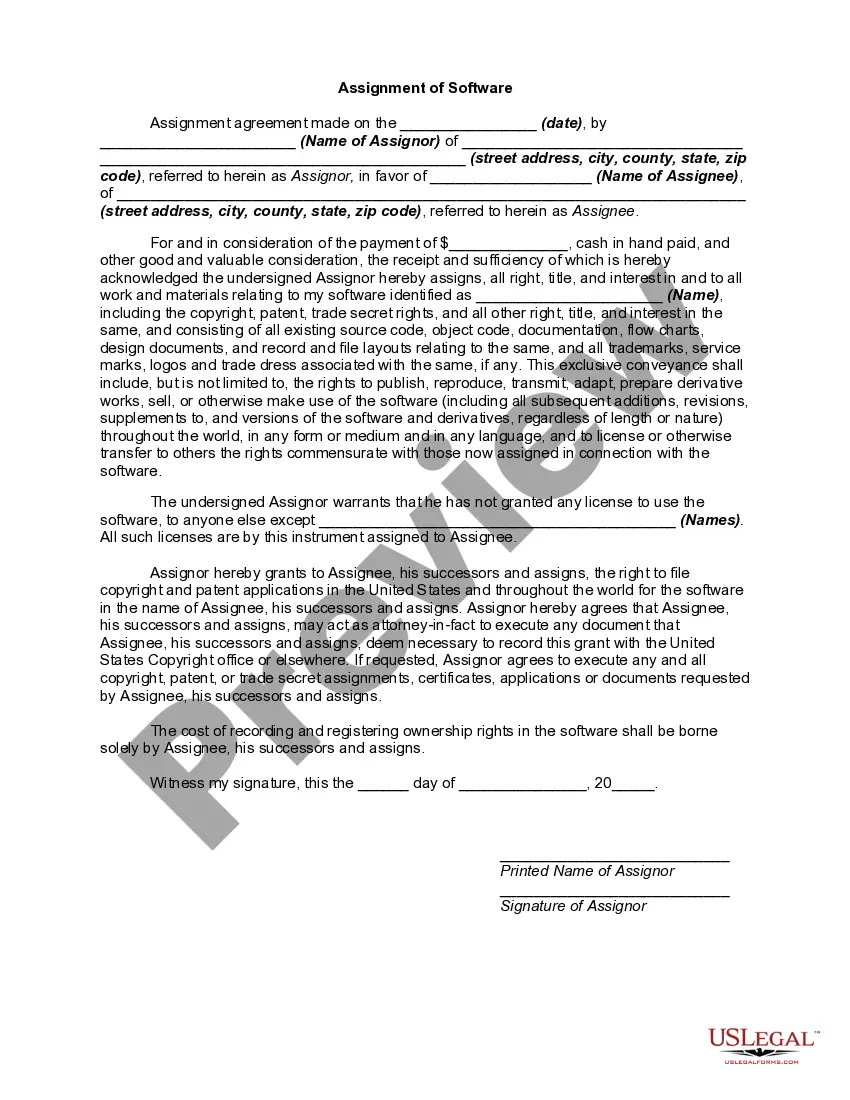
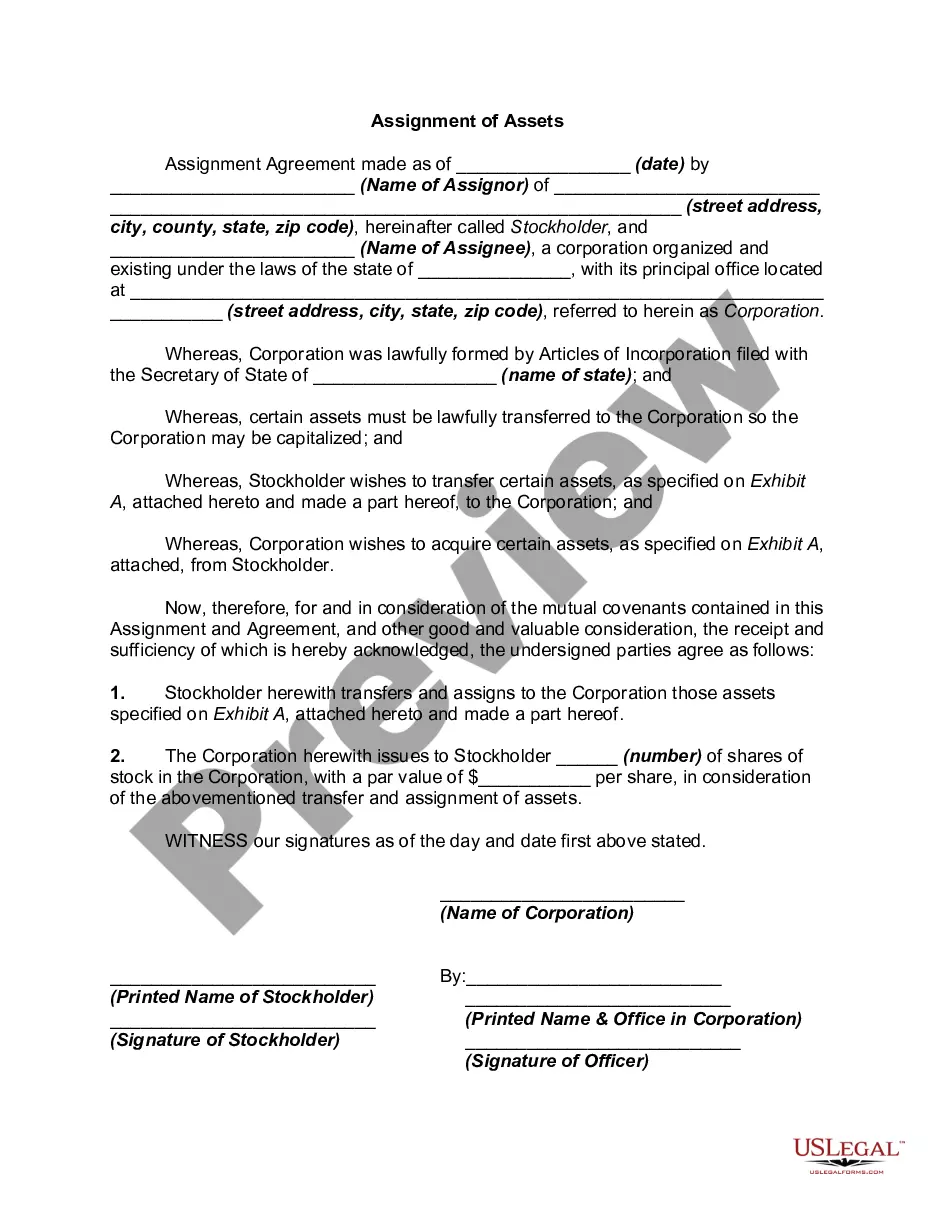
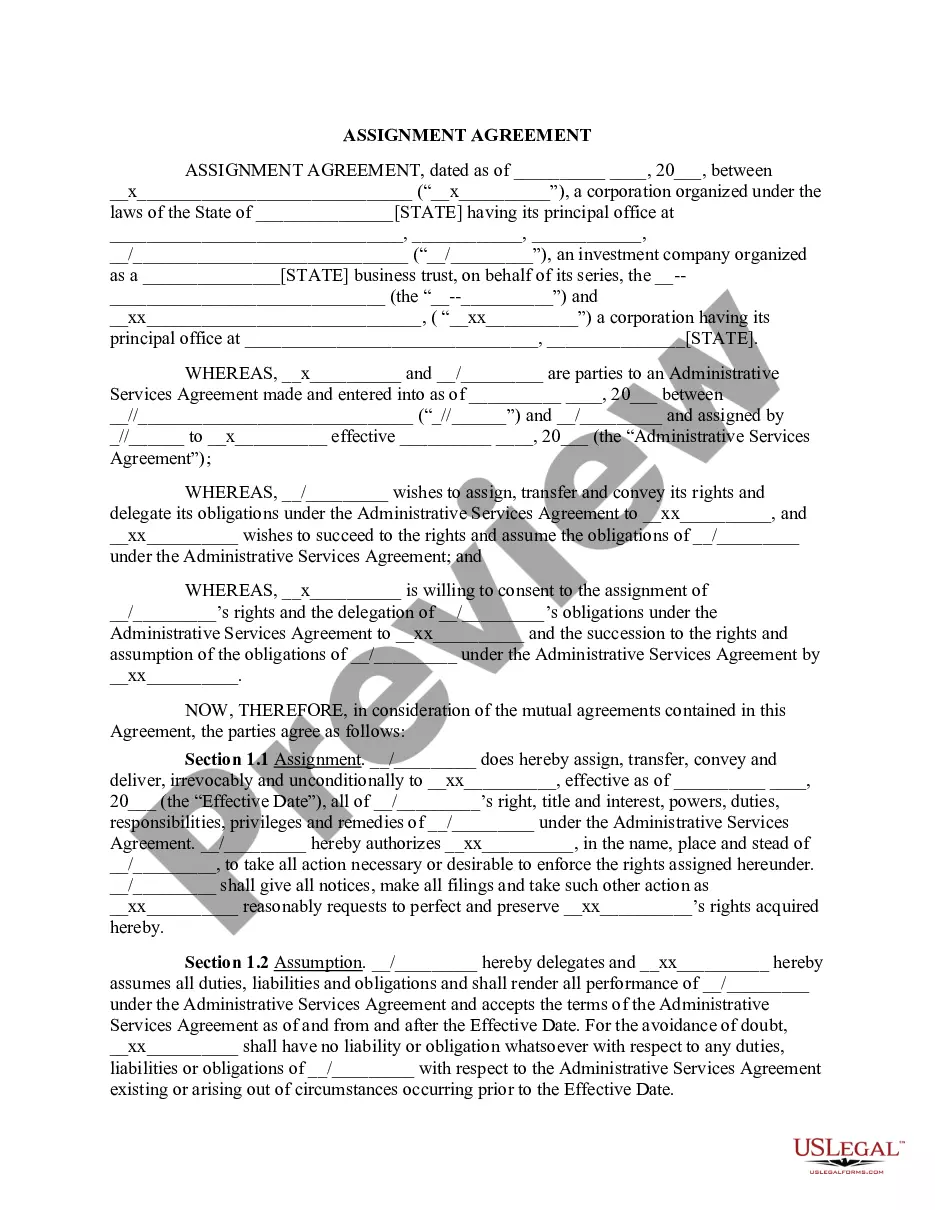
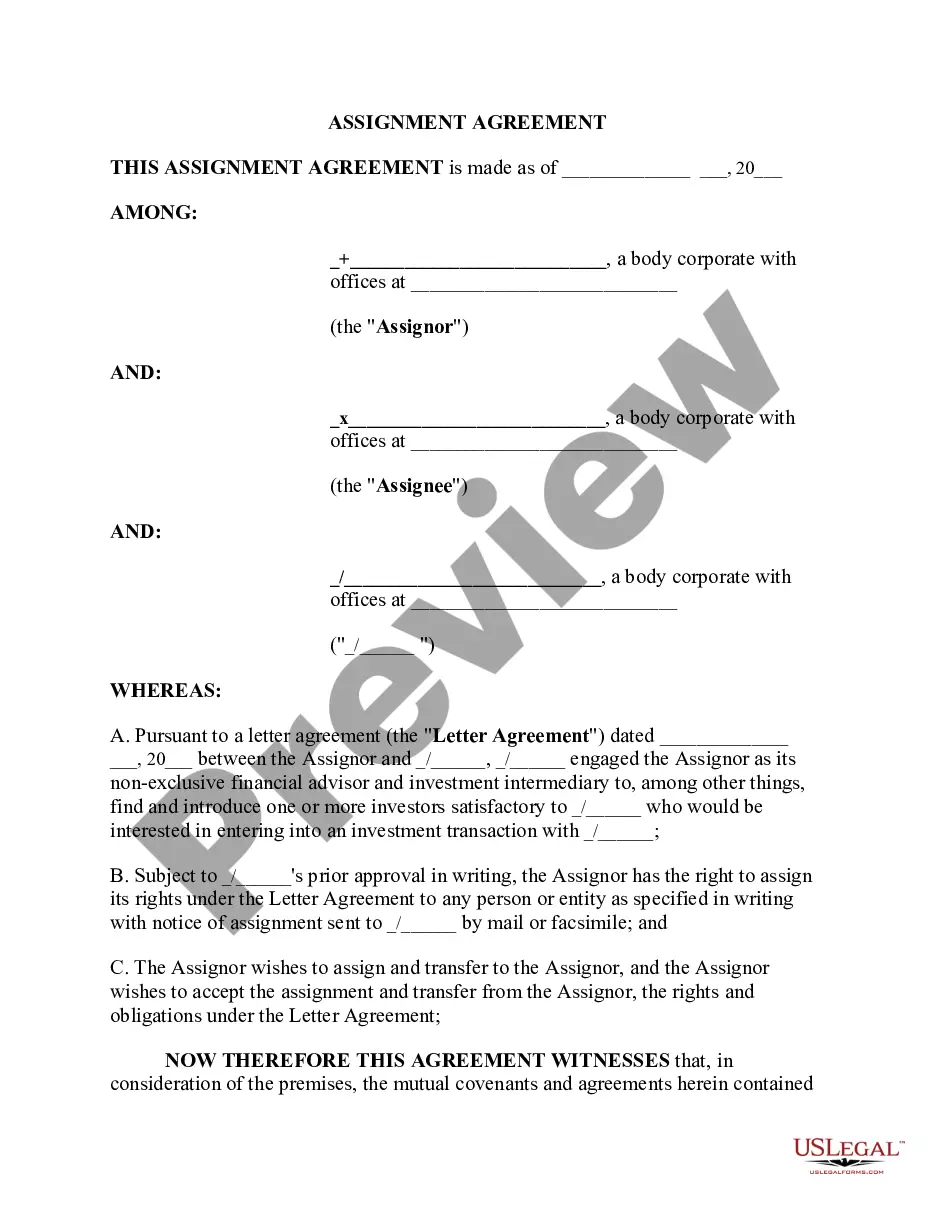
The Assignment of Software is a legal document used to transfer ownership of software and its associated rights from one party (the Assignor) to another party (the Assignee). This form outlines the terms of the transfer, including rights to the software's source code, documentation, and any intellectual property rights. This form is distinct from licensing agreements, as it fully transfers ownership rather than merely granting permission for use.
Main sections of this form
- Date of assignment
- Name and address of the Assignor
- Name and address of the Assignee
- Description of the software being assigned
- Provision for any existing licenses
- Right for the Assignee to file copyright and patent applications
- Signature of the Assignor

When to use this document
Use the Assignment of Software form when you need to formally transfer ownership of your software to another individual or entity. This is applicable in situations such as selling your software business, transferring software rights to a partner, or assigning rights for development purposes. This document is vital to ensure that all legal rights pertaining to the software are correctly passed on.
Who should use this form
This form is intended for:
- Software developers who wish to sell or transfer their software rights.
- Businesses transferring ownership of proprietary software.
- Individuals or entities needing to consolidate software rights under one owner.
- Parties in partnerships or collaborations related to software development.
How to prepare this document
- Identify the parties involved: clearly state the names and addresses of both the Assignor and the Assignee.
- Specify the software: provide a detailed description, including its name and any related documentation.
- List any existing licenses: if there are prior licenses granted, document them in the specified section.
- Include the date of assignment: make sure to record the date when the transfer takes effect.
- Obtain signatures: ensure the Assignor signs the document to validate the transfer.
Does this form need to be notarized?
This form does not typically require notarization unless specified by local law. However, having the document notarized can provide additional legal credibility and evidence of authenticity.
Get your form ready online
Our built-in tools help you complete, sign, share, and store your documents in one place.
Make edits, fill in missing information, and update formatting in US Legal Forms—just like you would in MS Word.
Download a copy, print it, send it by email, or mail it via USPS—whatever works best for your next step.
Sign and collect signatures with our SignNow integration. Send to multiple recipients, set reminders, and more. Go Premium to unlock E-Sign.
If this form requires notarization, complete it online through a secure video call—no need to meet a notary in person or wait for an appointment.
We protect your documents and personal data by following strict security and privacy standards.

Make edits, fill in missing information, and update formatting in US Legal Forms—just like you would in MS Word.

Download a copy, print it, send it by email, or mail it via USPS—whatever works best for your next step.

Sign and collect signatures with our SignNow integration. Send to multiple recipients, set reminders, and more. Go Premium to unlock E-Sign.

If this form requires notarization, complete it online through a secure video call—no need to meet a notary in person or wait for an appointment.

We protect your documents and personal data by following strict security and privacy standards.
Common mistakes
- Failing to include a detailed description of the software being assigned.
- Not listing any existing licenses which could complicate the transfer.
- Omitting the date of assignment, leading to confusion about when the transfer occurs.
- Forgetting to obtain the Assignor's signature, making the document unenforceable.
Why complete this form online
- Convenience: Easily download and complete the form from anywhere.
- Editable: Make necessary changes easily without the need for physical paperwork.
- Reliable: Access legal templates drafted by licensed attorneys to ensure compliance.
Legal use & context
- This form is legally binding once signed by the assignor.
- Ensures that the rights to the software are transferred without contention.
- May be necessary for future licensing, copyright, and patent applications.
Key takeaways
- The Assignment of Software is essential for legally transferring software ownership.
- It protects both the assignor and assignee by clearly outlining rights and responsibilities.
- Using this form online offers convenience and ensures compliance with legal standards.