Increase Officers Salary - Resolution Form - Corporate Resolutions
Understanding this form
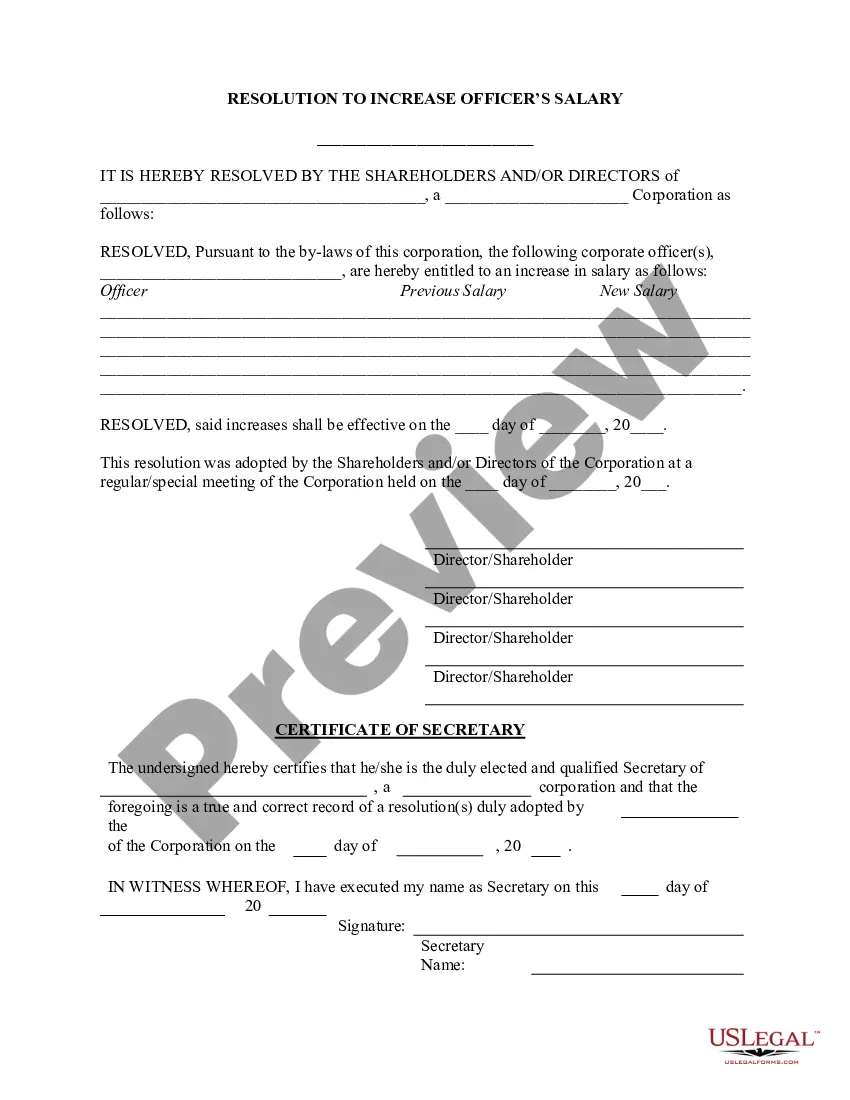
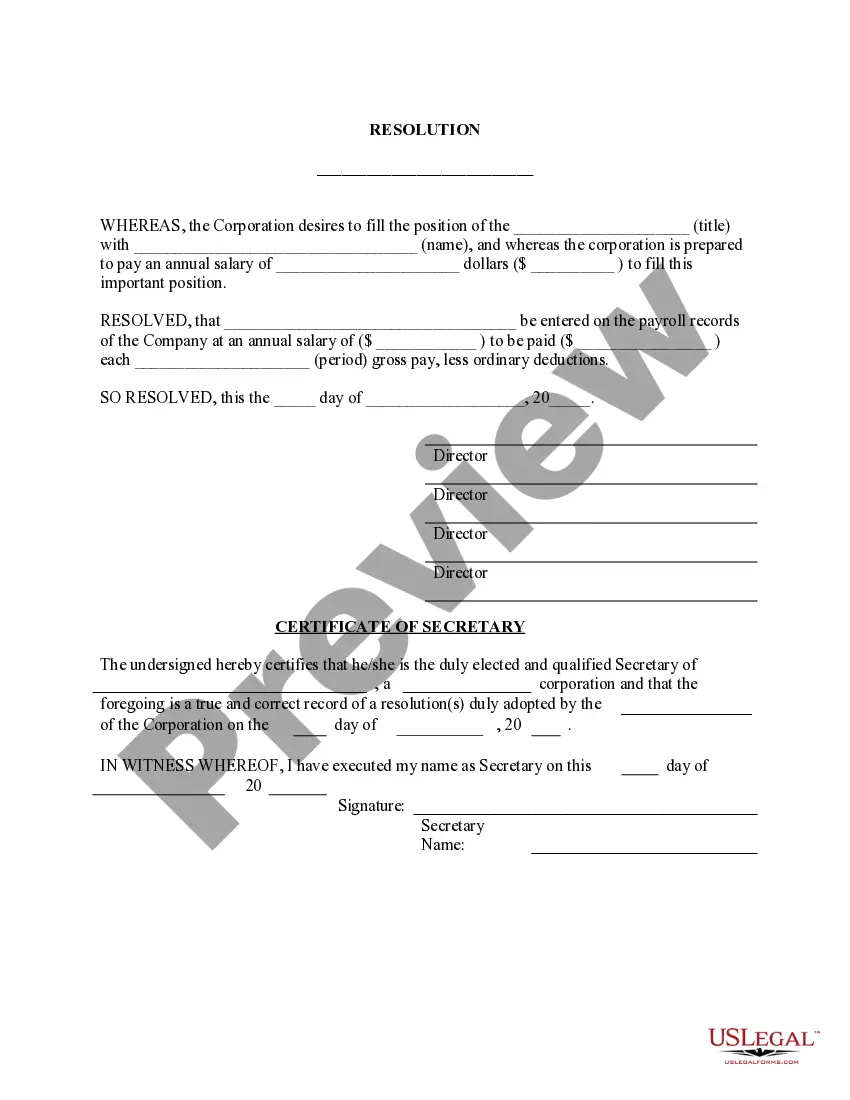
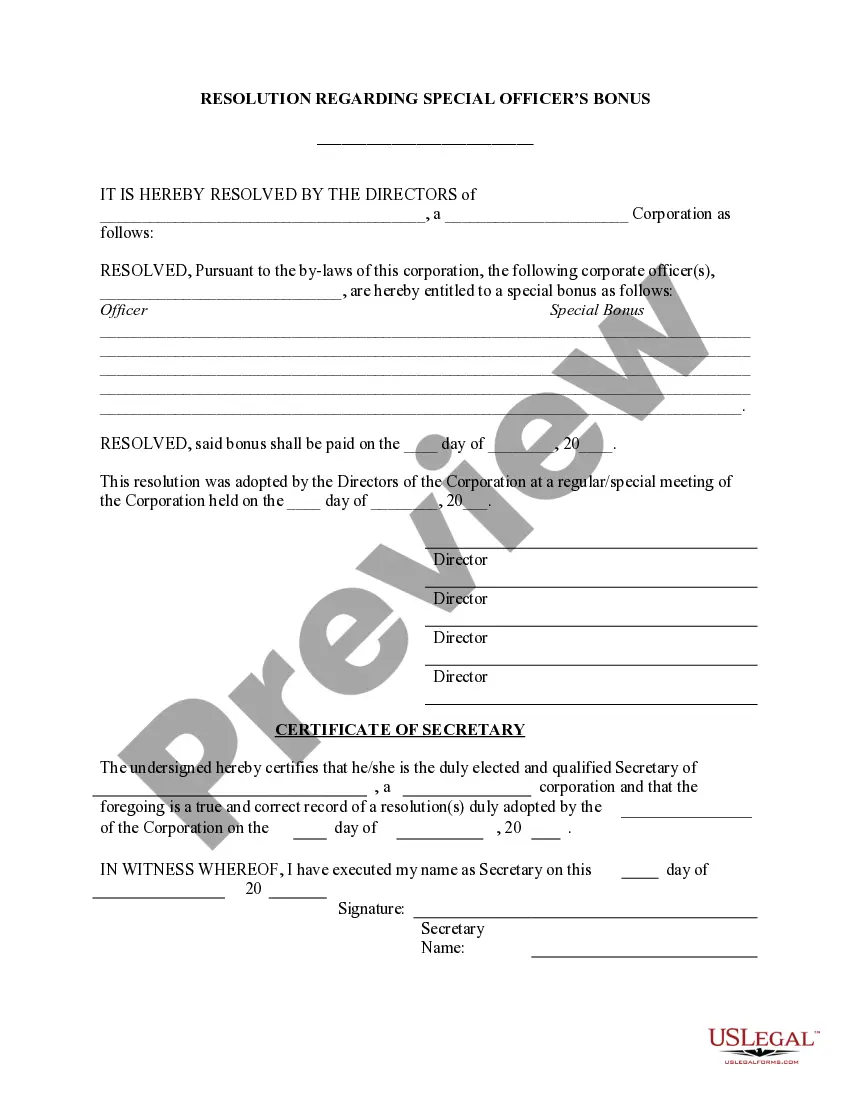
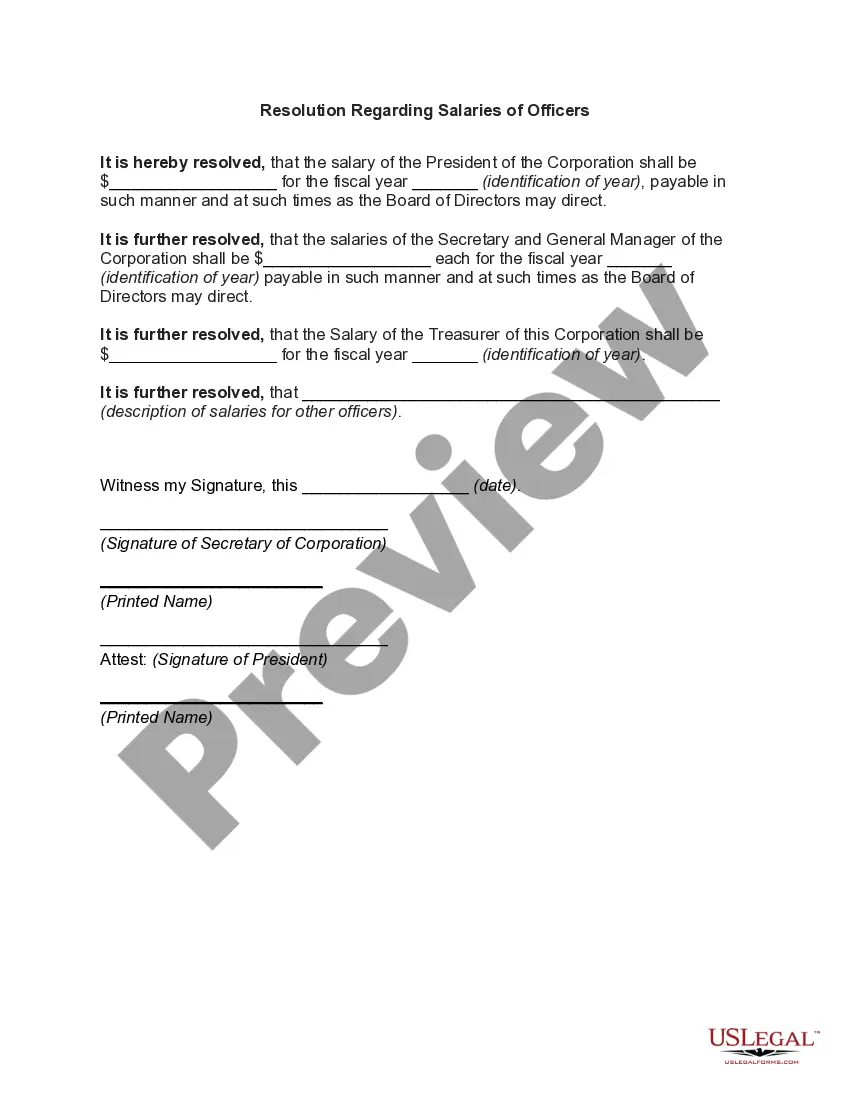
The Increase Officers Salary - Resolution Form is a legal document used by a corporation's directors to authorize an increase in the salary of one or more corporate officers. This resolution is crucial for ensuring that any changes in compensation are properly documented and approved in line with the corporation's bylaws. Unlike standard agreements, this resolution specifically formalizes the decision made during a corporate meeting and serves as an official record of the salary change.
Key parts of this document
- Date of the resolution adoption.
- Identification of the corporation and its type.
- Names of the corporate officers whose salaries will be increased.
- Previous and new salary amounts for each officer.
- Effective date of the salary increase.
- Signature section for directors/shareholders and the Secretary of the corporation.
When to use this document
This form is typically used when a corporation decides to increase the salary of an officer, such as a CEO or CFO. Common situations include annual performance reviews, changes in corporate profitability, or restructuring within the company that warrants compensation adjustment. Using this resolution ensures that the decision is made formally and is recorded for compliance and transparency.
Who should use this form
This resolution form should be used by:
- Corporate Directors responsible for salary decisions.
- Shareholders involved in corporate governance.
- Corporate Secretaries managing official records.
Instructions for completing this form
- Enter the corporation's name and type.
- List the officers receiving a salary increase and specify the previous and new salary for each.
- Indicate the effective date of the salary increases.
- Note the date and context of the meeting where the resolution was adopted.
- Ensure that all required signatures from the directors or shareholders are included.
- Have the Secretary of the corporation certify the resolution.
Is notarization required?
Notarization is not commonly needed for this form. However, certain documents or local rules may make it necessary. Our notarization service, powered by Notarize, allows you to finalize it securely online anytime, day or night.
Get your form ready online
Our built-in tools help you complete, sign, share, and store your documents in one place.
Make edits, fill in missing information, and update formatting in US Legal Forms—just like you would in MS Word.
Download a copy, print it, send it by email, or mail it via USPS—whatever works best for your next step.
Sign and collect signatures with our SignNow integration. Send to multiple recipients, set reminders, and more. Go Premium to unlock E-Sign.
If this form requires notarization, complete it online through a secure video call—no need to meet a notary in person or wait for an appointment.
We protect your documents and personal data by following strict security and privacy standards.

Make edits, fill in missing information, and update formatting in US Legal Forms—just like you would in MS Word.

Download a copy, print it, send it by email, or mail it via USPS—whatever works best for your next step.

Sign and collect signatures with our SignNow integration. Send to multiple recipients, set reminders, and more. Go Premium to unlock E-Sign.

If this form requires notarization, complete it online through a secure video call—no need to meet a notary in person or wait for an appointment.

We protect your documents and personal data by following strict security and privacy standards.
Common mistakes to avoid
- Failing to include the effective date of the salary increase.
- Not properly documenting the meeting where the resolution was adopted.
- Missing signatures from required directors or shareholders.
- Incorrectly entering previous or new salary amounts.
Benefits of using this form online
- Convenient download and customizable format.
- Editability allows for quick adjustments to suit specific corporate needs.
- Reliability of attorney-drafted content ensures legal compliance.
Legal use & context
- This resolution form serves as a legally binding document reflecting decisions made by corporate governance.
- It helps ensure transparency and accountability in compensation practices within the corporation.
- The formal nature of the resolution aids in preventing disputes regarding salary changes and authorizations.
Key takeaways
- This form is essential for formalizing salary increases for corporate officers.
- Proper completion and documentation are critical to comply with corporate bylaws.
- Being mindful of state-specific laws can enhance the effectiveness of the resolution.
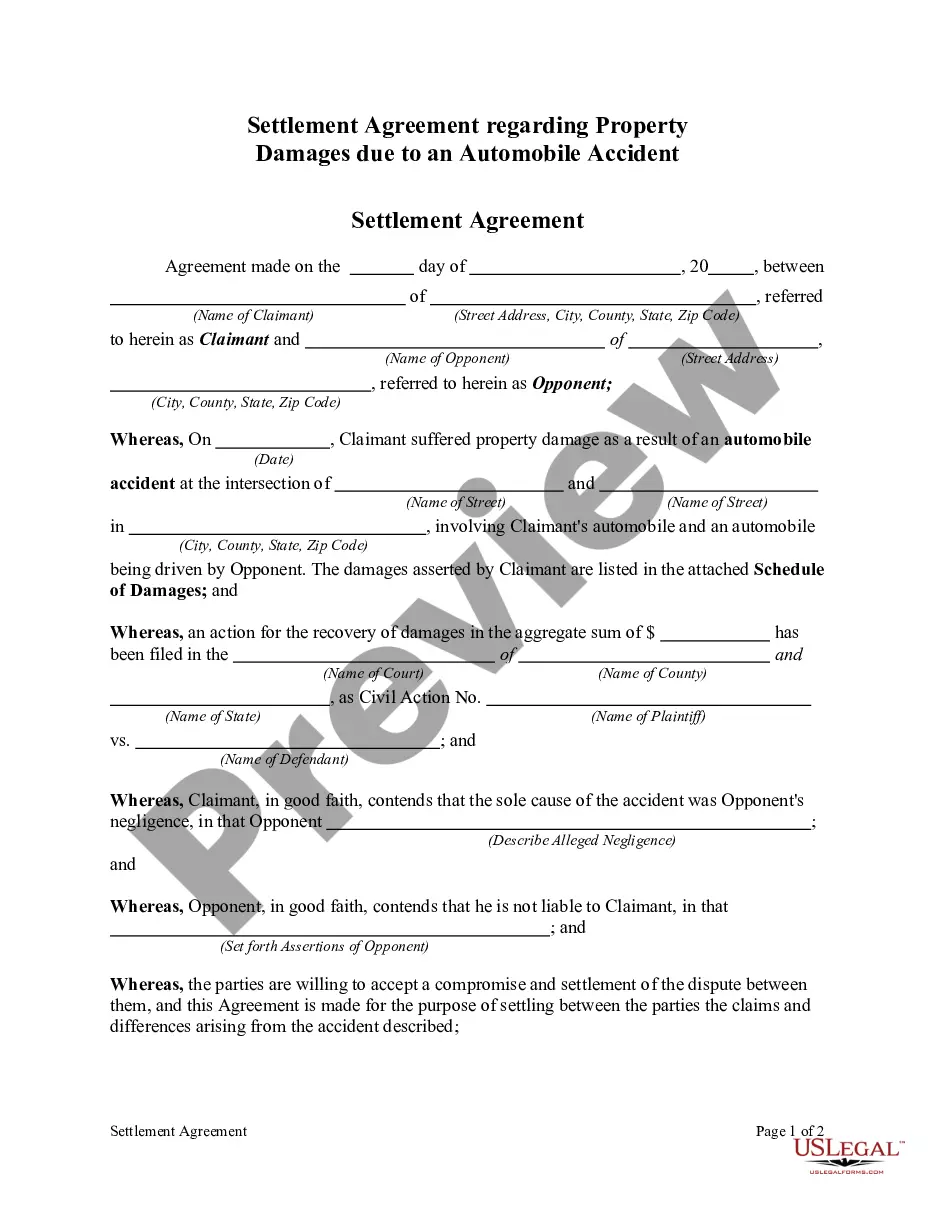
Looking for another form?

Form popularity
FAQ
The name of the organization; The maximum and minimum loan amounts; The names, titles, and signatures of four officers referred to this Resolution; The place of the meeting during which the Resolution was adopted; The exact date of that meeting;
Resolutions are passed both by the company's members and by its directors. In either case, resolutions may be passed at meetings or by written resolution. There are now just two types of resolution, ordinary resolutions (passed by a simple majority) and special resolutions (passed by a 75% majority).
Board resolutions should be written on the organization's letterhead. The wording simply describes the action that the board agreed to take. It also shows the date of the action and it names the parties to the resolution.
Format the resolution by putting the date and resolution number at the top. Form a title of the resolution that speaks to the issue that you want to document. Use formal language in the body of the resolution, beginning each new paragraph with the word, whereas.
Step 1: Place a Resolution Number. Step 2: Write a Title for the Resolution. Step 3: Use Formal Language. Step 4: Clearly Indicate the Voted Resolution. Step 5: Include a List of Voting Board Members. Step 6: Have the President Sign the Resolution.
The name of the organization; The maximum and minimum loan amounts; The names, titles, and signatures of four officers referred to this Resolution; The place of the meeting during which the Resolution was adopted; The exact date of that meeting;
A corporate resolution is a written document created by the board of directors of a company detailing a binding corporate action. A corporate resolution is the legal document that provides the rules and framework as to how the board can act under various circumstances.
Sometimes the conflict is resolved in a way that is painful for characters, but ultimately, the conflict is resolved. Examples of Resolution: Two friends fight over a boy, but in the end, they realize that friendship is more important, and the boy ultimately moves away from the town anyway.