Work Order Invoice
Overview of this form
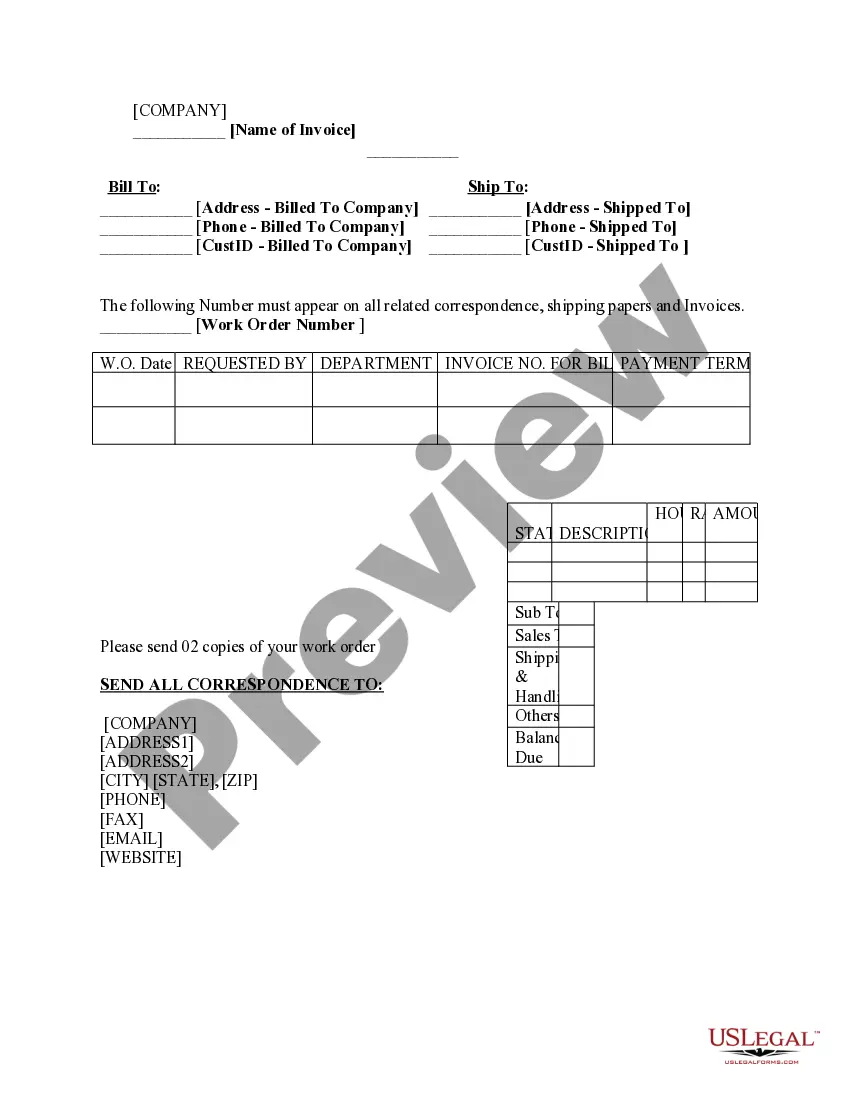
A work order invoice is a commercial document issued by a seller to a buyer, detailing the products, quantities, and agreed prices for services rendered. This form serves as both an invoice and a work order, making it ideal for businesses that provide services requiring detailed tracking and billing. Unlike standard invoices, it includes specific sections for work order identification, making it easier to reference related documents during the billing process.
Form components explained
- Name of invoice
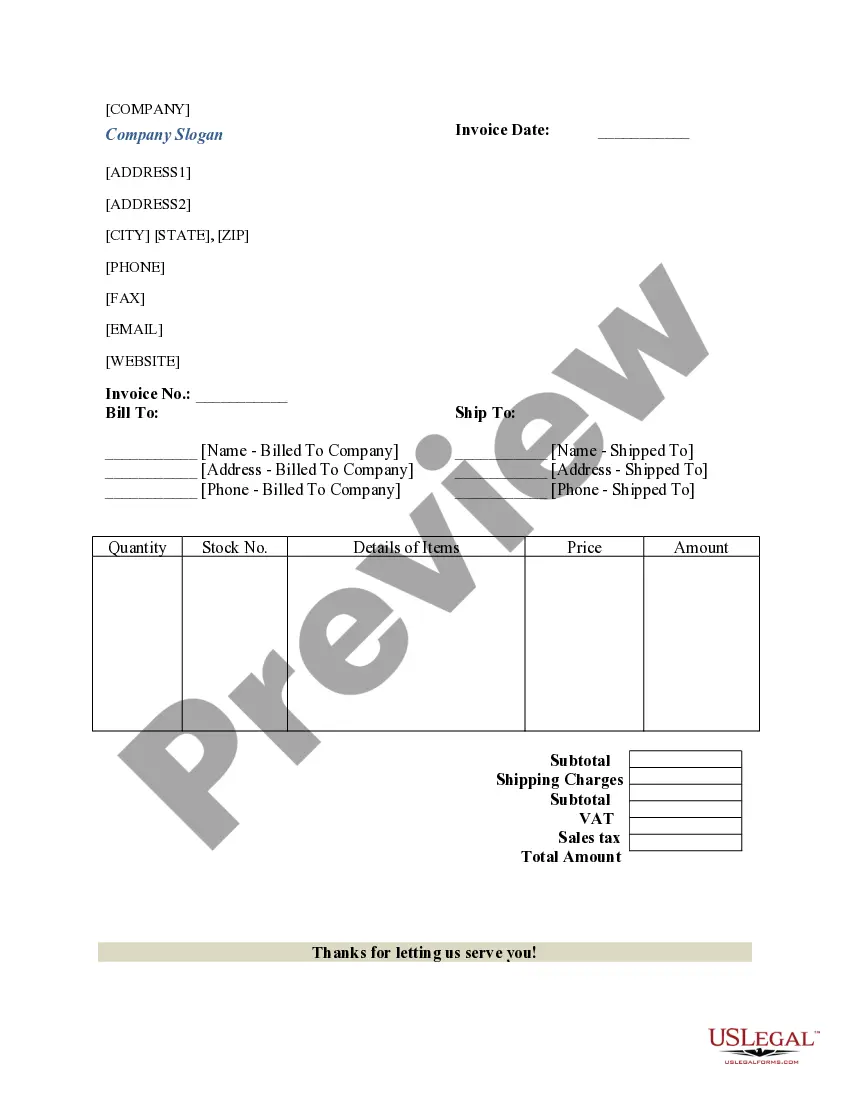
- Bill to and ship to information
- Work order number and date
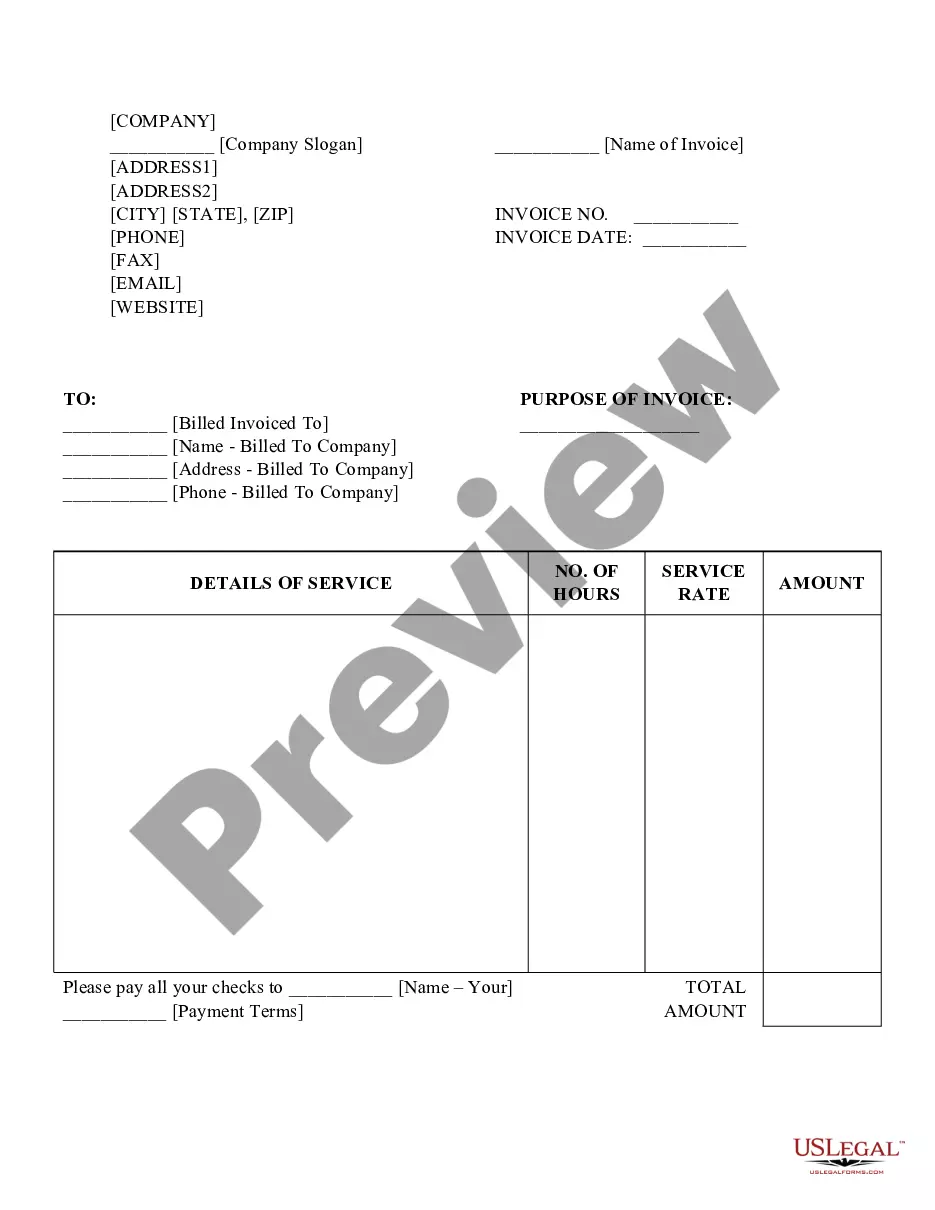
- Description of services rendered
- Hours worked, rate, and amount due
- Subtotal, sales tax, shipping and handling, and balance due



When to use this document
This form is used when a business needs to bill a client for services performed while keeping a record of the associated work order. It is useful in scenarios such as construction projects, repair services, or any service-based work where tracking extensive details is necessary. When a comprehensive account of services and timings is required for invoicing, the work order invoice is an effective tool.
Who should use this form
- Contractors providing repair or installation services
- Service providers billing for hourly work
- Businesses that need to track work orders alongside invoices
- Companies looking to streamline their billing processes
How to prepare this document
- Enter the name and contact details for both billing and shipping addresses.
- Input the work order number and date at the top of the invoice.
- Fill in the requested by and department sections, if applicable.
- List the services provided, including hours worked, hourly rate, and amounts.
- Calculate and include the subtotal, sales tax, shipping, handling, and total balance due.
Is notarization required?
Notarization is not commonly needed for this form. However, certain documents or local rules may make it necessary. Our notarization service, powered by Notarize, allows you to finalize it securely online anytime, day or night.
Get your form ready online
Our built-in tools help you complete, sign, share, and store your documents in one place.
Make edits, fill in missing information, and update formatting in US Legal Forms—just like you would in MS Word.
Download a copy, print it, send it by email, or mail it via USPS—whatever works best for your next step.
Sign and collect signatures with our SignNow integration. Send to multiple recipients, set reminders, and more. Go Premium to unlock E-Sign.
If this form requires notarization, complete it online through a secure video call—no need to meet a notary in person or wait for an appointment.
We protect your documents and personal data by following strict security and privacy standards.

Make edits, fill in missing information, and update formatting in US Legal Forms—just like you would in MS Word.

Download a copy, print it, send it by email, or mail it via USPS—whatever works best for your next step.

Sign and collect signatures with our SignNow integration. Send to multiple recipients, set reminders, and more. Go Premium to unlock E-Sign.

If this form requires notarization, complete it online through a secure video call—no need to meet a notary in person or wait for an appointment.

We protect your documents and personal data by following strict security and privacy standards.
Typical mistakes to avoid
- Failing to include all relevant details for billing.
- Not specifying the work order number, leading to confusion.
- Incorrectly calculating totals, including sales tax.
Benefits of completing this form online
- Convenient access allows for quick downloading and printing.
- Editability provides the flexibility to customize for specific transactions.
- Reliability in having professionally drafted templates by licensed attorneys.
Legal use & context
- This form can be used in various business scenarios requiring clear documentation and invoicing.
- Service providers should ensure compliance with local invoicing laws.
Quick recap
- The work order invoice serves dual purposes of billing and tracking work orders.
- It includes essential fields such as descriptions, hours, and final amounts.
- Utilizing this form can streamline invoicing for service-based businesses.
Looking for another form?


Form popularity
FAQ
There are two types of work orders: quotes and orders. Quotes record a list of products that a customer may want to purchase and the prices of the items that you quoted to the customer. Products on a quote cannot be committed in your inventory. Orders record a list of products that a customer is likely to purchase.
A work order is a single document created by a business outlining a service and/or product to be provided to a client. It is typically for internal use only.
A work order sometimes acts as a contractual agreement between the buyer and the seller. After accepting the order and producing the goods or services, you generate an invoice, which bills the buyer for items or services rendered.
There are two types of work orders: quotes and orders. Quotes record a list of products that a customer may want to purchase and the prices of the items that you quoted to the customer. Products on a quote cannot be committed in your inventory. Orders record a list of products that a customer is likely to purchase.
You can invoice before the work is done if you require payment before the job starts. You should send an invoice before the jobs starts when: You need a deposit. If you need to collect some payment upfront, invoice your client for a deposit before you start the job.
A work order sometimes acts as a contractual agreement between the buyer and the seller. After accepting the order and producing the goods or services, you generate an invoice, which bills the buyer for items or services rendered.
The purpose of a work order is to initiate a task, clarify what is to be done, specify completion dates, and give special instructions as needed. CMMS work order management software also helps organizations manage and maintain data on assets as well as on resources, expenses, and labor.
The work order invoice is essentially a record of services rendered to a customer. It contains details about the work that a contractor has performed for a client. Alongside this information, the work order also contains the total cost of the services rendered.