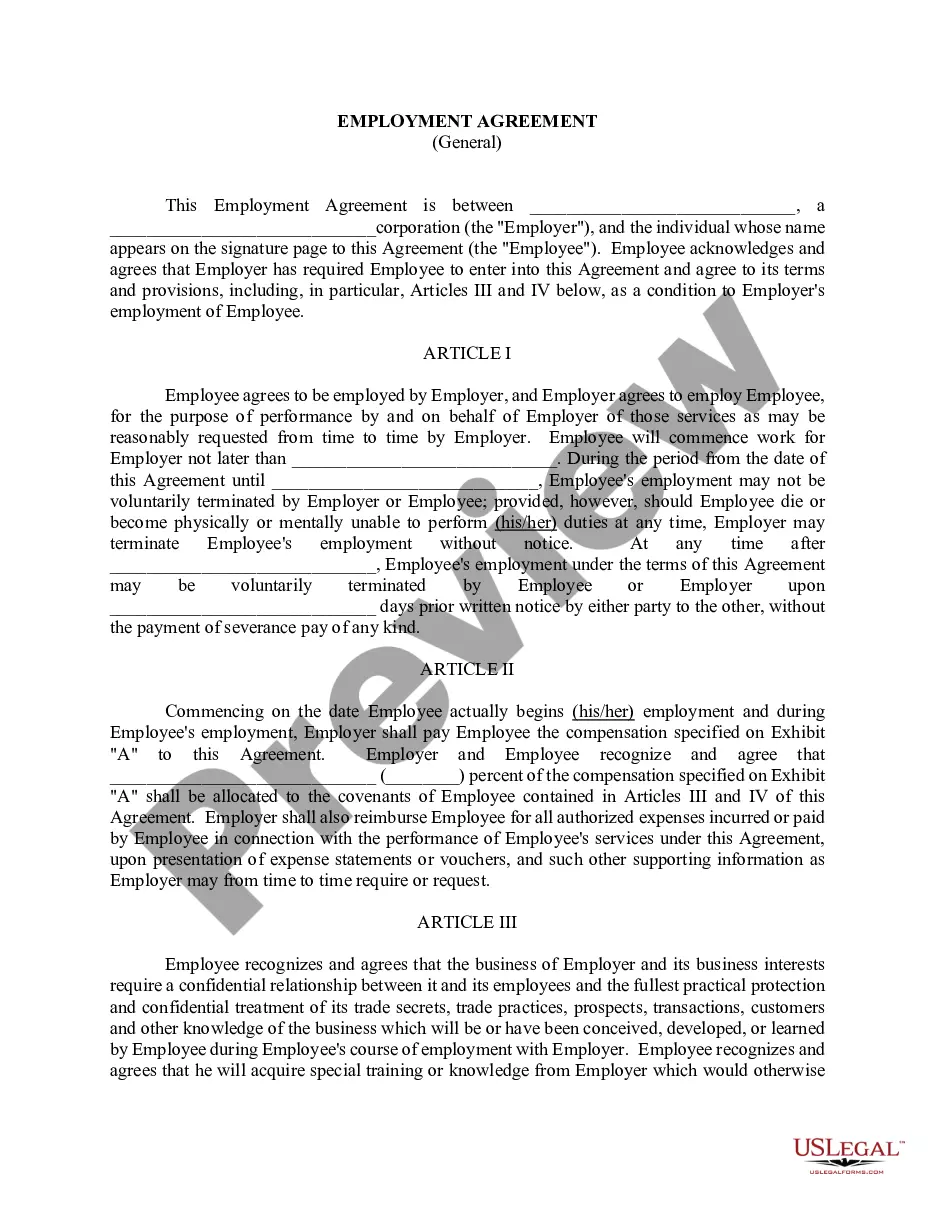
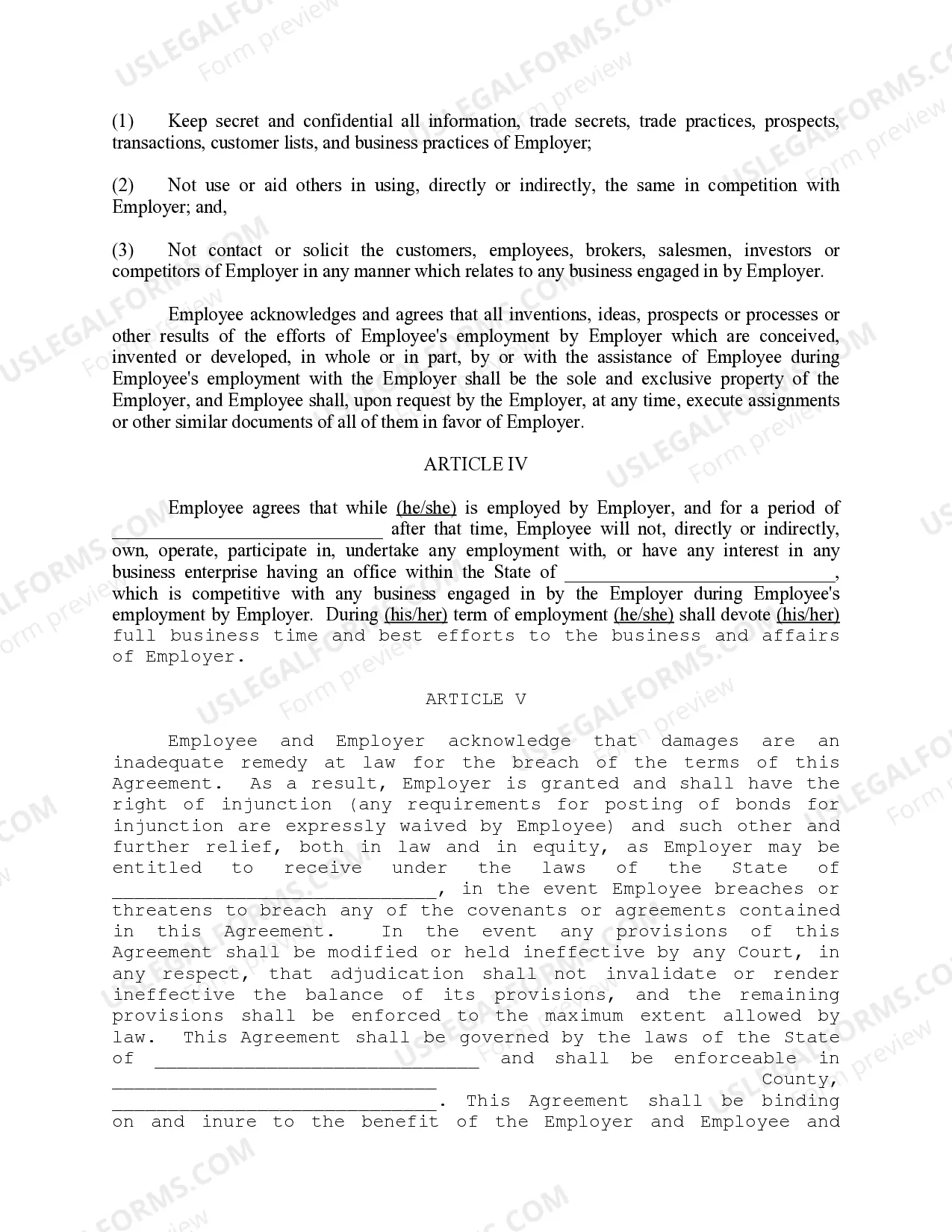
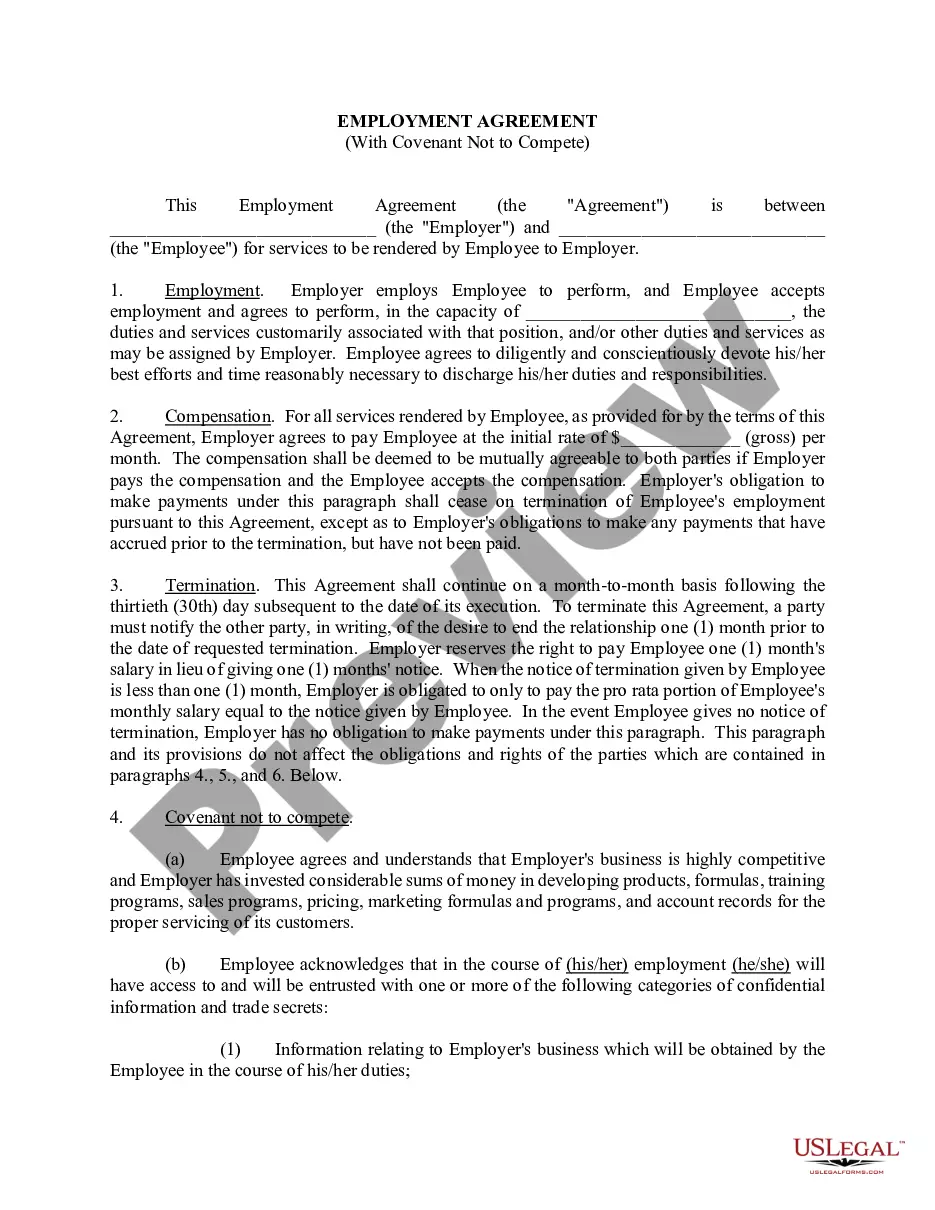
This form is used when an Employee agrees to be employed by Employer, and the Employer agrees to employ the Employee, for the purpose of performance by and on behalf of Employer services as may be reasonably requested from time to time by the Employer. The agreement contains provisions for compensation, confidentiality, non-competition and breach of contract.
Texas Employment Agreement - General
Instant download
Description
Free preview

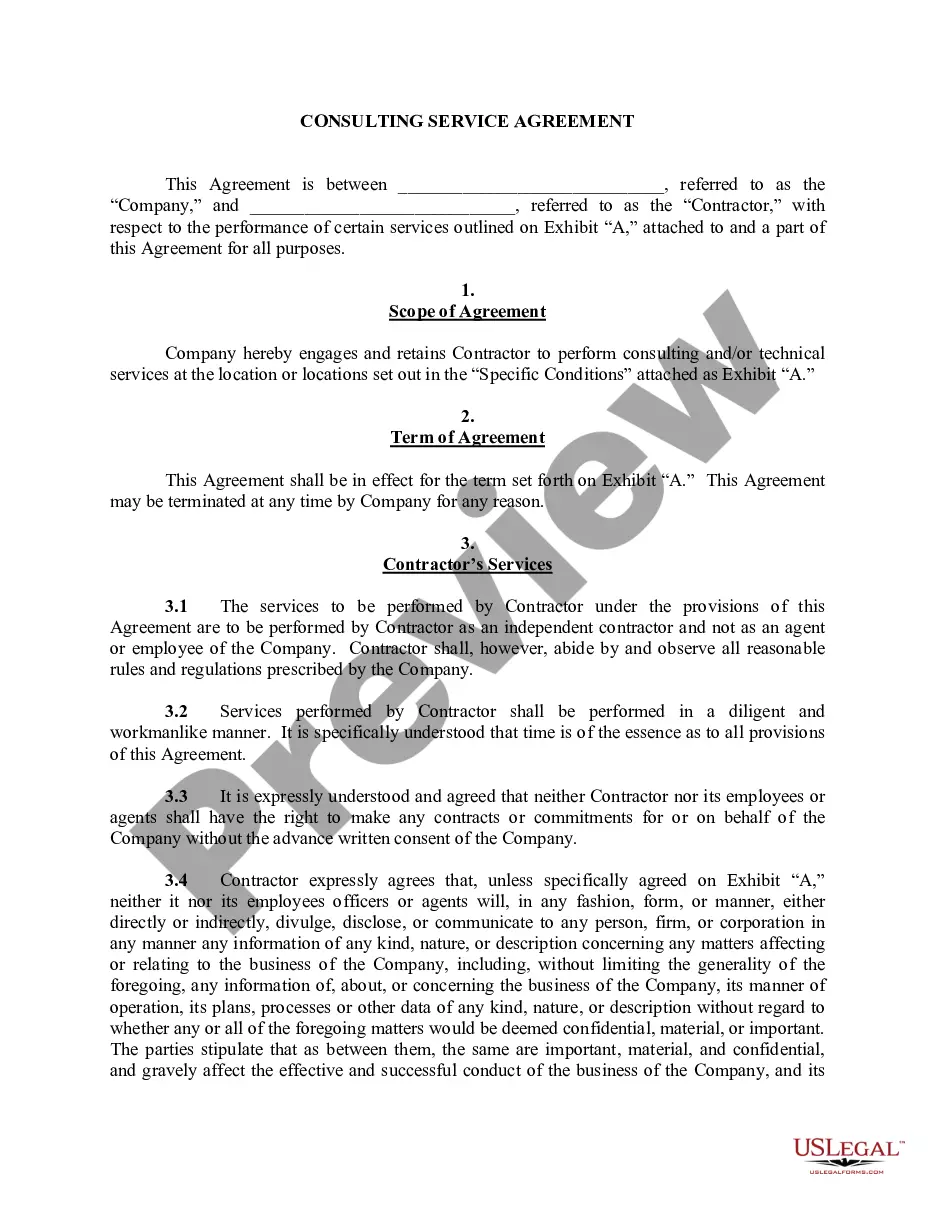
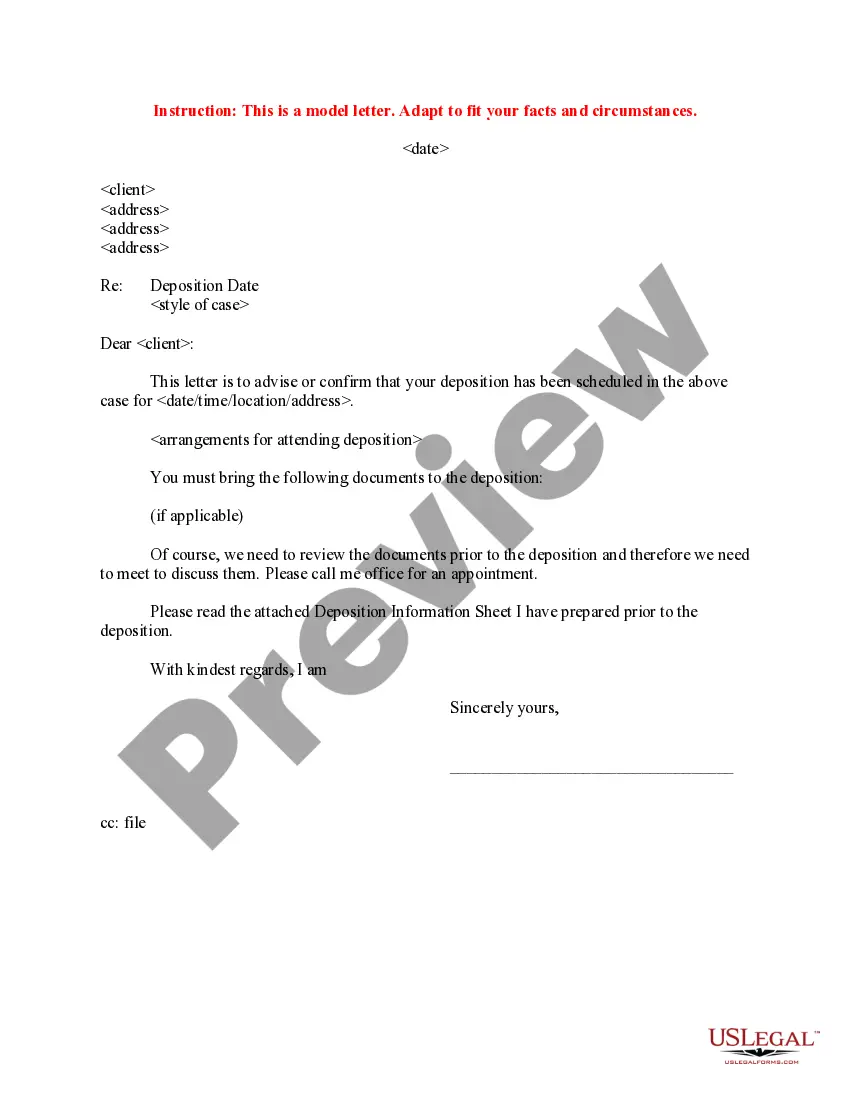

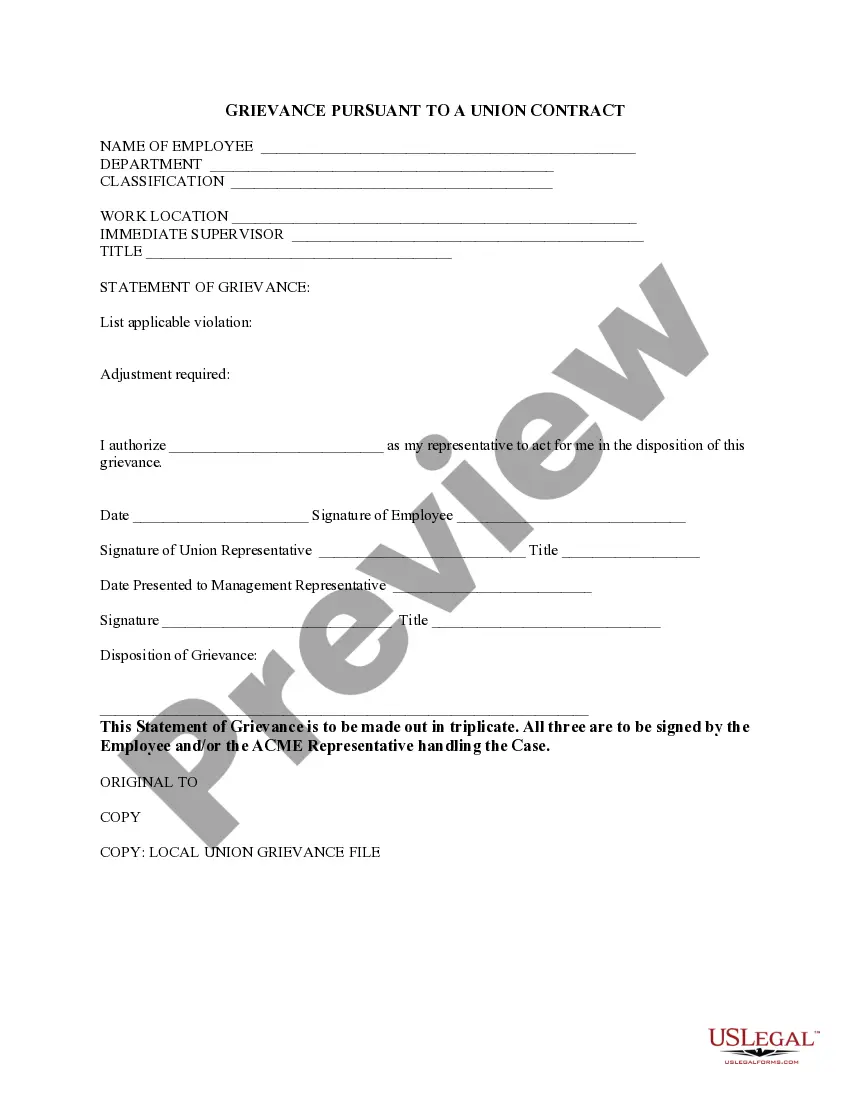
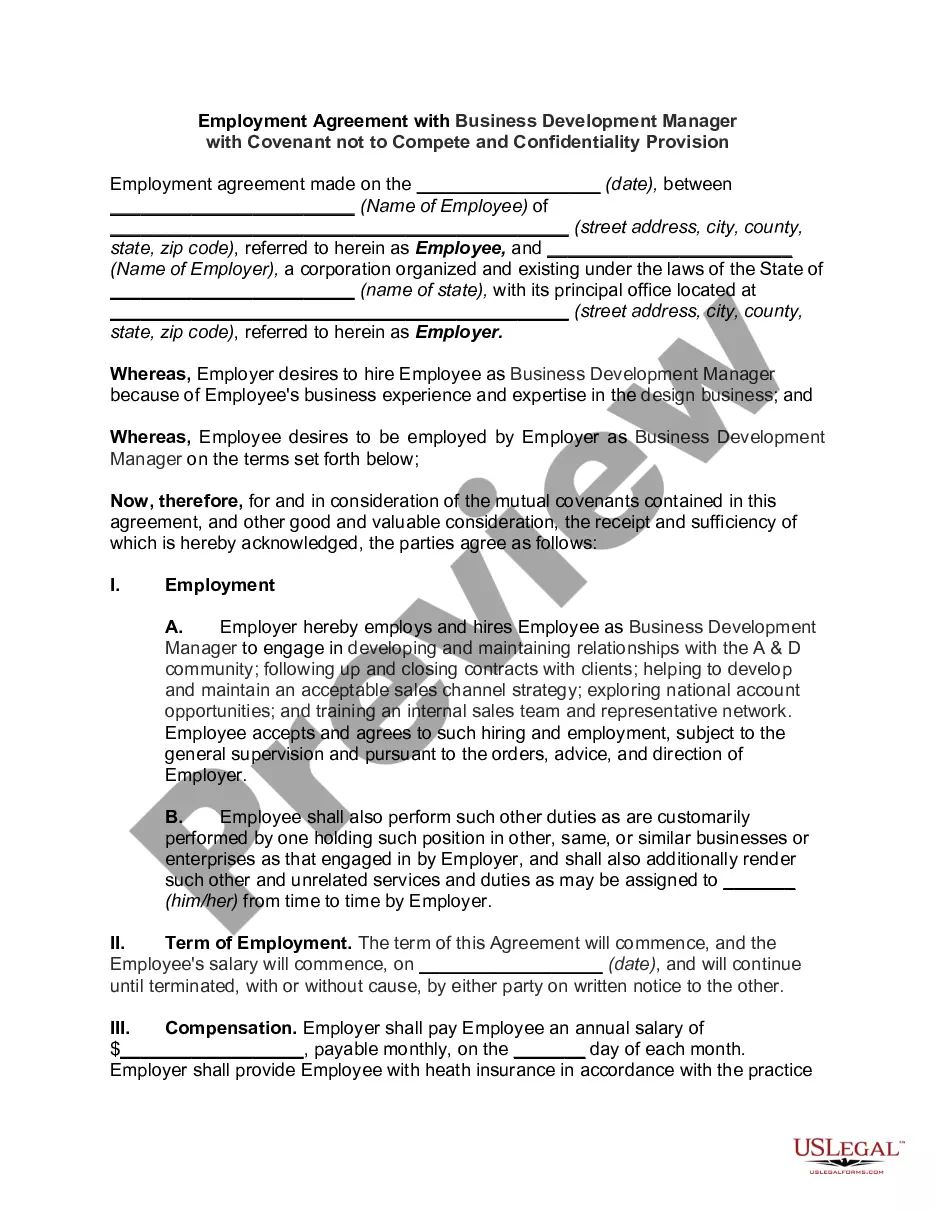


How to fill out Employment Agreement - General?
US Legal Forms - one of the largest collections of legitimate documents in the United States - provides a range of legitimate document templates that you can download or print.
Using the website, you can find thousands of forms for business and personal purposes, organized by categories, states, or keywords. You can discover the latest versions of forms such as the Texas Employment Agreement - General within minutes.
If you already have a membership, Log In and download the Texas Employment Agreement - General from your US Legal Forms library. The Download button will be visible on every form you view. You can access all previously saved forms in the My documents section of your account.
Process the transaction. Use your credit card or PayPal account to complete the transaction.
Select the format and download the form to your device. Make changes. Fill out, edit, print, and sign the saved Texas Employment Agreement - General. Every template you add to your account does not have an expiration date and belongs to you indefinitely. Therefore, if you wish to download or print another copy, just go to the My documents section and click on the form you need. Access the Texas Employment Agreement - General with US Legal Forms, the most extensive collection of legitimate document templates. Utilize a vast array of professional and state-specific templates that meet your business or personal needs and requirements.
- If you want to use US Legal Forms for the first time, here are basic steps to get started.
- Ensure you have selected the correct form for your city/state.
- Click the Review button to examine the contents of the form.
- Check the form details to confirm you've chosen the correct document.
- If the form does not meet your needs, use the Search field at the top of the screen to find the one that does.
- If you are satisfied with the form, confirm your selection by clicking the Purchase now button.
- Then, choose the pricing plan you prefer and provide your information to register for an account.
Form popularity
FAQ
Yes, you can write your own employment contract, and it can be beneficial to tailor the agreement specifically to your needs. However, it is important to ensure that your contract complies with Texas labor laws and includes all necessary components. Utilizing resources like uslegalforms can help you create a legally sound Texas Employment Agreement - General that protects both parties.
To fill out an employment agreement form, start by entering the names of the employer and employee, followed by the job title and responsibilities. Next, specify the compensation, benefits, and any other terms relevant to the employment. Using a platform like uslegalforms can simplify this process, providing you with templates and guidance to create a comprehensive Texas Employment Agreement - General.
The 7 day rule in Texas refers to the requirement that employers must provide employees with their final paychecks within seven days of their termination or resignation. This rule is crucial for ensuring that employees receive timely payment for their work. Understanding this rule is important when drafting a Texas Employment Agreement - General to avoid potential legal issues.
A Texas Employment Agreement - General must include essential elements such as the names of the parties involved, job title, responsibilities, compensation details, and the duration of employment. Additionally, it should outline confidentiality agreements and termination conditions. Including these components ensures clarity and legal protection for both the employer and employee.
The 7-minute rule in Texas refers to a guideline used by employers to ensure that employees are compensated fairly for their time. It suggests that employers should round employee time entries to the nearest seven minutes to promote fairness and accuracy in payroll. Understanding this rule can help you evaluate your Texas Employment Agreement - General, ensuring that your compensation aligns with state practices. If you have questions about how this rule applies to you, consult your HR department.
To request your employment records in Texas, you should contact your employer’s HR department. They can guide you through their process for obtaining a Texas Employment Agreement - General or any other records you need. Be prepared to provide identification and specify the documents you are requesting. Following these steps will help ensure you receive your records promptly.
To download a Texas Employment Agreement - General, visit reputable legal document websites like US Legal Forms. These platforms offer customizable templates that you can easily fill out and download. Ensure that you choose a form that meets your specific needs and complies with Texas laws. This way, you can have a professional contract ready for your use.
You can find your Texas Employment Agreement - General by checking your email or company portal. If you received a digital copy, it may be stored in your documents folder. Additionally, if your employer provided a physical copy, it could be in your employee file. For further assistance, consider reaching out to your HR department.