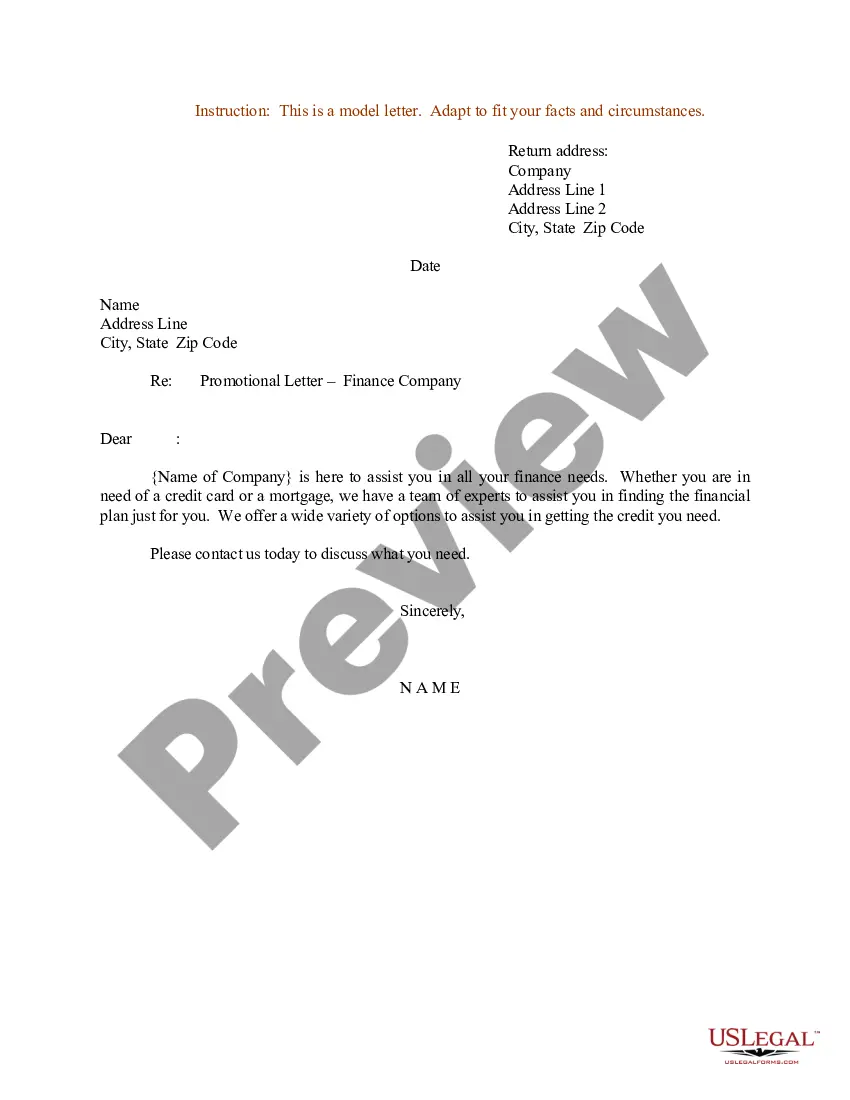
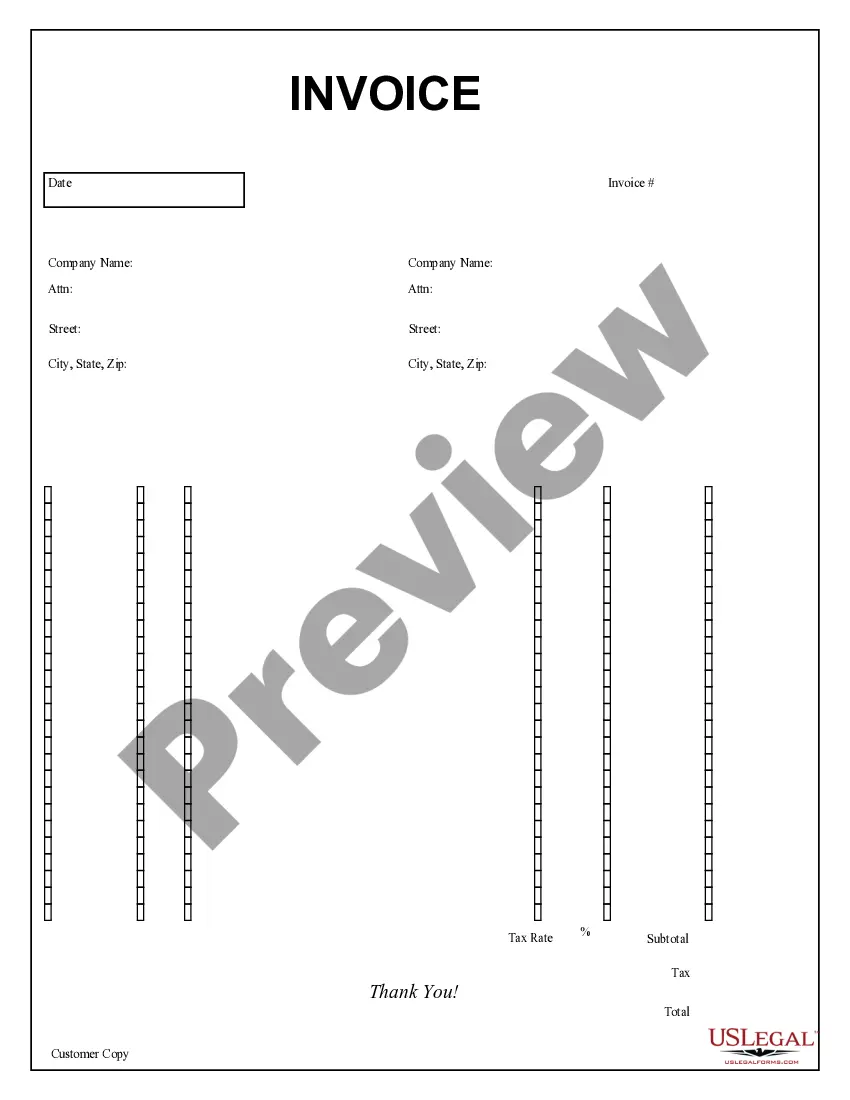
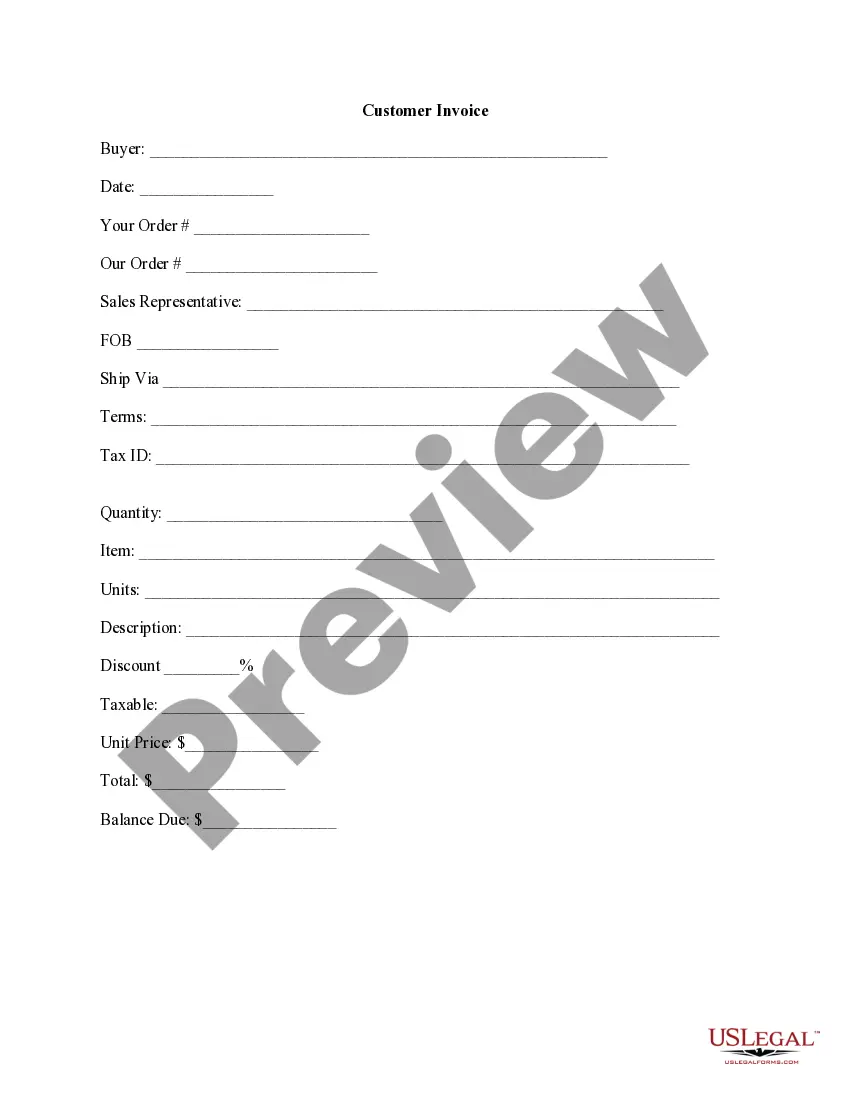
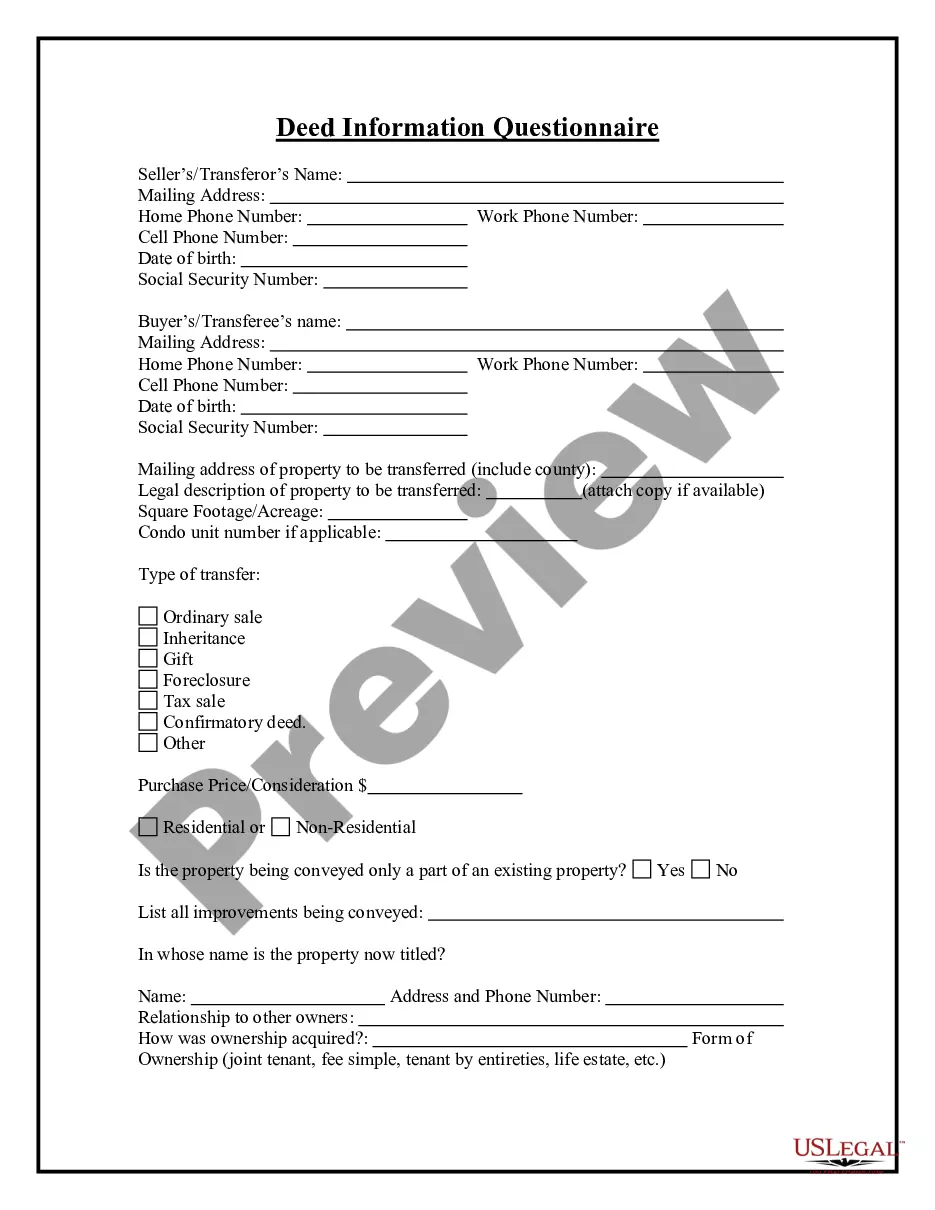
Texas Purchase Invoice
Description




Get your form ready online
Our built-in tools help you complete, sign, share, and store your documents in one place.
Make edits, fill in missing information, and update formatting in US Legal Forms—just like you would in MS Word.
Download a copy, print it, send it by email, or mail it via USPS—whatever works best for your next step.
Sign and collect signatures with our SignNow integration. Send to multiple recipients, set reminders, and more. Go Premium to unlock E-Sign.
If this form requires notarization, complete it online through a secure video call—no need to meet a notary in person or wait for an appointment.
We protect your documents and personal data by following strict security and privacy standards.

Make edits, fill in missing information, and update formatting in US Legal Forms—just like you would in MS Word.

Download a copy, print it, send it by email, or mail it via USPS—whatever works best for your next step.

Sign and collect signatures with our SignNow integration. Send to multiple recipients, set reminders, and more. Go Premium to unlock E-Sign.

If this form requires notarization, complete it online through a secure video call—no need to meet a notary in person or wait for an appointment.

We protect your documents and personal data by following strict security and privacy standards.
Looking for another form?





How to fill out Purchase Invoice?
Finding the appropriate legal document template can be challenging. Certainly, there are numerous templates available online, but how can you locate the legal form you need.
Utilize the US Legal Forms website. The service offers thousands of templates, including the Texas Purchase Invoice, which can be utilized for business and personal purposes. All forms are vetted by professionals and comply with state and federal requirements.
If you're already registered, Log In to your account and click the Download button to acquire the Texas Purchase Invoice. Use your account to browse the legal documents you've previously purchased. Navigate to the My documents tab in your account and download another copy of the document you need.
Complete, modify, print, and sign the downloaded Texas Purchase Invoice. US Legal Forms is the premier collection of legal templates where you can find various document designs. Use the service to obtain professionally crafted documents that adhere to state regulations.
- If you are a new user of US Legal Forms, here are simple steps you can follow.
- First, ensure you have selected the correct form for your area/region. You can review the form using the Preview button and read the form details to ensure it is the right one for you.
- If the form does not meet your expectations, use the Search field to find the appropriate form.
- Once you are confident that the form is suitable, click the Purchase now button to obtain the form.
- Choose the pricing plan you prefer and enter the required information. Create your account and pay for the order using your PayPal account or credit card.
- Select the file format and download the legal document template to your device.
Form popularity
FAQ
Filling out an invoice correctly requires attention to detail. Begin with your business details, followed by the client's information. List out the products or services provided, ensuring to include quantities and individual prices, then sum it up to get the total. It’s easier to achieve accuracy using a Texas Purchase Invoice template from US Legal Forms, which guides you through the process.
To write a simple invoice, start by including your business name, address, and contact information at the top. Next, detail the products or services provided, including quantities and prices. Don't forget to add a total amount due and the terms of payment. Utilizing a Texas Purchase Invoice template from US Legal Forms can save you time and ensure all necessary components are included.
Filling out a tax invoice statement involves listing the goods or services sold, along with their corresponding prices. Clearly indicate the tax applicable to the total amount, ensuring accuracy in calculations. It’s essential to include both your business details and the buyer's information. A Texas Purchase Invoice can serve as a reliable format to help you maintain organization and compliance.
In Texas, the invoice tax, commonly known as sales tax, applies to most sales of tangible personal property and certain services. The state sales tax rate is 6.25%, but local jurisdictions can impose additional taxes, raising the total rate in many areas. When managing your Texas Purchase Invoice, understanding how to calculate this tax is essential for compliance. To simplify this process, consider using US Legal Forms, which provides templates and tools tailored to help you accurately prepare your invoices while incorporating relevant tax information.
While the state sales tax rate in Texas is 6.25%, local counties can add taxes, bringing the total to 8.25% in many areas. Always check the rates for your specific location. Your Texas Purchase Invoice will provide you with the necessary breakdown of taxes applied to each transaction.
In Texas, the filing frequency depends on your total taxable sales. Typically, businesses file sales tax returns monthly or quarterly. Be aware of your due dates and maintain your documentation, especially your Texas Purchase Invoice, to stay organized.
You can claim your Texas sales tax back by filing a sales tax refund request with the Texas Comptroller. Ensure you have your original receipts and tax documents, like your Texas Purchase Invoice, to support your claim. Submit your request promptly to avoid complications.
To file sales tax in Texas, visit the Texas Comptroller's website where you can access the necessary forms and online filing options. Ensure you have all relevant documentation, including your Texas Purchase Invoice, to complete your filing accurately and on time.
Yes, if you are conducting business in Texas and have taxable sales, you must file a Texas tax return. The requirement applies even if you do not owe any tax. Always keep your records, such as your Texas Purchase Invoice, organized to easily fulfill this obligation.
You can file your Texas sales tax by using the Texas Comptroller's online platform. Simply create an account and select 'File a return' for sales tax. Make sure to gather all your invoices, especially your Texas Purchase Invoice, as accurate records will streamline your filing process.