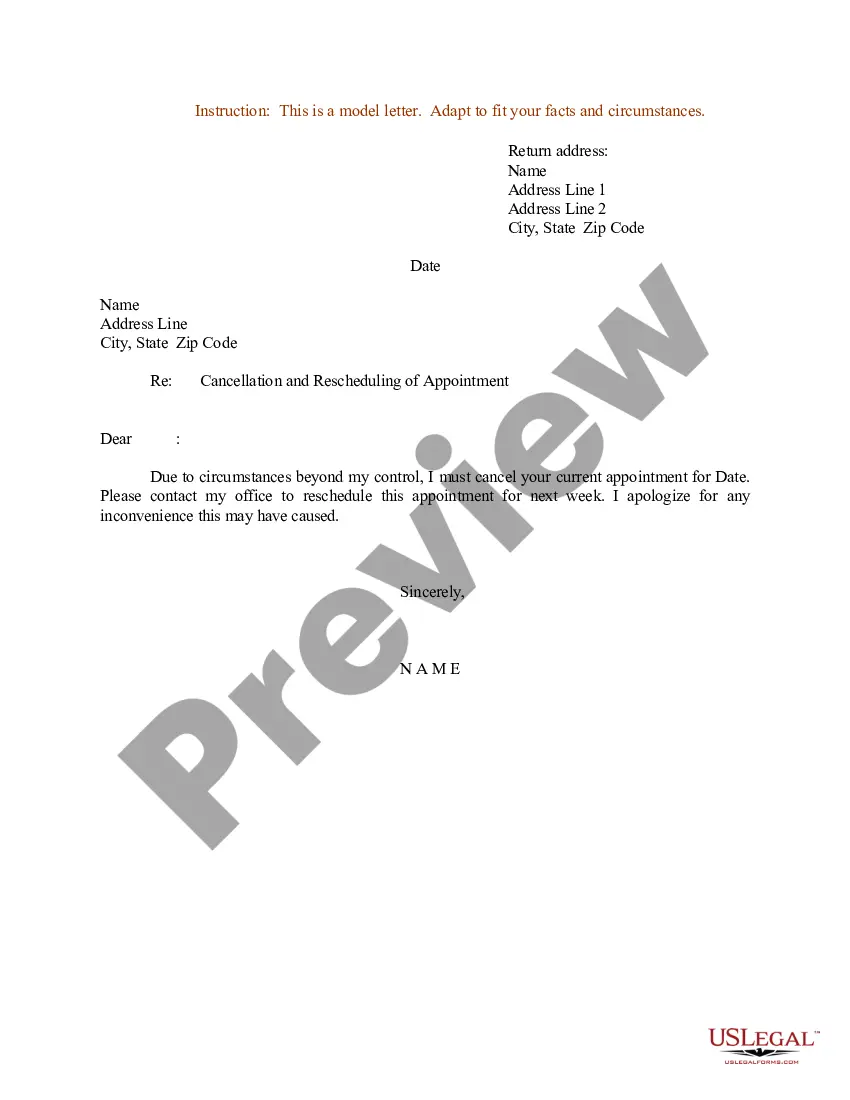
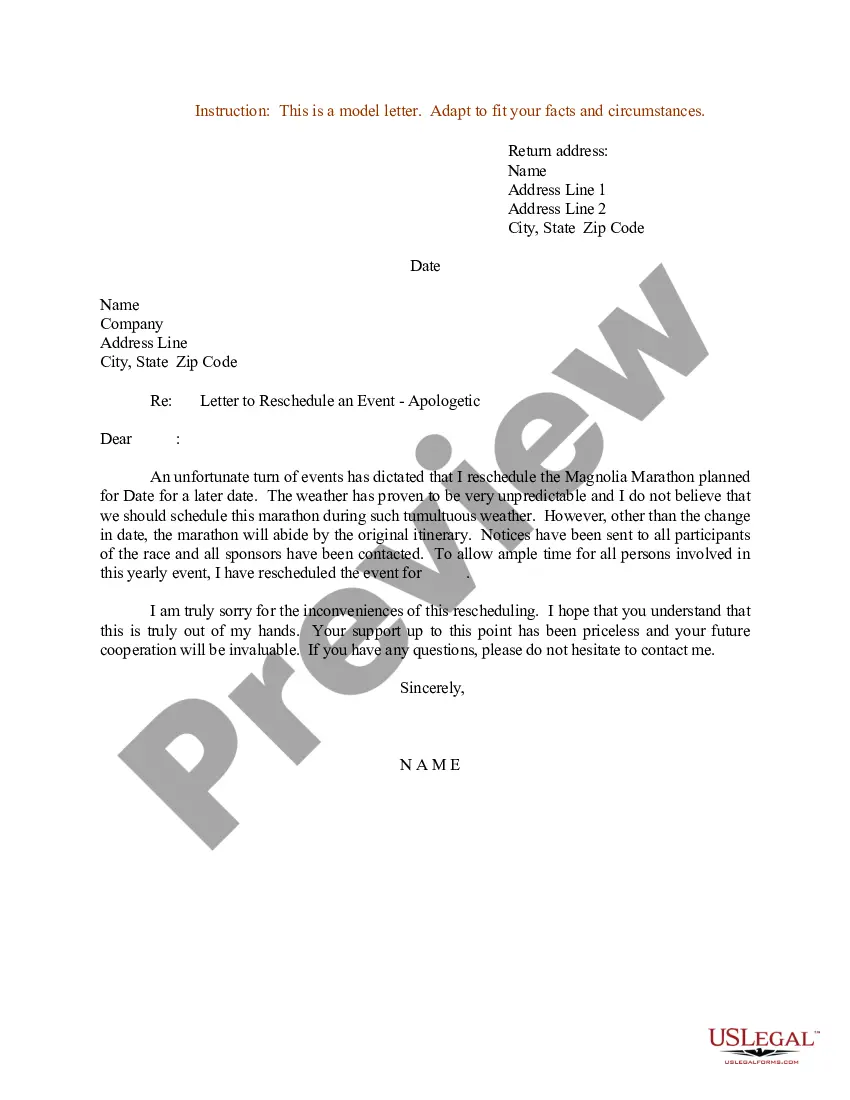
Texas Sample Letter for Cancellation and Rescheduling of Appointment
Description

Get your form ready online
Our built-in tools help you complete, sign, share, and store your documents in one place.
Make edits, fill in missing information, and update formatting in US Legal Forms—just like you would in MS Word.
Download a copy, print it, send it by email, or mail it via USPS—whatever works best for your next step.
Sign and collect signatures with our SignNow integration. Send to multiple recipients, set reminders, and more. Go Premium to unlock E-Sign.
If this form requires notarization, complete it online through a secure video call—no need to meet a notary in person or wait for an appointment.
We protect your documents and personal data by following strict security and privacy standards.

Make edits, fill in missing information, and update formatting in US Legal Forms—just like you would in MS Word.

Download a copy, print it, send it by email, or mail it via USPS—whatever works best for your next step.

Sign and collect signatures with our SignNow integration. Send to multiple recipients, set reminders, and more. Go Premium to unlock E-Sign.

If this form requires notarization, complete it online through a secure video call—no need to meet a notary in person or wait for an appointment.

We protect your documents and personal data by following strict security and privacy standards.
Looking for another form?

How to fill out Sample Letter For Cancellation And Rescheduling Of Appointment?
Are you in a situation where you require documents for either business or personal purposes almost every day.
There are numerous legal document formats available online, but finding reliable templates isn't easy.
US Legal Forms offers thousands of form templates, such as the Texas Sample Letter for Cancellation and Rescheduling of Appointment, that are designed to comply with state and federal requirements.
Once you find the right form, click Buy now.
Select the pricing plan you prefer, fill in the required information to create your account, and purchase your order using PayPal or credit card.
- If you are already familiar with the US Legal Forms platform and have an account, simply Log In.
- Then, you can download the Texas Sample Letter for Cancellation and Rescheduling of Appointment template.
- If you don’t have an account and wish to start using US Legal Forms, follow these steps.
- Obtain the form you require and confirm it is for your correct city/state.
- Utilize the Review button to examine the template.
- Check the details to ensure you have selected the correct form.
- If the form isn't what you need, use the Search box to find the template that suits your requirements.
Form popularity
FAQ
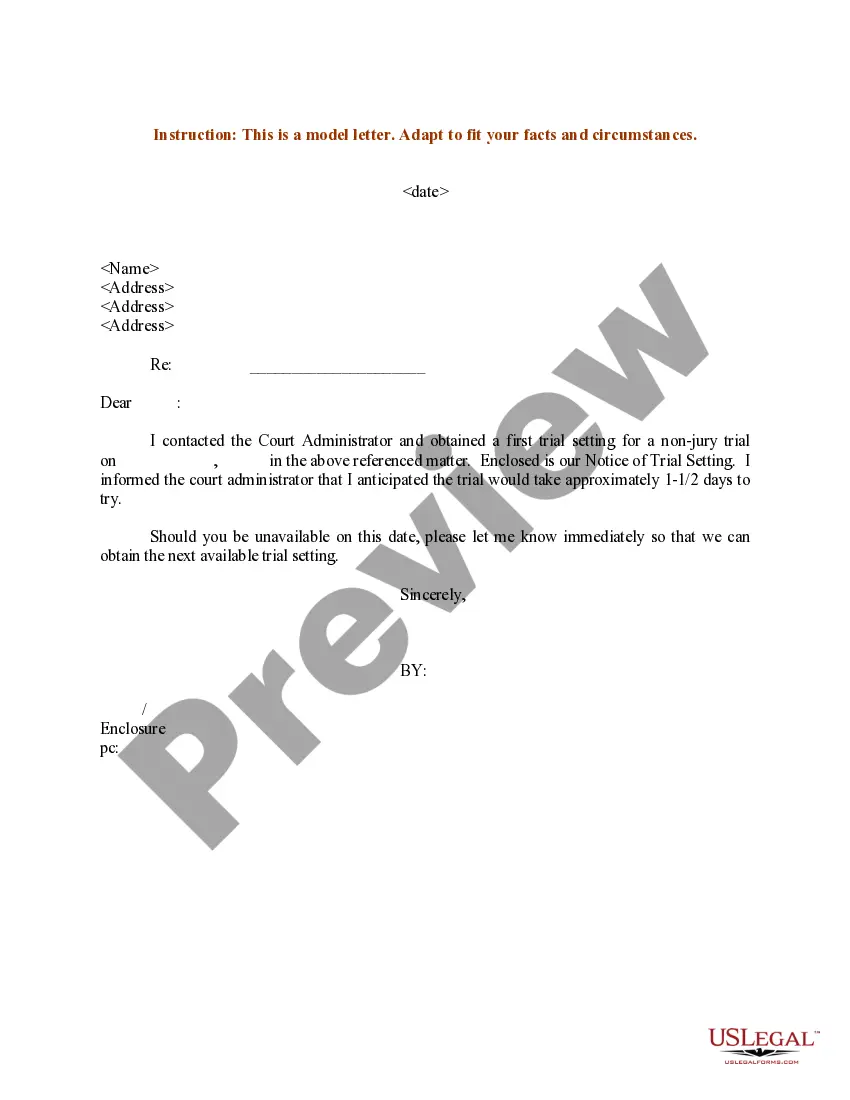
Respect Sir/Madam, Our scheduled appointment was off today but due to some emergency/urgent piece of work, I am sorry to notify you that we will have to cancel our scheduled appointment. (Show your actual causes and situation). I am sorry for any inconvenience.
Dear name, While I was looking forward to our meeting on date at time, I regretfully will have to reschedule. Option to explain the reason you can no longer attend the meeting. I am still very interested in reason for meeting.
How to ask to reschedule a meetingFirstly, write the email correspondence personally.Secondly, give notice well in advance.Thirdly, give a worthy reason and explanation.Next, suggest another meeting time and date.Then, end the letter with an apology and with appreciation.Finally, send the email immediately.
Offer a sincere apology.A brief, simple apology is enough, like "So sorry I can't make it work this time."Avoid using vague language or saying that you "might" not be able to make the appointment. It's better to be straightforward and honest.
Dear (Sir/name), I am writing to request a rescheduling of my appointment which was earlier scheduled on (Date) at (Time). Consequently; I apologize for missing the appointment. (Describe in your words).
Excuses to cancel a meeting that is a face-to-face01Your child is sick at school.E.g. Hi Tim, I know we have a meeting at 2 p.m., but my son's school called saying that he's been having stomach problems all day.02Inclement weather.More items...?
Tips for rescheduling a meetingNotify the attendees ASAP.Write the email yourself.Be as descriptive as possible in the email subject line.Suggest another form of communication.Propose an alternative meeting date and time.Apologize sincerely.Show appreciation.
Use phrases like:I understand how important this is...I'm really sorry, but I need to change the schedule...Let's reschedule this as soon as possible...I'm available next X DAY between X AND X TIME OF DAY...I'm sorry I can't make this meeting, but please fill me in on any important notes...