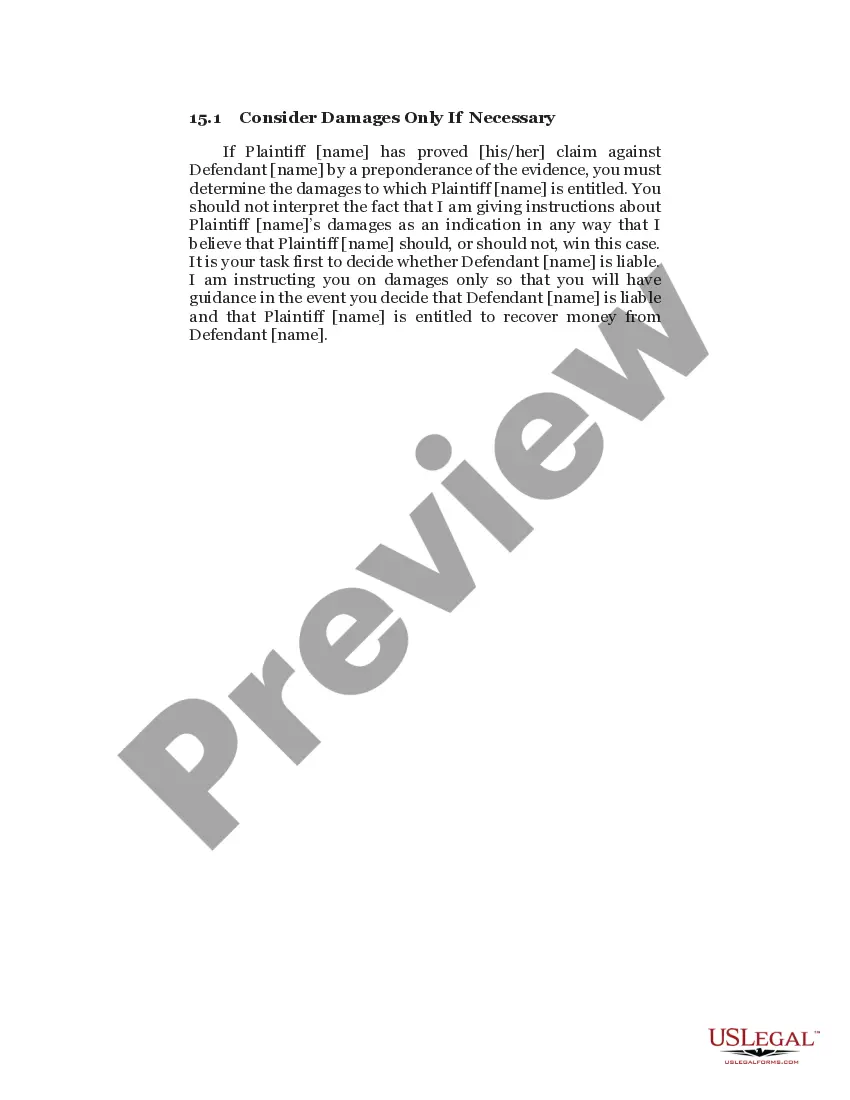
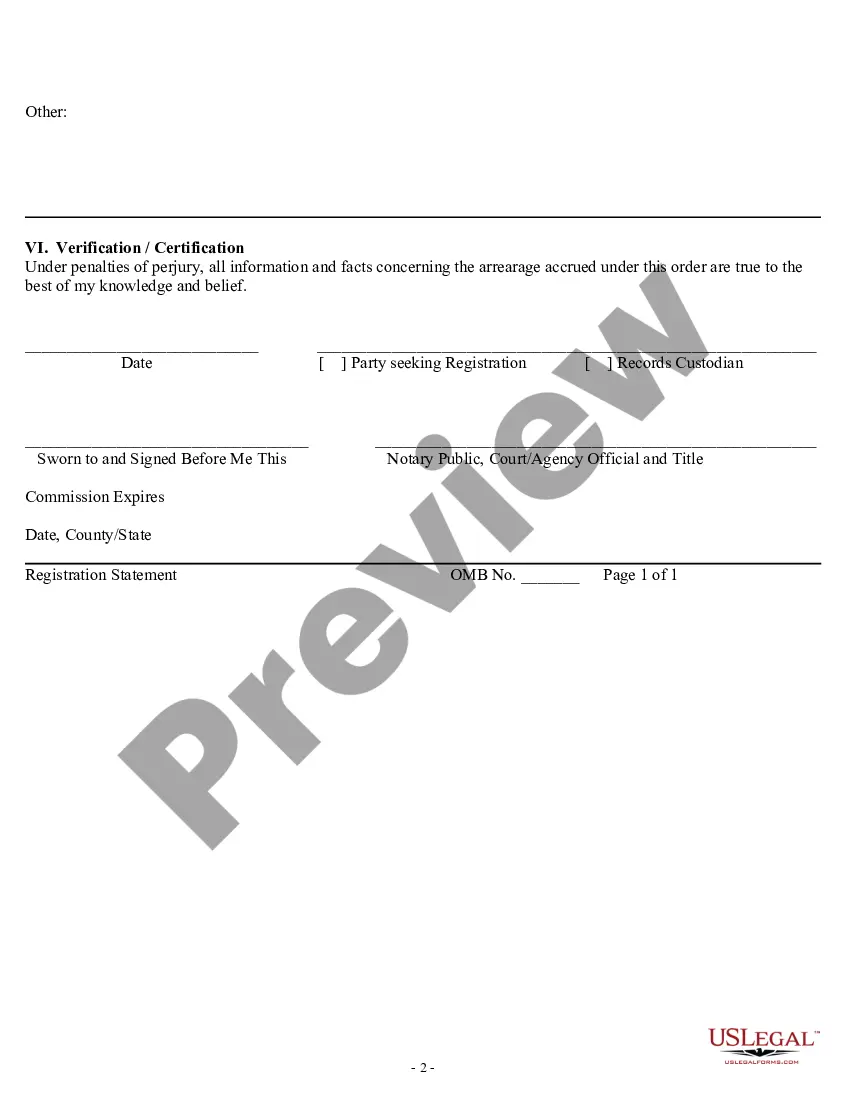
Texas Registration Statement
Description

Get your form ready online
Our built-in tools help you complete, sign, share, and store your documents in one place.
Make edits, fill in missing information, and update formatting in US Legal Forms—just like you would in MS Word.
Download a copy, print it, send it by email, or mail it via USPS—whatever works best for your next step.
Sign and collect signatures with our SignNow integration. Send to multiple recipients, set reminders, and more. Go Premium to unlock E-Sign.
If this form requires notarization, complete it online through a secure video call—no need to meet a notary in person or wait for an appointment.
We protect your documents and personal data by following strict security and privacy standards.

Make edits, fill in missing information, and update formatting in US Legal Forms—just like you would in MS Word.

Download a copy, print it, send it by email, or mail it via USPS—whatever works best for your next step.

Sign and collect signatures with our SignNow integration. Send to multiple recipients, set reminders, and more. Go Premium to unlock E-Sign.

If this form requires notarization, complete it online through a secure video call—no need to meet a notary in person or wait for an appointment.

We protect your documents and personal data by following strict security and privacy standards.
Looking for another form?

How to fill out Registration Statement?
You might spend time online searching for the legal document template that fits the state and federal requirements you will need.
US Legal Forms offers a vast selection of legal documents that are reviewed by experts.
You can obtain or print the Texas Registration Statement from our platform.
- If you already have a US Legal Forms account, you may Log In and click the Acquire option.
- After that, you can complete, edit, print, or sign the Texas Registration Statement.
- Each legal document template you receive is yours indefinitely.
- To obtain another copy of any purchased document, visit the My documents tab and click the corresponding option.
- If you are using the US Legal Forms site for the first time, follow the simple instructions below.
- First, ensure that you have selected the correct document template for the state/city of your choice.
- Check the document description to confirm you have chosen the right form.
- If available, utilize the Review option to examine the document template as well.
- If you want to get another version of your document, use the Search area to find the template that meets your requirements.
- Once you have located the template you need, click Purchase now to proceed.
- Select the pricing plan you prefer, enter your details, and register for your account on US Legal Forms.
- Complete the purchase.
- You can use your credit card or PayPal account to pay for the legal document.
- Choose the format of your document and download it to your device.
- Make modifications to your document if necessary.
- You can complete, edit, sign, and print the Texas Registration Statement.
- Download and print a multitude of document templates using the US Legal Forms website, which offers the largest selection of legal forms.
- Utilize professional and state-specific templates to address your business or personal needs.
Form popularity
FAQ
(1) The receipt issued at the time of application may serve as proof of registration and evidences title to a motor vehicle for registration purposes only, but may not be used to transfer any interest or ownership in a motor vehicle or to establish a lien.
I lost or misplaced my registration receipt. How do I get another? Completed Request for Texas Motor Vehicle Information Form (Form VTR-275) Copy of applicant's current driver license or government-issued photo identification. $2.00 Fee: ... By mail: Mail to the address on the form.
As a result of House Bill 2305 passed during the 83rd legislative session (2013), the State of Texas no longer issues inspection stickers and has transitioned to a ?Two Steps, One Sticker? vehicle inspection and registration program. Your registration sticker serves as combined proof of registration and inspection.
Please contact the Texas Department of Motor Vehicles at 1-888-368-4689 or 512-465-3000 for details. This form must be completed and submitted to a county tax assessor-collector's office accompanied by any required application fee, supporting documents, registration fee, if applicable, and any motor vehicle tax due.
Registration stickers can be tracked at .TxDMV.gov/track. You will need the license plate number and the last four digits of the VIN to track your registration sticker.
I lost or misplaced my registration receipt. How do I get another? Completed Request for Texas Motor Vehicle Information Form (Form VTR-275) Copy of applicant's current driver license or government-issued photo identification. $2.00 Fee: ... By mail: Mail to the address on the form.
In Texas, your vehicle registration receipt serves as proof of a valid registration. When you initially registered (or renewed) your vehicle, you received the registration receipt.
Your vehicle registration sticker displays your license plate number, county of registration and partial vehicle identification number. This customization helps protect you against theft and fraud.