If you need to finalize, obtain, or generate valid document templates, utilize US Legal Forms, the largest collection of legal forms available online.
Take advantage of the site's simple and user-friendly search to locate the documents you require. Various templates for business and personal use are organized by categories and states, or keywords.
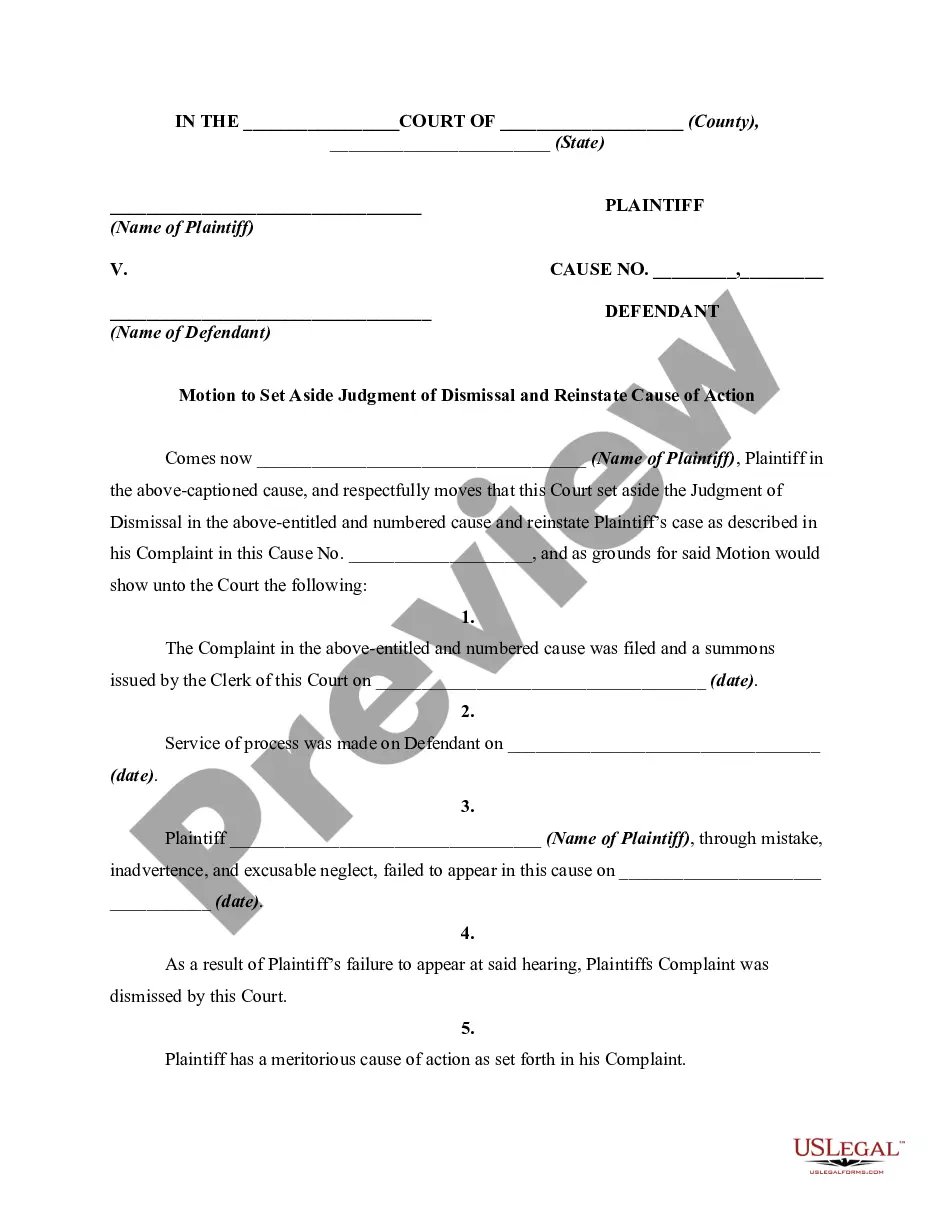
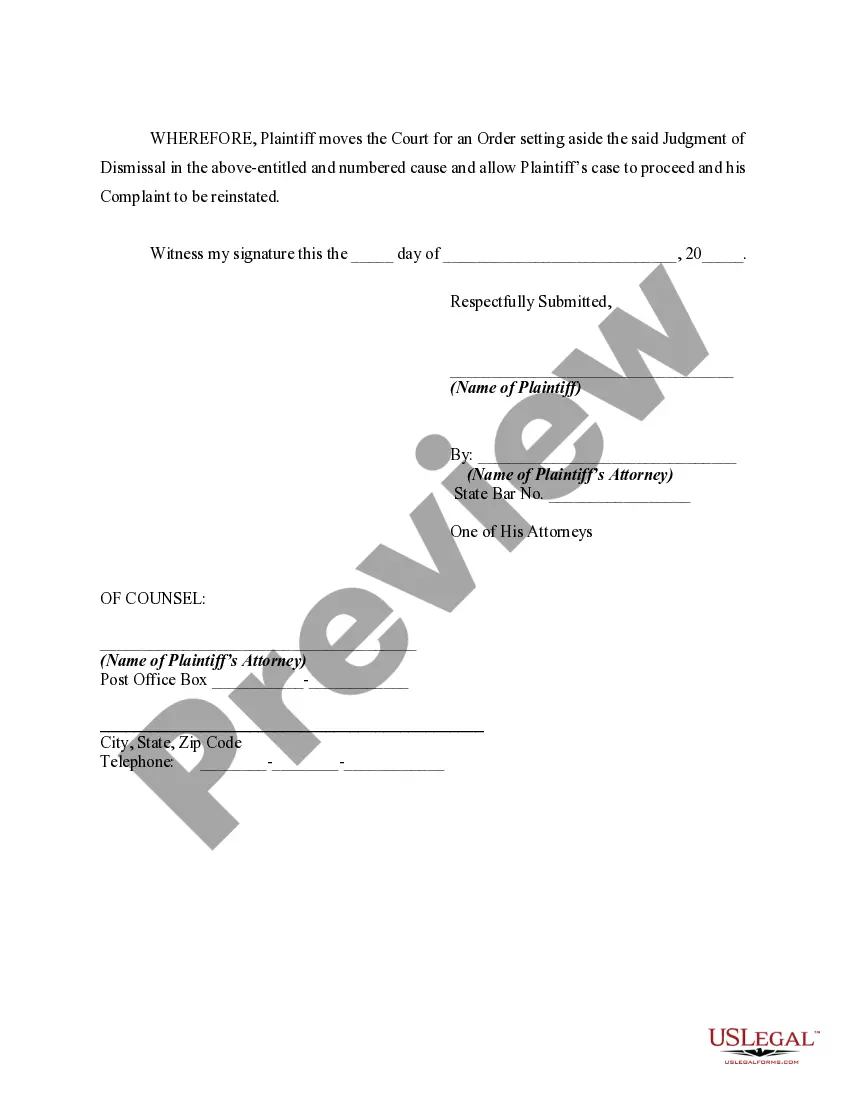
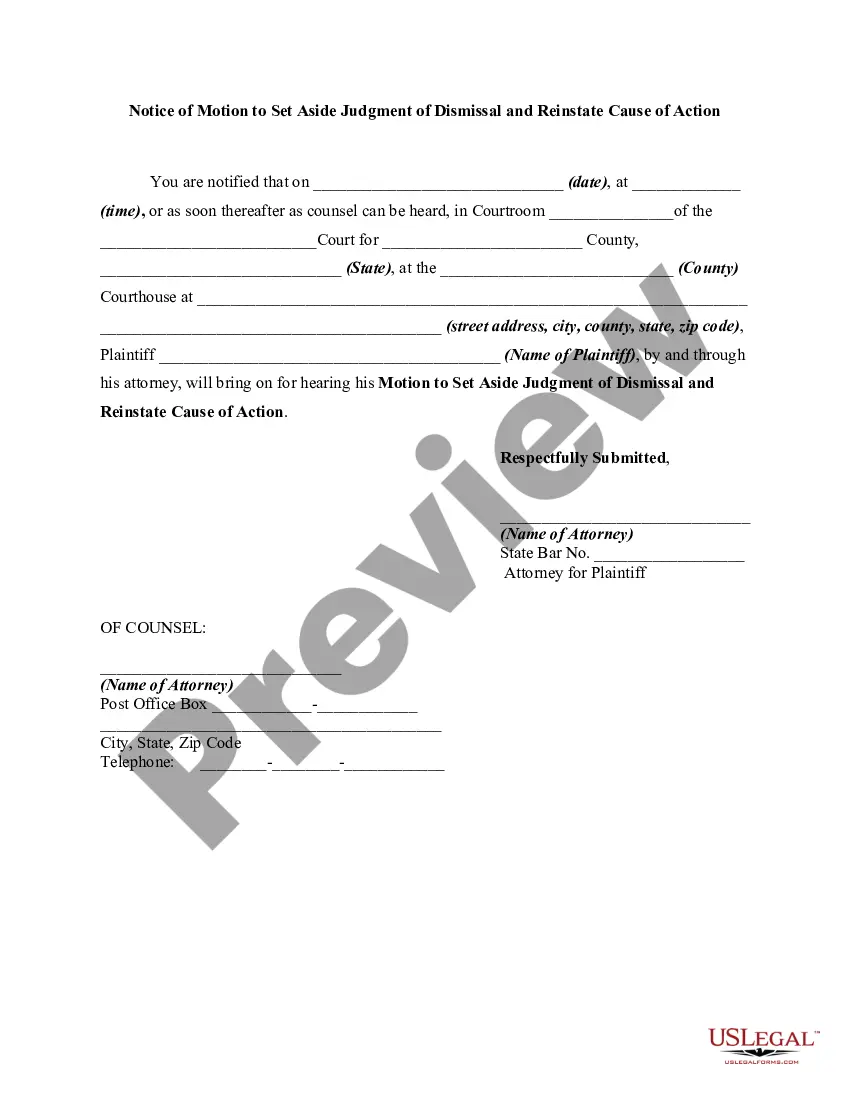
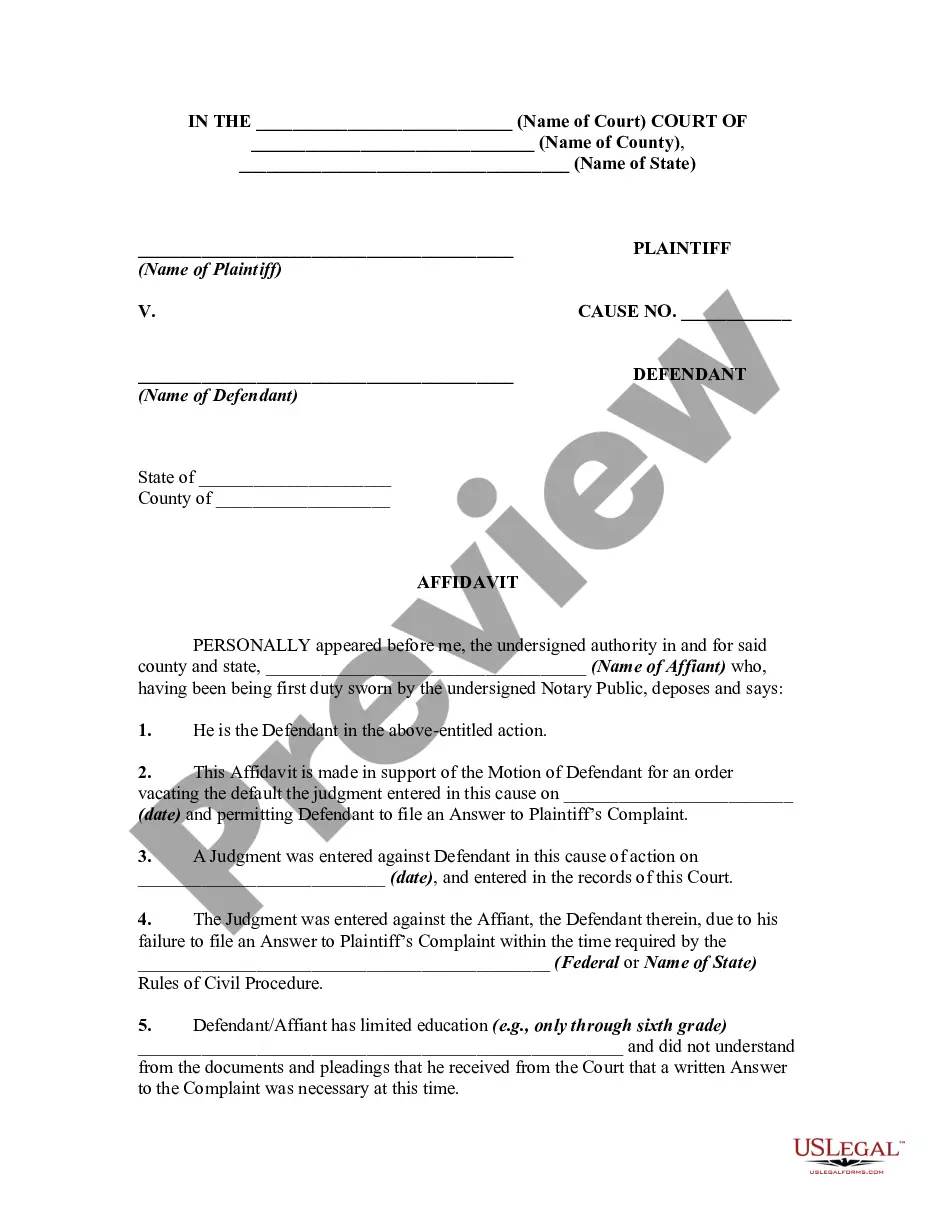
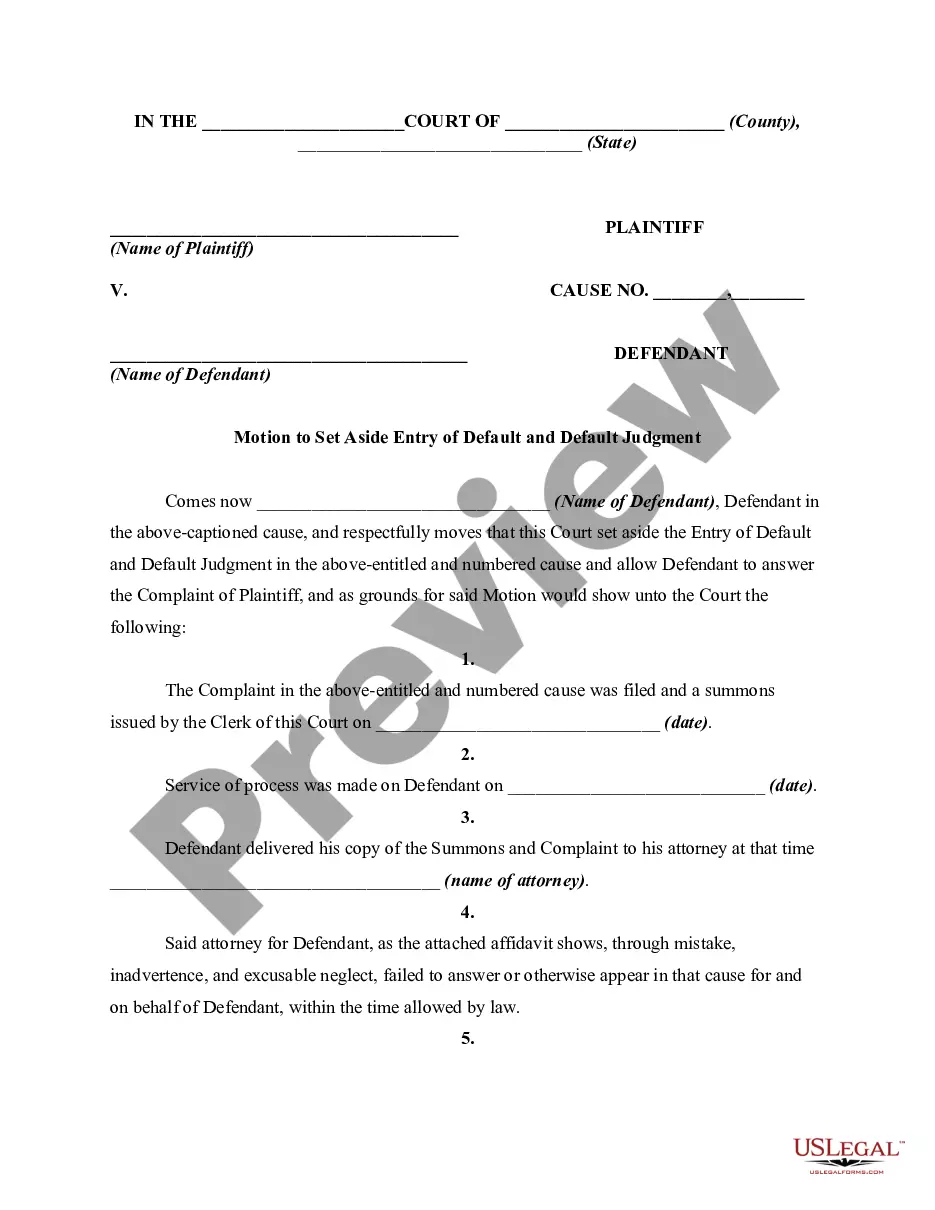
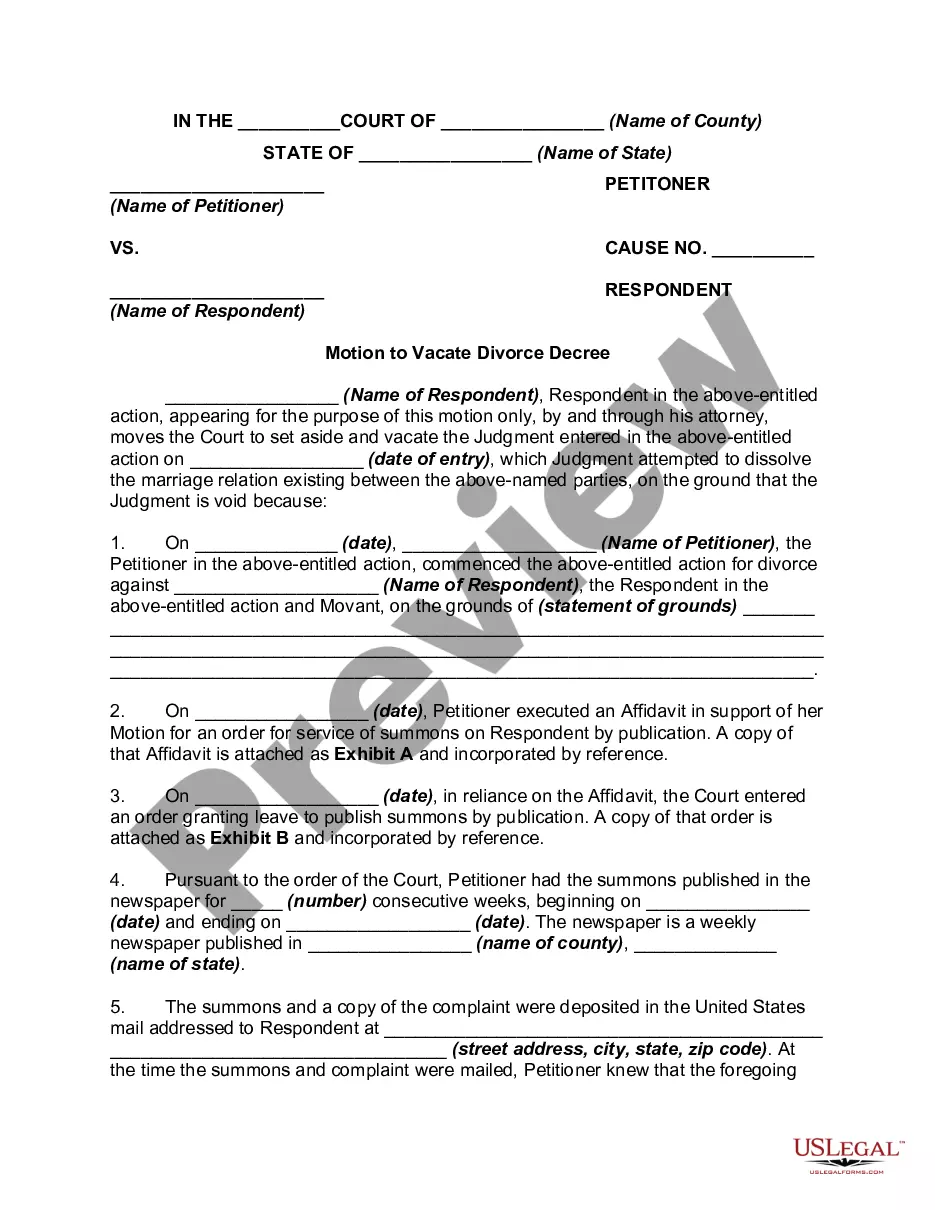
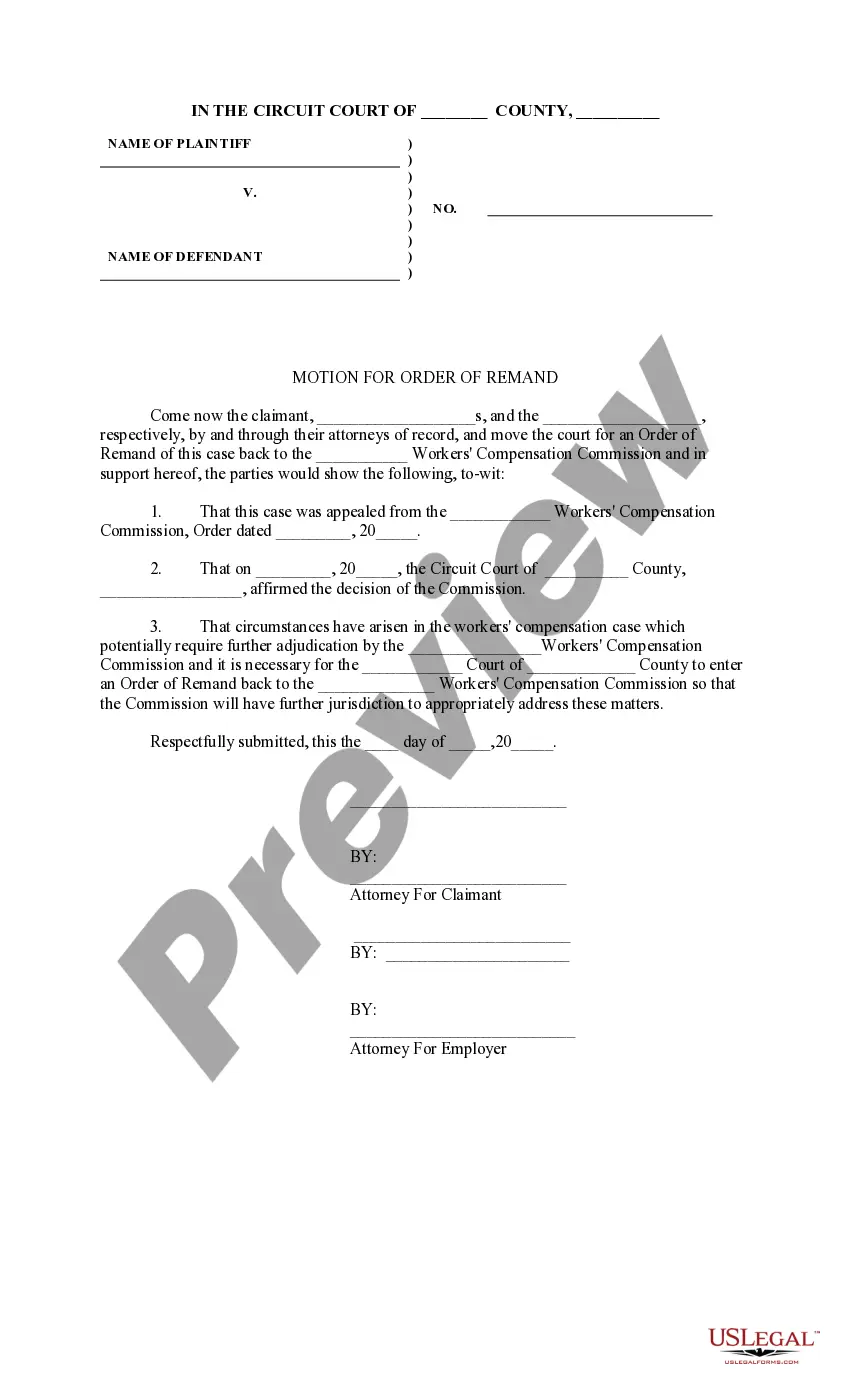
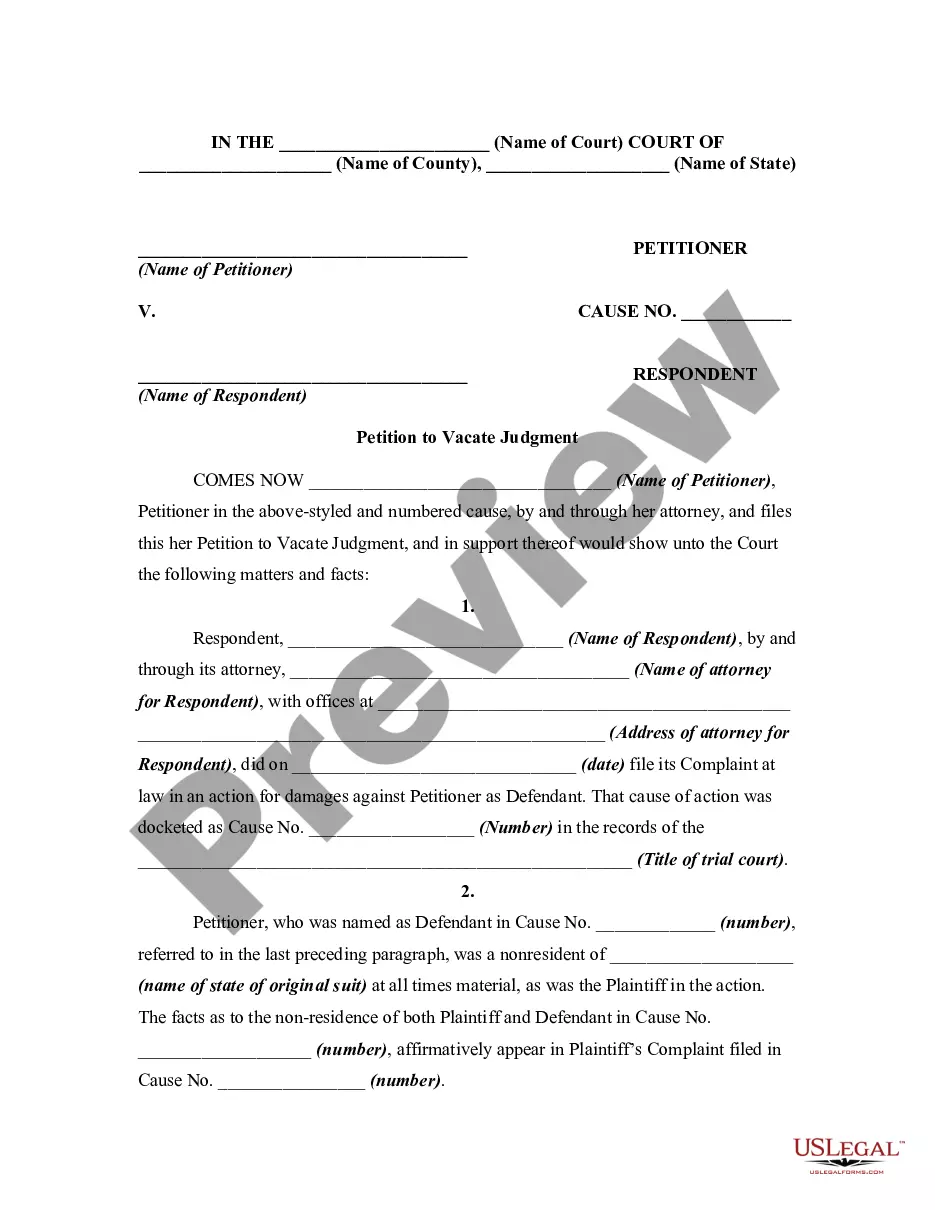
Employ US Legal Forms to acquire the Texas Motion to Vacate or Set Aside Judgment of Dismissal Due to Mistake, Inadvertence, or Excusable Neglect and to Reinstate Cause of Action with just a few clicks.
Step 5. Complete the transaction. You can use your credit card or PayPal account to finalize the purchase.
Step 6. Select the format of the legal document and download it to your device.Step 7. Fill out, modify, and print or sign the Texas Motion to Vacate or Set Aside Judgment of Dismissal Due to Mistake, Inadvertence, or Excusable Neglect and to Reinstate Cause of Action. Every legal document template you download is yours indefinitely. You will have access to every form you downloaded within your account. Click the My documents section and select a form to print or download again. Complete, acquire, and produce the Texas Motion to Vacate or Set Aside Judgment of Dismissal Due to Mistake, Inadvertence, or Excusable Neglect and to Reinstate Cause of Action with US Legal Forms. There are millions of professional and state-specific forms available for your business or personal needs.
- If you are currently a US Legal Forms user, Log In to your account and click the Acquire button to find the Texas Motion to Vacate or Set Aside Judgment of Dismissal Due to Mistake, Inadvertence, or Excusable Neglect and to Reinstate Cause of Action.
- You can also access forms you previously downloaded in the My documents section of your account.
- If you are using US Legal Forms for the first time, follow the instructions outlined below.
- Step 1. Ensure you have selected the form for the correct area/region.
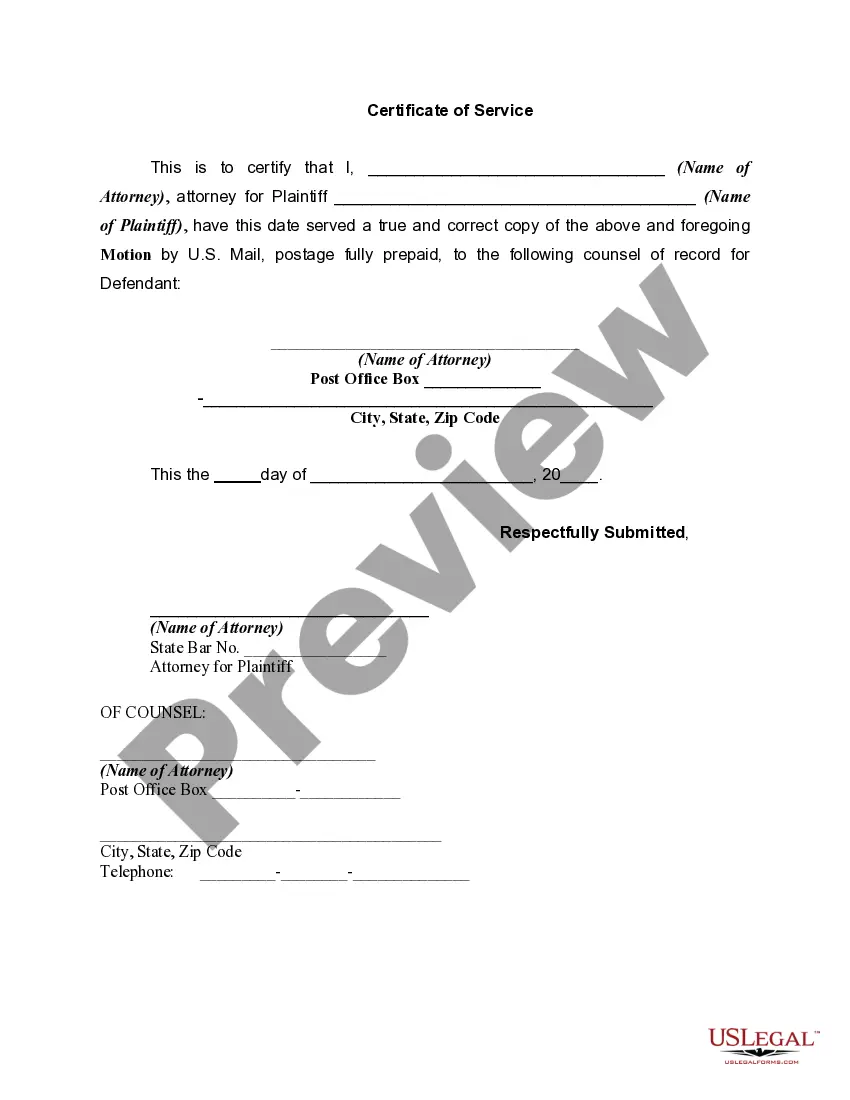
- Step 2. Utilize the Review option to examine the form's details. Don't forget to read the summary.
- Step 3. If you are not satisfied with the template, use the Search field at the top of the screen to find alternative versions of the legal form design.
- Step 4. Once you have found the form you need, click the Purchase now button. Choose the pricing plan you prefer and enter your information to create an account.