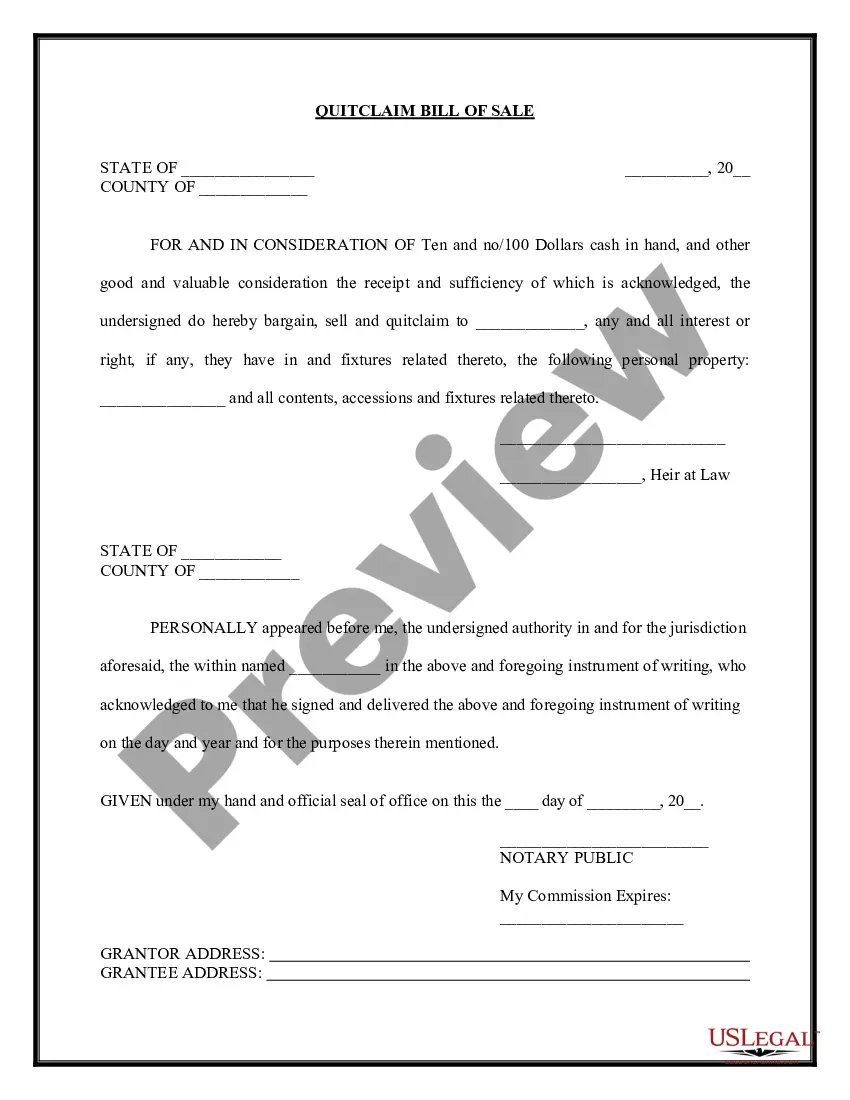
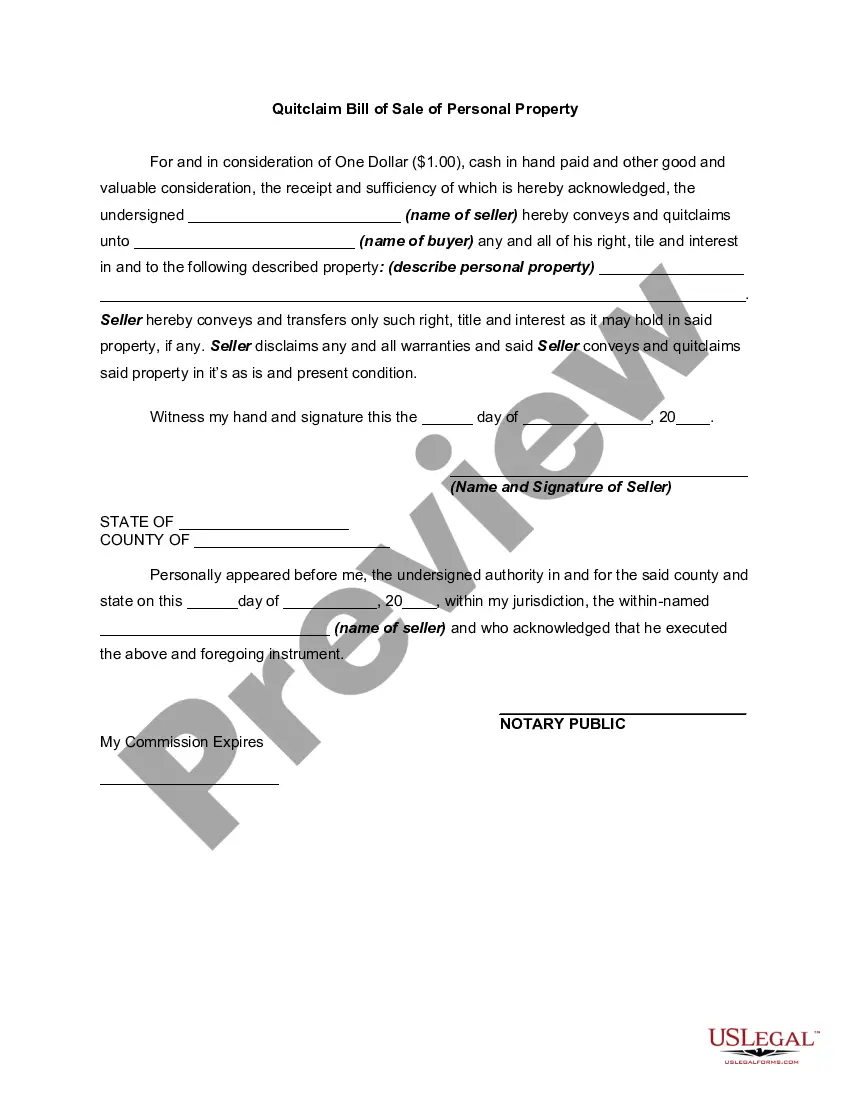
This form is a Quitclaim Bill of Sale. The seller quitclaims to the buyer any and all interest he/she may have in certain personal property. As a condition of the agreement, the Bill of Sale must be signed in the presence of a notary public.
Texas Bill of Sale - Quitclaim
162 downloads
Description
Get your form ready online
Our built-in tools help you complete, sign, share, and store your documents in one place.
Built-in online Word editor
Make edits, fill in missing information, and update formatting in US Legal Forms—just like you would in MS Word.
Export easily
Download a copy, print it, send it by email, or mail it via USPS—whatever works best for your next step.
E-sign your document
Sign and collect signatures with our SignNow integration. Send to multiple recipients, set reminders, and more. Go Premium to unlock E-Sign.
Notarize online 24/7
If this form requires notarization, complete it online through a secure video call—no need to meet a notary in person or wait for an appointment.
Store your document securely
We protect your documents and personal data by following strict security and privacy standards.

Make edits, fill in missing information, and update formatting in US Legal Forms—just like you would in MS Word.

Download a copy, print it, send it by email, or mail it via USPS—whatever works best for your next step.

Sign and collect signatures with our SignNow integration. Send to multiple recipients, set reminders, and more. Go Premium to unlock E-Sign.

If this form requires notarization, complete it online through a secure video call—no need to meet a notary in person or wait for an appointment.

We protect your documents and personal data by following strict security and privacy standards.
Looking for another form?
How to fill out Bill Of Sale - Quitclaim?
If you need to total, download, or print authentic document formats, utilize US Legal Forms, the premier selection of legal templates available online.
Take advantage of the site's user-friendly and convenient search feature to locate the documents you require.
Various formats for business and personal purposes are organized by categories and states or keywords.
Step 4. Once you've found the form you want, click on the Buy now button. Choose your preferred pricing plan and fill in your details to register for an account.
Step 5. Complete the transaction. You may use your credit card or PayPal account to finalize the payment. Step 6. Choose the format of your legal form and download it to your device. Step 7. Complete, edit, and print or sign the Texas Bill of Sale - Quitclaim.
- Utilize US Legal Forms to acquire the Texas Bill of Sale - Quitclaim in just a few clicks.
- If you are already a US Legal Forms customer, Log In to your account and click the Acquire button to obtain the Texas Bill of Sale - Quitclaim.
- You can also access forms you previously purchased in the My documents section of your account.
- If you are using US Legal Forms for the first time, follow the instructions below.
- Step 1. Ensure you have selected the form for your appropriate city/state.
- Step 2. Use the Review option to examine the form's content. Do not forget to read the details.
- Step 3. If you are not satisfied with the form, utilize the Lookup field at the top of the screen to find alternative versions of the legal form template.
Form popularity
FAQ
Yes, you can complete a quitclaim deed on your own, but it is essential to follow the correct guidelines to ensure its legality. When using the Texas Bill of Sale - Quitclaim, you can find easy-to-use forms that guide you through each step of the process. However, consulting a legal expert can offer peace of mind and ensure that you handle everything correctly. US Legal Forms provides accessible resources and templates to help you navigate this process effectively.
Individuals who need to transfer property rights rapidly and without complications benefit the most from a quitclaim deed. This includes family members or friends exchanging property between themselves, especially in situations like estate planning or divorce. The Texas Bill of Sale - Quitclaim offers these individuals a straightforward way to handle property transfers without the need for extensive legal formalities. Utilizing platforms like US Legal Forms can simplify the process and provide a reliable template.
Yes, you can handle a quitclaim deed on your own if you understand the necessary processes. The Texas Bill of Sale - Quitclaim provides a straightforward way to transfer property ownership. Many people successfully complete the process without legal help. Nevertheless, consider utilizing US Legal Forms for templates that guide you through the steps and help you avoid potential mistakes.
Filing a quitclaim deed in Illinois does not legally require a lawyer. However, having legal guidance ensures you understand the implications of transferring property rights. The Texas Bill of Sale - Quitclaim can simplify the process for you. Using a reliable platform like US Legal Forms, you can access templates and resources that make this task easier.
In Texas, a bill of sale does not legally require notarization to be valid. However, having the document notarized can provide additional protection and proof of authenticity for both parties involved in the transaction. This is particularly beneficial for high-value items. Check with platforms like US Legal Forms to ensure you have the right format and guidance.
Filling out a Texas quit claim deed form requires specific information about the parties involved and the property. Start with the full names of both the grantor and the grantee, followed by a complete legal description of the property. Make sure to sign the document, and if necessary, have it notarized to ensure it meets legal requirements. Using platforms like US Legal Forms can simplify this process.
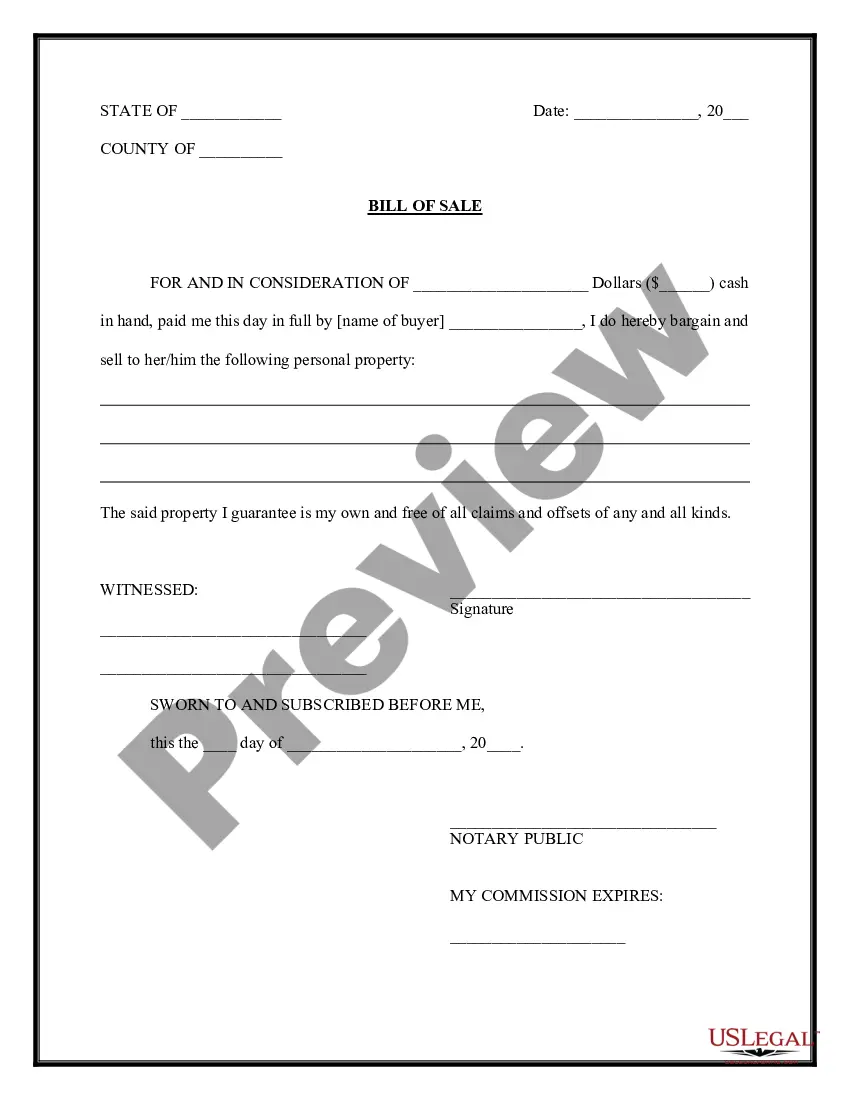
To fill out a Texas Bill of Sale - Quitclaim, start by entering the names and addresses of both the buyer and the seller. Next, provide a detailed description of the item being sold, including any identifying numbers such as VIN for vehicles. Finally, sign and date the document to validate the transaction. Always keep a copy for your records.
Yes, a handwritten bill of sale is legal in Texas, provided it includes essential information about the transaction. A Texas Bill of Sale - Quitclaim, whether handwritten or printed, should detail the buyer's and seller's names, item description, sale date, and signatures. However, it’s wise to ensure all parties agree on the terms to avoid misunderstandings later.
If you do not have a bill of sale, you still have a few options available. You can create a simple Texas Bill of Sale - Quitclaim that includes relevant details of the transaction, such as the buyer, seller, and item description. Additionally, you may reach out to the seller to request one or check with the local tax office for their specific requirements. It's always best to have a formal document to protect both parties.
In Texas, a bill of sale is not always required to transfer title, but it is highly recommended. A Texas Bill of Sale - Quitclaim aids in documenting the transaction, providing legal evidence of the sale. While you can transfer a title without it, having a bill of sale ensures clear communication between the buyer and seller and helps prevent future issues.