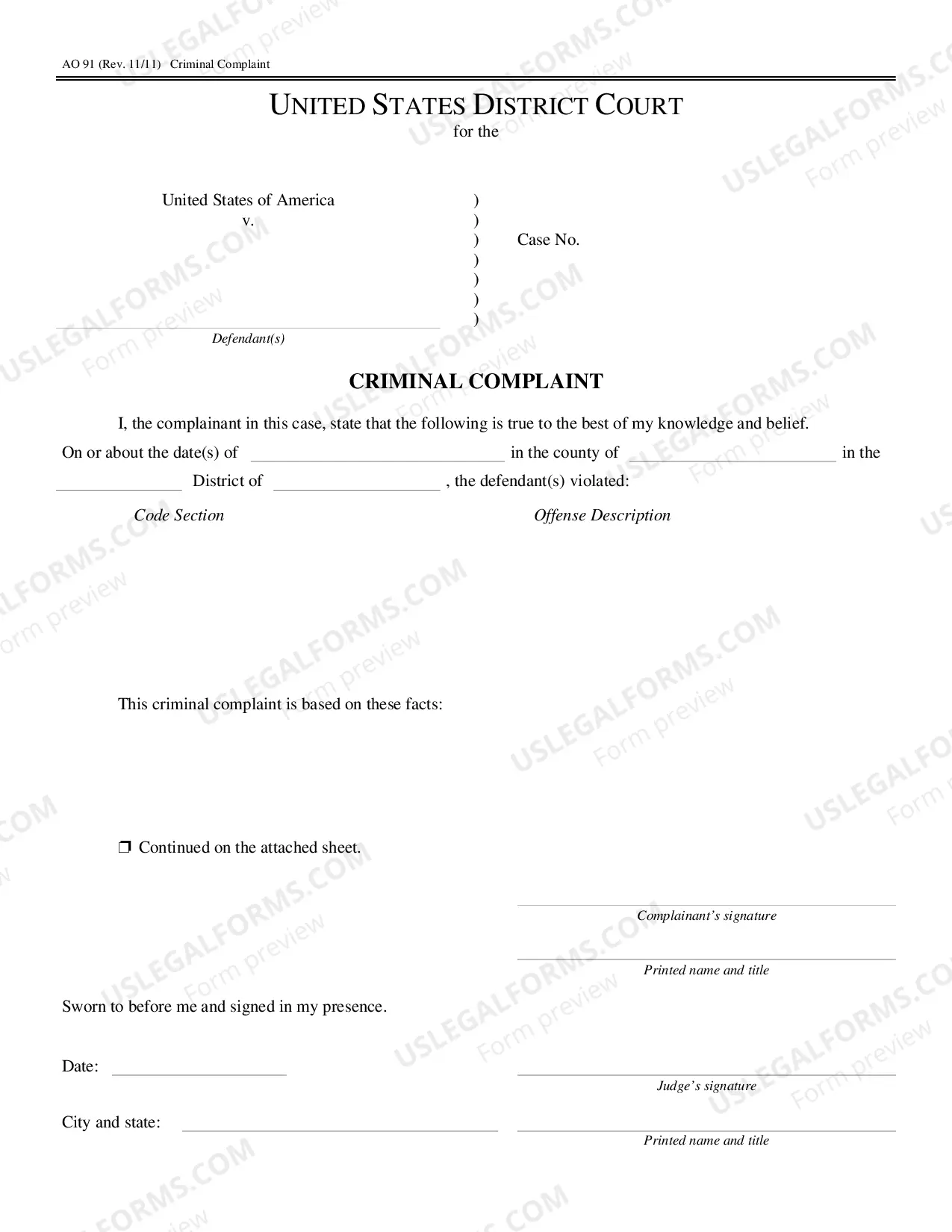
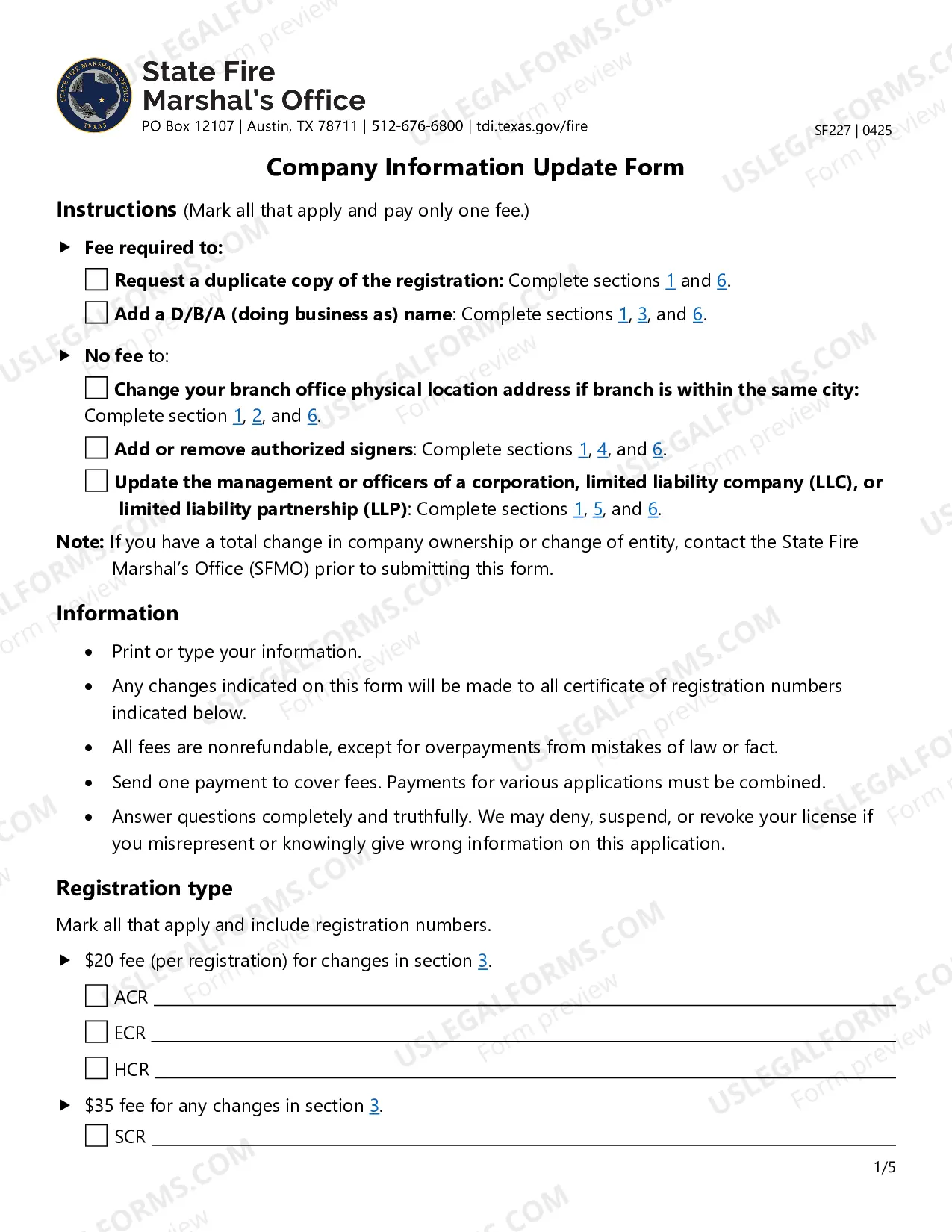
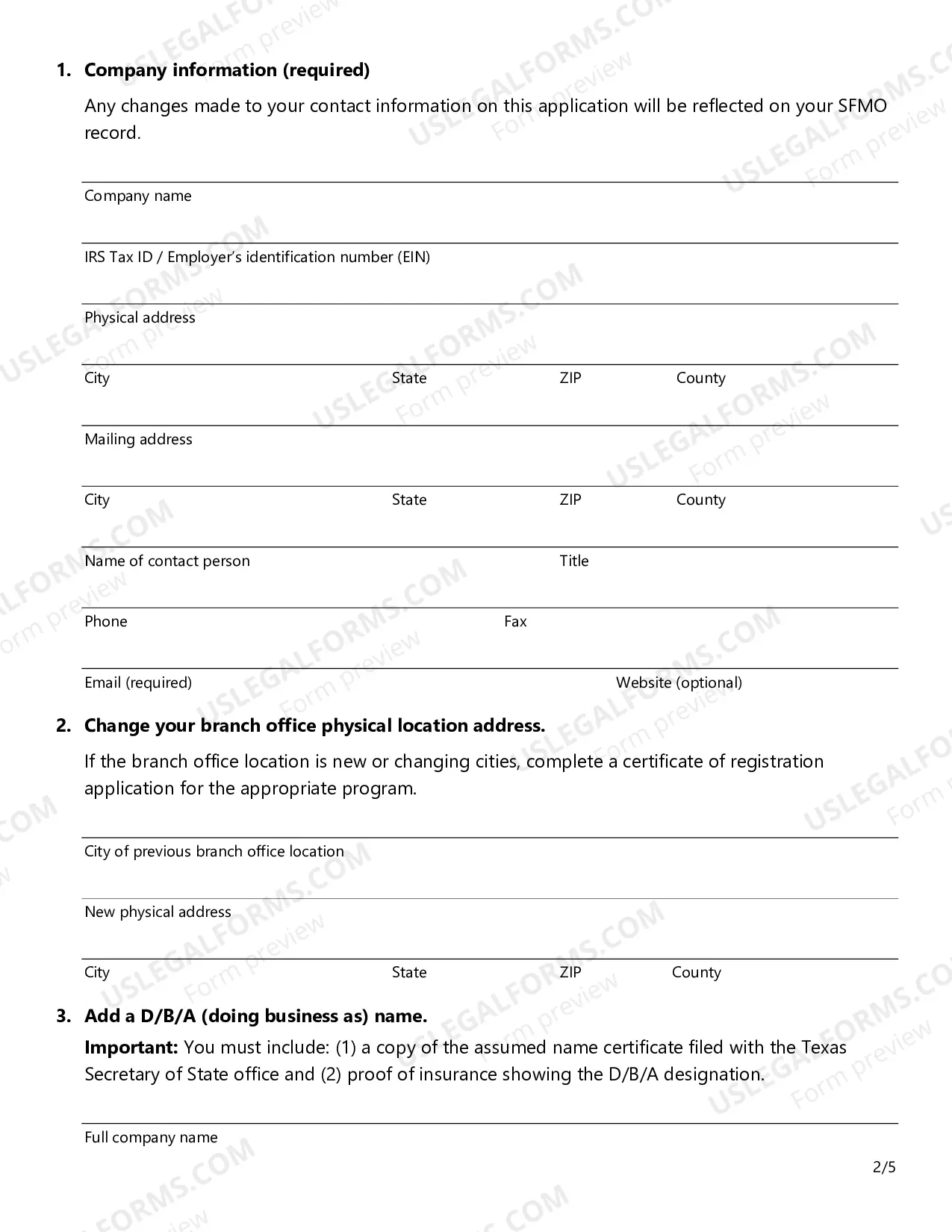
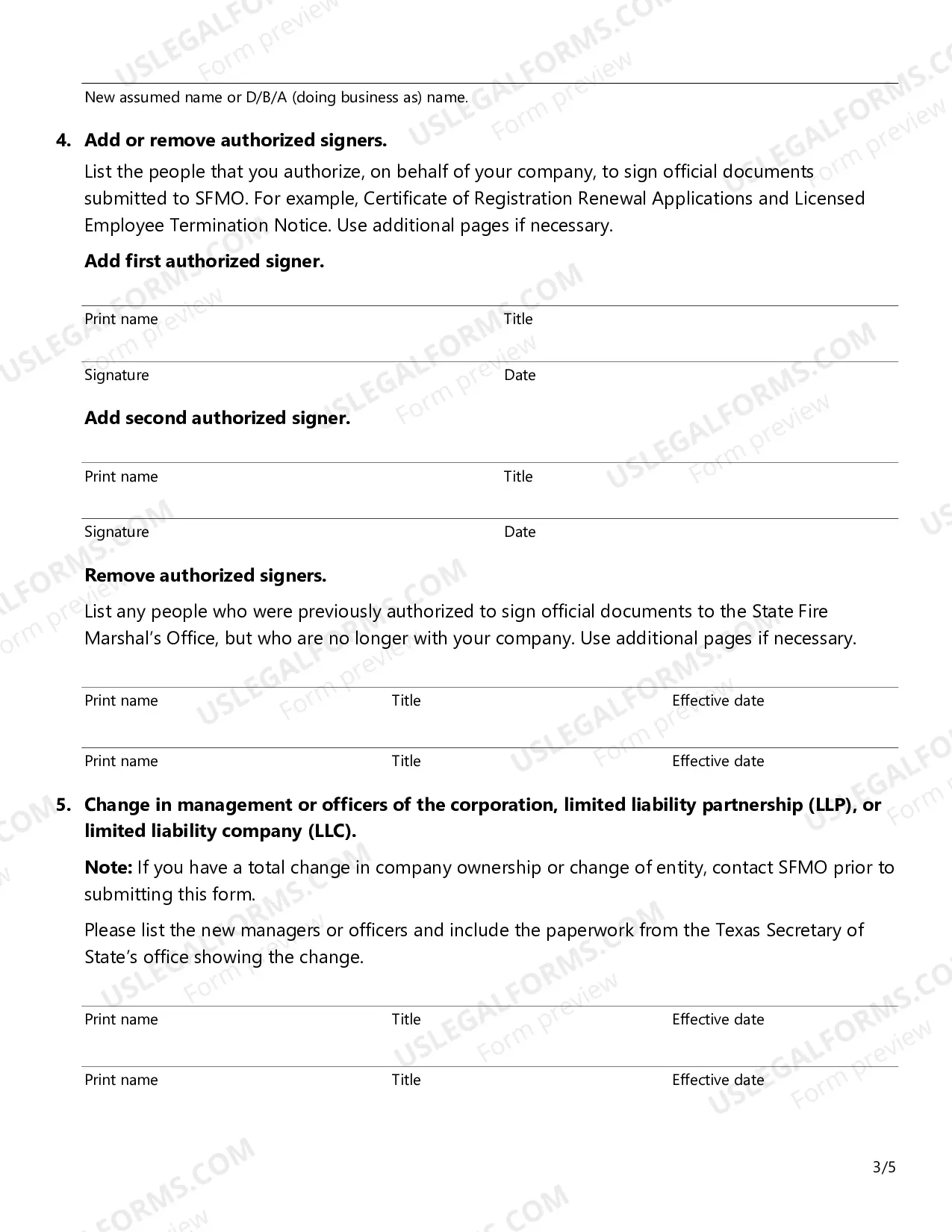
Texas File Update Form
Description
Get your form ready online
Our built-in tools help you complete, sign, share, and store your documents in one place.
Make edits, fill in missing information, and update formatting in US Legal Forms—just like you would in MS Word.
Download a copy, print it, send it by email, or mail it via USPS—whatever works best for your next step.
Sign and collect signatures with our SignNow integration. Send to multiple recipients, set reminders, and more. Go Premium to unlock E-Sign.
If this form requires notarization, complete it online through a secure video call—no need to meet a notary in person or wait for an appointment.
We protect your documents and personal data by following strict security and privacy standards.

Make edits, fill in missing information, and update formatting in US Legal Forms—just like you would in MS Word.

Download a copy, print it, send it by email, or mail it via USPS—whatever works best for your next step.

Sign and collect signatures with our SignNow integration. Send to multiple recipients, set reminders, and more. Go Premium to unlock E-Sign.

If this form requires notarization, complete it online through a secure video call—no need to meet a notary in person or wait for an appointment.

We protect your documents and personal data by following strict security and privacy standards.
Looking for another form?

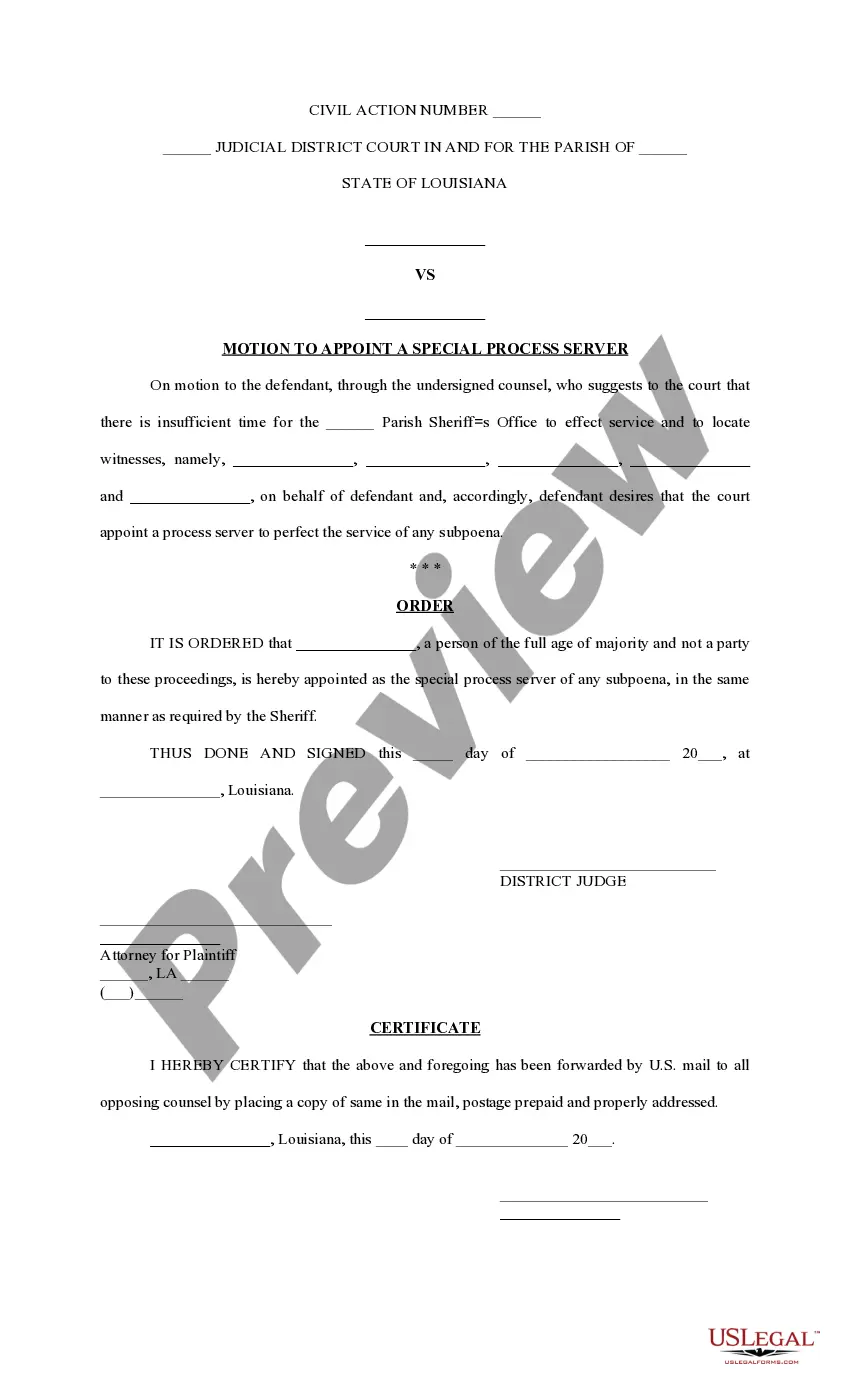
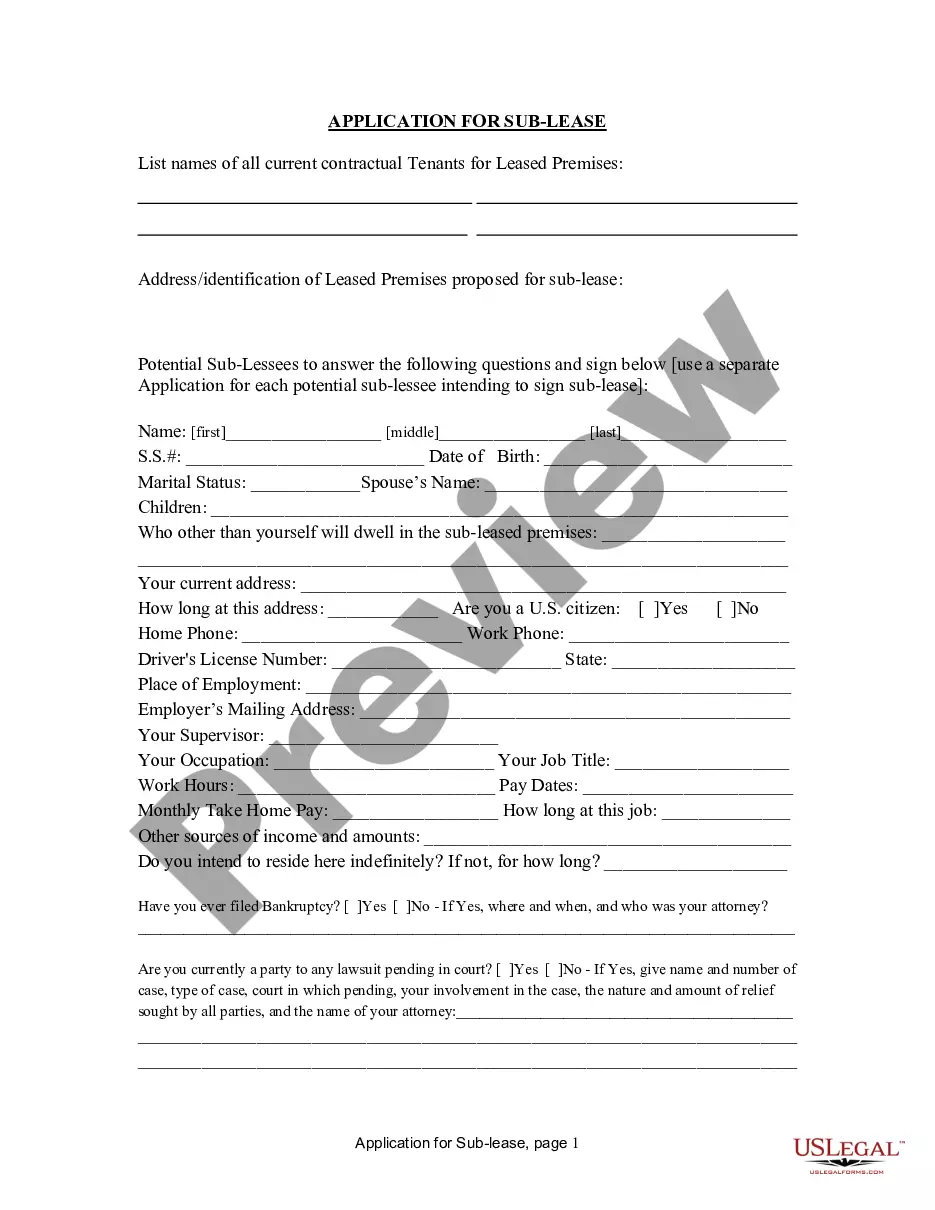
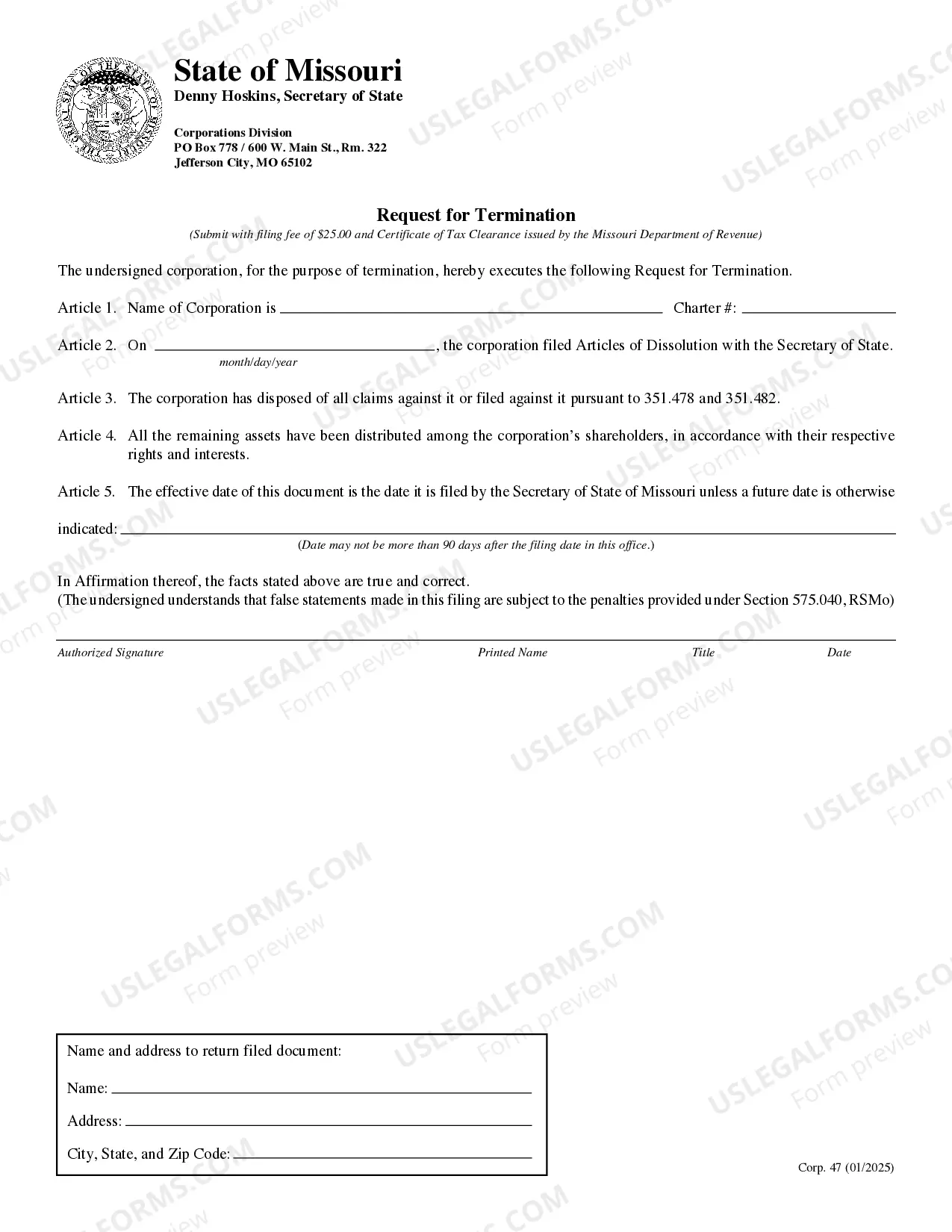
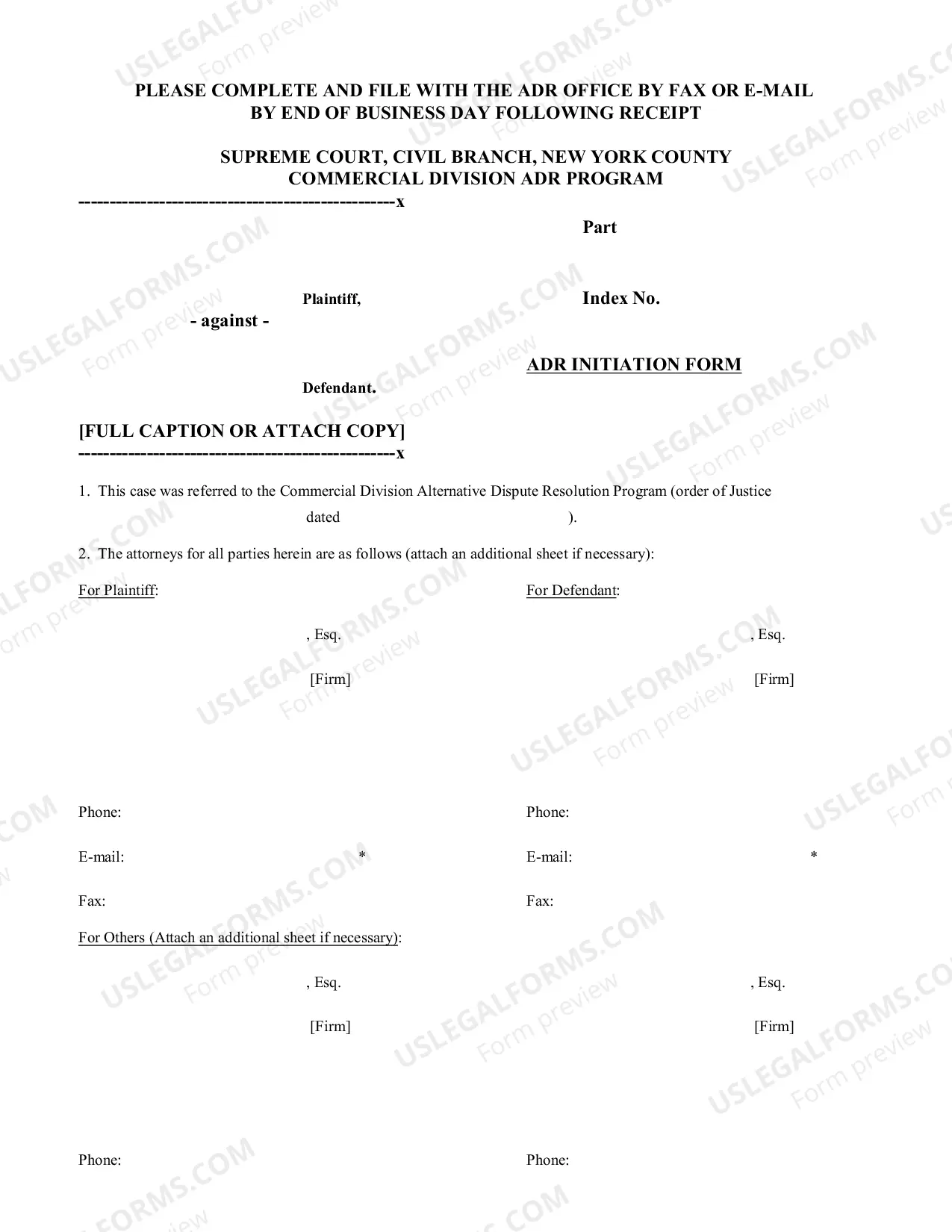
How to fill out Texas File Update Form?
Handling official paperwork requires attention, precision, and using properly-drafted templates. US Legal Forms has been helping people countrywide do just that for 25 years, so when you pick your Texas File Update Form template from our service, you can be certain it complies with federal and state regulations.
Dealing with our service is straightforward and fast. To get the necessary document, all you’ll need is an account with a valid subscription. Here’s a quick guide for you to obtain your Texas File Update Form within minutes:
- Make sure to attentively examine the form content and its correspondence with general and law requirements by previewing it or reading its description.
- Search for another formal template if the previously opened one doesn’t match your situation or state regulations (the tab for that is on the top page corner).
- Log in to your account and save the Texas File Update Form in the format you need. If it’s your first time with our service, click Buy now to continue.
- Create an account, select your subscription plan, and pay with your credit card or PayPal account.
- Decide in what format you want to save your form and click Download. Print the blank or add it to a professional PDF editor to prepare it electronically.
All documents are created for multi-usage, like the Texas File Update Form you see on this page. If you need them one more time, you can fill them out without re-payment - simply open the My Forms tab in your profile and complete your document whenever you need it. Try US Legal Forms and prepare your business and personal paperwork quickly and in total legal compliance!
Form popularity
FAQ
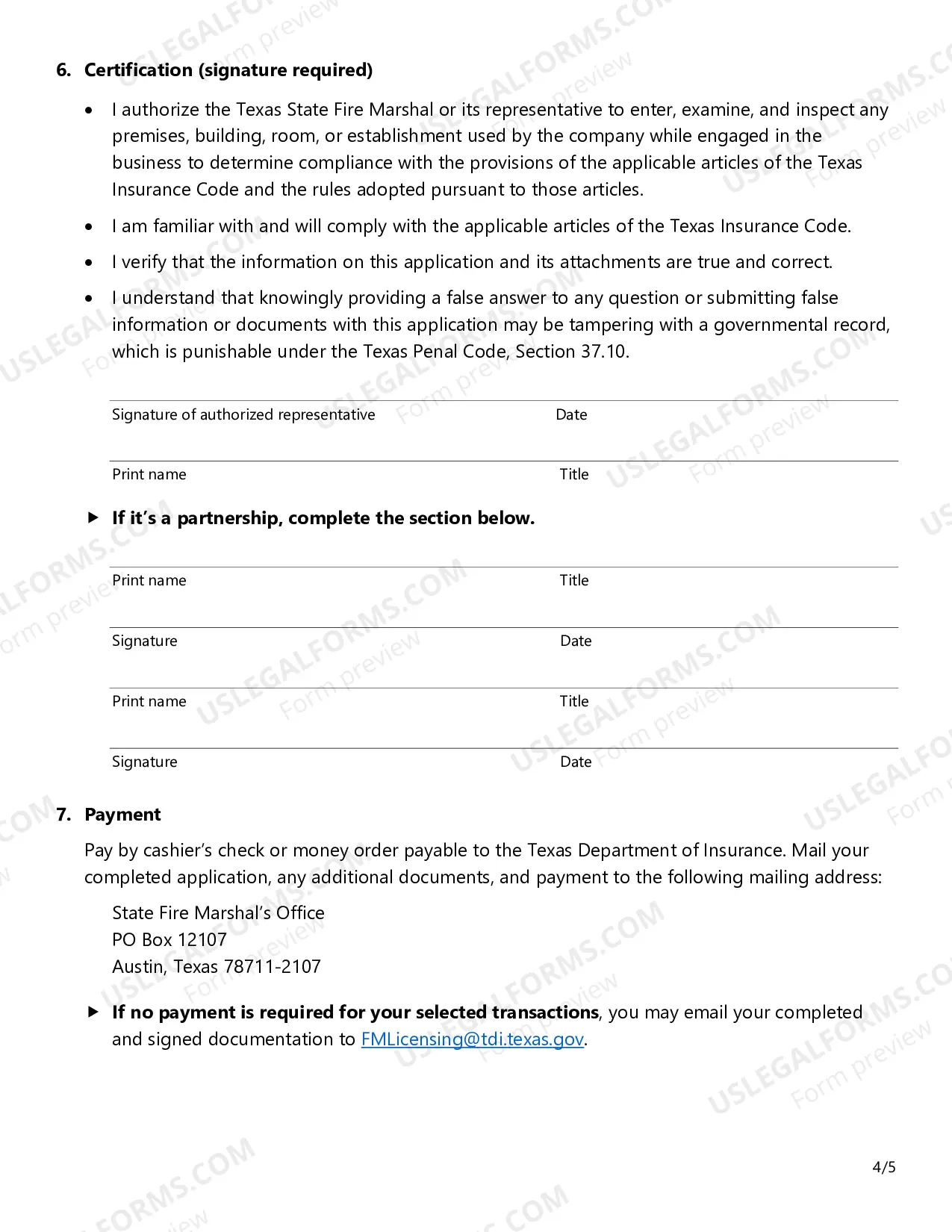
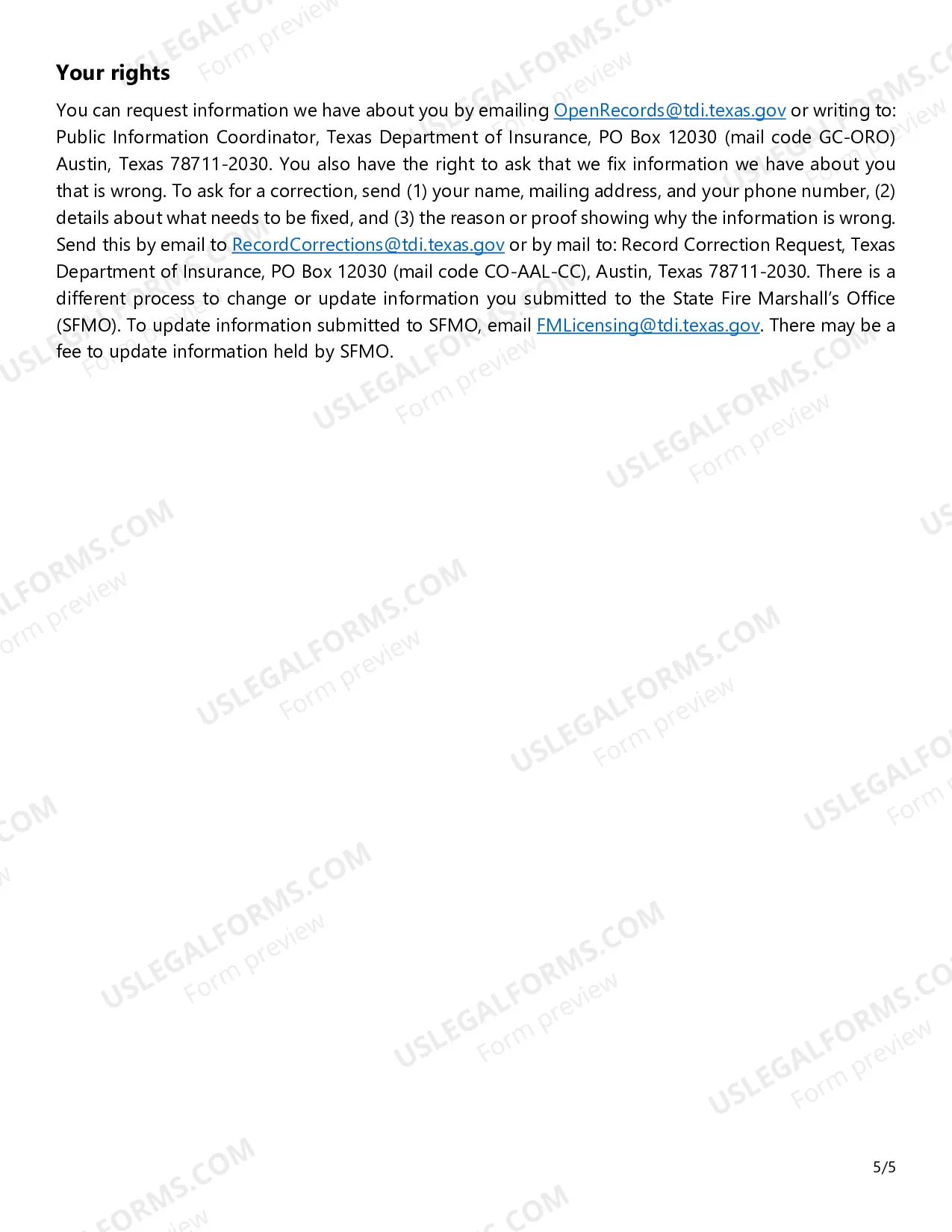
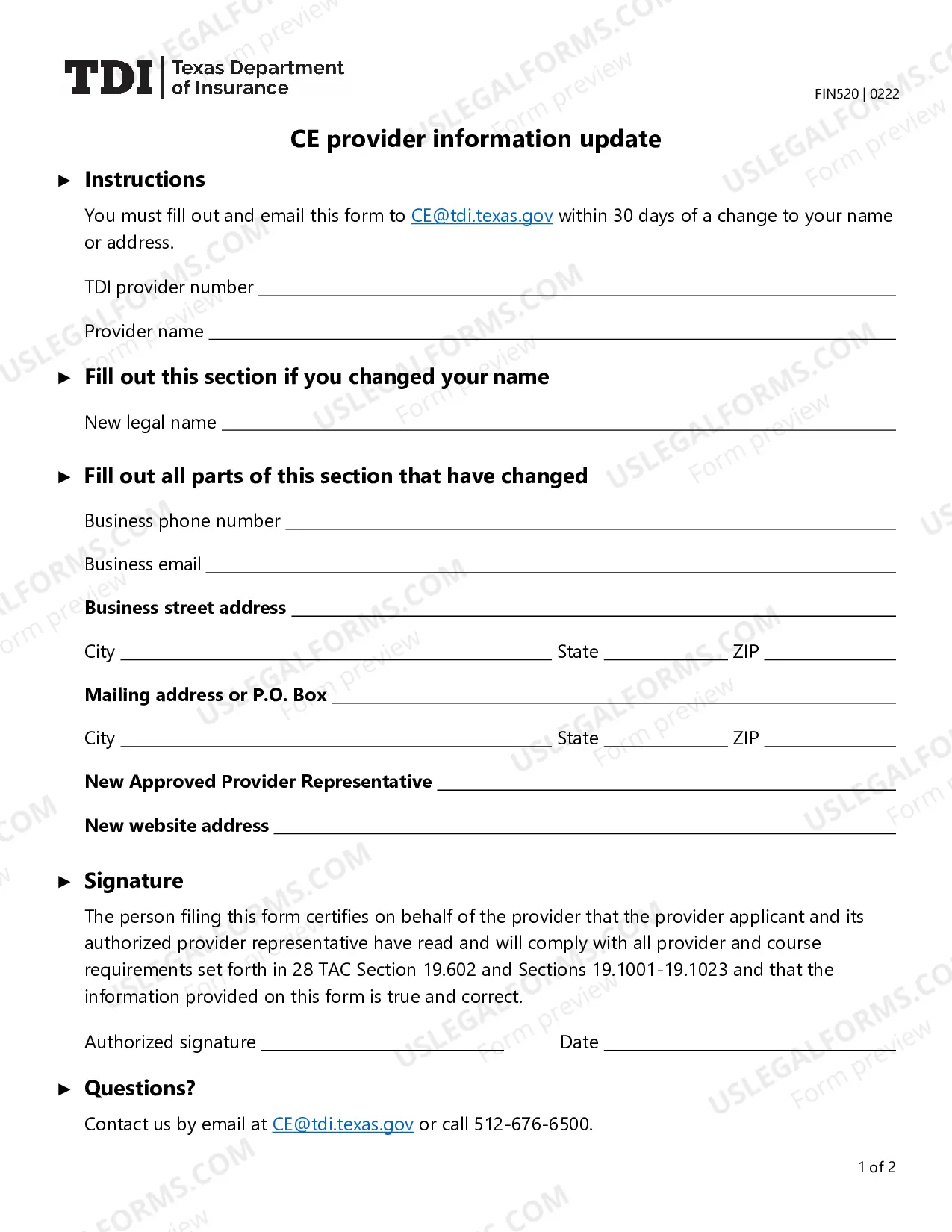
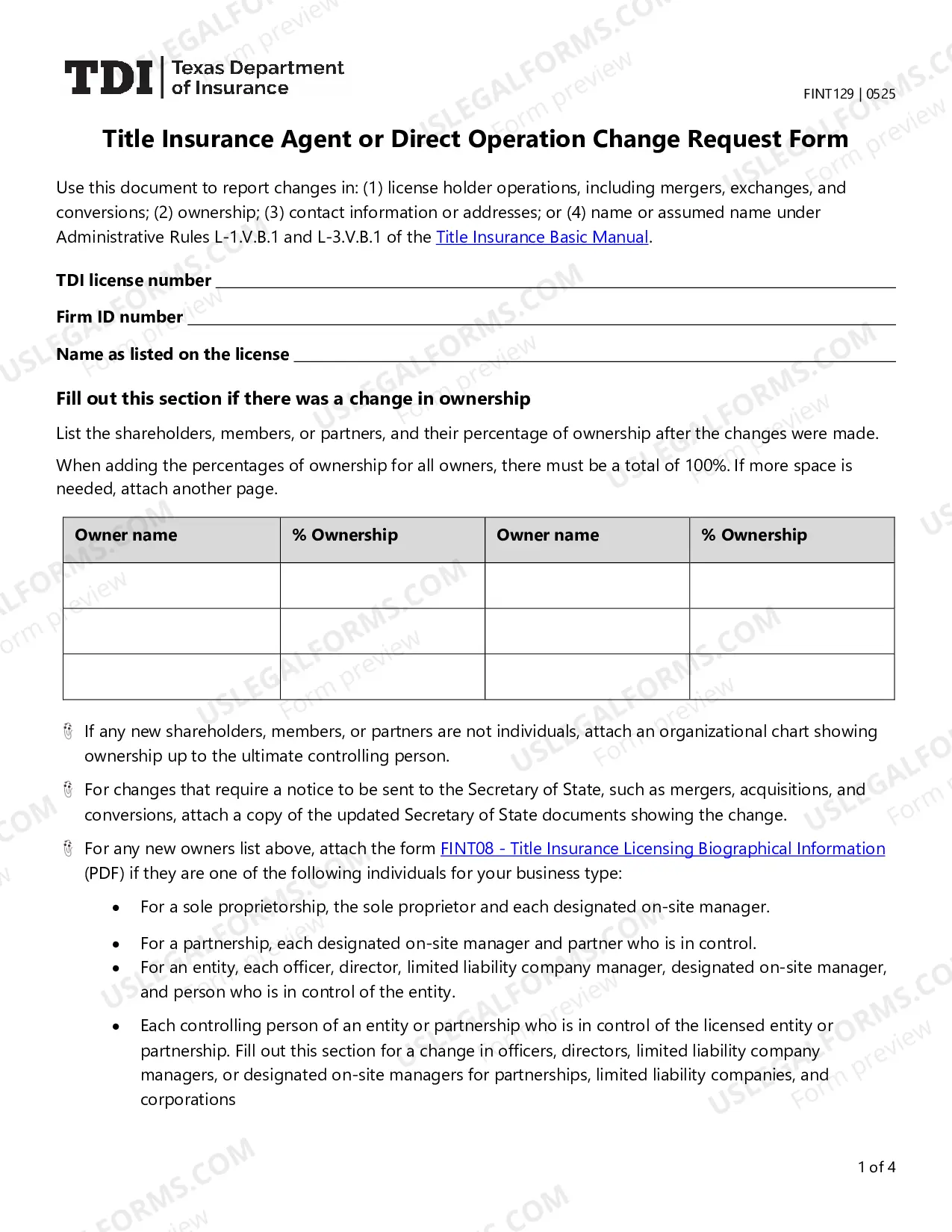
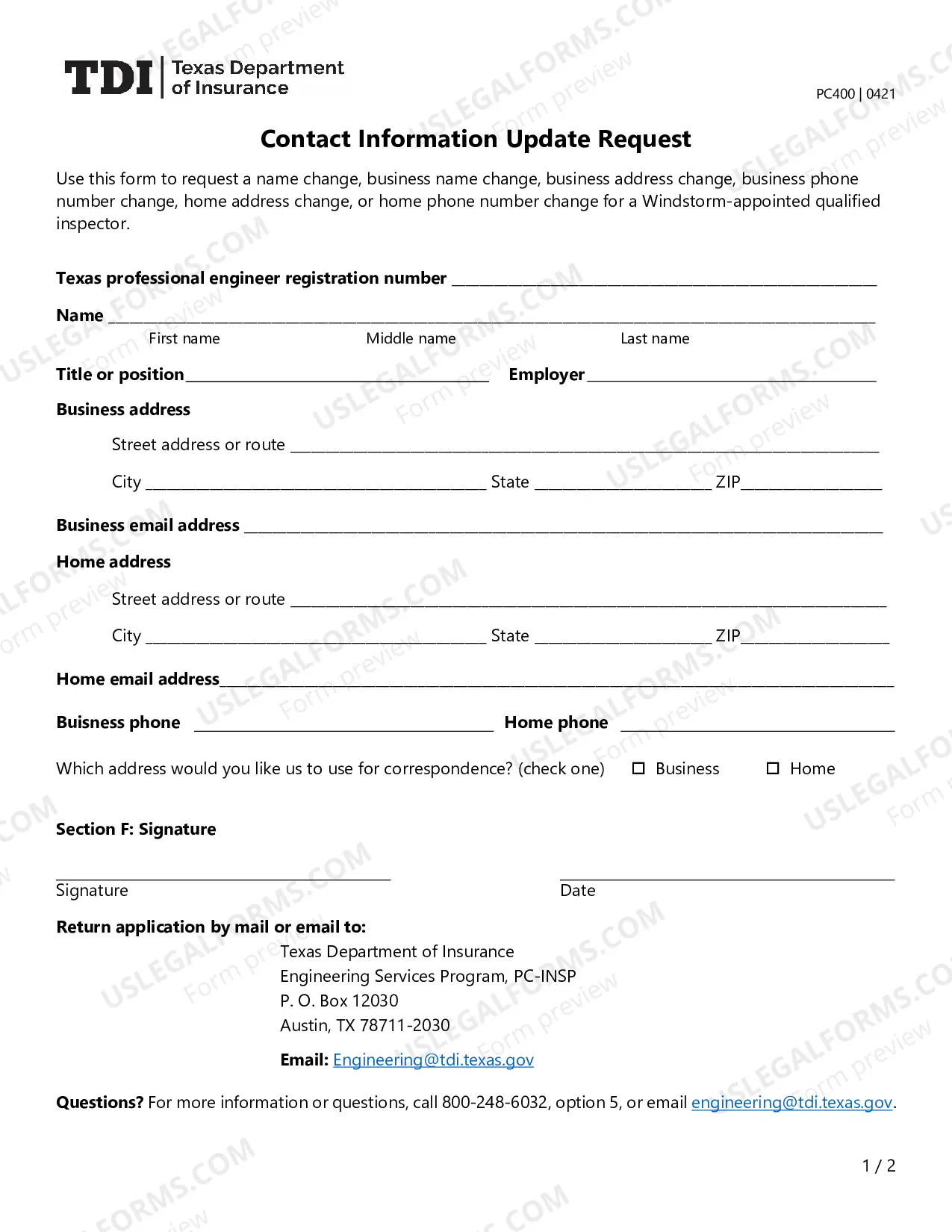
This form is designed to provide a standardized amendment. form to effect a change of name for the filing entity. If the legal name of the entity is to be changed, state the new name of the entity in section 1.
Where do I file form 05-102 in Texas? The 05-102 Form is filed by a director, competent officer, or authorized person. All of the Texas franchise tax public information reports200b are to send to one addressee: Texas Comptroller of Public Accounts, PO Box 149348, Austin, TX 78714-9348.
If you want to amend your California articles of incorporation, you must file a Certificate of Amendment of Articles of Incorporation form with the California Secretary of State (SOS) by mail or in person. Checks should be payable to the Secretary of State.
Certificate of filing means the disclosure acknowledgement issued by the Texas Ethics Commission to the filing Business Entity.
Texas has one form for all domestic for-profit businesses. Fill out and file in duplicate Form 424, Certificate of Amendment. You can file it in person, by mail or online at Texas SOSDirect for $1 log in fee. You also can fax your amendment with form 807 with your credit card information.
To amend your LLC in Texas, there is a $150 filing fee required. If you are a nonprofit corporation or a cooperative association the fee is $25. Expedited service is available for an additional $25. You include a cover letter requesting the expedited service with certificate of amendment.