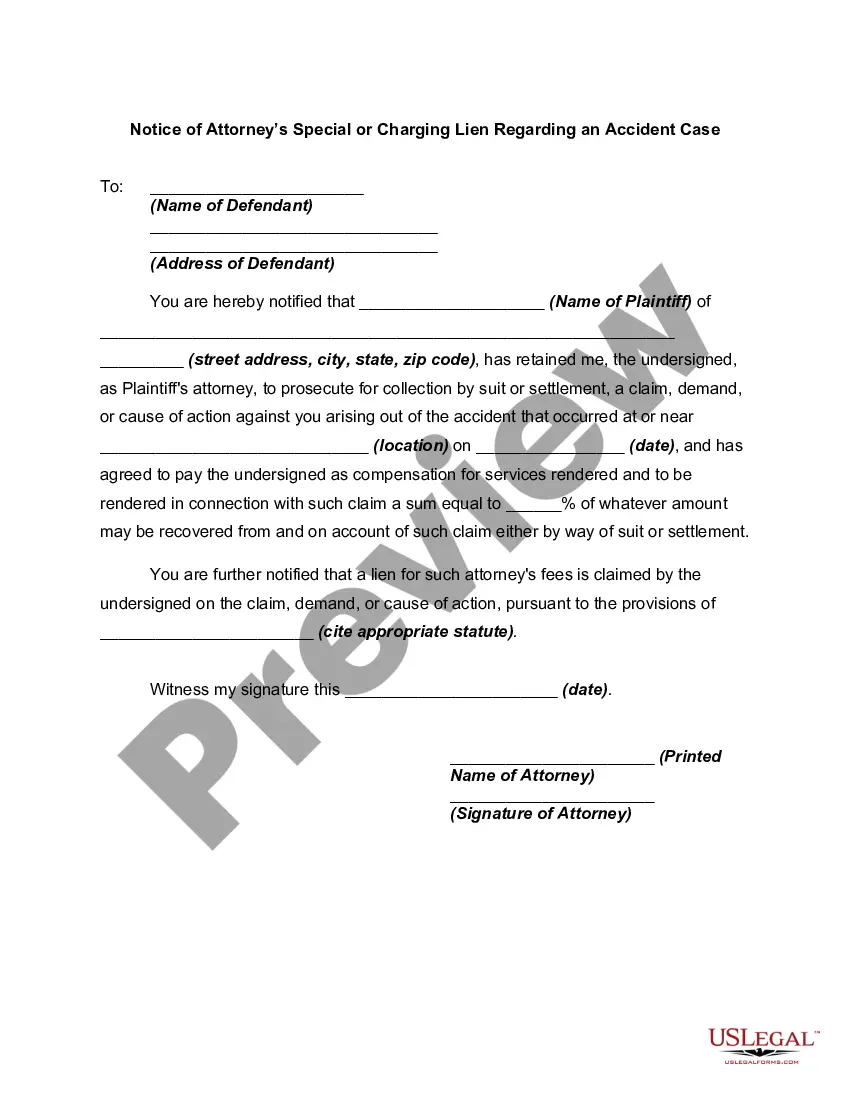
Texas Letter to Lienholder to Notify of Trust
About this form
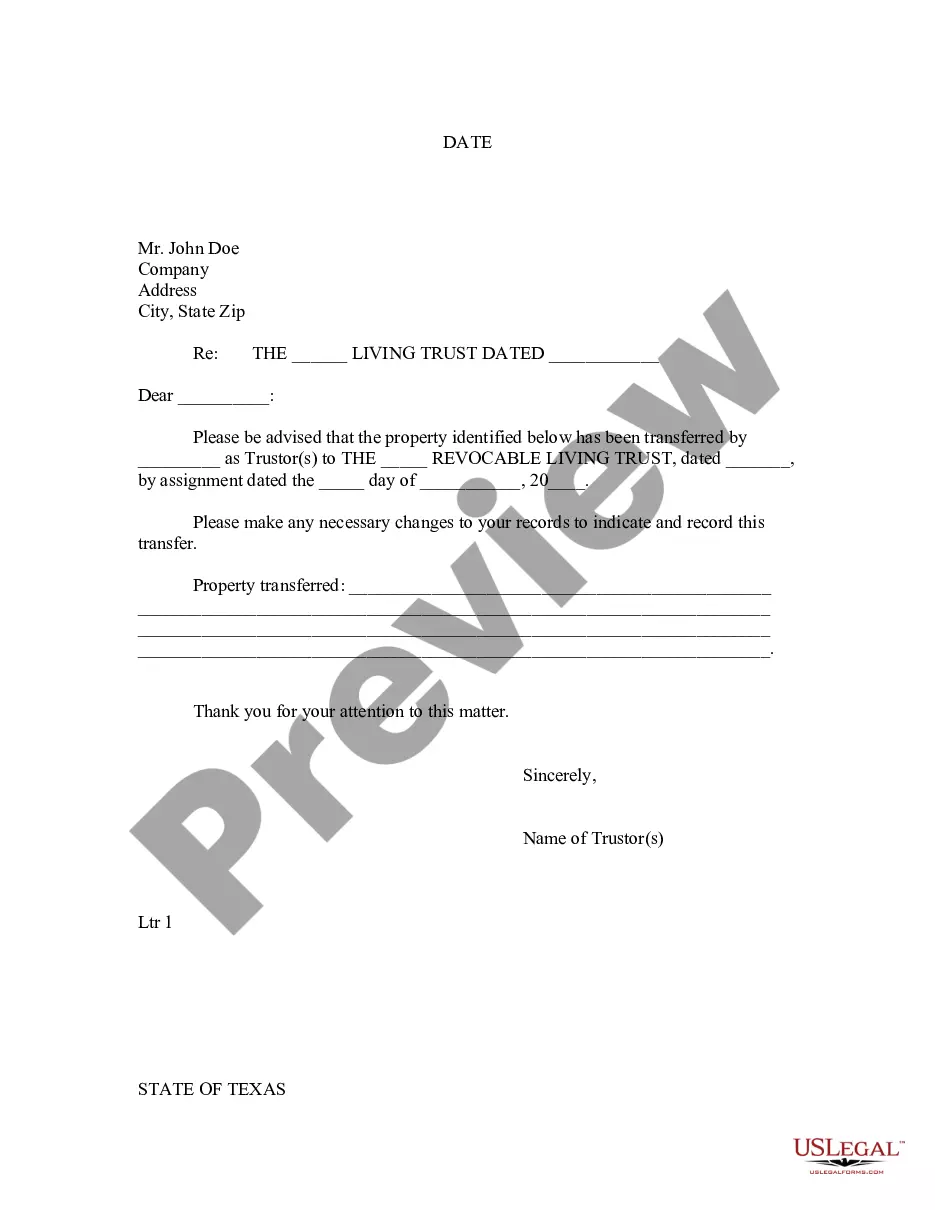
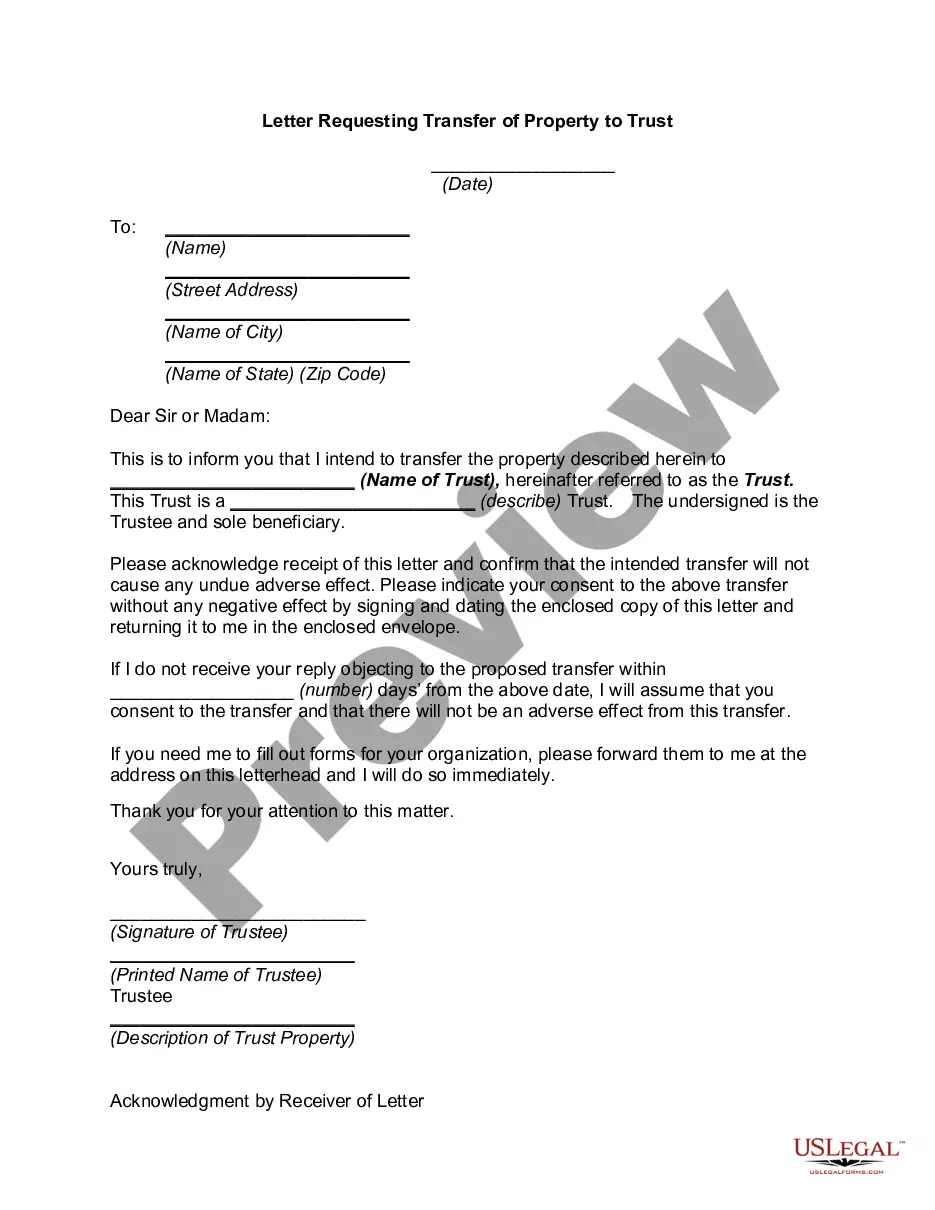
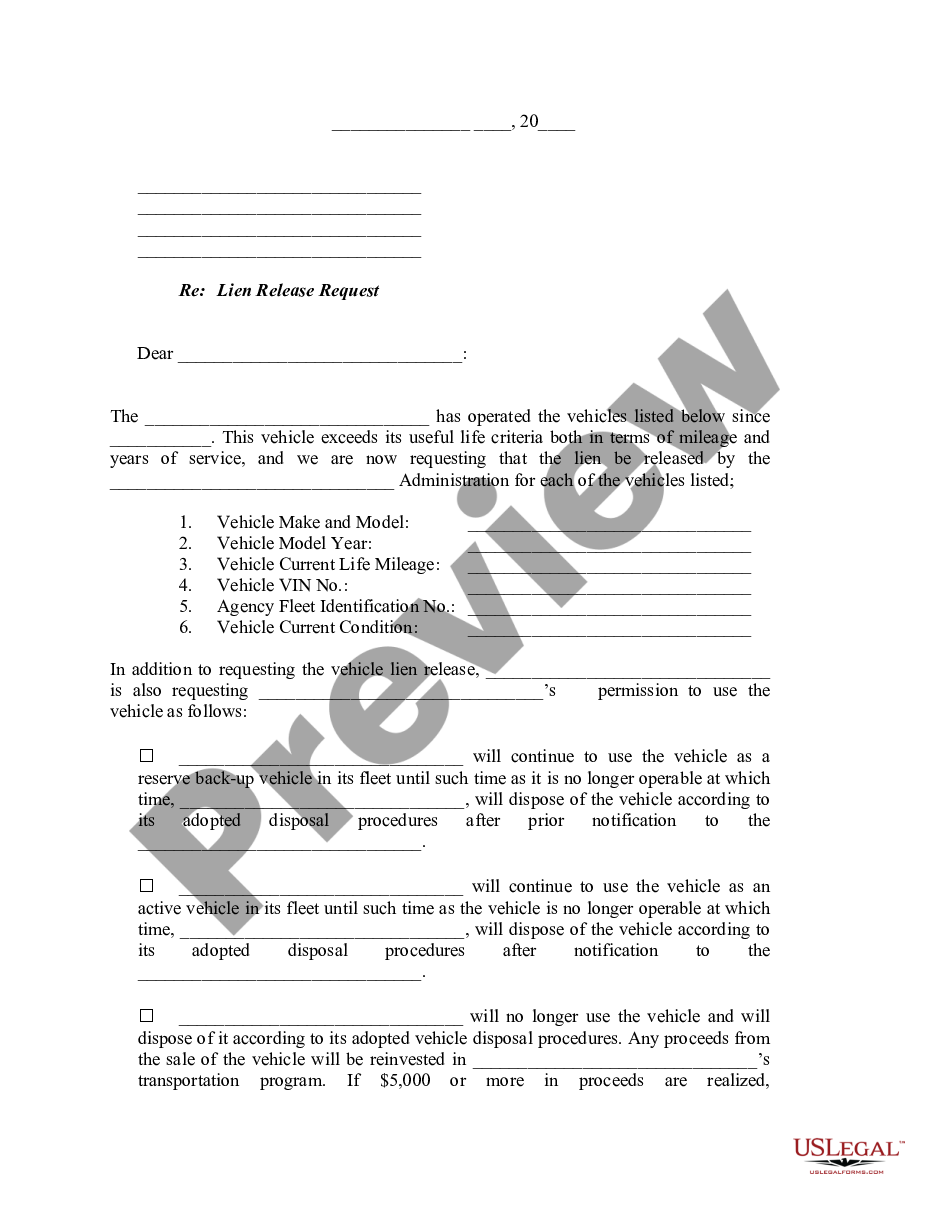
This Letter to Lienholder to Notify of Trust is a formal document used to inform a lienholder that property has been transferred into a living trust. A living trust is established during a person's lifetime for estate planning purposes. This letter allows the trustor to specify the property held by the trust and ensures that the lienholder updates their records accordingly, distinguishing it from other types of notification letters.
Form components explained
- Date of the letter.
- Details of the lienholder (name and address).
- Identification of the living trust, including its date.
- Specific property that has been transferred to the trust.
- Signature line for the trustor(s).
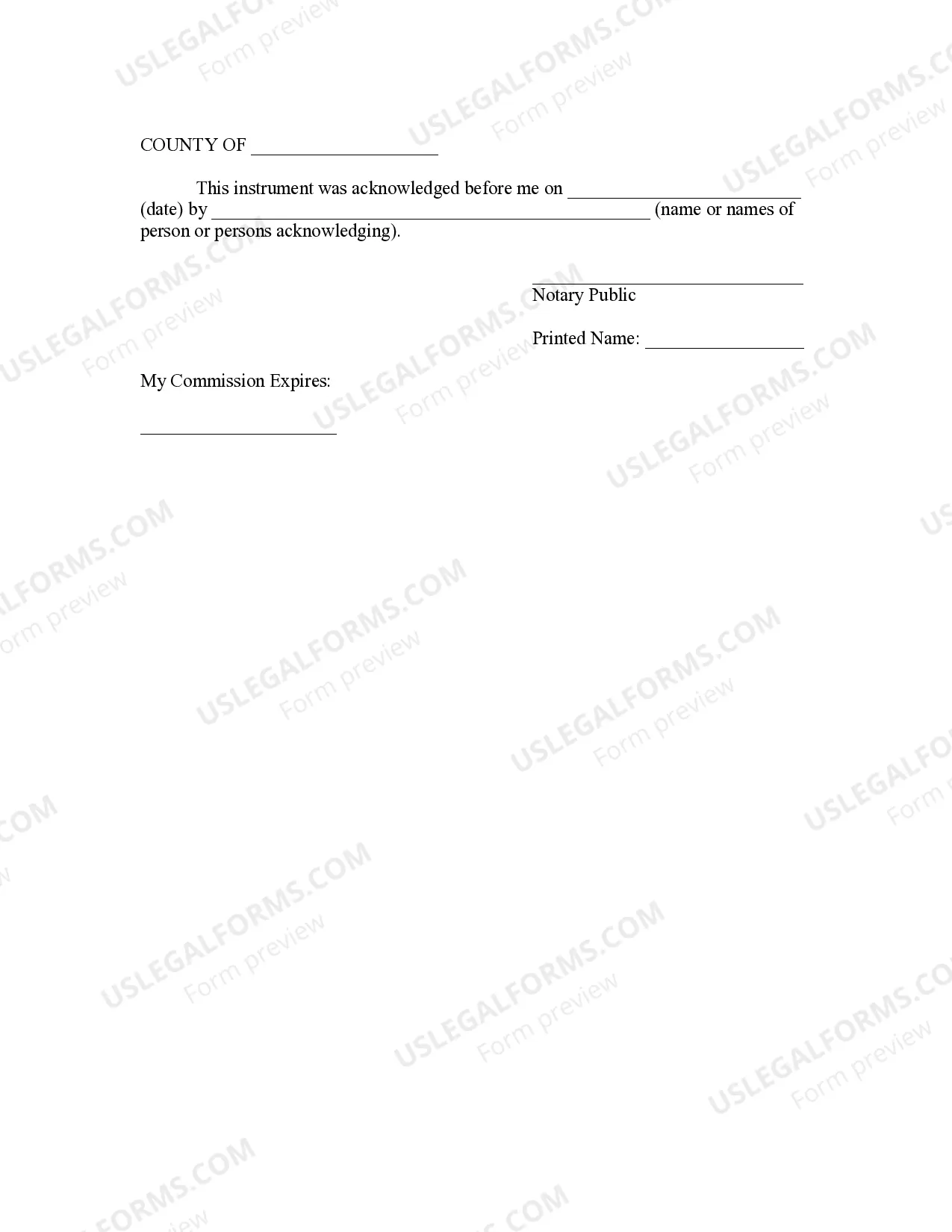
- Notary acknowledgment section (if applicable).
When to use this form
This form is necessary in situations where property assets are transferred into a living trust and the lienholder needs to be notified of this change. It is commonly used during estate planning to ensure that all relevant parties are aware of the trust's existence and its assets, especially when a mortgage or lien is associated with the property.
Who should use this form
- Trustors who have created a revocable living trust.
- Individuals transferring property into a trust.
- Property owners with a lienholder that requires notification of property changes.
Steps to complete this form
- Identify and enter the date of the letter.
- Fill in the lienholder's name and address accurately.
- Clearly state the name and date of the living trust.
- Specify the property being transferred into the trust.
- Sign the letter in the appropriate section designated for the trustor(s).
- If required, arrange for notarization of the document.
Notarization requirements for this form
Yes, this form must be notarized to be legally valid. The notarization process ensures that the signatures are verified and that the document meets all necessary legal standards. US Legal Forms offers integrated online notarization available 24/7 through a secure video call, ensuring a seamless process without the need for travel.
Get your form ready online
Our built-in tools help you complete, sign, share, and store your documents in one place.
Make edits, fill in missing information, and update formatting in US Legal Forms—just like you would in MS Word.
Download a copy, print it, send it by email, or mail it via USPS—whatever works best for your next step.
Sign and collect signatures with our SignNow integration. Send to multiple recipients, set reminders, and more. Go Premium to unlock E-Sign.
If this form requires notarization, complete it online through a secure video call—no need to meet a notary in person or wait for an appointment.
We protect your documents and personal data by following strict security and privacy standards.

Make edits, fill in missing information, and update formatting in US Legal Forms—just like you would in MS Word.

Download a copy, print it, send it by email, or mail it via USPS—whatever works best for your next step.

Sign and collect signatures with our SignNow integration. Send to multiple recipients, set reminders, and more. Go Premium to unlock E-Sign.

If this form requires notarization, complete it online through a secure video call—no need to meet a notary in person or wait for an appointment.

We protect your documents and personal data by following strict security and privacy standards.
Common mistakes
- Failing to provide complete property details.
- Not including the correct date of the living trust.
- Neglecting to notify all lienholders involved.
- Omitting signatures from all trustors if multiple parties are involved.
Why use this form online
- Convenience of instant download for immediate use.
- Editability allows customization to specific needs.
- Reliability from templates drafted by licensed attorneys.
Quick recap
- This form serves to notify lienholders of property transferred into a living trust.
- Completing the form accurately is crucial for legal recognition.
- Notarization may be required to ensure the form's validity.
Looking for another form?
Form popularity
FAQ
You and seller must both sign. (Your application, but his record of the sale). If necessary you can go with the seller to a Texas Division of Motor Vehicle office.
Submit it online. Mail a completed Vehicle Transfer Notification Form to the address located on the form. Visit a Texas Department of Motor Vehicles Regional Service Center.
Texas titles must be notarized. Sign your name (or names) on the back of the title where it says Seller(s) Signature(s). Print your name (or names) on the back of the title where it says Seller(s) Hand Printed Name(s).
Each Certificate of Title must be signed by the Seller on the front of the Texas Certificate of Title on the Signature of Owner line. The back of each Title needs to be completed, as well.Title can only be transferred to the winning bidder's name or company name as it appears on the receipt we email to you.
If AND/OR is present between the names, both owners must sign the title. If AND is present between the names, both owners must sign the title. If there is nothing present between the names, both owners must sign the title. Please take note to adhere to the below instructions so as not to void your Texas title.
Each Certificate of Title must be signed by the Seller on the front of the Texas Certificate of Title on the Signature of Owner line. The back of each Title needs to be completed, as well.Title can only be transferred to the winning bidder's name or company name as it appears on the receipt we email to you.
On the front of the title, near the middle, the seller must write in the current odometer reading on the vehicle. Near the bottom, the seller must fill in the following information on the appropriate lines: Date the vehicle was sold, and their printed name and signed name (which should be written on the same line).
There are two locations you must sign. Sign on the front of the title where it is marked Signature of Owner or Agent. Sign the back of the title where it is marked "Signature of Seller/Agent." Print your name on the back of the title where it reads "Printed Name (Same as Signature)."
Type of application: title & registration, title only, registration only, non-title registration. Reason for corrected title or registration. Vehicle identification number. Year. Make. Body style. Model. Major color.