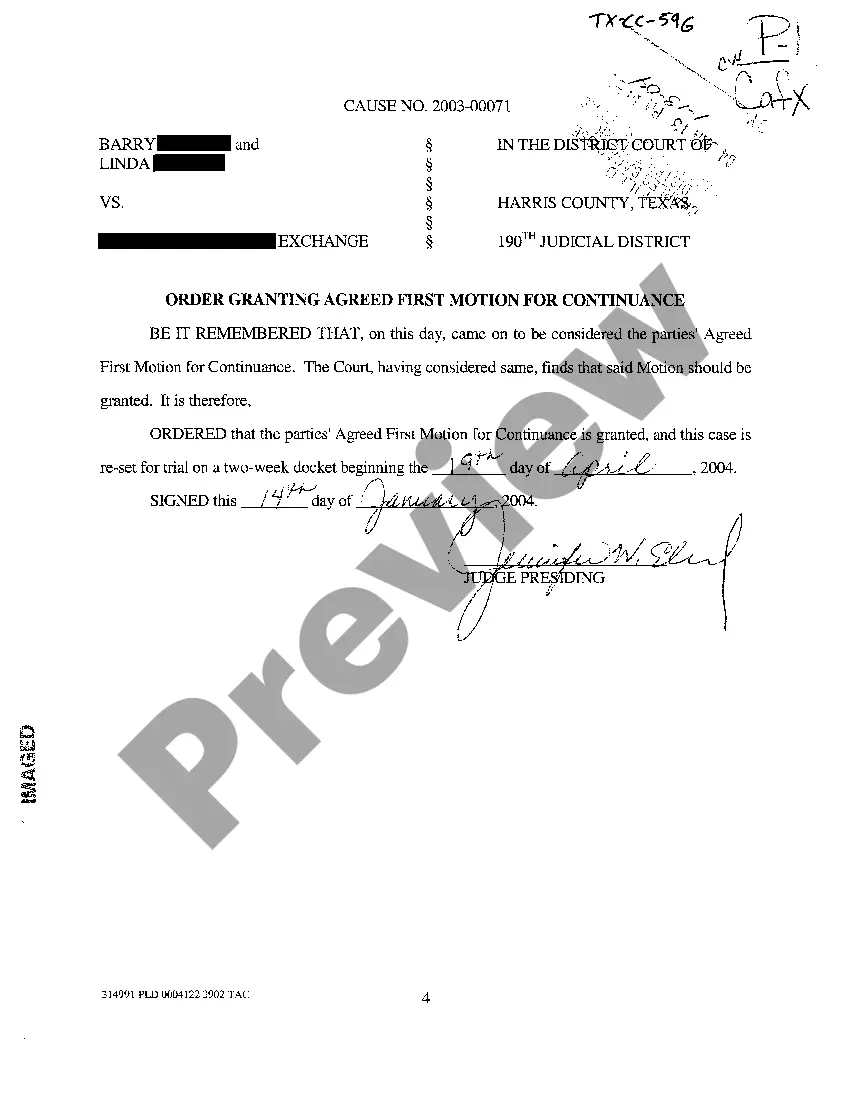
Texas Order Granting Continuance
Description
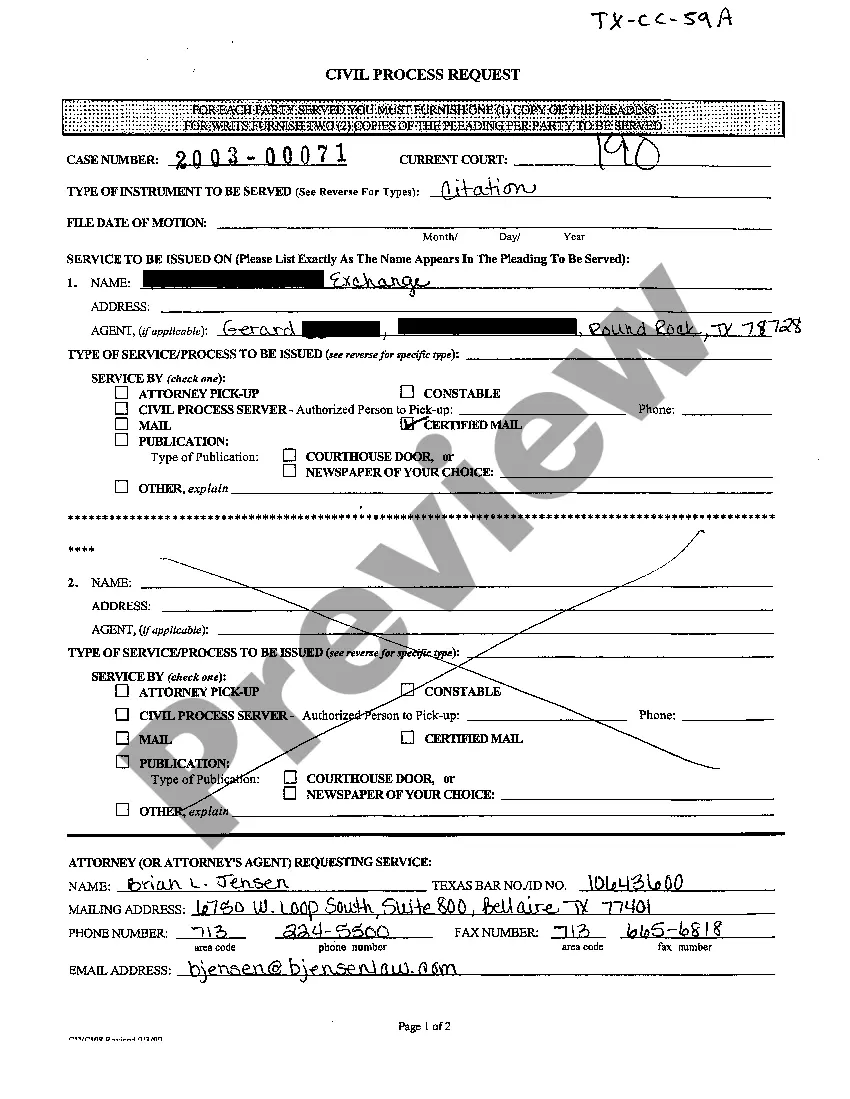
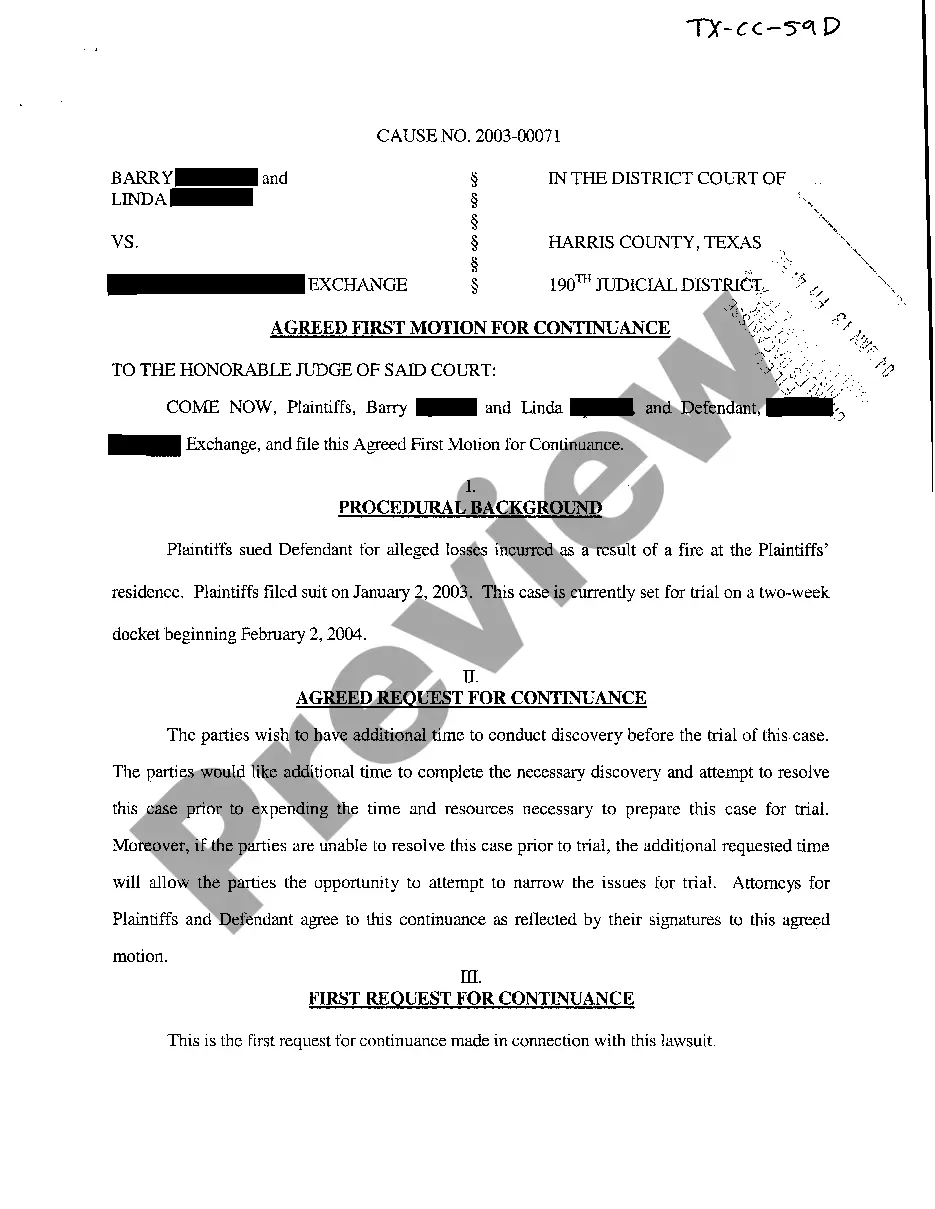

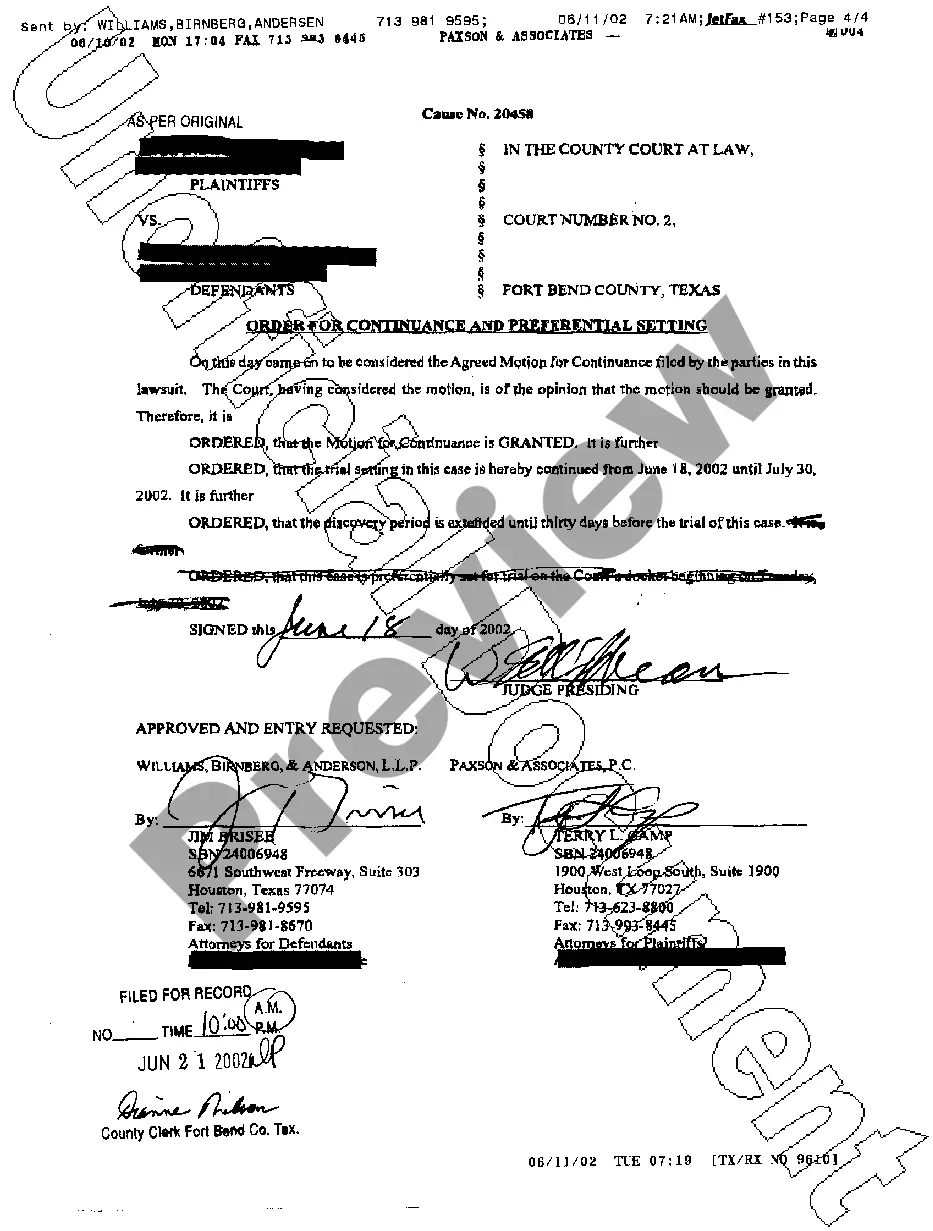
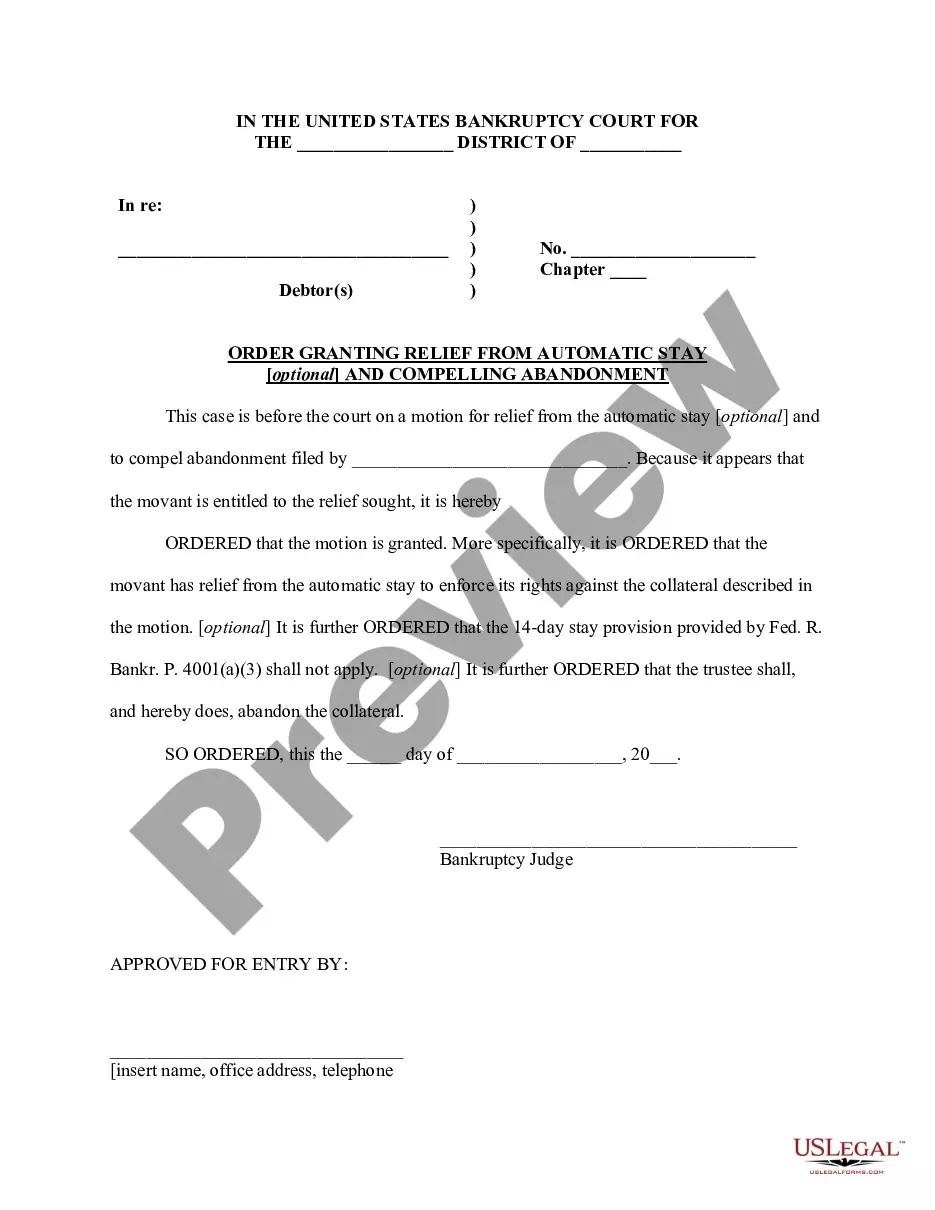
How to fill out Texas Order Granting Continuance?
Get access to top quality Texas Order Granting Continuance forms online with US Legal Forms. Steer clear of days of wasted time searching the internet and lost money on files that aren’t updated. US Legal Forms provides you with a solution to exactly that. Get above 85,000 state-specific legal and tax forms that you can save and complete in clicks within the Forms library.
To get the example, log in to your account and click on Download button. The document is going to be stored in two places: on your device and in the My Forms folder.
For individuals who don’t have a subscription yet, look at our how-guide listed below to make getting started easier:
- Verify that the Texas Order Granting Continuance you’re considering is appropriate for your state.
- See the sample using the Preview option and browse its description.
- Check out the subscription page by clicking Buy Now.
- Choose the subscription plan to keep on to sign up.
- Pay out by credit card or PayPal to complete creating an account.
- Pick a preferred file format to save the file (.pdf or .docx).
You can now open the Texas Order Granting Continuance template and fill it out online or print it and get it done by hand. Take into account sending the papers to your legal counsel to make sure everything is filled out appropriately. If you make a mistake, print out and complete sample again (once you’ve registered an account every document you download is reusable). Make your US Legal Forms account now and get access to much more forms.
Form popularity
FAQ
The rule of reason applies to postponing a court date. If the justification is reasonable, related to trial preparation, your health or that of a family member, or a matter of some importance scheduled before the court date was set, the judge will likely have no problem with a request for postponement.
You must fill out and sign a "reset form" at the Court Clerk's office. If you wish to reschedule your court date more than once for any reason, you must file a written "Motion for Continuance" at the Court Clerk's office on or before the scheduled court date.
Continuances Based on Inadequate Time. Perhaps the most common reason for a continuance is when one side did not have enough time to investigate the case and analyze the evidence. Continuances Based on Changing the Indictment or Attorney. Continuances Based on Surprises.
What is a continuance? A continuance changes the date of a court hearing or trial to a later date. You can ask a judge for a continuance by filing a motion for continuance.
2610 Step 1: Schedule a continuance hearing. 2610 Step 2: Fill out these forms. 2610 Step 3: Turn in your motion form. 2610 Step 4: Send a file-stamped copy of your motion to the other side. 2610 Step 5: Go to the continuance hearing.
Take your completed Form SC-150 or letter to the clerk's office. Ask the clerk to attach it to your file. Or go to your trial and ask the judge for a postponement (or continuance). In your Form SC-150 or letter, give the judge a good reason why you are filing your request late.