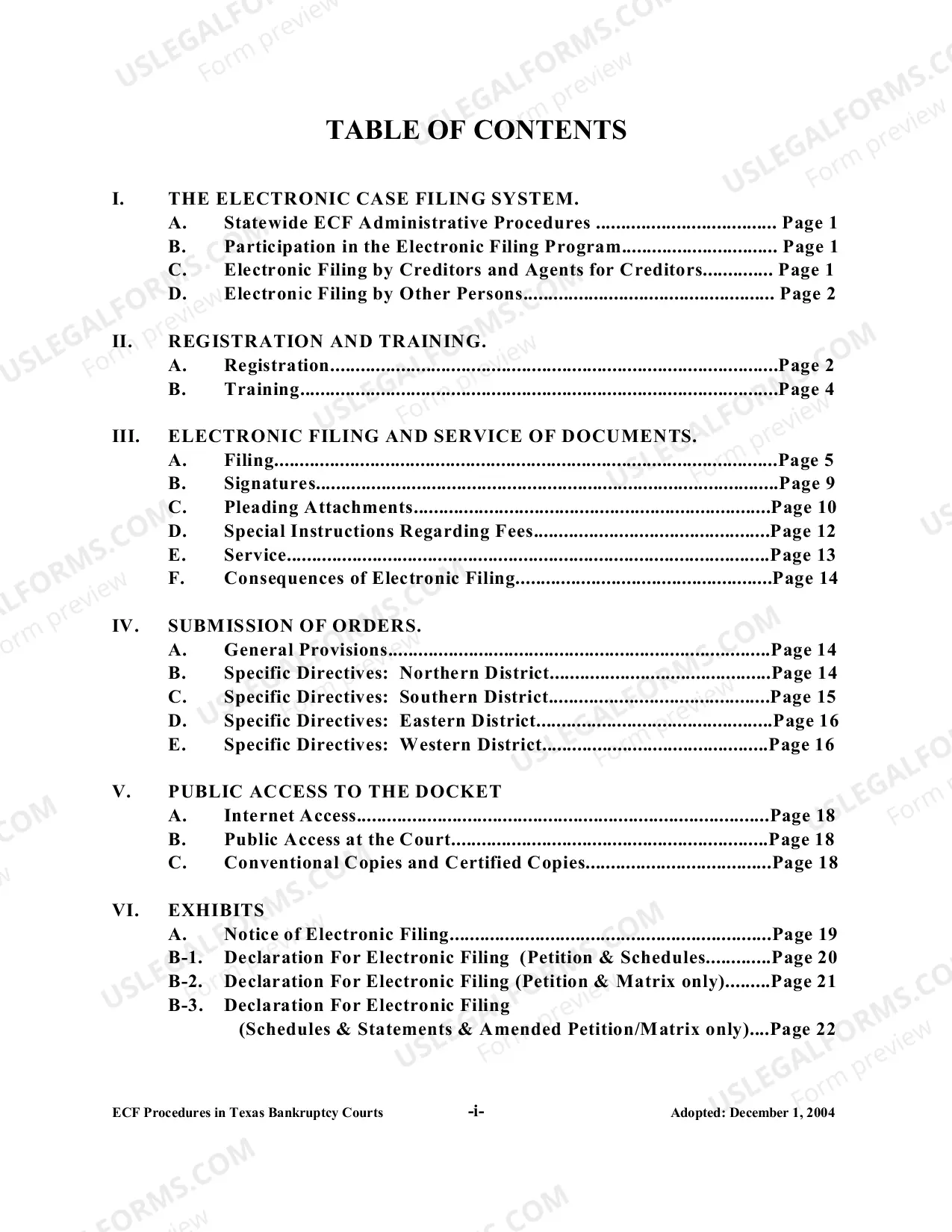
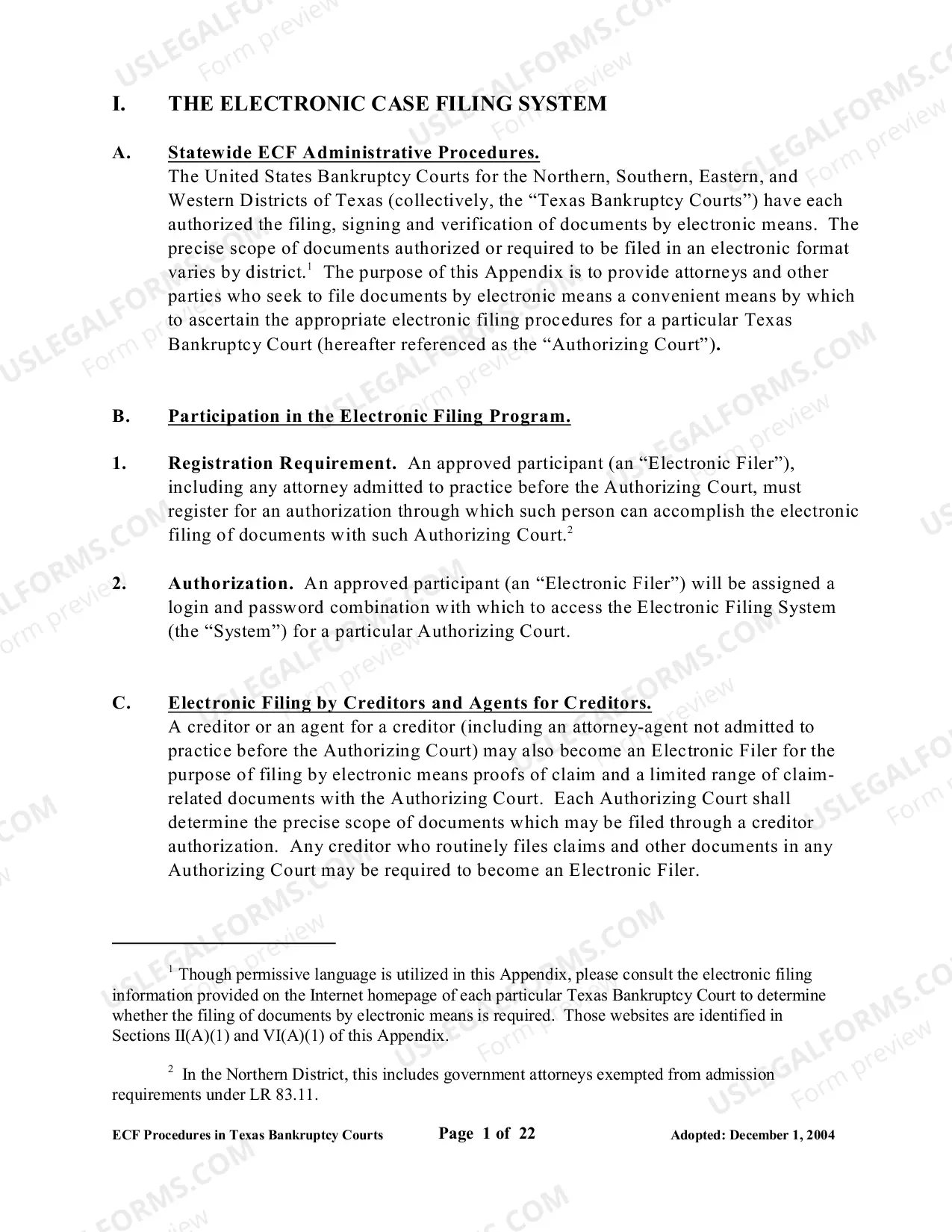
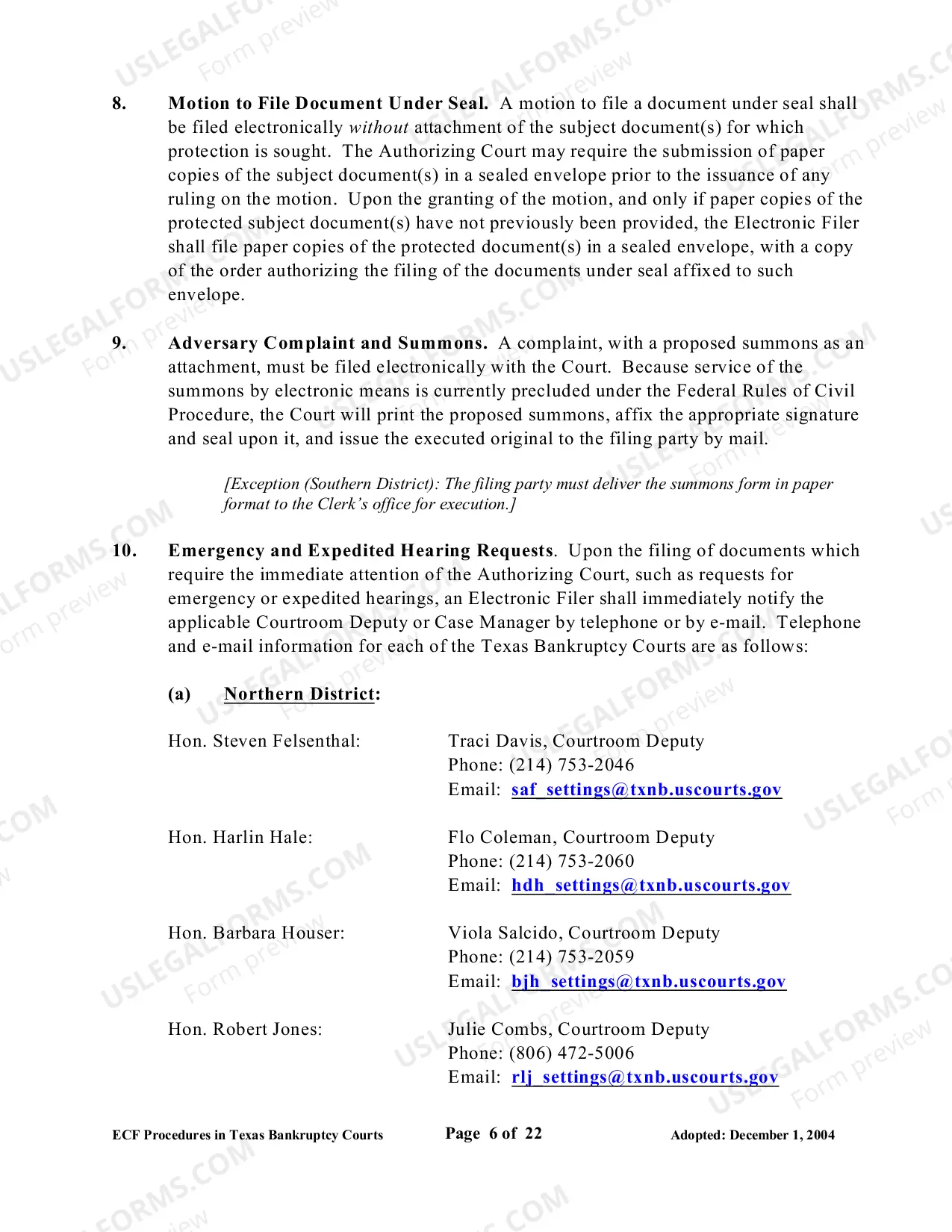
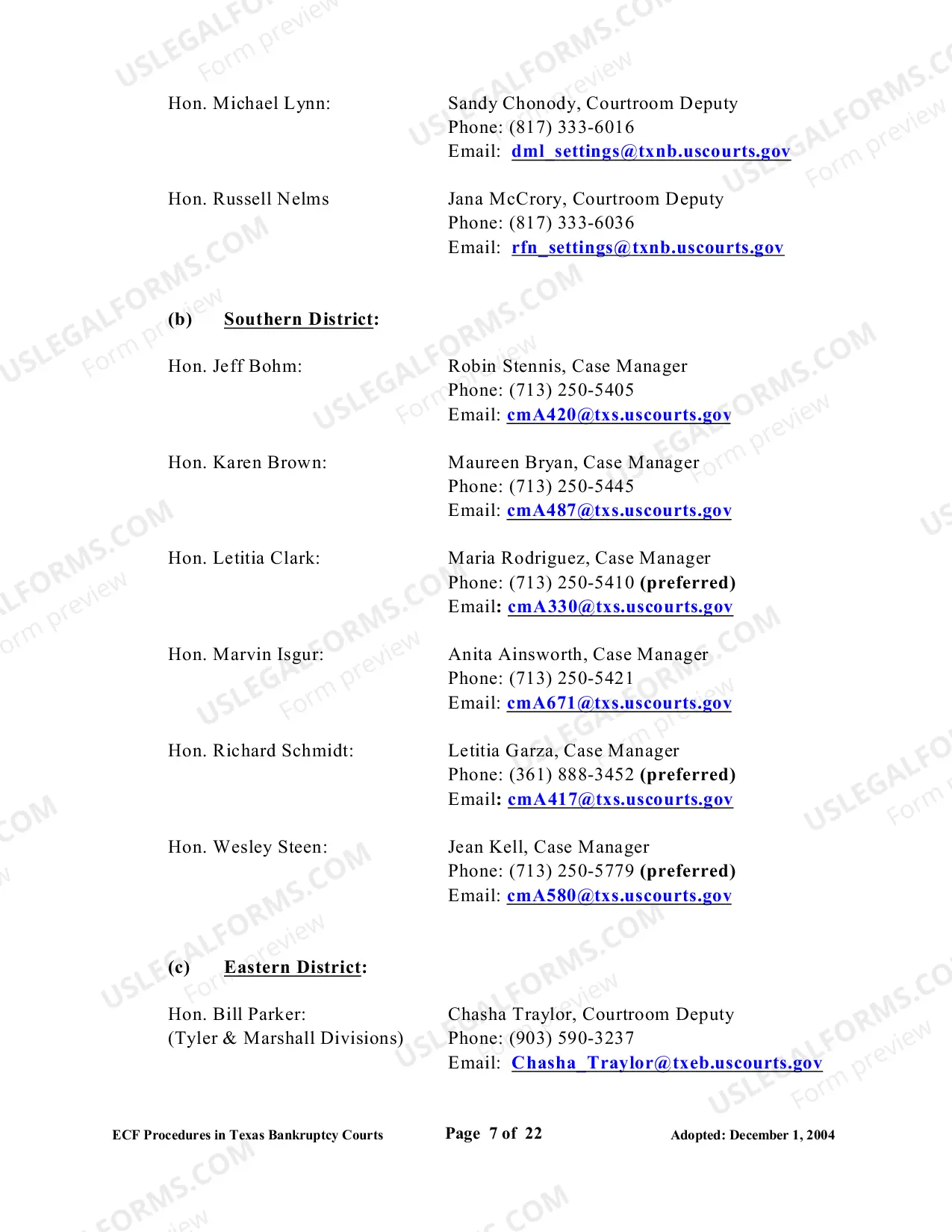
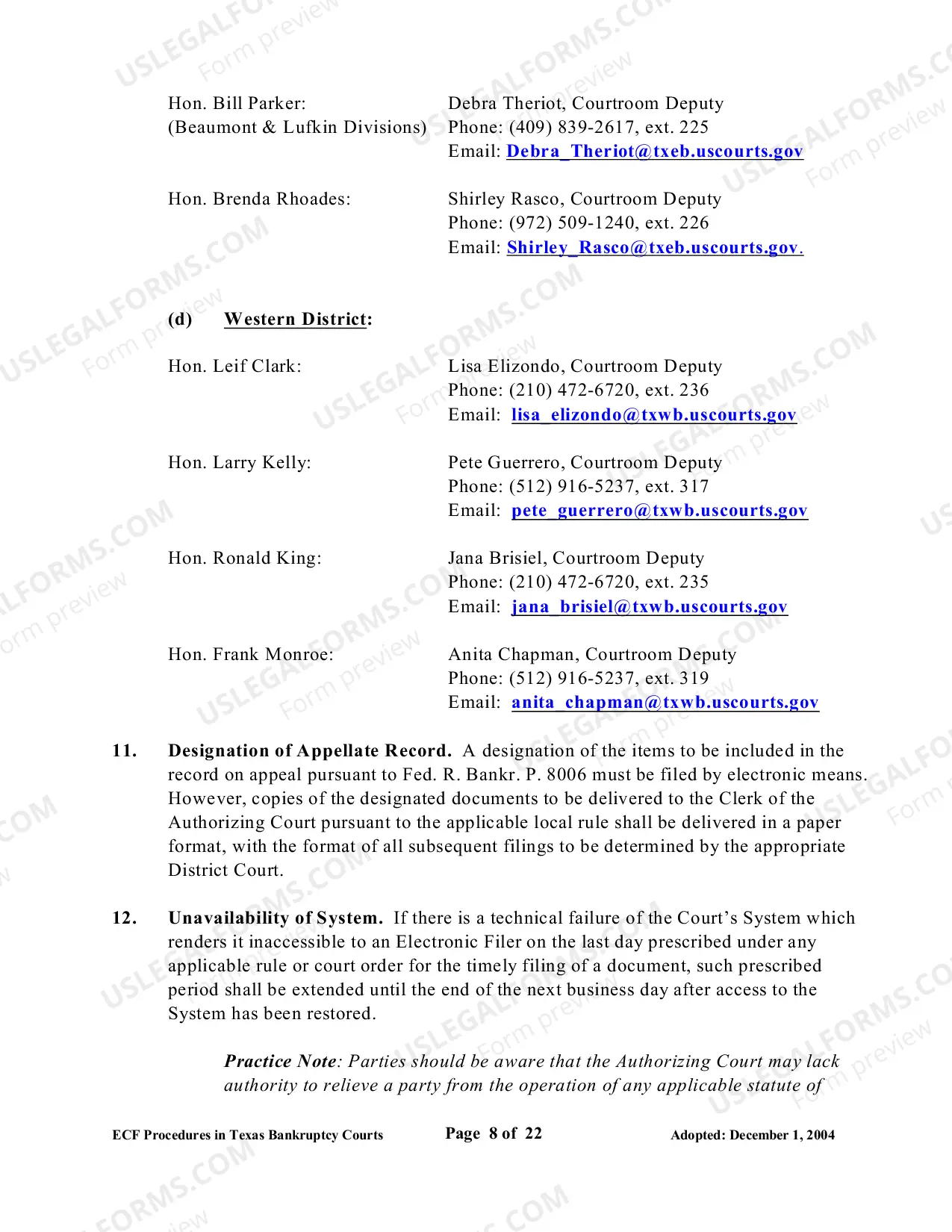
Administrative Procedures for the Filing, Signing, and Verifying of Documents by Electronic Means in Texas Bankruptcy Courts
Description

Get your form ready online
Our built-in tools help you complete, sign, share, and store your documents in one place.
Make edits, fill in missing information, and update formatting in US Legal Forms—just like you would in MS Word.
Download a copy, print it, send it by email, or mail it via USPS—whatever works best for your next step.
Sign and collect signatures with our SignNow integration. Send to multiple recipients, set reminders, and more. Go Premium to unlock E-Sign.
If this form requires notarization, complete it online through a secure video call—no need to meet a notary in person or wait for an appointment.
We protect your documents and personal data by following strict security and privacy standards.

Make edits, fill in missing information, and update formatting in US Legal Forms—just like you would in MS Word.

Download a copy, print it, send it by email, or mail it via USPS—whatever works best for your next step.

Sign and collect signatures with our SignNow integration. Send to multiple recipients, set reminders, and more. Go Premium to unlock E-Sign.

If this form requires notarization, complete it online through a secure video call—no need to meet a notary in person or wait for an appointment.

We protect your documents and personal data by following strict security and privacy standards.
Looking for another form?
How to fill out Administrative Procedures For The Filing, Signing, And Verifying Of Documents By Electronic Means In Texas Bankruptcy Courts?
How much time and resources do you normally spend on composing official documentation? There’s a better opportunity to get such forms than hiring legal experts or spending hours browsing the web for an appropriate blank. US Legal Forms is the premier online library that provides professionally drafted and verified state-specific legal documents for any purpose, including the Administrative Procedures for the Filing, Signing, and Verifying of Documents by Electronic Means in Texas Bankruptcy Courts.
To get and prepare an appropriate Administrative Procedures for the Filing, Signing, and Verifying of Documents by Electronic Means in Texas Bankruptcy Courts blank, adhere to these simple instructions:
- Examine the form content to ensure it meets your state regulations. To do so, read the form description or utilize the Preview option.
- In case your legal template doesn’t meet your needs, locate a different one using the search bar at the top of the page.
- If you are already registered with our service, log in and download the Administrative Procedures for the Filing, Signing, and Verifying of Documents by Electronic Means in Texas Bankruptcy Courts. Otherwise, proceed to the next steps.
- Click Buy now once you find the right blank. Select the subscription plan that suits you best to access our library’s full opportunities.
- Sign up for an account and pay for your subscription. You can make a transaction with your credit card or through PayPal - our service is absolutely reliable for that.
- Download your Administrative Procedures for the Filing, Signing, and Verifying of Documents by Electronic Means in Texas Bankruptcy Courts on your device and fill it out on a printed-out hard copy or electronically.
Another advantage of our service is that you can access previously downloaded documents that you safely store in your profile in the My Forms tab. Get them anytime and re-complete your paperwork as often as you need.
Save time and effort preparing official paperwork with US Legal Forms, one of the most reliable web services. Sign up for us today!
Form popularity
FAQ
There are a few ways to find previous case information: Look on Form 309A, which you received after filing your previous case, or on the discharge order if you received one. Search PACER, the court's online database. There may be a small fee to use this system.
Steps to Take When Filing for Bankruptcy Gather Financial Information.Schedule a Consultation with a Texas Bankruptcy Attorney.Determine If Bankruptcy Is Right for You.Choose the Right Type of Bankruptcy.Get Credit Counseling.Prepare Your Bankruptcy Petition.File Your Bankruptcy Petition.Attend a Meeting of Creditors.
Public Access to Electronic Records (PACER) The Public Access to Electronic Records, or PACER, system is the most widely used method of reviewing Texas bankruptcy records. The PACER case locator allows you to search for US district, bankruptcy, and appellate cases.
See Bankruptcy and Filing for Bankruptcy: What to Know. You can also call the Legal Hotline for Texansat (800) 622-2520.
To obtain copies of these documents, you have the following options: Make a request by phone. Call the clerk's office to request copies of documents.Internet (PACER)Visit the Clerk's office.Mail a request to the Clerk's office.Review the archived file at the Bankruptcy Court.Phone NARA.Mail or fax NARA.NARA's website.
If you are a resident of Harris county, Texas and considering a bankruptcy, then your venue for filing the bankruptcy would be in the Federal Court of the Southern District of Texas, Houston Division. The location of the court is 515 Rusk Houston, Texas 77002.