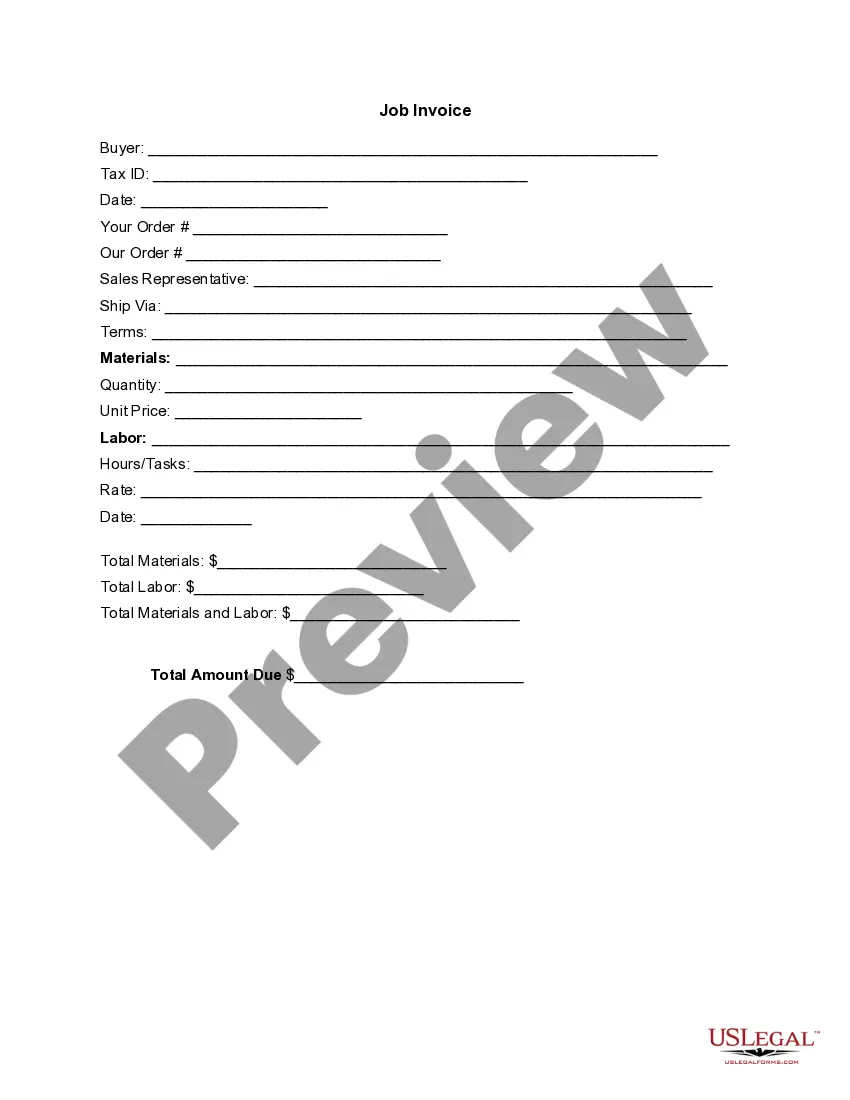
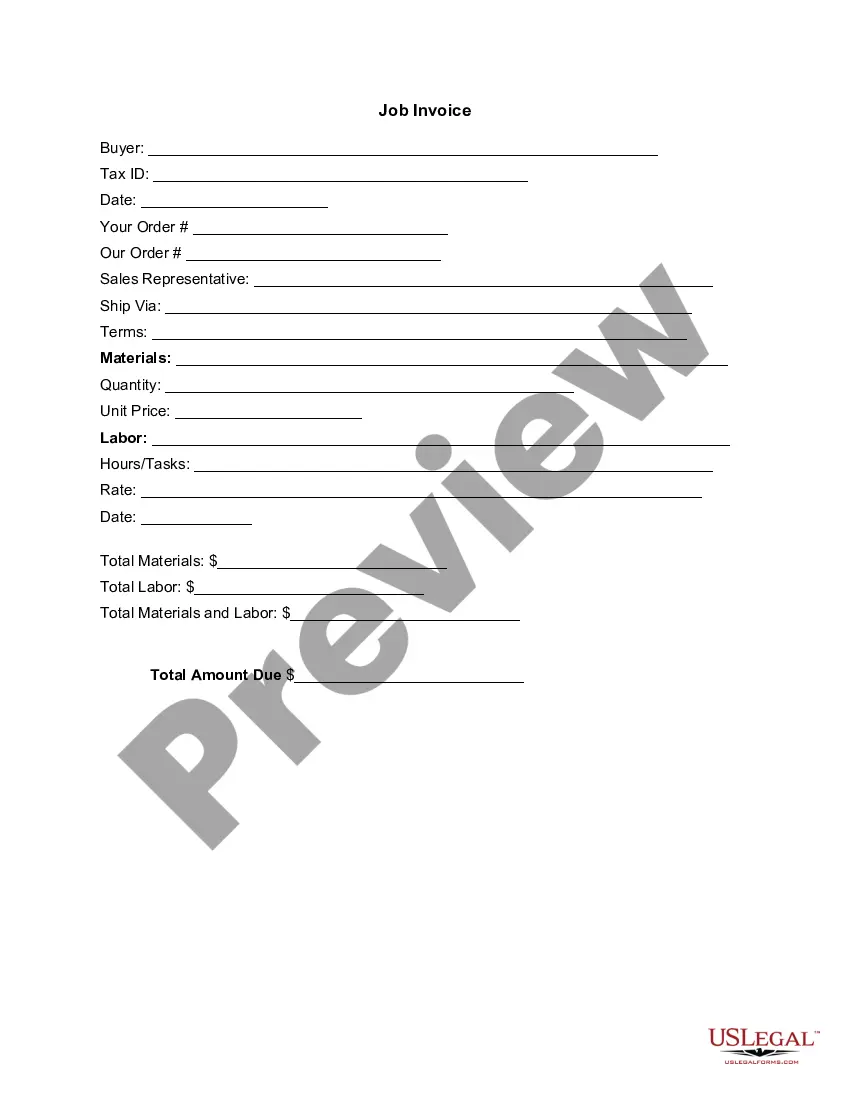
Tennessee Invoice Template for Assistant Professor
Description
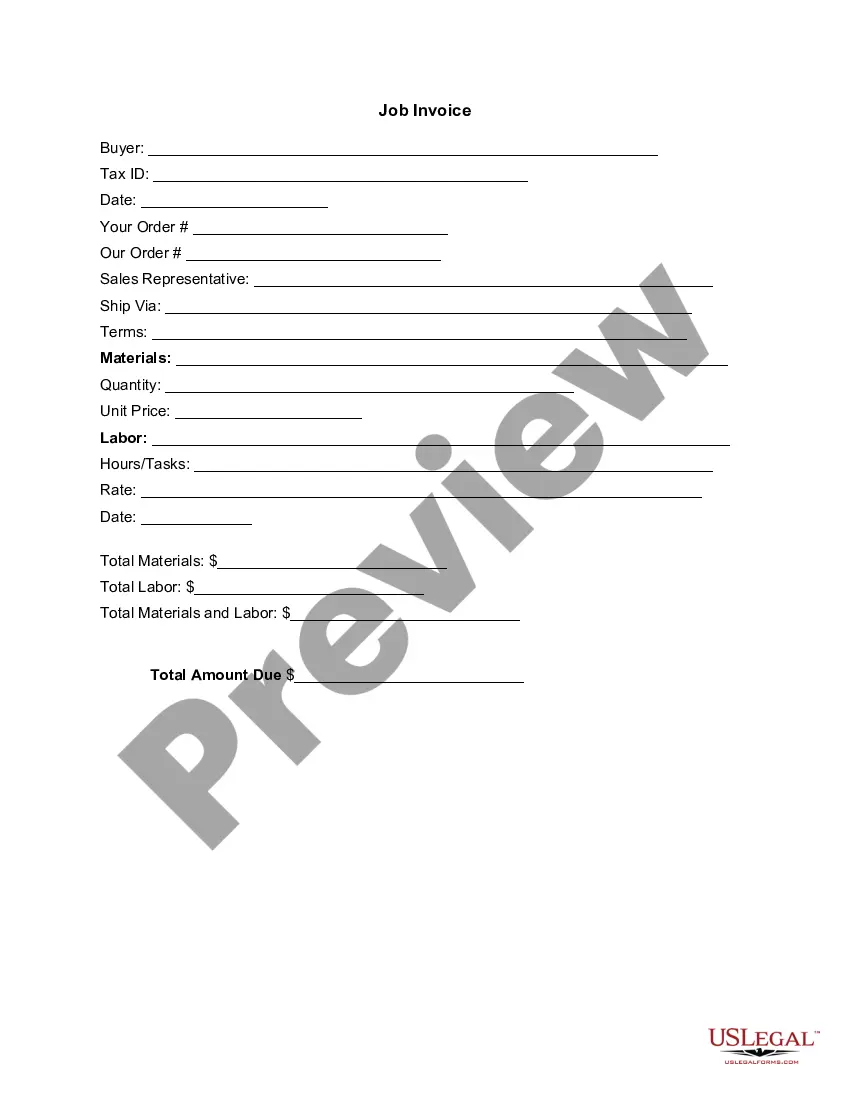
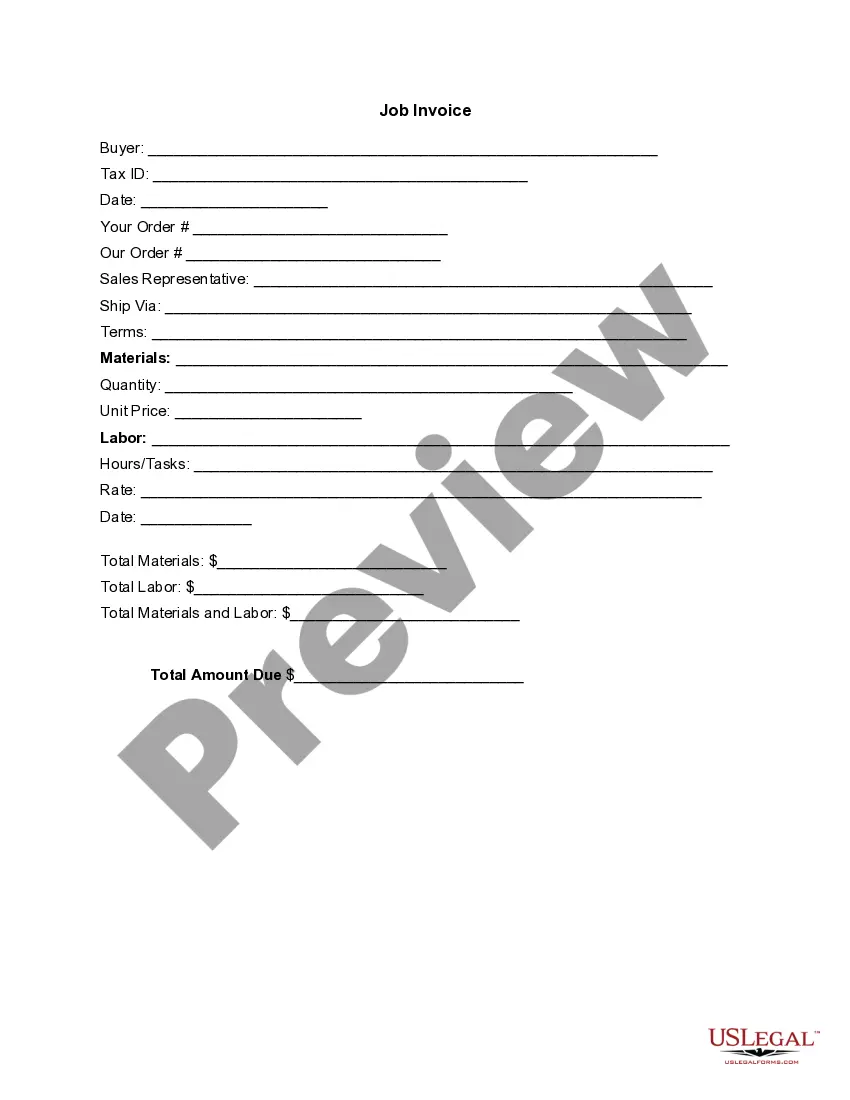
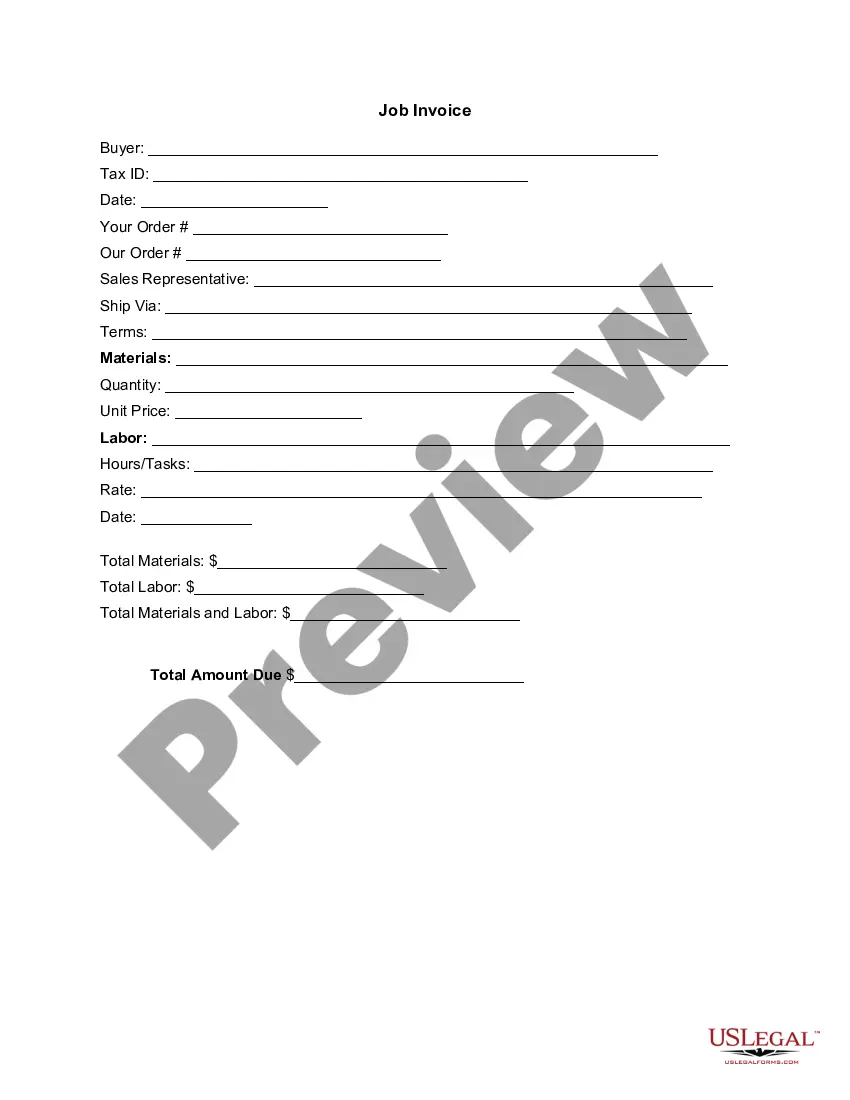
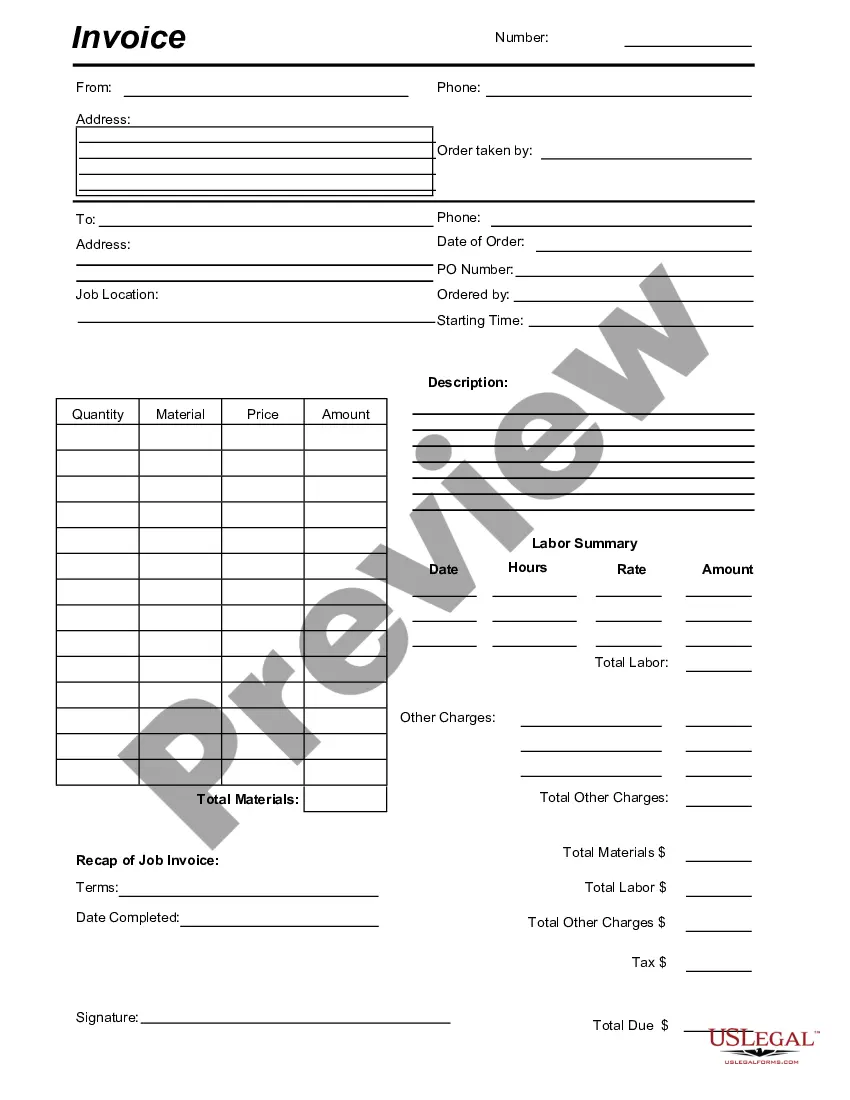
Get your form ready online
Our built-in tools help you complete, sign, share, and store your documents in one place.
Make edits, fill in missing information, and update formatting in US Legal Forms—just like you would in MS Word.
Download a copy, print it, send it by email, or mail it via USPS—whatever works best for your next step.
Sign and collect signatures with our SignNow integration. Send to multiple recipients, set reminders, and more. Go Premium to unlock E-Sign.
If this form requires notarization, complete it online through a secure video call—no need to meet a notary in person or wait for an appointment.
We protect your documents and personal data by following strict security and privacy standards.
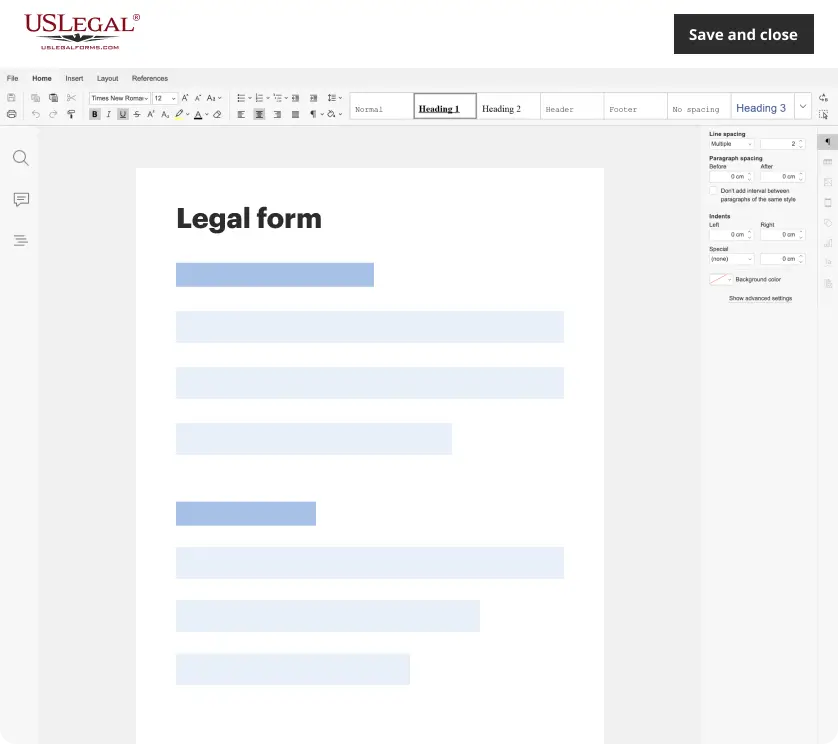
Make edits, fill in missing information, and update formatting in US Legal Forms—just like you would in MS Word.
Download a copy, print it, send it by email, or mail it via USPS—whatever works best for your next step.
Sign and collect signatures with our SignNow integration. Send to multiple recipients, set reminders, and more. Go Premium to unlock E-Sign.
If this form requires notarization, complete it online through a secure video call—no need to meet a notary in person or wait for an appointment.
We protect your documents and personal data by following strict security and privacy standards.
Looking for another form?
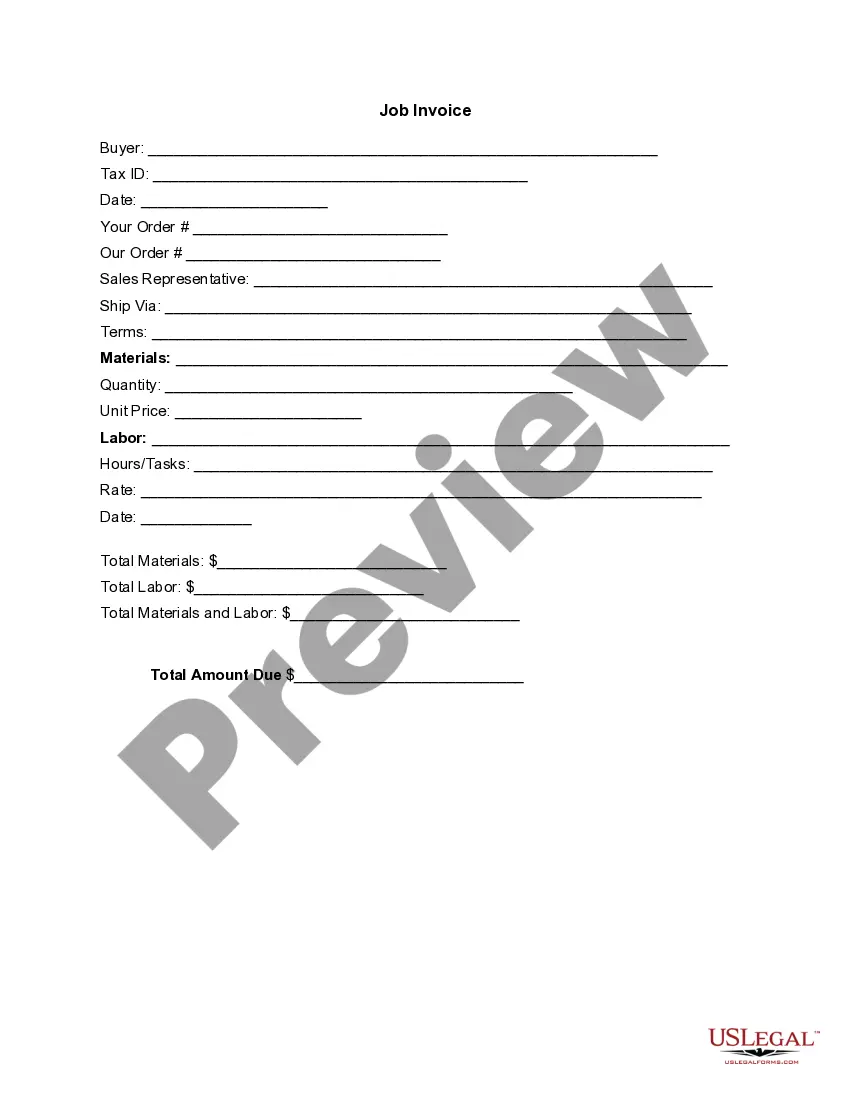

How to fill out Invoice Template For Assistant Professor?
Are you currently in a position where you need documents for either organizational or personal purposes on a daily basis.
There are numerous legal document formats available online, but finding reliable templates can be challenging.
US Legal Forms offers thousands of document templates, such as the Tennessee Invoice Template for Assistant Professor, designed to meet state and federal requirements.
When you find the right form, just click Purchase now.
Choose the pricing plan you desire, fill out the necessary information to create your account, and complete your purchase using PayPal or credit card.
- If you are already familiar with the US Legal Forms website and have an account, simply Log In.
- After that, you can download the Tennessee Invoice Template for Assistant Professor template.
- If you do not have an account and wish to start using US Legal Forms, follow these steps.
- Find the form you need and ensure it is correct for your area/county.
- Use the Review button to examine the form.
- Check the details to confirm you have selected the right form.
- If the form isn't what you're looking for, use the Lookup field to find a form that meets your needs.
Form popularity
FAQ
To create your own invoice, start with a Tennessee Invoice Template for Assistant Professor as a guide. Customize it by adding your logo, services rendered, and payment details. This personalized touch not only makes your invoice look professional but also helps you establish a brand identity.
Yes, you can create an invoice yourself using a Tennessee Invoice Template for Assistant Professor. This template provides a structured format that simplifies the invoicing process. Ensure you include all relevant information, such as service descriptions, payment terms, and your contact details.
To generate your invoice, start by filling in a Tennessee Invoice Template for Assistant Professor with the necessary details. This includes your name, the client’s information, an itemized list of services, and the total amount due. Once completed, you can save or print the invoice for distribution.
Choosing between Word and Excel depends on your preference and the complexity of your invoices. For simple invoices, a Tennessee Invoice Template for Assistant Professor in Word can be sufficient. However, if you need to manage multiple invoices with calculations and lists, using Excel could provide better functionality.
Creating a self-invoice involves detailing your services and the corresponding costs. You can use a Tennessee Invoice Template for Assistant Professor as your foundation. Fill in your details, such as your name, the services provided, and payment terms, ensuring that the invoice meets any specific legal requirements.
You can easily find a Tennessee Invoice Template for Assistant Professor within Microsoft Word. Simply open Word, go to the 'File' menu, select 'New', and then enter 'invoice' into the search bar. This will provide you with a variety of invoice templates that you can customize for your needs.
Invoicing for a beginner starts with choosing the right format, such as a Tennessee Invoice Template for Assistant Professor. Fill it out with all pertinent information like your services, rates, and any applicable tax details. Remember to make instructions clear to your client about payment methods and terms. With practice, this process will become second nature, allowing you to manage billing confidently.
To send your invoice template, begin by saving it in a compatible format such as PDF or DOCX. You can then easily attach it to an email or upload it to a shared file service if you prefer that method. Be sure to include a brief message explaining the contents of the invoice. Using a Tennessee Invoice Template for Assistant Professor streamlines this process, ensuring everything is professional and clear.
To submit an invoice for a service, first ensure you have a completed Tennessee Invoice Template for Assistant Professor. Decide on a delivery method that suits the client, such as email or postal mail. Attach the invoice or print it out, and double-check that all required information is correctly presented. Send it promptly to facilitate timely payment.
To fill in a Tennessee Invoice Template for Assistant Professor, start by entering your name and contact information at the top. Next, include the client's details and specify the service or product provided, alongside the corresponding charges. Don't forget to add the date and invoice number for record-keeping. Finally, review your completed invoice to ensure accuracy and clarity.