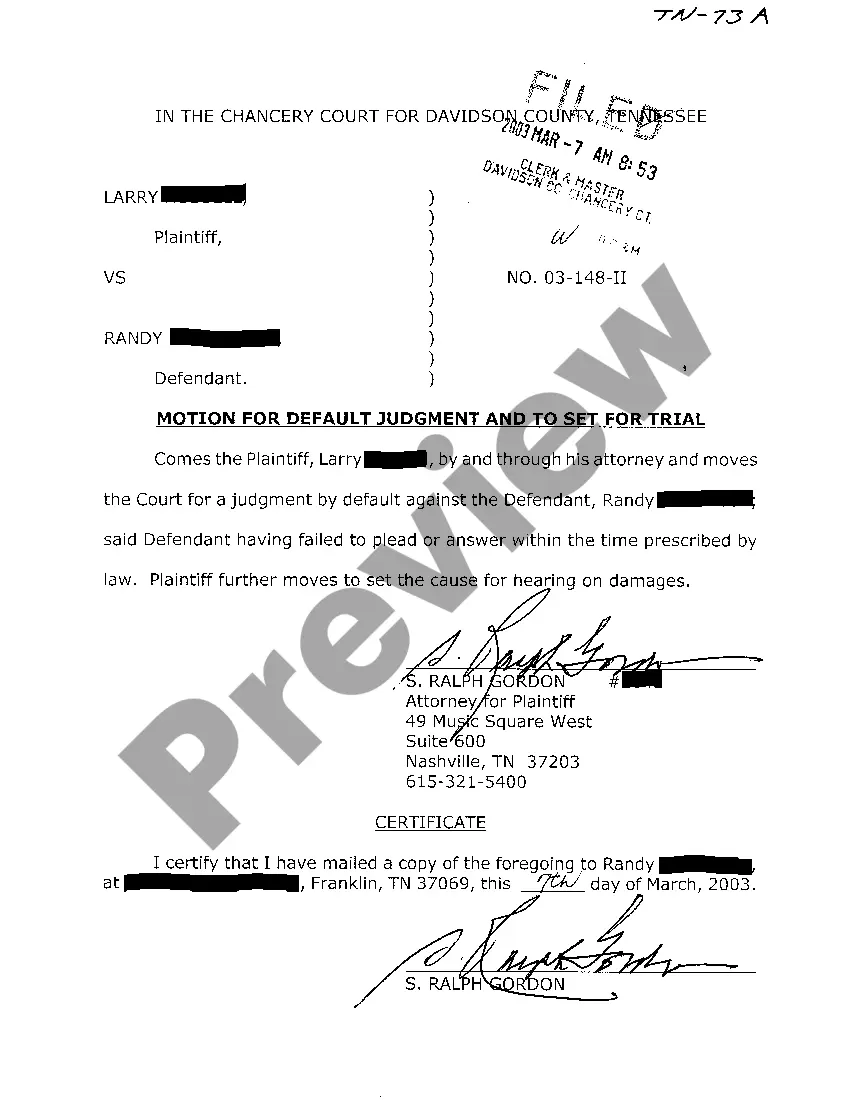
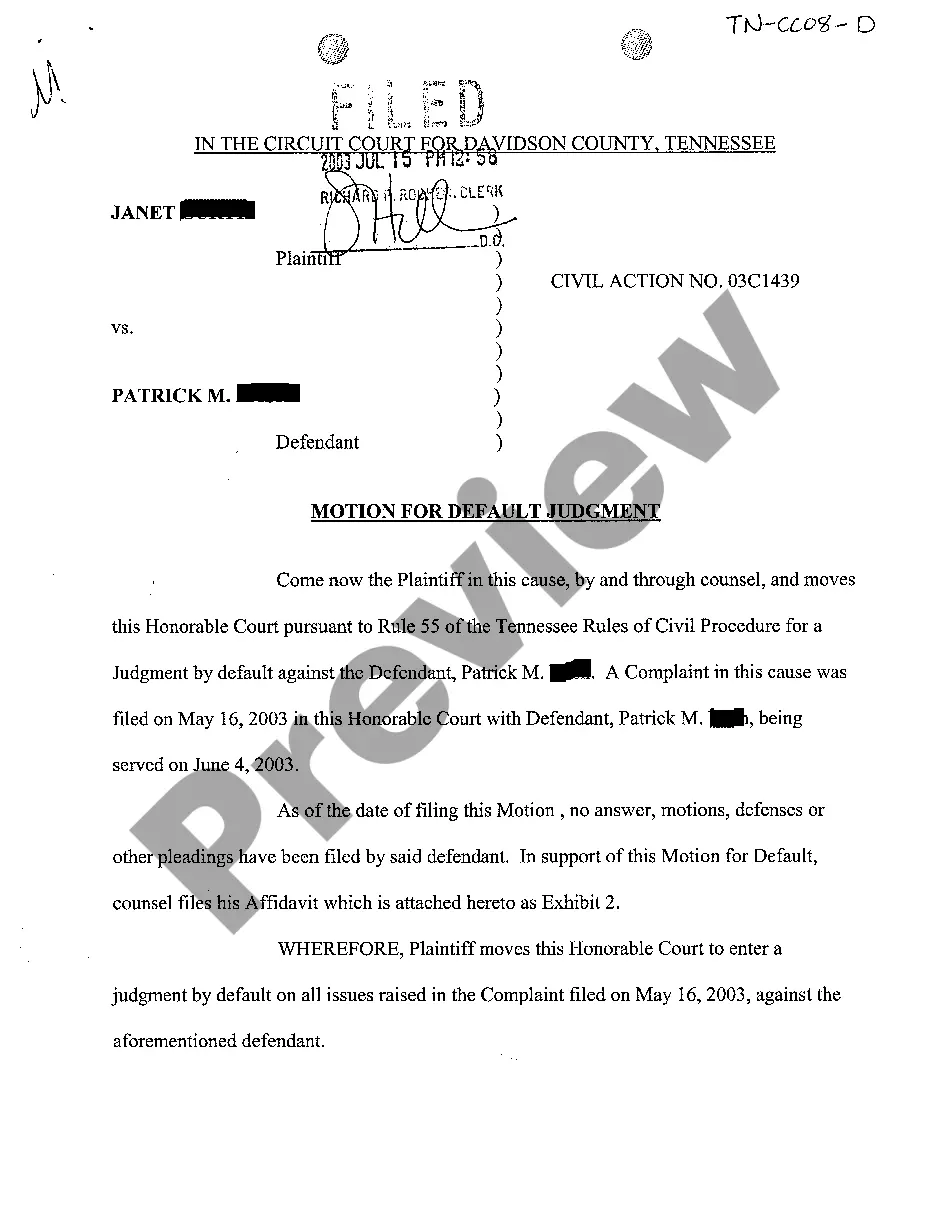
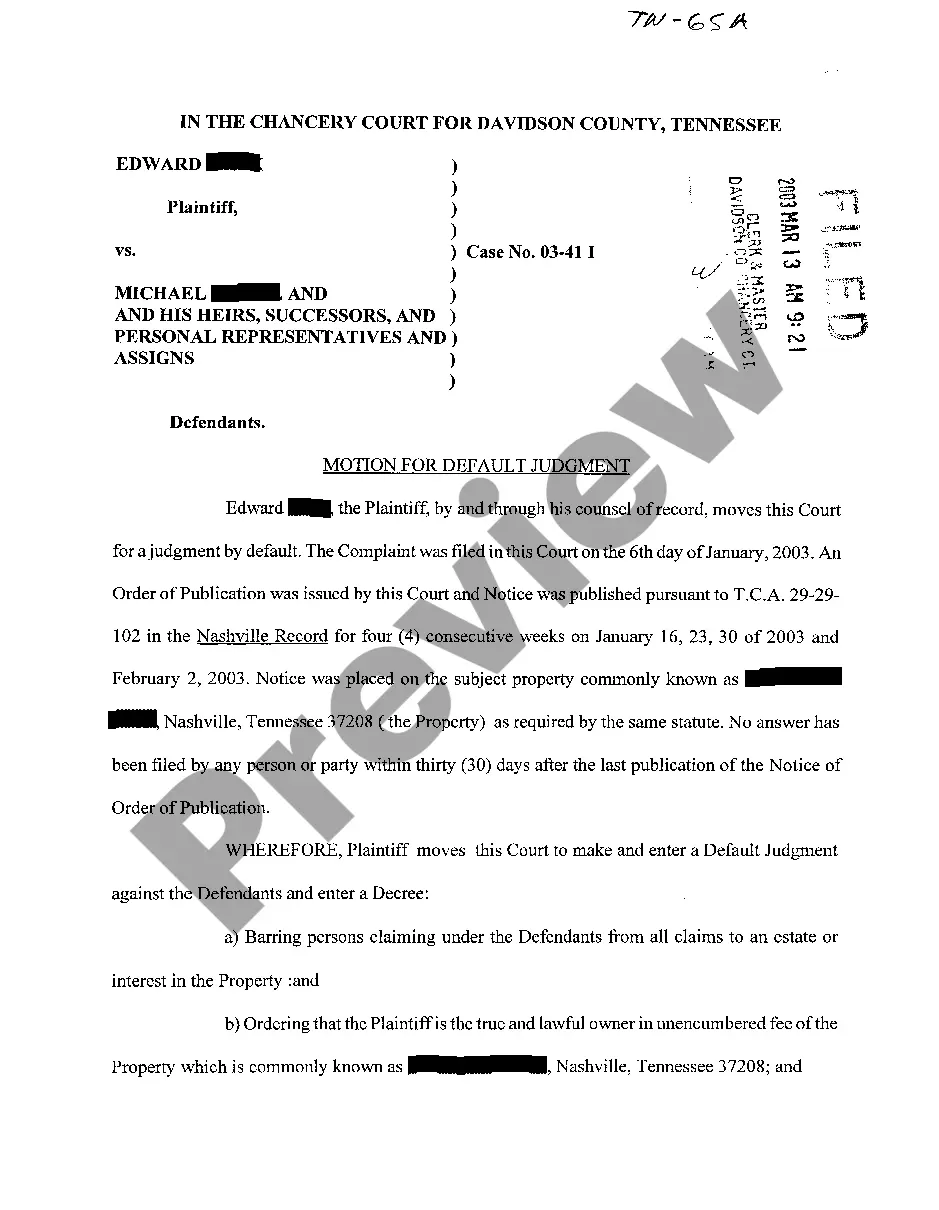
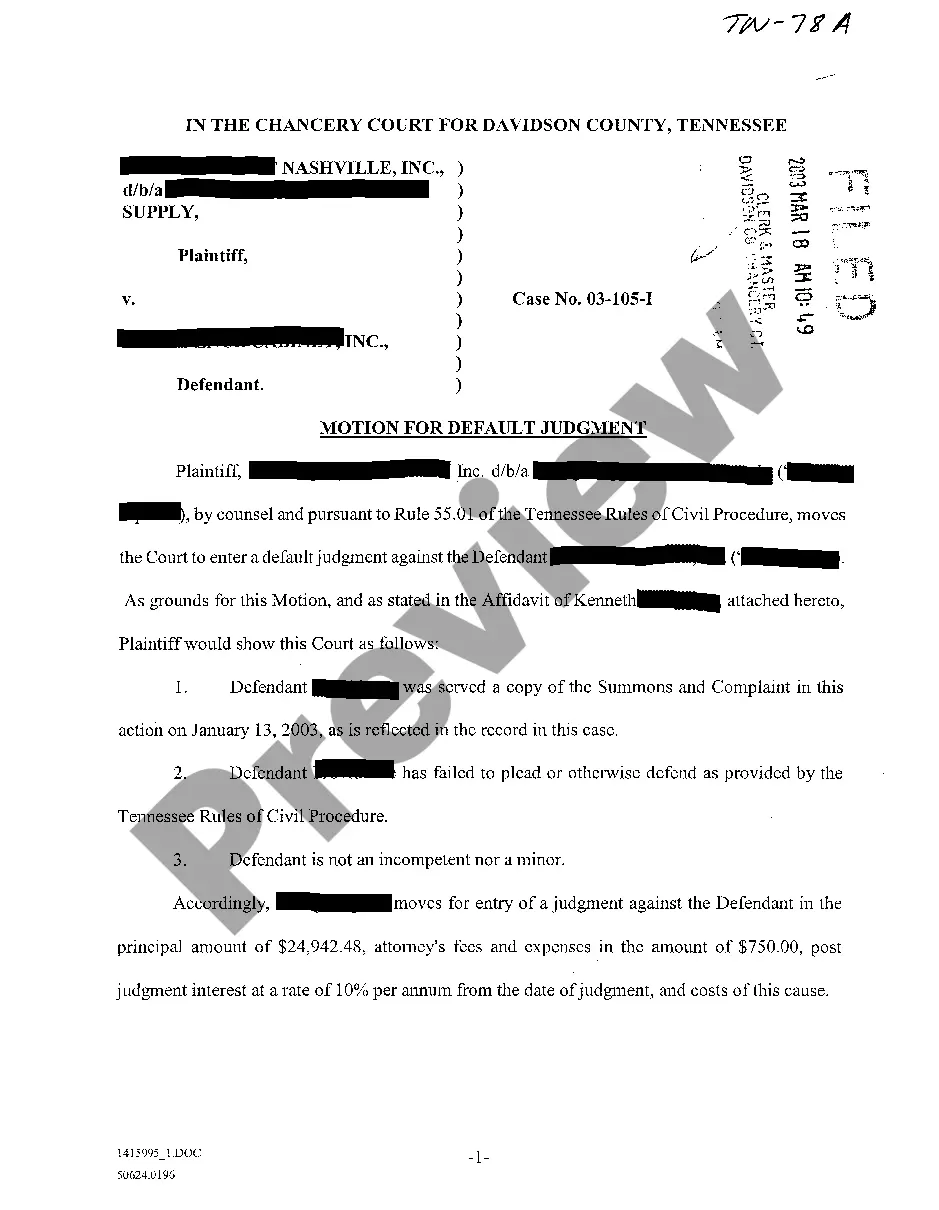
Tennessee Motion For Default Judgment
Description


How to fill out Tennessee Motion For Default Judgment?
Access to top quality Tennessee Motion For Default Judgment samples online with US Legal Forms. Avoid hours of lost time browsing the internet and lost money on forms that aren’t up-to-date. US Legal Forms gives you a solution to exactly that. Find above 85,000 state-specific legal and tax samples that you could download and complete in clicks in the Forms library.
To get the example, log in to your account and then click Download. The file will be saved in two places: on the device and in the My Forms folder.
For people who don’t have a subscription yet, have a look at our how-guide listed below to make getting started easier:
- Verify that the Tennessee Motion For Default Judgment you’re looking at is suitable for your state.
- Look at the form utilizing the Preview option and browse its description.
- Check out the subscription page by clicking Buy Now.
- Select the subscription plan to go on to sign up.
- Pay out by credit card or PayPal to finish creating an account.
- Pick a favored file format to download the document (.pdf or .docx).
Now you can open the Tennessee Motion For Default Judgment sample and fill it out online or print it out and do it yourself. Think about sending the document to your legal counsel to make certain everything is filled out properly. If you make a error, print and fill sample again (once you’ve registered an account all documents you save is reusable). Create your US Legal Forms account now and access far more samples.
Form popularity
FAQ
First, you can ask the court to set aside the default judgment and give you an opportunity to contest it. Next, you can settle the debt with the debt buyer for an amount less than what the default judgment is for. And finally you can eliminate the default judgment completely by filing for bankruptcy.
Typically, a court's rules governing enforcement of default judgments include procedures for wage garnishments, attachment of bank accounts and seizure of assets. The plaintiff can usually pursue more than one of these enforcement mechanisms simultaneously.
After you notify the defendant of the judgment, you can begin to enforce the judgment. Your judgment might be for money, repossession, eviction, foreclosure, or any number of things. In any case, your rights at this point would be the same as if you had gone to trial and won.
In order to vacate a judgment in California, You must file a motion with the court asking the judge to vacate or set aside the judgment. Among other things, you must tell the judge why you did not respond to the lawsuit (this can be done by written declaration).