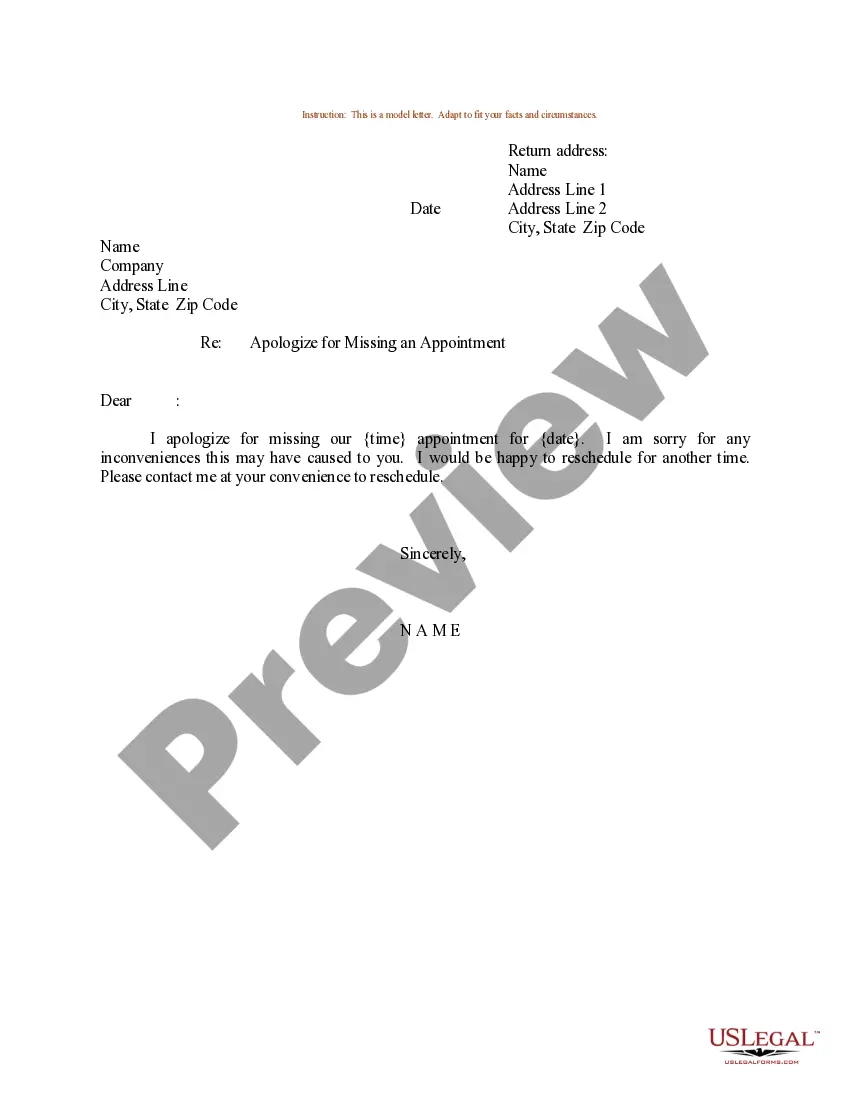
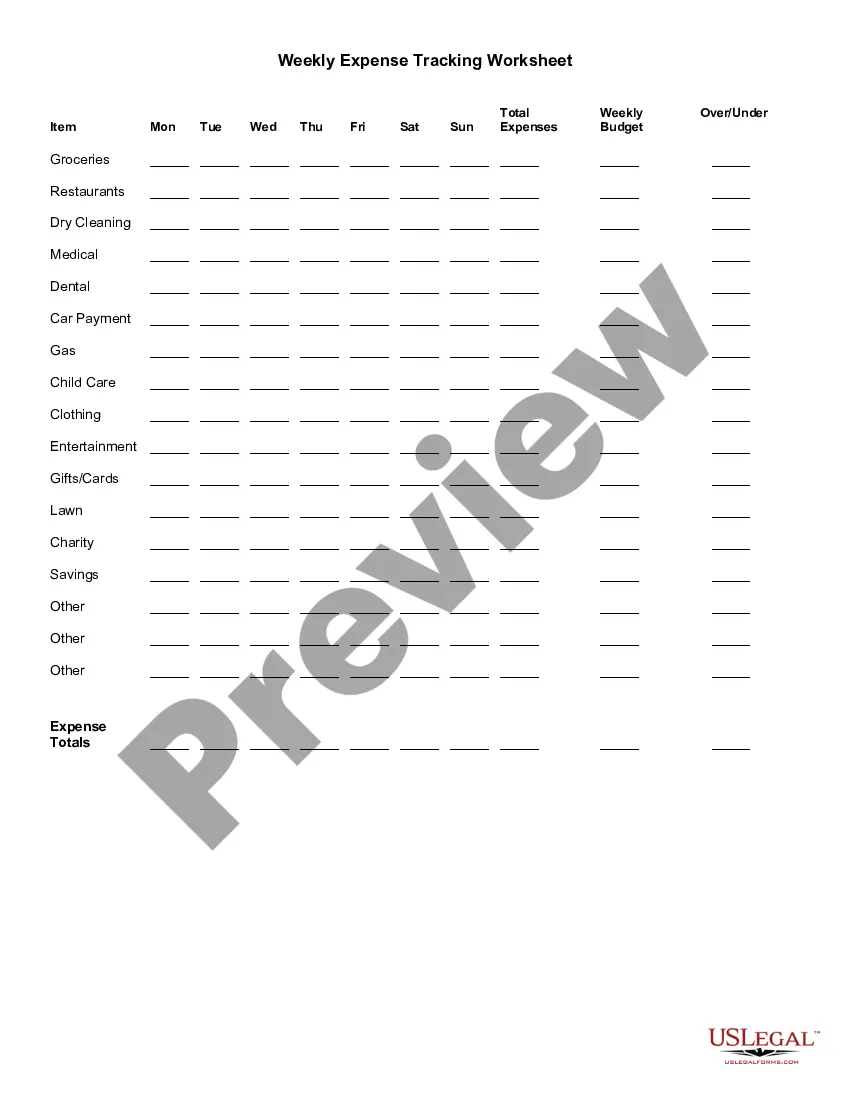
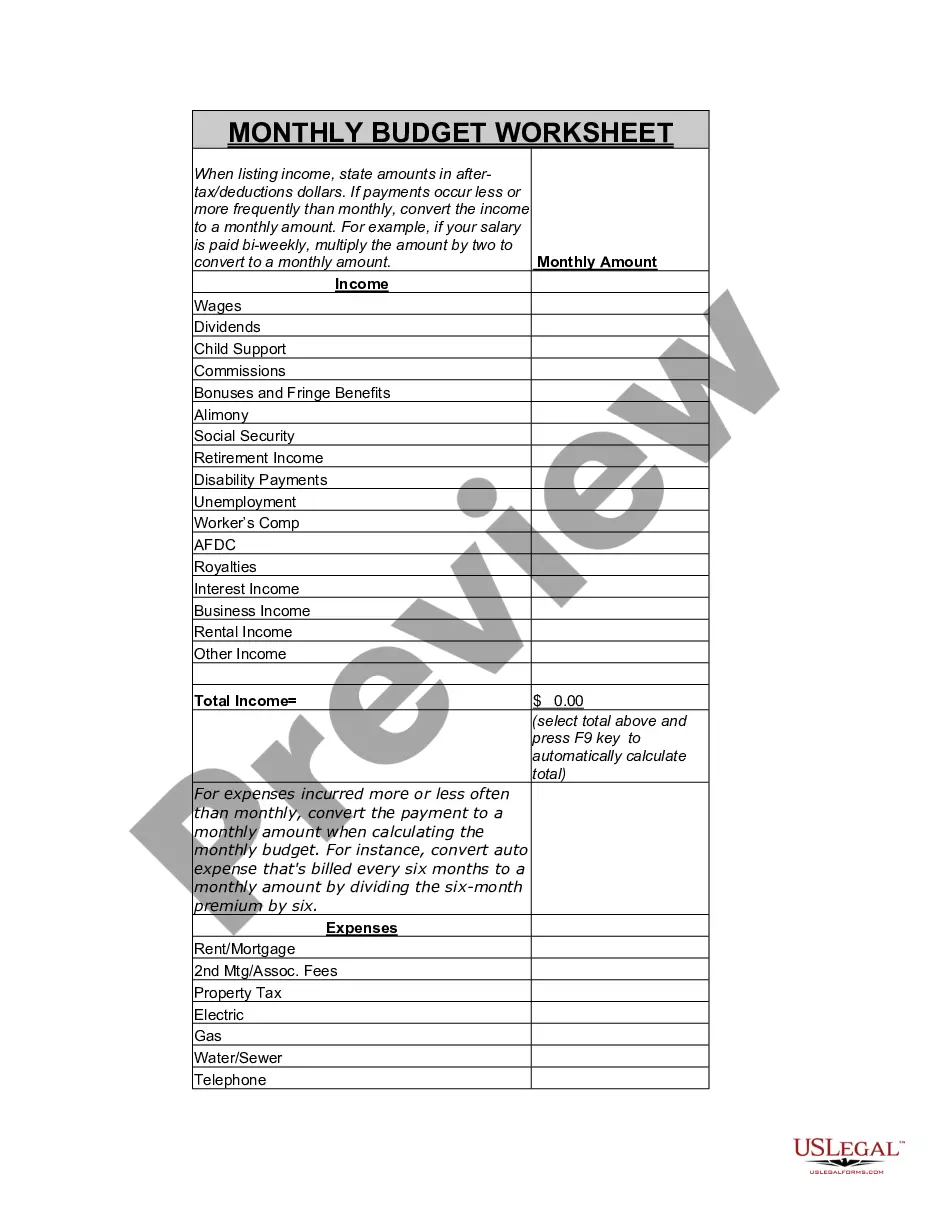
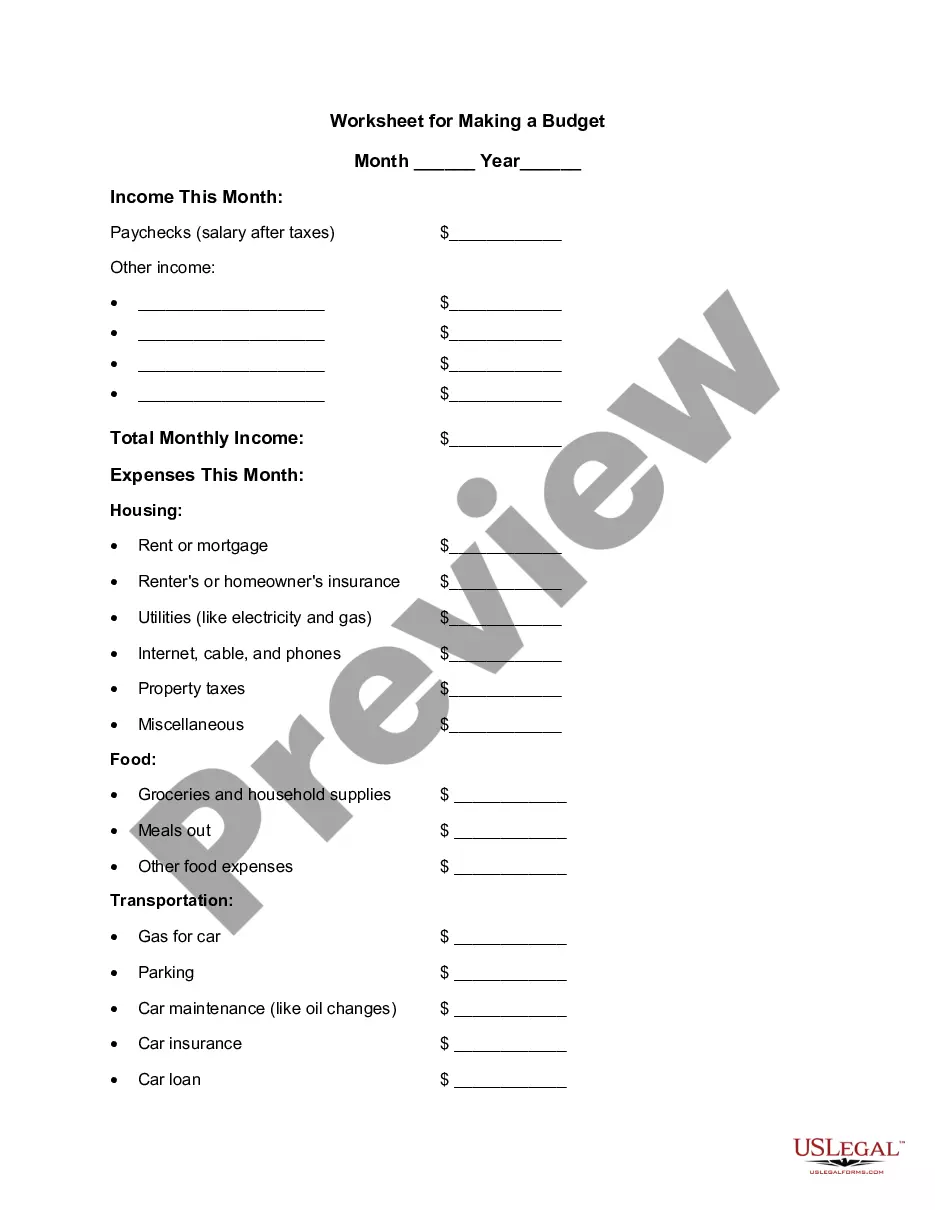
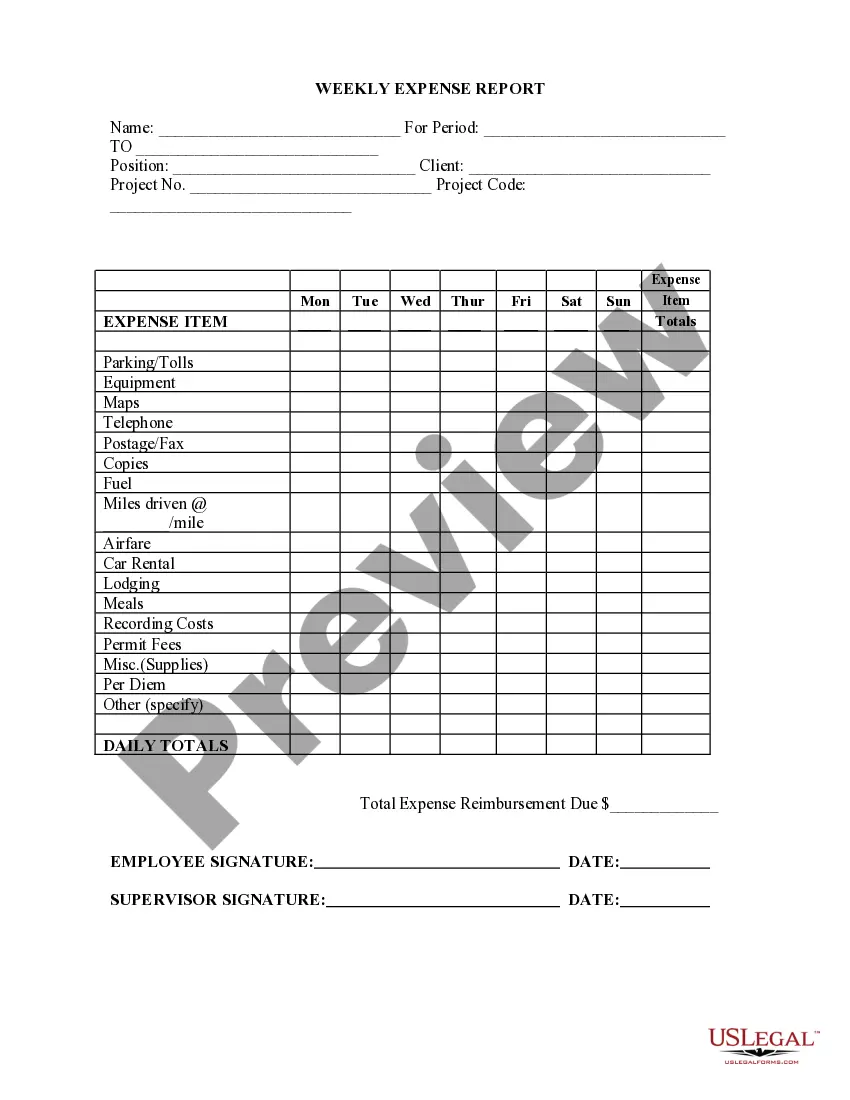
South Dakota Weekly Expense Tracking Worksheet
Description
Get your form ready online
Our built-in tools help you complete, sign, share, and store your documents in one place.
Make edits, fill in missing information, and update formatting in US Legal Forms—just like you would in MS Word.
Download a copy, print it, send it by email, or mail it via USPS—whatever works best for your next step.
Sign and collect signatures with our SignNow integration. Send to multiple recipients, set reminders, and more. Go Premium to unlock E-Sign.
If this form requires notarization, complete it online through a secure video call—no need to meet a notary in person or wait for an appointment.
We protect your documents and personal data by following strict security and privacy standards.

Make edits, fill in missing information, and update formatting in US Legal Forms—just like you would in MS Word.

Download a copy, print it, send it by email, or mail it via USPS—whatever works best for your next step.

Sign and collect signatures with our SignNow integration. Send to multiple recipients, set reminders, and more. Go Premium to unlock E-Sign.

If this form requires notarization, complete it online through a secure video call—no need to meet a notary in person or wait for an appointment.

We protect your documents and personal data by following strict security and privacy standards.
Looking for another form?




How to fill out Weekly Expense Tracking Worksheet?
US Legal Forms - one of the largest collections of legal documents in the USA - provides a variety of legal document templates that you can download or print. By using the website, you can access thousands of forms for business and personal purposes, categorized by type, state, or keywords. You can find the latest versions of forms like the South Dakota Weekly Expense Tracking Worksheet within moments.
If you already have a monthly membership, Log In and download the South Dakota Weekly Expense Tracking Worksheet from the US Legal Forms collection. The Download option will appear on each form you view. You can access all previously downloaded forms in the My documents section of your account.
If you are utilizing US Legal Forms for the first time, here are simple instructions to help you get started: Ensure you have selected the correct form for your city/state. Click on the Review option to view the form's content. Read the form summary to ensure you have chosen the right form.
Every form you added to your account has no expiration date and belongs to you permanently. Therefore, if you wish to download or print another copy, simply navigate to the My documents section and click on the form you need.
Access the South Dakota Weekly Expense Tracking Worksheet with US Legal Forms, the most comprehensive collection of legal document templates. Leverage a vast array of expert and state-specific templates that fulfill your business or personal needs and requirements.
- If the form does not meet your requirements, use the Search box at the top of the screen to find the one that does.
- If you are satisfied with the form, confirm your selection by clicking on the Download now button.
- Then, choose your preferred pricing plan and provide your details to sign up for an account.
- Complete the transaction. Use a Visa or Mastercard or PayPal account to finalize the payment.
- Choose the file format and download the form to your device.
- Edit. Fill out, modify, print, and sign the downloaded South Dakota Weekly Expense Tracking Worksheet.
Form popularity
FAQ
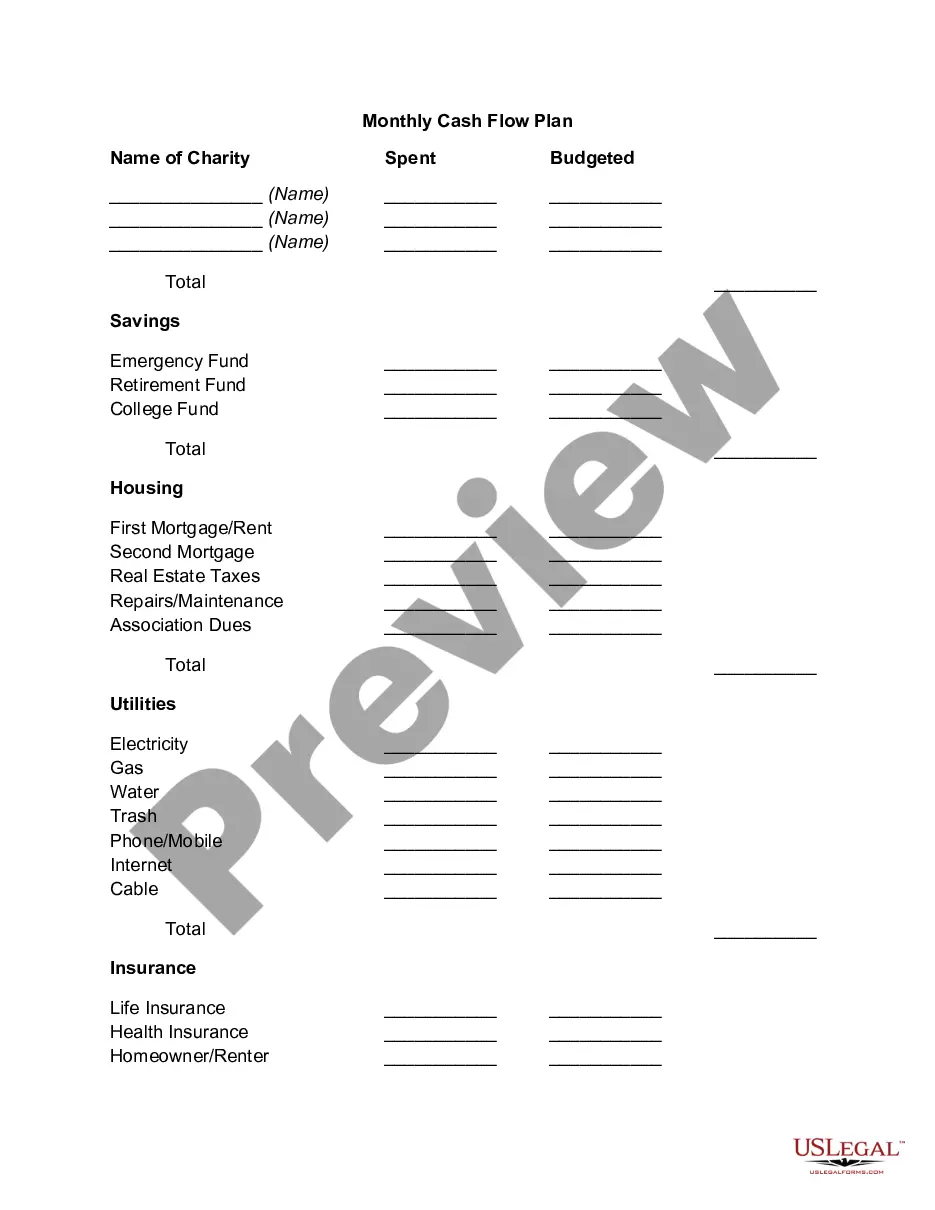
Recommended Budgeting CategoriesMortgage or rent.Property taxes.Household repairs.HOA fees.
5 Steps for Tracking Your Monthly ExpensesCheck your account statements.Categorize your expenses.Use a budgeting or expense-tracking app.Explore other expense trackers.Identify room for change.
How to Keep Track of Spending Using a Weekly PlannerStep 1: Write down ALL expenses and income. Expenses.Step 2: Add it all up. At the end of the month, add up all your expenses.Step 3: Compare Income to Expenses. Next it's time to compare the money coming in versus the money going out.
The Essential Budget CategoriesHousing (25-35 percent)Transportation (10-15 percent)Food (10-15 percent)Utilities (5-10 percent)Insurance (10-25 percent)Medical & Healthcare (5-10 percent)Saving, Investing, & Debt Payments (10-20 percent)Personal Spending (5-10 percent)More items...?
Steps to Track Your ExpensesStep One: Create a Budget. You won't be able to track expenses without one.Step Two: If You Make Money, Track It. When your regular paycheck comes in, put it in the income part of your budget.Step Three: If You Spend Money, Track It.Step Four: Set a Regular Rhythm for Tracking.
5 Steps for Tracking Your Monthly ExpensesCheck your account statements.Categorize your expenses.Use a budgeting or expense-tracking app.Explore other expense trackers.Identify room for change.
Here's how to get started tracking your monthly expenses.Check your account statements.Categorize your expenses.Use a budgeting or expense-tracking app.Explore other expense trackers.Identify room for change.
The best expense tracker apps for AndroidAndroMoney.EveryDollar.Expensify.Fuelio.Microsoft Excel.
Best expense tracker appsBest overall free app: Mint.Best app for beginners: Goodbudget.Best app for serious budgeters: You Need a Budget (YNAB)Best app for small business owners: QuickBooks Online.Best app for business expenses: Expensify.
How to Keep Track of Spending Using a Weekly PlannerStep 1: Write down ALL expenses and income. Expenses.Step 2: Add it all up. At the end of the month, add up all your expenses.Step 3: Compare Income to Expenses. Next it's time to compare the money coming in versus the money going out.