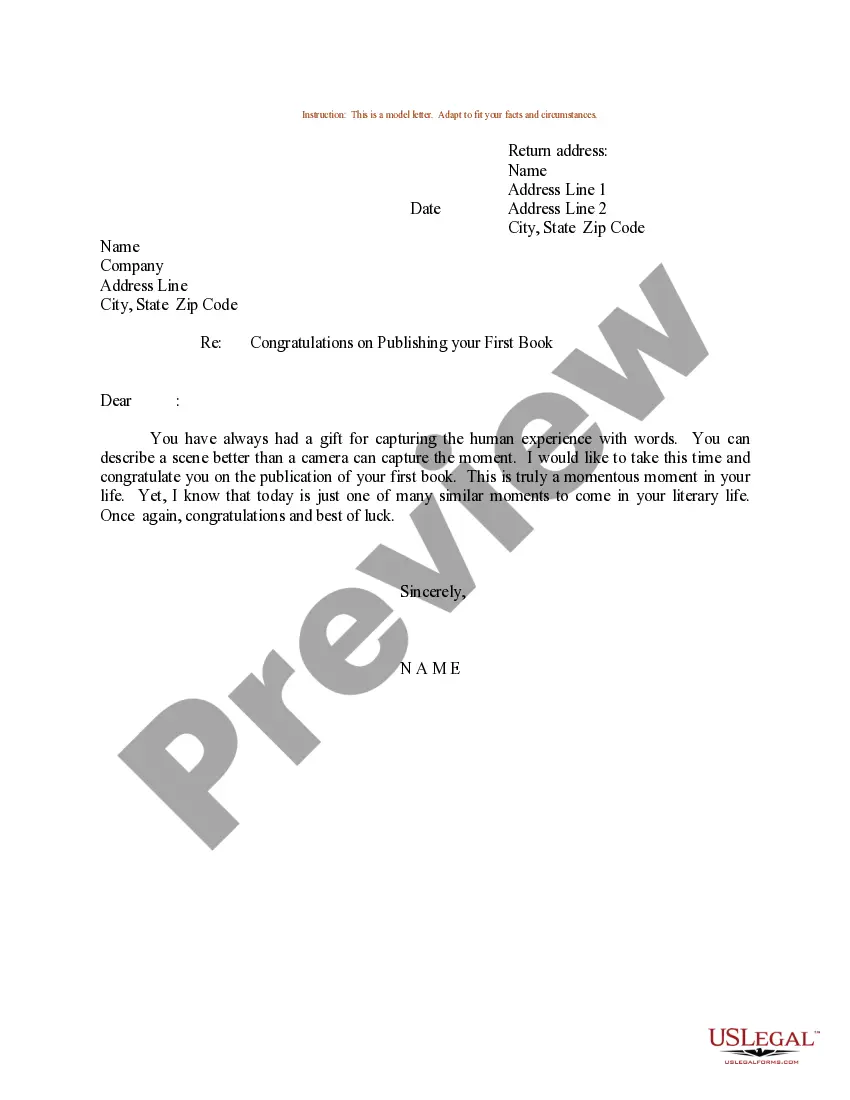
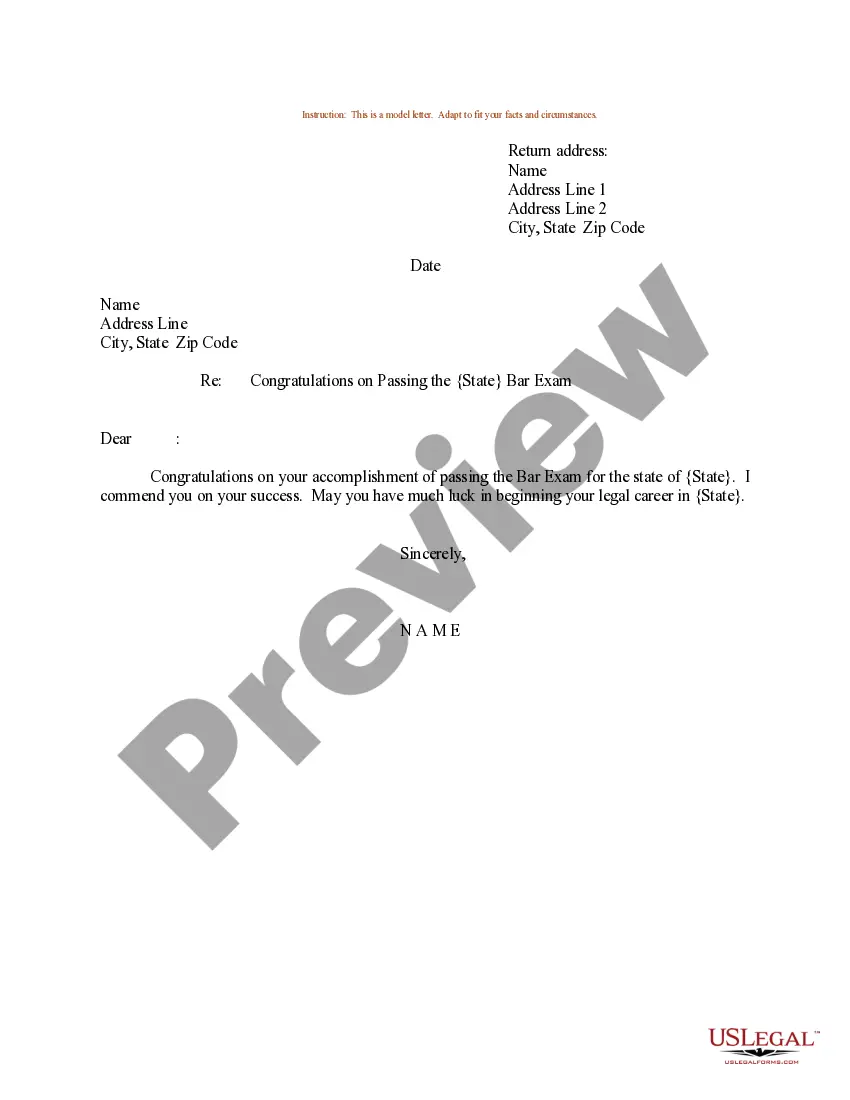
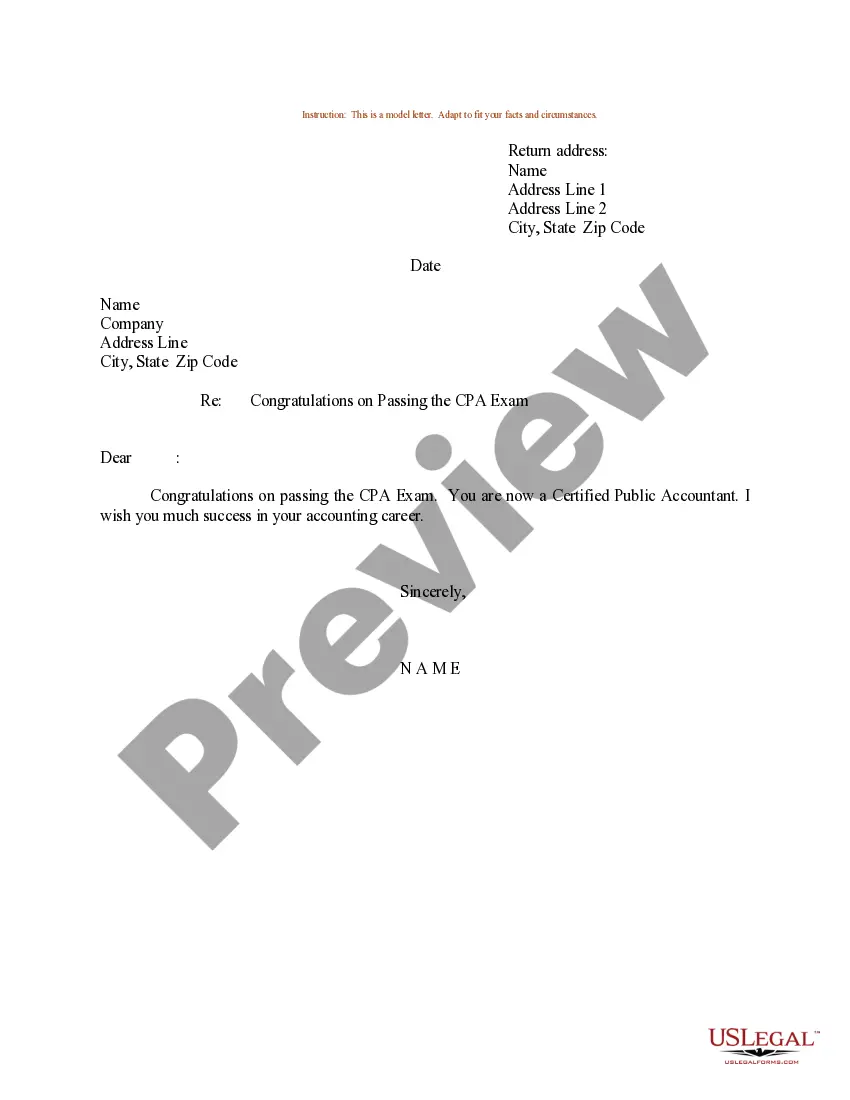
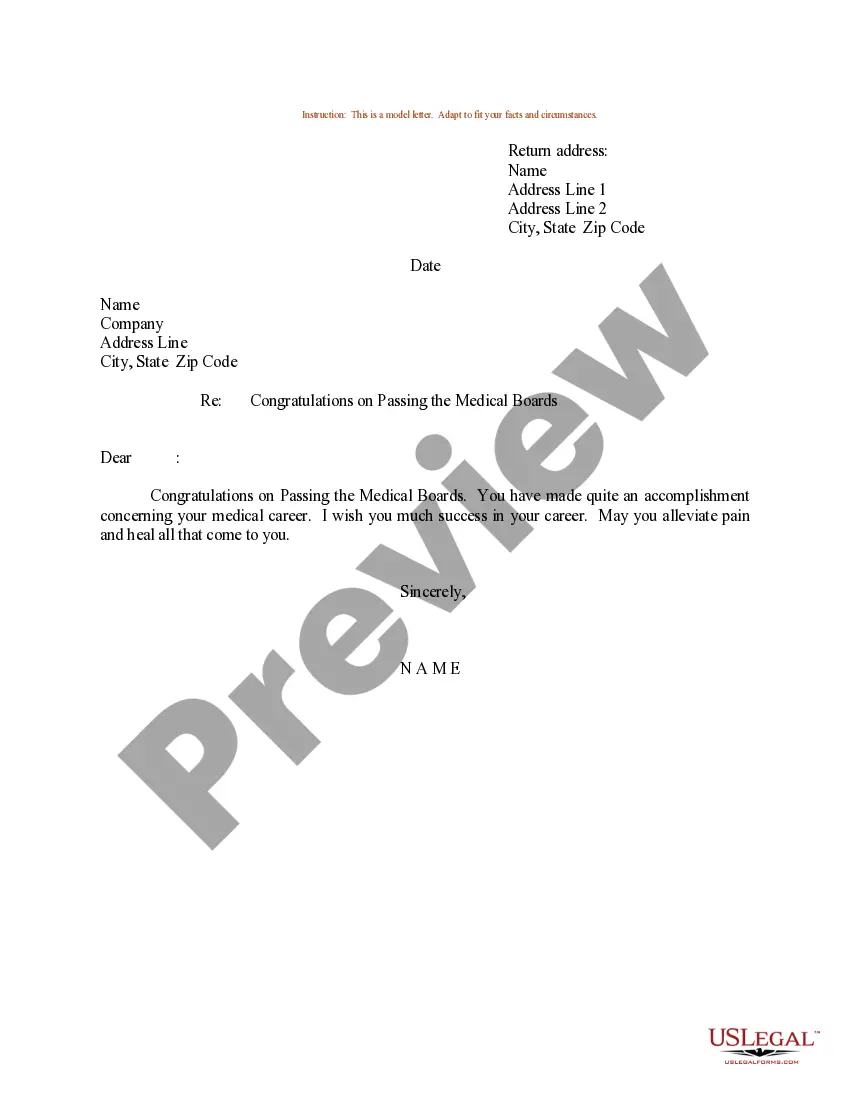
South Dakota Sample Letter for Congratulations on Publishing First Book
Description
Get your form ready online
Our built-in tools help you complete, sign, share, and store your documents in one place.
Make edits, fill in missing information, and update formatting in US Legal Forms—just like you would in MS Word.
Download a copy, print it, send it by email, or mail it via USPS—whatever works best for your next step.
Sign and collect signatures with our SignNow integration. Send to multiple recipients, set reminders, and more. Go Premium to unlock E-Sign.
If this form requires notarization, complete it online through a secure video call—no need to meet a notary in person or wait for an appointment.
We protect your documents and personal data by following strict security and privacy standards.

Make edits, fill in missing information, and update formatting in US Legal Forms—just like you would in MS Word.

Download a copy, print it, send it by email, or mail it via USPS—whatever works best for your next step.

Sign and collect signatures with our SignNow integration. Send to multiple recipients, set reminders, and more. Go Premium to unlock E-Sign.

If this form requires notarization, complete it online through a secure video call—no need to meet a notary in person or wait for an appointment.

We protect your documents and personal data by following strict security and privacy standards.
Looking for another form?






How to fill out Sample Letter For Congratulations On Publishing First Book?
You could devote numerous hours online attempting to locate the legal document template that aligns with the state and federal requirements you need.
US Legal Forms provides a vast array of legal templates that have been evaluated by experts.
You can easily obtain or print the South Dakota Sample Letter for Congratulations on Publishing First Book through my services.
If you wish to find an alternative version of the document, use the Search field to locate the template that fulfills your needs and requirements.
- If you possess a US Legal Forms account, you may sign in and click on the Acquire button.
- Afterward, you can complete, modify, print, or sign the South Dakota Sample Letter for Congratulations on Publishing First Book.
- Every legal document template you purchase is yours permanently.
- To access another copy of any acquired form, visit the My documents section and click the relevant button.
- If this is your first time using the US Legal Forms website, follow the simple instructions below.
- First, ensure that you have selected the correct document template for your state/region of choice.
- Review the form details to make certain you have chosen the appropriate template.
Form popularity
FAQ
To congratulate someone in a creative way, consider personalizing your message. A handwritten note can feel special, or you might even include a small token, like a book-themed bookmark. Don't hesitate to use a South Dakota Sample Letter for Congratulations on Publishing First Book as inspiration to express your unique sentiment.
More FormalCongratulations on your well-deserved success.Heartfelt congratulations to you.Warmest congratulations on your achievement.Congratulations and best wishes for your next adventure!So pleased to see you accomplishing great things.
How to write a congratulation letter for an accomplishmentCreate a subject. If you're sending a congratulations letter or note through email, choose a subject that's brief and relevant to the purpose of the message.Include a greeting.Open with congratulations.Include details about the accomplishment.Add a closing.
SentencesI look forward to your next article. Please share it with me when it comes out.Please let me know if there is anything I can do to help you with future articles of interest to our company.Keep up the good work.Best wishes in your future endeavors.I hope to see more of your work in the future.
I'm so proud of you for setting your sights high and making every effort to achieve that goal. You truly are leading by example to ensure your team's continuing reputation for excellence. You worked hard and proved to yourself and everyone what you are capable of. Best wishes for your continued success.
StepsStart with a direct statement of congratulations.Comment on why you think the article or book is significant or important.Acknowledge the effort, dedication, energy, sacrifice, or skill necessary for the achievement.Express good wishes for the future.
More FormalCongratulations on your well-deserved success.Heartfelt congratulations to you.Warmest congratulations on your achievement.Congratulations and best wishes for your next adventure!So pleased to see you accomplishing great things.
For a formal letter of congratulations, begin with some basic celebratory statements. Say, "I want to congratulate you on your recent promotion," or "I was ecstatic when I heard the good news about the birth of your child." Another general statement of congratulations could be, "Job well done!