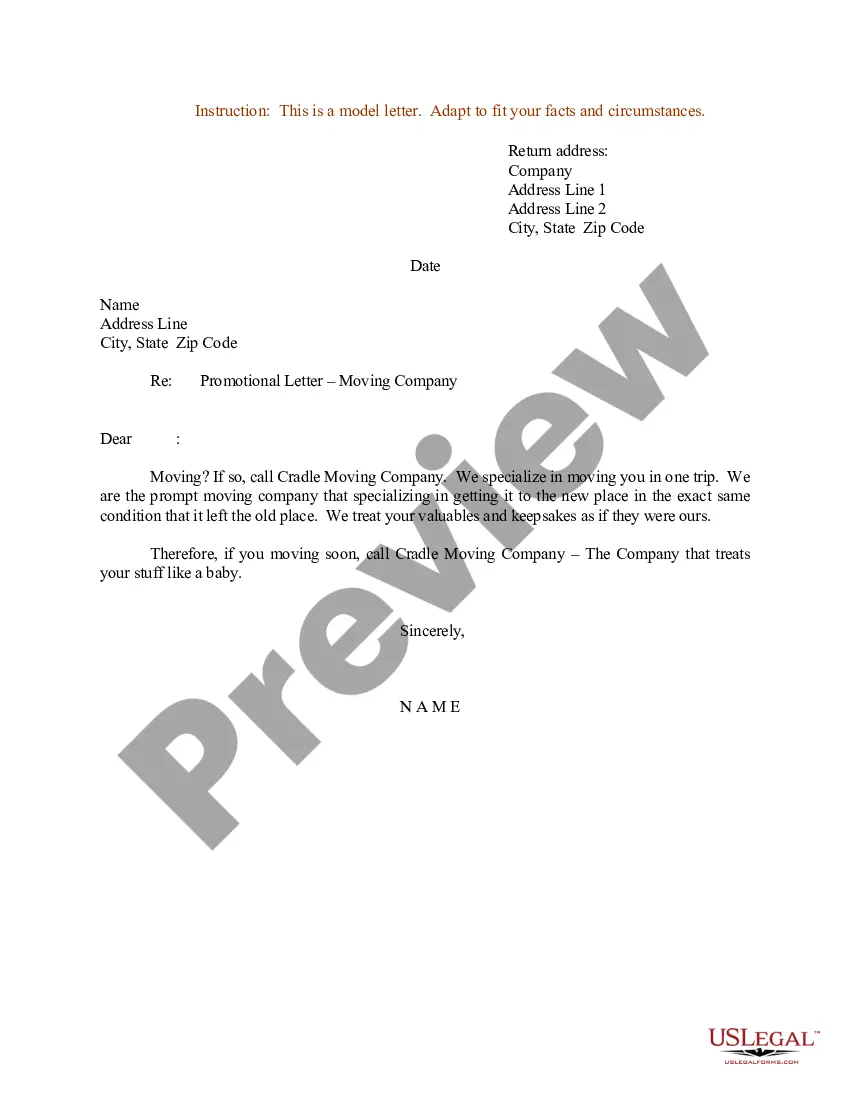
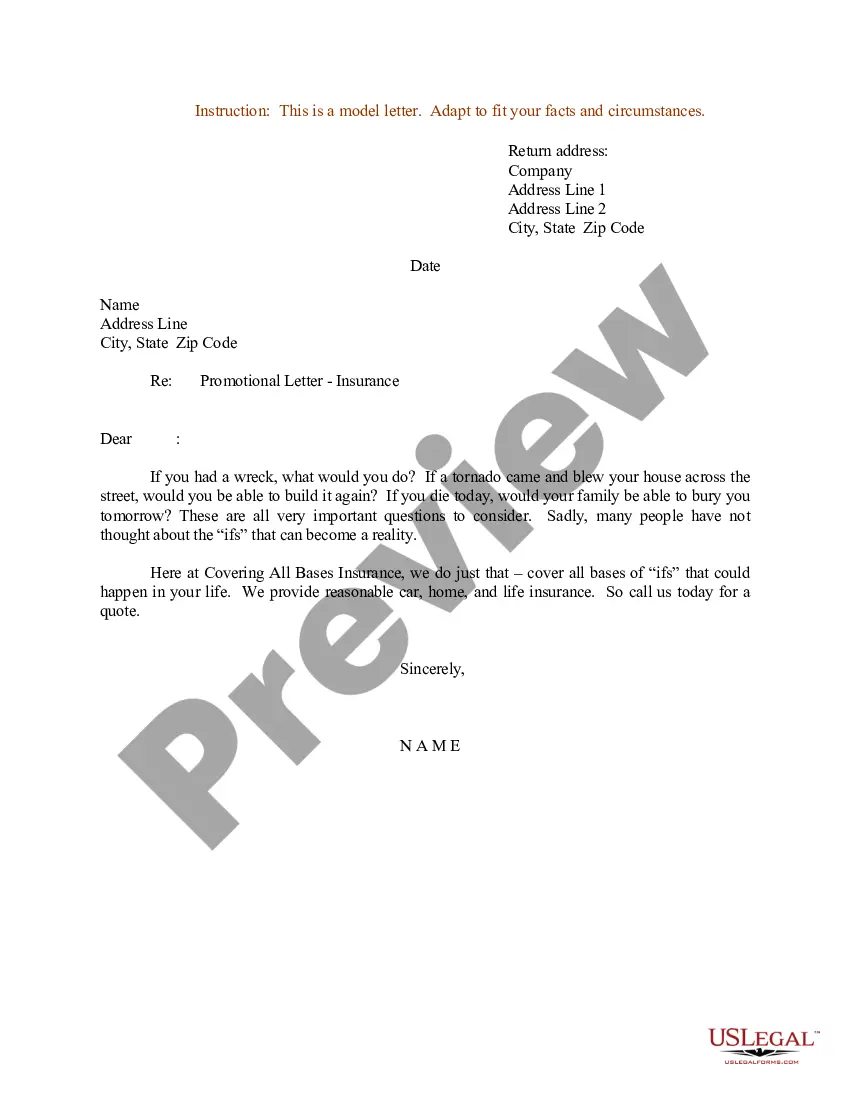
South Dakota Sample Letter for Promotional Letter - Moving Services
Description
Get your form ready online
Our built-in tools help you complete, sign, share, and store your documents in one place.
Make edits, fill in missing information, and update formatting in US Legal Forms—just like you would in MS Word.
Download a copy, print it, send it by email, or mail it via USPS—whatever works best for your next step.
Sign and collect signatures with our SignNow integration. Send to multiple recipients, set reminders, and more. Go Premium to unlock E-Sign.
If this form requires notarization, complete it online through a secure video call—no need to meet a notary in person or wait for an appointment.
We protect your documents and personal data by following strict security and privacy standards.

Make edits, fill in missing information, and update formatting in US Legal Forms—just like you would in MS Word.

Download a copy, print it, send it by email, or mail it via USPS—whatever works best for your next step.

Sign and collect signatures with our SignNow integration. Send to multiple recipients, set reminders, and more. Go Premium to unlock E-Sign.

If this form requires notarization, complete it online through a secure video call—no need to meet a notary in person or wait for an appointment.

We protect your documents and personal data by following strict security and privacy standards.
Looking for another form?
How to fill out Sample Letter For Promotional Letter - Moving Services?
Locating the appropriate legal document template can be a challenge.
It goes without saying that numerous styles are available online, but how do you identify the legal form you require.
Utilize the US Legal Forms website.
Firstly, ensure that you have selected the correct form for your locality/county. You can view the document using the Preview button and read the document details to confirm it is suitable for you. If the form does not meet your needs, use the Search field to find the appropriate document. Once you are confident that the form is correct, click on the Get now button to acquire the form. Choose the pricing plan you prefer and enter the necessary information. Create your account and process the payment using your PayPal account or credit card. Select the format and download the legal document template to your device. Complete, edit, print, and sign the received South Dakota Sample Letter for Promotional Letter - Moving Services. US Legal Forms is the largest library of legal documents where you can find a variety of document templates. Take advantage of this service to acquire professionally crafted papers that meet state requirements.
- This service offers thousands of templates, including the South Dakota Sample Letter for Promotional Letter - Moving Services, suitable for both business and personal needs.
- All forms are reviewed by experts and comply with federal and state regulations.
- If you are currently registered, Log In to your account and click the Obtain button to download the South Dakota Sample Letter for Promotional Letter - Moving Services.
- Use your account to navigate through the legal documents you have previously acquired.
- Visit the My documents tab in your account to retrieve another copy of the necessary documents.
- If you are a new user of US Legal Forms, here are straightforward instructions for you to follow.
Form popularity
FAQ
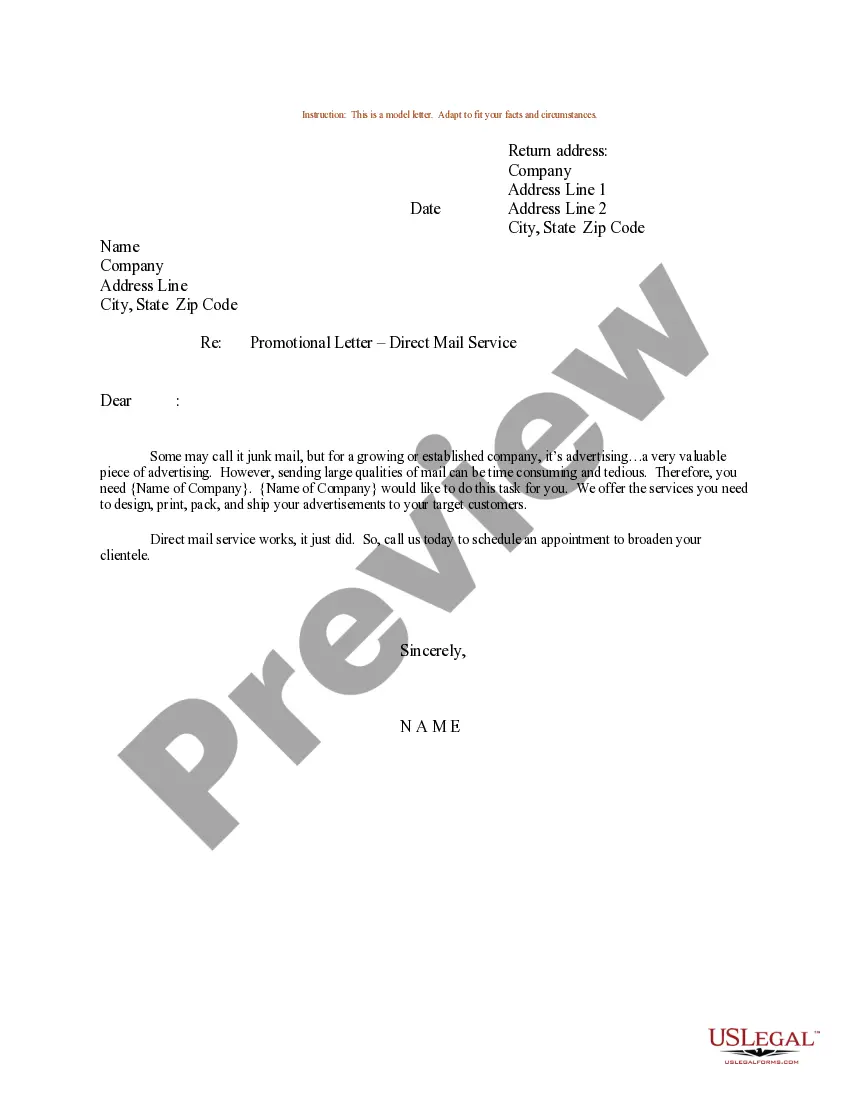
To request a promotion, begin by clearly stating your accomplishments and contributions to the team. Include your reasons for wanting the promotion and how you can add value in the new role. For a precise structure, refer to a South Dakota Sample Letter for Promotional Letter - Moving Services.
The word format for a job promotion letter typically follows a professional letter template. It includes your address, the recipient's address, a subject line, and the body of the letter detailing the promotion. A South Dakota Sample Letter for Promotional Letter - Moving Services can help you establish this format effectively.
What to include in your promotion request letterAddress it to your manager.Detailed subject line.Friendly greeting.Introduction and request.Your accomplishments.Your accolades.Conclusion and summary of your request.Signoff and signature.
How to write a letter of promotionInclude the employee's details.Mention the employee's new title.Write an expression of gratitude.Discuss compensation details.List additional responsibilities.Outline the reporting structure.Mention the effective date of promotion.Include a request to accept the promotion.
How to write a letter of intent for a job promotionStart with your intention.Outline your qualifications.Explain your accomplishments.Describe why you want the job.Tell how you'll benefit the company.Close on a positive note.
Direct Mail: If you have a mailing list of clients, send them a postcard with details about the move. Flyers: Pass out flyers to clients whenever you are face-to-face with them. Automated Telephone Greeting: Update your telephone greeting so it announces details about the move.
What to Include in Your LetterKeep It Positive. When you agree to write a letter for someone, make sure you can give them a glowing recommendation.Introduce Yourself Appropriately.Be Specific in Your Recommendations.Keep the Job Description in Mind.Offer Additional Assistance.
Announce the specific details of your move or your new opening, including the effective date and the new address. If you desire, also mention why you are moving. Give your new telephone number or fax number, if those will change. If necessary, include the directions to your new location.
How to write a letter of promotionInclude the employee's details.Mention the employee's new title.Write an expression of gratitude.Discuss compensation details.List additional responsibilities.Outline the reporting structure.Mention the effective date of promotion.Include a request to accept the promotion.
What is a Business Relocation Letter?Company name and current mailing information.Salutation.An introductory paragraph, including any downtime and closure/re-open dates due to moving.A follow-up paragraph that includes any changes in service due to moving.New contact information that will take effect after the move.More items...?