South Dakota Invoice Template for Software Engineer
Description
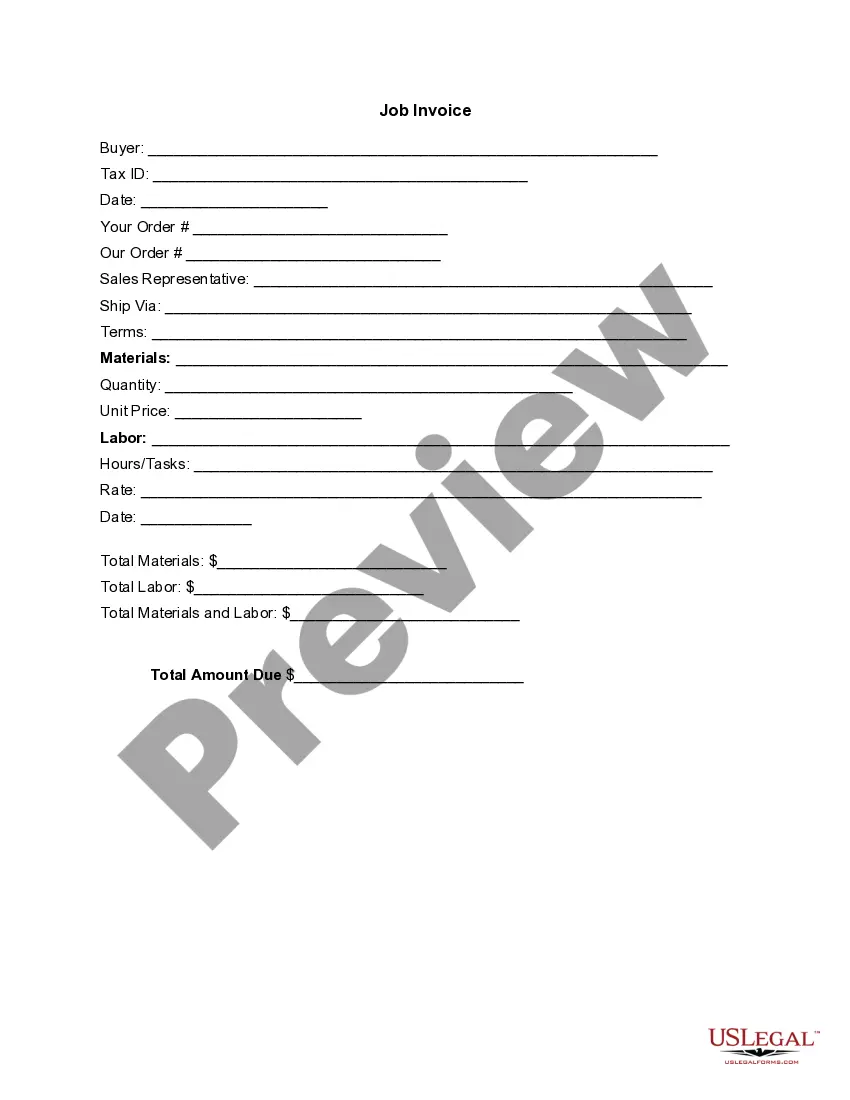
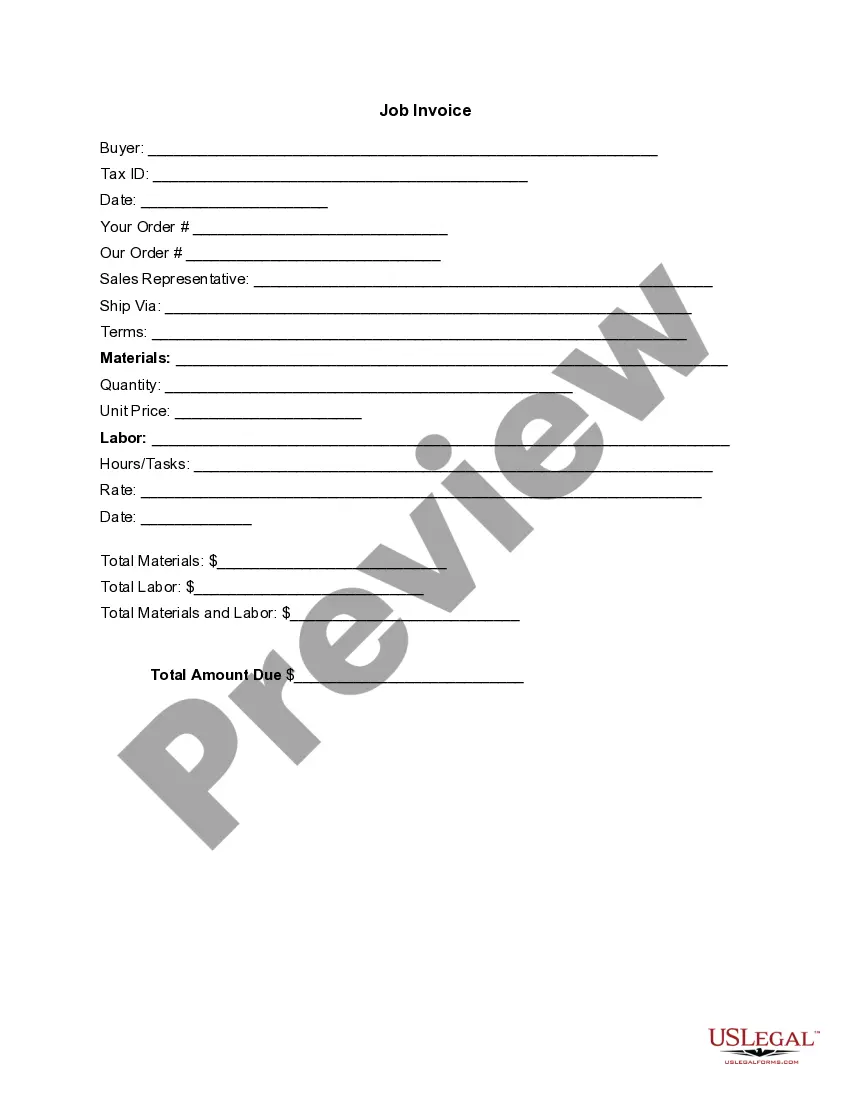

Get your form ready online
Our built-in tools help you complete, sign, share, and store your documents in one place.
Make edits, fill in missing information, and update formatting in US Legal Forms—just like you would in MS Word.
Download a copy, print it, send it by email, or mail it via USPS—whatever works best for your next step.
Sign and collect signatures with our SignNow integration. Send to multiple recipients, set reminders, and more. Go Premium to unlock E-Sign.
If this form requires notarization, complete it online through a secure video call—no need to meet a notary in person or wait for an appointment.
We protect your documents and personal data by following strict security and privacy standards.

Make edits, fill in missing information, and update formatting in US Legal Forms—just like you would in MS Word.

Download a copy, print it, send it by email, or mail it via USPS—whatever works best for your next step.

Sign and collect signatures with our SignNow integration. Send to multiple recipients, set reminders, and more. Go Premium to unlock E-Sign.

If this form requires notarization, complete it online through a secure video call—no need to meet a notary in person or wait for an appointment.

We protect your documents and personal data by following strict security and privacy standards.
Looking for another form?



How to fill out Invoice Template For Software Engineer?
US Legal Forms - one of the largest repositories of legal documents in the United States - offers a variety of legal form templates that you can download or print.
By using the website, you can find thousands of forms for both business and personal needs, organized by categories, states, or keywords. You can locate the most recent versions of forms like the South Dakota Invoice Template for Software Engineer within minutes.
If you hold a monthly subscription, Log In and download the South Dakota Invoice Template for Software Engineer from the US Legal Forms library. The Download button will appear on every form you view. You have access to all previously downloaded forms in the My documents tab of your account.
Complete the transaction. Use your credit card or PayPal account to finalize the purchase.
Select the format and download the form to your device. Make changes. Fill out, edit, and print and sign the downloaded South Dakota Invoice Template for Software Engineer. Each template added to your account has no expiration date and is yours indefinitely. Therefore, if you want to download or print another copy, simply go to the My documents section and click on the form you desire. Access the South Dakota Invoice Template for Software Engineer with US Legal Forms, the largest library of legal document templates. Utilize countless professional and state-specific templates that meet your business or personal needs.
- Make sure to have selected the correct form for your city/region.
- Click the Preview button to examine the form's content.
- Review the form overview to confirm you have selected the right form.
- If the form does not meet your requirements, utilize the Search field at the top of the display to find one that does.
- Once you are satisfied with the form, affirm your choice by clicking the Acquire now button.
- Then, select the payment plan you prefer and provide your information to create an account.
Form popularity
FAQ
Microsoft does not have a dedicated invoicing program, but it provides excellent tools in Word and Excel for creating invoices. These applications allow for flexibility and customization when using a South Dakota Invoice Template for Software Engineer. Additionally, you can integrate other Microsoft services to create a more streamlined invoicing process, tailored to your specific needs.
Creating an invoice with Microsoft involves selecting the right template from Word or Excel. After finding a suitable South Dakota Invoice Template for Software Engineer, you can fill in your details such as services rendered, payment terms, and client information. Make sure to save your changes, so you can easily send it to your clients.
Choosing between Word and Excel for creating invoices largely depends on your comfort level with each tool. Word offers a straightforward approach for formatting and design, while Excel is great for calculations and data management. For those in software engineering, utilizing a South Dakota Invoice Template for Software Engineer in Excel can enhance accuracy and efficiency.
The best program for creating invoices often depends on personal preference and specific needs. Microsoft Word and Excel are popular choices due to their user-friendly features and accessibility. For software engineers, a South Dakota Invoice Template for Software Engineer can streamline the process in either program, saving you valuable time.
Absolutely, Microsoft Word includes several invoice templates that you can use. You can easily personalize a South Dakota Invoice Template for Software Engineer to align with your brand. Simply search for the template in Word, download it, and fill in the details to create professional invoices.
Yes, Microsoft offers various invoice templates across its platforms, including Word and Excel. You can find a suitable South Dakota Invoice Template for Software Engineer on Microsoft’s template gallery. These templates come formatted and ready for customization, which simplifies your billing process.
In South Dakota, tangible personal property and specific services are subject to sales tax. This includes goods, certain software, and repair services. Always refer to the state’s regulations to determine what is taxable, as it can help you accurately reflect taxable amounts on your South Dakota Invoice Template for Software Engineer.
To register for sales tax in South Dakota, visit the state’s Department of Revenue website and complete the online application. Be prepared to provide your business information and federal tax identification number. Once registered, you can collect and remit sales tax on your invoices, ensuring compliance for your South Dakota Invoice Template for Software Engineer.
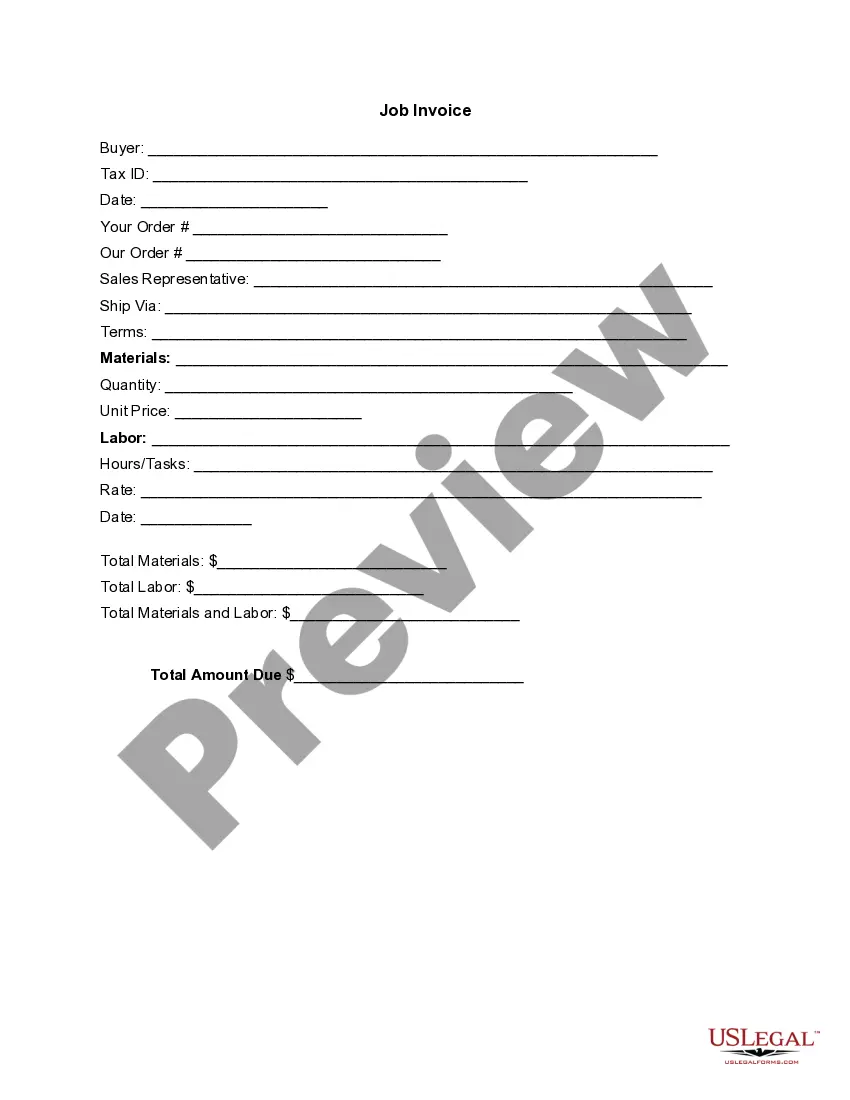
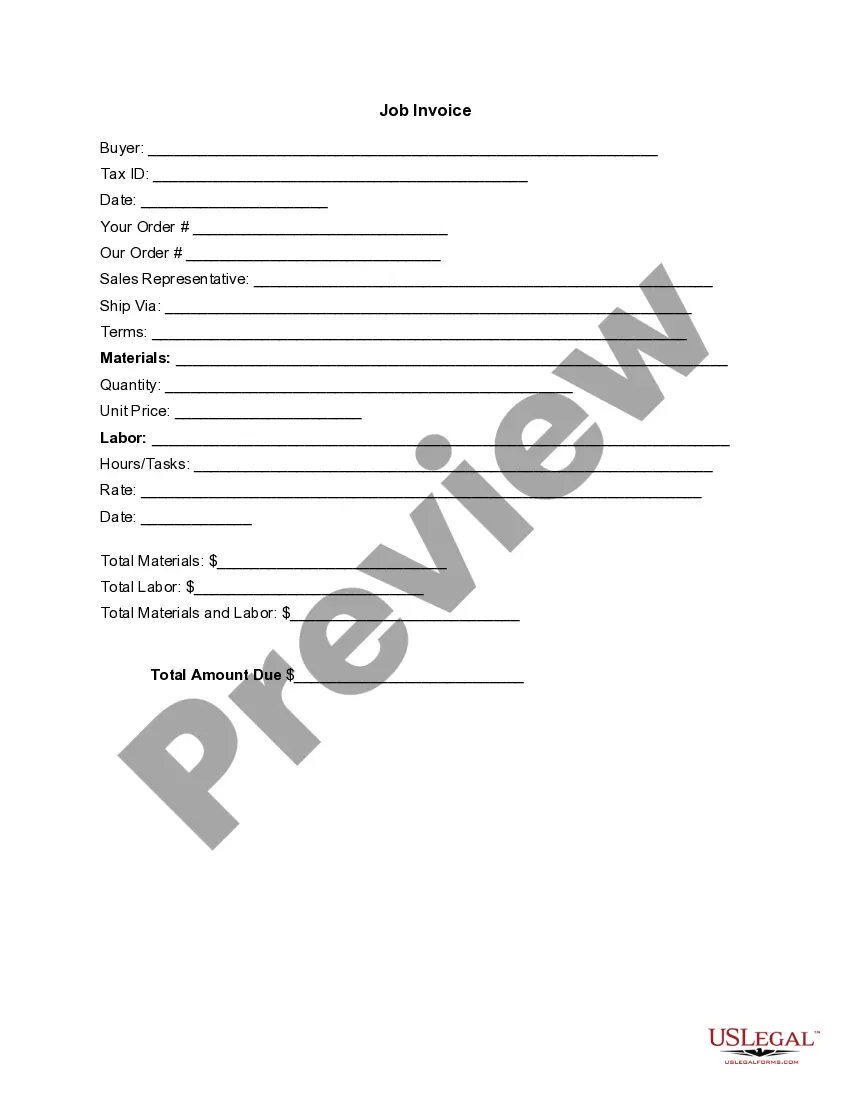
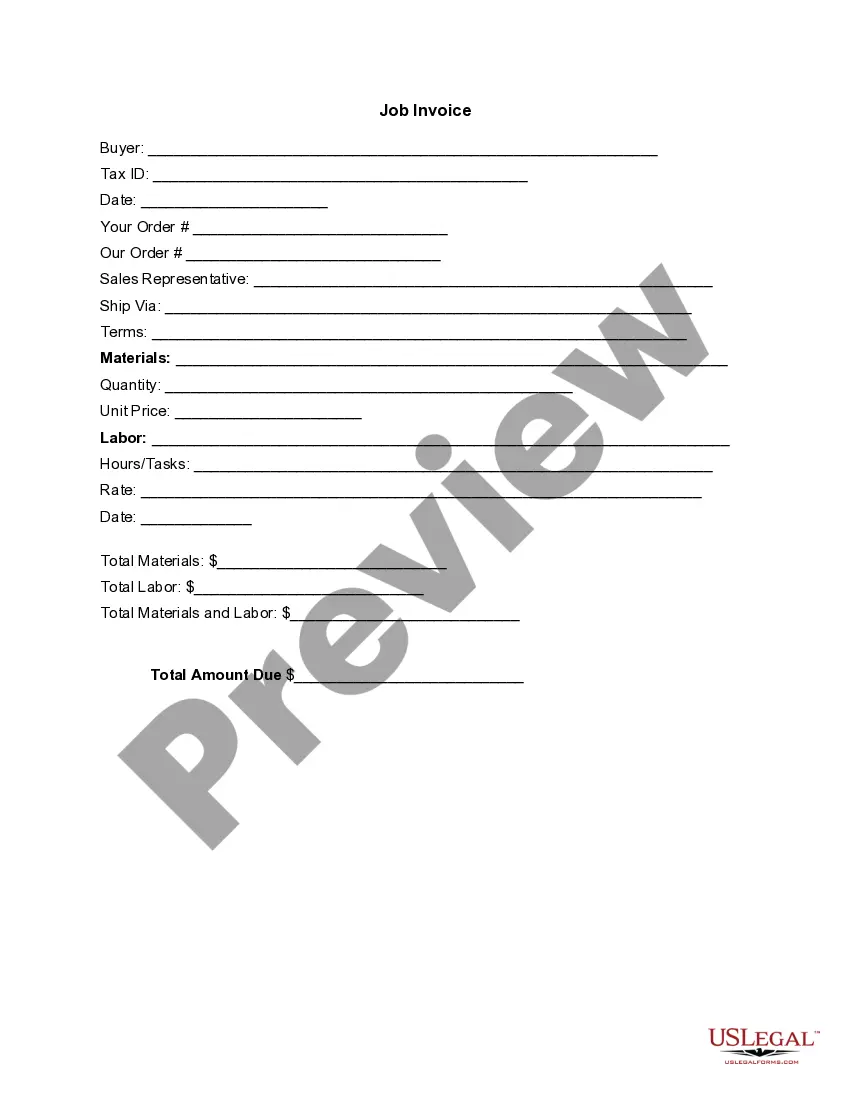
To set up an invoices template, start with a professional-looking design. Use a South Dakota Invoice Template for Software Engineer as your foundation, or create one from scratch by making sections for your company name, client information, services rendered, and payment details. Saving your completed template will save time on future invoices.
Yes, Microsoft Word offers various invoice templates, including options suitable for a South Dakota Invoice Template for Software Engineer. You can find these templates by searching within Word’s template gallery. Simply customize a selected template to fit your business requirements and save it for future invoices.