Mergers, acquisitions, division and reorganizations occur between law firms as in other businesses. The business practice and specialization of attorneys as well as the professional ethical strictures surrounding conflict of interest can lead to firms splitting up to pursue different clients or practices, or merging or recruiting experienced attorneys to acquire new clients or practice areas.
South Dakota Agreement Merging Two Law Firms
Instant download
Description
Free preview
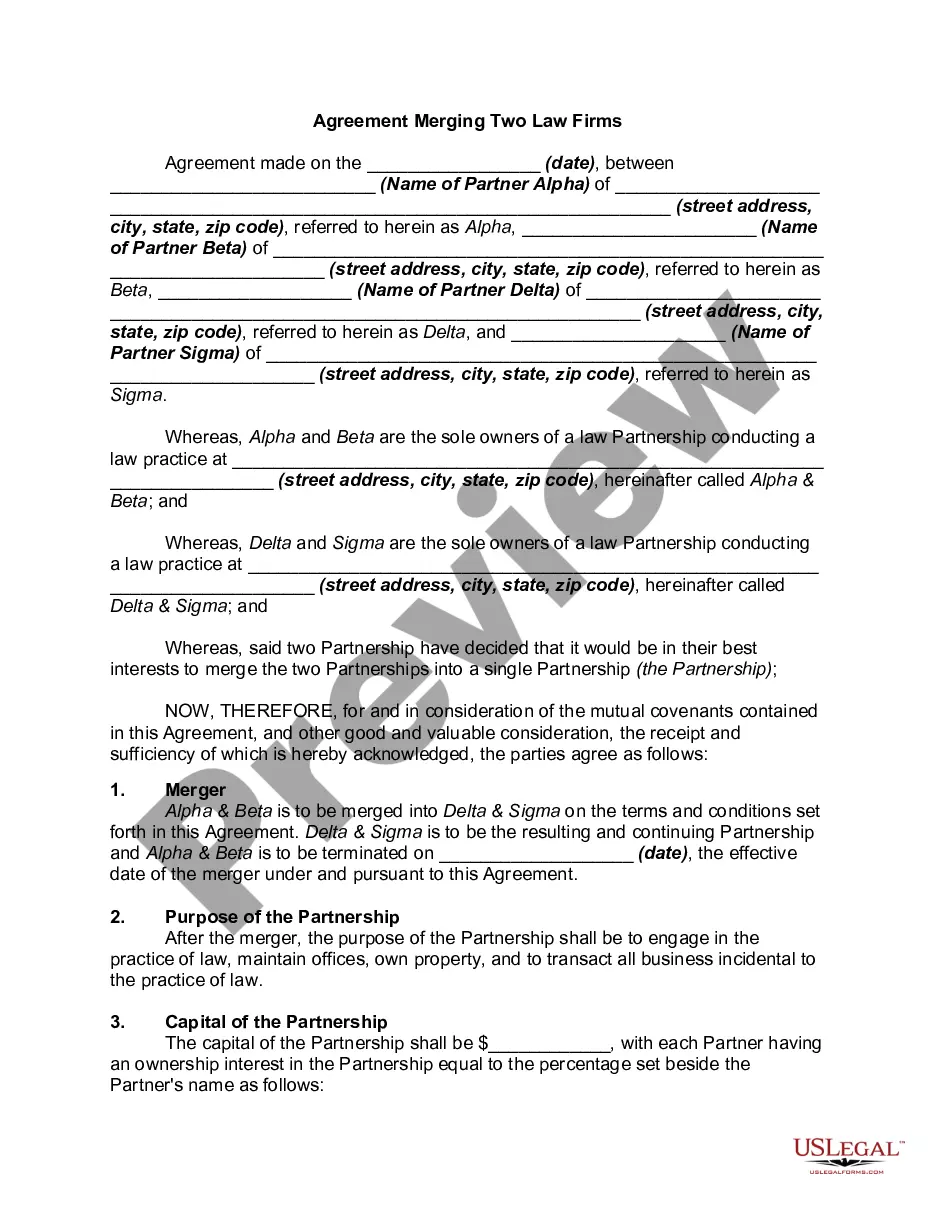
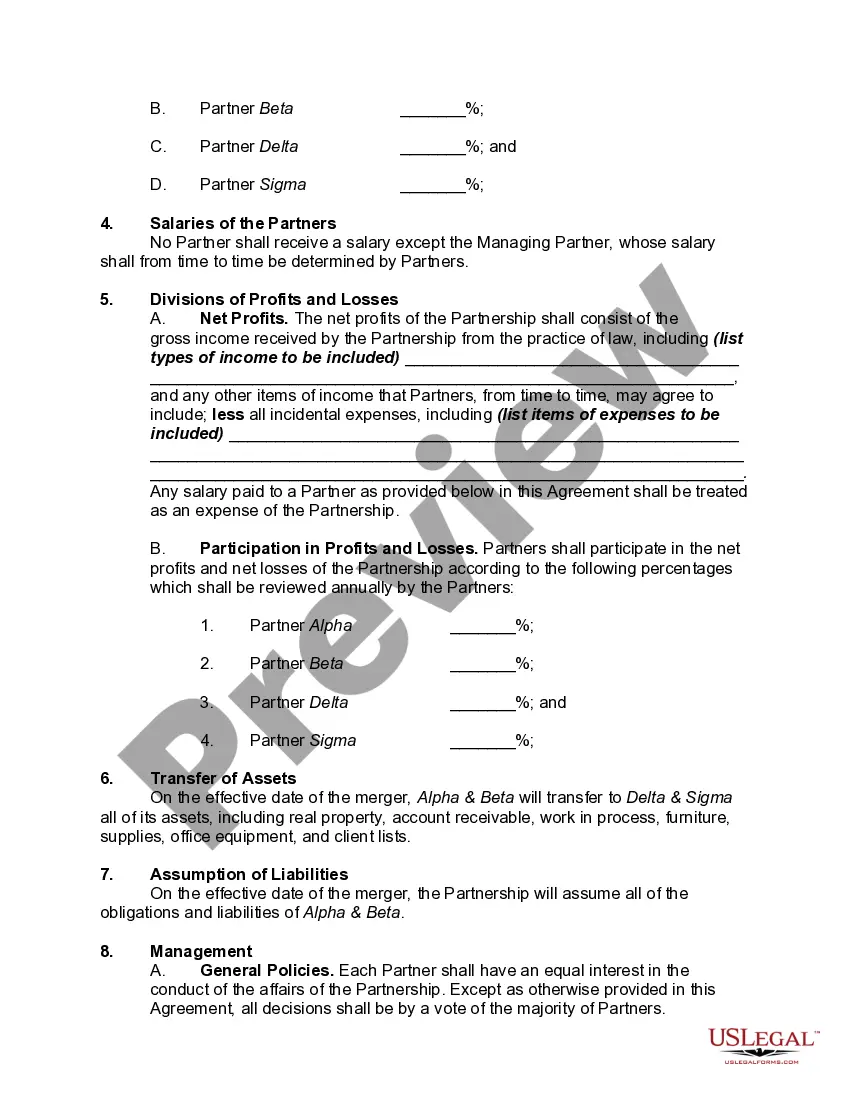
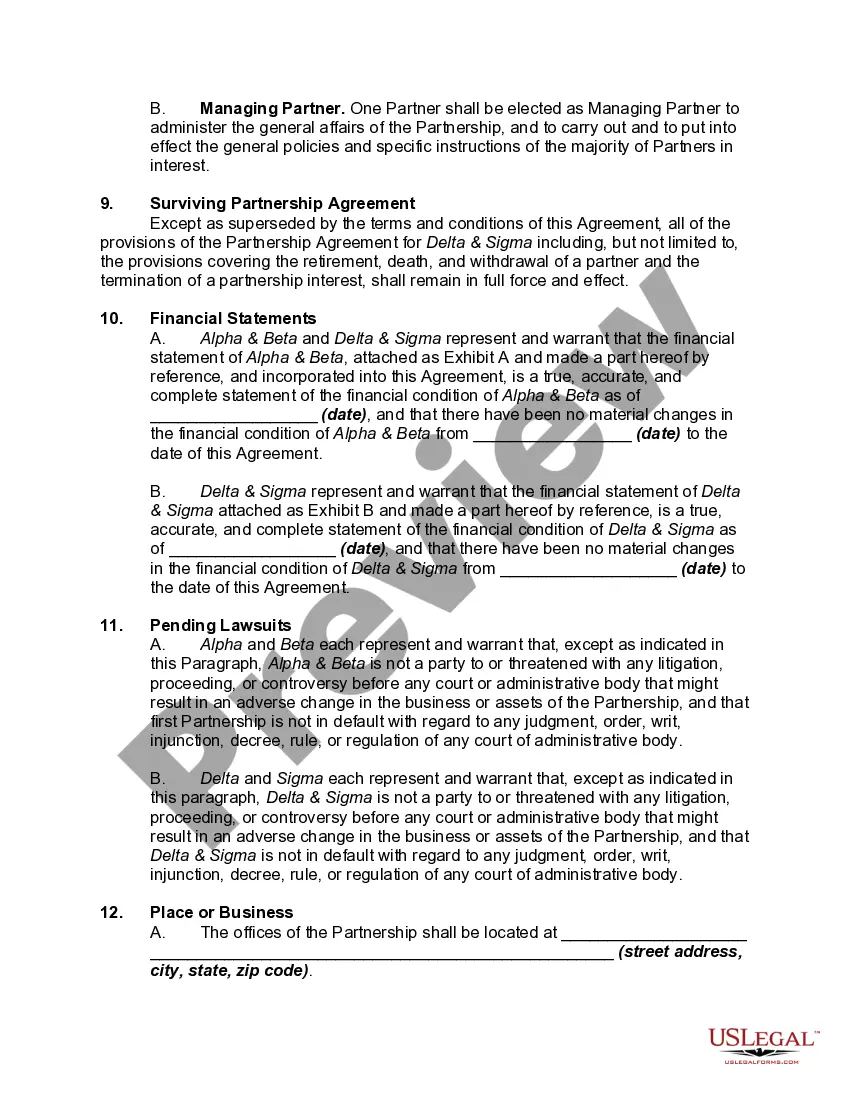

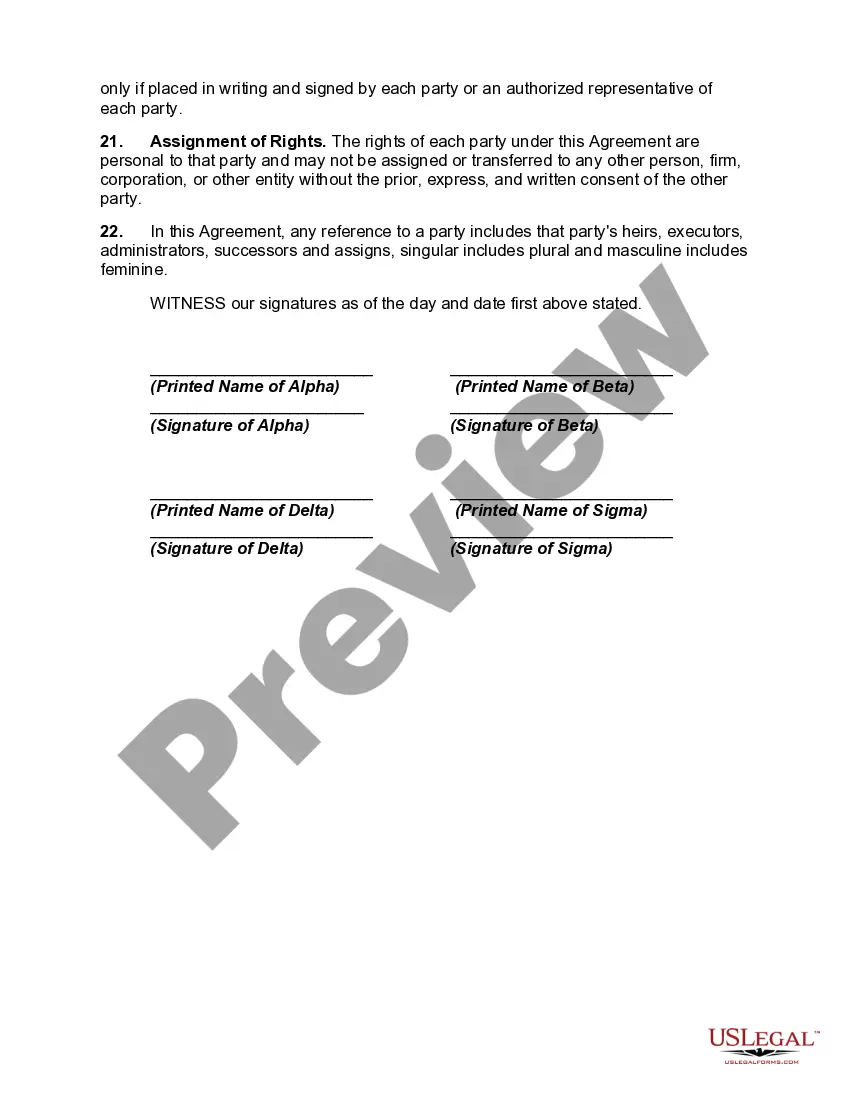
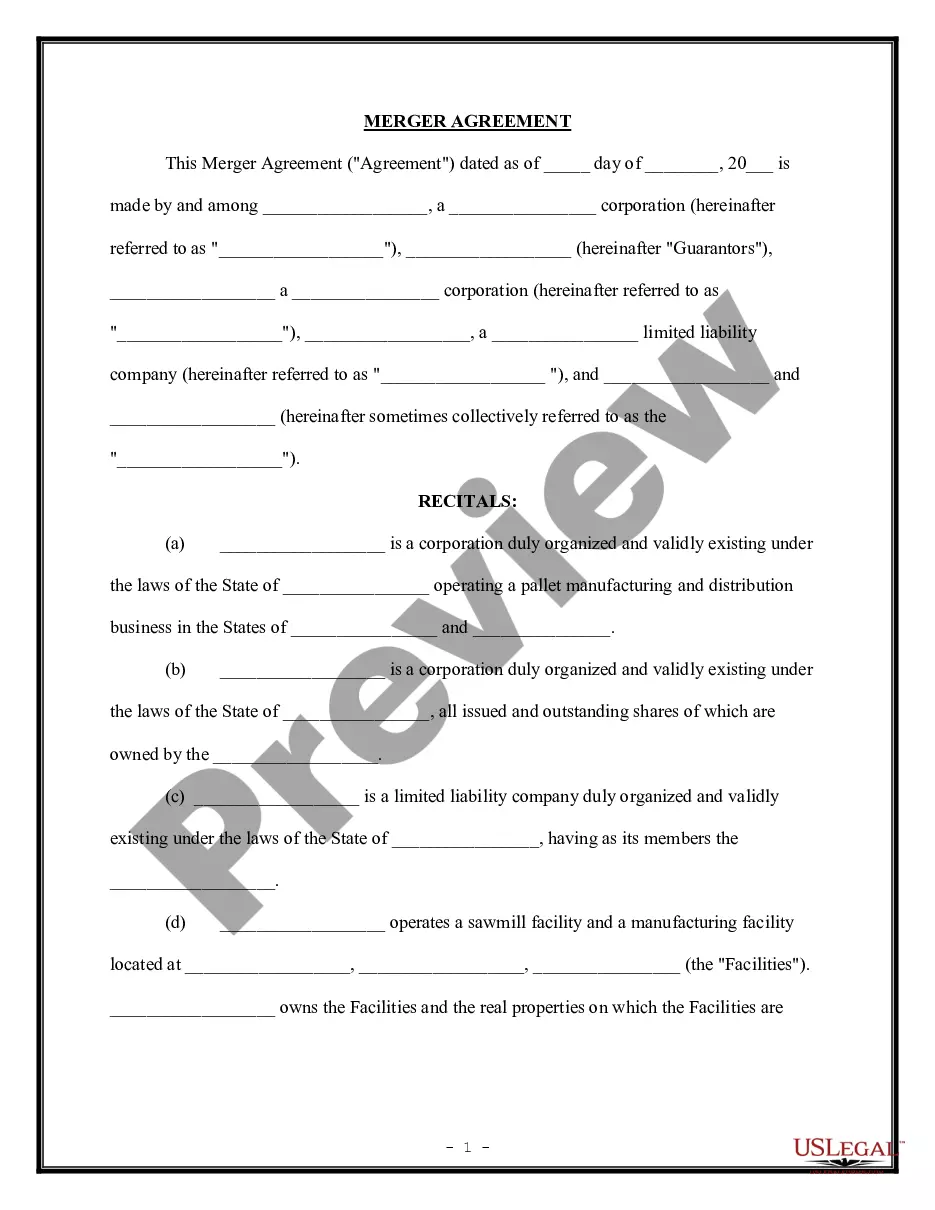
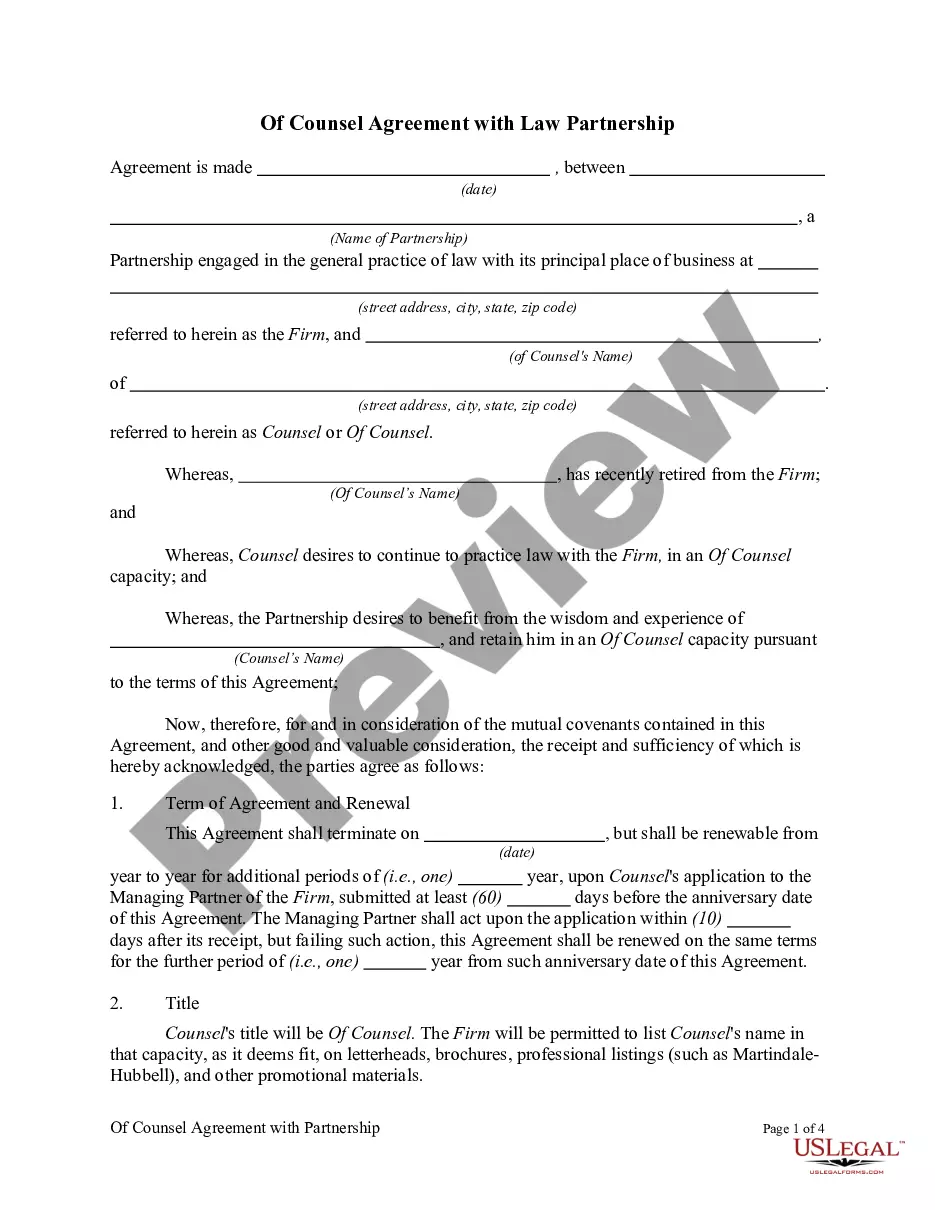
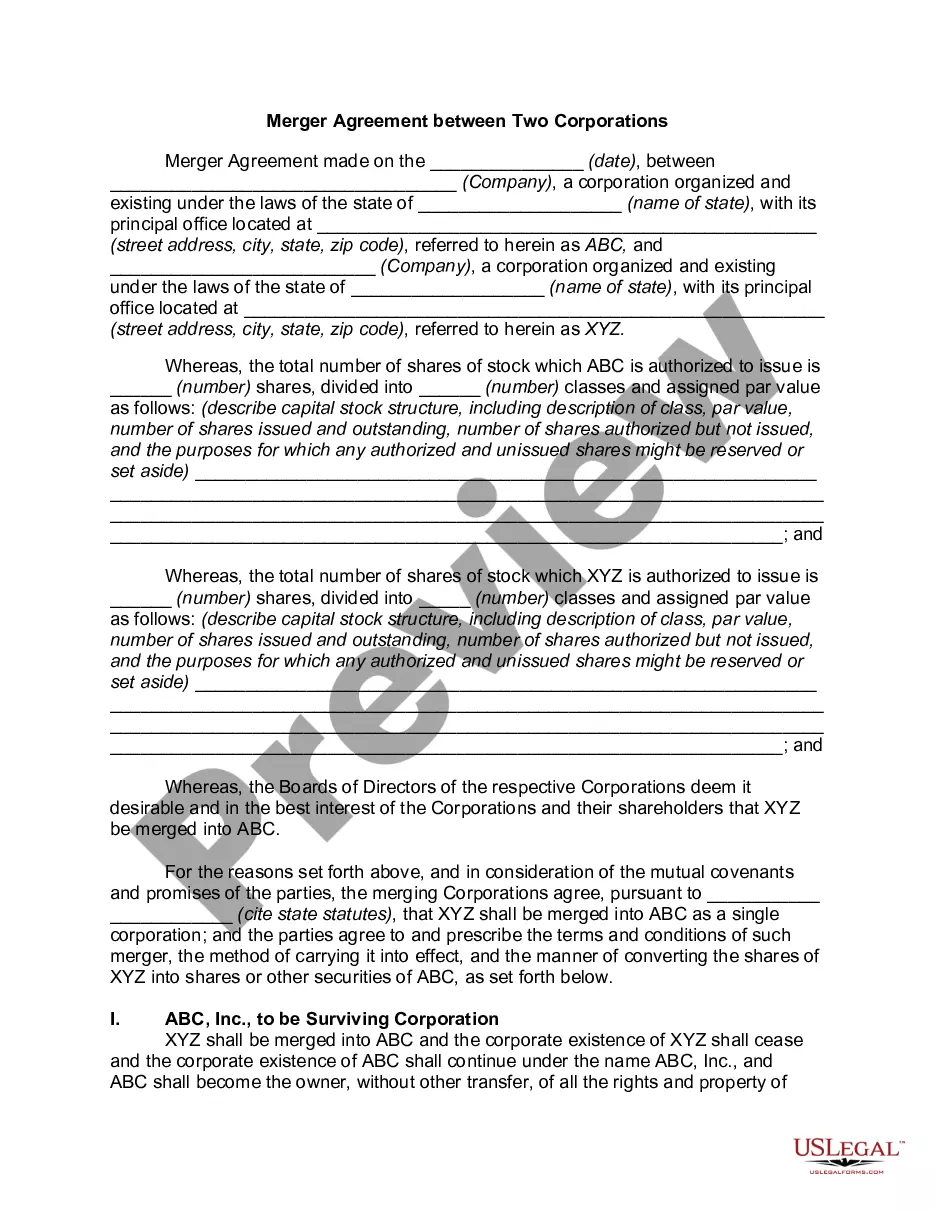

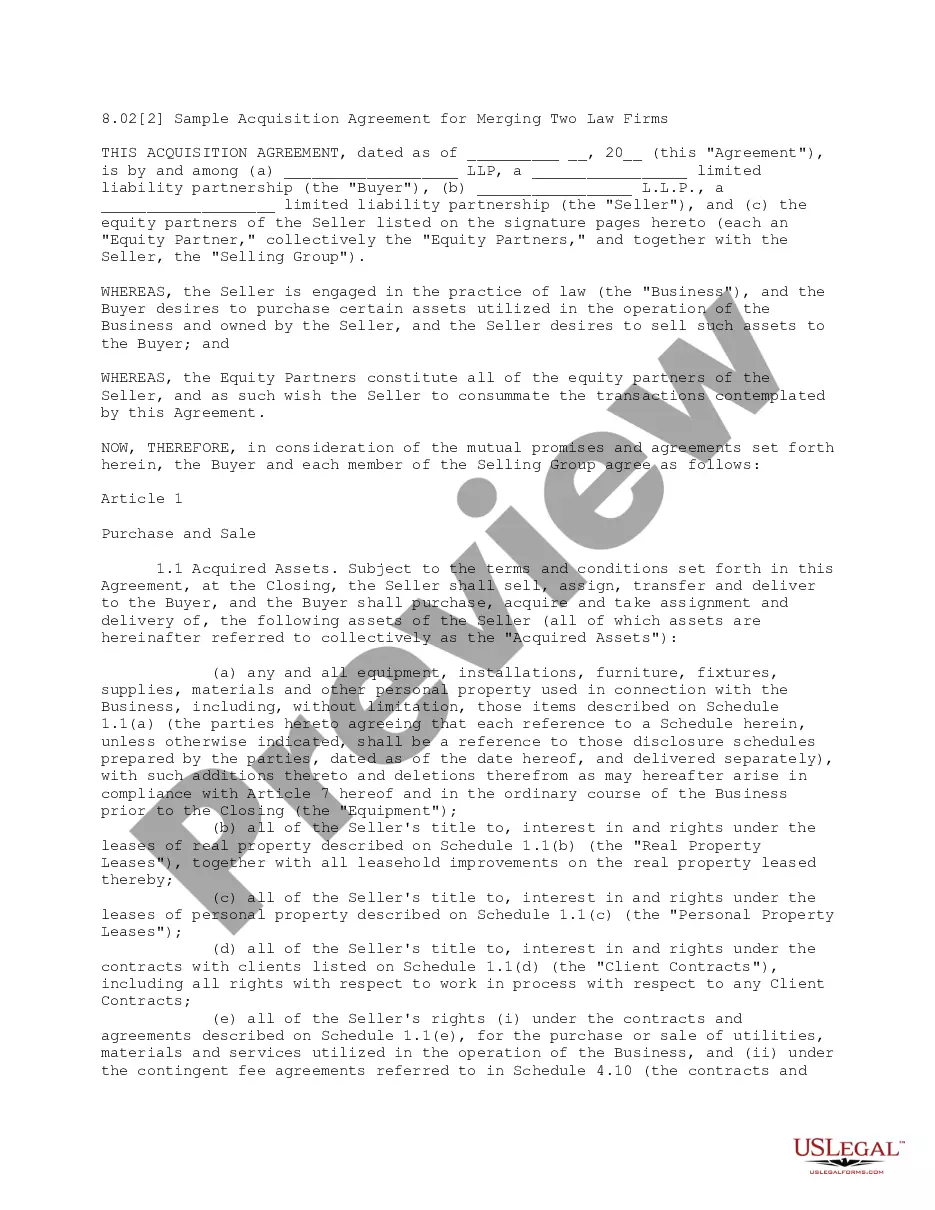


How to fill out Agreement Merging Two Law Firms?
US Legal Forms - one of the largest collections of valid documents in the United States - provides a diverse selection of legal document templates that you can download or create.
By utilizing the website, you can access thousands of forms for business and personal use, categorized by type, state, or keywords. You can find the most recent templates such as the South Dakota Agreement Merging Two Law Firms in mere moments.
If you have a subscription, Log In and download the South Dakota Agreement Merging Two Law Firms from the US Legal Forms library. The Download button will be visible on every document you view. You can access all previously downloaded forms in the My documents section of your account.
Process the transaction. Use your credit card or PayPal account to complete the transaction.
Choose the file format and download the form to your device. Make edits. Complete, modify, and print and sign the downloaded South Dakota Agreement Merging Two Law Firms. Each template you added to your account has no expiration date and is yours indefinitely. Therefore, if you want to download or print another version, simply visit the My documents section and click on the form you need. Access the South Dakota Agreement Merging Two Law Firms with US Legal Forms, one of the most extensive libraries of legal document templates. Utilize thousands of professional and state-specific templates that cater to your business or personal needs and requirements.
- Ensure you have selected the correct document for your region/county.
- Click the Review button to examine the form's details.
- Read the document information to confirm that you have chosen the appropriate type.
- If the document does not meet your requirements, use the Lookup field at the top of the screen to find the one that does.
- If you are happy with the form, confirm your choice by clicking the Acquire now button.
- Then, select the payment option you prefer and provide your details to register for the account.
Form popularity
FAQ
Yes, two law firms can work together through collaborations or alliances, allowing them to share resources and expertise without formally merging. This cooperative arrangement can enhance client services, broaden legal knowledge, and foster a deeper understanding of various legal issues. When considering partnerships, particularly those outlined in a South Dakota Agreement Merging Two Law Firms, ensuring clear communication and shared goals is vital for success.
Merging two law firms involves combining various elements, including staff, clients, and resources, into a cohesive unit. This process requires careful planning and strategic decision-making to ensure a smooth transition. For legal professionals, drafting a South Dakota Agreement Merging Two Law Firms is a key step in setting expectations and responsibilities. Ultimately, this merger can lead to a richer array of services and increased client satisfaction.
The sunshine law in South Dakota promotes transparency in government meetings and records, ensuring that the public can attend and participate in governmental processes. This law is designed to hold public officials accountable and foster open communication. Knowing the sunshine law provides essential context for legal practices, especially during discussions about a South Dakota Agreement Merging Two Law Firms, where transparency may be necessary in client transitions and operational changes.
When a law firm merges, it involves bringing together two distinct entities to function as one. The process often includes negotiating terms, integrating staff, and aligning business practices. For those contemplating a South Dakota Agreement Merging Two Law Firms, understanding the implications on client relationships and service provisions is vital. A successful merger can lead to increased capacity to handle cases and serve clients.
When two law firms merge, they typically combine their resources, expertise, and client bases, creating a more robust legal entity. This merger can enhance services offered to clients and may streamline operational efficiencies. However, navigating the complexities of a South Dakota Agreement Merging Two Law Firms is essential to ensure compliance and protect client interests. Clients may experience improved capabilities and expanded legal offerings as a result of this merger.
In South Dakota, attorney client privilege protects confidential communications between a lawyer and their client. This means that any information you share with your attorney regarding your case stays private and cannot be disclosed without your consent. Understanding this privilege is crucial when discussing sensitive matters, especially in the context of a South Dakota Agreement Merging Two Law Firms. This protection encourages open and honest communication, which is vital for effective legal representation.
The four key elements of attorney-client privilege are a communication, made in confidence, to an attorney, with the intent to seek legal advice. This privilege exists to encourage open dialogue between clients and their lawyers. For those working on a South Dakota Agreement Merging Two Law Firms, being aware of these elements is essential to protect your legal discussions from disclosure.
Rule 5.5 of the South Dakota rules of professional conduct addresses the unauthorized practice of law. It prohibits attorneys from practicing law in jurisdictions where they do not have a license. This is particularly relevant when considering a South Dakota Agreement Merging Two Law Firms, as compliance with local rules can safeguard the interests of both parties in the merger.
The 5 C's of the attorney-client privilege include communication, confidentiality, control, consent, and corporate entities. Effective communication between a client and their attorney is crucial to establishing this privilege. Confidentiality ensures that the communications remain private and protected. In the context of a South Dakota Agreement Merging Two Law Firms, understanding these concepts can help protect sensitive information during negotiations.
A merger works legally through a series of structured steps that include negotiation, agreement, and execution of a merger plan. This plan must be documented in a South Dakota Agreement Merging Two Law Firms, which outlines the integration procedures, asset transfers, and other legal obligations. Both firms must comply with state laws and potentially seek shareholder approval, depending on the structure of the merger.