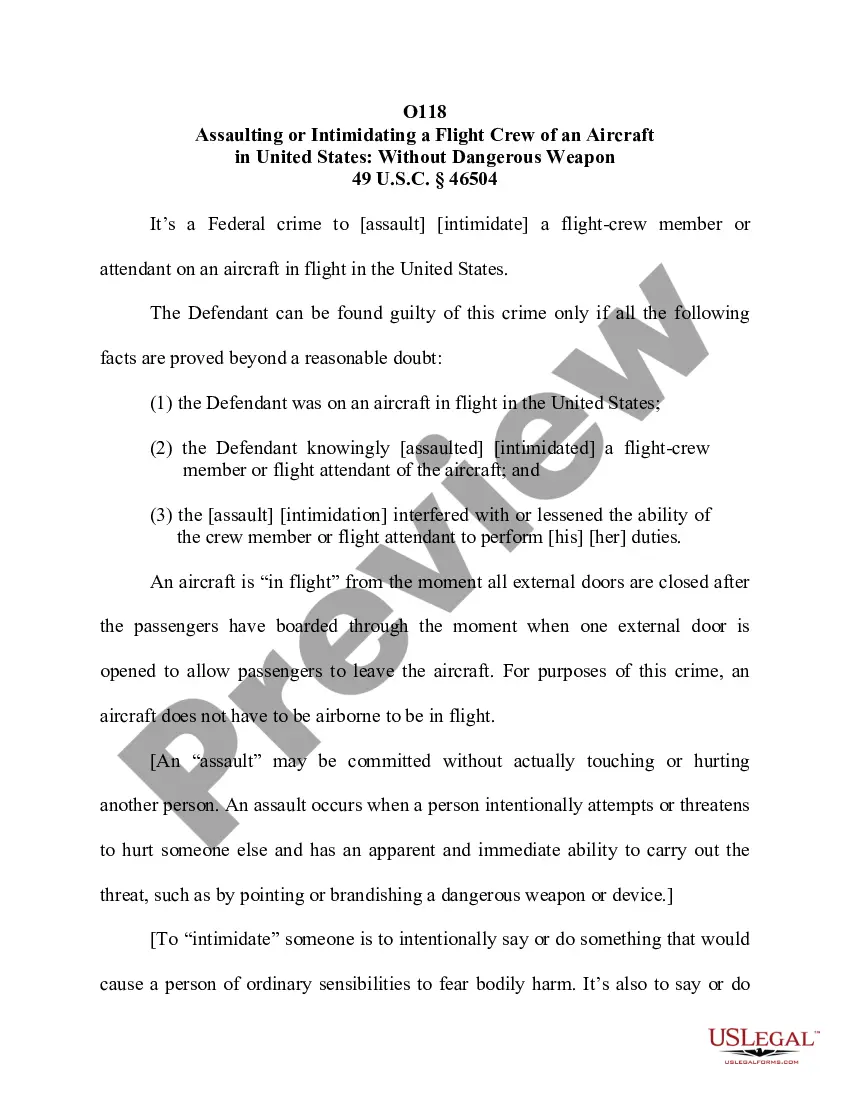
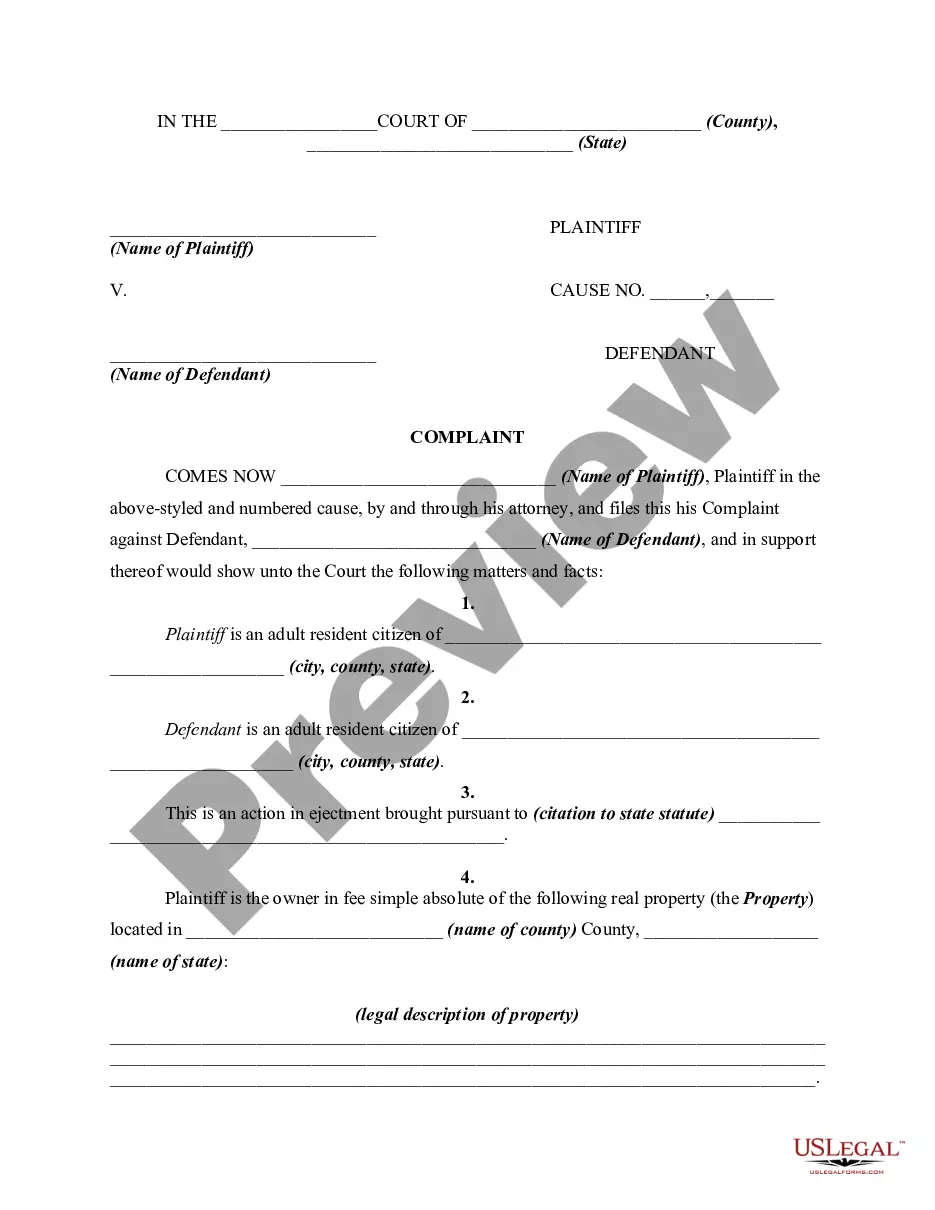
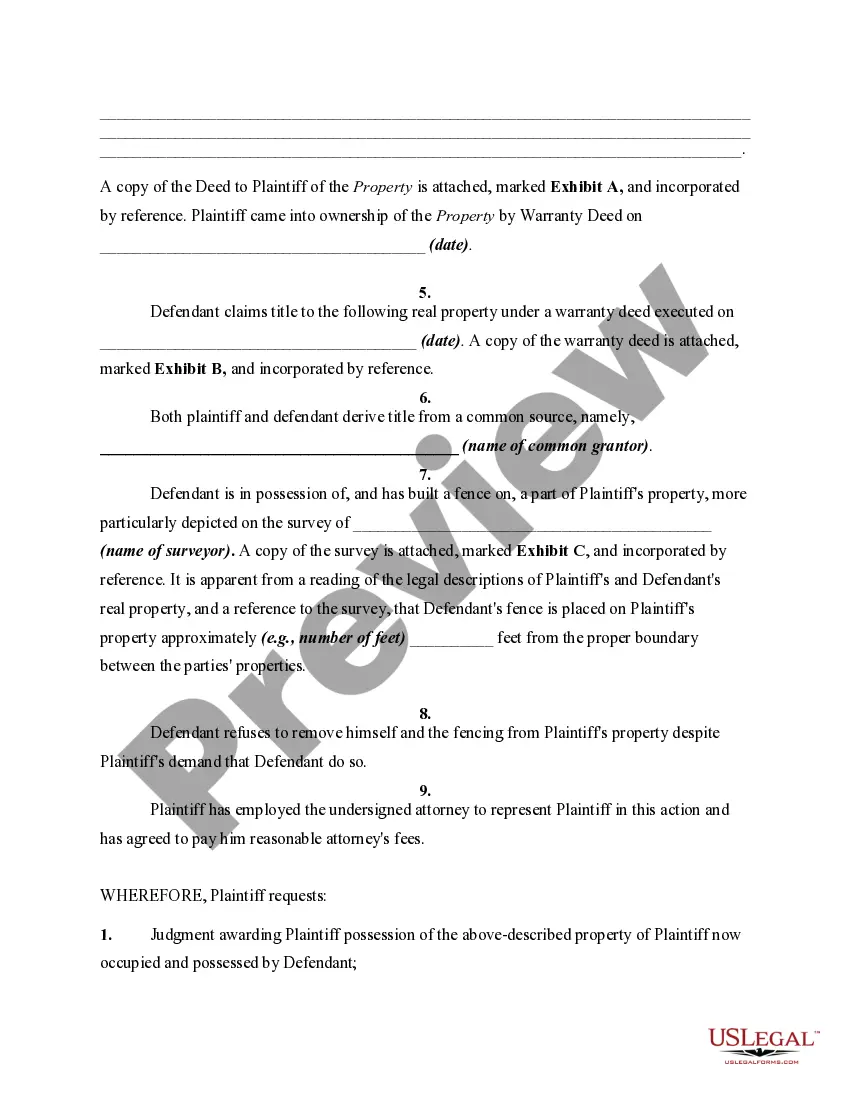
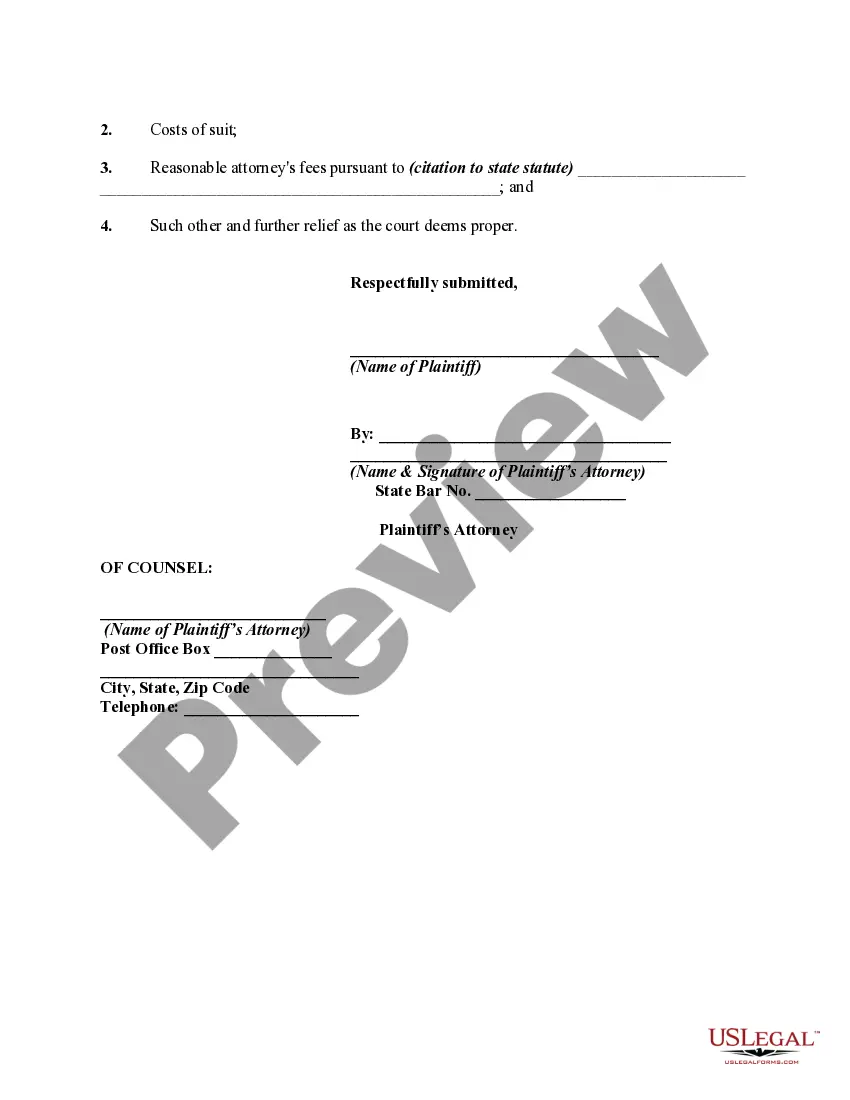
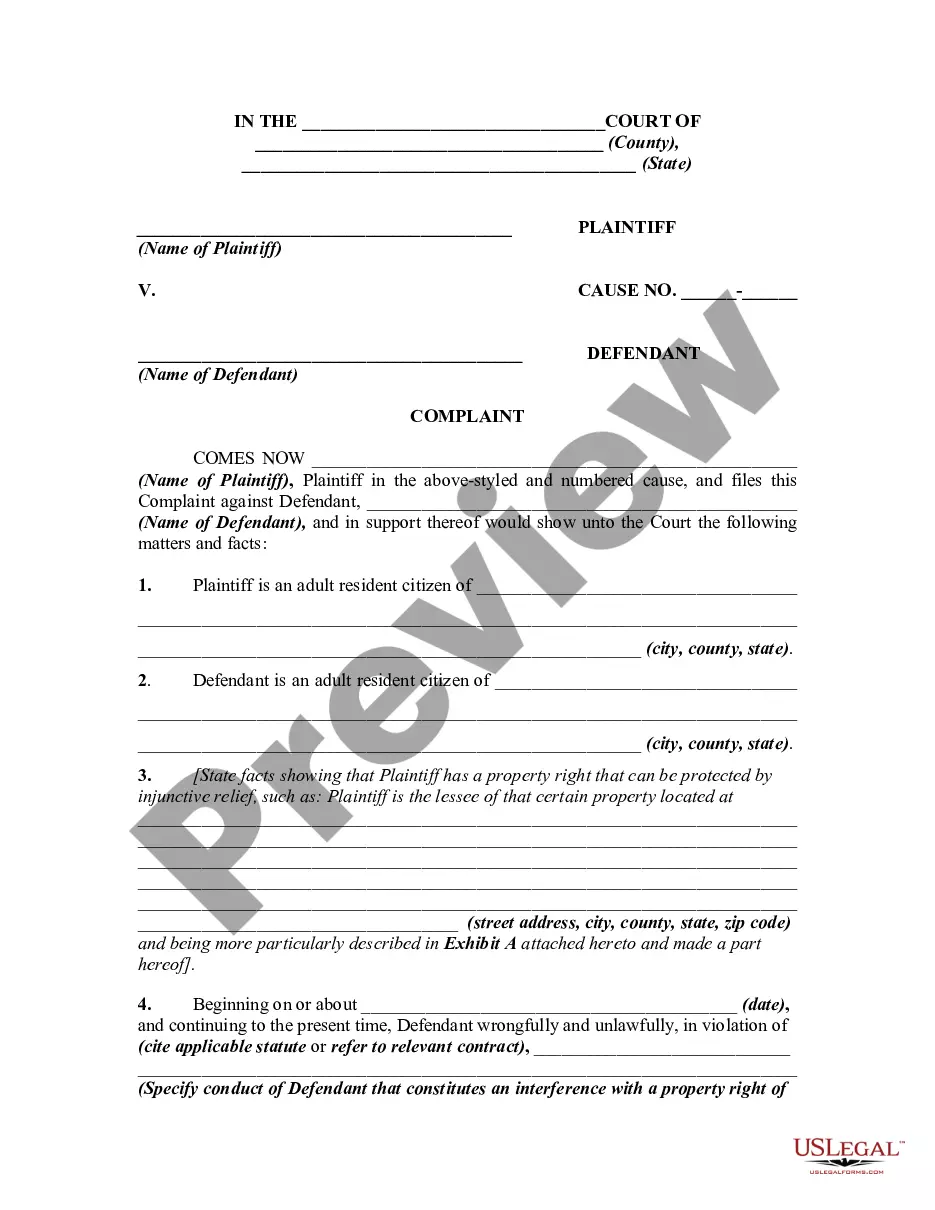
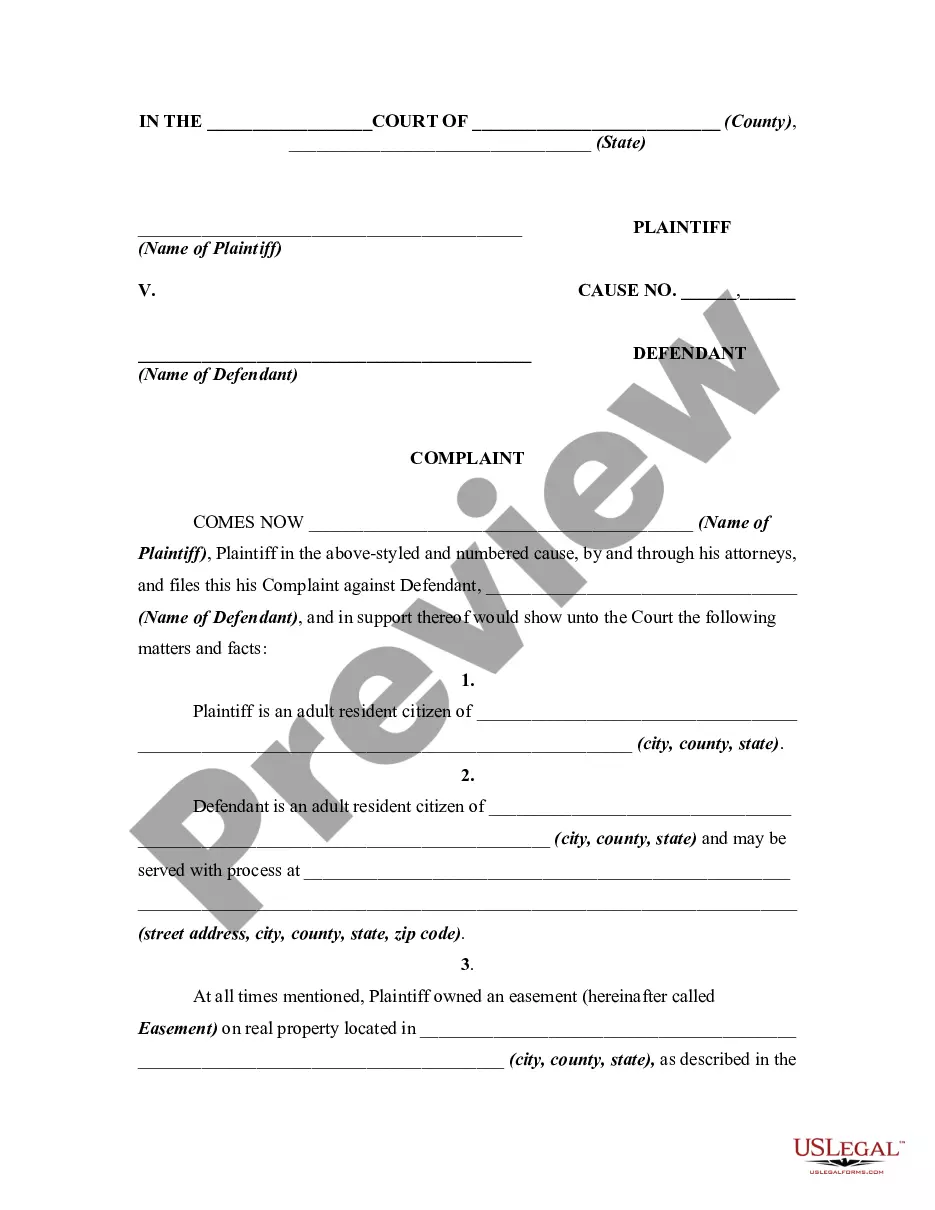
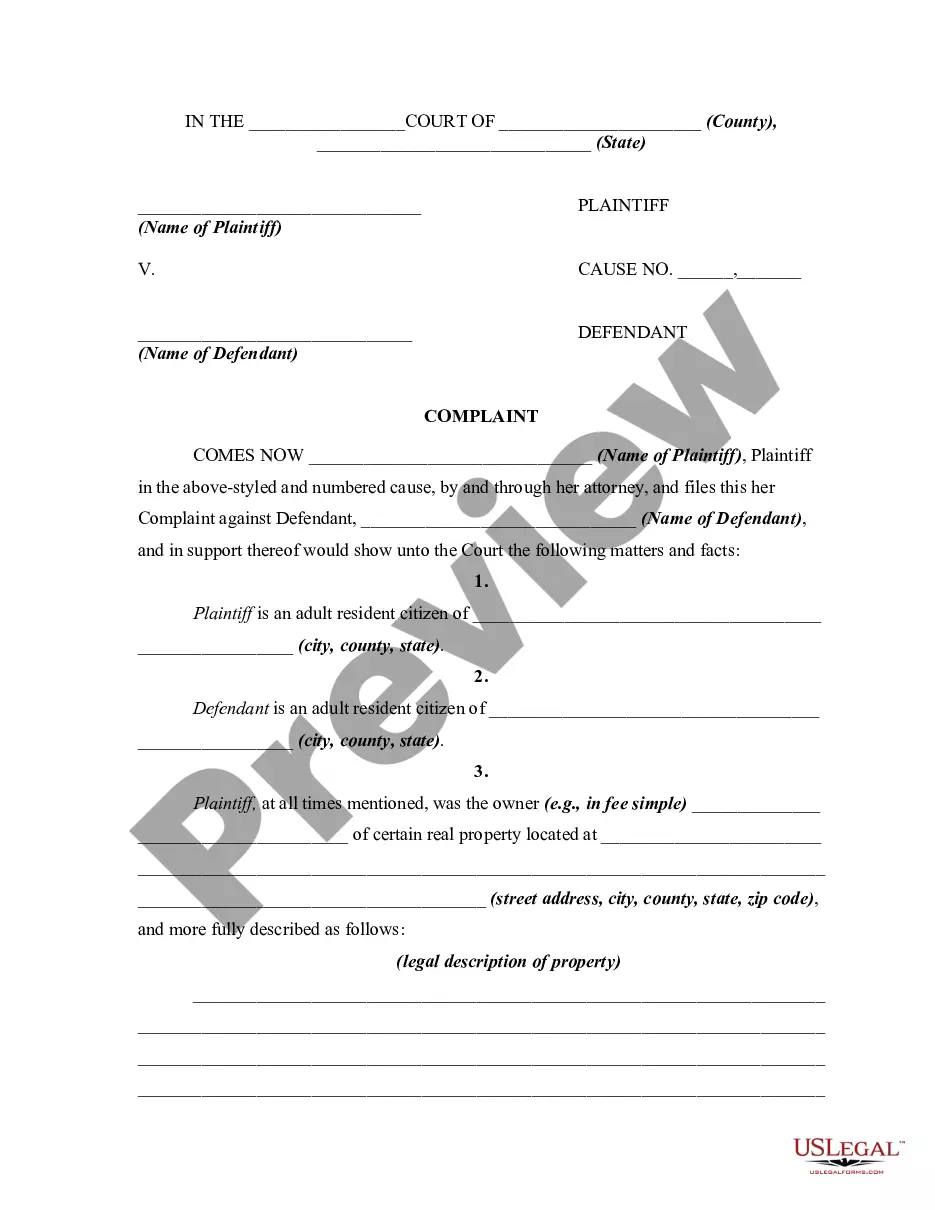
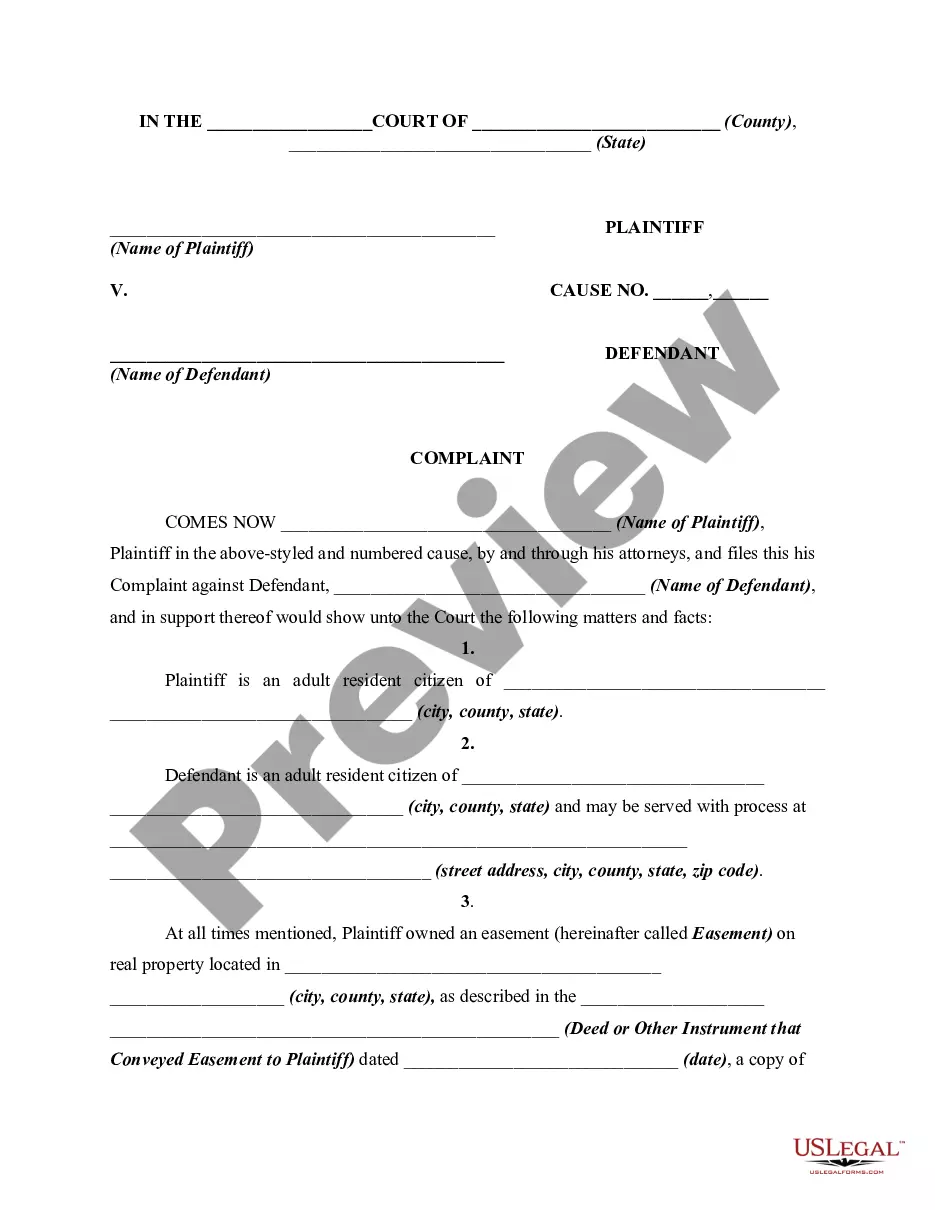
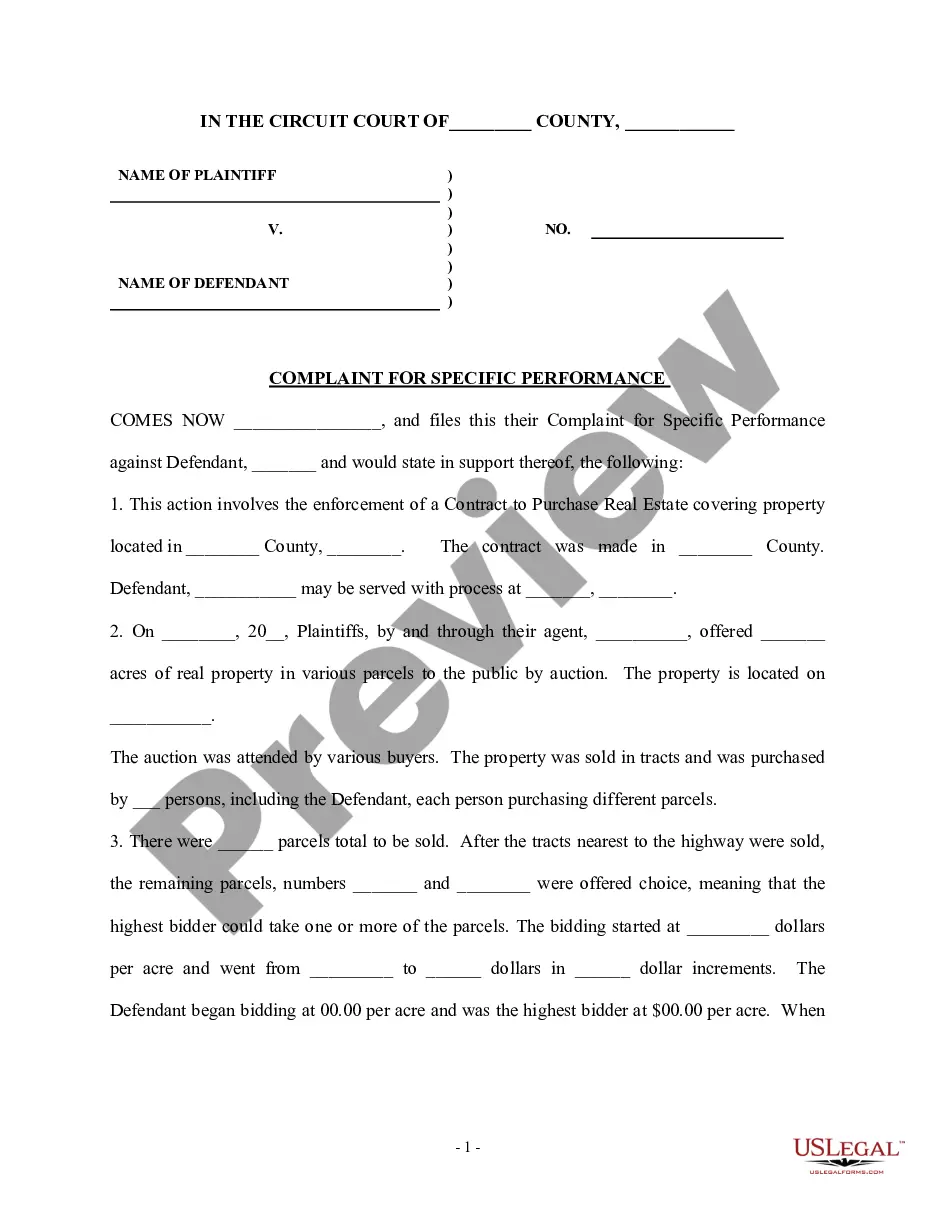
An ejectment proceeding is an action to recover the possession of land, subject to all the regular rules of civil procedure. Statutes may regulate ejectment actions to prescribe the general form of the declaration or complaint. Otherwise, it is generally sufficient for the plaintiff to allege his or her possession of the premises in controversy, the subsequent entry of the defendant, and the defendant's withholding of the premises from the plaintiff. This form is a generic complaint and adopts the notice pleadings format of the Federal Rules of Civil Procedure, which have been adopted by most states in one form or another. This form is for illustrative purposes only. Local laws should be consulted to determine any specific requirements for such a form in a particular jurisdiction.
South Dakota Complaint, Petition, or Declaration for Recovery of Possession of Property due to Fence Built by Adjoining Landowner on Plaintiff's Property
Description
Get your form ready online
Our built-in tools help you complete, sign, share, and store your documents in one place.
Make edits, fill in missing information, and update formatting in US Legal Forms—just like you would in MS Word.
Download a copy, print it, send it by email, or mail it via USPS—whatever works best for your next step.
Sign and collect signatures with our SignNow integration. Send to multiple recipients, set reminders, and more. Go Premium to unlock E-Sign.
If this form requires notarization, complete it online through a secure video call—no need to meet a notary in person or wait for an appointment.
We protect your documents and personal data by following strict security and privacy standards.

Make edits, fill in missing information, and update formatting in US Legal Forms—just like you would in MS Word.

Download a copy, print it, send it by email, or mail it via USPS—whatever works best for your next step.

Sign and collect signatures with our SignNow integration. Send to multiple recipients, set reminders, and more. Go Premium to unlock E-Sign.

If this form requires notarization, complete it online through a secure video call—no need to meet a notary in person or wait for an appointment.

We protect your documents and personal data by following strict security and privacy standards.
Looking for another form?


How to fill out Complaint, Petition, Or Declaration For Recovery Of Possession Of Property Due To Fence Built By Adjoining Landowner On Plaintiff's Property?
If you need to be thorough, acquire, or create valid document templates, utilize US Legal Forms, the largest collection of legal forms, which are accessible online.
Take advantage of the site’s straightforward and convenient search to find the documents you require. Numerous templates for business and personal purposes are organized by categories and states, or keywords.
Use US Legal Forms to access the South Dakota Complaint, Petition, or Declaration for Recovery of Possession of Property due to Fence Built by Adjoining Landowner on Plaintiff's Property in just a few clicks.
Step 5. Process the transaction. You can use your credit card or PayPal account to complete the transaction.
Step 6. Select the format of the legal form and download it to your device. Step 7. Complete, edit, and print or sign the South Dakota Complaint, Petition, or Declaration for Recovery of Possession of Property due to Fence Built by Adjoining Landowner on Plaintiff's Property. Every legal document template you purchase is yours permanently. You can access every form you saved in your account. Click on the My documents section and choose a form to print or download again. Be proactive and obtain, and print the South Dakota Complaint, Petition, or Declaration for Recovery of Possession of Property due to Fence Built by Adjoining Landowner on Plaintiff's Property with US Legal Forms. There are many professional and state-specific forms you can utilize for your business or personal needs.
- If you are already a US Legal Forms user, Log In to your account and click on the Download option to retrieve the South Dakota Complaint, Petition, or Declaration for Recovery of Possession of Property due to Fence Built by Adjoining Landowner on Plaintiff's Property.
- You can also access forms you have previously saved in the My documents section of your account.
- If you are using US Legal Forms for the first time, follow the instructions below.
- Step 1. Ensure you have chosen the form for the correct city/land.
- Step 2. Use the Review option to inspect the form’s content. Don’t forget to read the description.
- Step 3. If you are dissatisfied with the form, use the Search field at the top of the screen to find alternative versions of the legal form template.
- Step 4. Once you have located the form you need, click the Get now option. Choose your preferred pricing plan and provide your details to register for the account.
Form popularity
FAQ
An easement is a limited right of use over the property of another. Easements may be established by grant or reservation and may be affirmative or negative, appurtenant or in gross, and express or implied. South Dakota law also recognizes easements by prescription.
Acting quickly is the best way to fight an adverse possession claim. Negotiate permission in writing: You may be willing to allow the use of the property. If so, having a written document helps prove you allowed specific use and could help fight an adverse possession claim.
Codified Law 43-32-35 | South Dakota Legislature. 43-32-35. Service animal documentation requirements. The supporting documentation shall confirm the tenant's disability and the relationship between the tenant's disability and the need for the requested accommodation.
Greater than $500: Per SDCL § 43-32-26, the property must be stored by the landlord, and the landlord has a lien on the property to the extent of the costs of handling and storing the property. After storing the property for thirty days or more, the landlord may treat the property as abandoned and dispose of it.
Unless adjoining landowners otherwise agree, all landowners are liable for one-half of the expense of erecting and maintaining a partition fence between adjoining lands. Each landowner must build the half of the fence that is on the right-hand side when they stand on their own land, facing the property line.
The adverse possessor must either: Have a defective document which tries (but fails) to transfer title of the property to the possessor (?color of title?), or. The possessor must actually occupy the property with the intent to claim the title to the property (?claim of right?).
South Dakota permits adverse possession when a claim is ?actual, open, visible, notorious, continuous, and hostile? for a period of twenty years.
[¶16] In South Dakota, property is subject to adverse possession when it has been actually and continuously occupied under a claim of title exclusive of any other right.