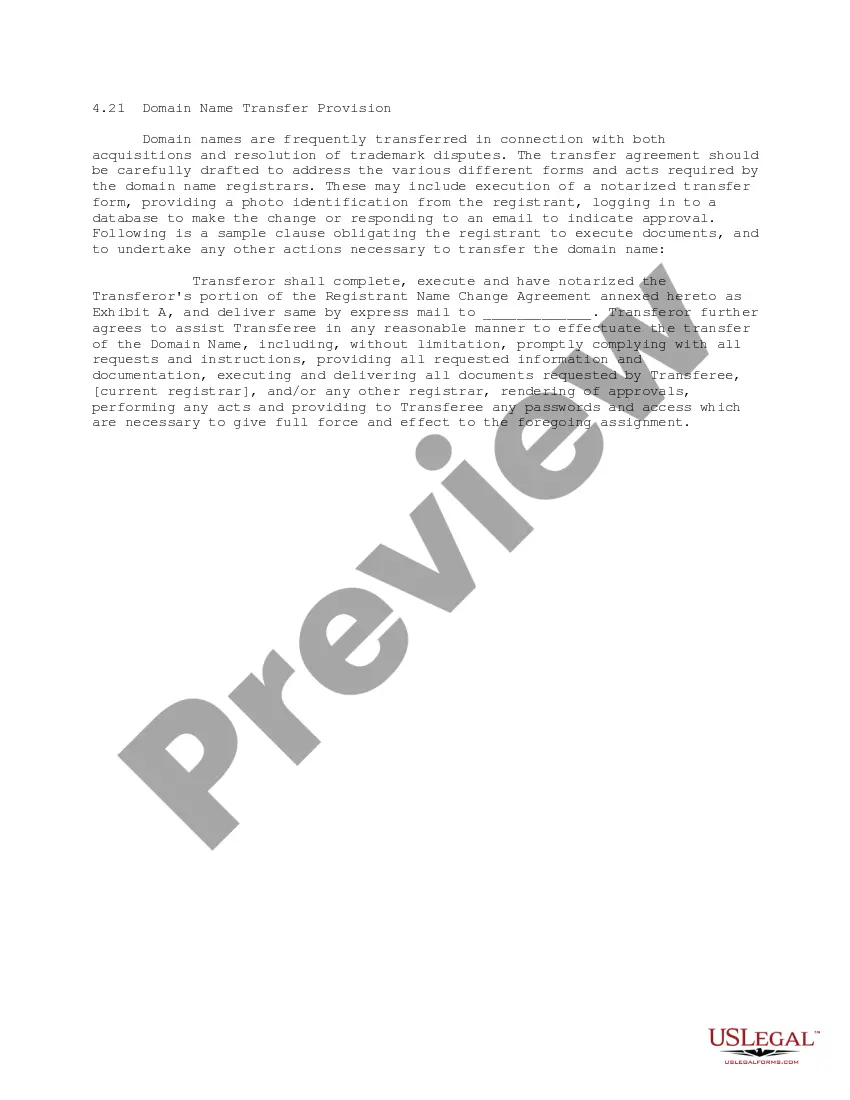
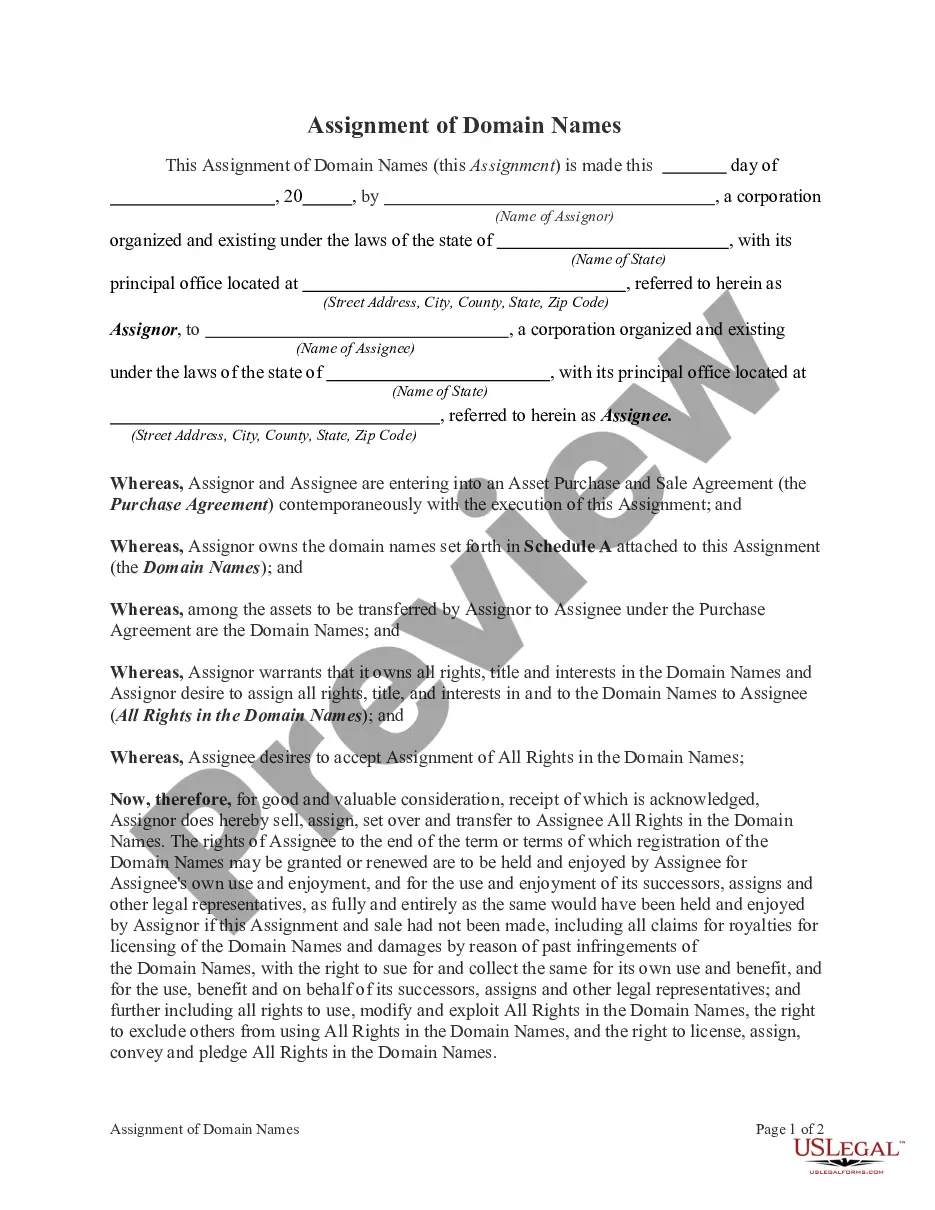
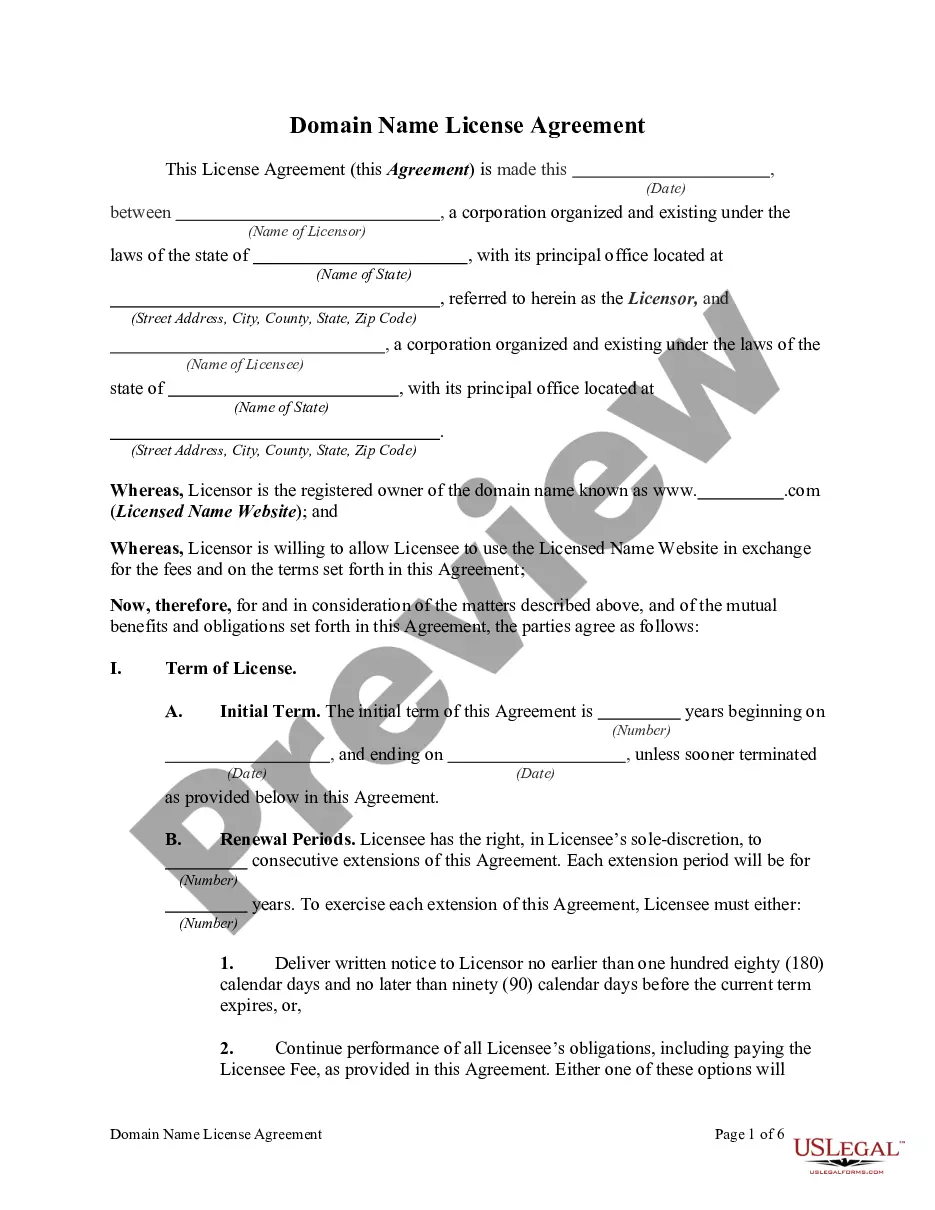
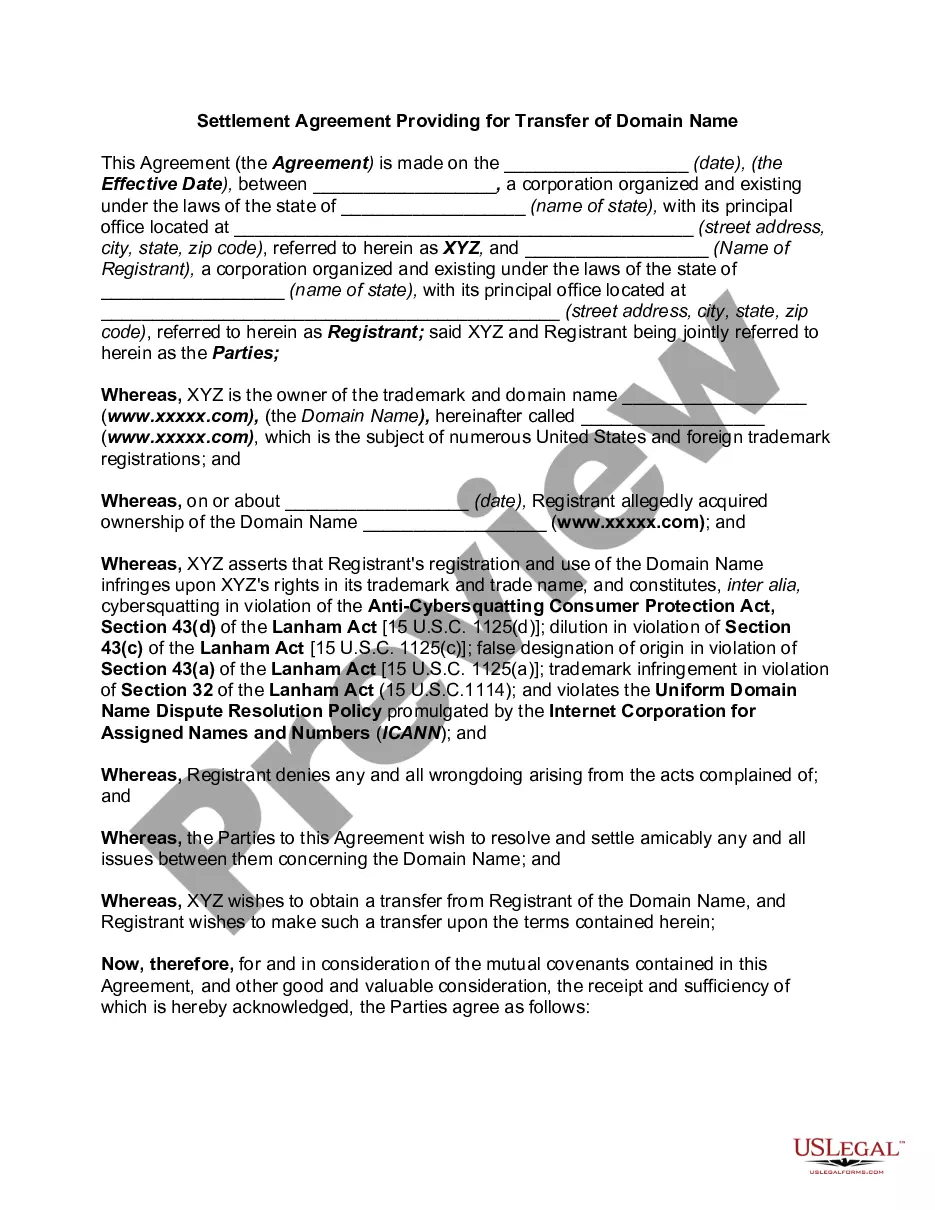
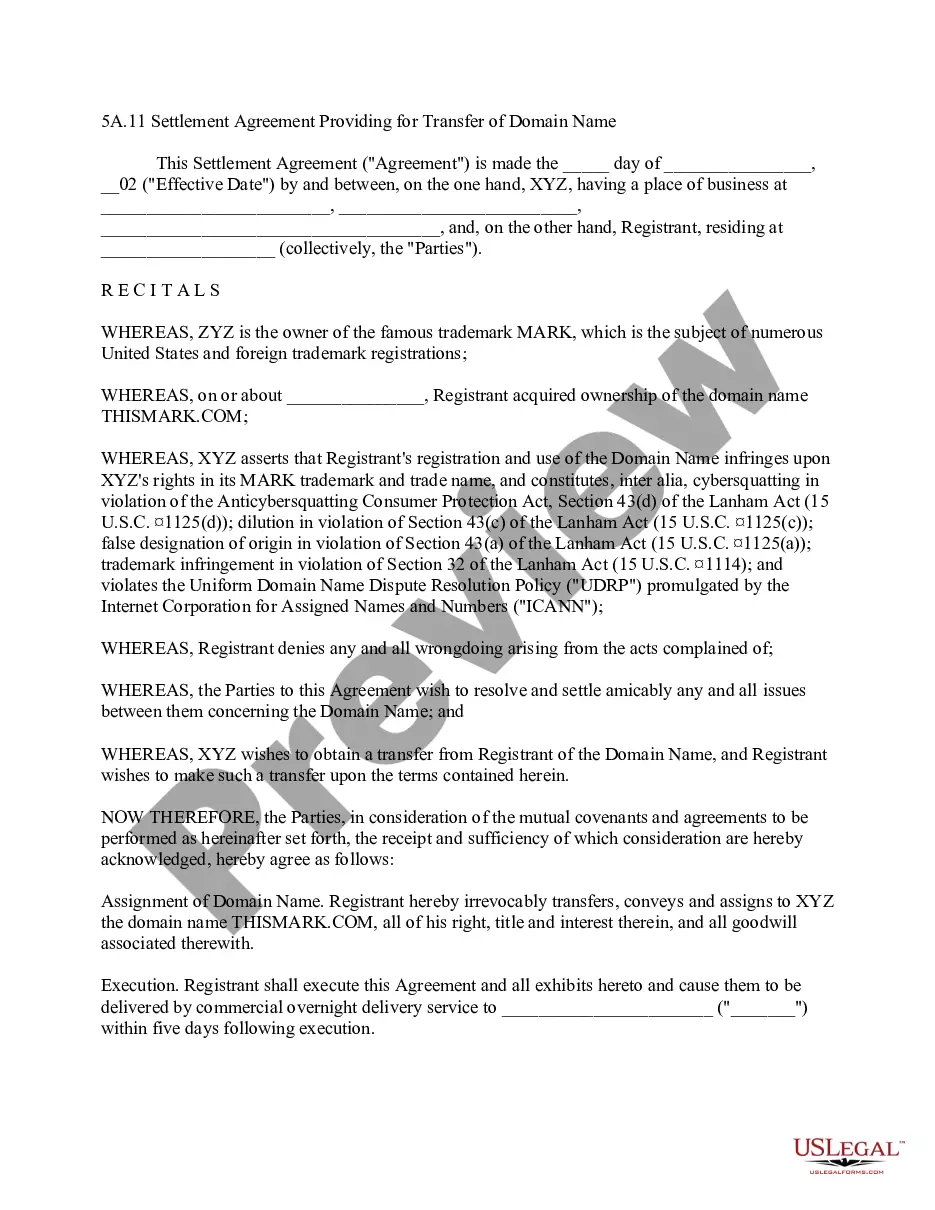
This form is a Domain Name Transfer Provision for a transfer agreement, either as part of an acquisition, settlement of a trademark dispute, or similar matter, that obligates the registrant of the domain name to execute documents and to undertake any other actions necessary to transfer the domain name.
South Carolina Domain Name Transfer Provision
State:
Multi-State
Control #:
US-IP0421
Format:
Word;
PDF;
Rich Text
Instant download
Description





How to fill out Domain Name Transfer Provision?
If you want to total, acquire, or print legal document templates, utilize US Legal Forms, the largest selection of legal forms, which are available online.
Utilize the site's simple and convenient search function to locate the documents you need.
Numerous templates for business and personal purposes are organized by categories and states, or keywords.
Step 4. After you have found the form you need, click the Purchase now button. Choose the payment option you prefer and enter your details to register for the account.
Step 5. Complete the transaction. You may use your Visa or MasterCard or PayPal account to finalize the transaction. Step 6. Obtain the format of the legal form and download it to your device. Step 7. Fill out, modify, and print or sign the South Carolina Domain Name Transfer Provision. Every legal document template you purchase is yours indefinitely. You have access to every form you saved in your account. Choose the My documents section and select a form to print or download again. Be proactive and obtain, and print the South Carolina Domain Name Transfer Provision with US Legal Forms. There are millions of professional and state-specific forms you can use for your business or personal needs.
- Utilize US Legal Forms to find the South Carolina Domain Name Transfer Provision with just a few clicks.
- If you are currently a US Legal Forms user, Log In to your account and click the Download button to obtain the South Carolina Domain Name Transfer Provision.
- You can also access forms you previously saved from the My documents tab in your account.
- If you are using US Legal Forms for the first time, follow the steps below.
- Step 1. Ensure you have selected the form for the correct city/state.
- Step 2. Use the Review option to examine the form’s content. Don’t forget to check the description.
- Step 3. If you are unsatisfied with the form, use the Search box at the top of the screen to find other versions of the legal form template.
Form popularity
FAQ
Performing a domain name transfer starts with unlocking your domain at your current registrar. After unlocking, request an authorization code, which is essential for the transfer. Once you have the code, submit it to your new registrar and follow their process to complete the transfer. For a seamless experience, consider utilizing US Legal Forms, which provides resources to navigate the complexities of the South Carolina Domain Name Transfer Provision effectively.
To transfer a domain name to another registrar, you first need to unlock the domain and obtain an authorization code from your current registrar. Next, initiate the transfer process with the new registrar by providing the code and following their instructions. It's crucial to ensure that your domain's contact information is up to date to avoid any issues during the transfer. US Legal Forms can guide you through the necessary steps, helping you stay compliant with the South Carolina Domain Name Transfer Provision.
Transferring LLC ownership in South Carolina involves submitting an amendment to your Articles of Organization. You will need to clearly state the changes in ownership and ensure all members agree. Additionally, updating your operating agreement is essential to reflect the new ownership structure. Consider using US Legal Forms to access customizable templates that simplify this process and ensure compliance with the South Carolina Domain Name Transfer Provision.
Yes, typically, you must wait 60 days to transfer a domain after its initial registration or a previous transfer. This rule is in place to prevent frequent changes that could disrupt domain management. However, if you are transferring due to specific circumstances, such as a change of ownership or other legitimate reasons, you may qualify for exceptions. Understanding the South Carolina Domain Name Transfer Provision helps clarify these time frames for your specific situation.
To transfer a domain to a company, you start by ensuring that the domain is unlocked and that you have the authorization code. Then, you can update the registrant details to reflect the company’s information. Make sure to follow the guidelines set out by your registrar and adhere to the South Carolina Domain Name Transfer Provision to avoid any issues during the transfer process. Utilizing platforms like uslegalforms can simplify this procedure significantly.
Transferring ownership of your domain name involves updating the registrant information in your account. You will typically need to fill out a domain transfer form provided by your registrar. It is essential to communicate with both the current and new owners to ensure all required information is accurately submitted. By understanding the South Carolina Domain Name Transfer Provision, you can facilitate a seamless ownership change.
To transfer a domain name from one registrar to another, first unlock your domain at your current registrar. Next, obtain the authorization code required for the transfer. After that, initiate the transfer process at your new registrar by providing the domain name and the authorization code. Following these steps ensures that you comply with the South Carolina Domain Name Transfer Provision, making the process smooth and efficient.