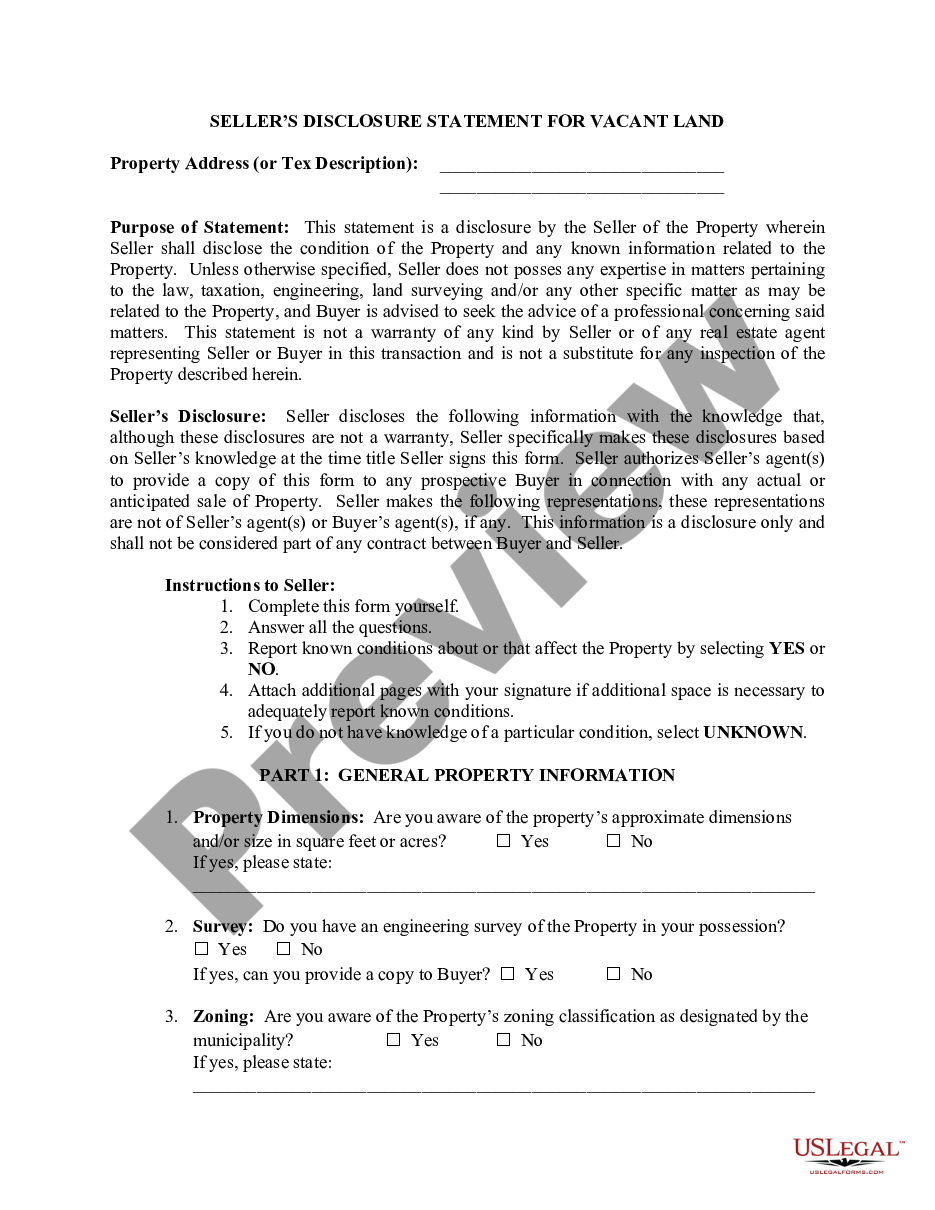
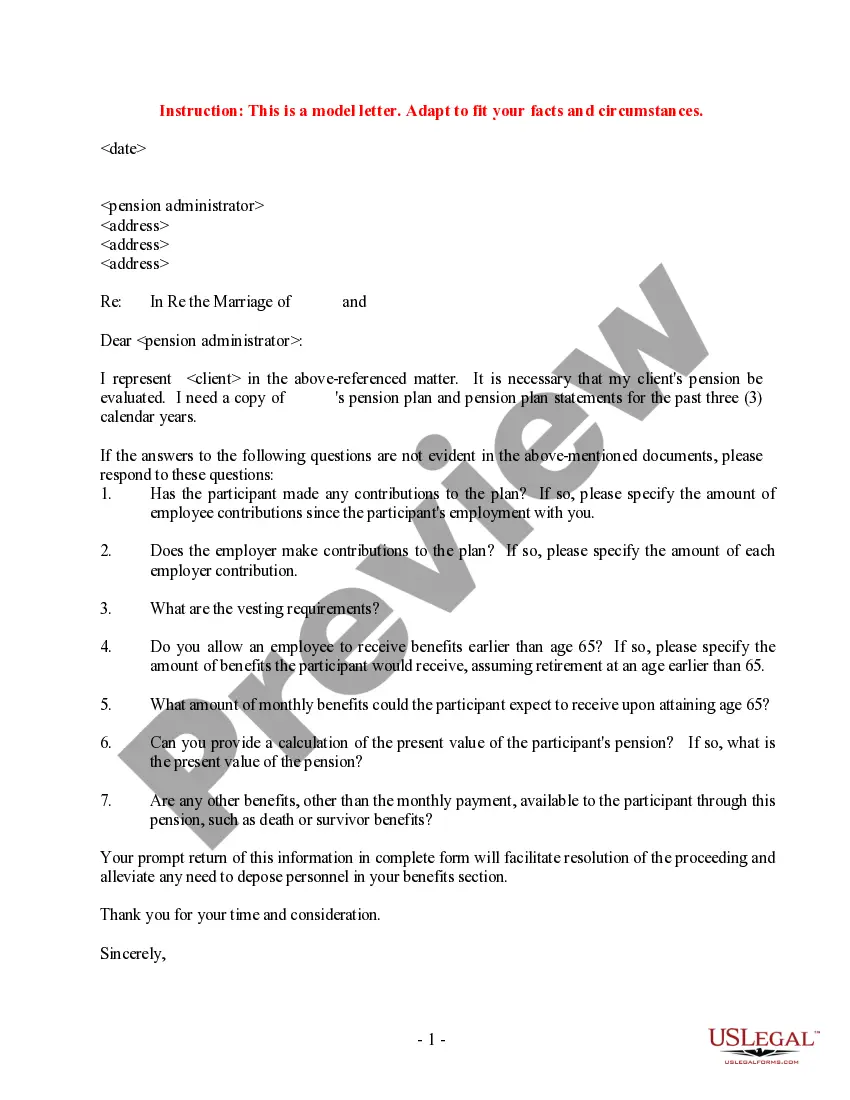
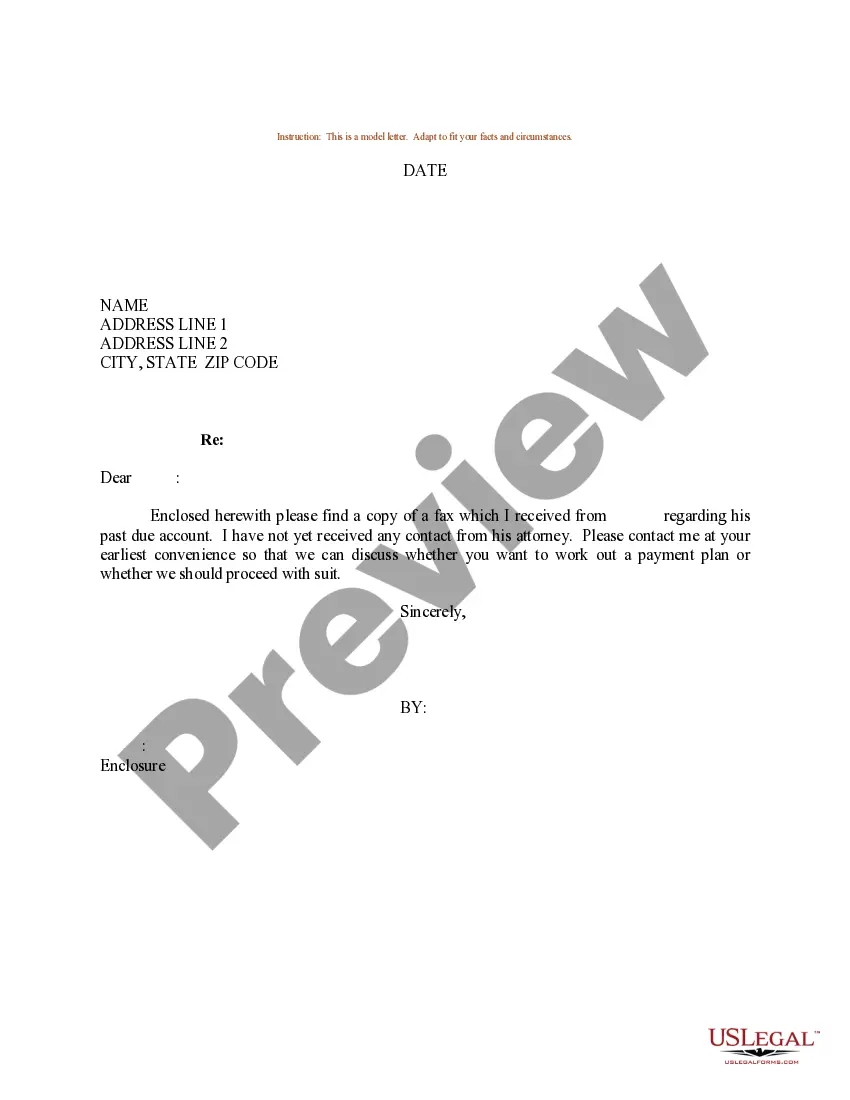
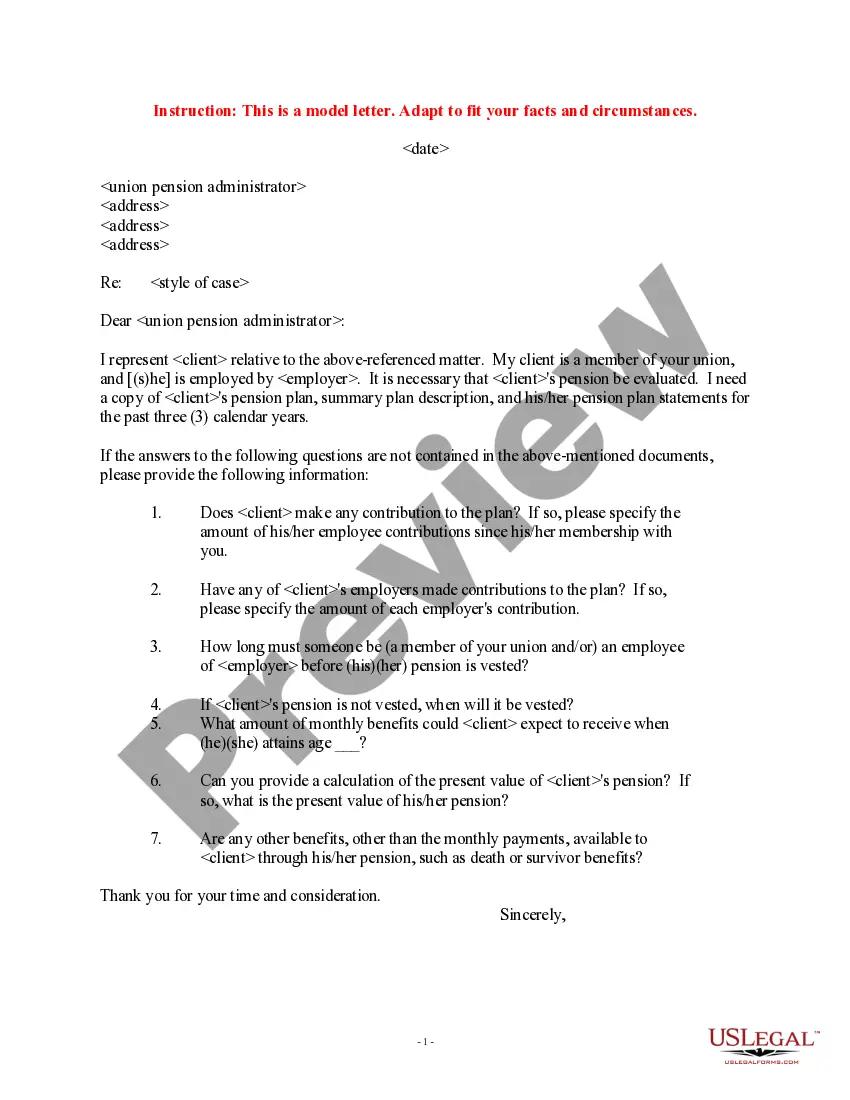
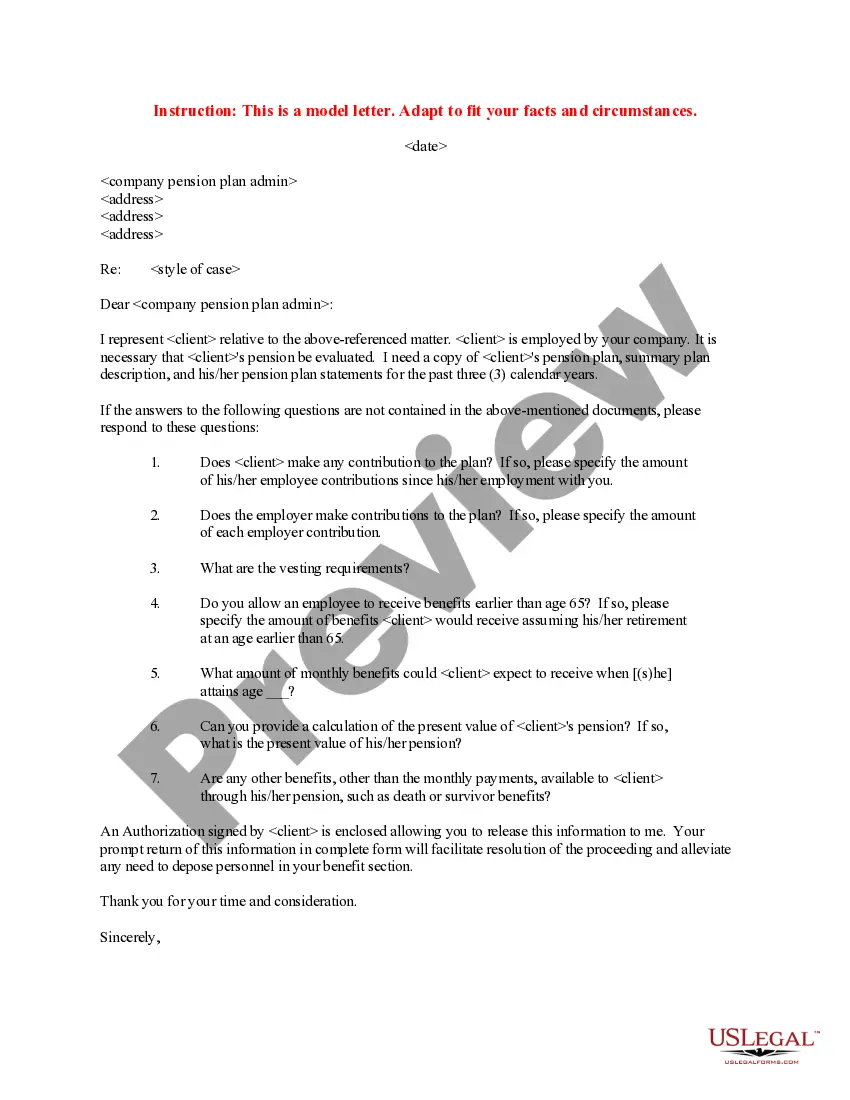
South Carolina Sample Letter Requesting Client Pension Plan Account Statements
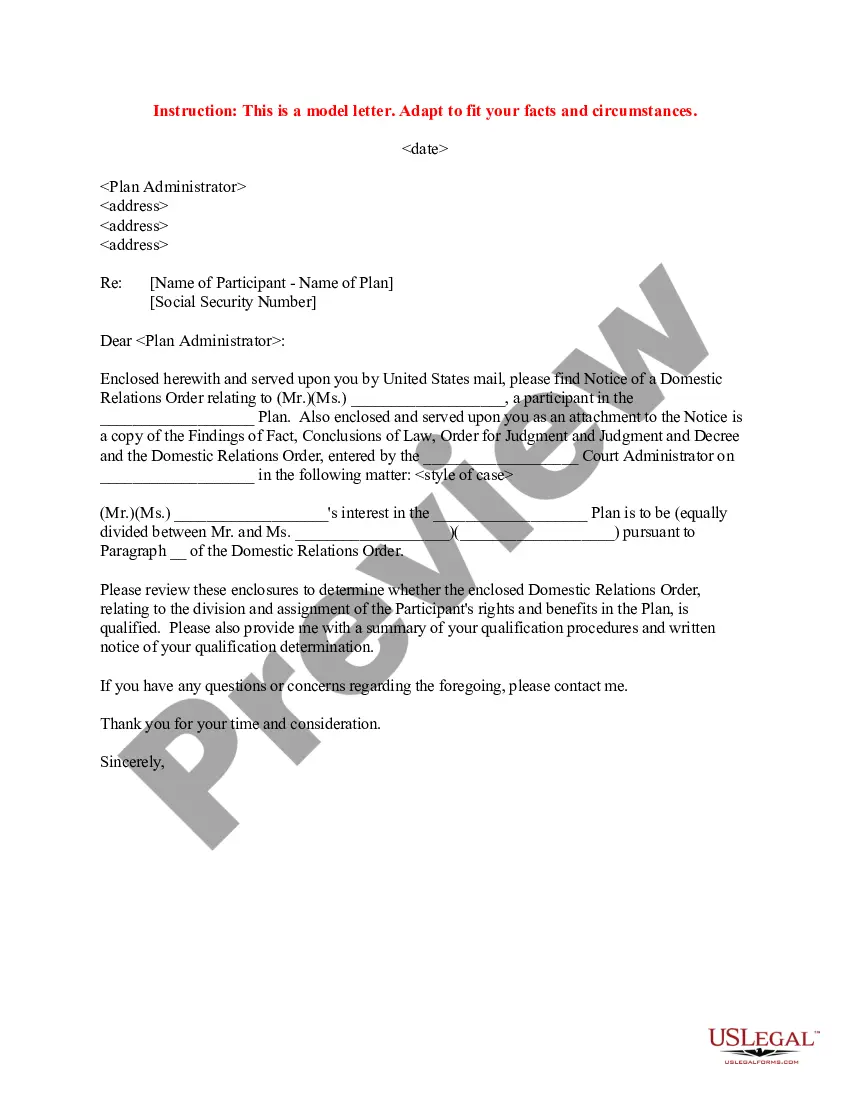
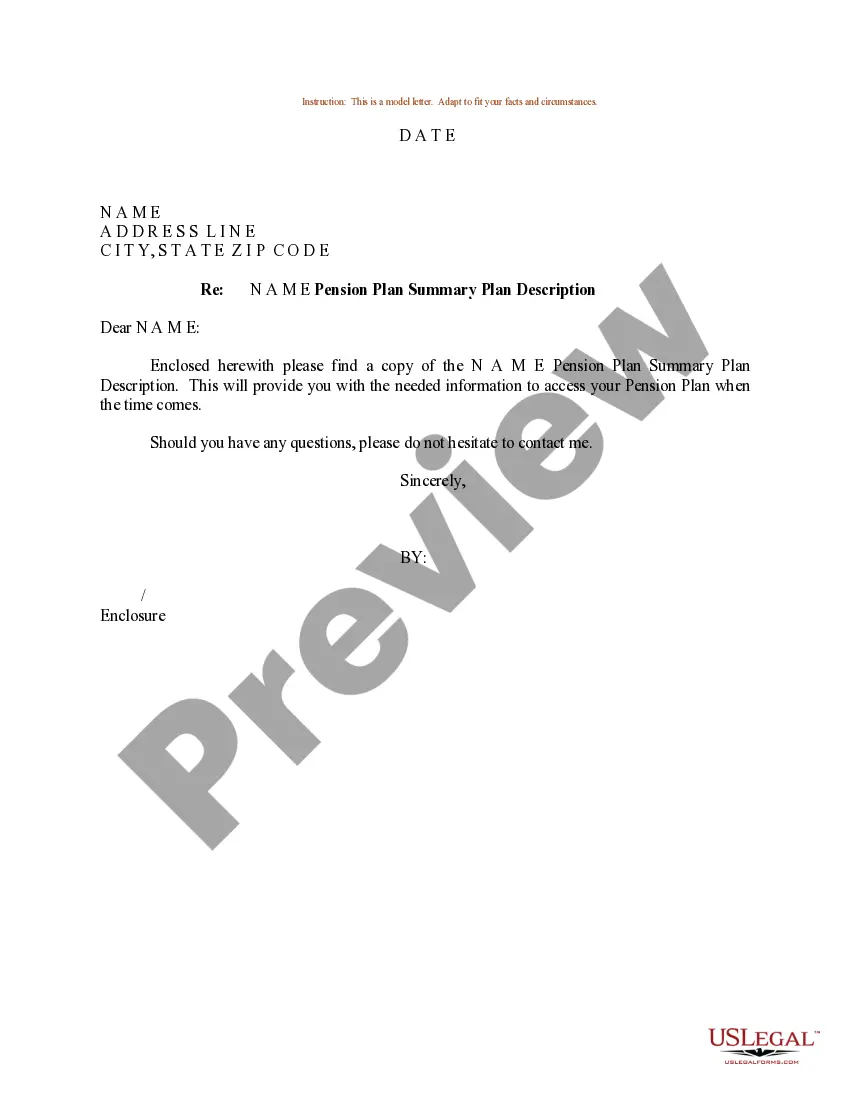
Description
Get your form ready online
Our built-in tools help you complete, sign, share, and store your documents in one place.
Make edits, fill in missing information, and update formatting in US Legal Forms—just like you would in MS Word.
Download a copy, print it, send it by email, or mail it via USPS—whatever works best for your next step.
Sign and collect signatures with our SignNow integration. Send to multiple recipients, set reminders, and more. Go Premium to unlock E-Sign.
If this form requires notarization, complete it online through a secure video call—no need to meet a notary in person or wait for an appointment.
We protect your documents and personal data by following strict security and privacy standards.

Make edits, fill in missing information, and update formatting in US Legal Forms—just like you would in MS Word.

Download a copy, print it, send it by email, or mail it via USPS—whatever works best for your next step.

Sign and collect signatures with our SignNow integration. Send to multiple recipients, set reminders, and more. Go Premium to unlock E-Sign.

If this form requires notarization, complete it online through a secure video call—no need to meet a notary in person or wait for an appointment.

We protect your documents and personal data by following strict security and privacy standards.
Looking for another form?





How to fill out Sample Letter Requesting Client Pension Plan Account Statements?
Choosing the best authorized record web template might be a struggle. Obviously, there are a variety of templates accessible on the Internet, but how do you find the authorized form you require? Utilize the US Legal Forms website. The service gives a huge number of templates, such as the South Carolina Sample Letter Requesting Client Pension Plan Account Statements, that you can use for enterprise and personal requirements. All of the types are inspected by pros and fulfill federal and state specifications.
Should you be already registered, log in for your profile and then click the Obtain button to find the South Carolina Sample Letter Requesting Client Pension Plan Account Statements. Make use of your profile to look from the authorized types you may have bought formerly. Proceed to the My Forms tab of your own profile and get another duplicate of the record you require.
Should you be a brand new end user of US Legal Forms, allow me to share basic guidelines that you should stick to:
- Initial, ensure you have selected the correct form for your city/area. It is possible to look over the shape making use of the Review button and browse the shape description to make certain it is the right one for you.
- When the form will not fulfill your preferences, make use of the Seach field to find the correct form.
- When you are sure that the shape is suitable, select the Get now button to find the form.
- Select the costs strategy you would like and enter in the essential details. Make your profile and pay money for an order with your PayPal profile or bank card.
- Select the data file file format and down load the authorized record web template for your system.
- Complete, edit and print out and indication the obtained South Carolina Sample Letter Requesting Client Pension Plan Account Statements.
US Legal Forms may be the greatest catalogue of authorized types that you can find numerous record templates. Utilize the company to down load expertly-created files that stick to express specifications.
Form popularity
FAQ
Follow these steps to craft an effective retirement letter with all the essential details: Address the right people. ... Specify the date of your retirement. ... Express appreciation for your experience. ... Offer to assist with the transition. ... Discuss consulting if you're interested. ... Detail your needs regarding retirement.
Your statement shows: how much is in your pot. an estimate of how much you might get when you start taking your money. if your pension has any special features, e.g. guaranteed annuity rate.
Retirement, Government Annuity, and Pension Income a copy of retirement award letter or benefit statement, a copy of financial or bank account statement, a copy of signed federal income tax return, an IRS W-2 form, or.
You can call us to request one at 1-800-772-1213 (TTY 1-800-325-0778), Monday through Friday from a.m. to p.m. local time. If you receive benefits or have a pending application, you can request that we mail you a benefit verification letter.
A Pension Verification Letter is an official letter from the Massachusetts State Retirement Board (MSRB) which verifies your monthly pension income earnings. This letter is often used when proof of income is needed.
If you belong to one, your pension provider will usually send you an annual benefit statement. If you don't receive a statement, you can ask for one. The statement shows how much pension you might get.