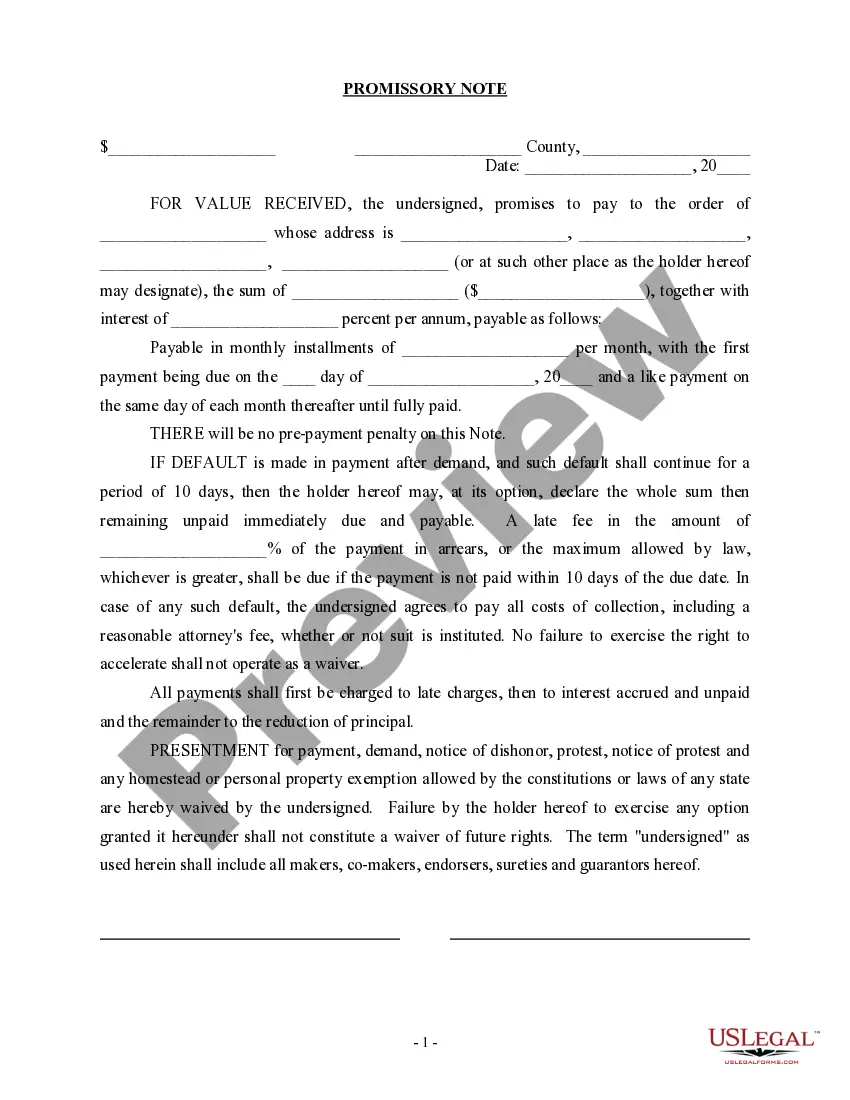
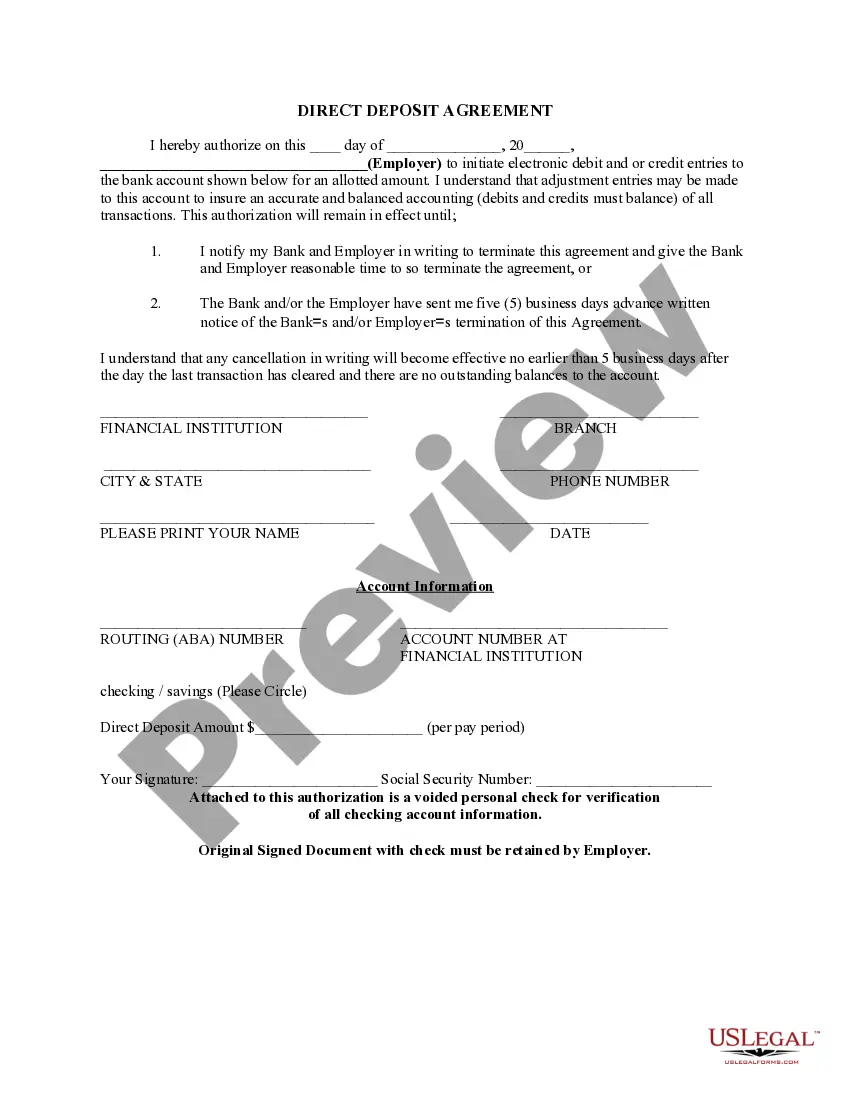
South Carolina Direct Deposit Form for Employer
Description
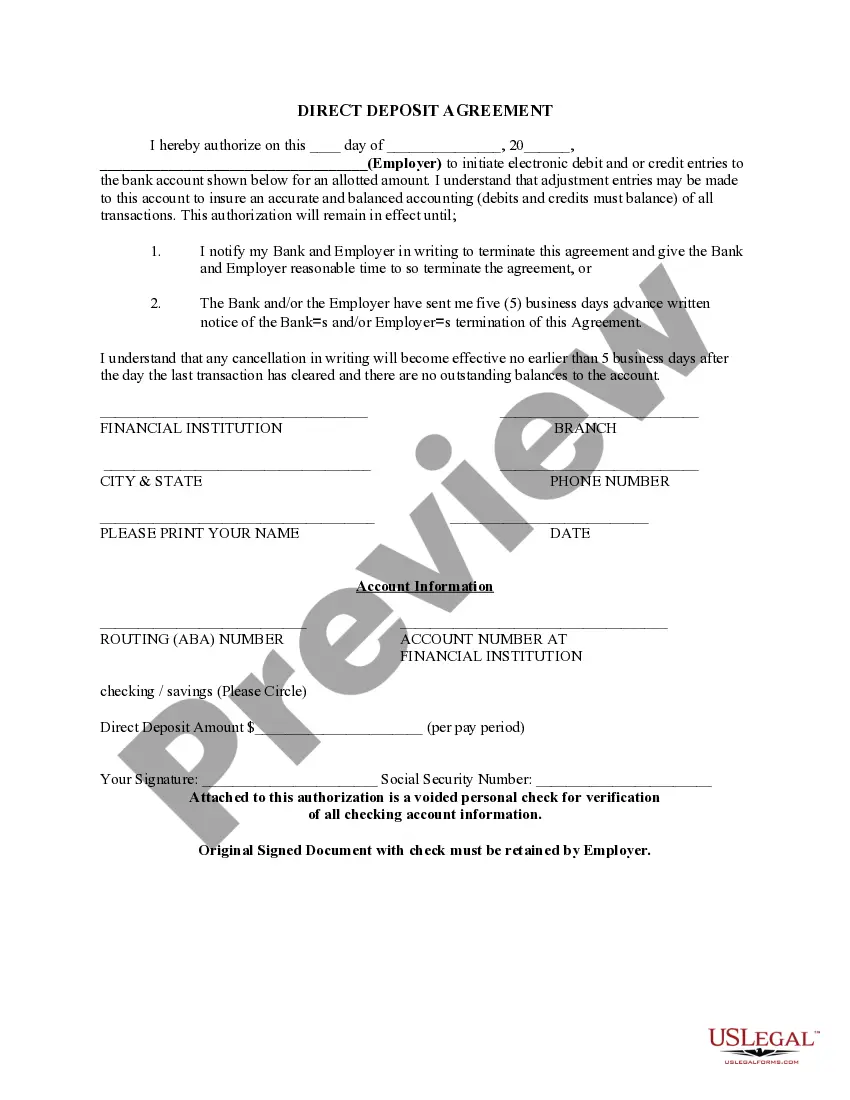
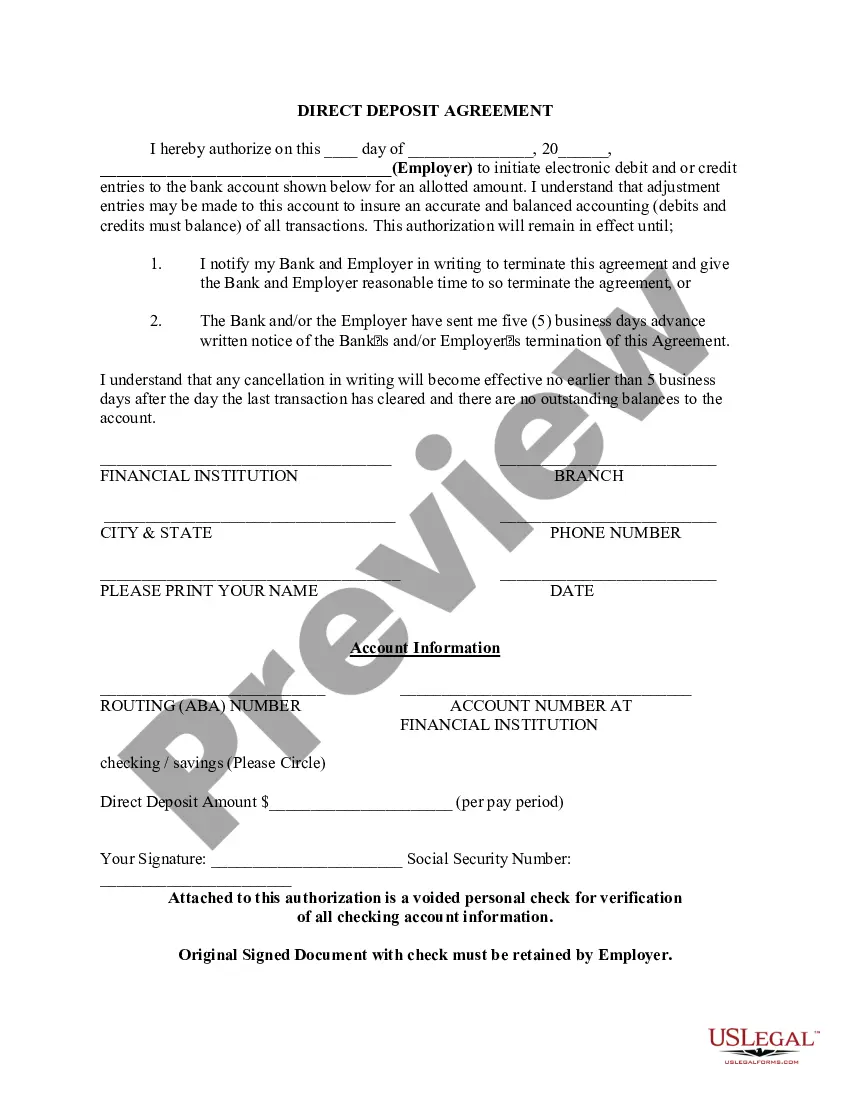



How to fill out Direct Deposit Form For Employer?
Are you in a circumstance where you require documents for either business or personal purposes almost every day.
There are numerous legal document templates available online, but finding forms that you can rely on isn't easy.
US Legal Forms offers thousands of template forms, like the South Carolina Direct Deposit Form for Employer, that are designed to meet state and federal regulations.
Access all the document templates you have purchased in the My documents list.
You can obtain an additional copy of the South Carolina Direct Deposit Form for Employer at any time, if necessary. Just navigate to the required form to download or print the document template. Use US Legal Forms, the most extensive collection of legal forms, to save time and avoid mistakes. The service offers professionally crafted legal document templates that you can use for various purposes. Create an account on US Legal Forms and start making your life easier.
- If you are already acquainted with the US Legal Forms website and have an account, just Log In.
- After that, you can download the South Carolina Direct Deposit Form for Employer template.
- If you do not have an account and wish to start using US Legal Forms, follow these steps.
- Find the form you need and ensure it is for the correct city/region.
- Utilize the Review button to verify the form.
- Check the description to make sure you have selected the right form.
- If the form isn’t what you’re looking for, use the Search field to find the form that meets your needs and specifications.
- When you locate the appropriate form, simply click Purchase now.
- Choose the pricing plan you prefer, fill in the required information to create your account, and complete the order using your PayPal or credit card.
- Select a convenient document format and download your copy.
Form popularity
FAQ
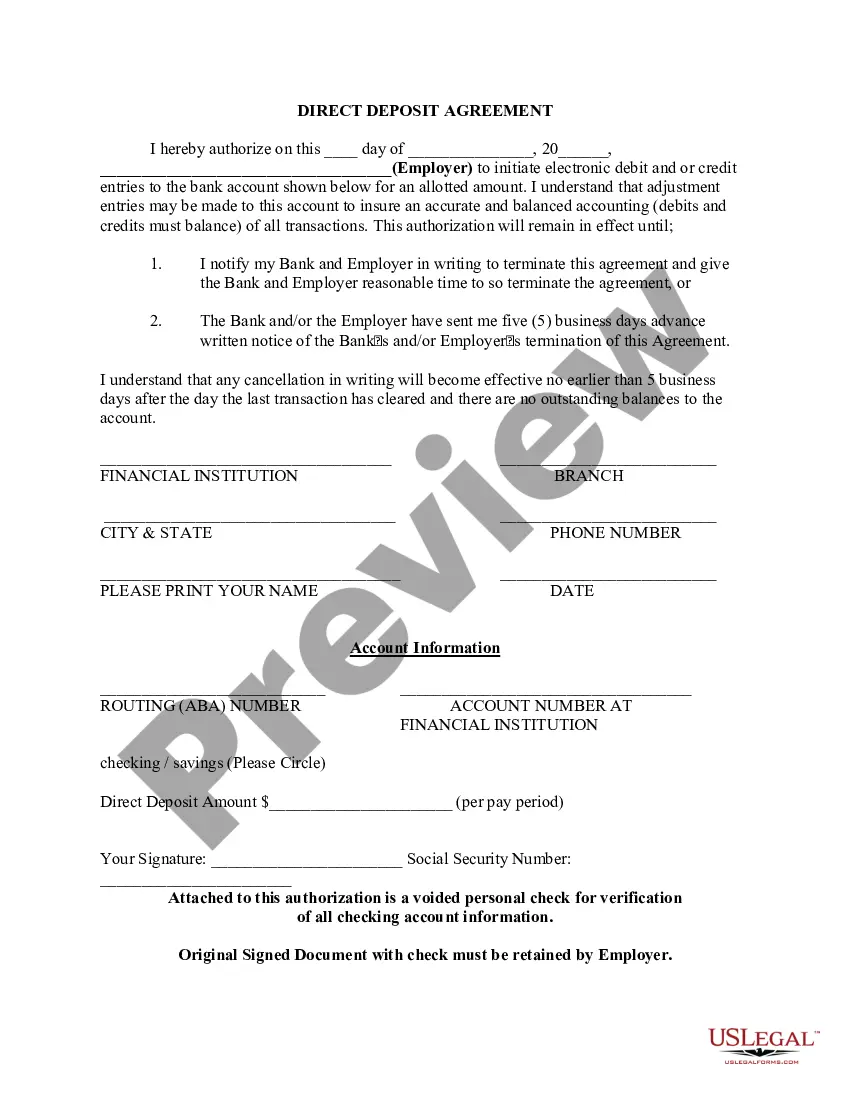
When filling out a direct deposit form for an employer, start with your personal information, including your name, Social Security number, and contact details. Next, provide your bank's routing number and your account number to ensure accurate deposits. Finally, review the South Carolina Direct Deposit Form for Employer for any additional requirements and sign it to complete the process. This ensures that your wages reach you directly without delay.
To complete an employee direct deposit form, provide your personal information, including your name and Social Security number. Then, enter your bank details, such as the routing and account numbers. If you are using the South Carolina Direct Deposit Form for Employer, make sure to sign and date the form to authorize the transfers. This will facilitate timely and secure payments to your account.
Yes, employers in South Carolina can require direct deposit for employee wages. This requirement must be communicated clearly to employees, along with the necessary steps to set up the South Carolina Direct Deposit Form for Employer. However, employees should have the option to choose their bank account for deposits. Always comply with state laws to ensure a smooth payroll process.
Filling out a deposit form involves entering your name, account number, and the amount you wish to deposit. Ensure you also include the date and any necessary transaction details. If you are using the South Carolina Direct Deposit Form for Employer, include your employer’s information to streamline the process. Always double-check your entries for accuracy before submission.
To fill out an ACH direct deposit form, start by entering your personal information accurately. This includes your name, address, and Social Security number. Next, provide your bank account details such as the account number and the bank's routing number. Finally, sign the form to authorize your employer to deposit your earnings directly into your account using the South Carolina Direct Deposit Form for Employer.
Your employer will need your bank name and address, account number, account type and routing number to know where to deposit your paycheck. They might even ask for a voided check to verify your information.
Setting up direct deposit is easy. Check with your employer's payroll office, you may be able to set up your direct deposit through an online portal.
Direct deposit authorization forms authorize employers to send money directly into an individual's bank account. In times past, employers would print out and distribute physical checks on pay day for each employee to deposit into their bank accounts themselves.
The employer provides the form to the employee to fill out usually upon hire (since the option for direct deposit is an expectation of employees these days). The form is where the employee gives you permission for direct deposit and provides the bank information that you'll need to send them money.
To obtain a bank confirmation letter from your bank you may request in-person at a bank branch from one of the bankers, by a phone call to the bank, and depending on the financial institution, through their online platform.