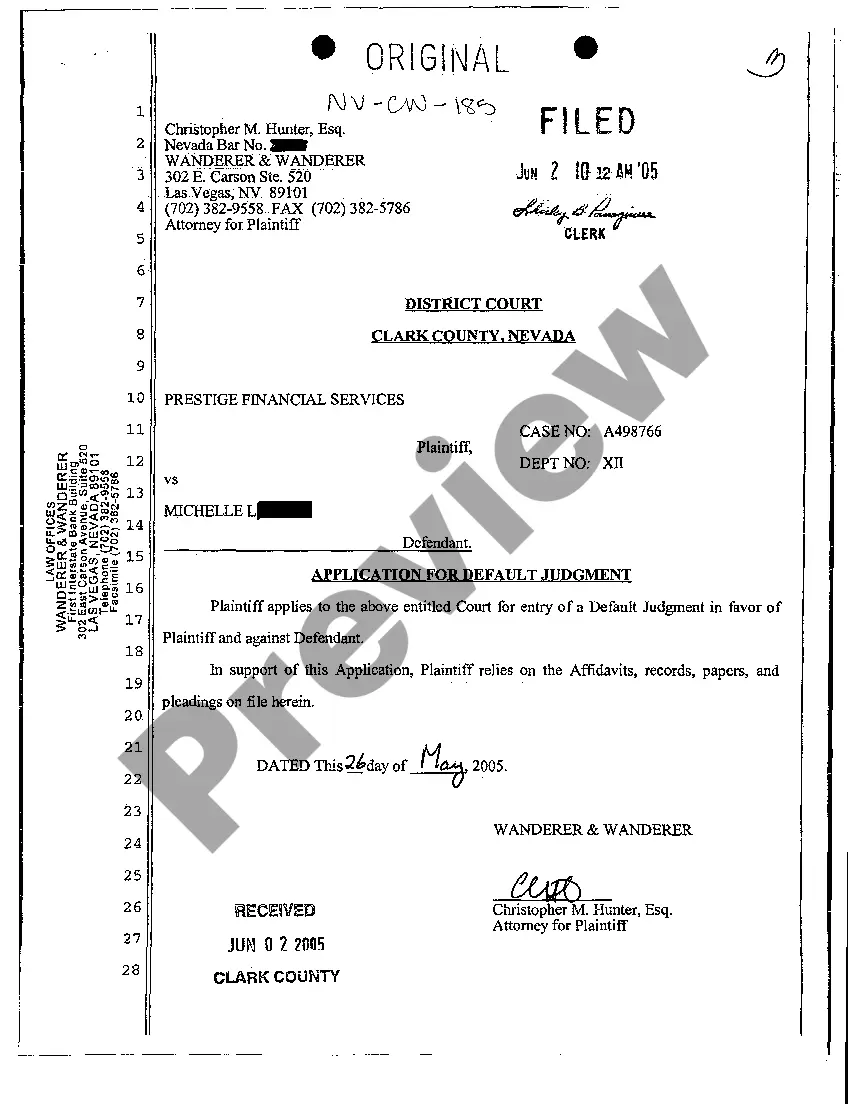
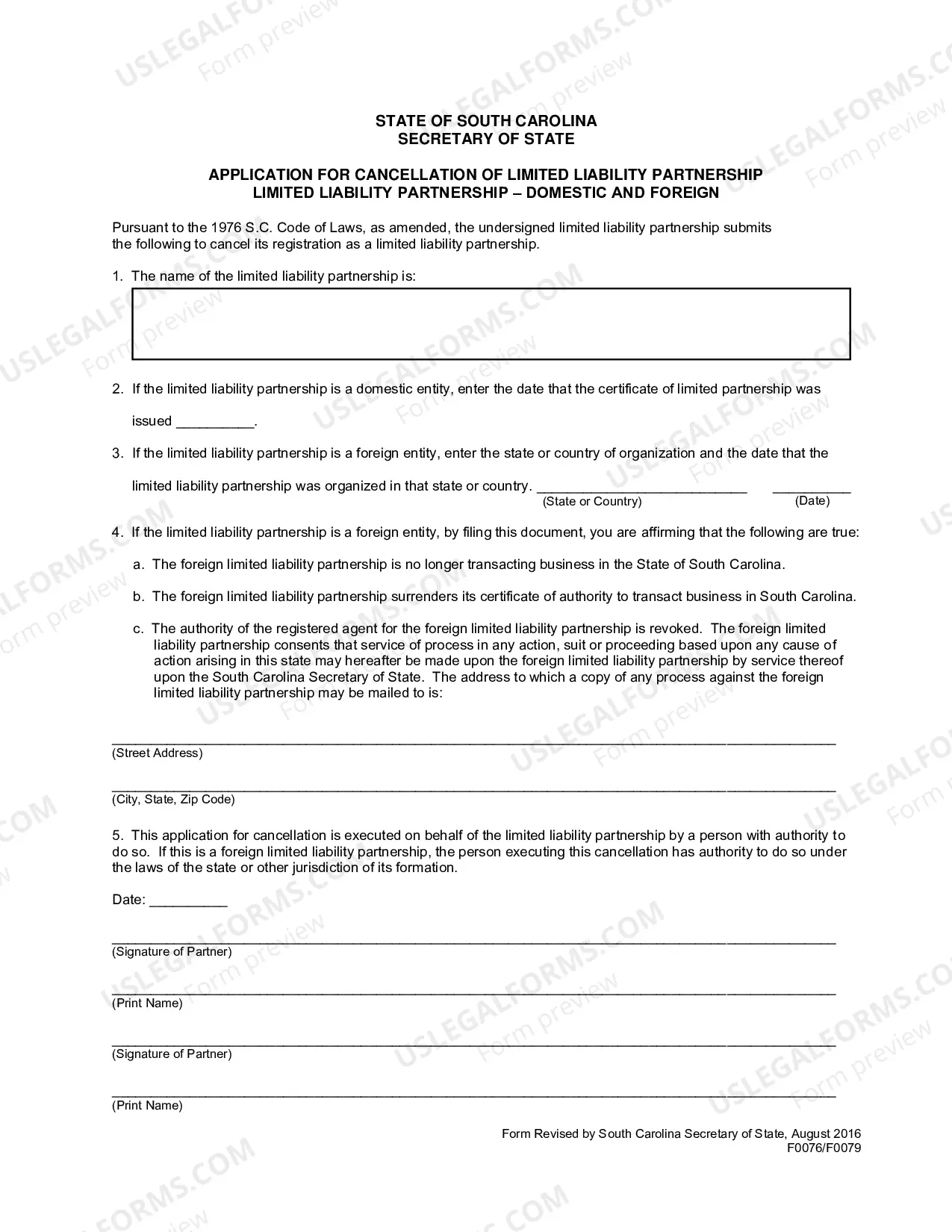
South Carolina Application For Cancellation of Limited Liability Partnership
Description
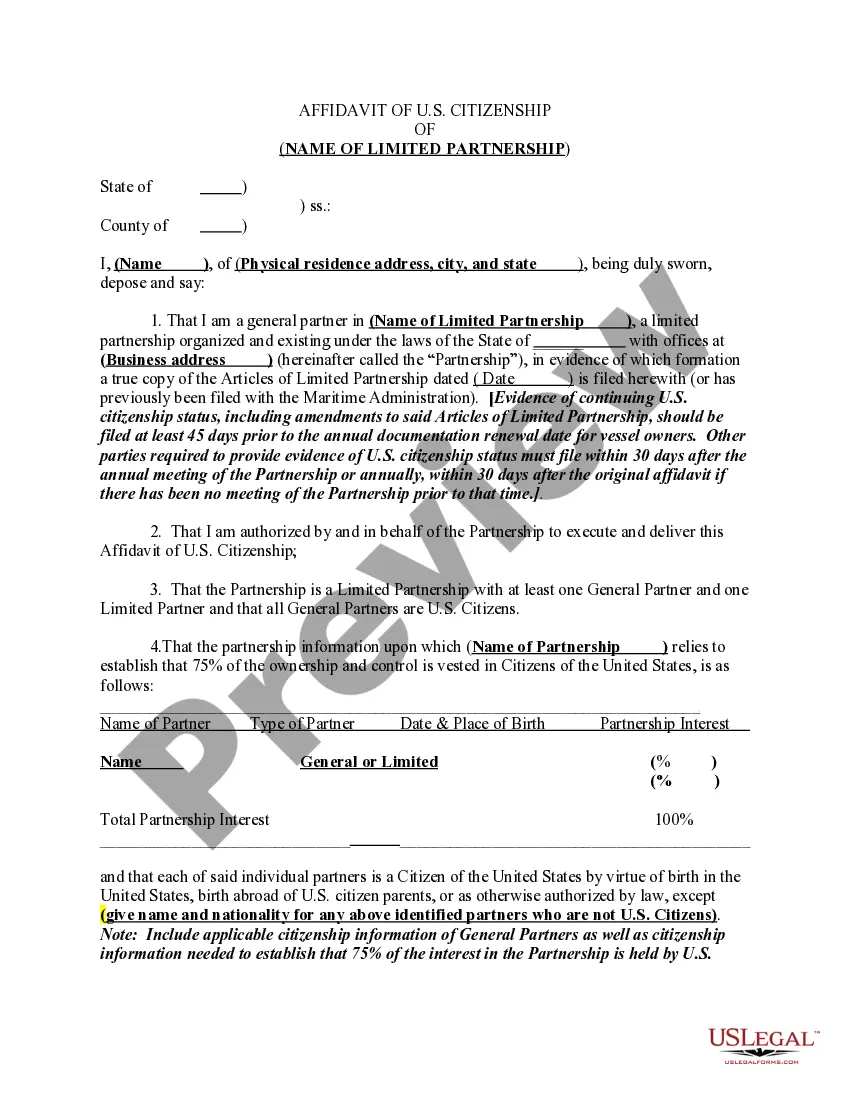
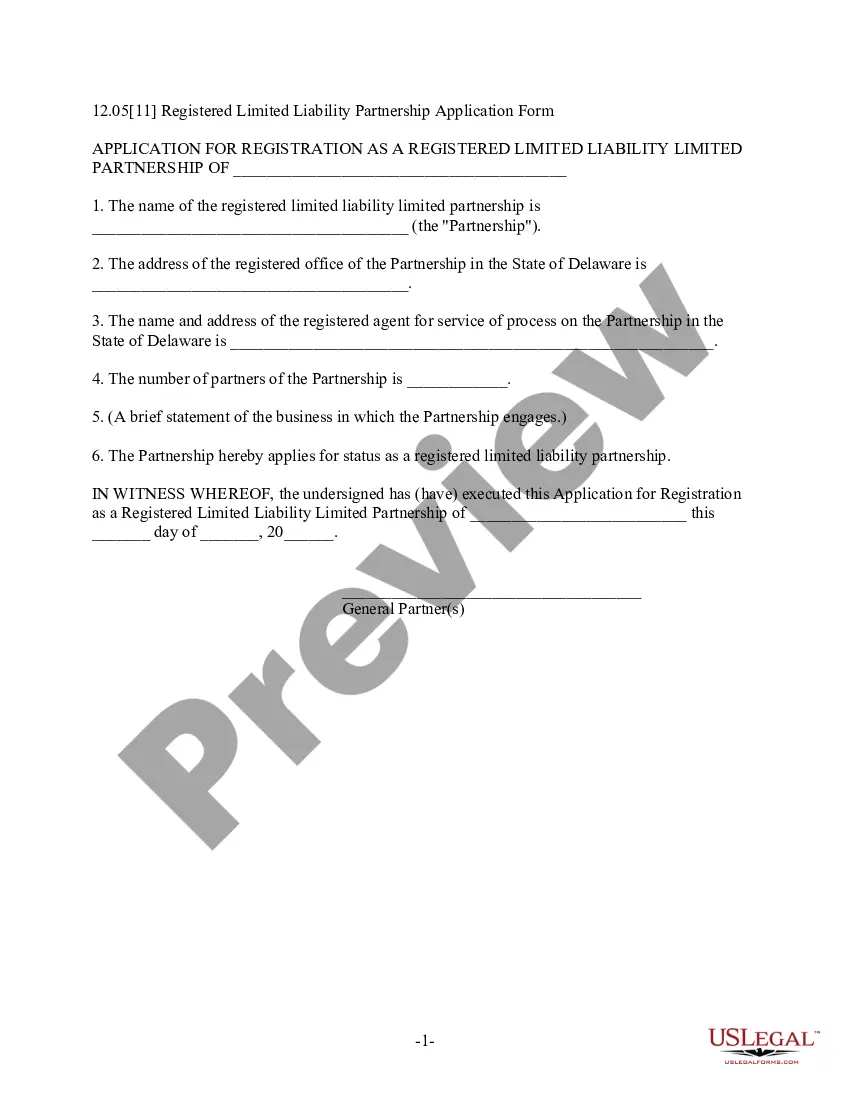
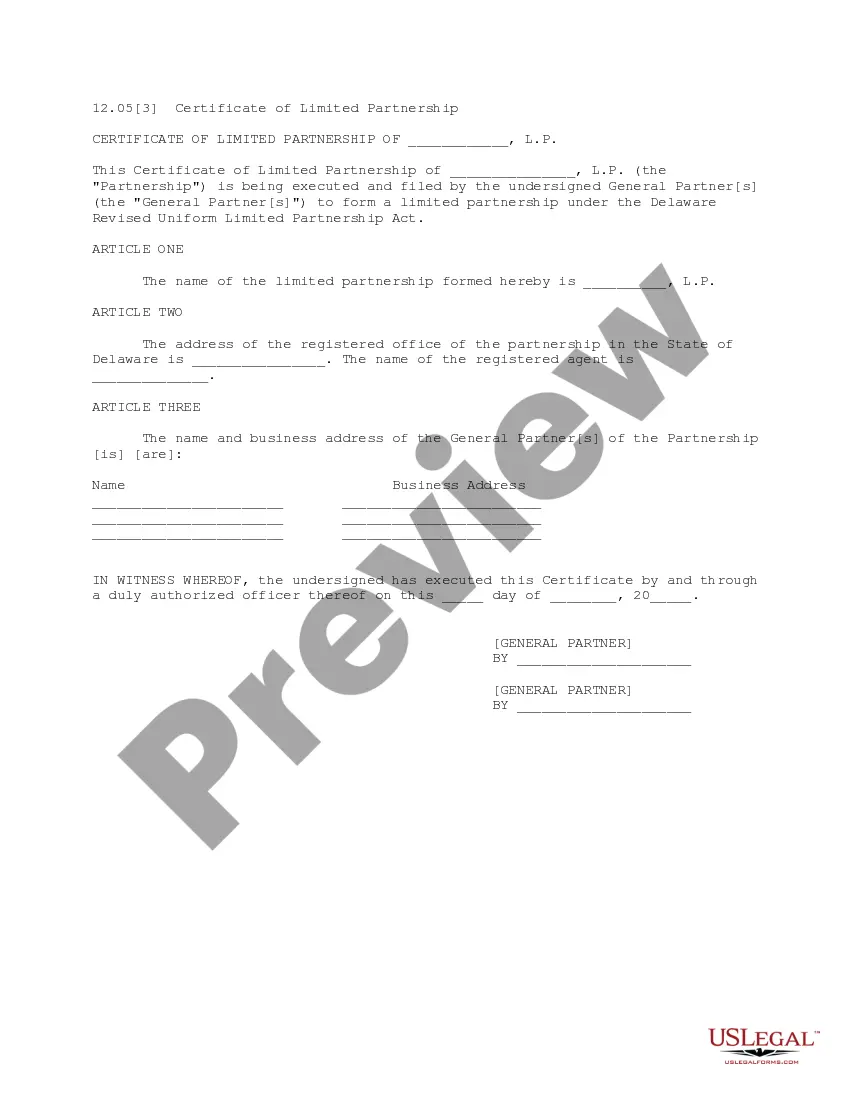
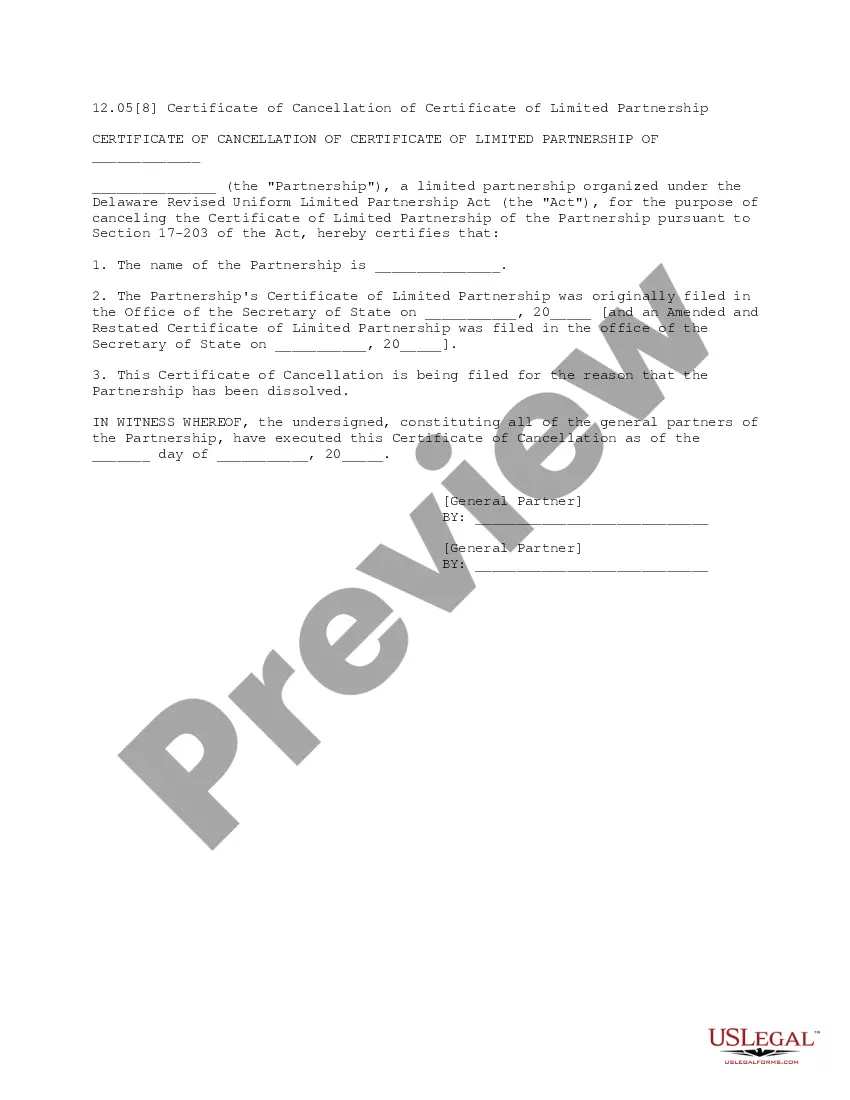
Get your form ready online
Our built-in tools help you complete, sign, share, and store your documents in one place.
Make edits, fill in missing information, and update formatting in US Legal Forms—just like you would in MS Word.
Download a copy, print it, send it by email, or mail it via USPS—whatever works best for your next step.
Sign and collect signatures with our SignNow integration. Send to multiple recipients, set reminders, and more. Go Premium to unlock E-Sign.
If this form requires notarization, complete it online through a secure video call—no need to meet a notary in person or wait for an appointment.
We protect your documents and personal data by following strict security and privacy standards.

Make edits, fill in missing information, and update formatting in US Legal Forms—just like you would in MS Word.

Download a copy, print it, send it by email, or mail it via USPS—whatever works best for your next step.

Sign and collect signatures with our SignNow integration. Send to multiple recipients, set reminders, and more. Go Premium to unlock E-Sign.

If this form requires notarization, complete it online through a secure video call—no need to meet a notary in person or wait for an appointment.

We protect your documents and personal data by following strict security and privacy standards.
Looking for another form?
How to fill out South Carolina Application For Cancellation Of Limited Liability Partnership?
US Legal Forms is the most easy and affordable way to locate suitable legal templates. It’s the most extensive web-based library of business and personal legal documentation drafted and verified by attorneys. Here, you can find printable and fillable templates that comply with federal and local laws - just like your South Carolina Application For Cancellation of Limited Liability Partnership.
Obtaining your template requires only a few simple steps. Users that already have an account with a valid subscription only need to log in to the web service and download the document on their device. Afterwards, they can find it in their profile in the My Forms tab.
And here’s how you can obtain a properly drafted South Carolina Application For Cancellation of Limited Liability Partnership if you are using US Legal Forms for the first time:
- Read the form description or preview the document to make sure you’ve found the one corresponding to your needs, or find another one utilizing the search tab above.
- Click Buy now when you’re certain about its compatibility with all the requirements, and choose the subscription plan you prefer most.
- Register for an account with our service, sign in, and purchase your subscription using PayPal or you credit card.
- Decide on the preferred file format for your South Carolina Application For Cancellation of Limited Liability Partnership and download it on your device with the appropriate button.
Once you save a template, you can reaccess it at any time - just find it in your profile, re-download it for printing and manual fill-out or upload it to an online editor to fill it out and sign more efficiently.
Take full advantage of US Legal Forms, your trustworthy assistant in obtaining the corresponding formal documentation. Give it a try!
Form popularity
FAQ
A member of an LLC can only be removed via written notice of withdrawal. The removal can happen unless the LLC's articles of organization or LLC operating agreement specify a method for LLC members to vote out other members.
How do I amend my South Carolina LLC operating agreement? Draft an amendment. Hold a meeting of all LLC members. Present and vote on the amendment. Adopt the change if a majority of members agree on the amendment. Update your LLC's operating agreement.
To dissolve a South Carolina LLC, file Articles of Termination, in duplicate, with the South Carolina Secretary of State, Division of Business Filings (SOS). The form is available on the SOS website (see link below). You may type or print on SOS forms in black ink.
In California, you may buyout your partner's interest in the LLC. If you cannot come to an agreement on the fair market price and on the terms of payment, then because your partner owns 50% of the LLC, he/she can legally force the LLC to dissolve.
To remove a member from your LLC, a withdrawal notice, a unanimous vote, or a procedure depicted in the articles of organization may entail. The member in question of removal may need to get compensated for his share of membership interests.
The Basics of Removing an LLC Member Determine the procedure for withdrawing members. Use the voting procedure if one is included in the terms of the LLC. Arrange for the member to submit a written resignation. Consider offering a buyout if the member doesn't willingly resign.
If a foreign corporation or LLC is no longer doing business in South Carolina, the entity should file an application to cancel its registration with the South Carolina Secretary of State, Division of Business Filings (SOS).
To close your account online go to dew.sc.gov/suits. To close your account by paper form use the Employers Report of Change (UCE-101-s)