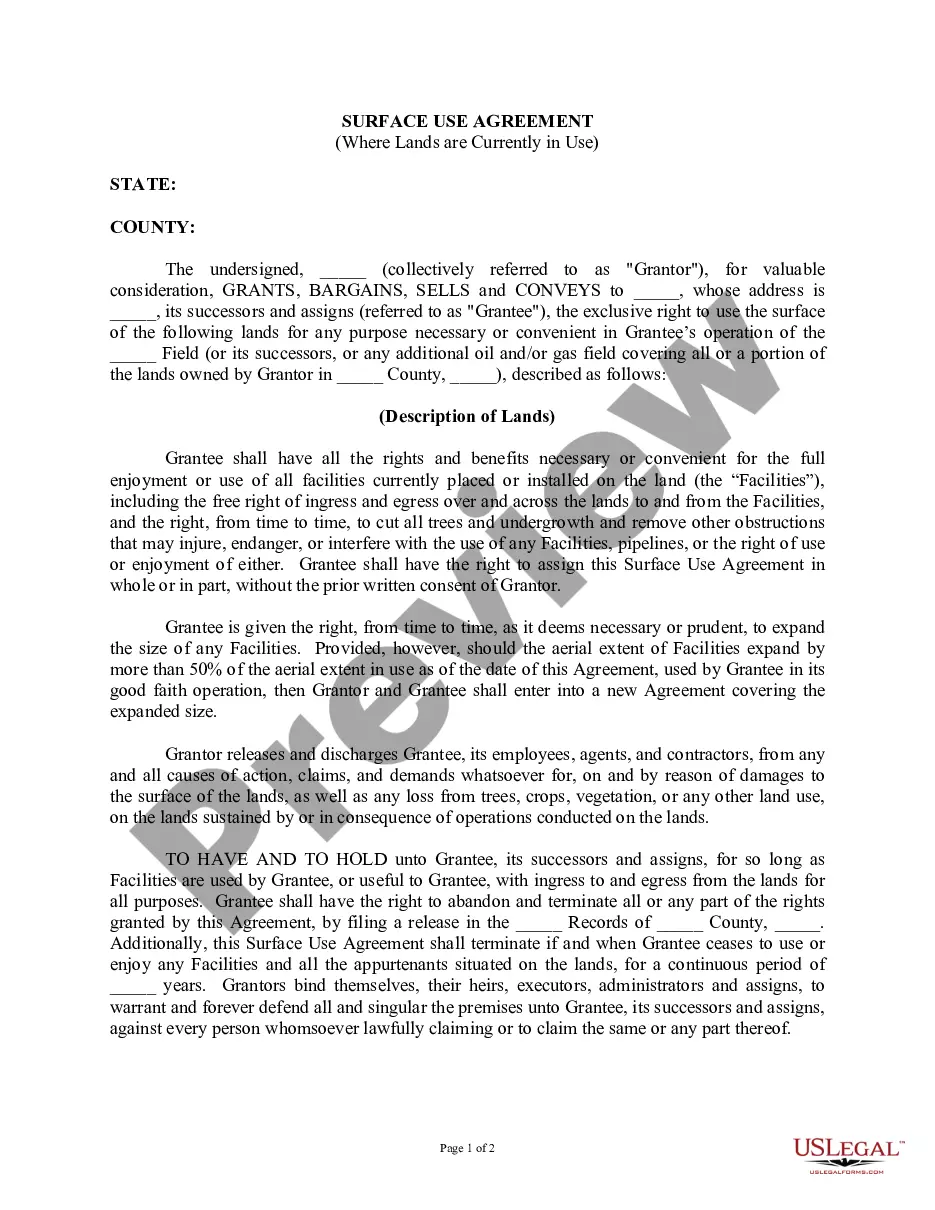
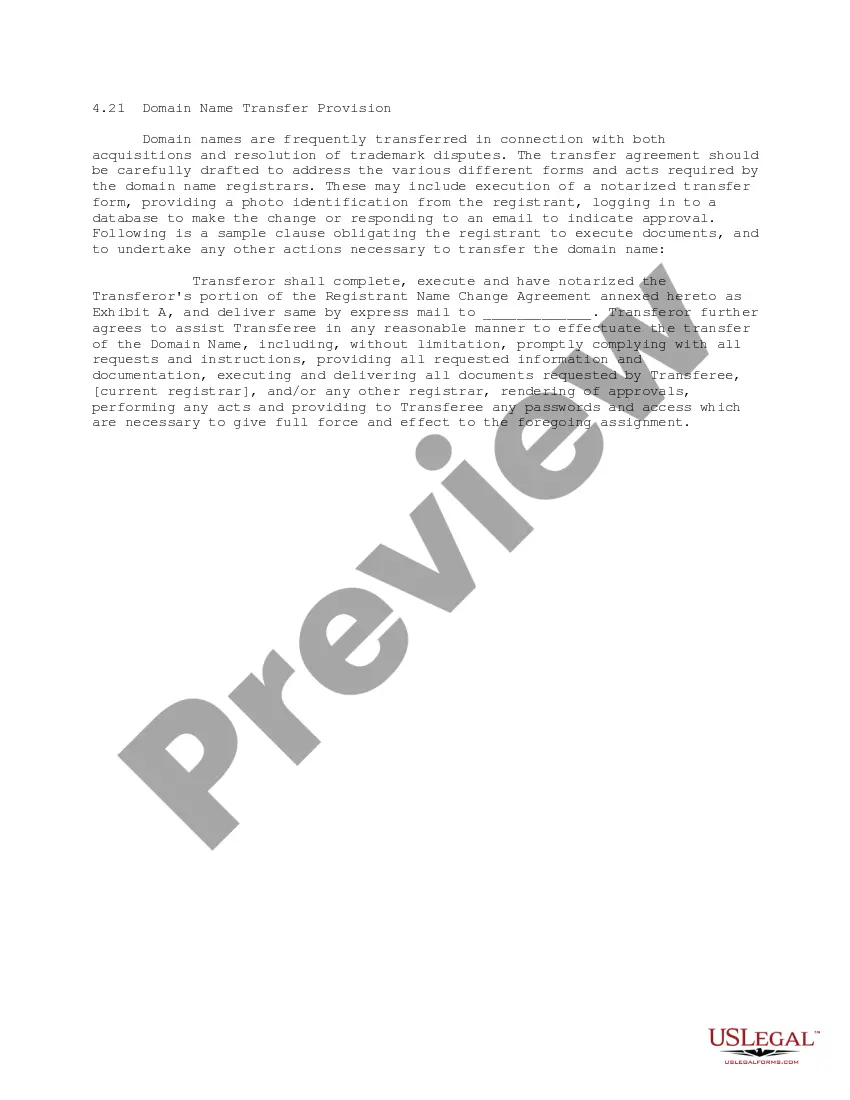
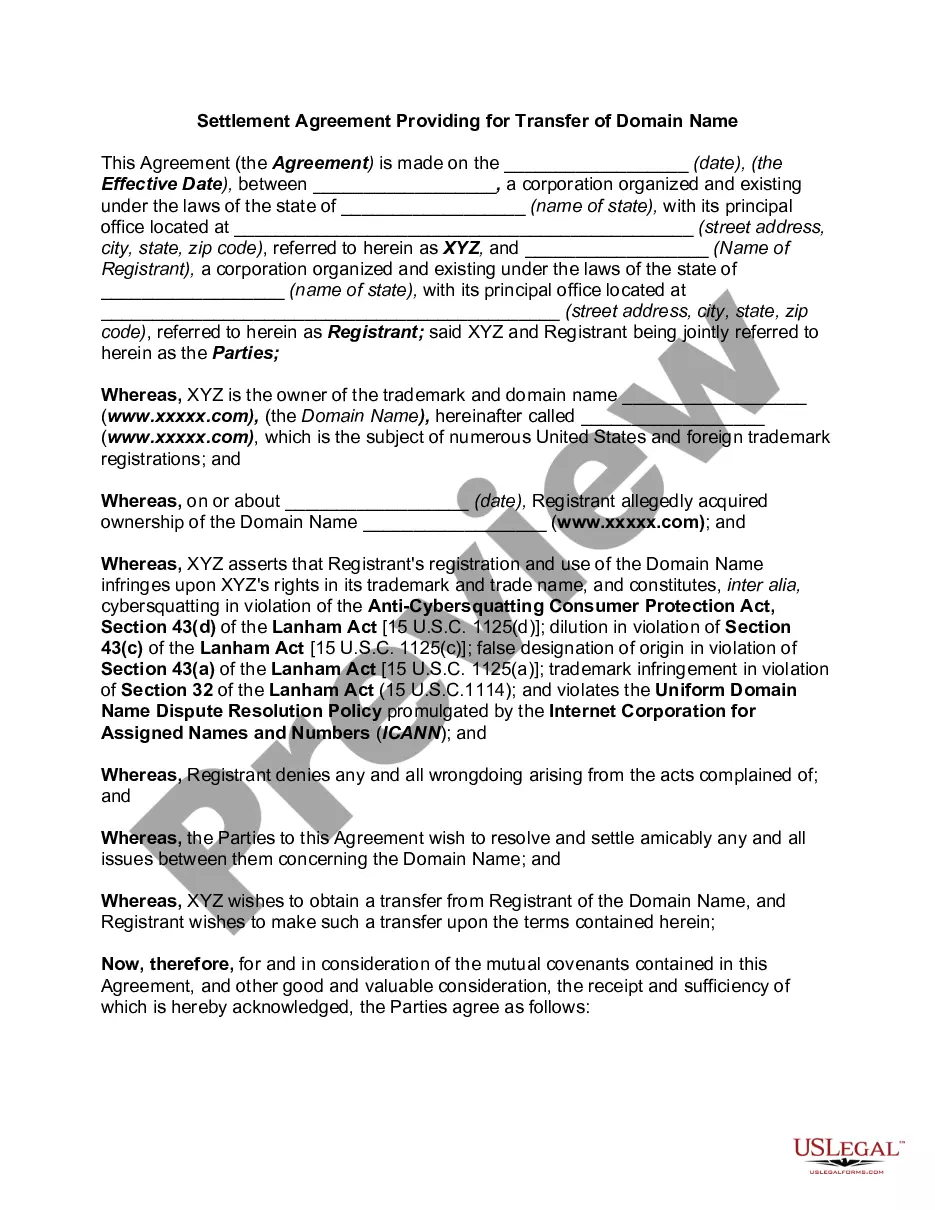
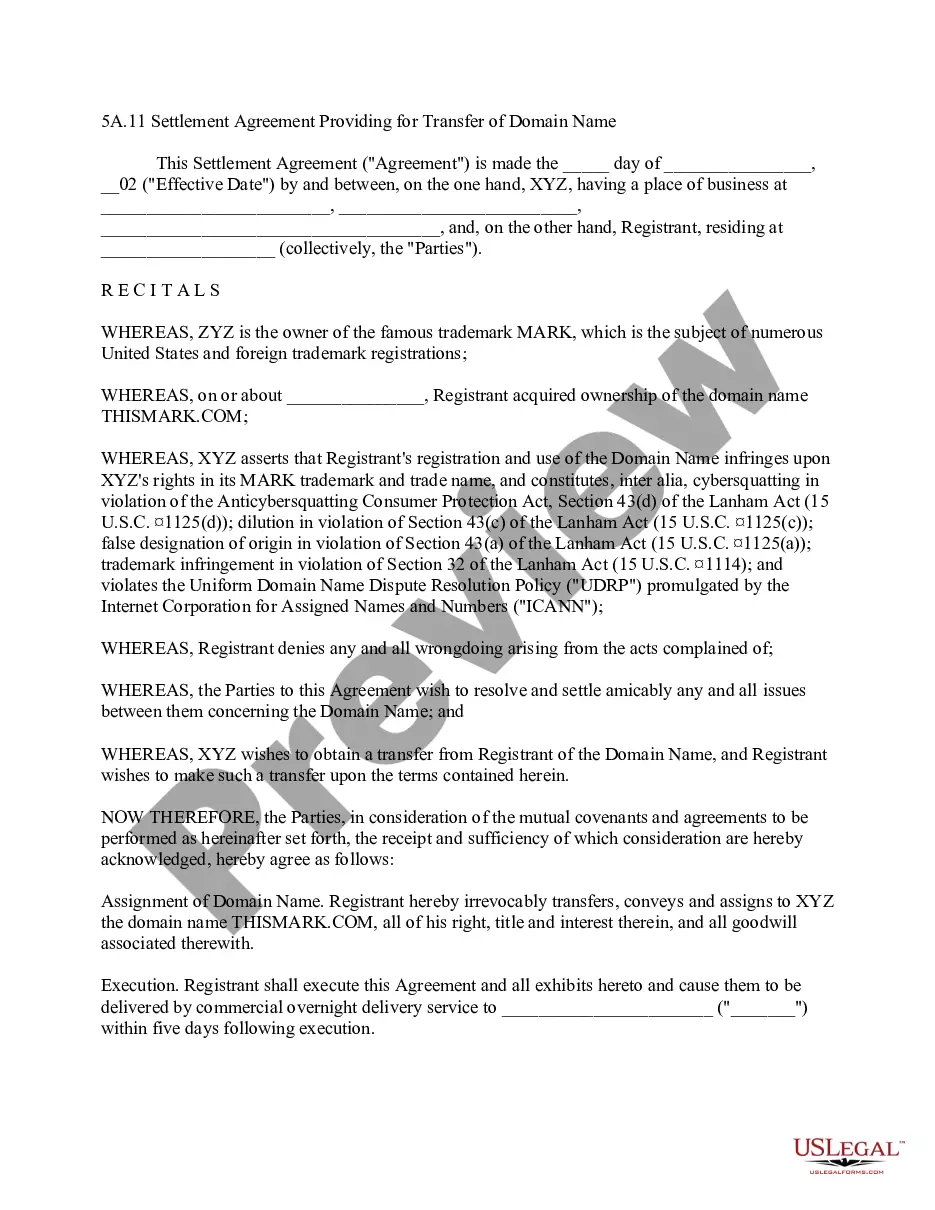
This form is a Domain Name Transfer Provision for a transfer agreement, either as part of an acquisition, settlement of a trademark dispute, or similar matter, that obligates the registrant of the domain name to execute documents and to undertake any other actions necessary to transfer the domain name.
Rhode Island Domain Name Transfer Provision
State:
Multi-State
Control #:
US-IP0421
Format:
Word;
PDF;
Rich Text
Instant download
Description
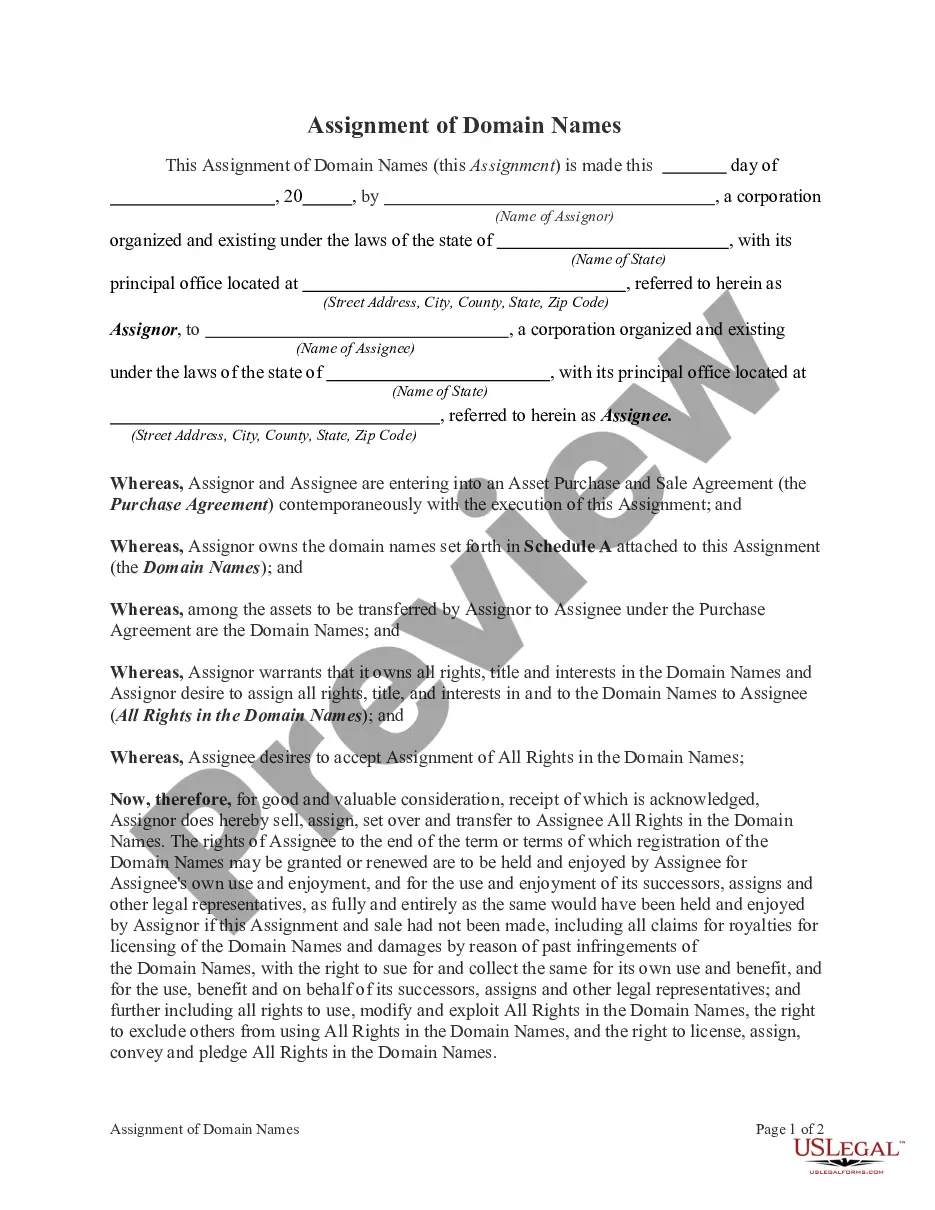
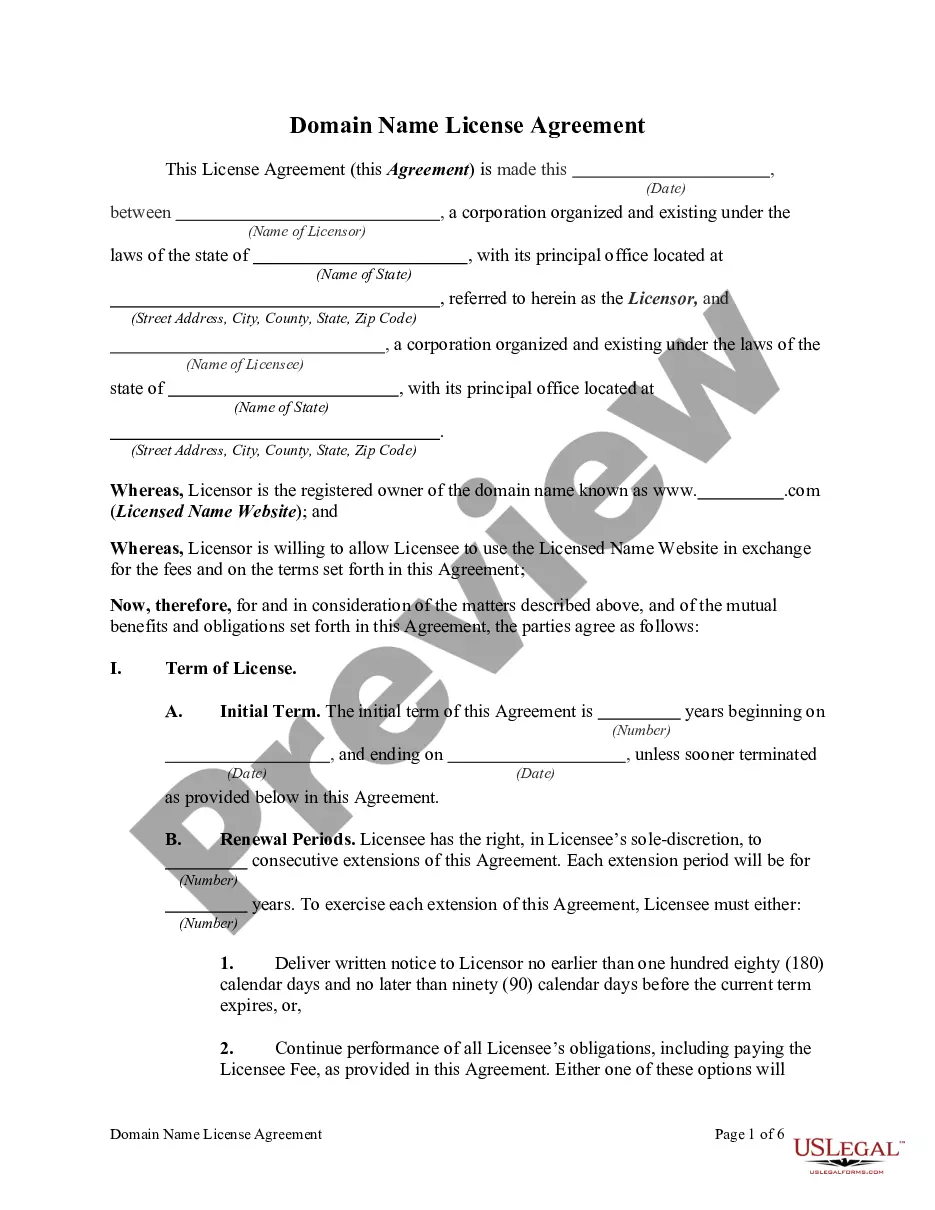




How to fill out Domain Name Transfer Provision?
If you wish to complete, obtain, or print valid document templates, utilize US Legal Forms, the largest selection of legal forms available online.
Employ the website's straightforward and user-friendly search feature to locate the documents you require.
Various templates for business and personal purposes are categorized by type and state, or keywords. Use US Legal Forms to locate the Rhode Island Domain Name Transfer Provision in just a few clicks.
Each legal document template you obtain is yours indefinitely. You can access every form you have downloaded in your account. Browse the My documents section and select a form to print or download again.
Complete the process and download, and print the Rhode Island Domain Name Transfer Provision with US Legal Forms. There are countless professional and state-specific forms available for your business or personal needs.
- If you are already a US Legal Forms member, sign in to your account and click the Acquire button to find the Rhode Island Domain Name Transfer Provision.
- You can also access forms you previously downloaded from the My documents section of your account.
- If you are using US Legal Forms for the first time, follow the instructions below.
- Step 1. Make sure you have selected the form for the correct city/state.
- Step 2. Use the Review option to examine the form's content. Don't forget to read the description.
- Step 3. If you are not satisfied with the form, use the Search area at the top of the screen to find other versions of the legal form template.
- Step 4. Once you have located the form you need, click the Purchase now button. Choose the payment plan you prefer and enter your details to register for the account.
- Step 5. Complete the purchase. You can use your credit card or PayPal account to finalize the transaction.
- Step 6. Download the format of the legal form and save it on your device.
- Step 7. Complete, modify, and print or sign the Rhode Island Domain Name Transfer Provision.
Form popularity
FAQ
You can avoid the realty transfer tax in Rhode Island by utilizing certain exemptions. For instance, transfers between family members or certain nonprofit organizations may qualify for exemptions. Additionally, understanding the nuances of the Rhode Island Domain Name Transfer Provision could offer you strategies to minimize costs. It’s advisable to consult with a legal expert to explore all available options.
Requesting a domain name transfer is a straightforward process aligned with the Rhode Island Domain Name Transfer Provision. Start by ensuring you have the auth code from your current registrar and visit the platform where you want to transfer your domain. Follow the transfer instructions, typically found in the domain management section, and enter the required details, including the auth code. If you need further guidance, US Legal Forms offers resources to help streamline your domain transfer experience.
To initiate a domain name transfer under the Rhode Island Domain Name Transfer Provision, you first need to obtain the authorization code, often called the EPP code, from your current registrar. Log into your account on their website and locate the domain management section; you should find an option to request the auth code. If you encounter any issues, reaching out to your registrar's support team can provide you with the necessary assistance. Remember, having this code is crucial for a smooth transfer process.
When you transfer a domain name, you're telling ICANN the Internet Corporation for Assigned Names and Numbers, that you want an alternative registrar to manage your domain. You may or may not decide to change your hosting provider at the same time.
Authorization codes help make sure you have permission to transfer your domain from one registrar to another. They are sometimes called EPP codes or Transfer codes. Confirmation emails make sure you are transferring your domain to the right person. You can't make the transfer without verifying your identity.
This process does not affect your live site or emails. Only when the Domain Nameservers or A Record are updated will this then make your site live on the new server.
Transfer a domain name to another personDisable WHOIS/domain privacy.Ensure admin email is up-to-date.Unlock the domain.Get the transfer authorization code.Request a domain transfer.Approve transfer request email.24-Jun-2020
Let's recap the four steps you'll need to follow if you want to transfer your domain name to a new host:Remove your domain lock and get an authorization code.Initiate a transfer with your new host.Verify the transfer.Pay for your transfer and wait for the process to complete.
If you need to change the ownership of your domain (either from you to another person, or another person to you), you'll need to do a domain transfer. For example, if an employee registered your domain under a personal account, you may want to transfer the domain to an account maintained by your business.
The cost will vary depending on the hosting provider that you transfer to. Typically, you'll either be charged a transfer fee or one year's renewal price of the domain. Either way, you can expect to spend between $10-15 on transferring a domain.