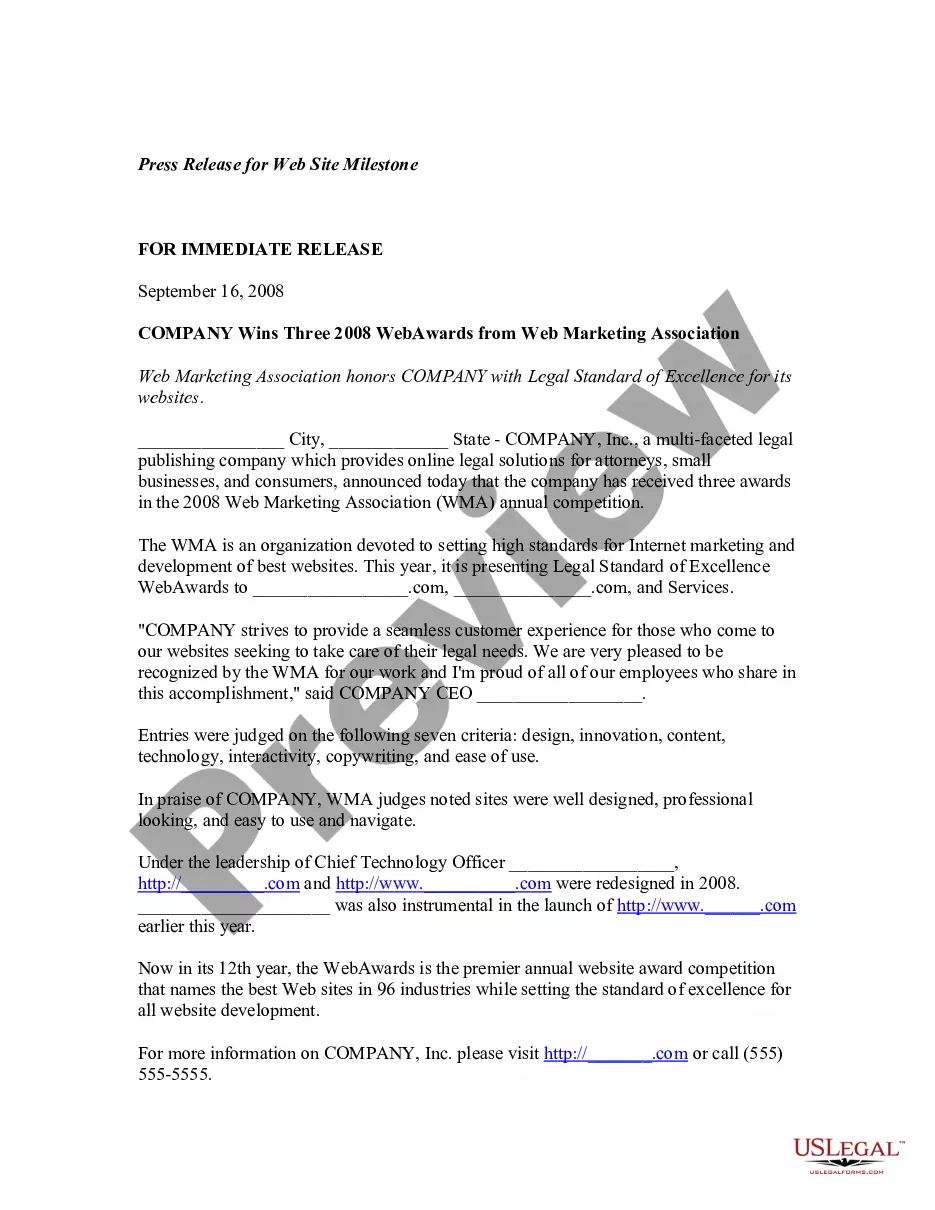
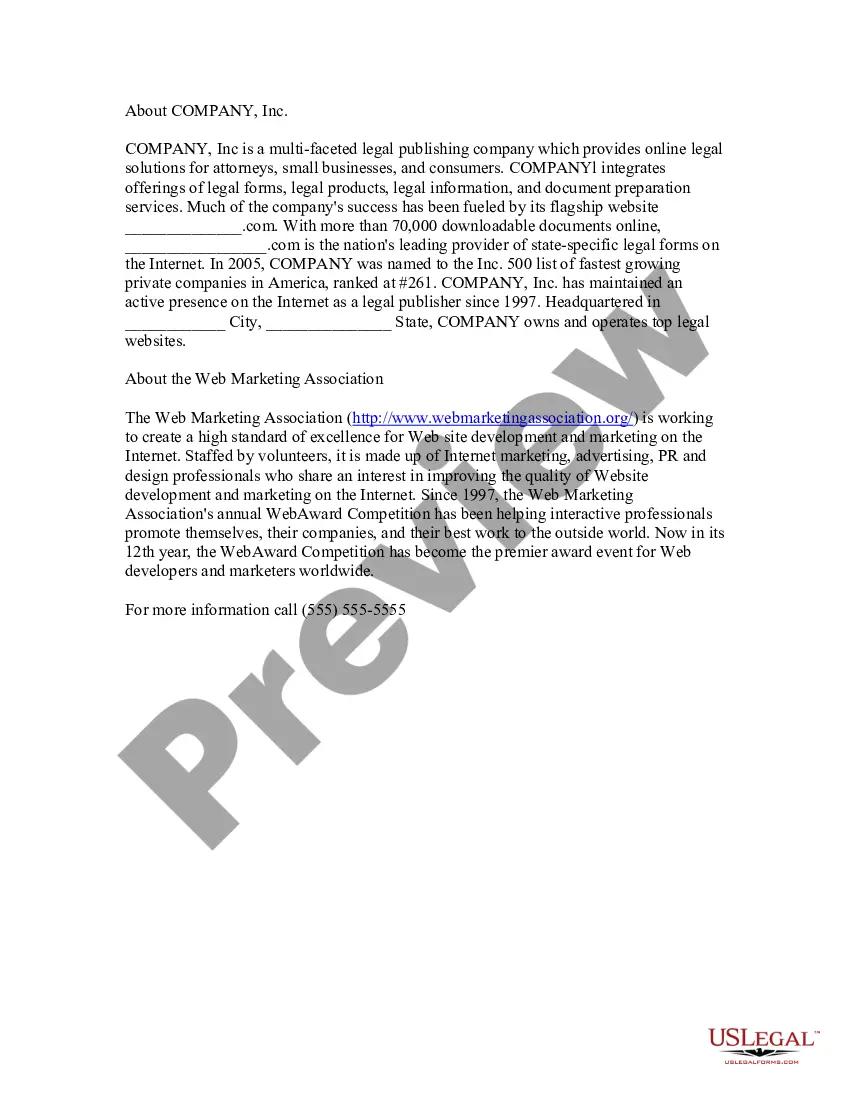
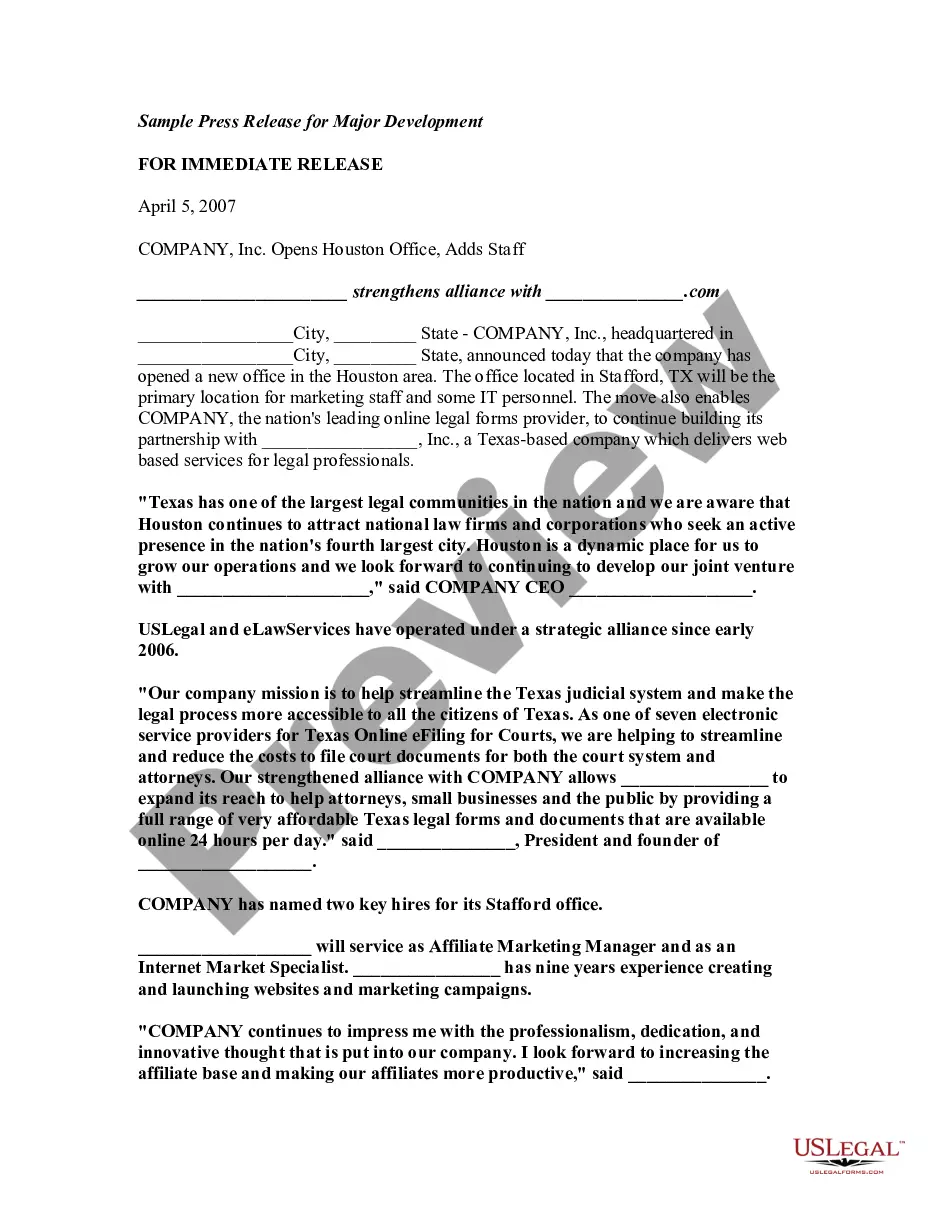
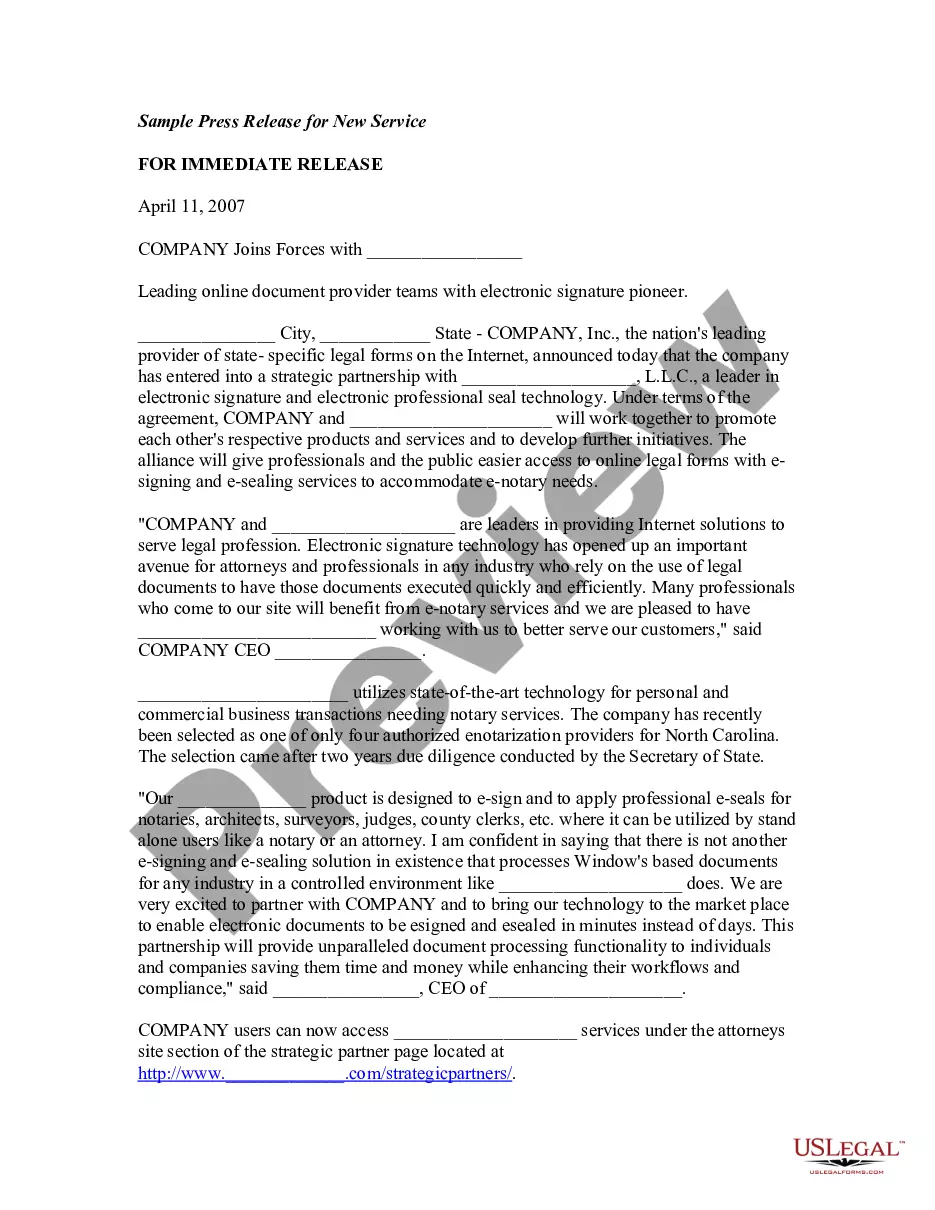
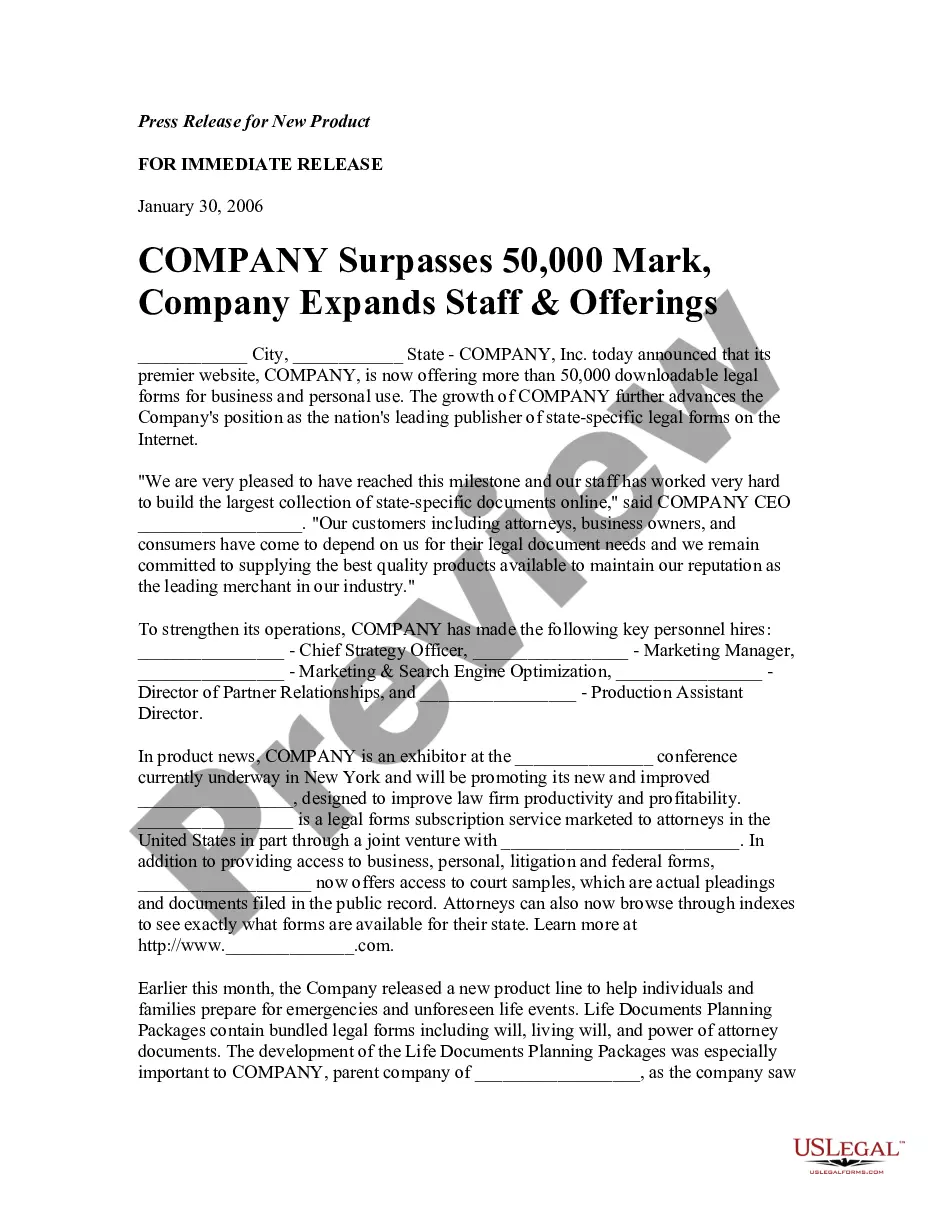
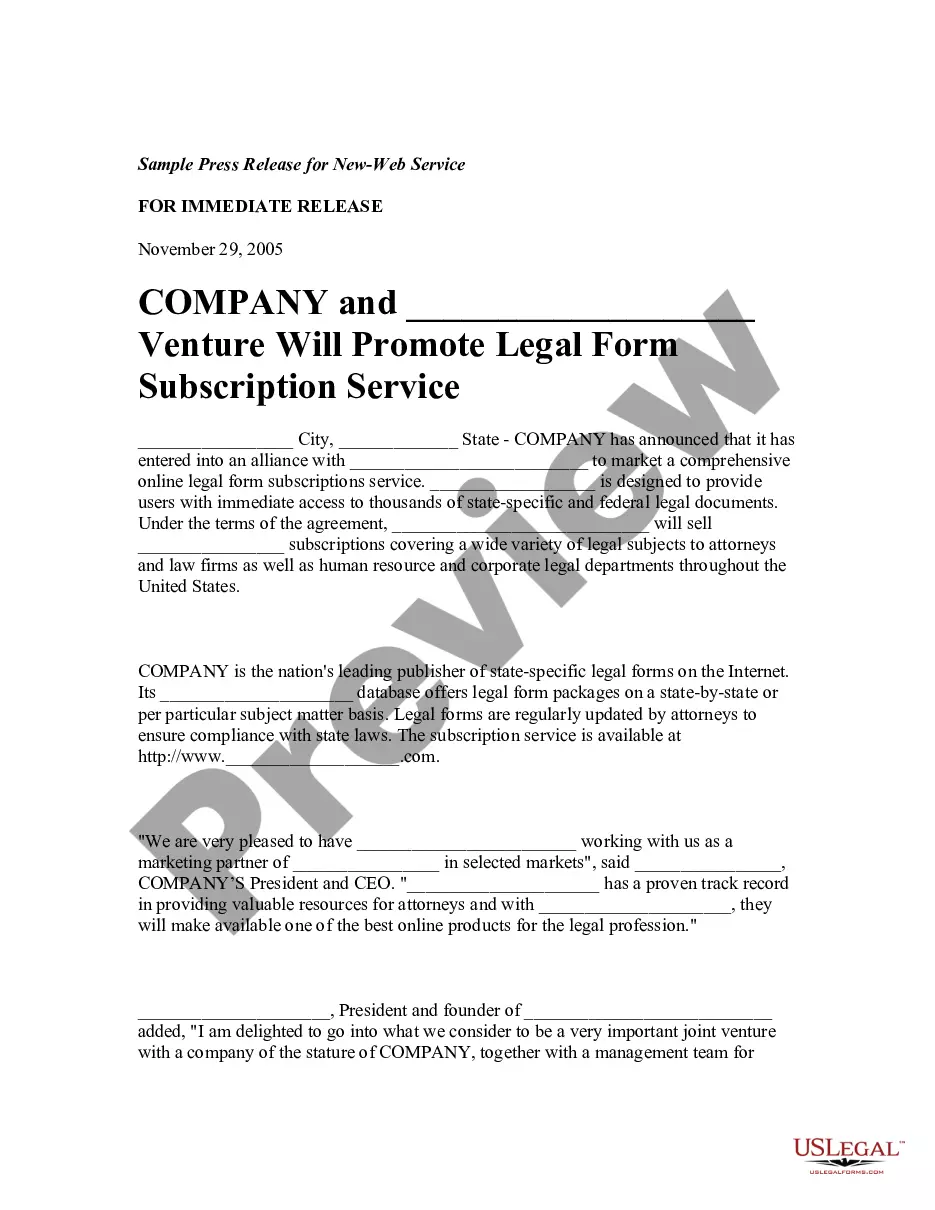
This is a sample press release announcing the honoring and recognition of a company's web site.
Rhode Island Press Release for Web Site Milestone
Category:
State:
Multi-State
Control #:
US-PR-0007
Format:
Word;
Rich Text
Instant download
Description
Free preview
How to fill out Press Release For Web Site Milestone?
You can spend hours online looking for the legal document template that meets the federal and state requirements you need.
US Legal Forms offers thousands of legal documents that have been reviewed by experts.
You can download or print the Rhode Island Press Release for Website Milestone from the service.
If you wish to find another version of the form, use the Search field to locate the template that fits your needs and specifications. Once you have found the template you desire, click Purchase now to proceed. Choose the pricing plan you want, enter your details, and register for your account on US Legal Forms. Complete the transaction. You can use your credit card or PayPal account to pay for the legal form. Select the format of the document and download it to your device. Make changes to your document if necessary. You can complete, modify, sign, and print the Rhode Island Press Release for Website Milestone. Download and print thousands of document templates using the US Legal Forms website, which offers the largest collection of legal forms. Utilize professional and state-specific templates to address your business or personal needs.
- If you already have a US Legal Forms account, you can Log In and click the Download button.
- After that, you can complete, modify, print, or sign the Rhode Island Press Release for Website Milestone.
- Every legal document template you obtain is yours for an extended period.
- To get another copy of any purchased form, visit the My documents tab and click the corresponding button.
- If you are using the US Legal Forms site for the first time, follow the simple instructions below.
- First, ensure that you have selected the correct document template for the region/city of your choice.
- Review the form description to confirm you have chosen the appropriate form.
- If available, use the Preview button to view the document template as well.