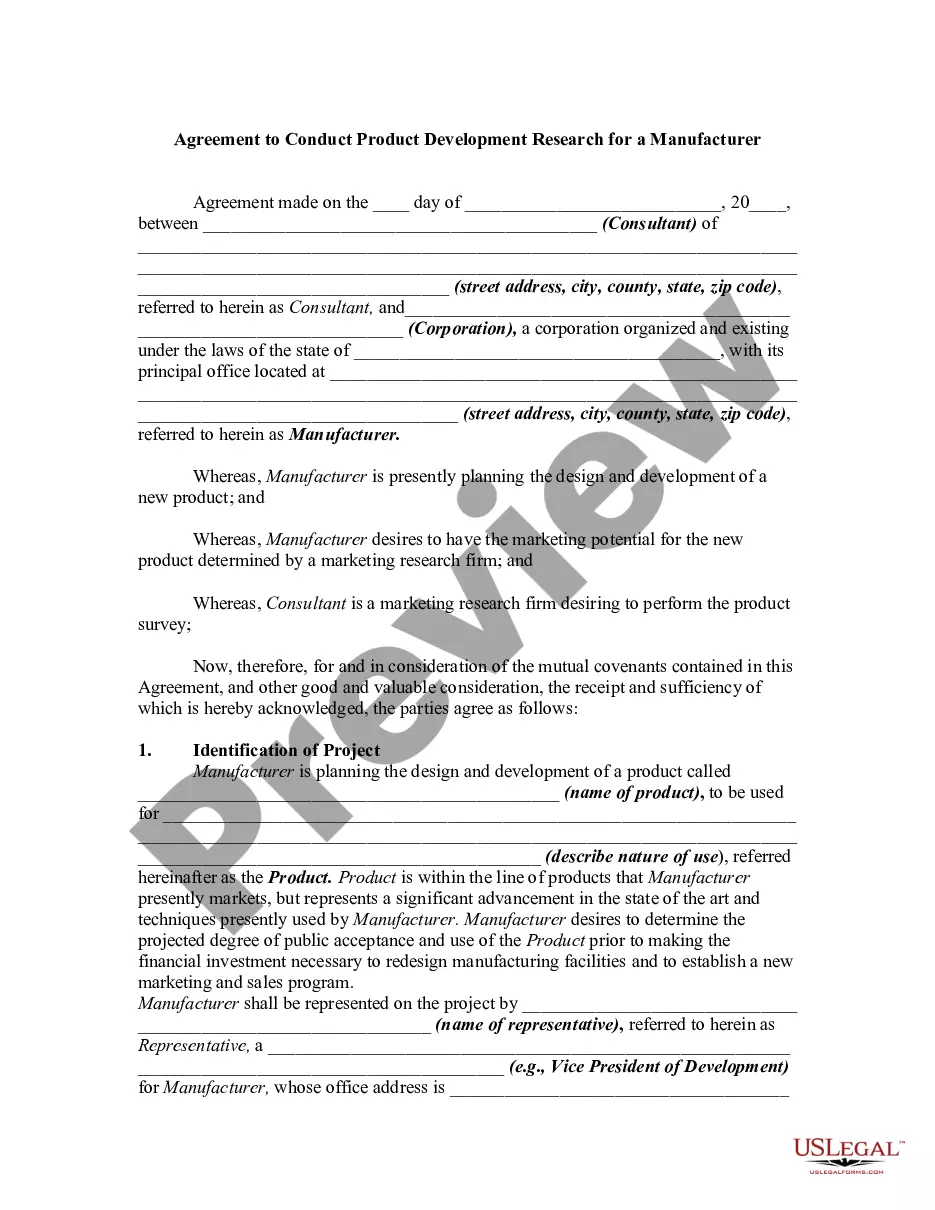
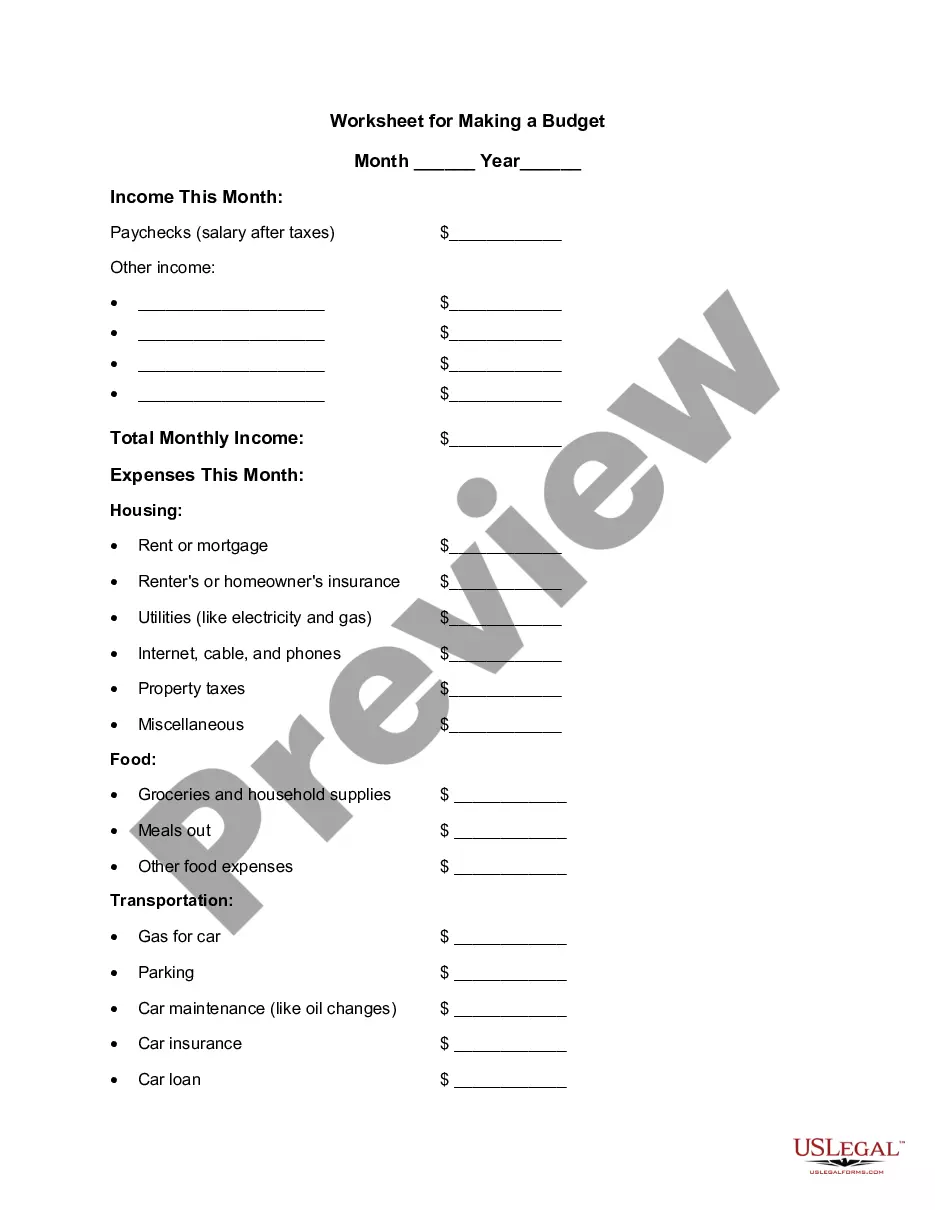
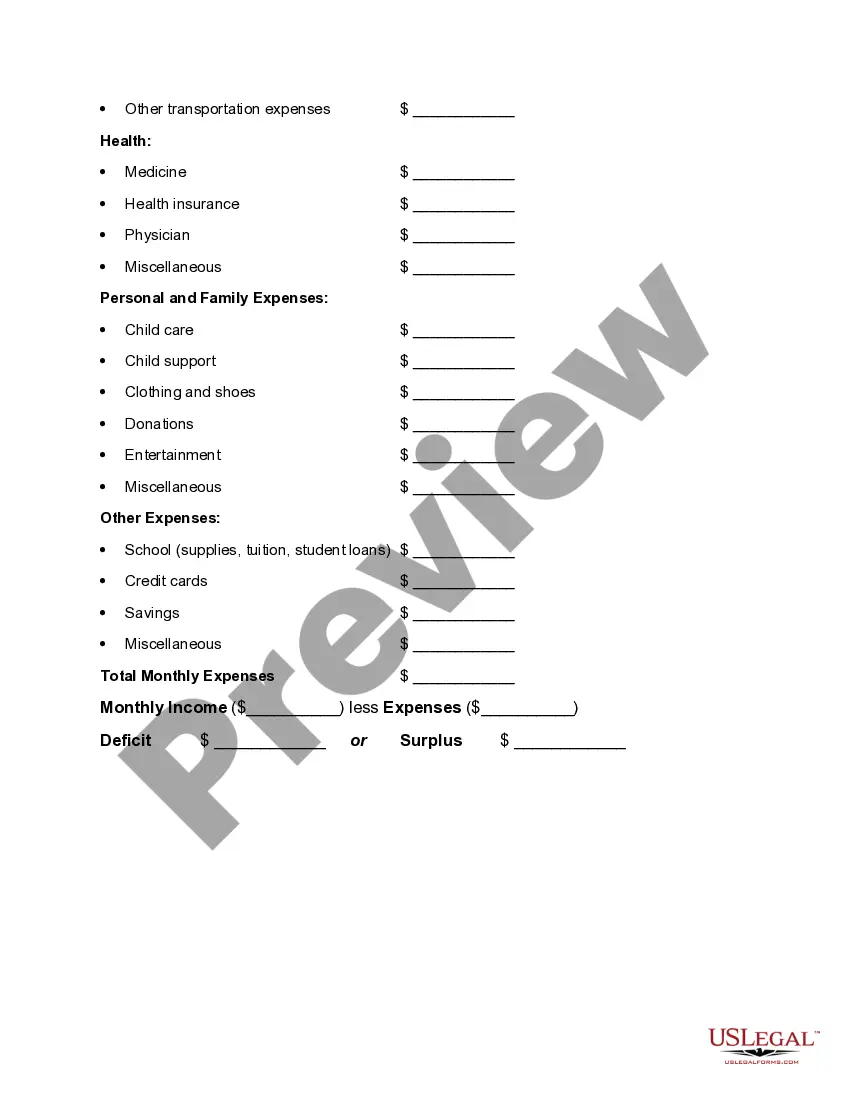
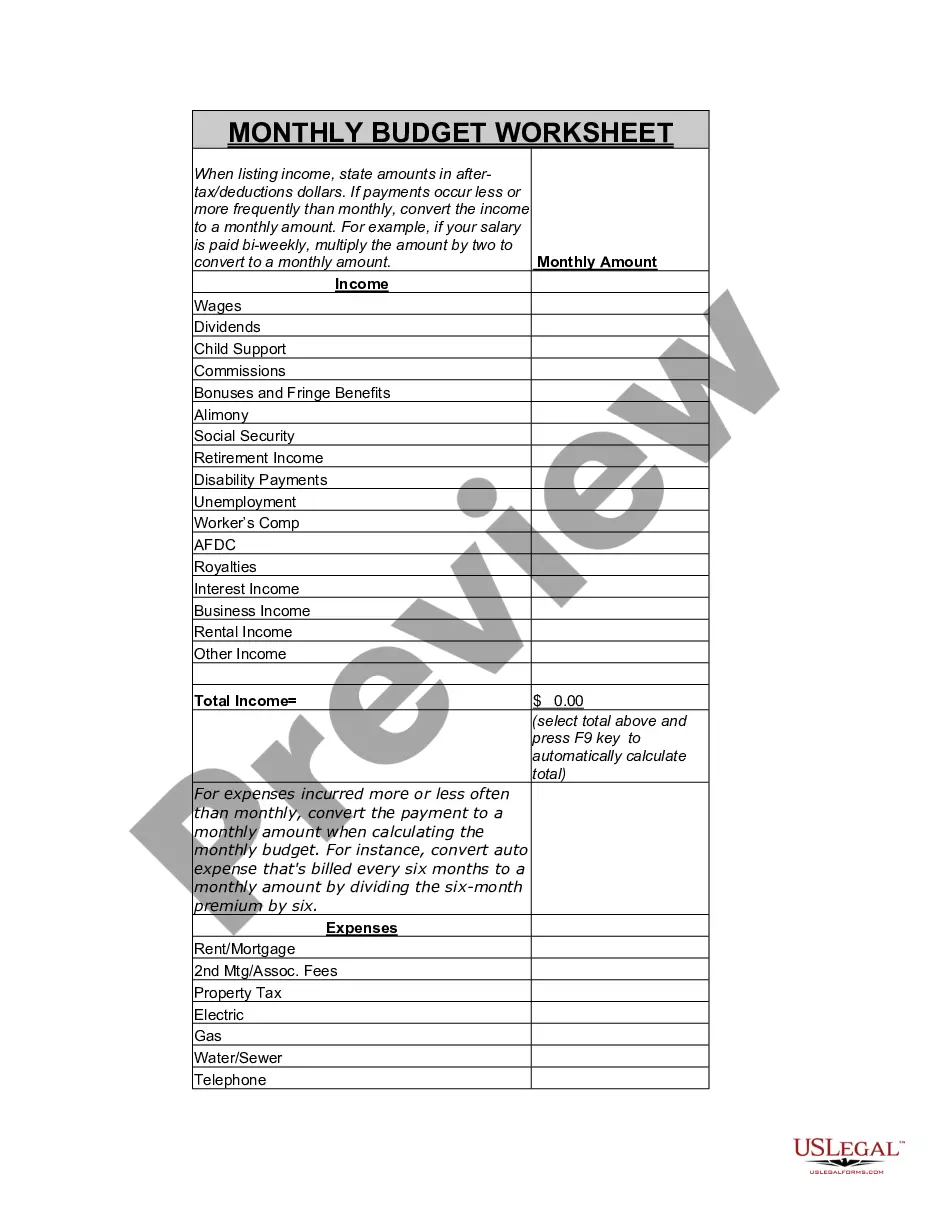
Rhode Island Worksheet for Making a Budget
Description
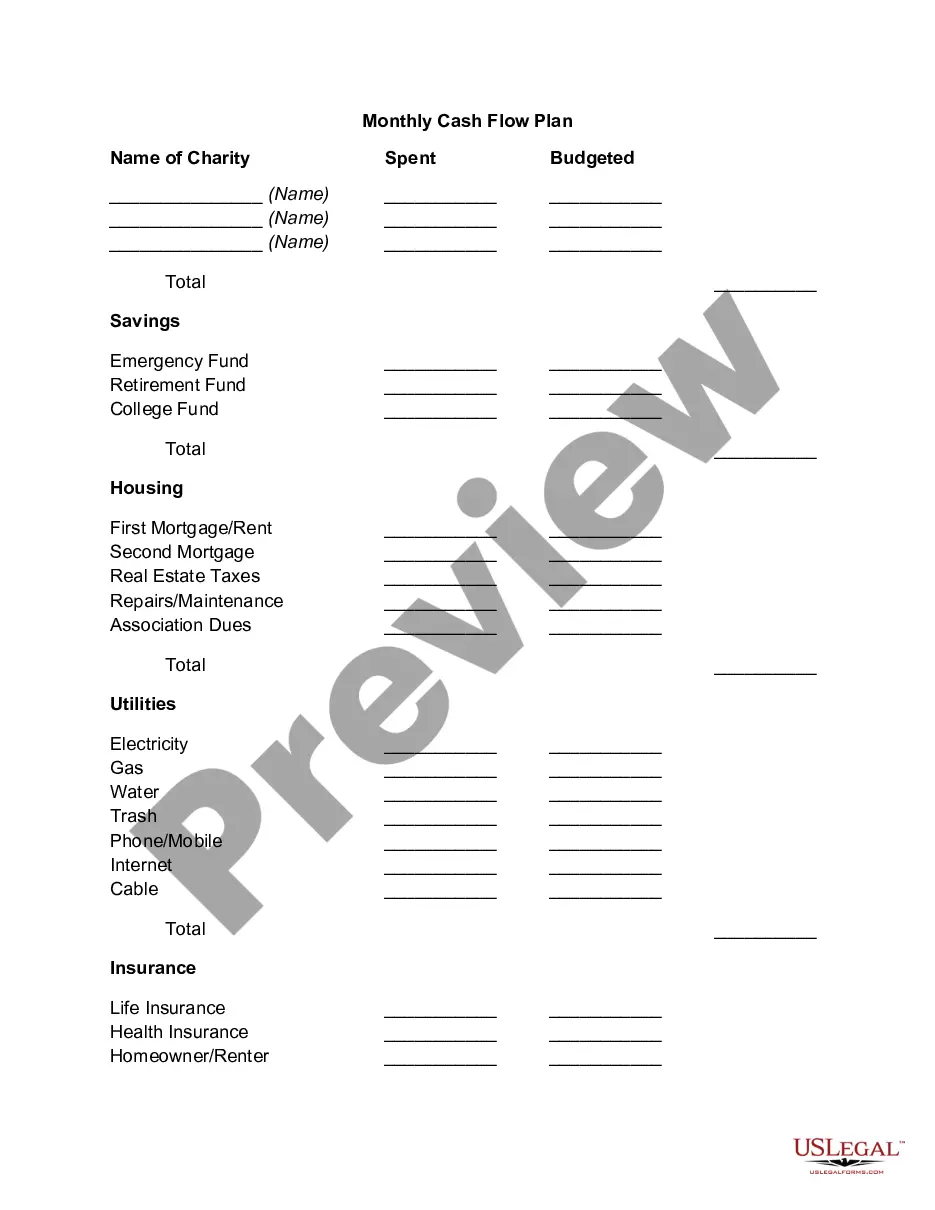
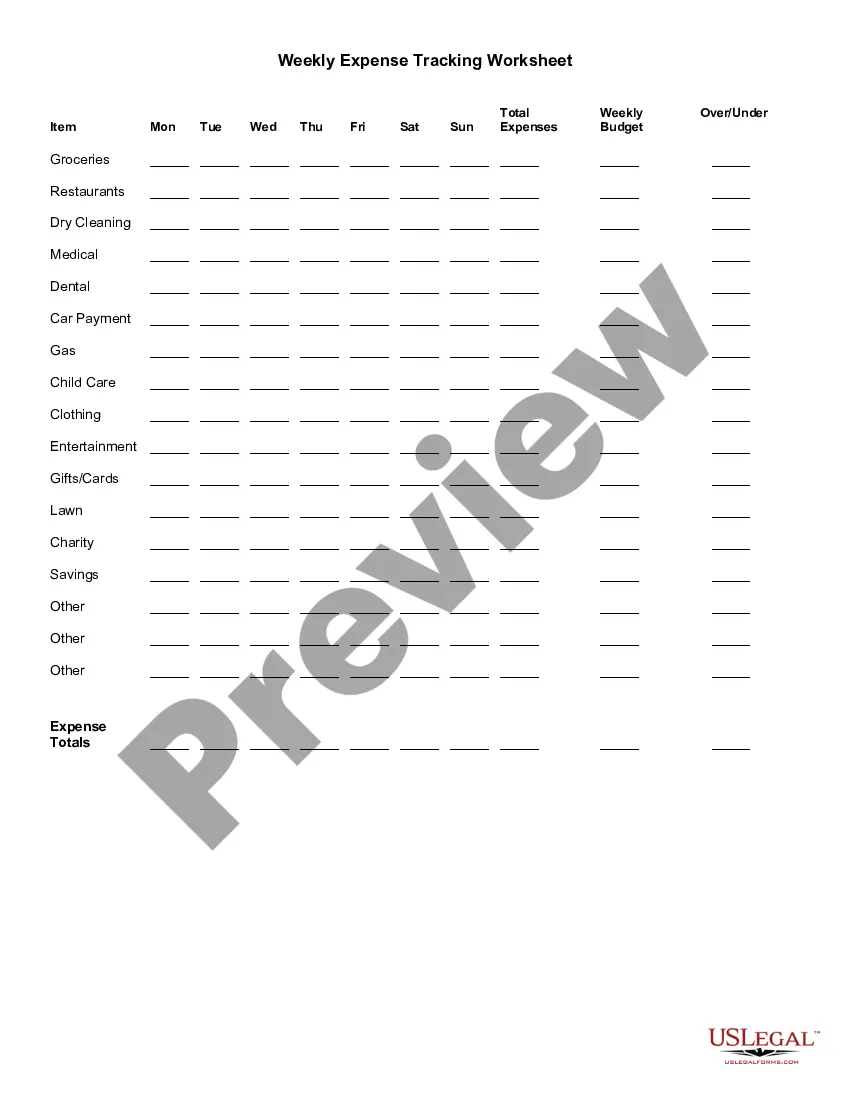
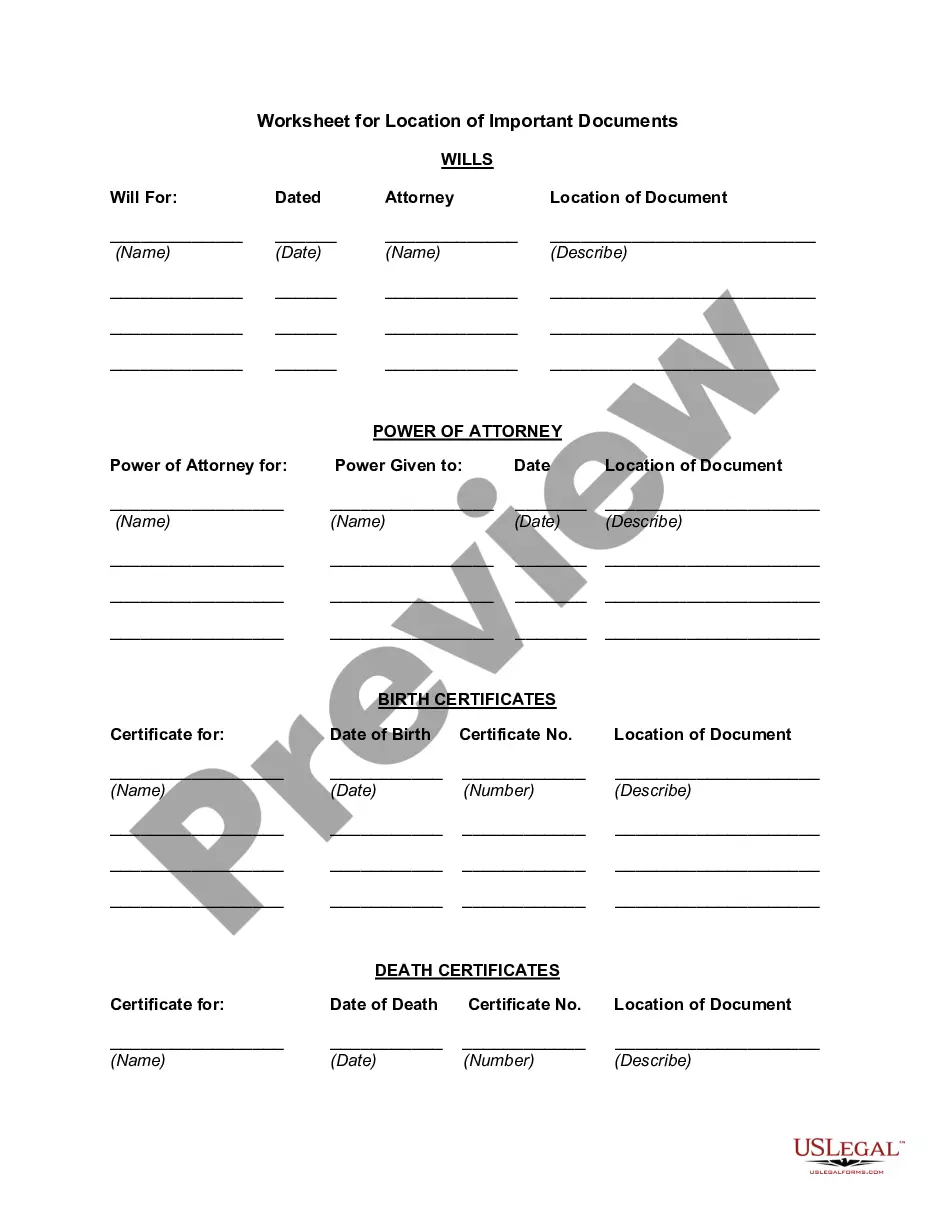
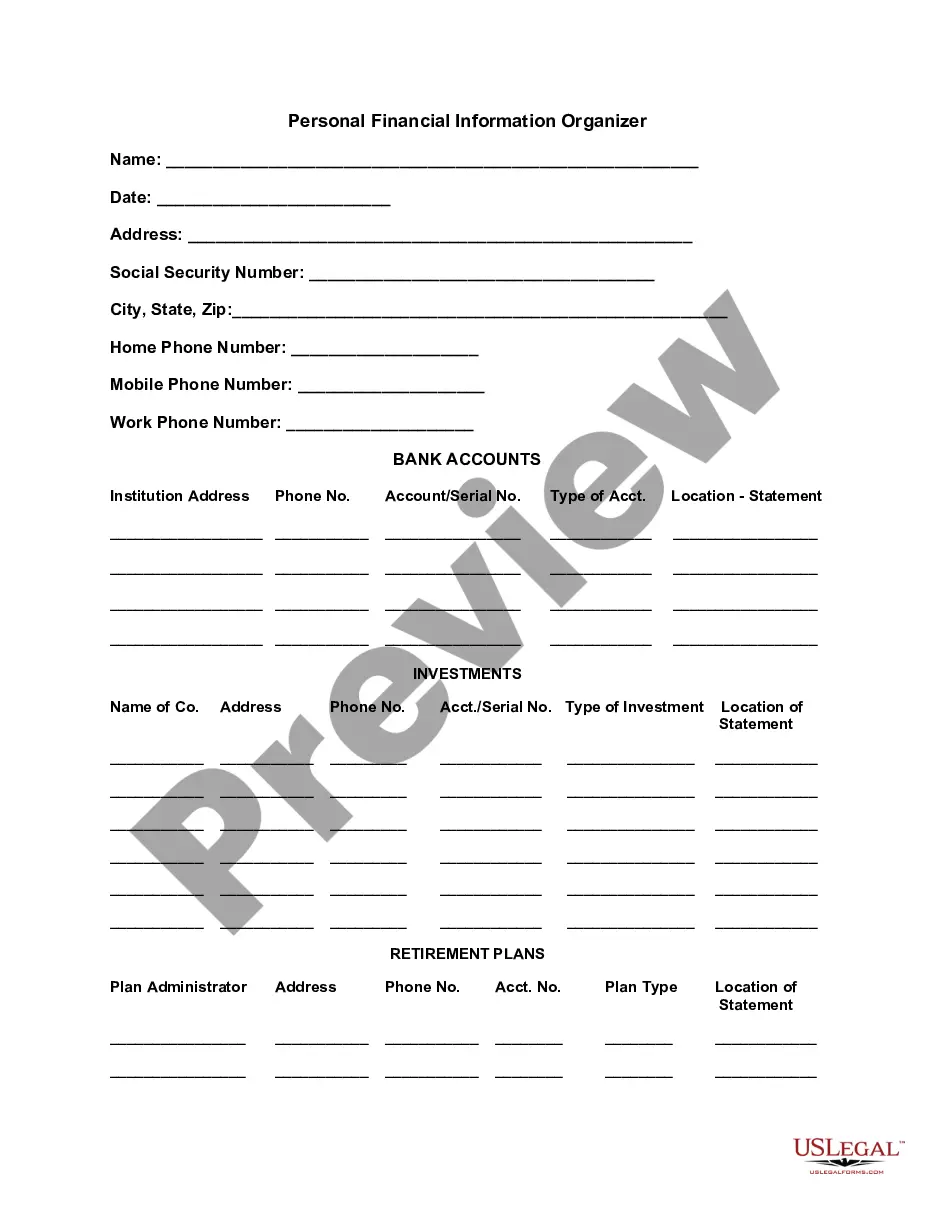
Get your form ready online
Our built-in tools help you complete, sign, share, and store your documents in one place.
Make edits, fill in missing information, and update formatting in US Legal Forms—just like you would in MS Word.
Download a copy, print it, send it by email, or mail it via USPS—whatever works best for your next step.
Sign and collect signatures with our SignNow integration. Send to multiple recipients, set reminders, and more. Go Premium to unlock E-Sign.
If this form requires notarization, complete it online through a secure video call—no need to meet a notary in person or wait for an appointment.
We protect your documents and personal data by following strict security and privacy standards.

Make edits, fill in missing information, and update formatting in US Legal Forms—just like you would in MS Word.

Download a copy, print it, send it by email, or mail it via USPS—whatever works best for your next step.

Sign and collect signatures with our SignNow integration. Send to multiple recipients, set reminders, and more. Go Premium to unlock E-Sign.

If this form requires notarization, complete it online through a secure video call—no need to meet a notary in person or wait for an appointment.

We protect your documents and personal data by following strict security and privacy standards.
Looking for another form?

How to fill out Worksheet For Making A Budget?
US Legal Forms - one of the largest collections of legal documents in the USA - provides a variety of legal form templates that you can download or print. By utilizing the site, you will access thousands of forms for personal and business purposes, organized by categories, states, or keywords.
You can find the latest versions of forms such as the Rhode Island Worksheet for Creating a Budget in just seconds.
If you are already subscribed on a monthly basis, Log In to access the Rhode Island Worksheet for Creating a Budget from the US Legal Forms library. The Download button will appear on each form you see. You can access all previously acquired forms from the My documents section of your account.
Process the purchase. Use your credit card or PayPal account to complete the transaction.
Choose the format and download the form to your device. Make edits. Fill out, modify, and print and sign the downloaded Rhode Island Worksheet for Creating a Budget. Each template added to your account does not expire and is yours permanently. Therefore, if you wish to download or print another version, simply go to the My documents section and select the form you need. Access the Rhode Island Worksheet for Creating a Budget with US Legal Forms, the largest collection of legal form templates. Utilize thousands of professional and state-specific templates that cater to your business or personal needs and requirements.
- If you are using US Legal Forms for the first time, here are simple steps to get started.
- Ensure you have selected the correct form for your city/region. Click the Preview button to examine the form's content.
- Review the form description to confirm that you have selected the appropriate form.
- If the form does not meet your needs, use the Search field at the top of the screen to find one that does.
- If you are content with the form, confirm your choice by clicking the Buy now button.
- Select your preferred pricing plan and provide your details to register for an account.
Form popularity
FAQ
7 Steps to a Budget Made EasyStep 1: Set Realistic Goals. Goals for your money will help you make smart spending choices.Step 2: Identify your Income and Expenses.Step 3: Separate Needs and Wants.Step 4: Design Your Budget.Step 5: Put Your Plan Into Action.Step 6: Seasonal Expenses.Step 7: Look Ahead.
5 Steps to Creating a BudgetStep 1: Determine Your Income. This amount should be your monthly take-home pay after taxes and other deductions.Step 2: Determine Your Expenses.Step 3: Choose Your Budget Plan.Step 4: Adjust Your Habits.Step 5: Live the Plan.
How to Make a Budget Plan: 6 Easy StepsSelect your budget template or application.Collect all your financial paperwork or electronic bill information.Calculate your monthly income.Establish a list of your monthly expenses.Categorize your expenses and designate spending values.Adjust your budget accordingly.
How to Create a Monthly Budget in 6 StepsTOTAL YOUR MONTHLY TAKE-HOME PAY.ADD UP WHAT YOU SPEND ON FIXED EXPENSES.ADD UP WHAT YOU SPEND ON NON-MONTHLY COSTS.ADD UP CONTRIBUTIONS TO FINANCIAL GOALS.ADD UP YOUR DISCRETIONARY SPENDING.DO SOME SIMPLE MATH.
How to Make a Budget Plan: 6 Easy StepsSelect your budget template or application.Collect all your financial paperwork or electronic bill information.Calculate your monthly income.Establish a list of your monthly expenses.Categorize your expenses and designate spending values.Adjust your budget accordingly.
Types of Budgets: 7 Types: Performance Budget, Fixed Budget, Flexible Budgets, Incremental Budget, Rolling Budget and Cash Budget.
Make sure you follow them in orderno skipping ahead to the end!List your income. Plug in your monthly take-home pay at the top of your EveryDollar budget.Give every dollar a name. Now that you've got your income at the top, it's time to list out your monthly expenses.Track your spending. You're almost done!
How to Create a Budget by Hand Assess your monthly income. List your fixed expenses. Subtract your total fixed expenses from your total monthly income. Set a spending goal for variable expenses. Subtract your total expenses (fixed and variable) from your monthly income. Keep track of spending.More items...?
5 Steps to Creating a BudgetStep 1: Determine Your Income. This amount should be your monthly take-home pay after taxes and other deductions.Step 2: Determine Your Expenses.Step 3: Choose Your Budget Plan.Step 4: Adjust Your Habits.Step 5: Live the Plan.
10 Things to Include in Your Budget SpreadsheetItem #1- Housing Payment.Item #2- Costs Associated With Your Residence.Item #3- Emergency Fund.Item #4- General Savings Fund.Item #5- Gifts.Item #6- Debt Payments.Item #7- Entertainment Expenses.Item #8- Clothes and Accessories.More items...?