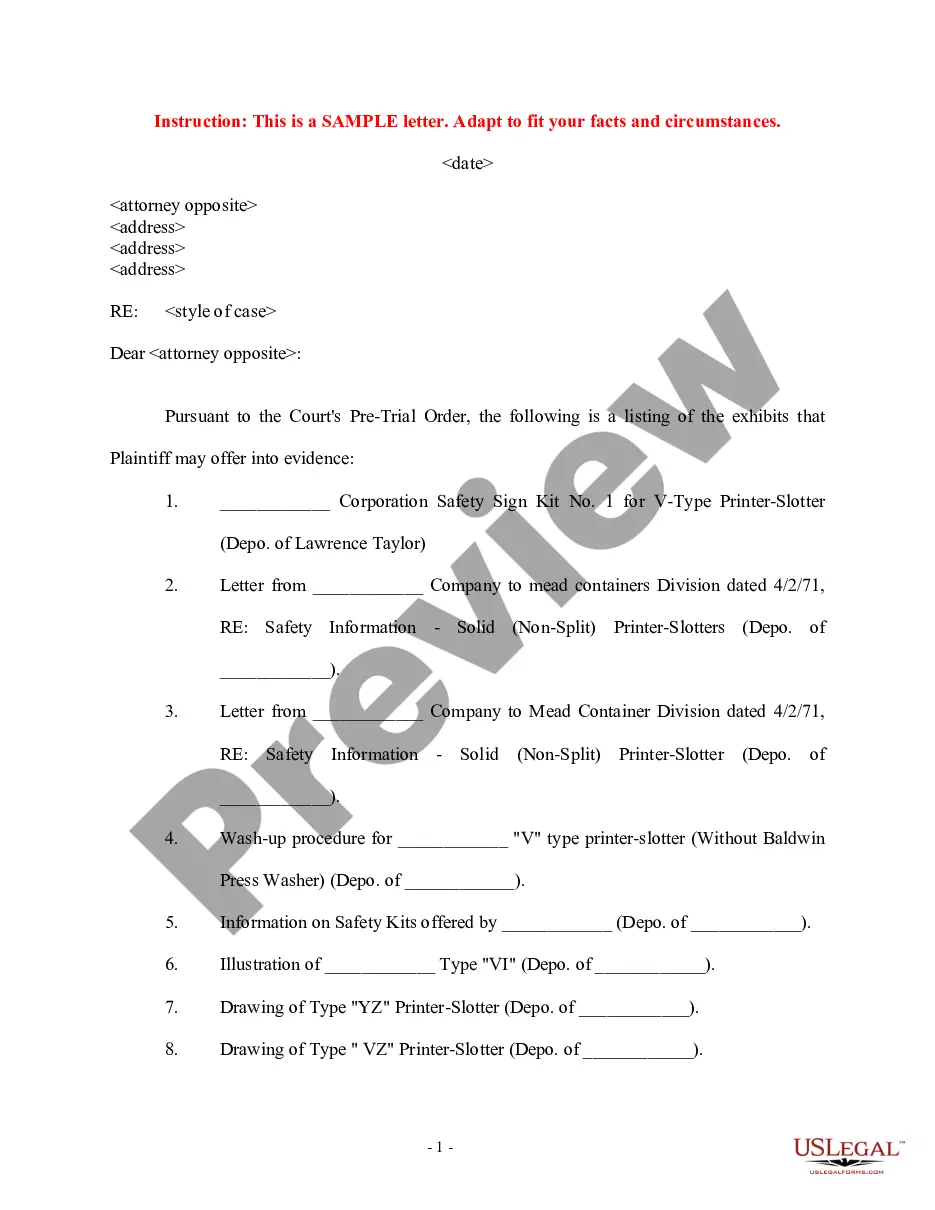
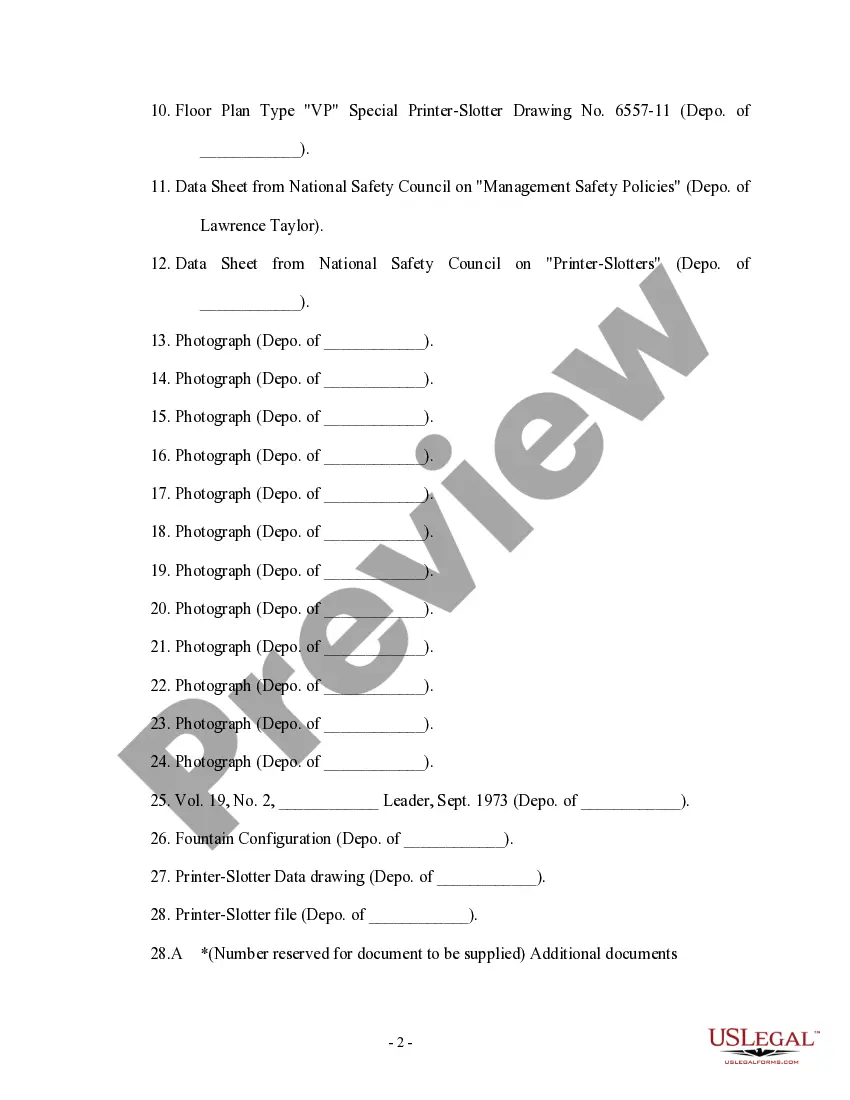
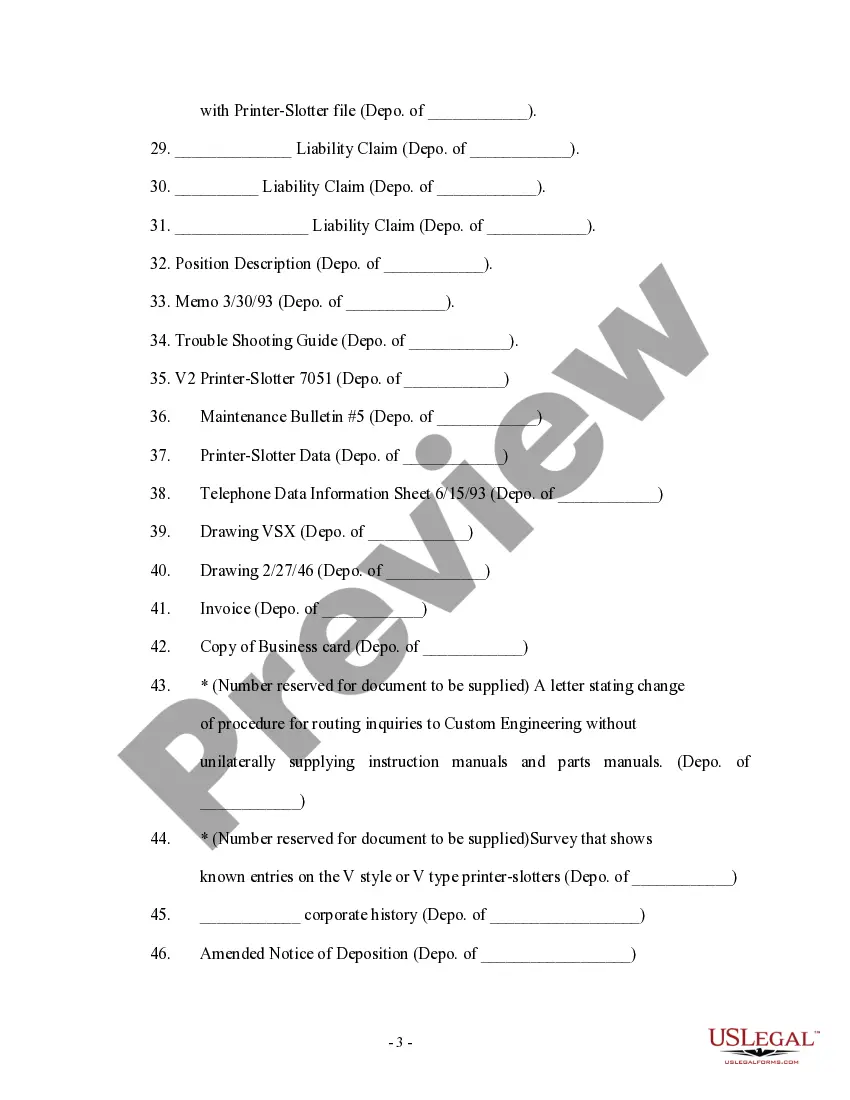
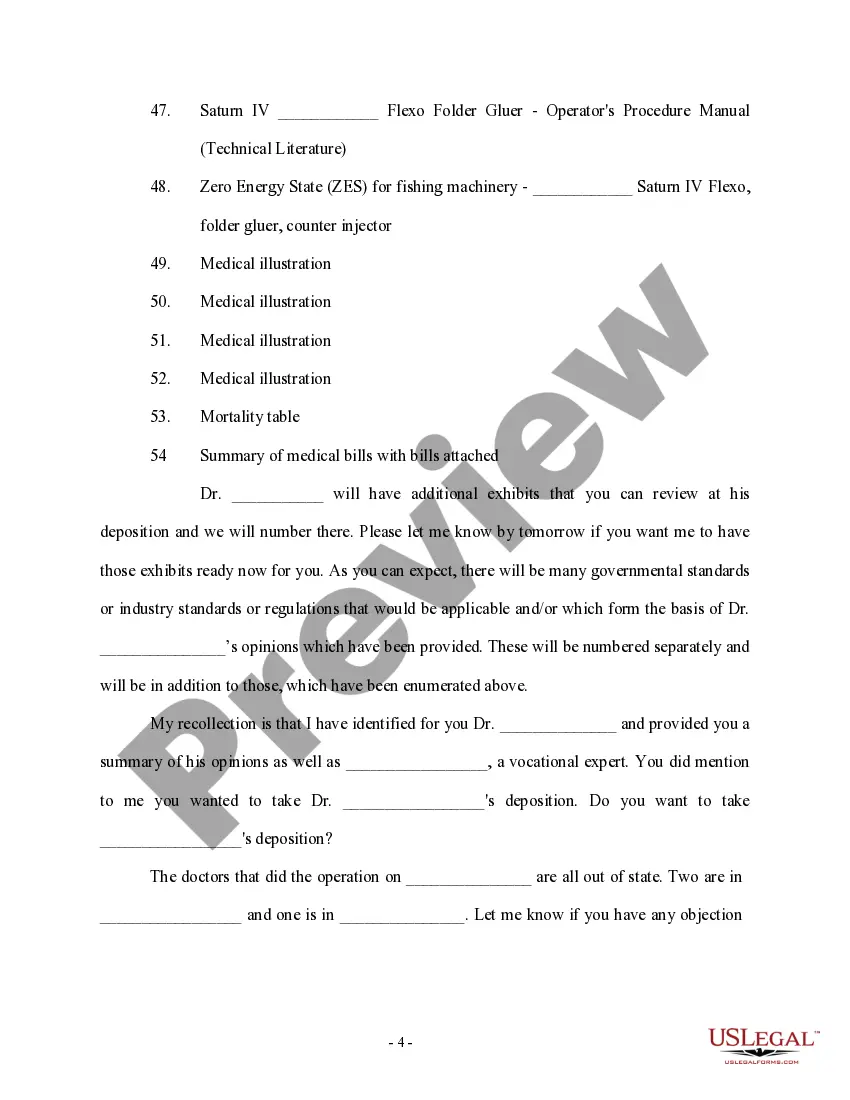
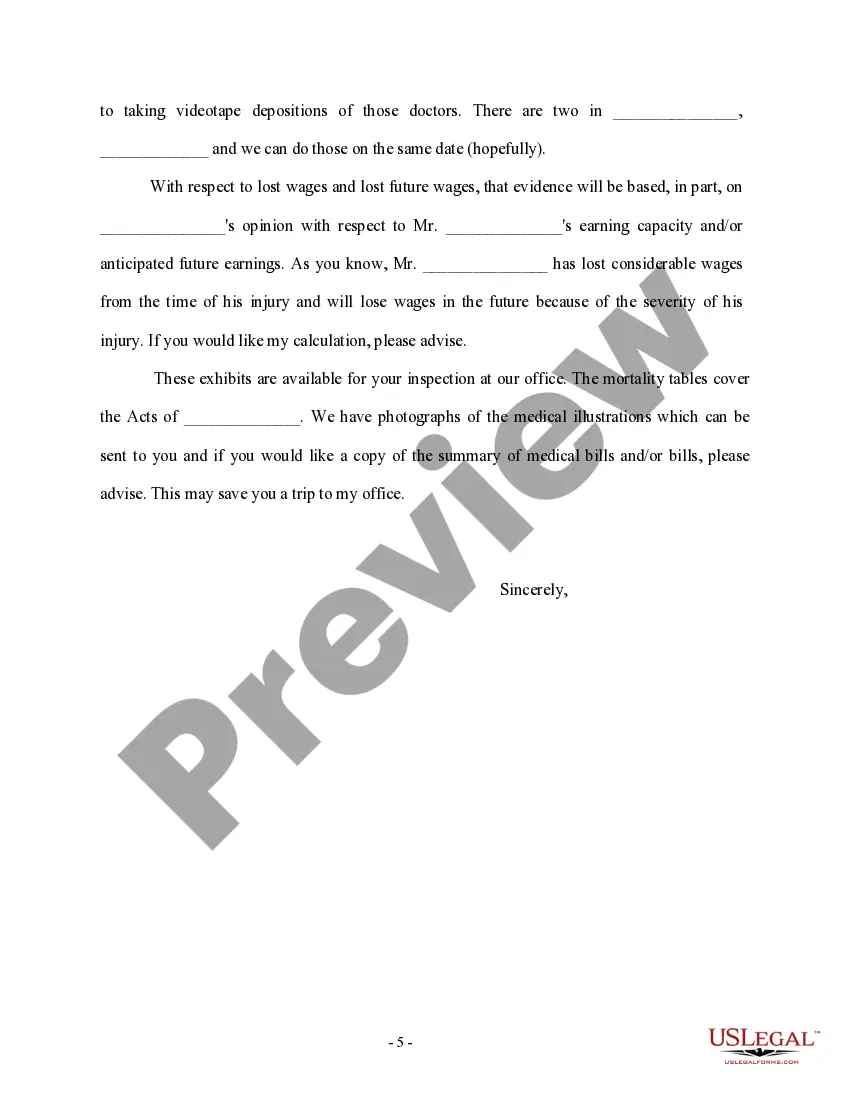
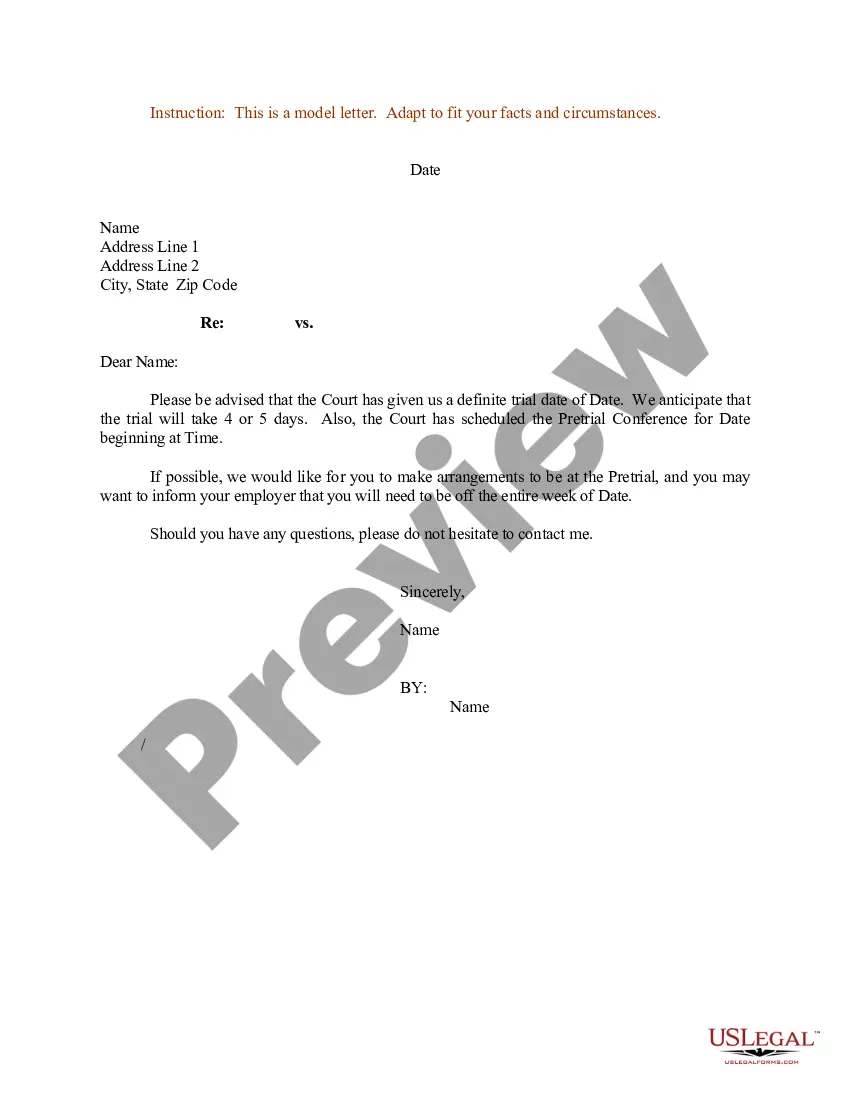
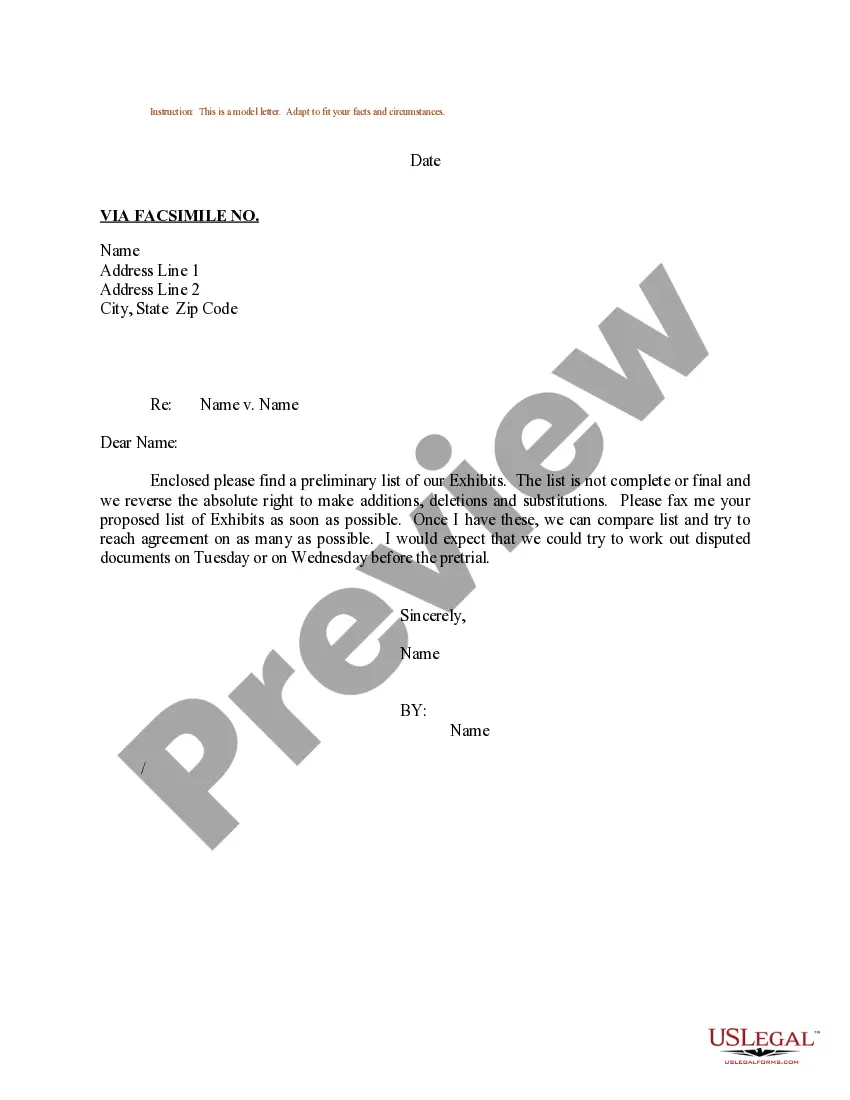
Rhode Island Sample Letter for Anticipated Exhibits to be Offered at Trial
Description
Get your form ready online
Our built-in tools help you complete, sign, share, and store your documents in one place.
Make edits, fill in missing information, and update formatting in US Legal Forms—just like you would in MS Word.
Download a copy, print it, send it by email, or mail it via USPS—whatever works best for your next step.
Sign and collect signatures with our SignNow integration. Send to multiple recipients, set reminders, and more. Go Premium to unlock E-Sign.
If this form requires notarization, complete it online through a secure video call—no need to meet a notary in person or wait for an appointment.
We protect your documents and personal data by following strict security and privacy standards.
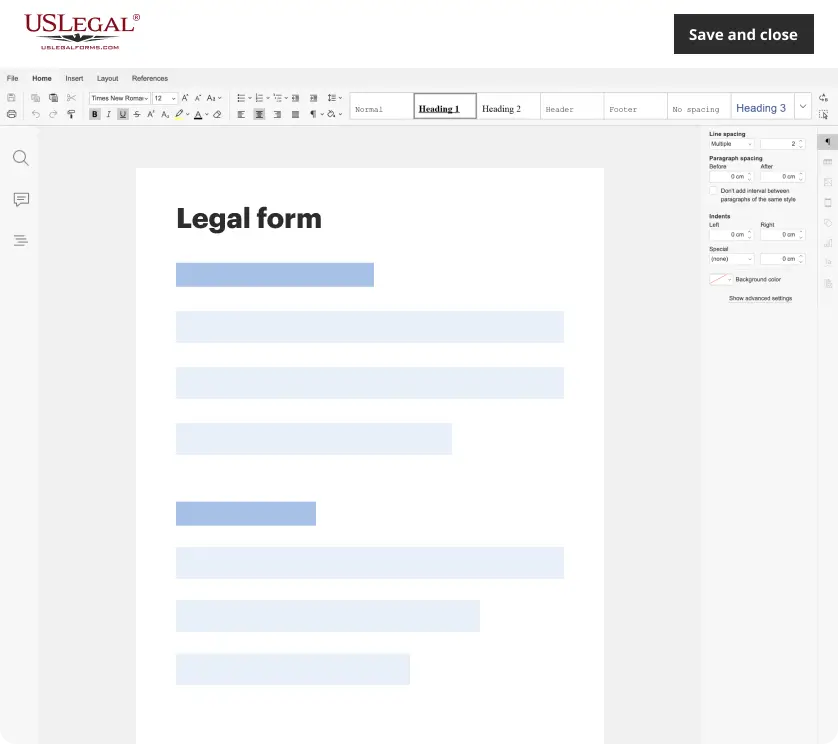
Make edits, fill in missing information, and update formatting in US Legal Forms—just like you would in MS Word.
Download a copy, print it, send it by email, or mail it via USPS—whatever works best for your next step.
Sign and collect signatures with our SignNow integration. Send to multiple recipients, set reminders, and more. Go Premium to unlock E-Sign.

If this form requires notarization, complete it online through a secure video call—no need to meet a notary in person or wait for an appointment.
We protect your documents and personal data by following strict security and privacy standards.
Looking for another form?
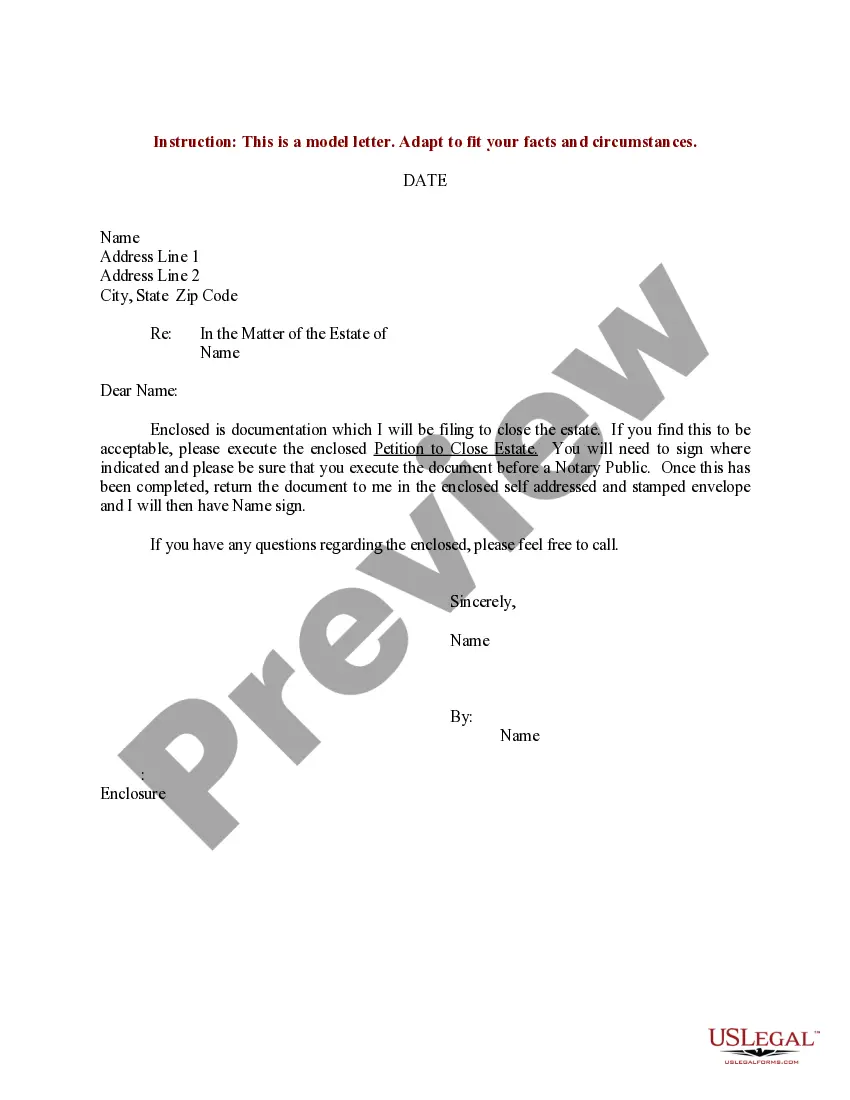
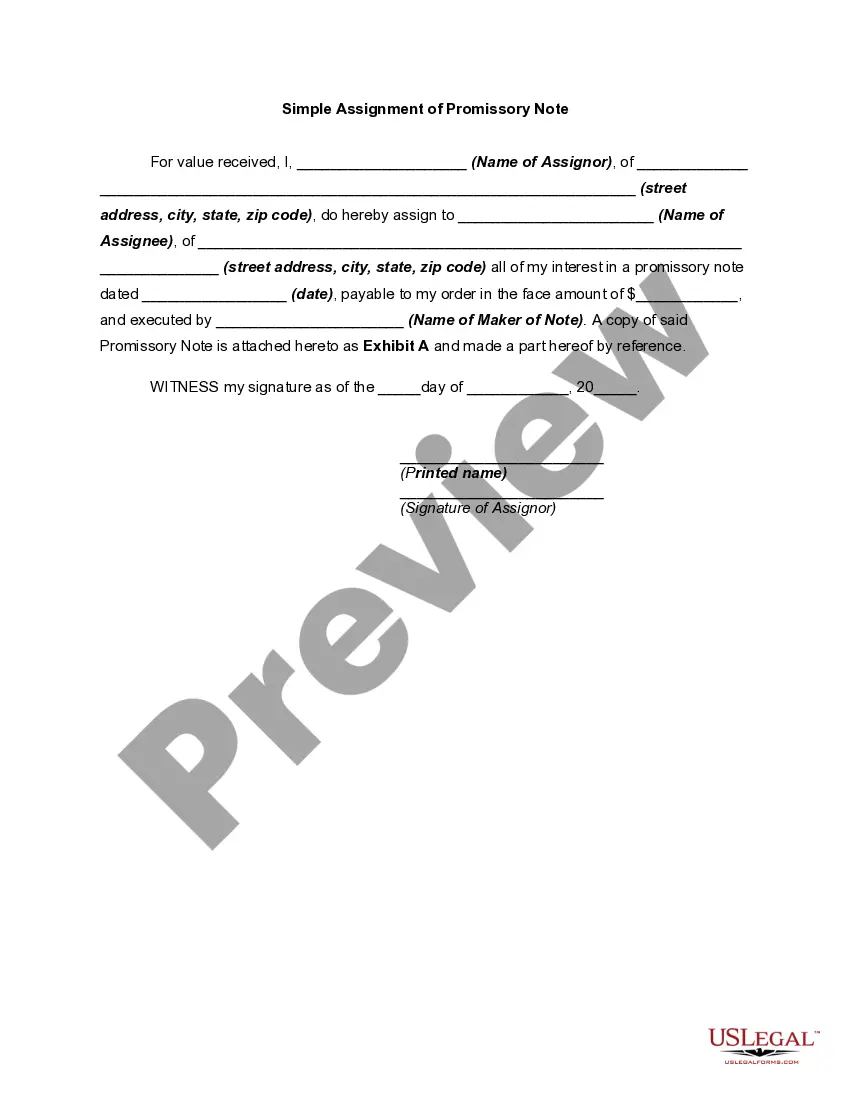
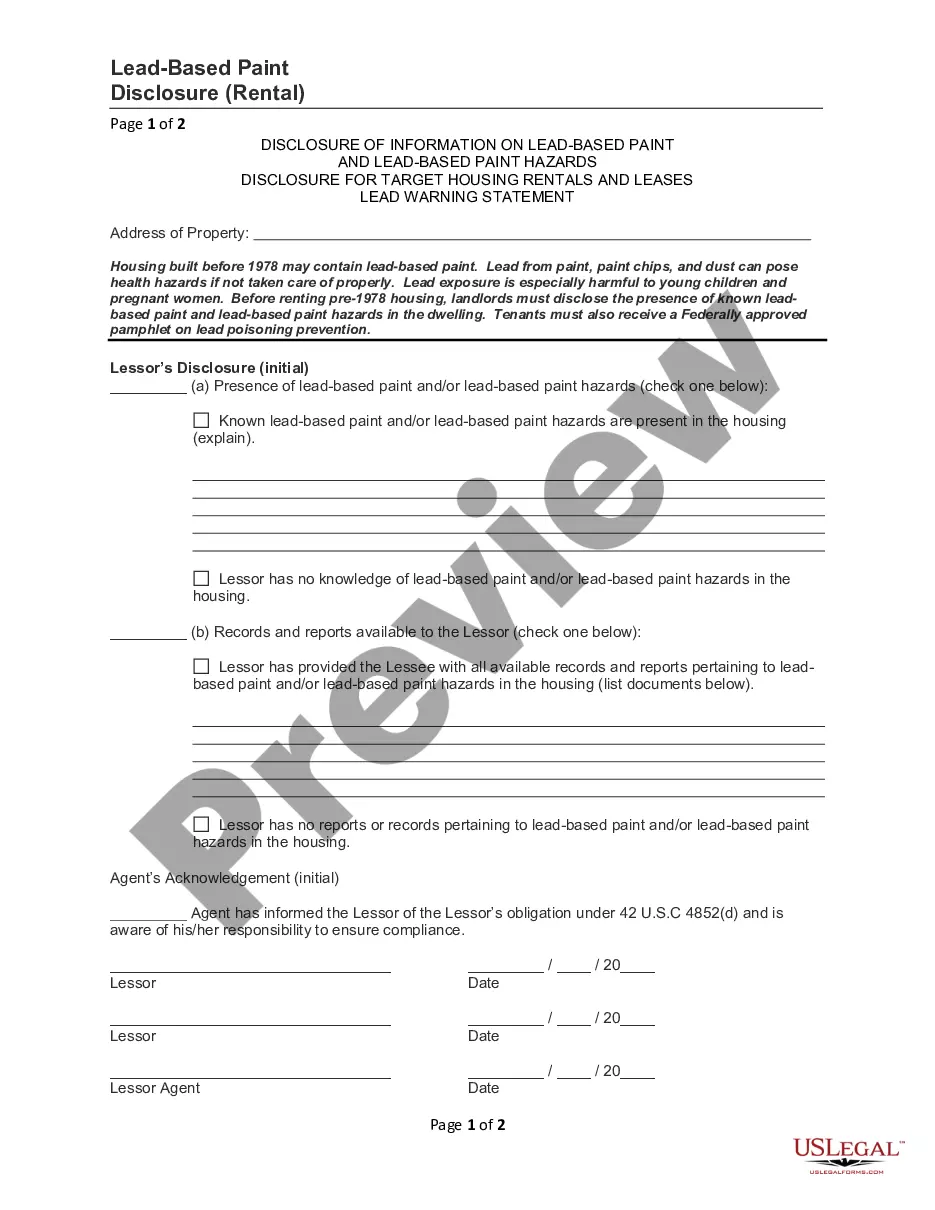
How to fill out Sample Letter For Anticipated Exhibits To Be Offered At Trial?
Choosing the right legal record design can be quite a struggle. Naturally, there are plenty of templates available online, but how would you find the legal develop you require? Utilize the US Legal Forms site. The support offers a large number of templates, for example the Rhode Island Sample Letter for Anticipated Exhibits to be Offered at Trial, which can be used for business and private demands. All of the forms are checked by experts and meet state and federal needs.
In case you are already signed up, log in for your bank account and then click the Download key to get the Rhode Island Sample Letter for Anticipated Exhibits to be Offered at Trial. Make use of your bank account to appear with the legal forms you have acquired earlier. Proceed to the My Forms tab of your own bank account and get another version of your record you require.
In case you are a brand new customer of US Legal Forms, listed here are easy directions for you to follow:
- Initially, be sure you have chosen the appropriate develop for your personal metropolis/county. It is possible to look over the form utilizing the Preview key and browse the form outline to make certain this is the best for you.
- If the develop will not meet your preferences, take advantage of the Seach area to find the appropriate develop.
- When you are sure that the form is proper, click the Acquire now key to get the develop.
- Opt for the costs program you desire and type in the necessary information. Build your bank account and purchase the transaction using your PayPal bank account or Visa or Mastercard.
- Pick the submit formatting and down load the legal record design for your device.
- Complete, modify and print out and signal the obtained Rhode Island Sample Letter for Anticipated Exhibits to be Offered at Trial.
US Legal Forms is the greatest catalogue of legal forms for which you will find numerous record templates. Utilize the service to down load skillfully-made files that follow state needs.
Form popularity
FAQ
The plaintiff's exhibits are traditionally numbered (?Exhibit 1?), while the defendant's exhibits are lettered (?Exhibit A?). Your court may want you to label your own exhibits as you introduce them or the court may prefer that the court clerk labels the exhibits instead.
Many paralegals know the correct way to assign letters for exhibits. The first 26 exhibits are easy, EX-A through EX-Z, and the next exhibit is also usually correct, EX-AA, but it's after that where things can go awry. The 28th exhibit should be EX-AB (not EX-BB) followed by EX-AC, EX-AD, EX-AE, EX-AF and so on.
Label them so they are identifiable (ex. Exhibit A, B, C, etc) Mention them in the text of the motions (ex. Attached hereto as Exhibit A is a letter Defendant received from Plaintiff and which shows?"
Include a typed notation within the body of the legal document where the exhibit should be referenced. Thereafter, assign the exhibit with an identifying number or letter. For instance, this notation can state either "See Exhibit A" or "See Exhibit 1". Label the exhibit with the assigned identifying number or letter.
(f) Format of exhibits (1) An index of exhibits must be provided. The index must briefly describe the exhibit and identify the exhibit number or letter and page number.