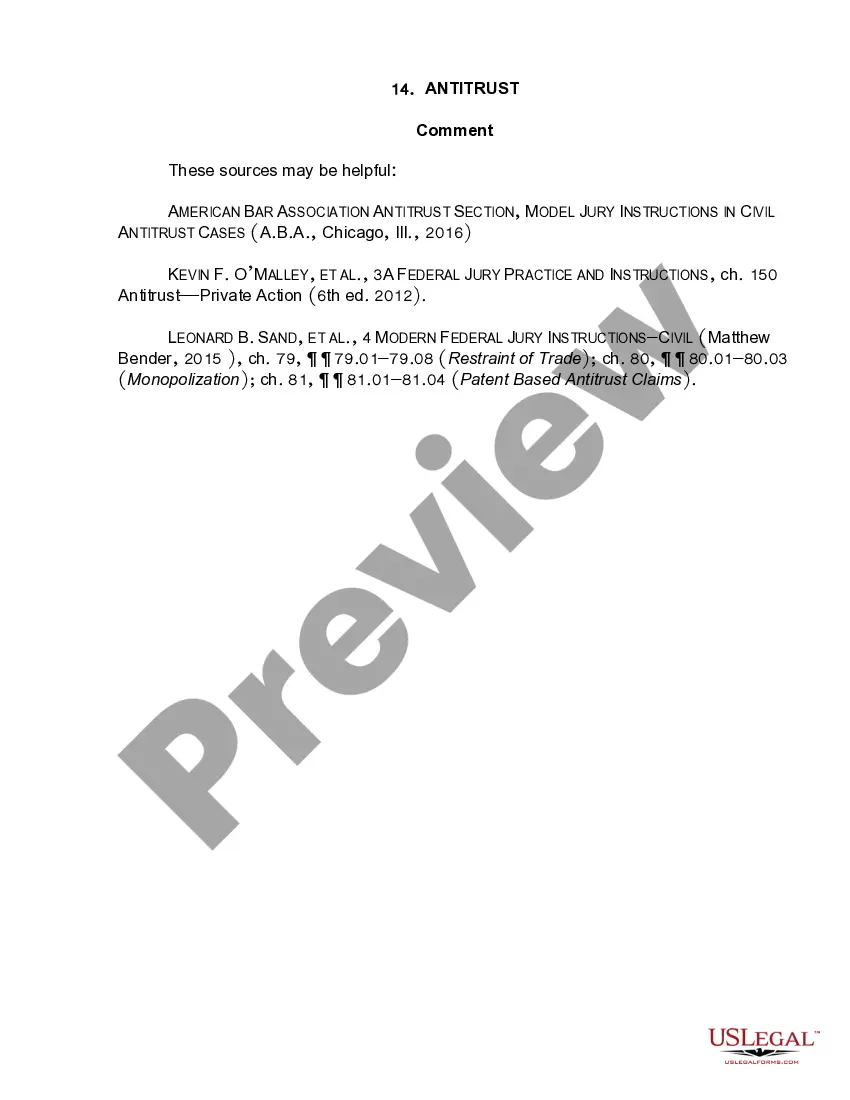
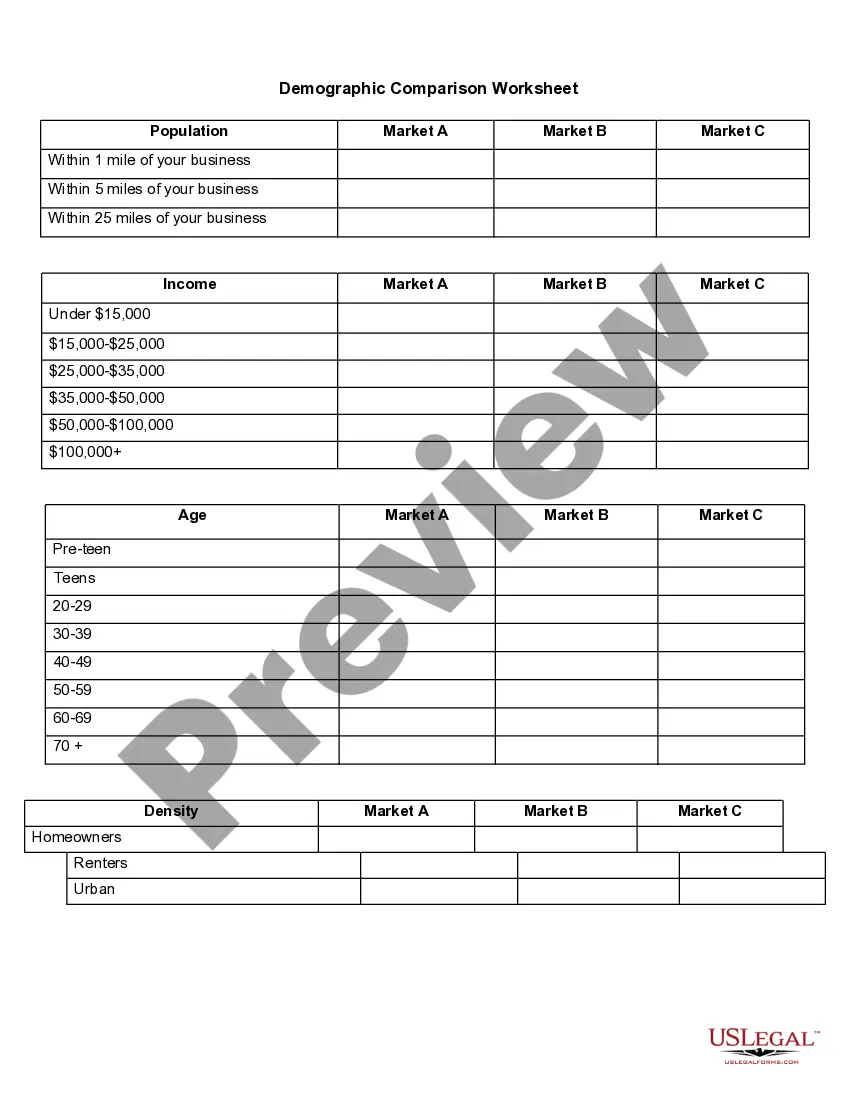
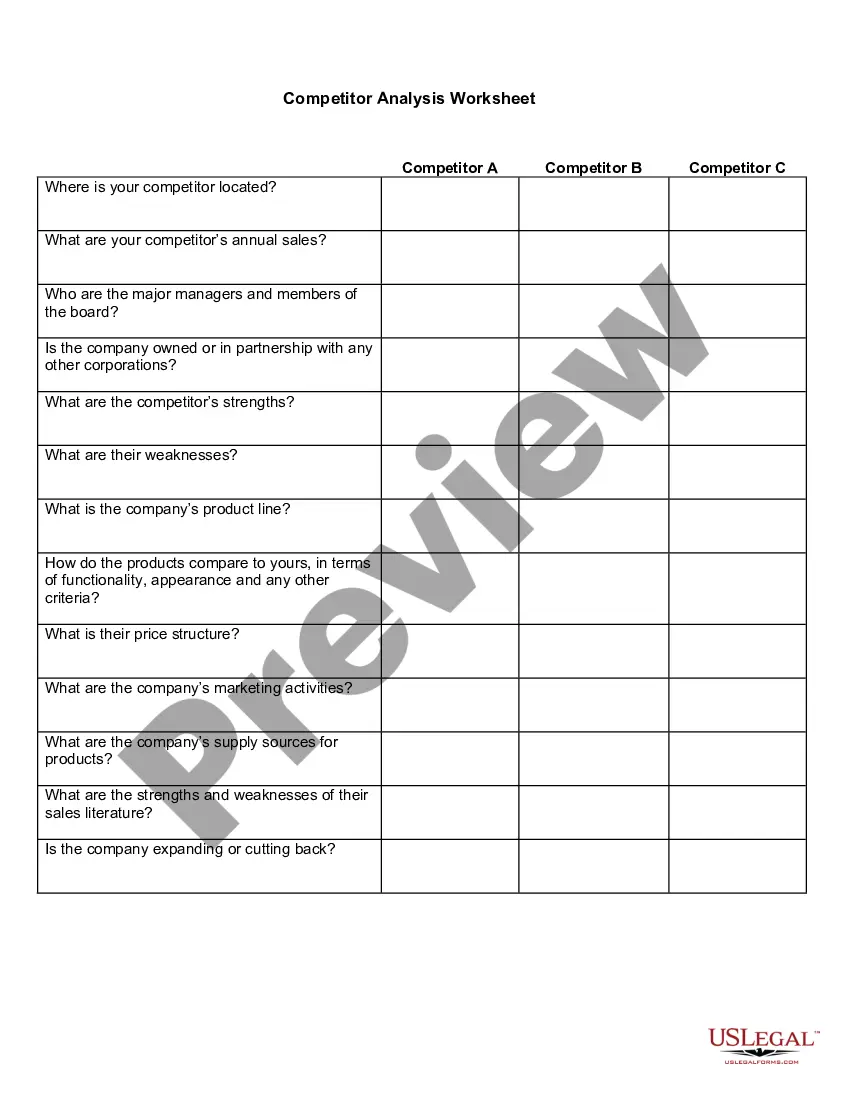
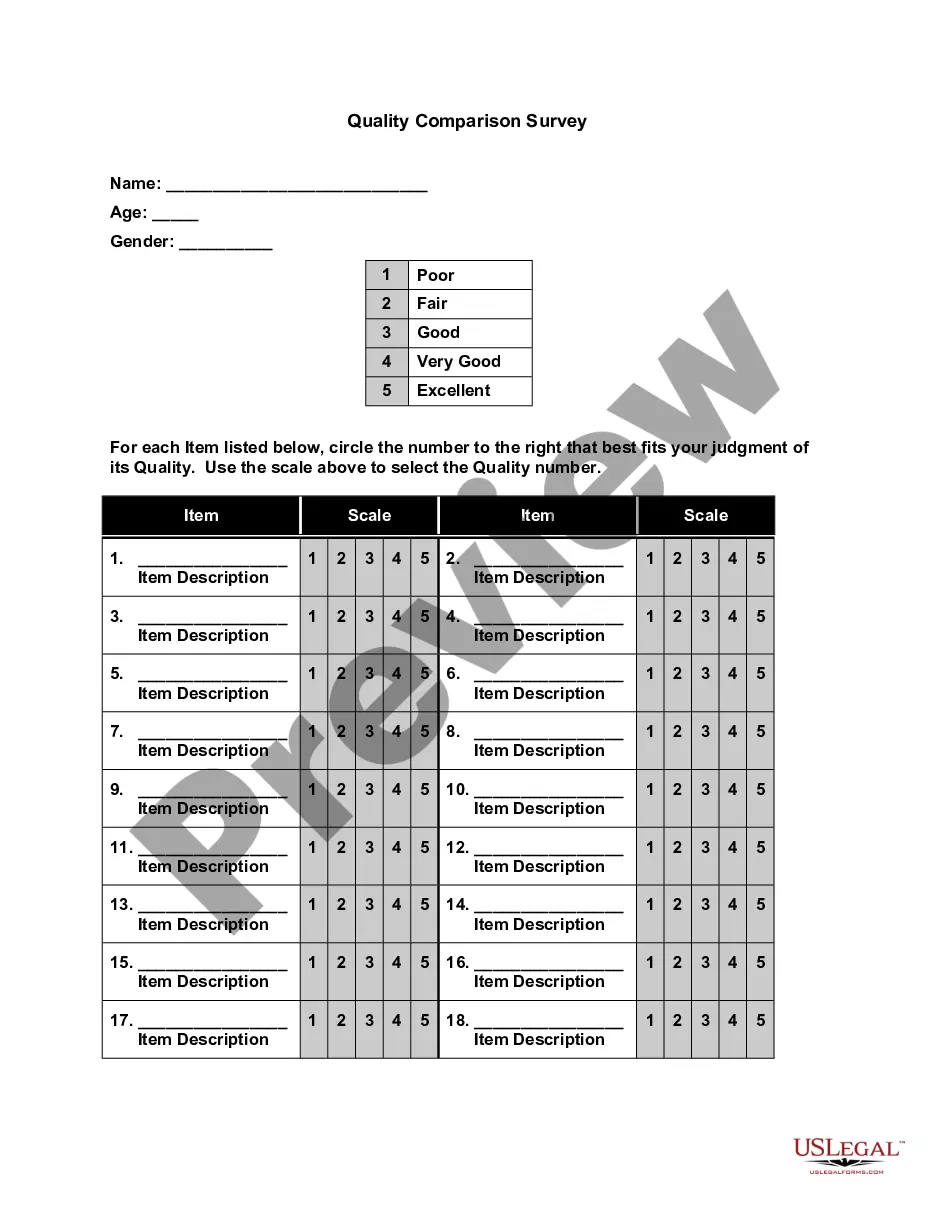
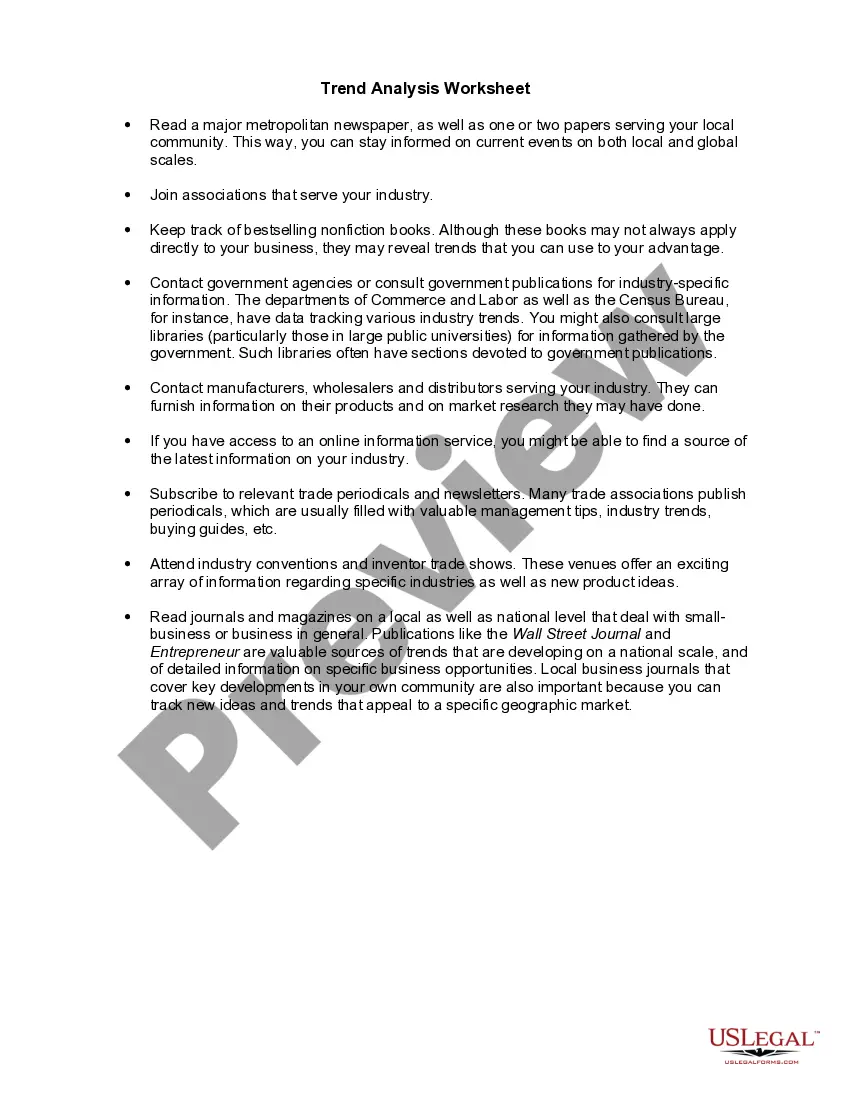
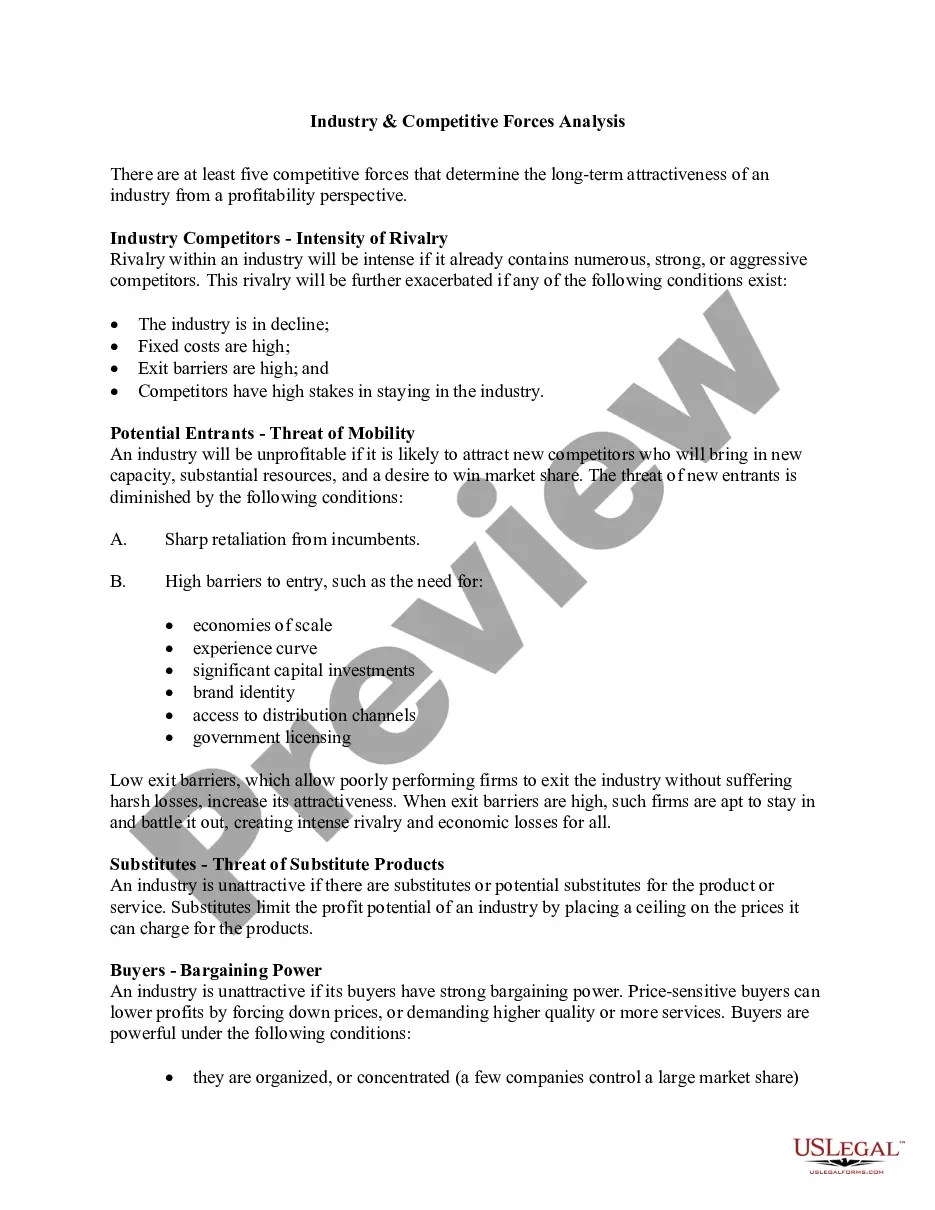
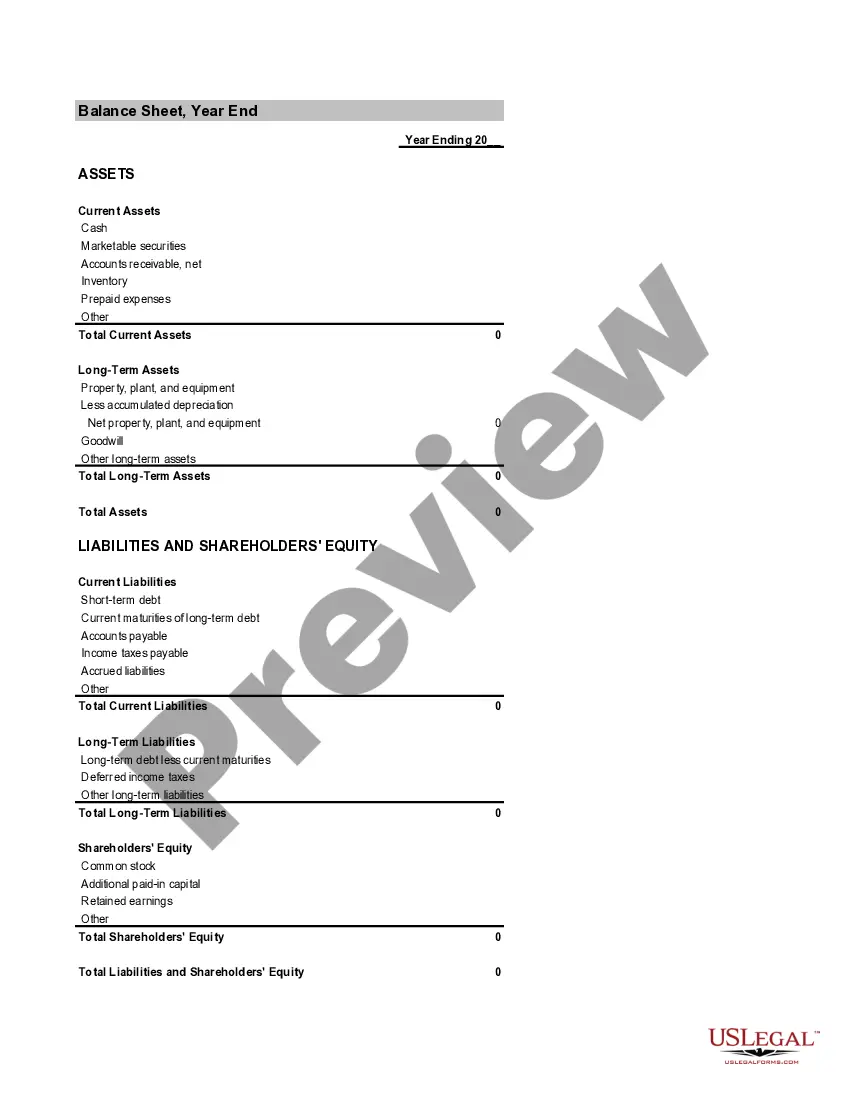
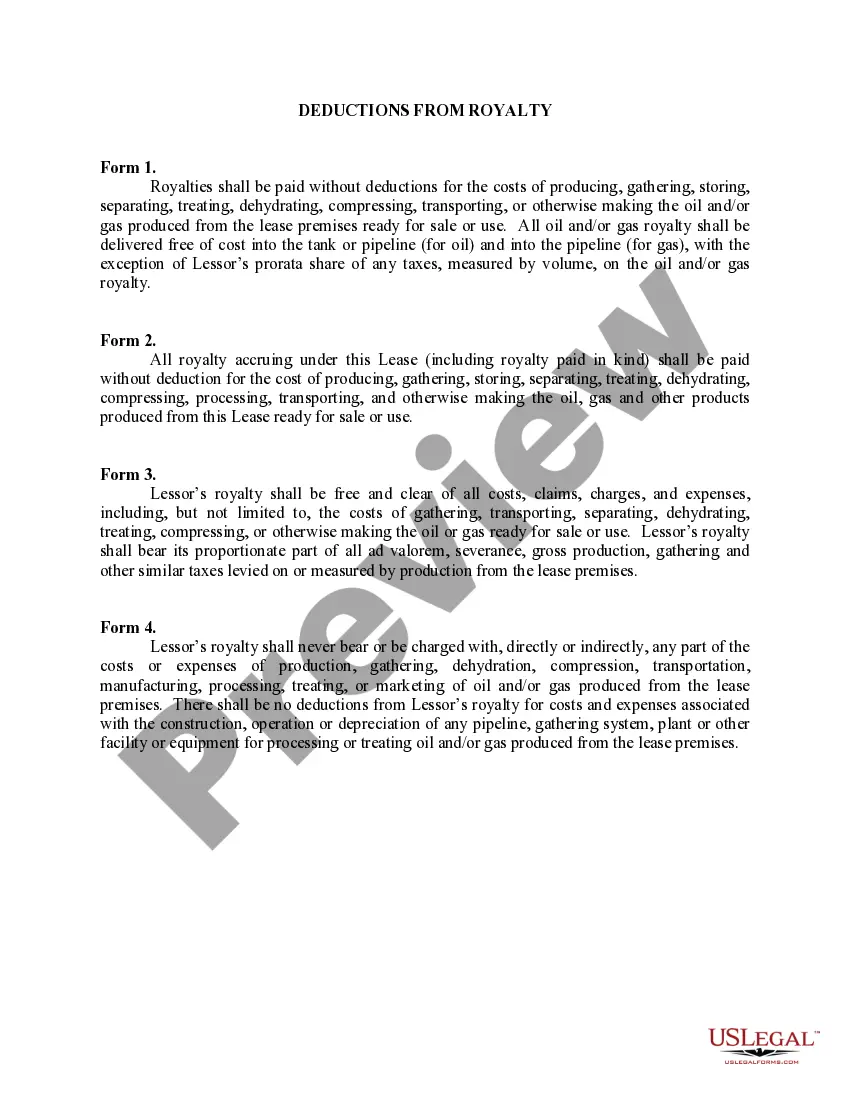
Puerto Rico Demographic Comparison Worksheet
Description

Get your form ready online
Our built-in tools help you complete, sign, share, and store your documents in one place.
Make edits, fill in missing information, and update formatting in US Legal Forms—just like you would in MS Word.
Download a copy, print it, send it by email, or mail it via USPS—whatever works best for your next step.
Sign and collect signatures with our SignNow integration. Send to multiple recipients, set reminders, and more. Go Premium to unlock E-Sign.
If this form requires notarization, complete it online through a secure video call—no need to meet a notary in person or wait for an appointment.
We protect your documents and personal data by following strict security and privacy standards.

Make edits, fill in missing information, and update formatting in US Legal Forms—just like you would in MS Word.

Download a copy, print it, send it by email, or mail it via USPS—whatever works best for your next step.

Sign and collect signatures with our SignNow integration. Send to multiple recipients, set reminders, and more. Go Premium to unlock E-Sign.

If this form requires notarization, complete it online through a secure video call—no need to meet a notary in person or wait for an appointment.

We protect your documents and personal data by following strict security and privacy standards.
Looking for another form?

How to fill out Demographic Comparison Worksheet?
US Legal Forms - one of the largest collections of legal documents in the United States - offers a vast array of legal templates that you can download or create.
By utilizing the site, you can find thousands of forms for both business and personal needs, organized by categories, states, or keywords. You can locate the most recent forms such as the Puerto Rico Demographic Comparison Worksheet in just a few seconds.
If you already have a monthly subscription, Log In and retrieve the Puerto Rico Demographic Comparison Worksheet from your US Legal Forms catalog. The Download button will appear on each template you view. You can access all previously downloaded forms from the My documents section of your account.
Edit. Fill out, modify, print, and sign the downloaded Puerto Rico Demographic Comparison Worksheet.
Every template you add to your account does not have an expiration date and is yours permanently. So, if you wish to download or print another copy, simply navigate to the My documents section and click on the form you need.
- To use US Legal Forms for the first time, here are some simple steps to get started.
- Ensure you have selected the correct form for your area/county. Click the Preview button to review the contents of the form. Check the form summary to confirm you've chosen the right one.
- If the form doesn’t suit your needs, utilize the Search bar at the top of the screen to find the one that does.
- If you are satisfied with the form, finalize your choice by clicking the Buy now button. Then, select your preferred pricing plan and provide your details to register for an account.
- Complete the payment. Use your Visa or Mastercard or PayPal account to finalize the transaction.
- Choose the format and download the form to your device.
Form popularity
FAQ
Place your cursor in cell A3 and select the Data tab in the Excel tool bar. 3) To import the Summary File text file into Excel, select From Text in the Get External Data section of the tool bar, then choose the desired estimate file.
Demographic information examples include: age, race, ethnicity, gender, marital status, income, education, and employment. You can easily and effectively collect these types of information with survey questions.
U.S. Government DataU.S. Bureau of the Census. . Bureau of Labor Statistics. Population Statistics.County Business Patterns.Social Security Administration (Office of Policy)Statistical Abstract of the United States.White House Briefing Room.More items...
Now it's time to create a map chart, so select any cell within the data range, then go to the Insert tab > Charts > Maps > Filled Map. If the preview looks good, then press OK. Depending on your data, Excel will insert either a value or category map.
We use current and historical vital records, data on international migration, and Medicare records to produce national estimates of the population on April 1 by age, sex, the DA race categories, and Hispanic origin. The DA population estimates are independent of the decennial census.
Steps to Create US Census Tract MapsCreate a Mapline account and login.Click the orange Add New Items button.Select New Map on the drop down arrow.Give your map a name and click OK.Click the Add button from the left sidebar.Select the Territories option.Click From Mapline's Repository.More items...
Puerto Rico DemographicsWhite: 65.93% Other race: 16.72% Black or African American: 11.65% Two or more races: 5.29%
How do I map my Census Tract codes?Open your excel sheet and add a new field (call it Tract Name or something similar)In the first entry in your new column, type the following: =CONCATENATE(C2, TEXT(B2100,"000000"))Click the cell you just created and copy the cell formula to all the rows.
Puerto Rico has been included as part of the decennial census since 1910.
Demographic equation is the mathematical equation which helps determine the change in population over a period of time. It is the number of births minus deaths plus or minus the net migration. The basic demographic equation looks like: Population(t+1) = Populationt + Natural Increaset + Net migrationt.