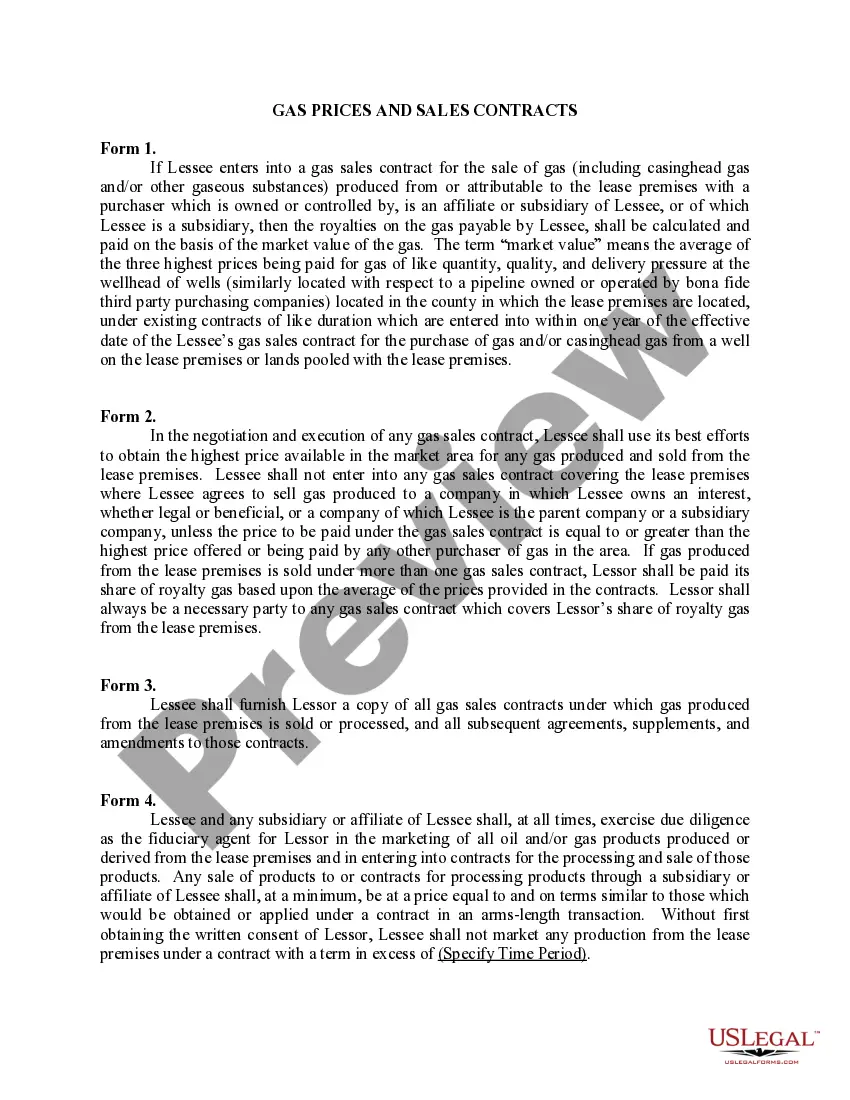
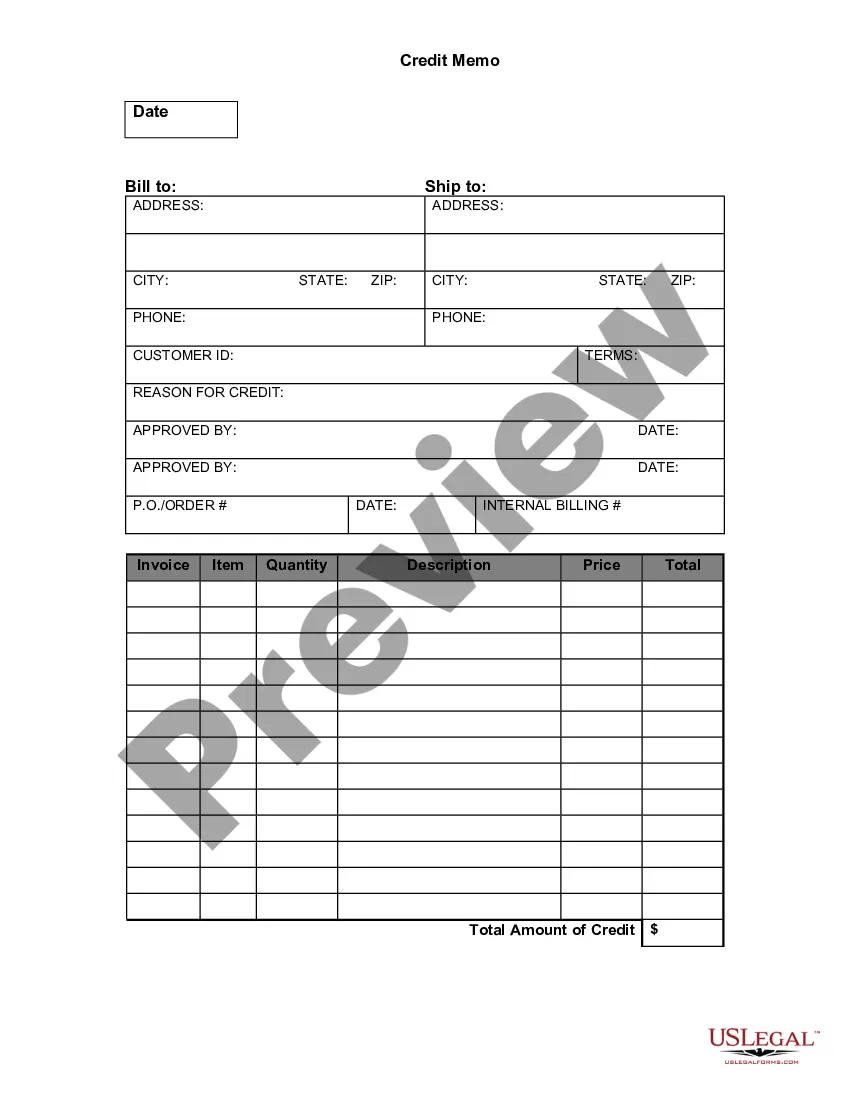
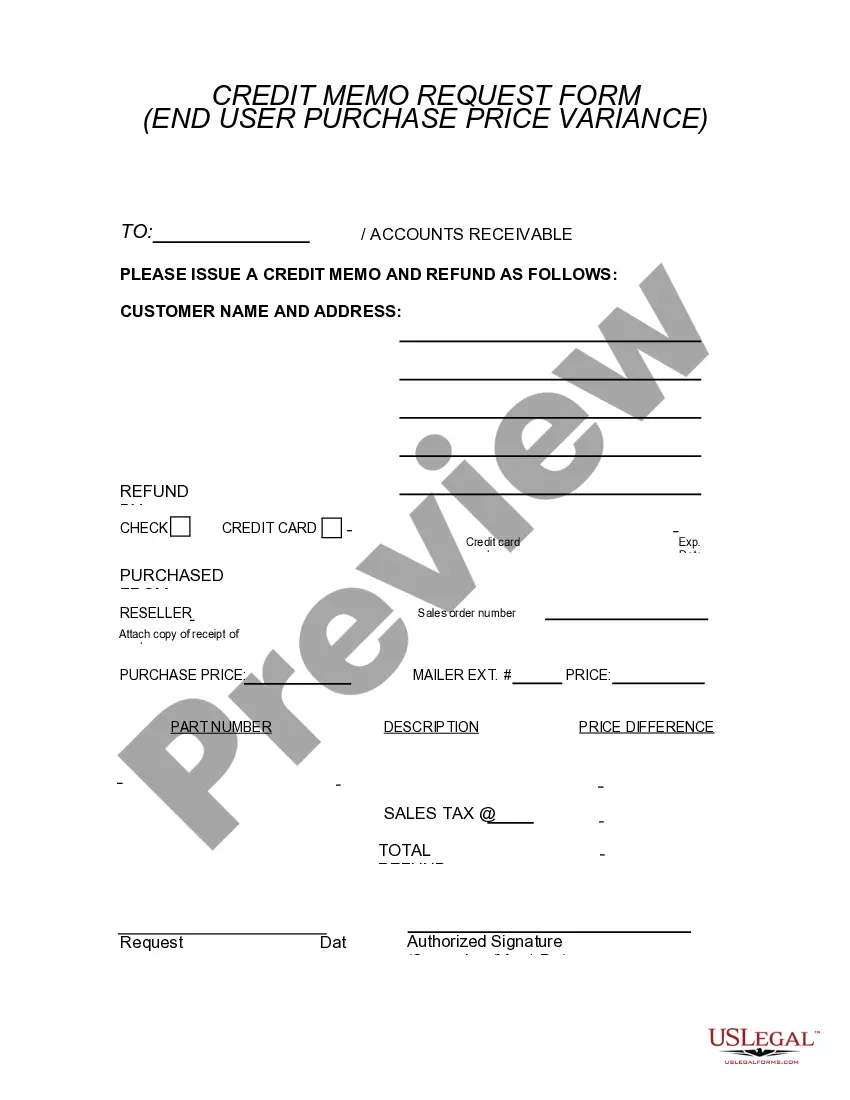
Oregon Credit Memo
Description
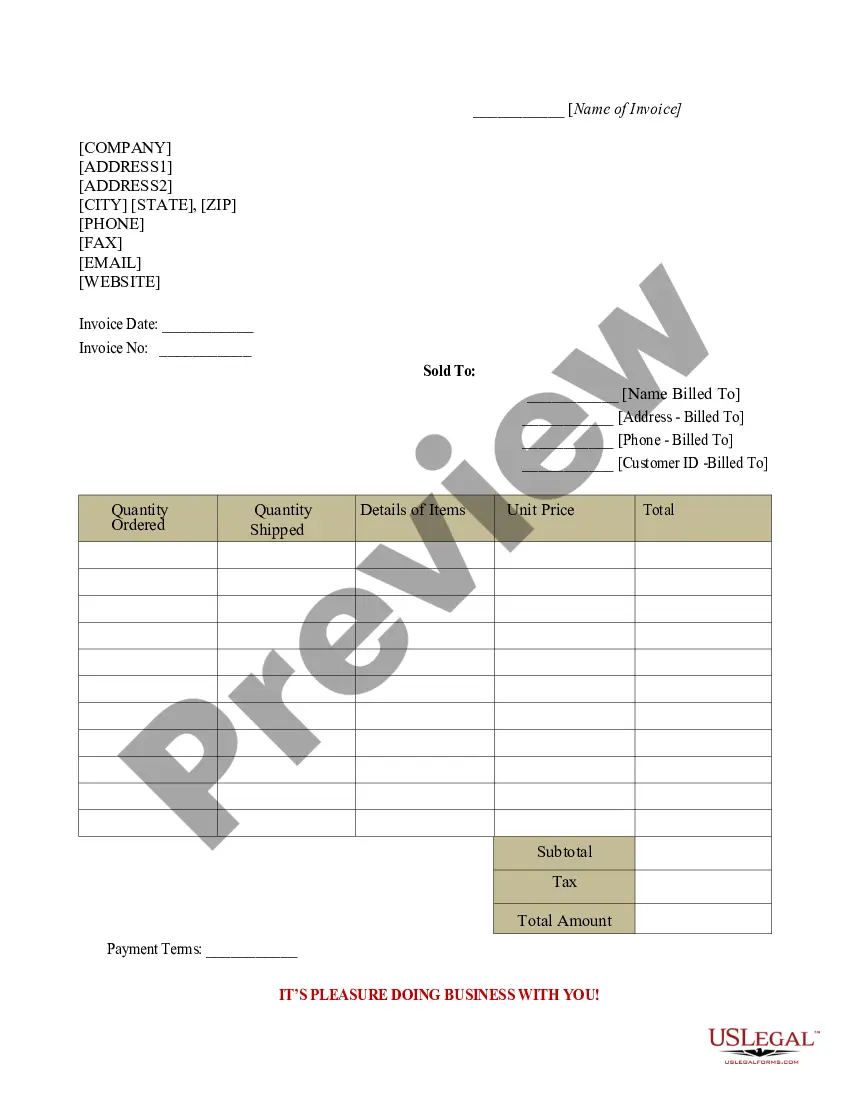


Get your form ready online
Our built-in tools help you complete, sign, share, and store your documents in one place.
Make edits, fill in missing information, and update formatting in US Legal Forms—just like you would in MS Word.
Download a copy, print it, send it by email, or mail it via USPS—whatever works best for your next step.
Sign and collect signatures with our SignNow integration. Send to multiple recipients, set reminders, and more. Go Premium to unlock E-Sign.
If this form requires notarization, complete it online through a secure video call—no need to meet a notary in person or wait for an appointment.
We protect your documents and personal data by following strict security and privacy standards.

Make edits, fill in missing information, and update formatting in US Legal Forms—just like you would in MS Word.

Download a copy, print it, send it by email, or mail it via USPS—whatever works best for your next step.

Sign and collect signatures with our SignNow integration. Send to multiple recipients, set reminders, and more. Go Premium to unlock E-Sign.

If this form requires notarization, complete it online through a secure video call—no need to meet a notary in person or wait for an appointment.

We protect your documents and personal data by following strict security and privacy standards.
Looking for another form?
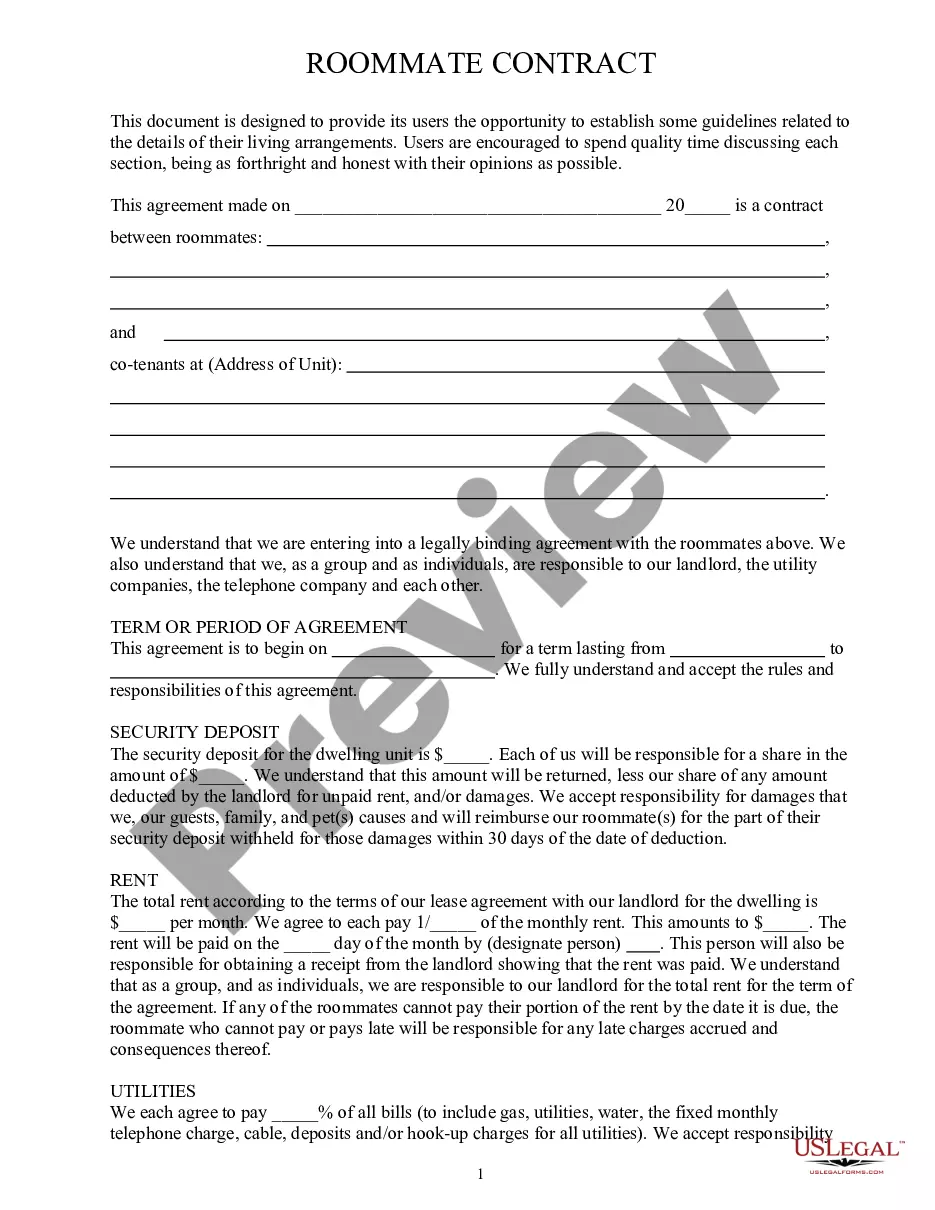




How to fill out Credit Memo?
US Legal Forms - one of the largest collections of legal documents in the USA - provides a broad selection of legal templates that you can download or print.
Through the website, you can access numerous forms for business and personal use, organized by categories, states, or keywords. You can find the latest versions of forms such as the Oregon Credit Memo in just moments.
If you already have a membership, Log In to download the Oregon Credit Memo from the US Legal Forms library. The Download button will appear on each form you view. You can access all previously downloaded forms from the My documents section of your account.
Complete the purchase. Use your credit card or PayPal account to finalize the transaction.
Select the format and download the form to your device. Edit. Fill out, revise, and print and sign the downloaded Oregon Credit Memo. Every template you added to your account has no expiration date and is yours indefinitely. So, if you wish to download or print another copy, simply go to the My documents section and click on the form you need. Gain access to the Oregon Credit Memo with US Legal Forms, the most extensive library of legal document templates. Utilize a plethora of professional and state-specific templates that meet your business or personal needs.
- If you are using US Legal Forms for the first time, here are easy steps to get started.
- Make sure you have selected the correct form for your city/state.
- Click on the Review button to check the form’s details.
- Review the form summary to confirm you’ve chosen the appropriate type.
- If the form doesn’t meet your requirements, utilize the Search bar at the top of the screen to locate one that does.
- If you are satisfied with the form, confirm your choice by clicking the Buy now button.
- Next, choose the pricing plan you prefer and provide your details to register for an account.
Form popularity
FAQ
Recording an Oregon Credit Memo in accounting requires you to make proper journal entries in your financial system. You would debit the appropriate expense or sales return account and credit the customer’s accounts receivable. Using software that tracks these transactions effectively, such as U.S. Legal Forms, can simplify this process and ensure accuracy.
To enter an Oregon Credit Memo on Bill, navigate to the 'Credit Memos' section from your dashboard. Select the vendor or customer that the memo pertains to, fill in the details of the memo including the amount and reason for the credit. This integration allows for seamless updates to financial records without errors.
The journal entry for an Oregon Credit Memo typically involves debiting the sales returns and allowances account and crediting the accounts receivable account. This reflects the reduction in sales revenue and the customer's balance. Always ensure you keep track of these entries for your financial statements and audits.
Entering an Oregon Credit Memo involves using your accounting software. Begin by accessing the credit memo feature and selecting the customer for whom you are issuing the memo. Input the details such as the amount, date, and reason for the credit. Always double-check to ensure that this entry matches your records.
To write an Oregon Credit Memo, first identify the details of the return or adjustment required. Clearly state the reason for the credit, include relevant invoice numbers, and specify the amount. Make sure to format the memo professionally to maintain clear records. Finally, ensure the customer's account reflects this adjustment for accurate bookkeeping.
Banks issue credit memos for various reasons, including correcting errors, processing refunds, or documenting adjustments in account balances. This transparent communication ensures you are aware of all changes to your financial status. If you see an Oregon Credit Memo from your bank, it typically means there was a positive adjustment to your account. Always keep an eye on your account statements to stay informed.
You may receive a credit memo for several reasons, such as returning a purchased item, or correcting an invoicing error. It serves as an official document that informs you of a reduction in the amount due. Understanding the circumstances behind an Oregon Credit Memo can facilitate better financial planning and tracking. If you are unsure, review your recent transactions or contact your seller for clarification.
In a bank account context, a credit memo reflects a transaction that increases your account balance. This could result from a refund, overpayment, or an error correction by the bank. For instance, after receiving an Oregon Credit Memo, your bank will acknowledge it by adjusting your account balance accordingly. This ensures your finances stay accurate and up-to-date.
A credit memo is considered a positive adjustment for the buyer, as it reduces the total amount owed. For the seller, it represents a negative impact on revenue, as it decreases the overall sales figures. Thus, while it may seem negative for the seller, it carries benefits for the buyer. Effectively managing your Oregon Credit Memo can balance these effects.
When a credit memo is issued, it signifies that the seller has acknowledged a transaction that reduces the buyer's balance. This can happen because of various situations, such as issuing refunds or correcting errors. Essentially, it serves as a formal acknowledgment that the buyer no longer owes the specified amount. Utilizing an Oregon Credit Memo can simplify your financial reconciliations.