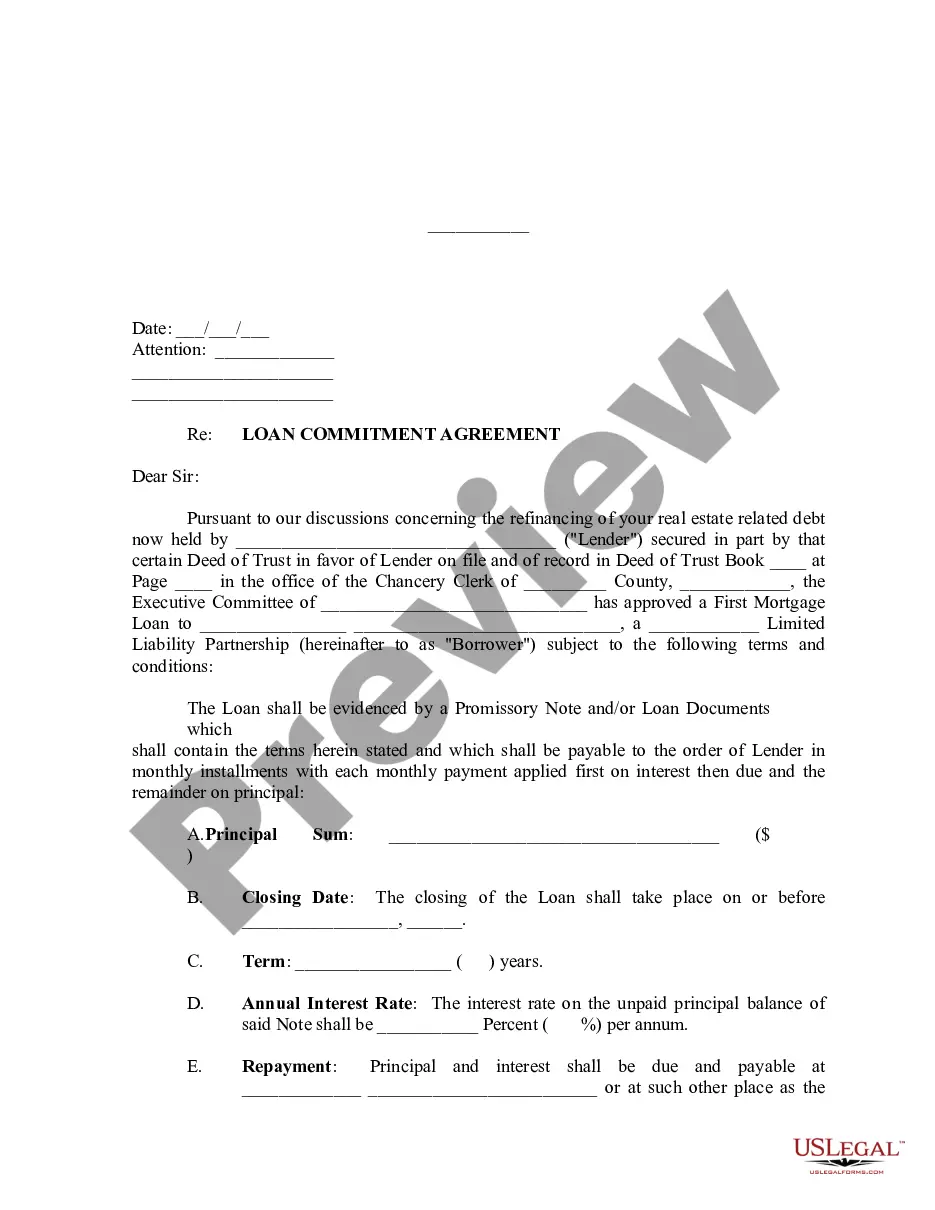
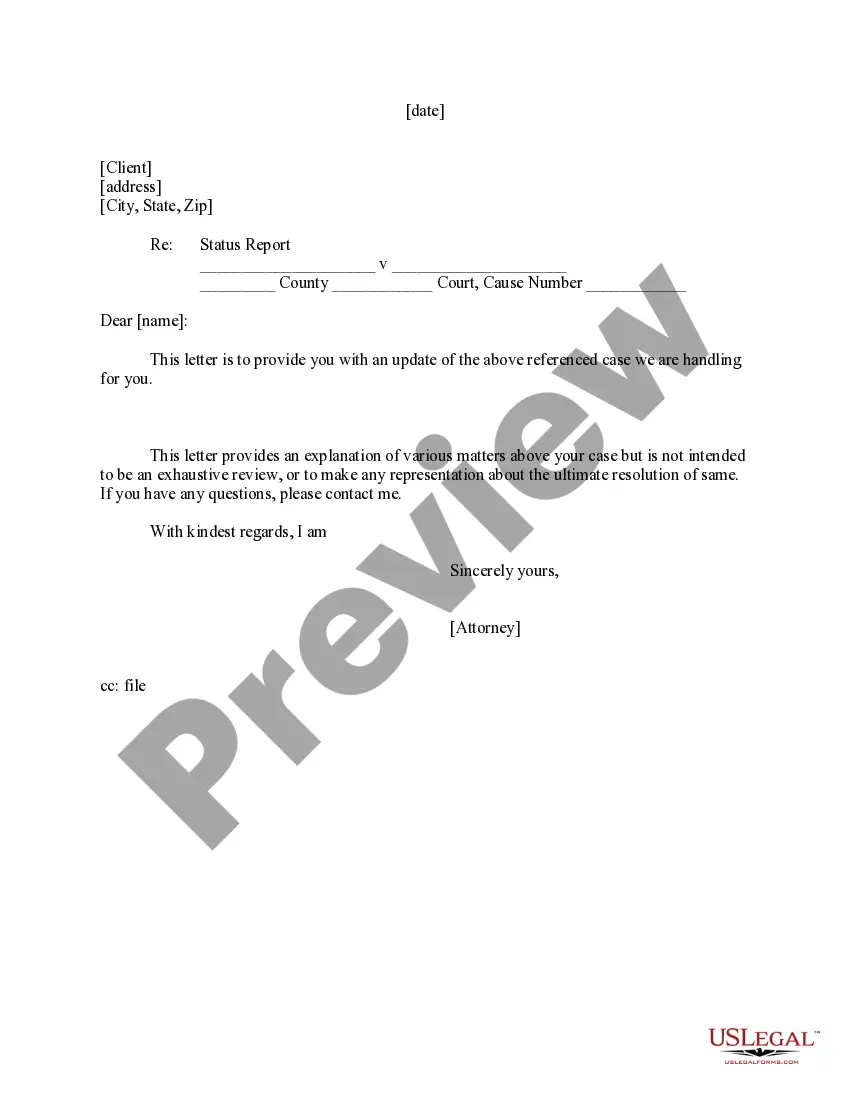
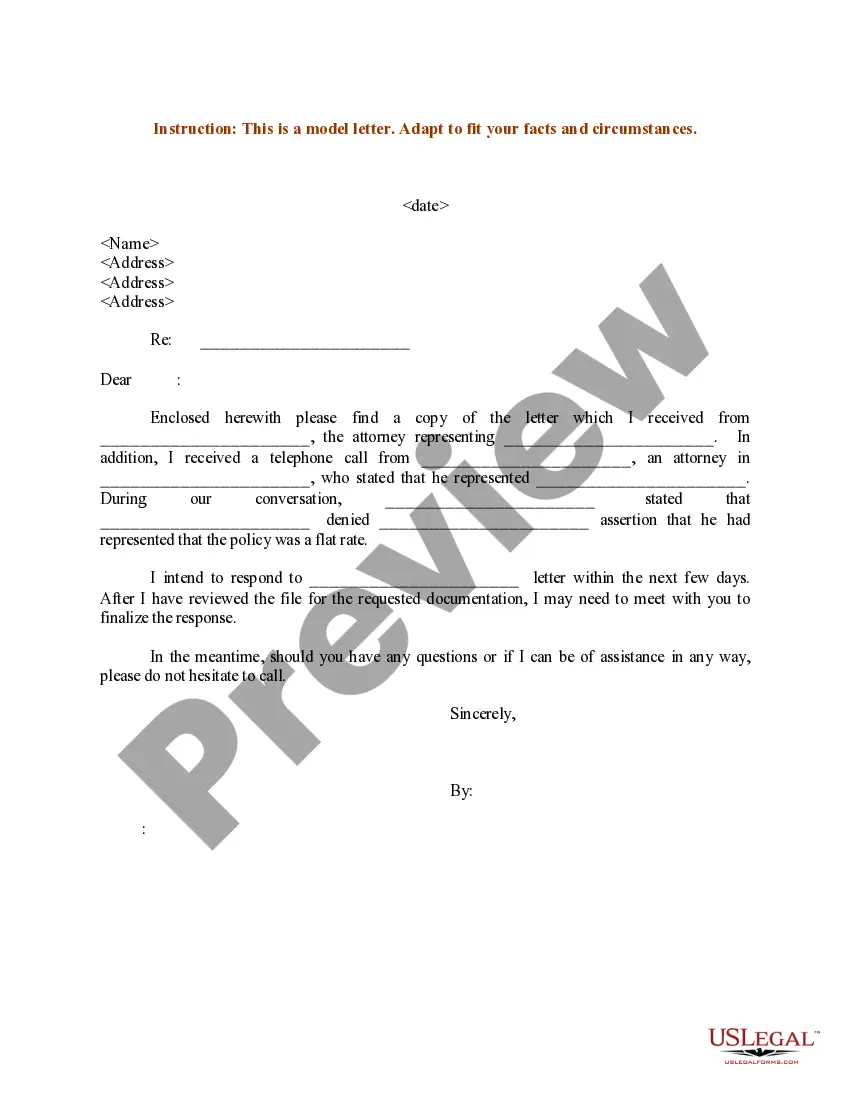
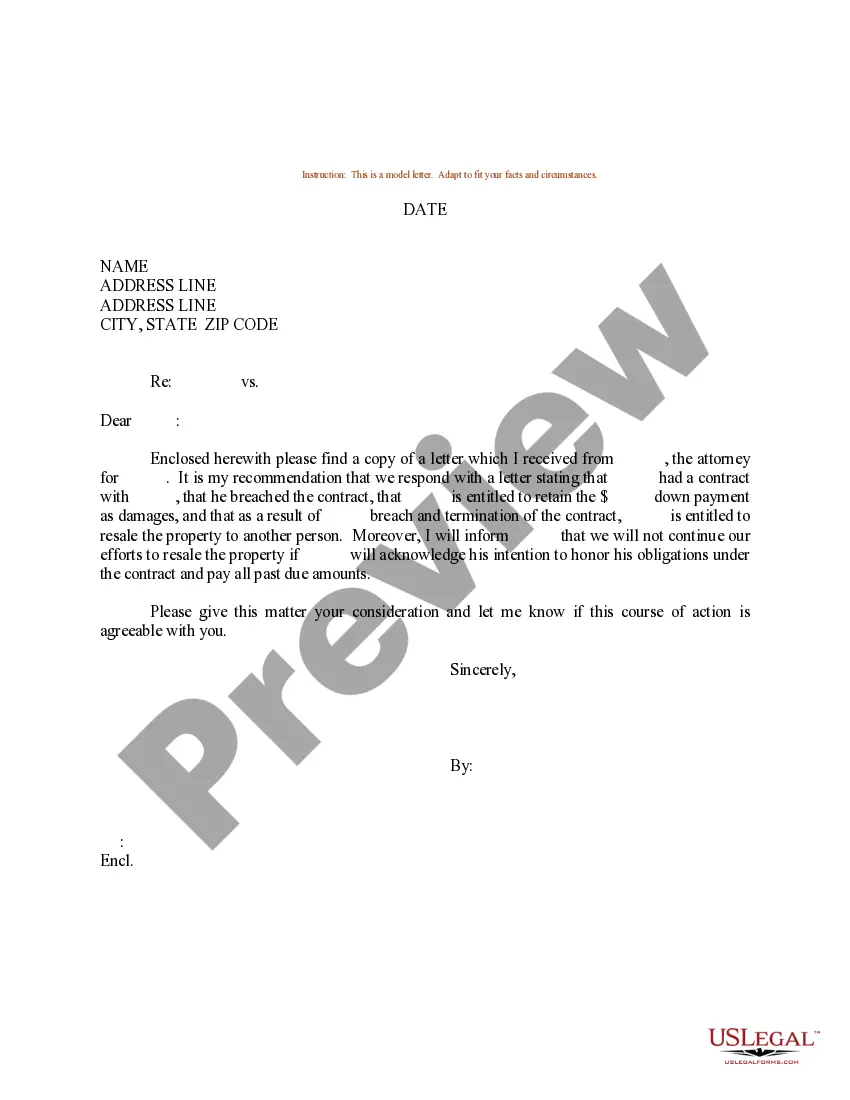
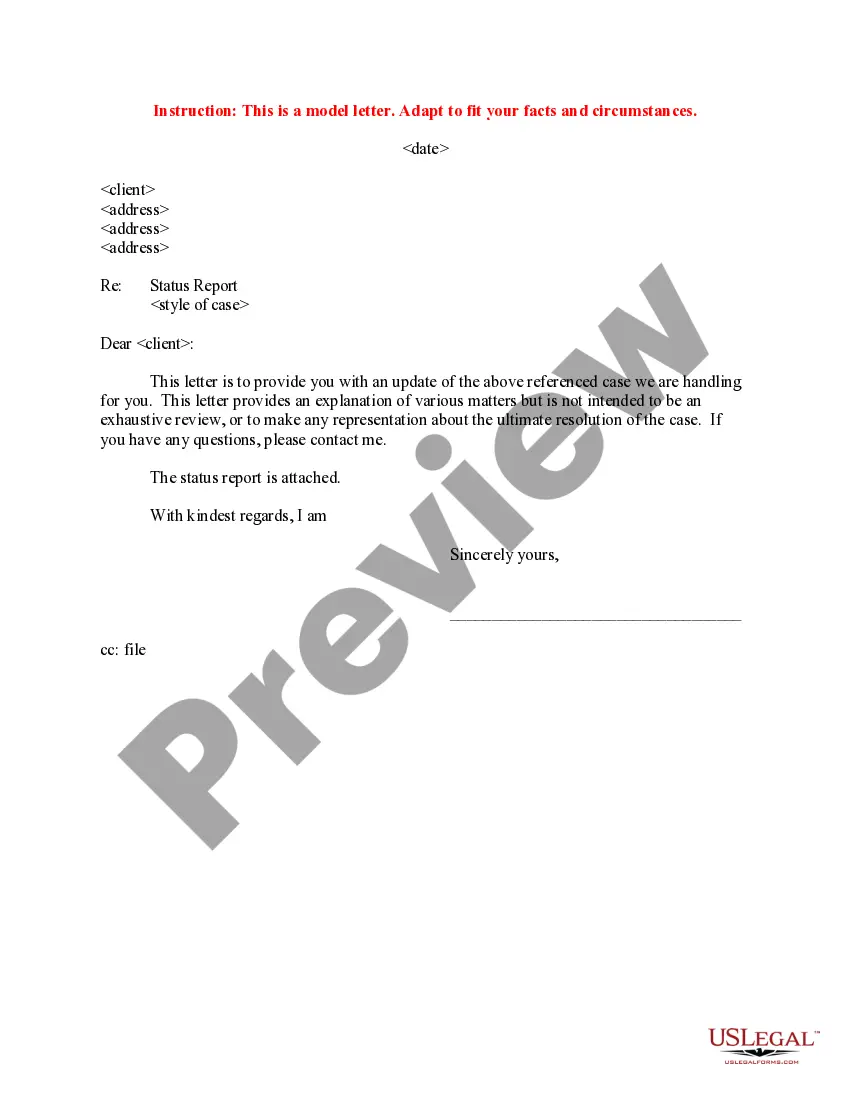
Oklahoma Letter to Client - Status Report
Description
Get your form ready online
Our built-in tools help you complete, sign, share, and store your documents in one place.
Make edits, fill in missing information, and update formatting in US Legal Forms—just like you would in MS Word.
Download a copy, print it, send it by email, or mail it via USPS—whatever works best for your next step.
Sign and collect signatures with our SignNow integration. Send to multiple recipients, set reminders, and more. Go Premium to unlock E-Sign.
If this form requires notarization, complete it online through a secure video call—no need to meet a notary in person or wait for an appointment.
We protect your documents and personal data by following strict security and privacy standards.

Make edits, fill in missing information, and update formatting in US Legal Forms—just like you would in MS Word.

Download a copy, print it, send it by email, or mail it via USPS—whatever works best for your next step.

Sign and collect signatures with our SignNow integration. Send to multiple recipients, set reminders, and more. Go Premium to unlock E-Sign.

If this form requires notarization, complete it online through a secure video call—no need to meet a notary in person or wait for an appointment.

We protect your documents and personal data by following strict security and privacy standards.
Looking for another form?


How to fill out Letter To Client - Status Report?
Are you currently inside a placement that you need documents for either business or person reasons almost every working day? There are tons of lawful record themes available online, but locating versions you can rely isn`t straightforward. US Legal Forms provides a large number of kind themes, much like the Oklahoma Letter to Client - Status Report, that are composed in order to meet federal and state needs.
If you are previously familiar with US Legal Forms site and possess a free account, just log in. Next, you can down load the Oklahoma Letter to Client - Status Report format.
Unless you offer an account and want to start using US Legal Forms, abide by these steps:
- Find the kind you want and make sure it is for the proper metropolis/region.
- Use the Review option to check the shape.
- Look at the description to ensure that you have chosen the proper kind.
- In the event the kind isn`t what you are seeking, take advantage of the Search discipline to find the kind that suits you and needs.
- When you discover the proper kind, simply click Buy now.
- Pick the rates plan you desire, fill out the necessary information to produce your account, and pay money for your order utilizing your PayPal or Visa or Mastercard.
- Choose a hassle-free file file format and down load your copy.
Locate all of the record themes you may have purchased in the My Forms food selection. You can obtain a further copy of Oklahoma Letter to Client - Status Report any time, if needed. Just click on the required kind to down load or produce the record format.
Use US Legal Forms, probably the most comprehensive variety of lawful types, to conserve time and avoid errors. The support provides skillfully manufactured lawful record themes that can be used for a selection of reasons. Produce a free account on US Legal Forms and commence producing your life easier.
Form popularity
FAQ
Taxpayers who file their tax return electronically with no errors and choose direct deposit should receive their refund within 21 days.
Use the IRS Where's My Refund tool or the IRS2Go mobile app to check your refund online. This is the fastest and easiest way to track your refund.
Step 1: Go to the e-Filing portal homepage. Step 2: Enter the user ID and password. Step 3: Go to e-File tab > Income Tax Returns > View Filed Returns. Step 4: Now you can check the refund status for the desired Assessment year. Status 1: When refund is issued: Status 2: When refund is partially adjusted:
Simply call (405) 521-3160 or in-state toll free (800) 522-8165, extension 13160 and select the option to "Check the status of an income tax refund". By providing your Social Security Number and amount of your refund, the system will provide you with the status of your Oklahome tax refund.
You can change your filing date by filing Form 200-F (Request to Change Franchise Tax Filing Period) by mail or online using OkTAP, Oklahoma's online filing system, by July 1st. After you have filed the request to change your filing period, you will not need to file this form again.
If you have any questions concerning the validity of a document or a claimed exemption, or need to verify sales tax and agricultural exemption permits - contact 405.521. 3160.
Some goods are exempt from sales tax under Oklahoma law. Examples include purchases made with food stamps, prescription drugs, and some manufacturing equipment.
Once processed, allow five business days for the deposit to be made to a bank account. For debit card refunds, allow five to seven business days for delivery. To check the refund status, visit OkTAP at tax.ok.gov and click ?Where's My Refund.?