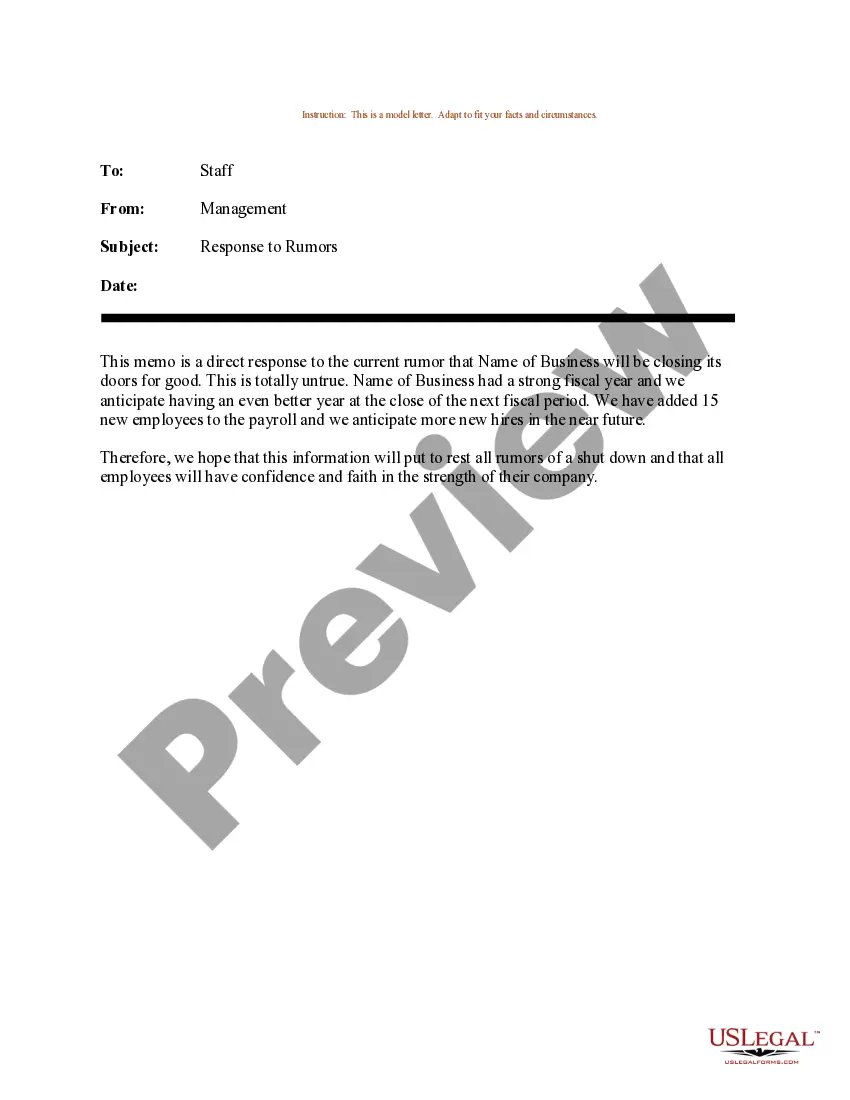
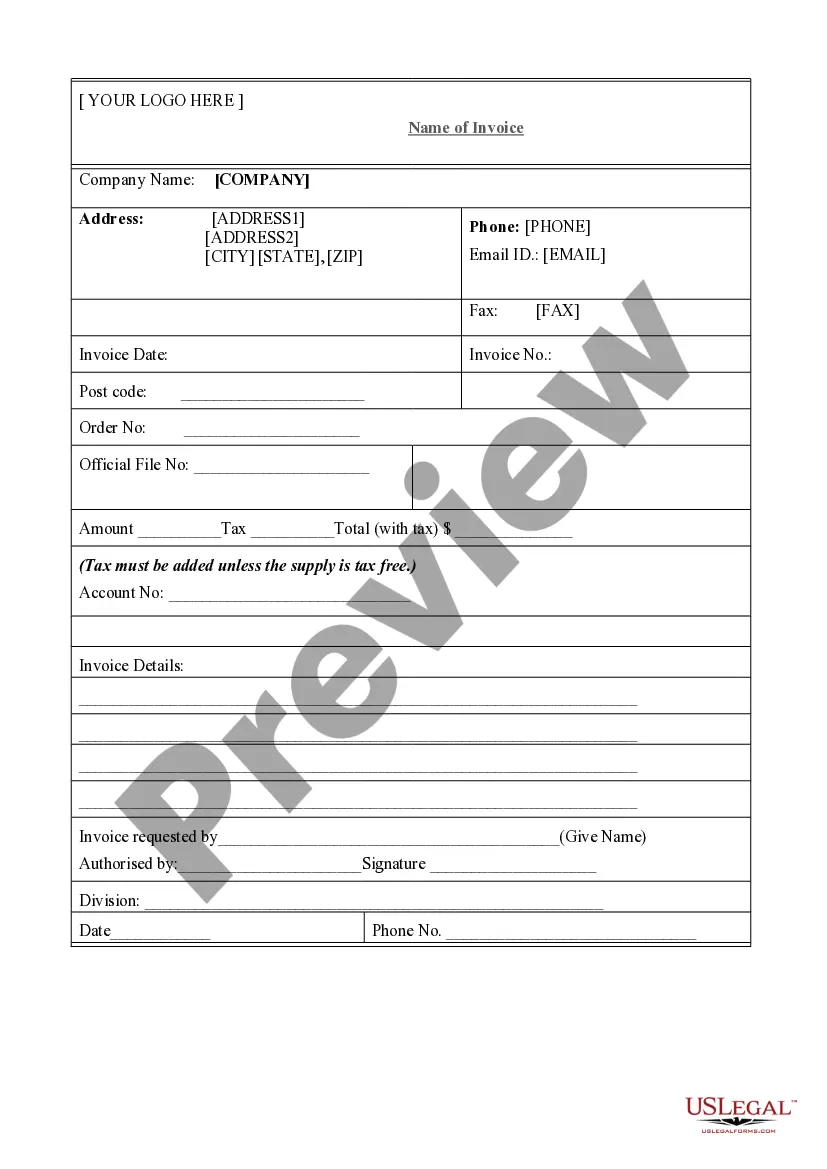
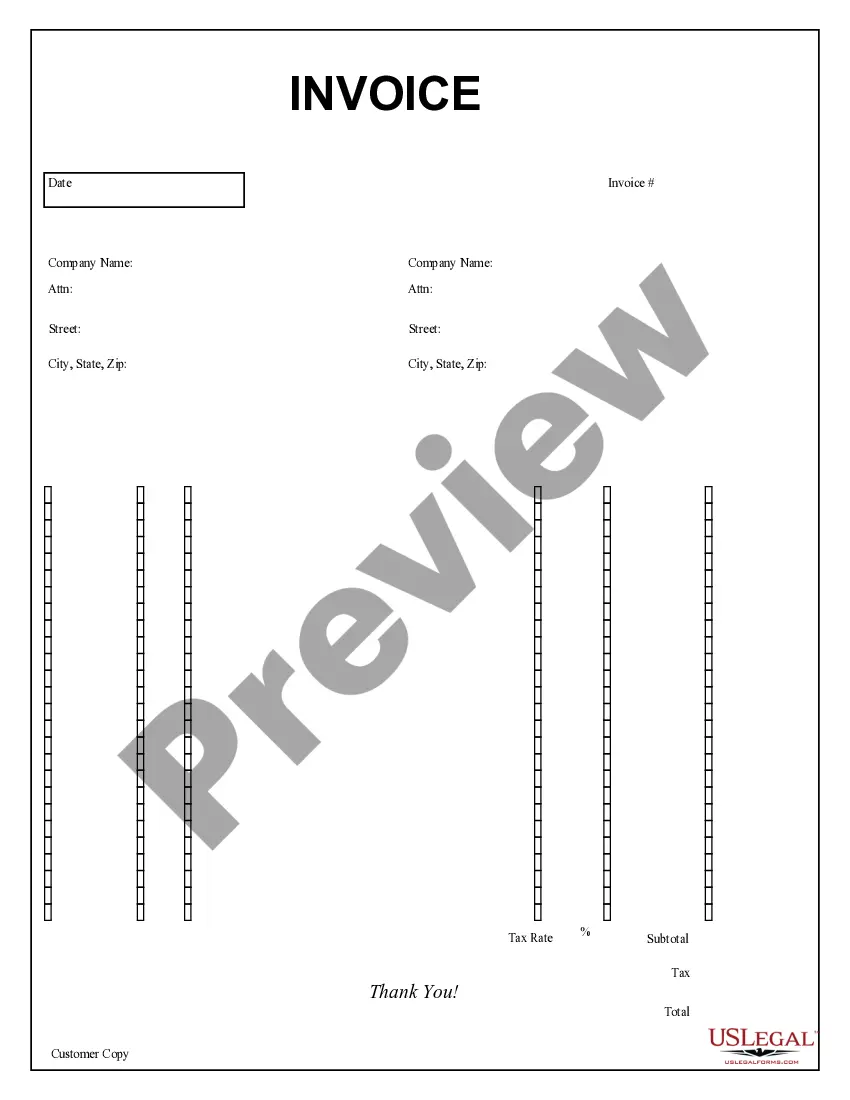
Oklahoma Job Invoice - Short
Description



Get your form ready online
Our built-in tools help you complete, sign, share, and store your documents in one place.
Make edits, fill in missing information, and update formatting in US Legal Forms—just like you would in MS Word.
Download a copy, print it, send it by email, or mail it via USPS—whatever works best for your next step.
Sign and collect signatures with our SignNow integration. Send to multiple recipients, set reminders, and more. Go Premium to unlock E-Sign.
If this form requires notarization, complete it online through a secure video call—no need to meet a notary in person or wait for an appointment.
We protect your documents and personal data by following strict security and privacy standards.

Make edits, fill in missing information, and update formatting in US Legal Forms—just like you would in MS Word.

Download a copy, print it, send it by email, or mail it via USPS—whatever works best for your next step.

Sign and collect signatures with our SignNow integration. Send to multiple recipients, set reminders, and more. Go Premium to unlock E-Sign.

If this form requires notarization, complete it online through a secure video call—no need to meet a notary in person or wait for an appointment.

We protect your documents and personal data by following strict security and privacy standards.
Looking for another form?
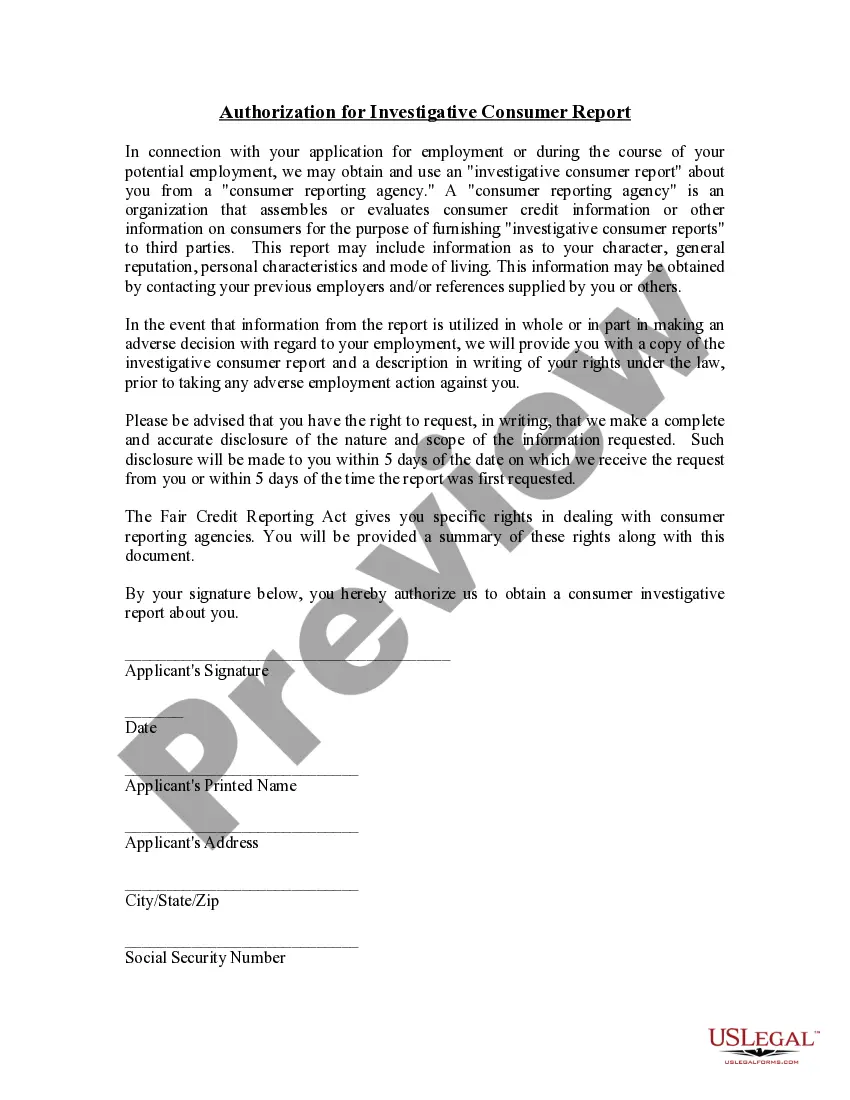



How to fill out Job Invoice - Short?
Selecting the ideal legal document format can be challenging. It is clear that there are numerous templates available online, but how can you locate the legal form you require? Utilize the US Legal Forms website. This service offers thousands of templates, including the Oklahoma Job Invoice - Short, which you can apply for business and personal use. All of the templates are verified by professionals and comply with state and federal regulations.
If you are already a registered user, Log In to your account and click the Acquire button to download the Oklahoma Job Invoice - Short. Use your account to browse through the legal forms you may have previously obtained. Navigate to the My documents section of your account to obtain an additional copy of the document you require.
If you are a new user of US Legal Forms, here are simple instructions to follow: First, ensure you have selected the correct form for your locality/region. You can examine the form using the Review button and review the form summary to confirm it is suitable for you. If the form does not meet your requirements, use the Search area to find the appropriate form. When you are confident that the form is suitable, click the Get now button to acquire the form. Choose the pricing plan you desire and provide the necessary details. Create your account and pay for your order using your PayPal account or credit card. Select the file format and download the legal document template to your device. Complete, edit, print, and sign the received Oklahoma Job Invoice - Short.
US Legal Forms is the largest repository of legal forms where you can discover various document templates. Use this service to download professionally created files that adhere to state requirements.
- Select the ideal legal document format can be challenging.
- Numerous templates available online.
- Locating the legal form you require.
- Utilize the US Legal Forms website.
- Thousands of templates offered.
- Professionally verified and compliant files.
Form popularity
FAQ
Filing an S Corp in Oklahoma involves several steps to ensure compliance. First, you need to file the Articles of Incorporation with the Oklahoma Secretary of State. Then, make sure to complete the election forms for S Corporation status. Utilizing a service like uslegalforms can simplify this process, providing you with the needed forms and guidance.
How to make an invoice: Here's what it should includeA professional header.Your contact information.The client's contact information.Invoice number.Date prepared.Due date.Payment options.Payment terms.More items...?
How to Make a Sales Invoice?Write the information of your customer, such as the following:Write details of the items sold, such as:Add the total sales per item to get the grand total.Determine the tax, in the form of Value-Added Tax (VAT), and the Vatable Sales.Ask the customer to sign the sales invoice.More items...
Main steps to follow when preparing an invoiceOpen your invoice template.Add the date.Enter the invoice number.Fill out the customer name, address, reference and/or order number.Enter a description of the goods or services you provided.Total the costs and double-check your math.More items...
What is an invoice?Start with a professional layout.Include company and customer information.Add a unique invoice number, an issue date, and a due date.Write each line item with a description of services.Add up line items for total money owed.Include your payment terms and payment options.Add a personal note.
Here's a guide on how to invoice as a contractor:Identify the Document as an Invoice.Include Your Business Information.Add the Client's Contact Details.Assign a Unique Invoice Number.Add the Invoice Date.Provide Details of Your Services.Include Your Payment Terms.List the Total Amount Due.More items...
In basic terms, an invoice is a bill sent to your customers after you complete a job or visit. The invoice establishes what services you or your company provided, how much is due and when, and how your customer can pay. Legally speaking, an invoice creates an account receivable.
A typical construction invoice will include:The date the invoice was created.Names and addresses of both parties.Description of the goods and services.The price and quantities for those goods and services.The terms of payment.
Invoices - what they must includeyour company name, address and contact information. the company name and address of the customer you're invoicing. a clear description of what you're charging for. the date the goods or service were provided (supply date)
Your invoice should generally include the following: Service details: Be as clear as possible when describing the product or service you're providing. Service Date: Including a service date is optional, but if you decide to note it, this would be the date you performed the contractor service. Description: Be specific.