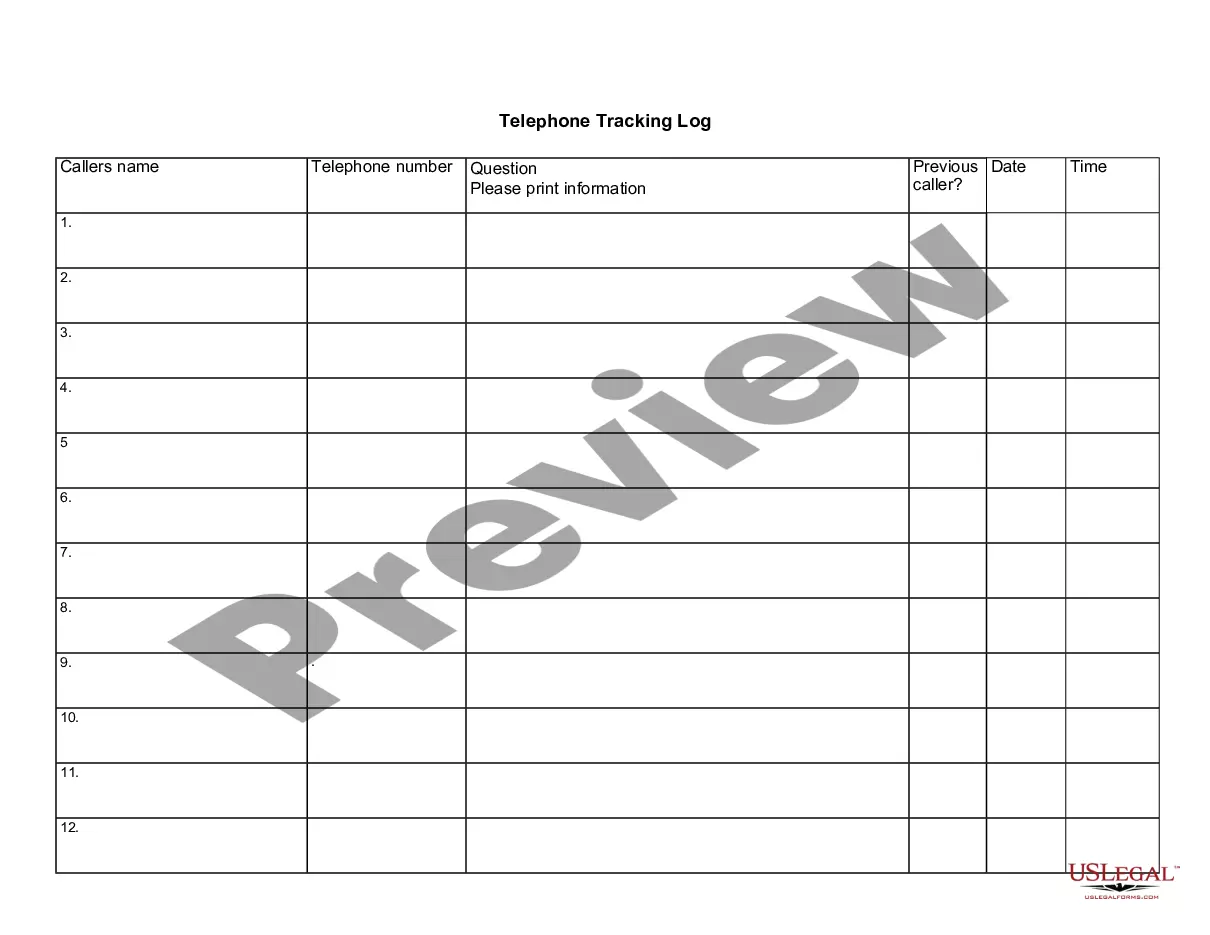
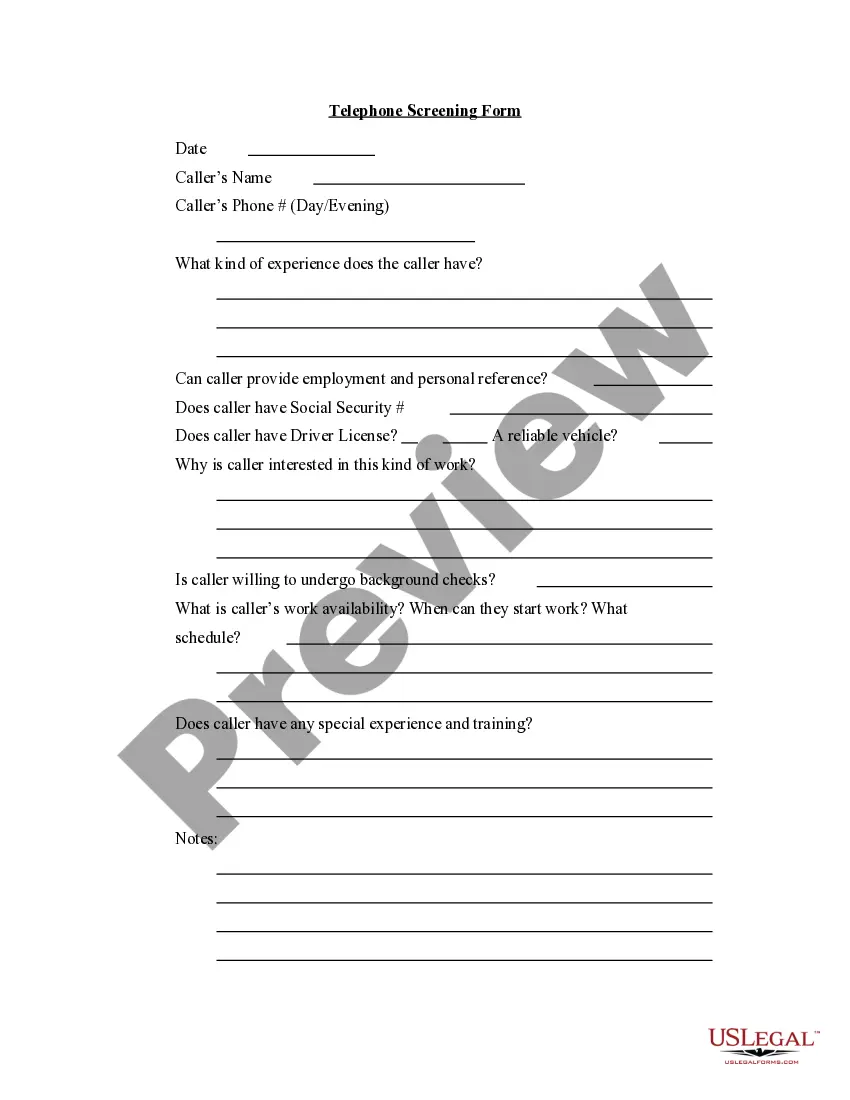
Ohio Telephone Tracking Log
Description


Get your form ready online
Our built-in tools help you complete, sign, share, and store your documents in one place.
Make edits, fill in missing information, and update formatting in US Legal Forms—just like you would in MS Word.
Download a copy, print it, send it by email, or mail it via USPS—whatever works best for your next step.
Sign and collect signatures with our SignNow integration. Send to multiple recipients, set reminders, and more. Go Premium to unlock E-Sign.
If this form requires notarization, complete it online through a secure video call—no need to meet a notary in person or wait for an appointment.
We protect your documents and personal data by following strict security and privacy standards.

Make edits, fill in missing information, and update formatting in US Legal Forms—just like you would in MS Word.

Download a copy, print it, send it by email, or mail it via USPS—whatever works best for your next step.

Sign and collect signatures with our SignNow integration. Send to multiple recipients, set reminders, and more. Go Premium to unlock E-Sign.

If this form requires notarization, complete it online through a secure video call—no need to meet a notary in person or wait for an appointment.

We protect your documents and personal data by following strict security and privacy standards.
Looking for another form?







How to fill out Telephone Tracking Log?
Are you currently in a circumstance where you require documents for either business or personal reasons almost every day.
There are numerous legal document templates accessible online, but finding versions you can rely on is challenging.
US Legal Forms offers thousands of form templates, such as the Ohio Telephone Tracking Log, designed to meet federal and state regulations.
Once you have found the correct form, click Purchase now.
Choose the subscription plan you prefer, complete the necessary information to create your account, and process the payment with your PayPal or credit card. Select a convenient document format and download your copy. Locate all the document templates you have purchased in the My documents section. You can retrieve an additional copy of the Ohio Telephone Tracking Log at any time, if needed. Simply select the required form to download or print the document template. Use US Legal Forms, the largest collection of legal forms, to save time and avoid errors. The service offers well-crafted legal document templates that can be used for various purposes. Create your account on US Legal Forms and start simplifying your life.
- If you are already familiar with the US Legal Forms website and have an account, simply Log In.
- Then, you can download the Ohio Telephone Tracking Log template.
- If you do not have an account and wish to start using US Legal Forms, follow these steps.
- Locate the form you need and ensure it is for the correct city/county.
- Utilize the Preview button to review the form.
- Examine the details to confirm that you have selected the correct form.
- If the form is not what you are looking for, use the Search area to find the form that meets your needs and requirements.
Form popularity
FAQ
To TeleFile your sales tax in Ohio, you will need to follow the detailed instructions provided on the Ohio Department of Taxation's website. This process typically involves submitting your sales tax information electronically, which can be both quick and efficient. Ensure you have all your financial data ready before starting the process. Additionally, the Ohio Telephone Tracking Log can be an invaluable tool for monitoring your filings.
To email the Ohio Department of Taxation, visit their official website to find the appropriate email address for your inquiry. Be concise and include all pertinent information in your message. This ensures that your query gets directed to the right department. Using the Ohio Telephone Tracking Log can help you track your correspondence for easier follow-up.
When emailing Ohio taxes, you should send your forms to the specific email address designated by the Ohio Department of Taxation. Always ensure that your documents are in the required format and are complete. It's also wise to keep a record of what you send for your reference. Using the Ohio Telephone Tracking Log allows you to keep tabs on your submissions.
To email a tax document, first confirm the recipient's designated email address for tax submissions. Often, state tax agencies provide a secure portal for sending sensitive information. Ensure that your documents are clearly labeled and include all relevant details. The Ohio Telephone Tracking Log can act as an excellent resource to document your submissions.
You can contact Ohio withholding via phone at 1-800-282-1780. Alternatively, you can visit the Ohio Department of Taxation's website for more information. They provide useful resources to help you understand your withholding obligations. Utilizing tools like the Ohio Telephone Tracking Log can help you manage your inquiries efficiently.
Creating a call log in Excel is straightforward. Begin by opening a blank worksheet and labeling your columns with relevant categories such as date, caller name, and notes. This user-friendly setup serves as an effective Ohio Telephone Tracking Log, simplifying your call management and record-keeping.
To write a call log, begin by outlining the vital information to record for each call. Include the date, time, caller ID, topics discussed, and follow-up actions required. By maintaining a thorough Ohio Telephone Tracking Log, you can enhance your communication records and bolster your efficiency.
Creating a call log involves collecting information from each call you receive. You should document the date, time, caller information, and the outcome of the call. Digital tools like Excel can streamline this process, making your Ohio Telephone Tracking Log easy to maintain and review.
Yes, you can use Excel to maintain a log for customer service calls. By setting up a structured format, you can record each interaction, noting details like customer queries and resolutions. This method enhances the efficiency of your Ohio Telephone Tracking Log, enabling you to monitor patterns and improve service.
To make a call log in Excel, start by opening a new spreadsheet. Create columns for essential details such as date, time, caller name, and purpose of the call. This organized approach will help you keep track of your communication effectively, particularly useful for managing your Ohio Telephone Tracking Log.