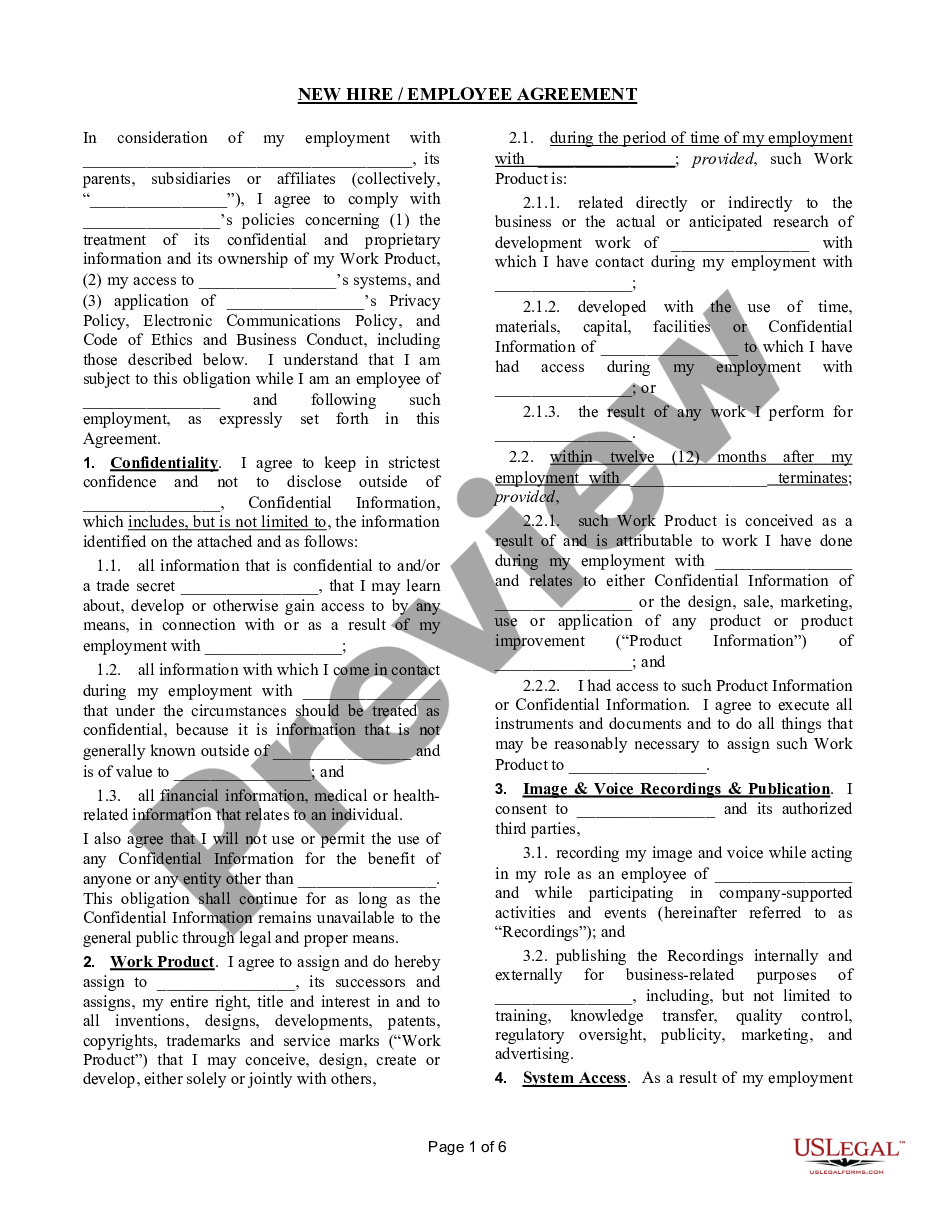
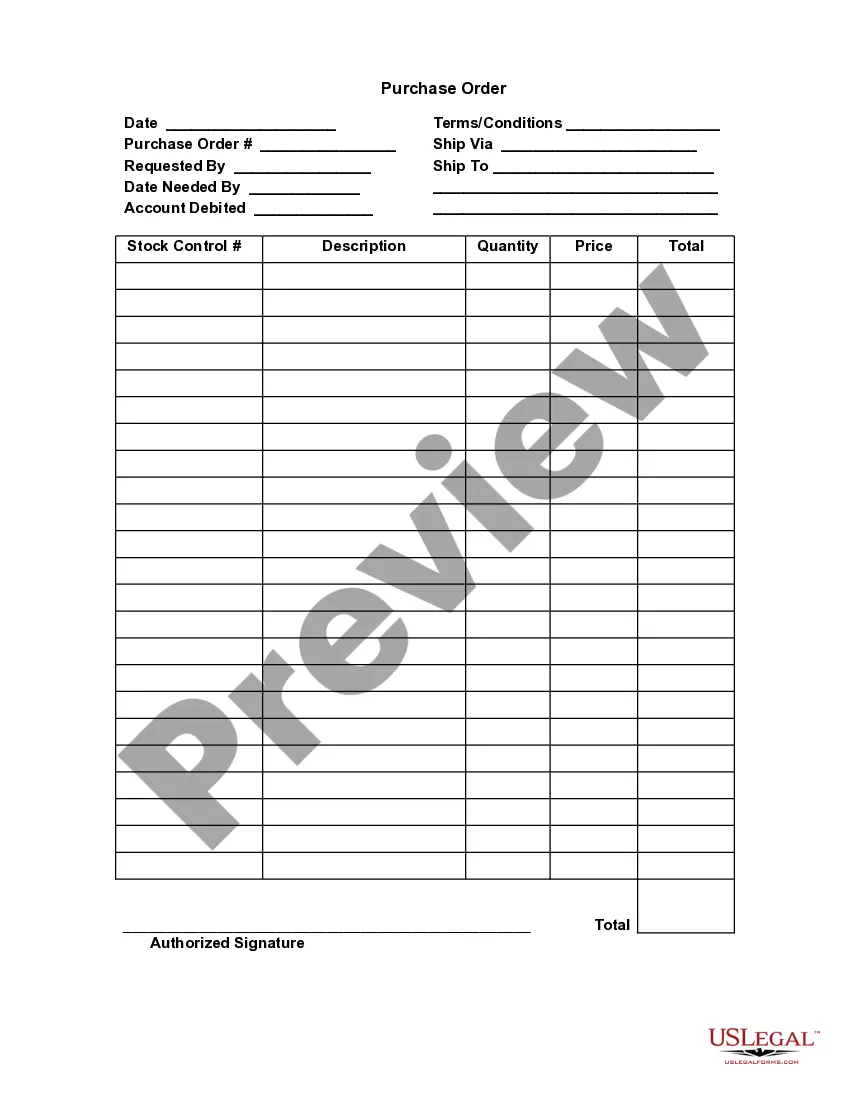
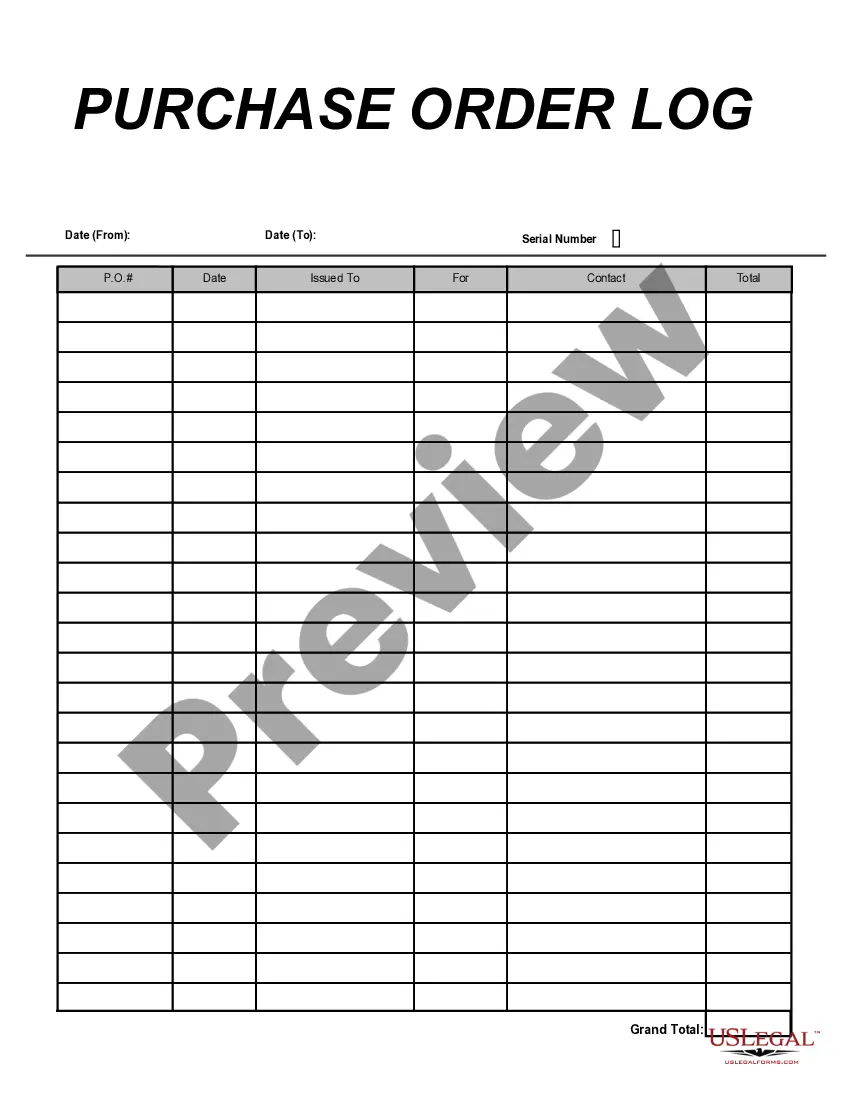
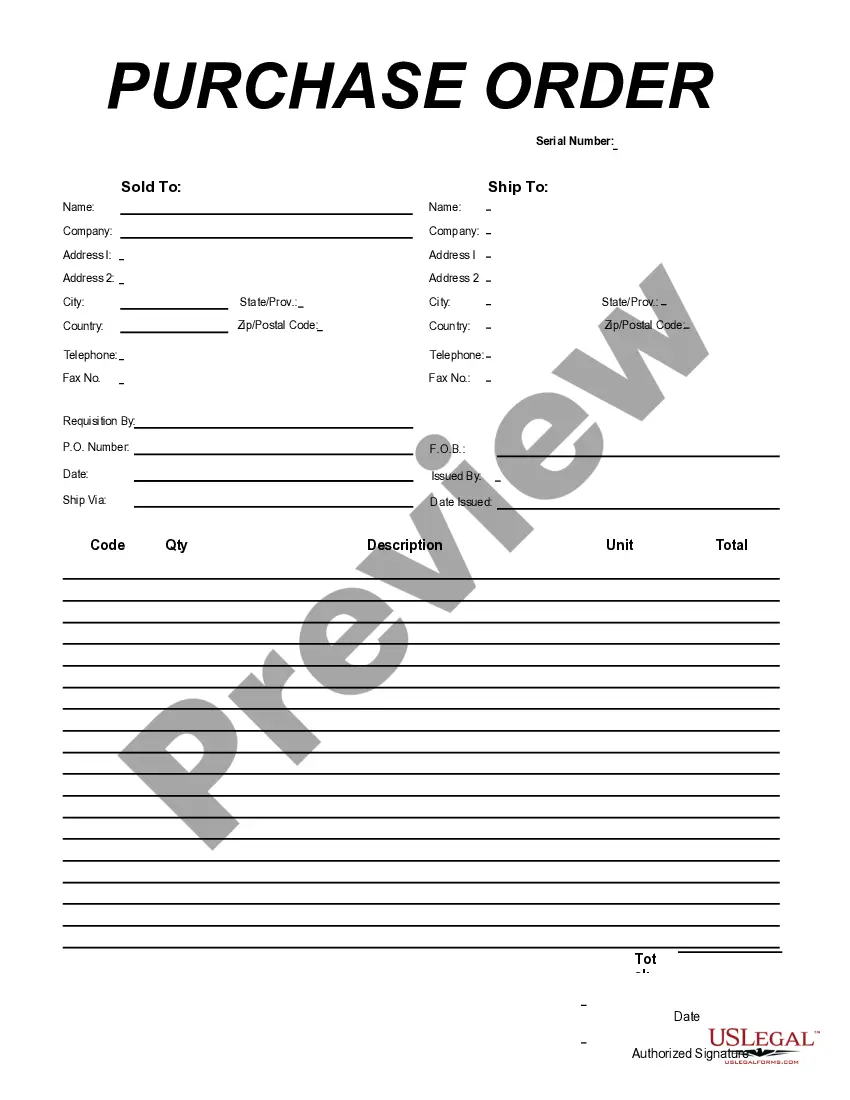
Ohio Purchase Order
Description



Get your form ready online
Our built-in tools help you complete, sign, share, and store your documents in one place.
Make edits, fill in missing information, and update formatting in US Legal Forms—just like you would in MS Word.
Download a copy, print it, send it by email, or mail it via USPS—whatever works best for your next step.
Sign and collect signatures with our SignNow integration. Send to multiple recipients, set reminders, and more. Go Premium to unlock E-Sign.
If this form requires notarization, complete it online through a secure video call—no need to meet a notary in person or wait for an appointment.
We protect your documents and personal data by following strict security and privacy standards.

Make edits, fill in missing information, and update formatting in US Legal Forms—just like you would in MS Word.

Download a copy, print it, send it by email, or mail it via USPS—whatever works best for your next step.

Sign and collect signatures with our SignNow integration. Send to multiple recipients, set reminders, and more. Go Premium to unlock E-Sign.

If this form requires notarization, complete it online through a secure video call—no need to meet a notary in person or wait for an appointment.

We protect your documents and personal data by following strict security and privacy standards.
Looking for another form?


How to fill out Purchase Order?
Selecting the optimal authentic document template can be a challenge. Naturally, there are numerous formats accessible online, but how can you find the valid type you seek.
Utilize the US Legal Forms website. The service provides a vast array of templates, including the Ohio Purchase Order, which can serve both business and personal needs. All forms are verified by experts and comply with state and federal regulations.
If you are already a member, Log In to your account and click the Obtain button to acquire the Ohio Purchase Order. Use your account to browse through the legal forms you have previously purchased. Navigate to the My documents tab in your account to retrieve another copy of the document you require.
Complete, modify, print, and sign the Ohio Purchase Order you received. US Legal Forms is the largest repository of legal templates where you can find a variety of document formats. Utilize the service to obtain professionally crafted paperwork that meets state regulations.
- If you are a new user of US Legal Forms, here are straightforward instructions for you to follow.
- First, confirm that you have selected the correct template for your area/region. You can preview the form using the Preview button and review the form description to ensure it is suitable for you.
- If the template does not fulfill your needs, use the Search field to find the appropriate form.
- Once you are certain that the template is accurate, click on the Acquire now button to obtain the document.
- Select the pricing plan you desire and enter the required information. Create your account and pay for the order using your PayPal account or credit card.
- Choose the document format and download the legal document template to your device.
Form popularity
FAQ
Order forms may be used in some processes and are more similar to purchase orders in that the buyer fills one out to begin an ordering process. The main difference, however, is that the official order form template is provided by the seller, and, as a result, the buyer is placing an order on the terms of the vendor.
How does a purchase order work?Buyer decides to order items from the seller.Buyer drafts the purchase order and sends it to the seller for approval.Seller reviews the purchase order and confirms if it can fulfill the request.Purchase order is approved.Product or service fulfillment.The invoice is paid.
The elements included in this example are:PO number.Purchase order date.Vendor name and billing address.Buyer name and shipping address.Additional contact information, such as phone numbers and email addresses.Delivery date.Shipping method.Shipping terms.More items...?
As well as creating purchase orders for opportunity costs, sometimes you might need to create a blank purchase order. These are manual purchase orders in Current RMS. Manual purchase orders act the same as other purchase orders, so you can take all the same actions such as authorizing or completing.
What Your Purchase Order Should IncludeContact Information. The name, address, email, phone number and other contact information for both companies should be completed.PO Number.Item SKU.Item Description.Quantity.Price.Subtotals, Taxes and Totals.Payment Due Date.More items...?24 Sept 2019
Here are the most common purchase order process steps:Create a purchase order.Send out multiple requests for quotation(RFQ)Analyze and select a vendor.Negotiate contract and send PO.Receive goods/services.Receive and check invoice (3-Way Matching)Authorize invoice and pay the vendor.Record keeping.More items...
How to create a Purchase OrderEnter transaction code ME21N.Enter vendor.Enter material number that needs to be procured.Enter the quantity and unit of measure (optional system uses UoM from purchase info record).Press ENTER to confirm the data entered.
Manual Purchase Order (PO) creationGo to the 'Purchase Order' UI screen and click the Create ( ) button.Populate all of the applicable fields. Table 1.Click Save.After the PO header is created, users can now add the items that are included in this PO.Click the Create (
Your sale and purchase agreement should include the following:Your name(s) and the names of the seller(s).The address of the property.The type of title (for example, freehold or leasehold).The price.Any deposit you must pay.Any chattels being sold with the property (for example, whiteware or curtains).More items...