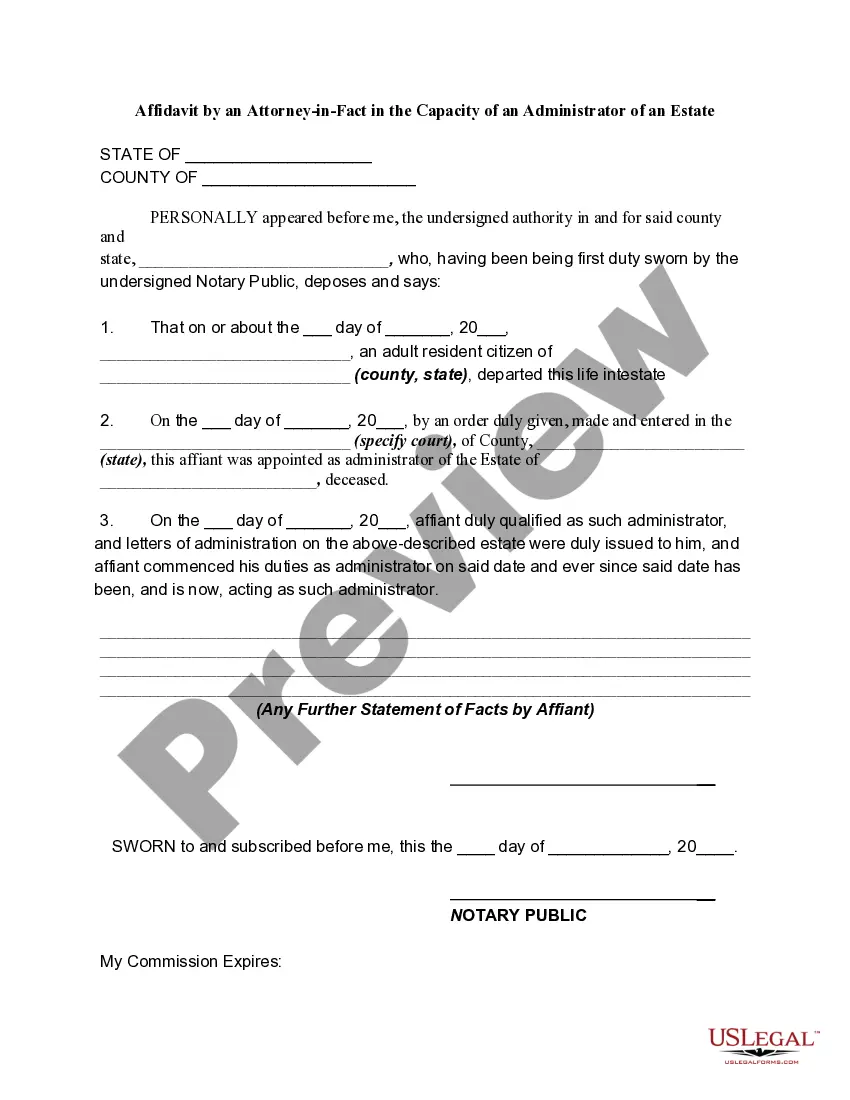
Ohio Affidavit by an Attorney-in-Fact in the Capacity of an Administrator of an Estate
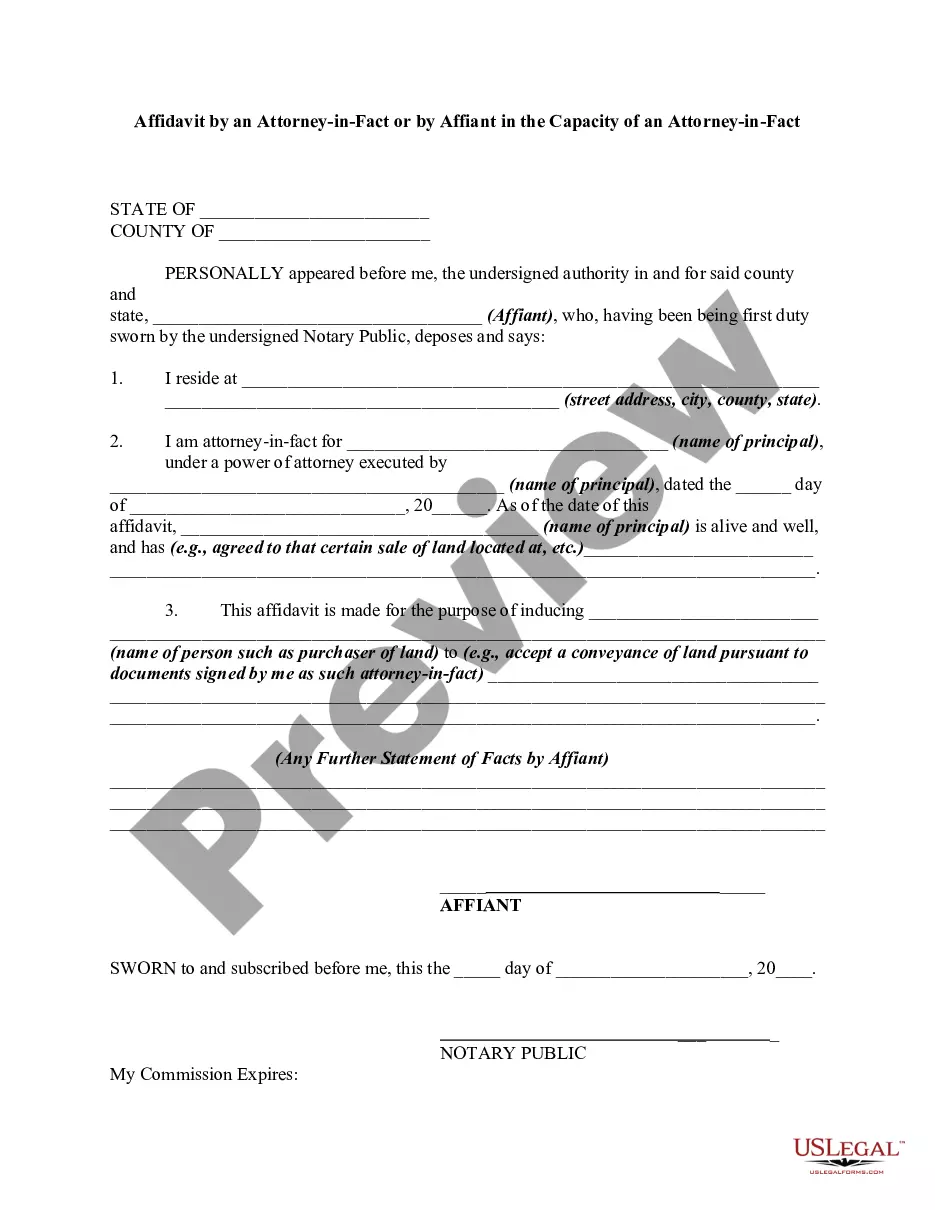
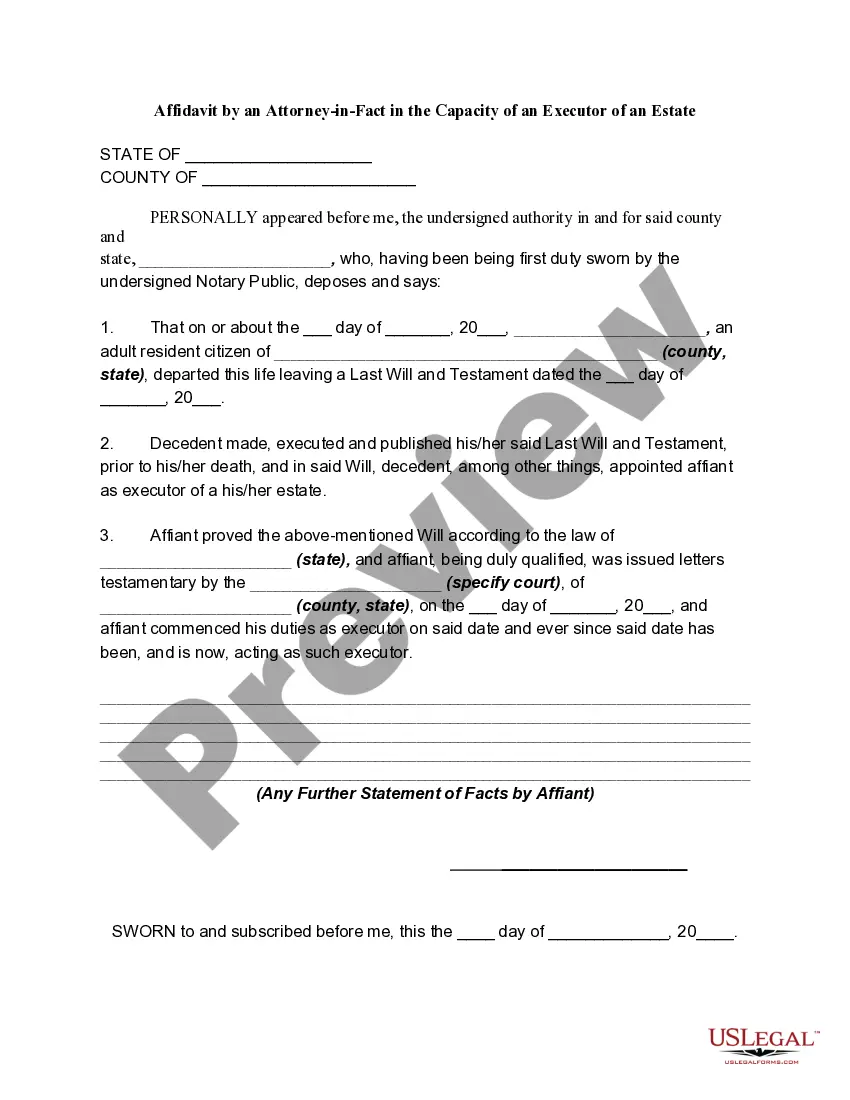
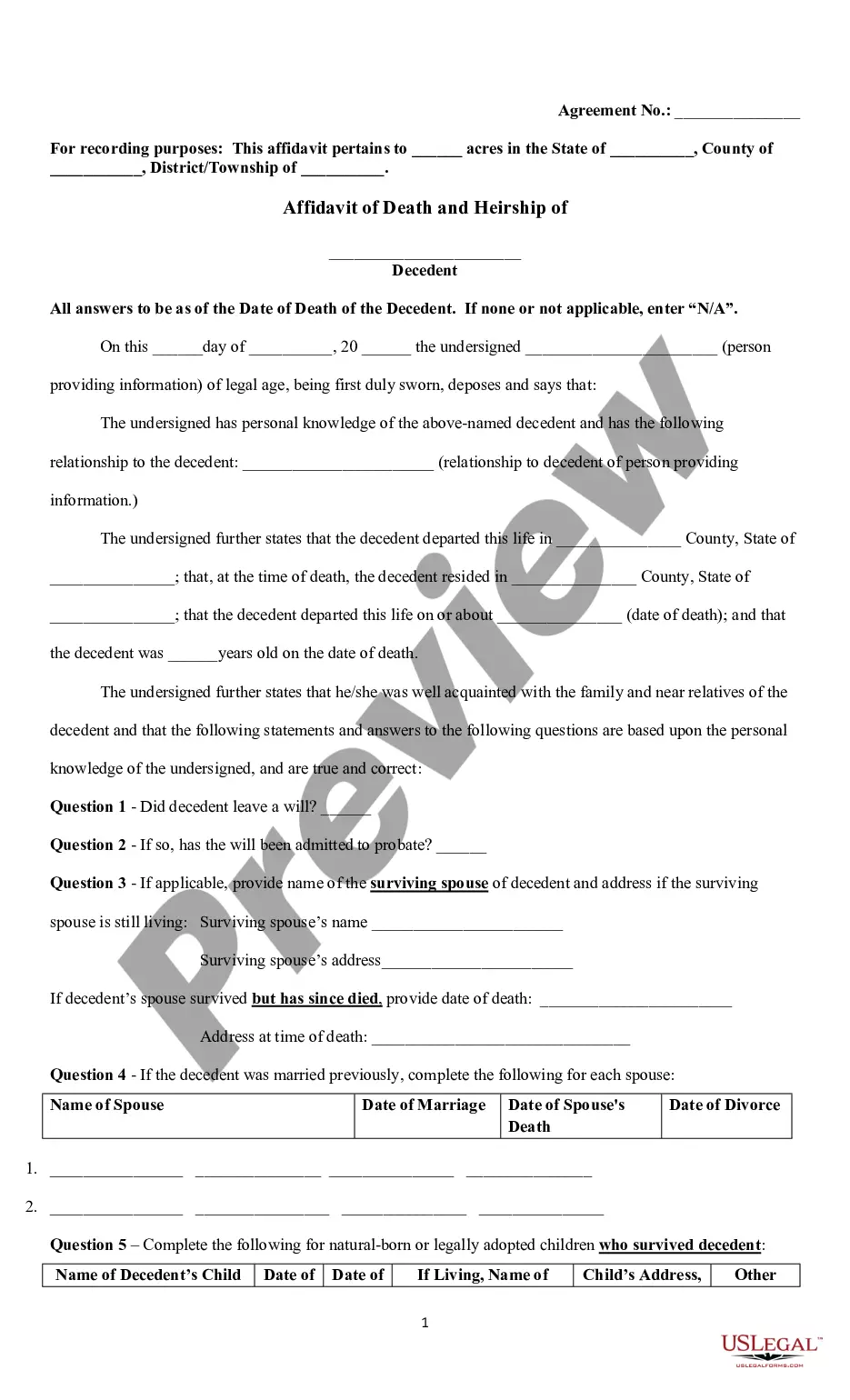
Description

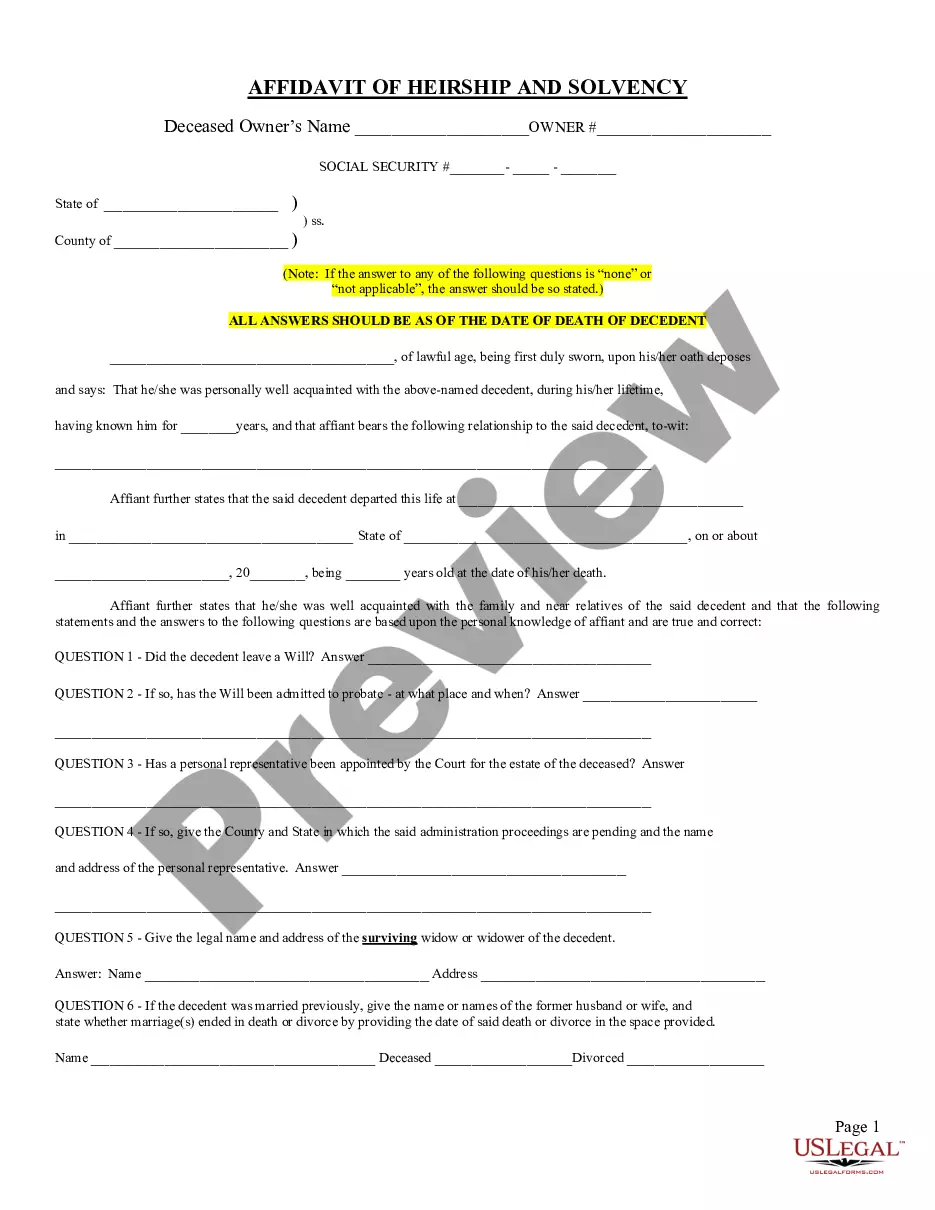
Get your form ready online
Our built-in tools help you complete, sign, share, and store your documents in one place.
Make edits, fill in missing information, and update formatting in US Legal Forms—just like you would in MS Word.
Download a copy, print it, send it by email, or mail it via USPS—whatever works best for your next step.
Sign and collect signatures with our SignNow integration. Send to multiple recipients, set reminders, and more. Go Premium to unlock E-Sign.
If this form requires notarization, complete it online through a secure video call—no need to meet a notary in person or wait for an appointment.
We protect your documents and personal data by following strict security and privacy standards.

Make edits, fill in missing information, and update formatting in US Legal Forms—just like you would in MS Word.

Download a copy, print it, send it by email, or mail it via USPS—whatever works best for your next step.

Sign and collect signatures with our SignNow integration. Send to multiple recipients, set reminders, and more. Go Premium to unlock E-Sign.

If this form requires notarization, complete it online through a secure video call—no need to meet a notary in person or wait for an appointment.

We protect your documents and personal data by following strict security and privacy standards.
Looking for another form?
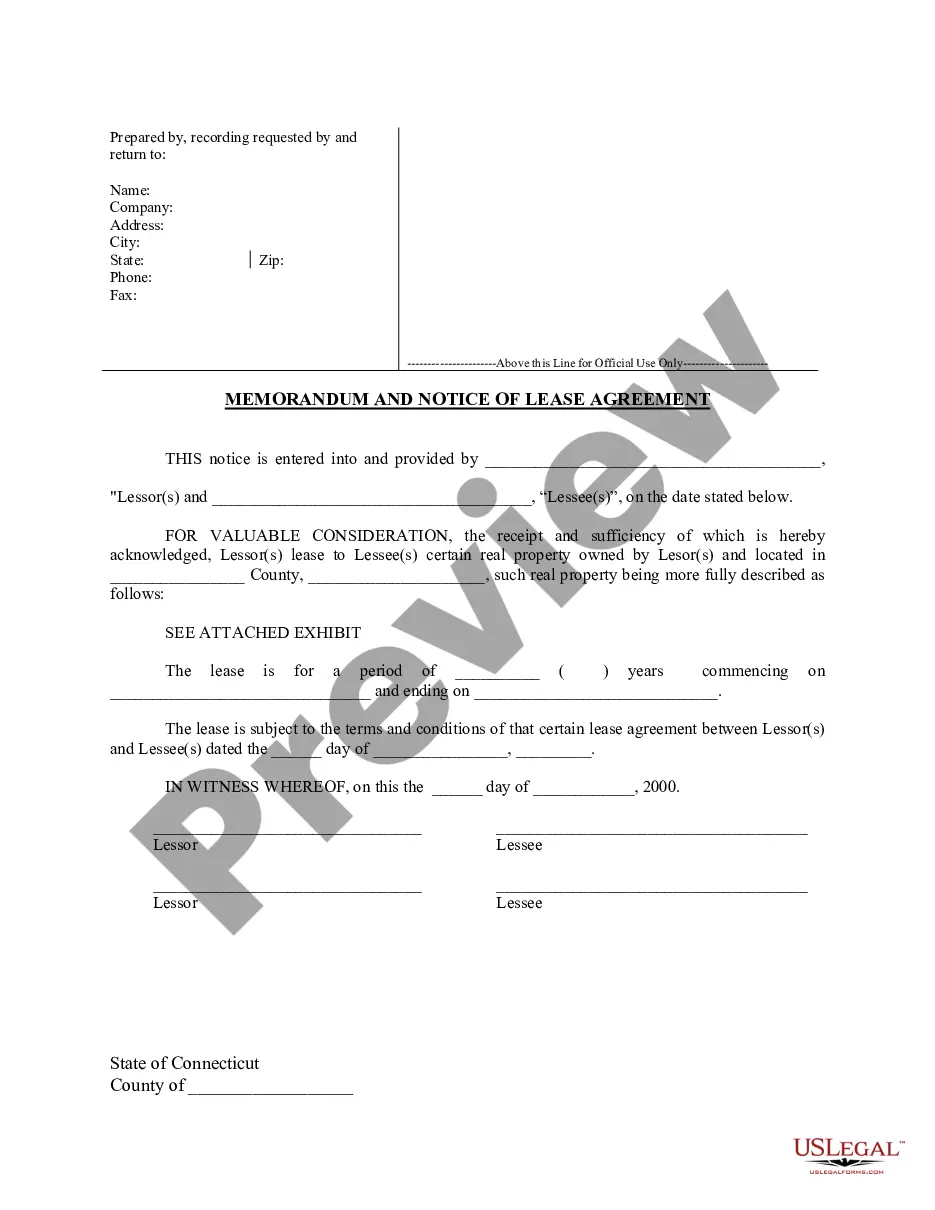


How to fill out Affidavit By An Attorney-in-Fact In The Capacity Of An Administrator Of An Estate?
US Legal Forms - one of the most important repositories of legal documents in the United States - offers a selection of legal template files that you can download or print. By utilizing the website, you can discover a vast number of forms for business and personal purposes, categorized by types, states, or keywords. You can find the latest versions of forms such as the Ohio Affidavit by an Attorney-in-Fact in the Role of an Administrator of an Estate in moments.
If you already have a monthly subscription, Log In and access the Ohio Affidavit by an Attorney-in-Fact in the Role of an Administrator of an Estate in the US Legal Forms library. The Download button will be visible on every form you encounter. You have access to all previously downloaded forms in the My documents section of your account.
If you are using US Legal Forms for the first time, here are simple instructions to get started: Ensure you have selected the correct form for your region/area. Click the Preview button to review the form's details. Check the form description to confirm you have chosen the right document. If the form does not meet your requirements, use the Search field at the top of the screen to find one that does. Once you are satisfied with the form, confirm your selection by clicking the Purchase now button. Then, choose your preferred pricing plan and provide your details to create an account. Process the transaction. Use your credit card or PayPal account to complete the purchase. Select the format and download the document to your device. Make edits. Fill out, revise, and print and sign the downloaded Ohio Affidavit by an Attorney-in-Fact in the Role of an Administrator of an Estate. Each template you have added to your account does not expire and is yours permanently. Therefore, if you want to download or print another copy, just navigate to the My documents section and click on the form you need.
- Access the Ohio Affidavit by an Attorney-in-Fact in the Role of an Administrator of an Estate with US Legal Forms, the largest collection of legal document templates.
- Utilize a vast number of professional and state-specific templates that meet your business or personal needs and requirements.
Form popularity
FAQ
No probate at all is necessary if the estate is worth less than $5,000 or the amount of the funeral expenses, whichever is less. In that case, anyone (except the surviving spouse) who has paid or is obligated to pay those expenses may ask the court for a summary release from administration.
What Documents Do I Need for a Letter of Administration? The original death certificate. A copy of the Will, if there was one. A statement of assets and liabilities within the Estate. A copy of the titles for any property owned (real estate, vehicles, etc.) Letters from any banks where accounts are held.
An Ohio small estate affidavit is a form that, when approved, hastens the distribution of the assets of a decedent's estate to the rightful recipients. This helps the estate avoid the traditional probate process, which can be long and expensive depending on the nature of the estate.
How do I get an Ohio certificate of authority? To obtain your Ohio Certificate of Authority, you will submit an Application for Certificate of Authority, along with required certificates or certified copies from your home state. You will need to appoint a registered agent in order for your filing to be approved.
(A) Administration of the estate of an intestate shall be granted to persons mentioned in this division, in the following order: (1) To the surviving spouse of the deceased, if resident of the state; (2) To one of the next of kin of the deceased, resident of the state.
Upon the death of a resident of this state who dies intestate, letters of administration of the decedent's estate shall be granted by the probate court of the county in which the decedent was a resident at the time of death.
How Do I Get Letters Testamentary or Letters of Administration? First, file an application for probate. You'll need to file with the court in the county in which the decedent died. Notify interested parties. ... Appear at a hearing. ... Be appointed by a judge. ... Perform the duties as an Executor or Administrator.
Applicant is a suitable and competent person to execute the trust. The Court therefore appoints applicant as such fiduciary, with the power conferred by law to fully administer decedent's estate. This entry of appointment constitutes the fiduciary's letters of authority.