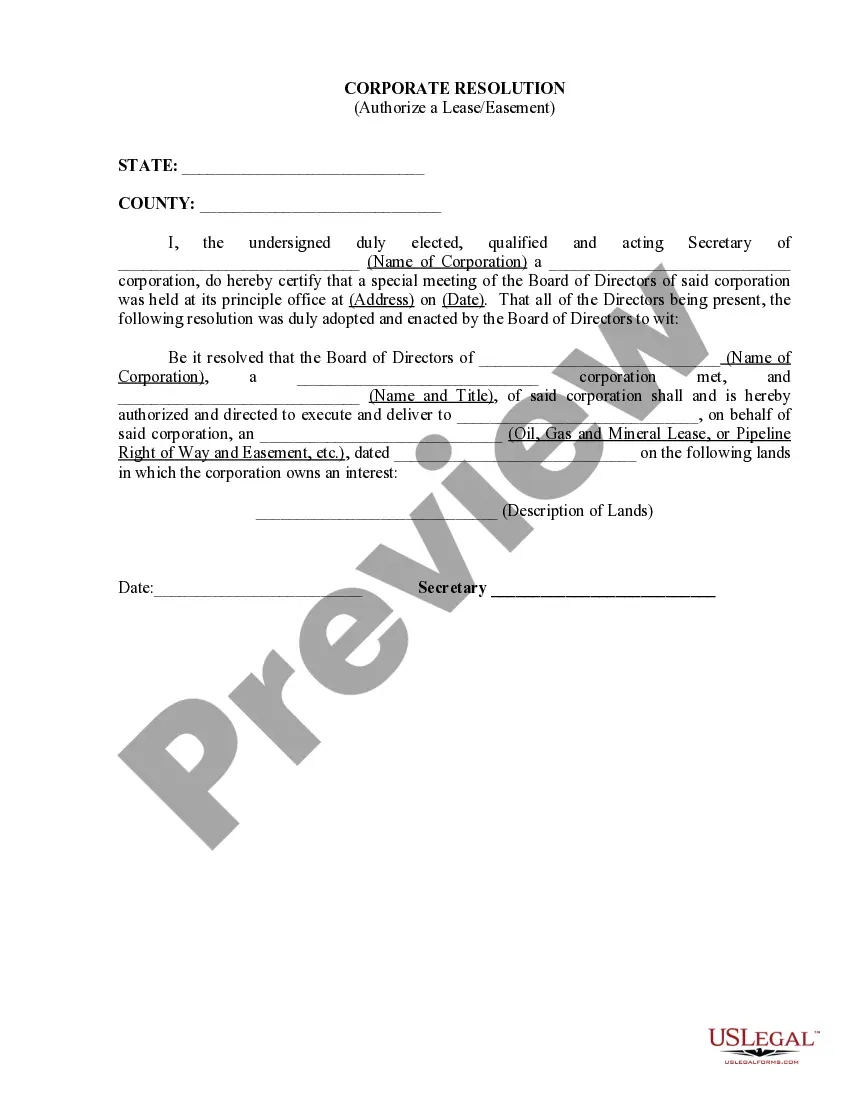
This form is a weekly expense report listing name, period, position, client, project number, project code, the expense items and the daily totals.
New York Weekly Expense Report
Instant download
Description


Get your form ready online
Our built-in tools help you complete, sign, share, and store your documents in one place.
Built-in online Word editor
Make edits, fill in missing information, and update formatting in US Legal Forms—just like you would in MS Word.
Export easily
Download a copy, print it, send it by email, or mail it via USPS—whatever works best for your next step.
E-sign your document
Sign and collect signatures with our SignNow integration. Send to multiple recipients, set reminders, and more. Go Premium to unlock E-Sign.
Notarize online 24/7
If this form requires notarization, complete it online through a secure video call—no need to meet a notary in person or wait for an appointment.
Store your document securely
We protect your documents and personal data by following strict security and privacy standards.

Make edits, fill in missing information, and update formatting in US Legal Forms—just like you would in MS Word.

Download a copy, print it, send it by email, or mail it via USPS—whatever works best for your next step.

Sign and collect signatures with our SignNow integration. Send to multiple recipients, set reminders, and more. Go Premium to unlock E-Sign.

If this form requires notarization, complete it online through a secure video call—no need to meet a notary in person or wait for an appointment.

We protect your documents and personal data by following strict security and privacy standards.
Looking for another form?




How to fill out Weekly Expense Report?
Have you found yourself in a situation where you need documents for either business or personal purposes almost every day? There are numerous authentic document templates available online, but locating versions you can trust is not easy.
US Legal Forms provides thousands of form templates, including the New York Weekly Expense Report, which can be tailored to comply with federal and state regulations.
If you are already familiar with the US Legal Forms website and have an account, just Log In. Then, you can download the New York Weekly Expense Report template.
Select a convenient file format and download your copy.
Access all the document templates you have purchased in the My documents menu. You can obtain an additional copy of the New York Weekly Expense Report anytime, if needed. Simply select the required form to download or print the document template. Utilize US Legal Forms, the most extensive collection of authentic forms, to save time and avoid errors. The service offers professionally crafted legal document templates that can be used for various purposes. Create an account on US Legal Forms and start simplifying your life.
- If you do not have an account and wish to start using US Legal Forms, follow these steps.
- Obtain the form you need and ensure it is for your specific city/county.
- Utilize the Preview feature to review the document.
- Examine the description to ensure you have selected the correct form.
- If the form does not meet your requirements, use the Search section to find the form that suits your needs and criteria.
- Once you find the correct form, click on Acquire now.
- Choose the pricing plan you prefer, complete the necessary information to create your account, and pay for the order using your PayPal or credit card.
Form popularity
FAQ
Filing an expense report involves documenting all eligible expenses and ensuring that receipts are attached. After completing your New York Weekly Expense Report, follow your company's procedure for submission, which may include electronic filing through a platform like Certify. This helps maintain organization and facilitates timely reimbursement.
To submit your expense report, ensure that all required information is complete and accurate. Depending on your organization’s process, you may need to upload your report to a system like Certify or email it to your supervisor. For a streamlined experience, consider using USLegalForms for your New York Weekly Expense Report submissions.
Expense reports are typically filled out by employees who incur costs while performing their job duties. This includes travel, meals, and other business-related expenses. For a thorough New York Weekly Expense Report, each employee should ensure that all expenses are accurately recorded and justified.
To make an expense report, start by collecting receipts and documenting all expenditures related to business activities. Organize these expenses by category and ensure they align with your New York Weekly Expense Report requirements. Utilizing platforms like USLegalForms can make this process simpler and more efficient.
Creating an expenses report involves gathering all relevant receipts and expenses incurred during the week. Make sure to categorize each expense accurately, especially for your New York Weekly Expense Report. Once you compile everything, use an expense tracking tool like USLegalForms to streamline the process.
To submit an expense report in Certify, first log into your account and navigate to the 'Reports' section. Next, select 'New Report' and choose the appropriate report type for your New York Weekly Expense Report. After entering the necessary details, attach any receipts and submit for approval.
To fill out a New York Weekly Expense Report in Workday, log into the platform and navigate to the expense reporting section. Follow the prompts to enter your expense details, upload receipts, and categorize each expense. Workday’s user-friendly interface makes this process straightforward, helping you complete your report efficiently.
When filling out a New York Weekly Expense Report, start with a clear structure. Include sections for the date, expense category, description, and total amount. Ensure that you attach any relevant receipts and provide any additional notes that may clarify your expenses, making it easier for reviewers to process your report.
Filling out an expense claim form involves entering specific details about each expense you incurred. You should include information like the date, expense type, and the amount spent. The New York Weekly Expense Report format can guide you in organizing this information clearly for your employer or finance department.
To fill out a New York Weekly Expense Report, start by gathering all your receipts and documentation. List each expense, providing details such as the date, amount, and purpose. Make sure to double-check for accuracy before submitting it for reimbursement, ensuring that all necessary supporting documents are included.