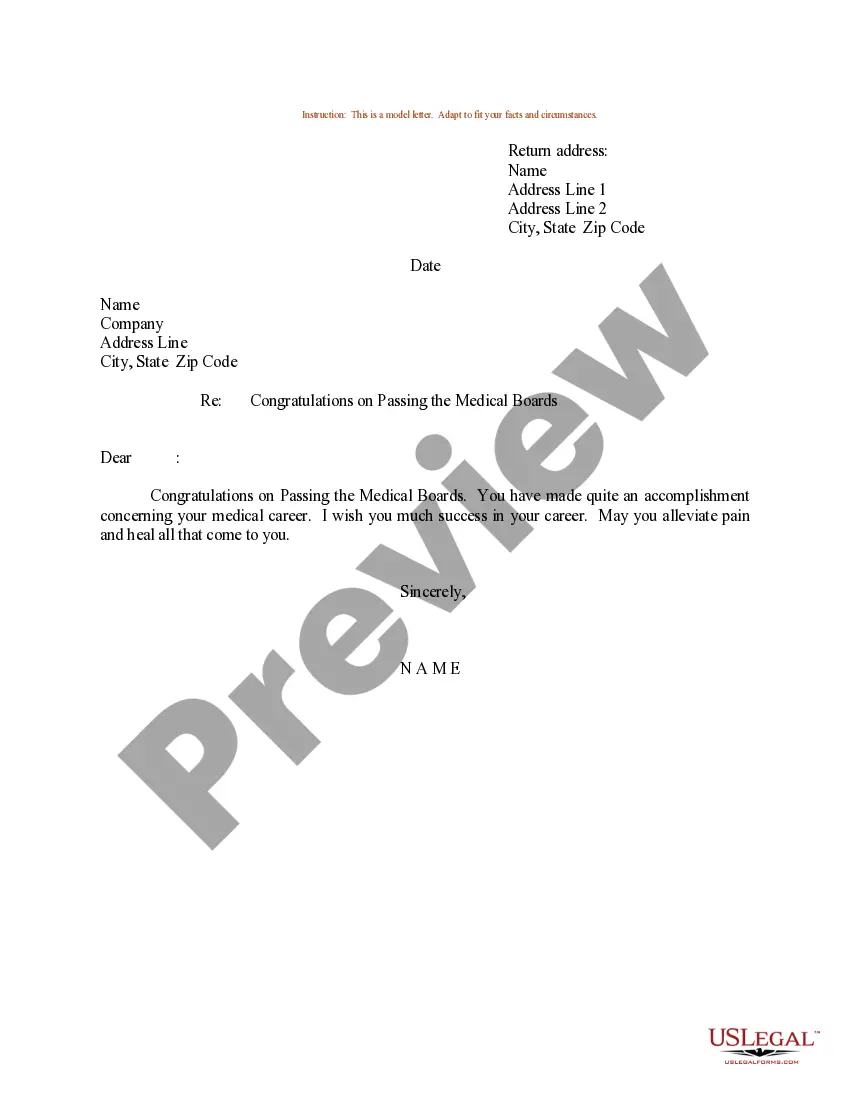
Nevada Last Will and Testament for Domestic Partner with Minor Children
Overview of this form
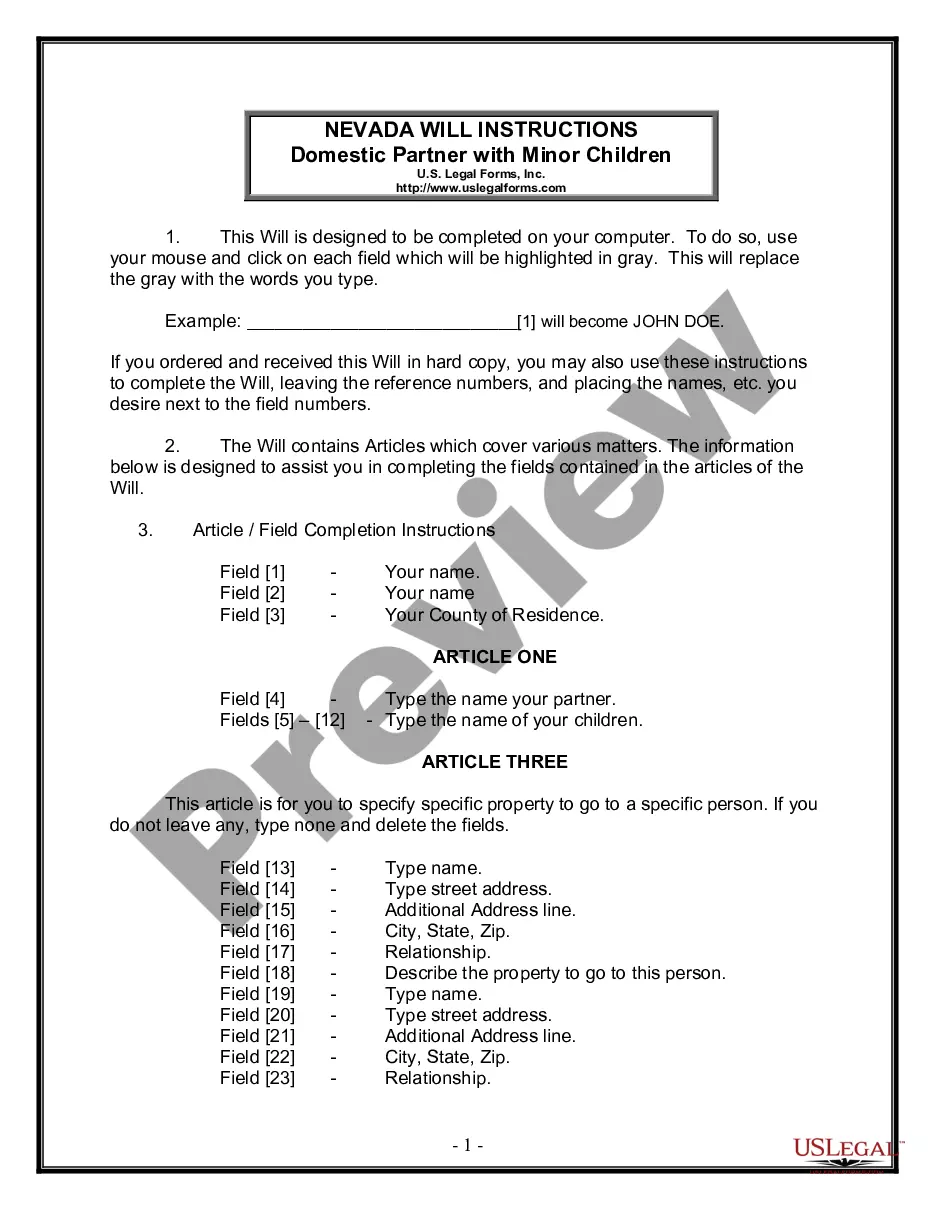
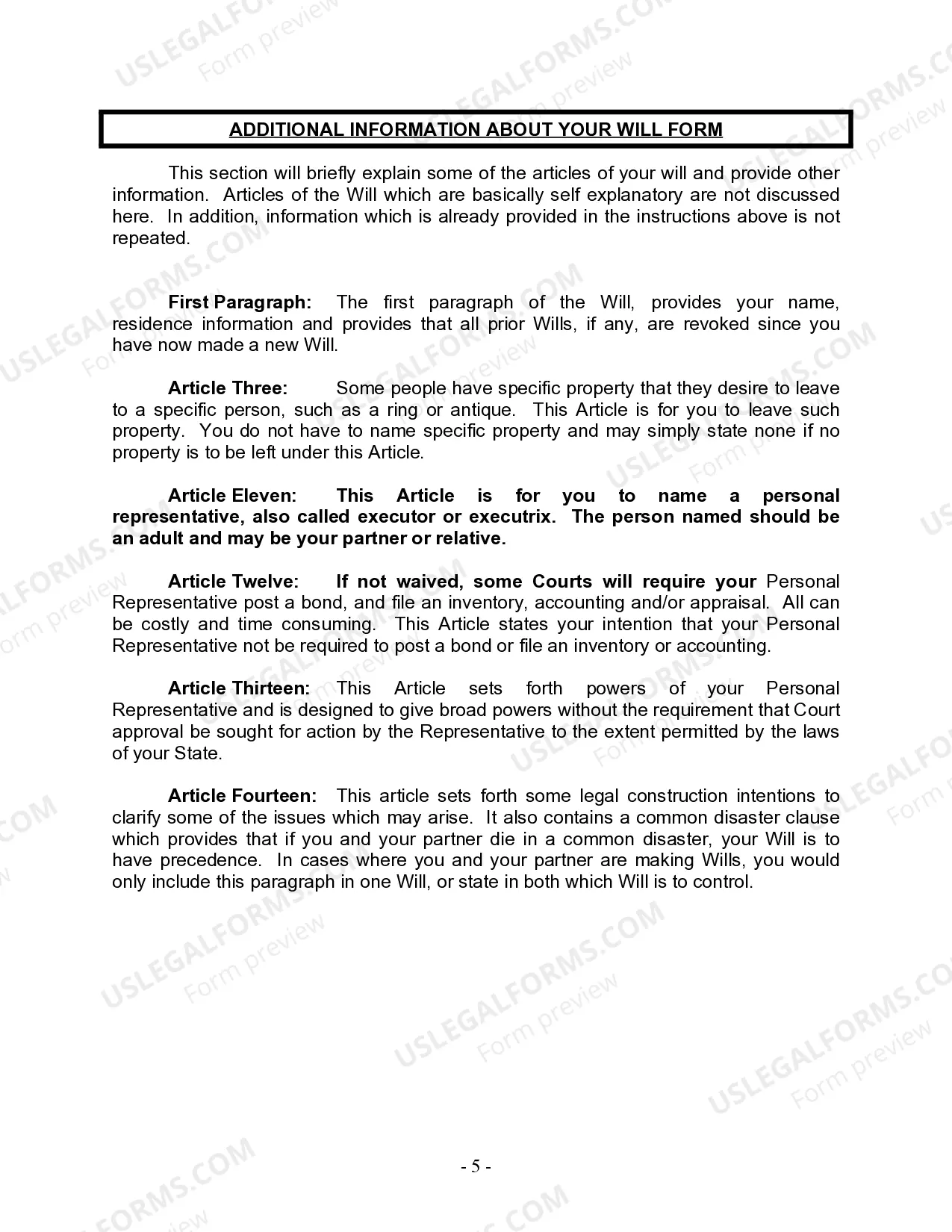
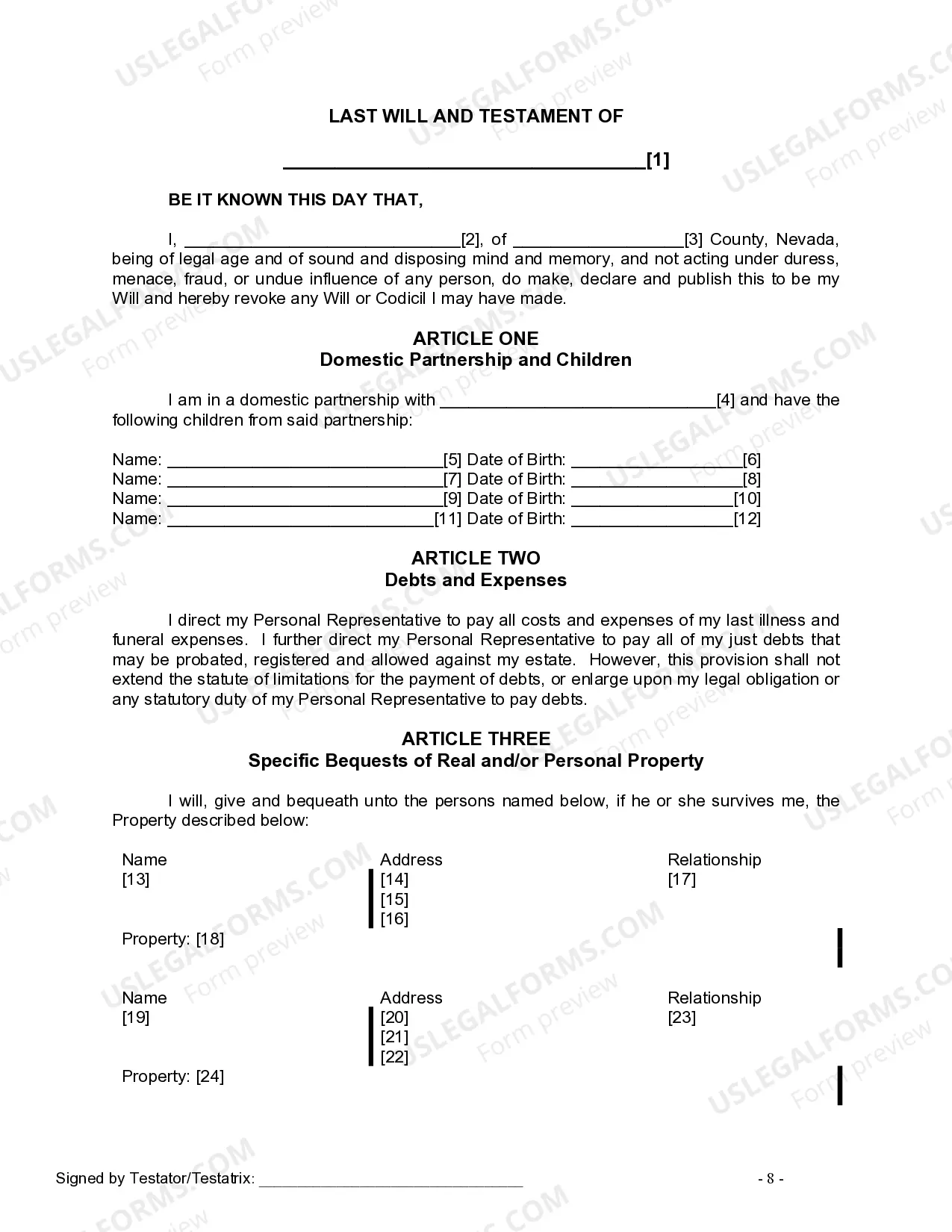
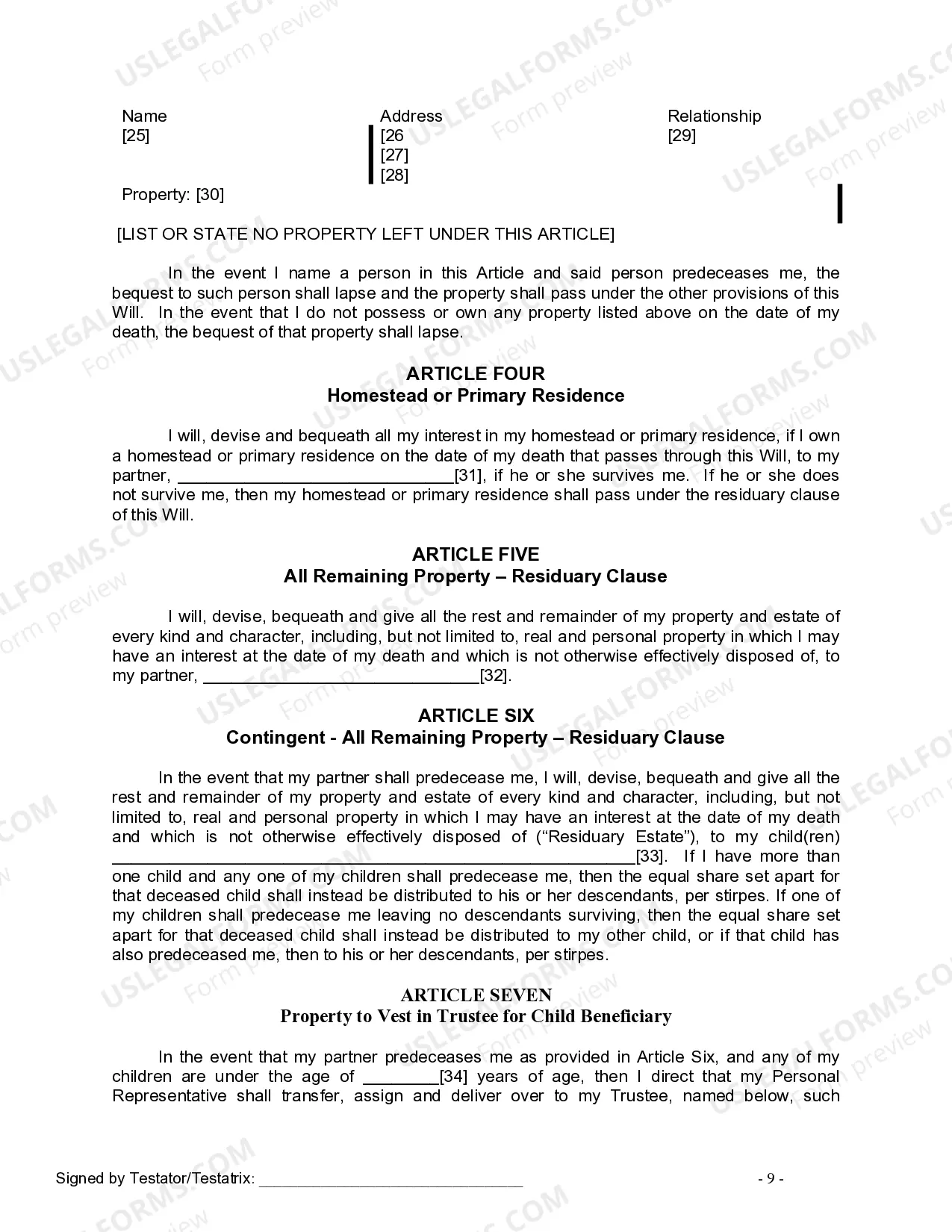
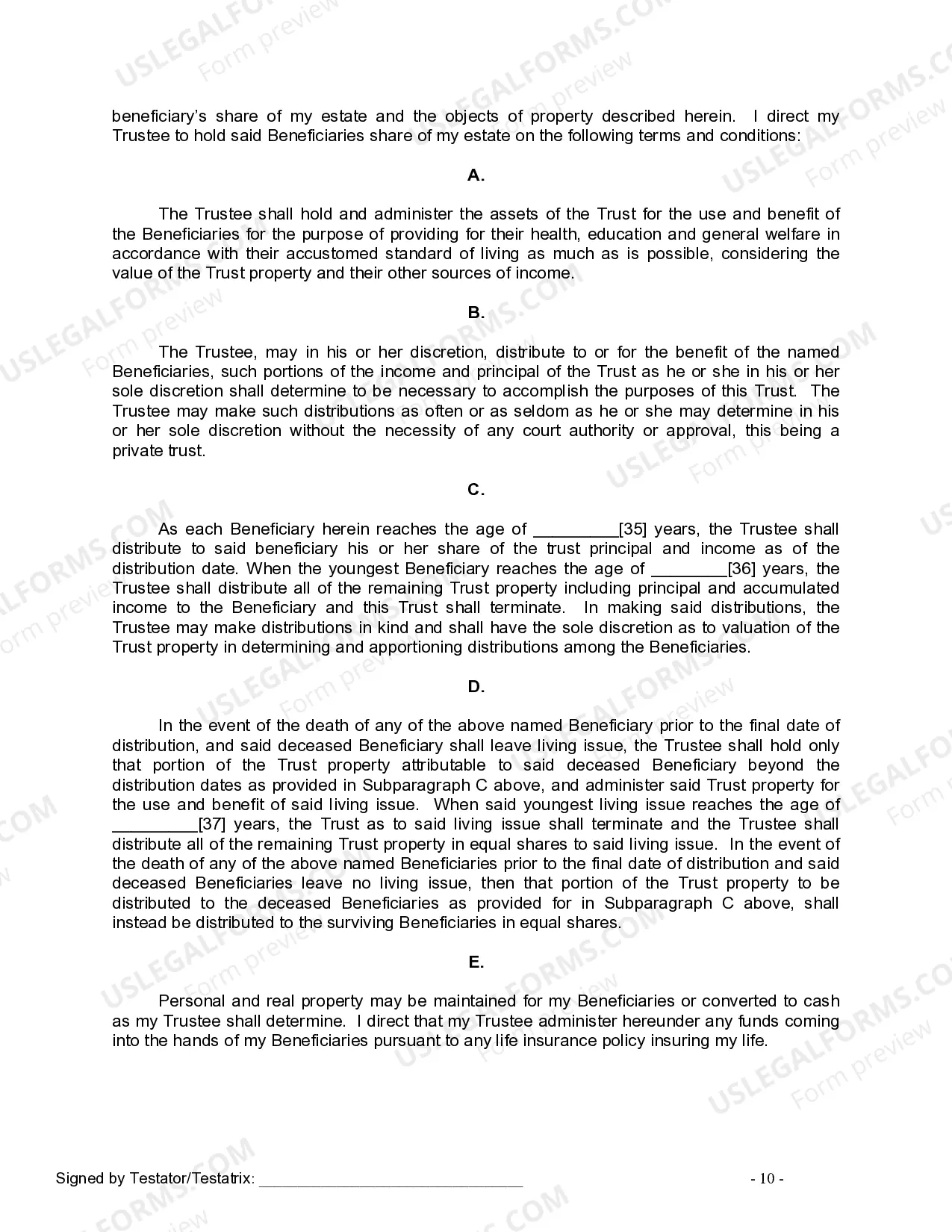
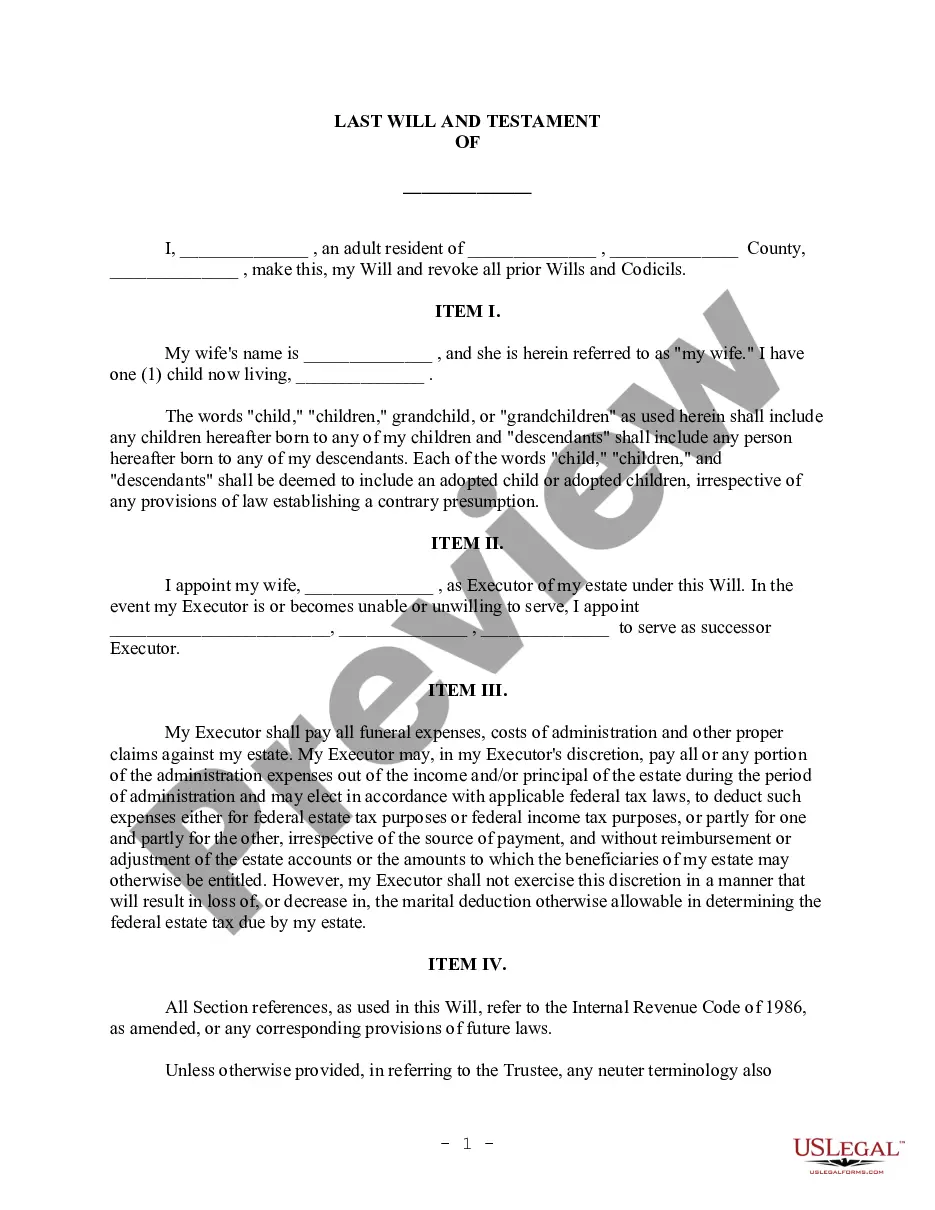
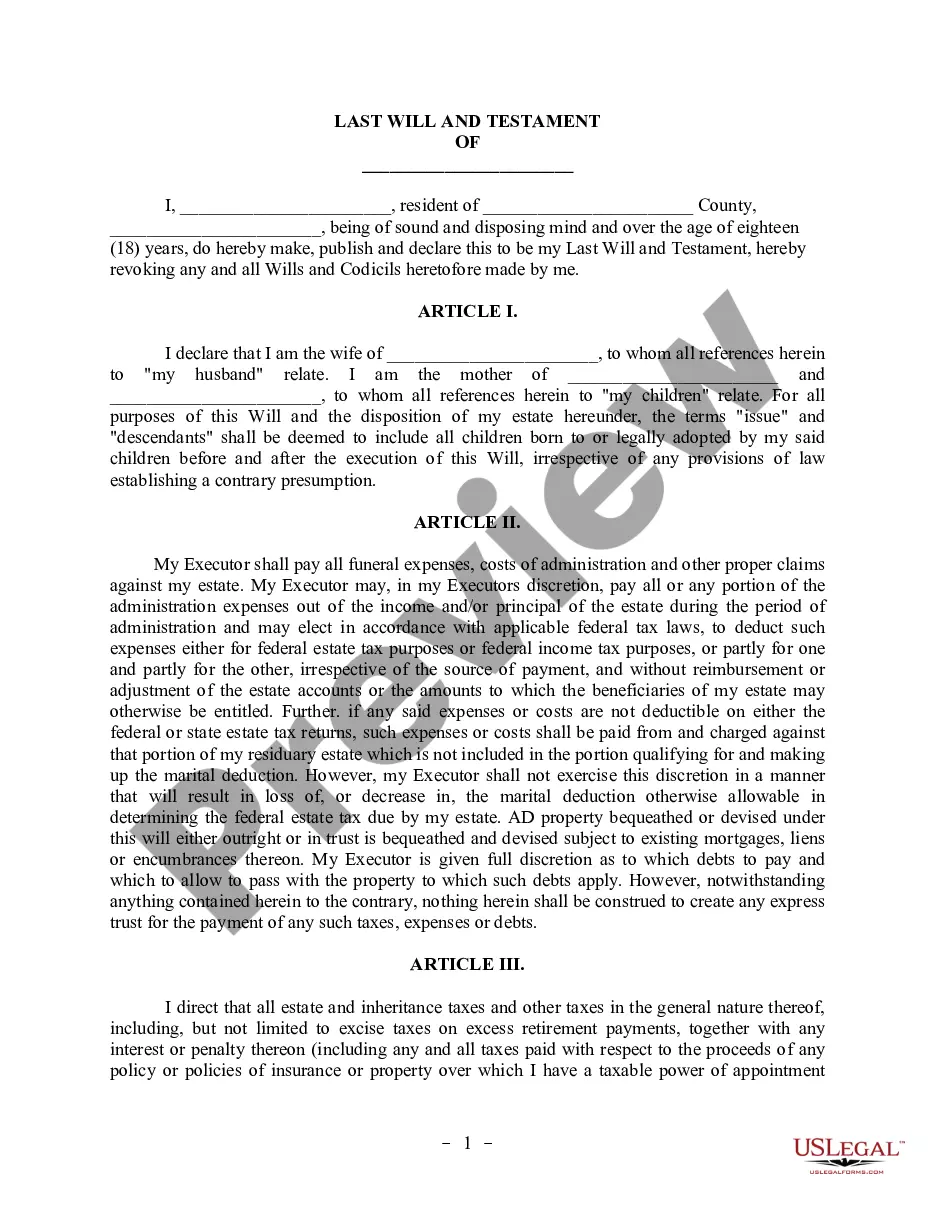
The Last Will and Testament for Domestic Partner with Minor Children is a legal document that outlines how a person's assets and responsibilities should be handled after their death. This specific Will is designed for individuals in a domestic partnership and includes provisions for minor children. It allows the individual to specify how their property is distributed, appoint guardians for their children, and set up a trust to manage assets intended for minor beneficiaries, providing for their care and education.
Key components of this form
- Appointment of a personal representative or executor to manage the estate.
- Designations of beneficiaries who will receive specific property and assets.
- Provisions for establishing a trust for minor children, including the age at which they will receive their assets.
- Selection of a guardian for minor children if both parents pass away.
- Instruction for the payment of debts and expenses from the estate before distribution to beneficiaries.

When this form is needed
This Will form should be used when an individual in a domestic partnership has minor children and wants to ensure that their assets are distributed according to their wishes upon their death. It is particularly important if the individual desires to provide for their partner and children in a legally binding way, appoint guardians for their children, and establish a trust to manage their children's inheritance.
Who can use this document
- Individuals in a domestic partnership who wish to create a Will.
- Parents of minor children wanting to ensure their financial well-being after the parent's death.
- Those who wish to provide specific instructions about their estate and guardianship for their children.
- Individuals who want to minimize potential disputes over their estate among surviving family members.
Completing this form step by step
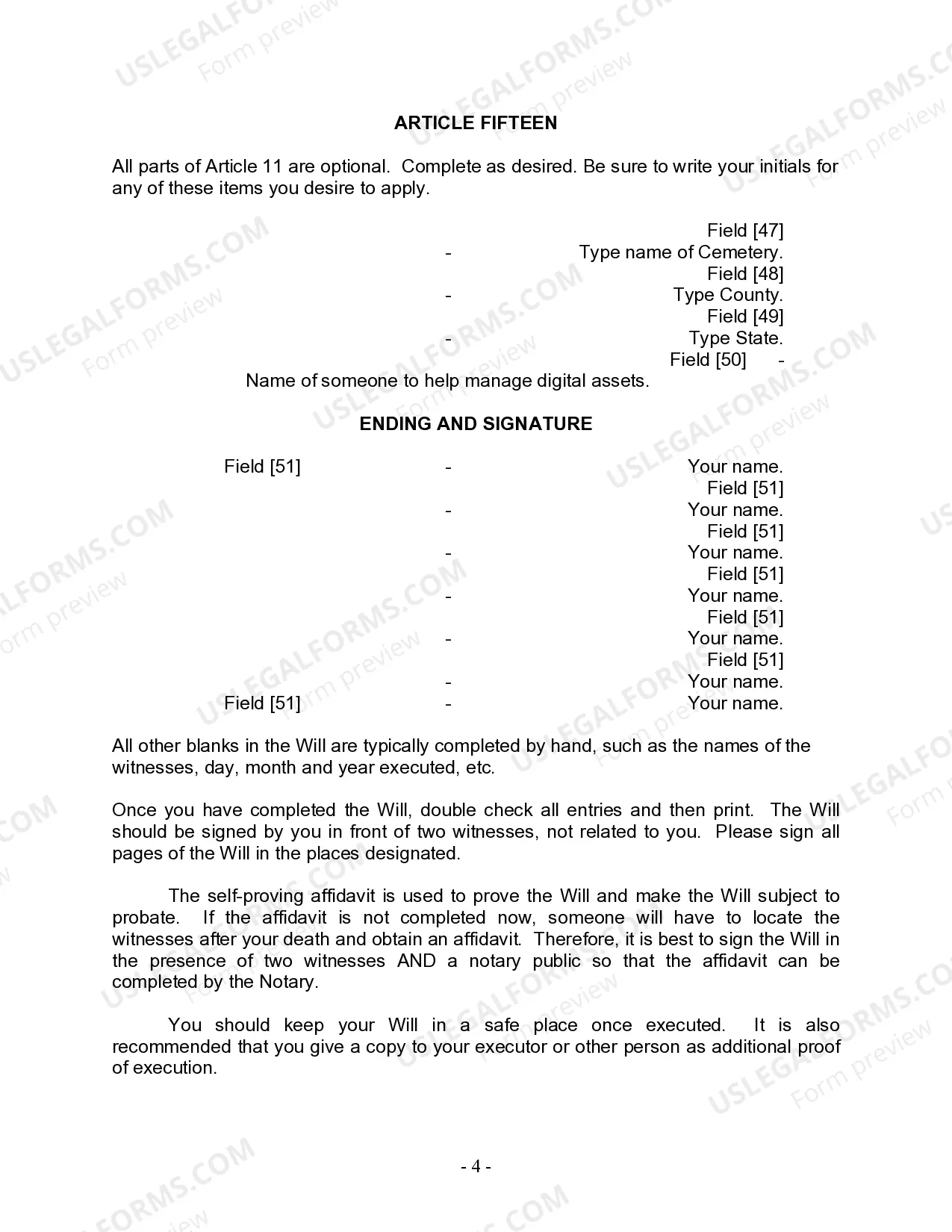
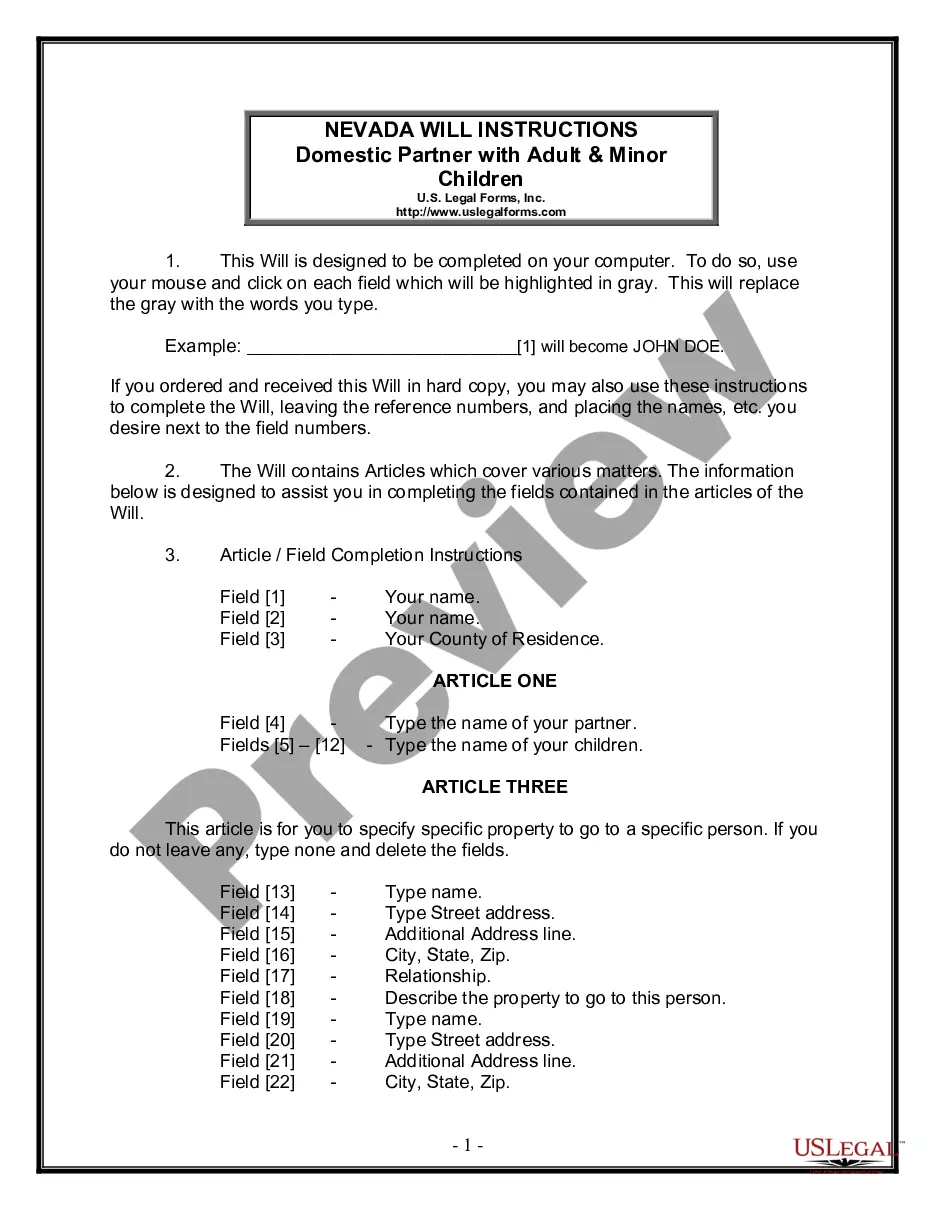
- Identify and enter your full name and county of residence at the beginning of the Will.
- Specify the name of your domestic partner and list your children, including their names and birth dates.
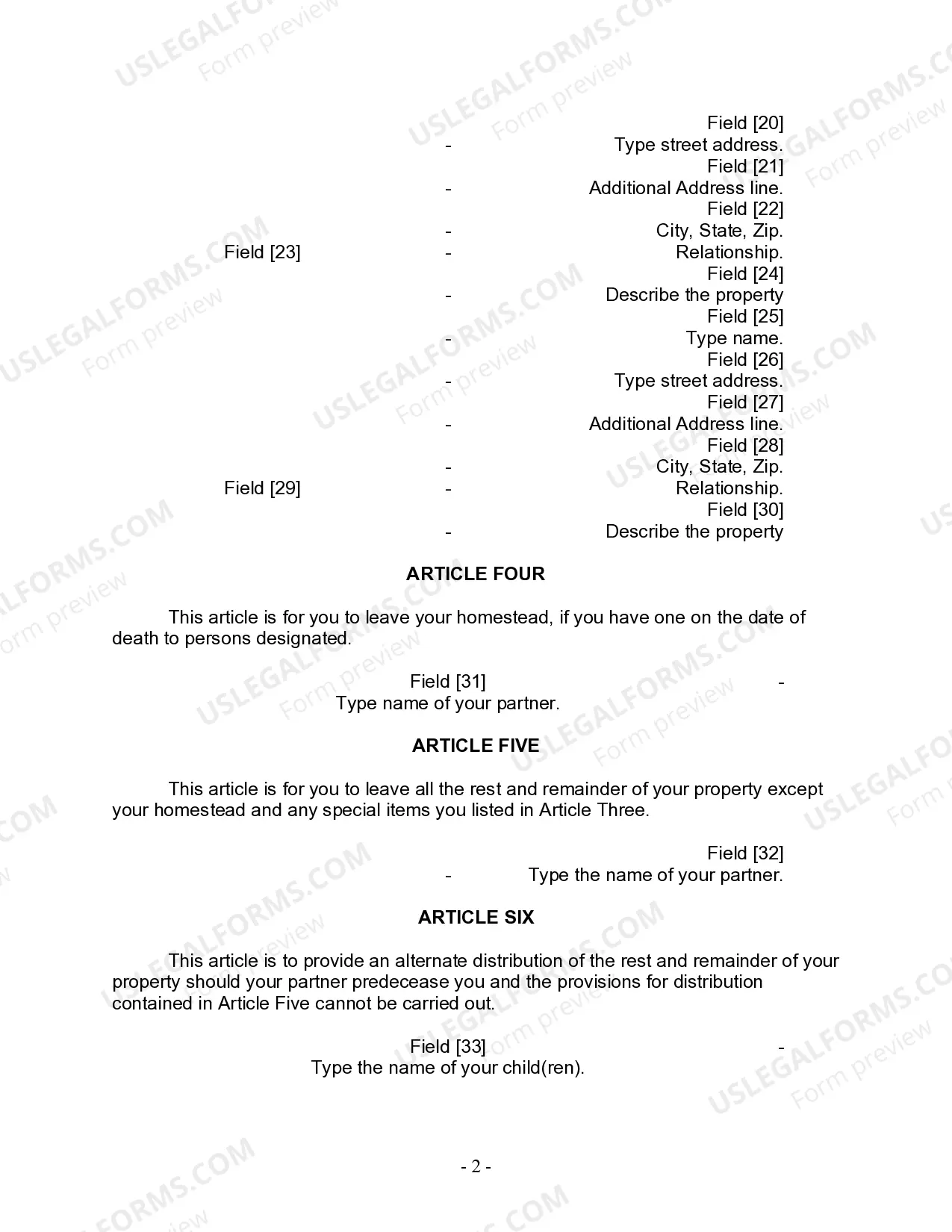
- Designate specific properties to beneficiaries and provide their details, including addresses and relationships.
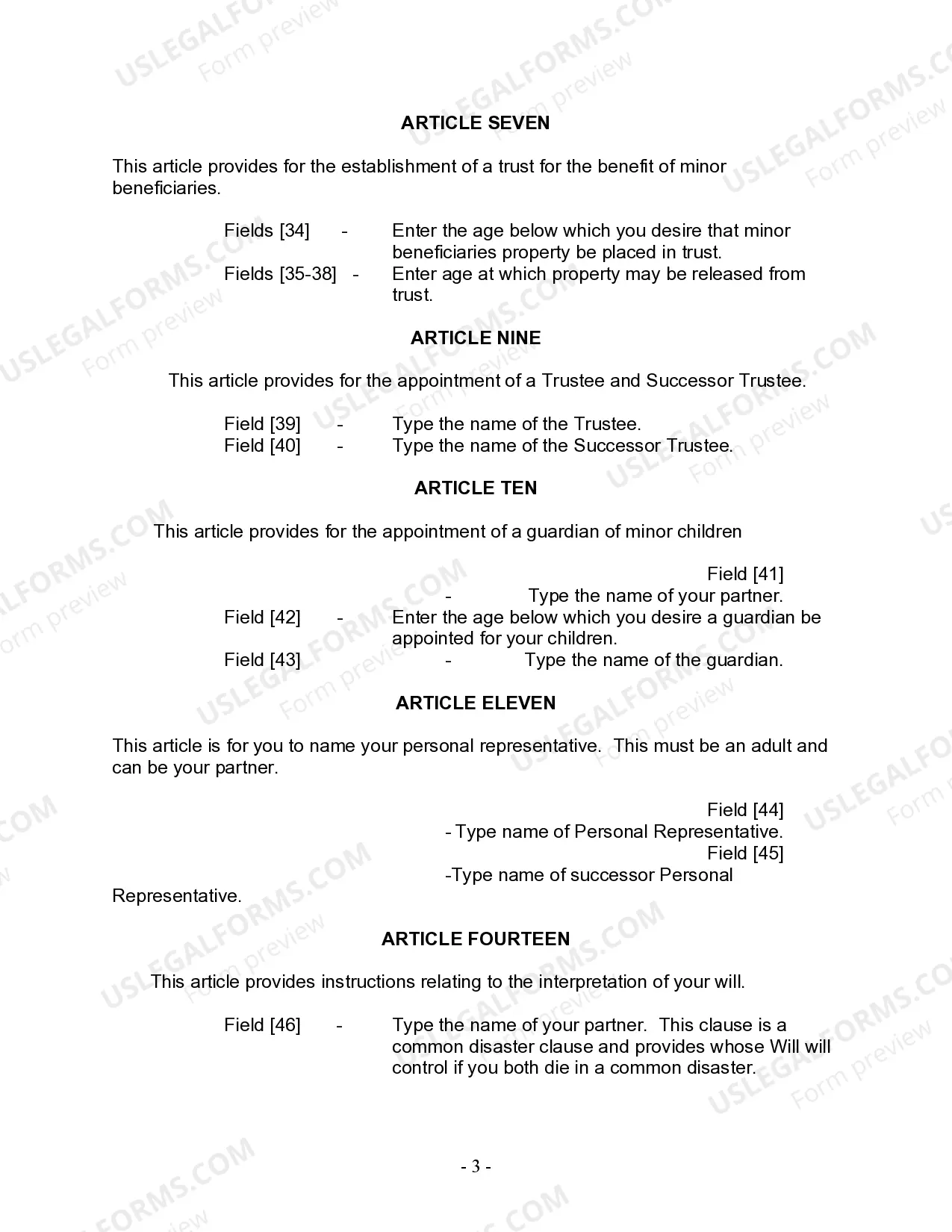
- Fill out the sections regarding the appointment of a guardian for your children and the trustee for any trust set up for minor beneficiaries.
- Sign and date the Will in the presence of two witnesses and a notary public if required, ensuring all signatures are properly placed.
Notarization guidance
Yes, this form must be notarized to be legally valid. The self-proving affidavit included will require the presence of a notary public, streamlining the probate process and ensuring that the Will can be executed without needing witnesses after your death.
Get your form ready online
Our built-in tools help you complete, sign, share, and store your documents in one place.
Make edits, fill in missing information, and update formatting in US Legal Forms—just like you would in MS Word.
Download a copy, print it, send it by email, or mail it via USPS—whatever works best for your next step.
Sign and collect signatures with our SignNow integration. Send to multiple recipients, set reminders, and more. Go Premium to unlock E-Sign.
If this form requires notarization, complete it online through a secure video call—no need to meet a notary in person or wait for an appointment.
We protect your documents and personal data by following strict security and privacy standards.

Make edits, fill in missing information, and update formatting in US Legal Forms—just like you would in MS Word.

Download a copy, print it, send it by email, or mail it via USPS—whatever works best for your next step.

Sign and collect signatures with our SignNow integration. Send to multiple recipients, set reminders, and more. Go Premium to unlock E-Sign.

If this form requires notarization, complete it online through a secure video call—no need to meet a notary in person or wait for an appointment.

We protect your documents and personal data by following strict security and privacy standards.
Common mistakes
- Failing to properly witness the Will, which could invalidate it.
- Not updating the Will after significant life changes, like the birth of a child or a change in partnership status.
- Forgetting to include specific bequests or clearly naming guardians for minor children.
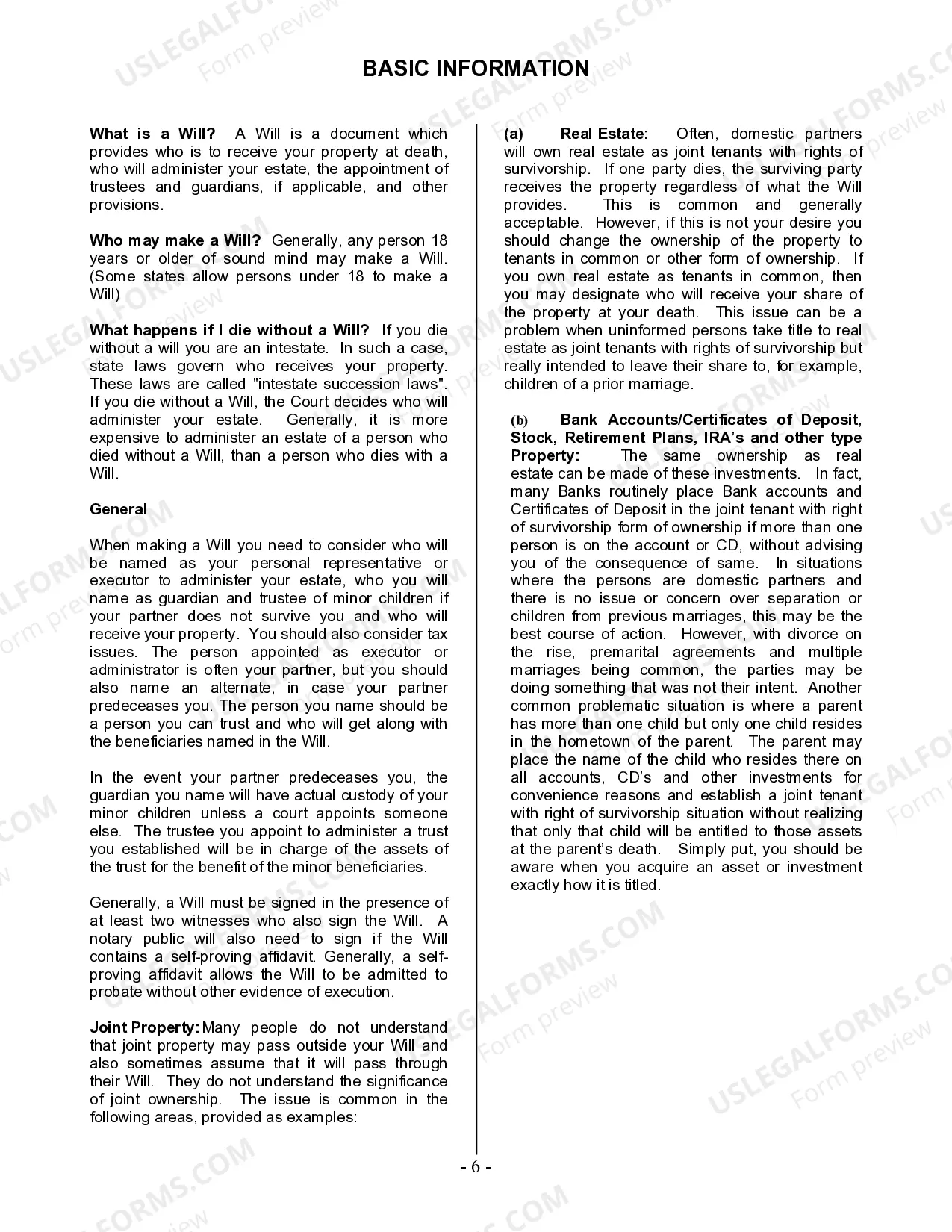
- Not considering the implications of joint ownership on asset distribution.
Advantages of online completion
- Convenient access to legal forms anytime and anywhere.
- Ability to easily edit and customize the Will to fit individual needs.
- Reduces the chances of errors with clear instructions available during the completion process.
- Access to forms drafted by licensed attorneys, ensuring they meet legal standards.
Quick recap
- The Last Will and Testament for Domestic Partner with Minor Children safeguards your family's future by specifying how your assets are distributed.
- It is crucial for individuals in domestic partnerships with children to articulate their wishes clearly.
- Follow all steps for proper execution to avoid complications during probate.
- Consider the specific requirements of your state regarding witnesses and notarization.
Looking for another form?



Form popularity
FAQ
Create the initial document. Start by titling the document Last Will and Testament" and including your full legal name and address. Designate an executor. Appoint a guardian. Name the beneficiaries. Designate the assets. Ask witnesses to sign your will. Store your will in a safe place.
Choose an online legal services provider or locate a will template. Carefully consider your distribution wishes. Identify a personal representative/executor. Understand the requirements to make your will legal. Make sure someone else knows about your will. Consult a lawyer if you have a more complicated estate.
The Free Last Will and Testament Template for Word is compatible with Word 2003 or later versions.
Contrary to popular belief, you do not need to have an attorney draft a will for you. Anyone can write this document on their own, and as long as it meets all of the legal requirements of the state, courts will recognize one you wrote yourself.
Bank accounts. Brokerage or investment accounts. Retirement accounts and pension plans. A life insurance policy.
Include personal identifying information. Include a statement about your age and mental status. Designate an executor. Decide who will take care of your children. Choose your beneficiaries. List your funeral details. Sign and date your Last Will and Testament.
Value your estate. Get an idea of what your estate will be worth by drawing up a list of your assets and debts. Decide how you want to divide your estate. You may decide to leave a donation to a charity. Choose your executors. Write your will. Sign your will.
The form may be downloaded in fillable Adobe PDF, Rich Text Format, and Microsoft Word templates and should be signed by the testator and at least two (2) witnesses or a notary public (See your State's Probate Code).
In most situations, a will template is an easy and inexpensive way to make sure your wishes are known and carried out. Most people can get everything they need by using a will template, with little cost or hassle.