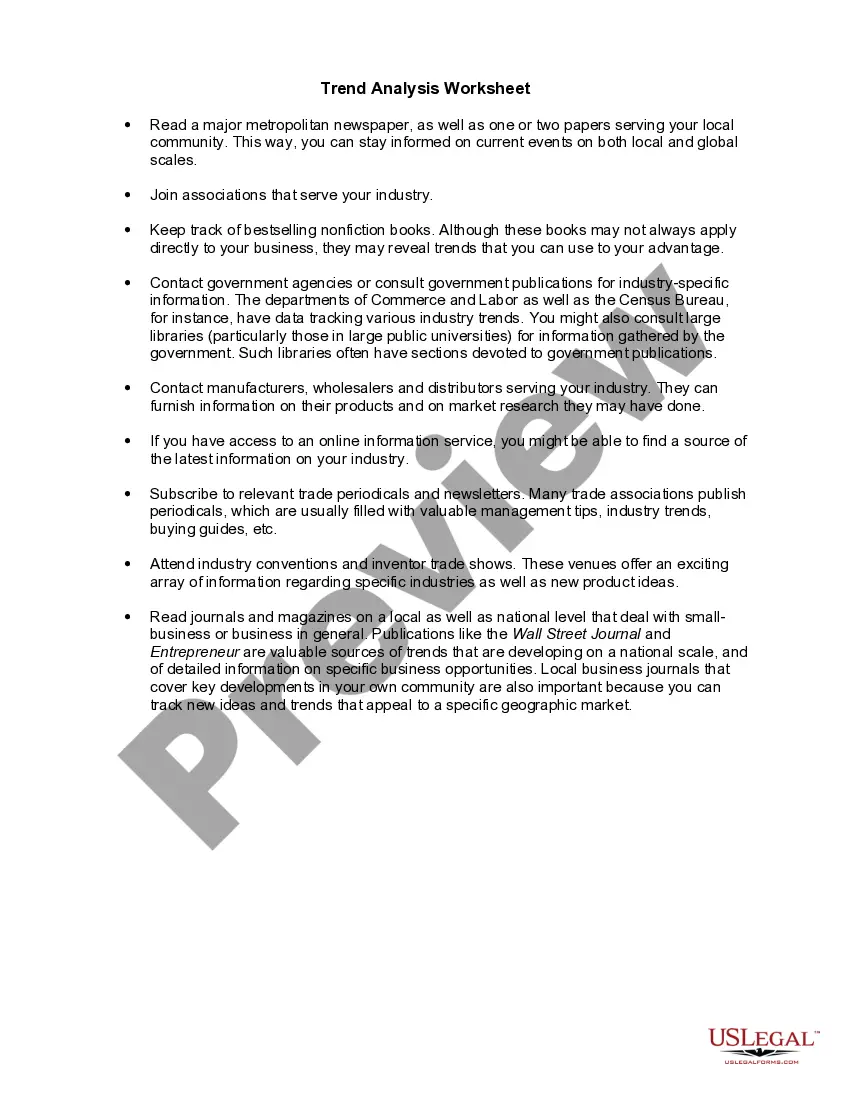
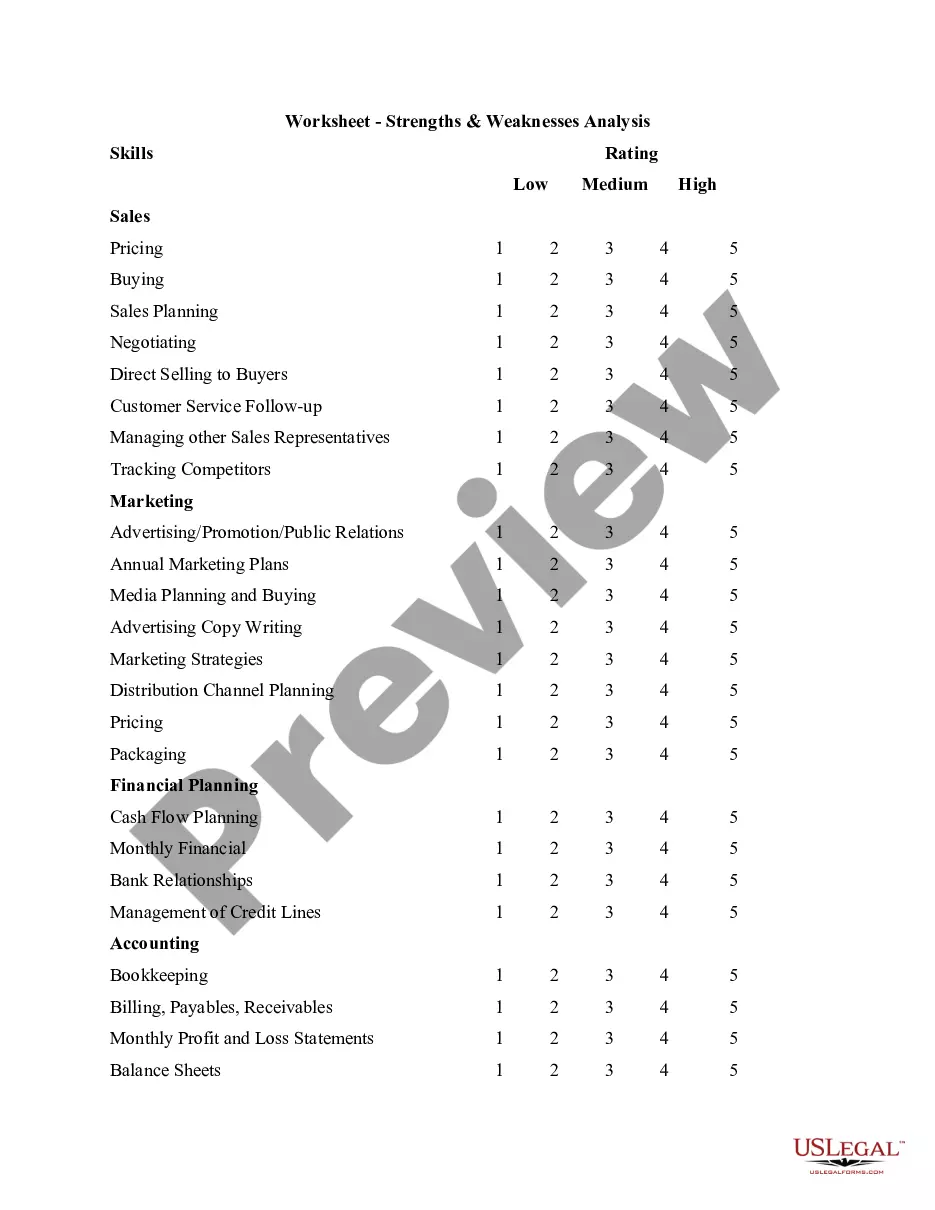
Nevada Worksheet - Trend Analysis
Description


Get your form ready online
Our built-in tools help you complete, sign, share, and store your documents in one place.
Make edits, fill in missing information, and update formatting in US Legal Forms—just like you would in MS Word.
Download a copy, print it, send it by email, or mail it via USPS—whatever works best for your next step.
Sign and collect signatures with our SignNow integration. Send to multiple recipients, set reminders, and more. Go Premium to unlock E-Sign.
If this form requires notarization, complete it online through a secure video call—no need to meet a notary in person or wait for an appointment.
We protect your documents and personal data by following strict security and privacy standards.

Make edits, fill in missing information, and update formatting in US Legal Forms—just like you would in MS Word.

Download a copy, print it, send it by email, or mail it via USPS—whatever works best for your next step.

Sign and collect signatures with our SignNow integration. Send to multiple recipients, set reminders, and more. Go Premium to unlock E-Sign.

If this form requires notarization, complete it online through a secure video call—no need to meet a notary in person or wait for an appointment.

We protect your documents and personal data by following strict security and privacy standards.
Looking for another form?






How to fill out Worksheet - Trend Analysis?
You can spend several hours online attempting to locate the legal document template that meets the federal and state requirements you need.
US Legal Forms offers thousands of legal templates that can be reviewed by professionals.
You can download or create the Nevada Worksheet - Trend Analysis from our service.
If needed, use the Review option to view the document template as well.
- If you possess a US Legal Forms account, you can Log In and then click the Download button.
- After that, you can complete, modify, print, or sign the Nevada Worksheet - Trend Analysis.
- Every legal document template you purchase is yours permanently.
- To obtain another copy of the purchased form, go to the My documents section and select the relevant option.
- If you are accessing the US Legal Forms website for the first time, follow the simple steps outlined below.
- First, ensure you have chosen the correct document template for your state/city of choice.
- Check the form description to confirm you have selected the right document.
Form popularity
FAQ
There are three types of trend analysis methods geographic, temporal and intuitive.
In order to do trend analysis, you must decide on what segment, industry, or even asset you want to use. For example, you may want to look at the bond market. Once you make this decision, you also need to determine the period. There is no consensus on the actual amount of time for the movement to be considered a trend.
Create a chartSelect the data for which you want to create a chart.Click INSERT > Recommended Charts.On the Recommended Charts tab, scroll through the list of charts that Excel recommends for your data, and click any chart to see how your data will look.When you find the chart you like, click it > OK.More items...
The TREND function returns values along a linear trend. It fits a straight line (using the method of least squares) to the array's knowny's and knownx's. TREND returns the y-values along that line for the array of newx's that you specify.
Here are the steps to follow:Put the X values for which you want predictions in a column of cells, such as B8:B10.Select the cells in which you want the predictions displayed; in this example C8:C10.Enter the following formula: =TREND(C3:C8,B3:B8,B10:B12)Press Ctrl+Shift+Enter to complete the formula.30 June 2006
Add a trendlineSelect a chart.Select the + to the top right of the chart.Select Trendline. Note: Excel displays the Trendline option only if you select a chart that has more than one data series without selecting a data series.In the Add Trendline dialog box, select any data series options you want, and click OK.
Examples of Trend AnalysisExamining sales patterns to see if sales are declining because of specific customers or products or sales regions; Examining expenses report claims for proof of fraudulent claims. Examining expense line items to find out if there are any unusual expenditures in a reporting period.
1 Choose Which Pattern You Want to Identify. The first and most obvious step in trend analysis is to identify which data trend you want to target.2 Choose Time Period.3 Choose Types of Data Needed.4 Gather Data.5 Use Charting Tools to Visualize Data.6 Identify Trends.
How to Write a Trend Analysis SummaryDescribe the collected data analyzed within the report.Detail the criteria you used to evaluate the data.List any and all results that seem to indicate trends.Explain any recommendations your trend analysis report will make in the conclusion section of the report.