Nevada Closing Statement

Overview of this form
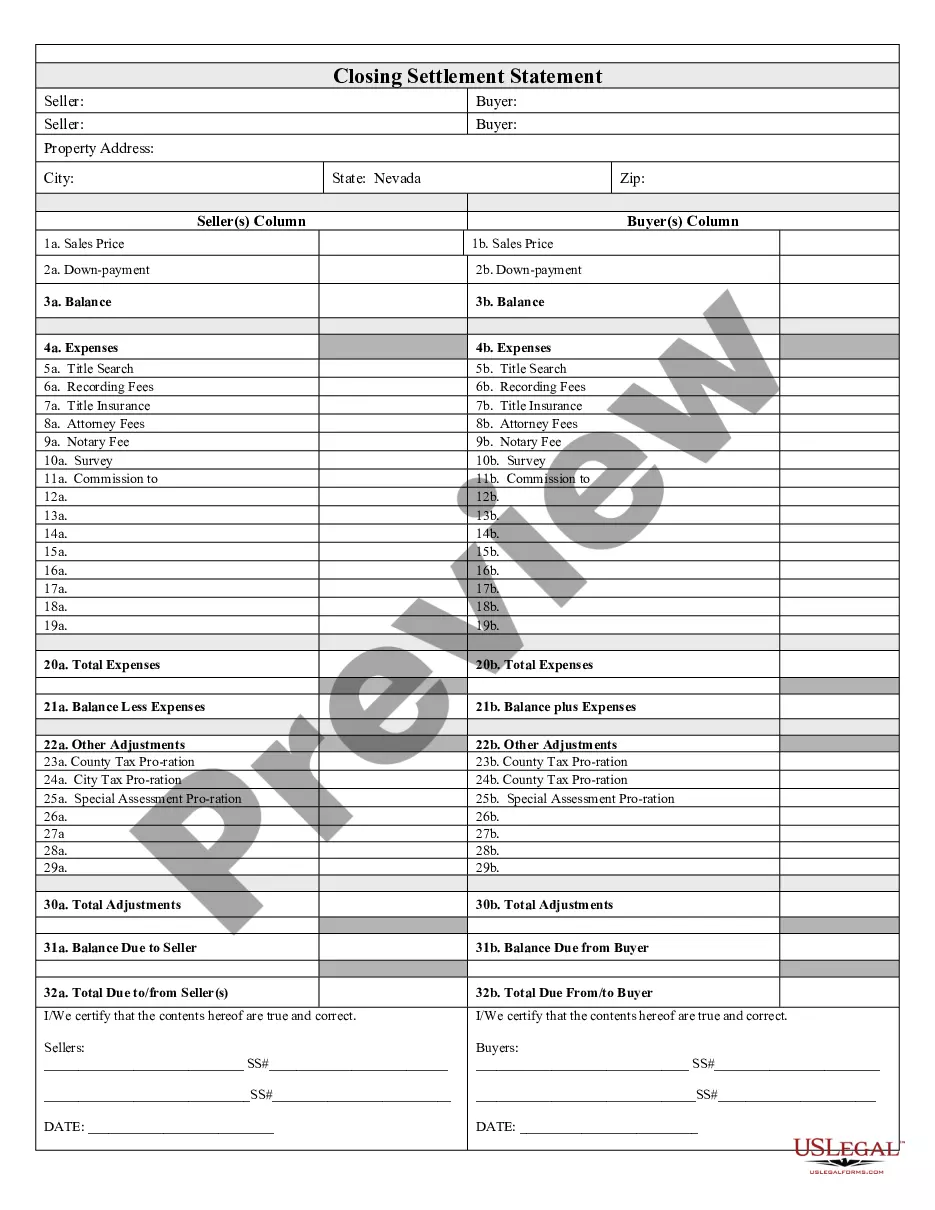
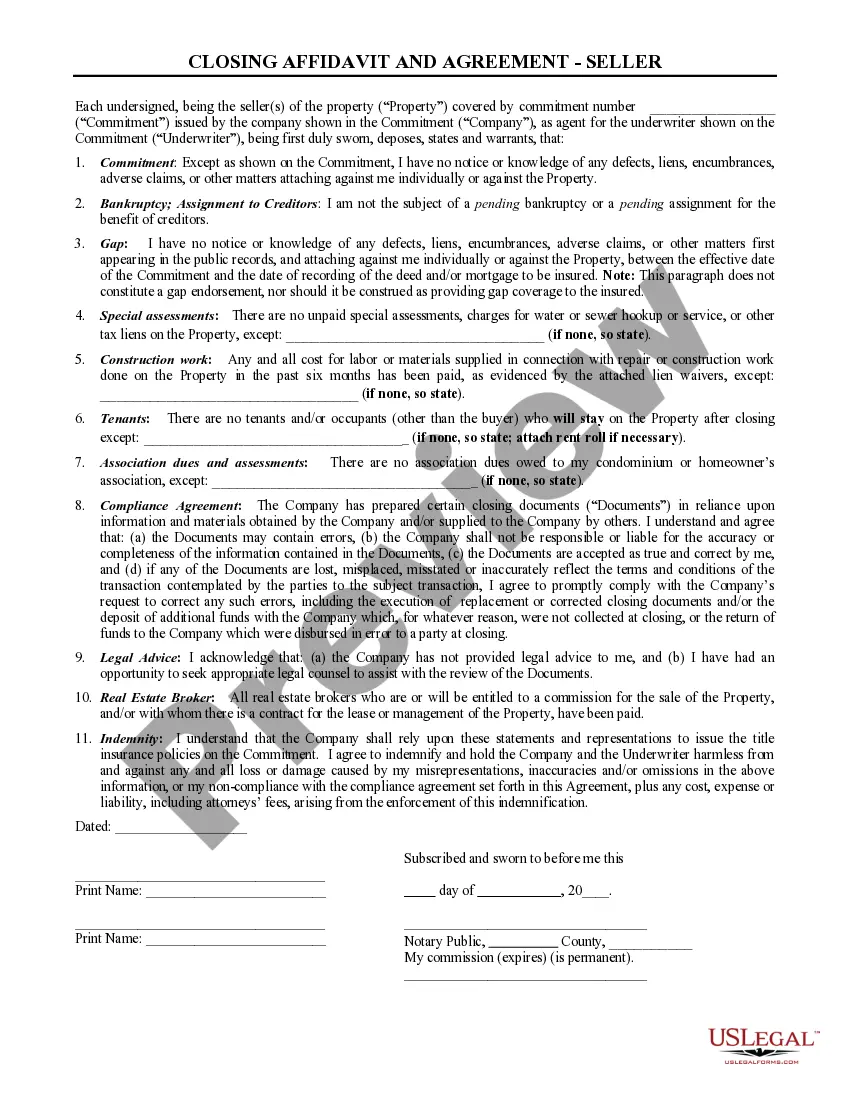
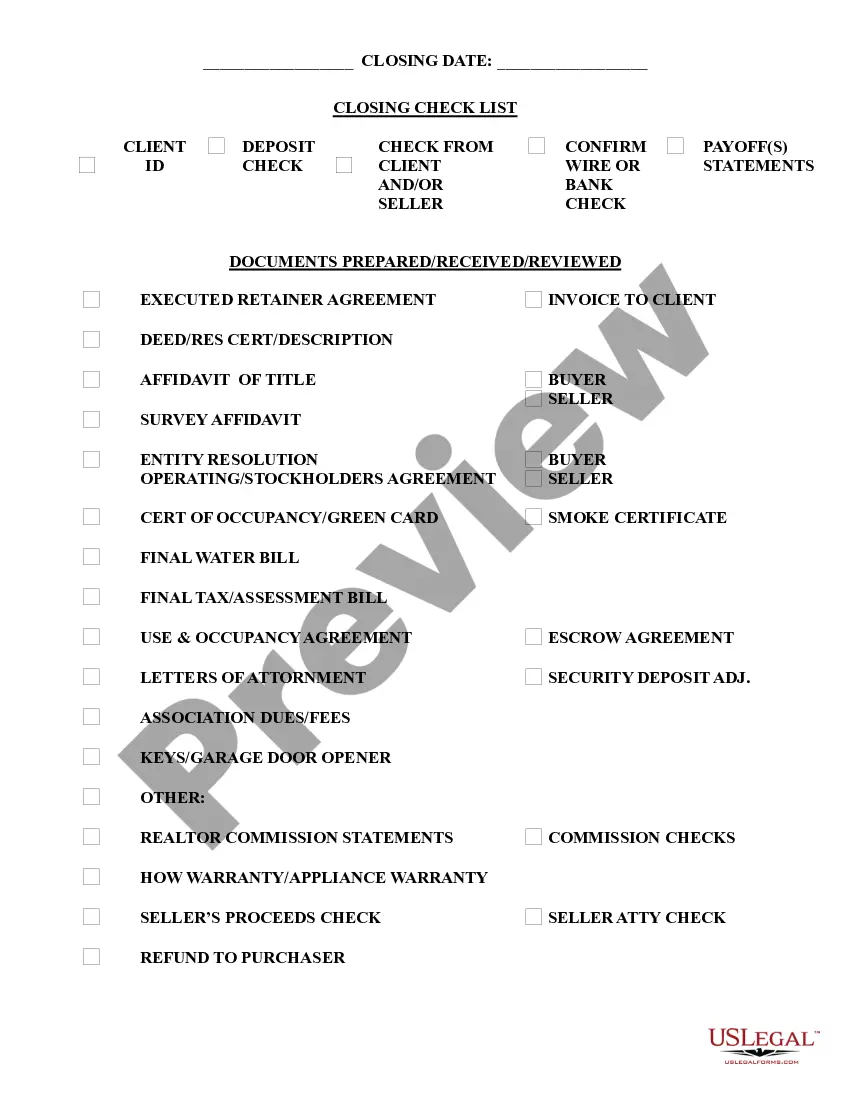
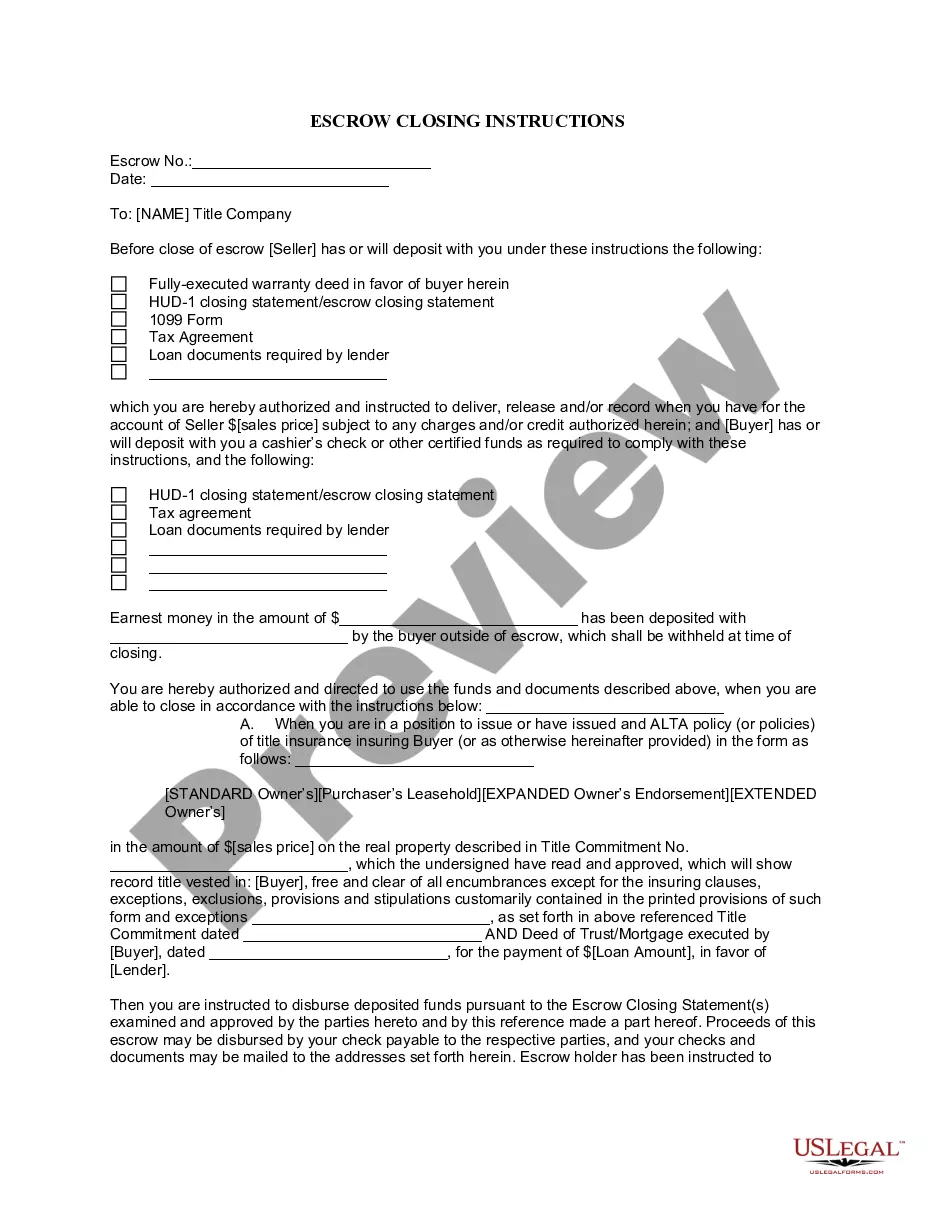
The Closing Statement is a crucial document used in real estate transactions, specifically for cash sales or transactions that include owner financing. This form serves as a formal summary of all financial details between buyers and sellers, ensuring both parties agree on the costs involved. It is verified and signed by both parties, providing a clear record of the transaction unlike informal agreements or verbal discussions.
Key components of this form
- Balance calculations to determine amounts owed or due.
- Details of expenses, including title search, recording fees, and attorney fees.
- Breakdown of commissions paid.
- Pro-ration of county and city taxes, and any special assessments.
- Verification and signatures from both the seller and buyer.

Common use cases
This form should be used during the closing process of a real estate transaction when payment is made in cash or involves owner financing. It is essential for documenting the financial agreements and any adjustments needed prior to finalizing the transaction. Use this form to ensure transparency and legal compliance between both parties.
Who should use this form
- Real estate buyers and sellers engaged in cash transactions.
- Individuals involved in owner-financed real estate deals.
- Real estate agents or attorneys representing either party in a sale.
- Title companies handling closing transactions.
Completing this form step by step
- Identify the parties involved in the transaction (seller and buyer).
- Fill in the property details and the agreement on financial terms.
- List all expenses, including fees related to title, recording, and legal services.
- Calculate and enter the total expenses and any other adjustments.
- Ensure that both parties sign to certify the accuracy of the form.
Does this form need to be notarized?
In most cases, this form does not require notarization. However, some jurisdictions or signing circumstances might. US Legal Forms offers online notarization powered by Notarize, accessible 24/7 for a quick, remote process.
Get your form ready online
Our built-in tools help you complete, sign, share, and store your documents in one place.
Make edits, fill in missing information, and update formatting in US Legal Forms—just like you would in MS Word.
Download a copy, print it, send it by email, or mail it via USPS—whatever works best for your next step.
Sign and collect signatures with our SignNow integration. Send to multiple recipients, set reminders, and more. Go Premium to unlock E-Sign.
If this form requires notarization, complete it online through a secure video call—no need to meet a notary in person or wait for an appointment.
We protect your documents and personal data by following strict security and privacy standards.

Make edits, fill in missing information, and update formatting in US Legal Forms—just like you would in MS Word.

Download a copy, print it, send it by email, or mail it via USPS—whatever works best for your next step.

Sign and collect signatures with our SignNow integration. Send to multiple recipients, set reminders, and more. Go Premium to unlock E-Sign.

If this form requires notarization, complete it online through a secure video call—no need to meet a notary in person or wait for an appointment.

We protect your documents and personal data by following strict security and privacy standards.
Mistakes to watch out for
- Failure to include all relevant expenses, leading to discrepancies.
- Not obtaining signatures from both seller and buyer.
- Incorrect calculations of balances or adjustments.
- Using outdated versions of the form that may not comply with current regulations.
Advantages of online completion
- Convenience of downloading the form at any time.
- Editability allows you to customize fields and calculations according to your transaction.
- Access to professionally drafted templates ensures legal reliability.
Looking for another form?
Form popularity
FAQ
Dissolving the Corporation The Nevada statutes covering voluntary dissolution of corporations provide for voluntary dissolution through a stockholder vote at a stockholder meeting. Before the vote, your board of directors must submit a proposal to dissolve to the stockholders.
There is no fee to file the certificate of dissolution. However, there is a non-refundable $15 special handling fee for processing documents delivered in person at the Sacramento SOS office.
A closing agent prepares the closing statement, which is settlement sheet. It's a comprehensive list of every expense that the buyer and seller must pay to complete the real estate transaction. Fees listed on this sheet include commissions, mortgage insurance, and property tax deposits.
You can also have a professional service provider file your Articles of Dissolution for you. Incfile prepares the Articles of Dissolution for you, and files them to the state for $149 + State Fees.
A closing statement, also called a HUD1 or settlement sheet, is a legal form your closing or settlement agent uses to itemize all of the costs you and the seller will have to pay at closing to complete a real estate transaction.
Voter Approval. Before you begin the process of dissolving your business, you must get an approval by vote from your shareholders, directors, or managers. IRS Forms. The IRS requires certain forms to be filed when you go through the process of dissolving your business. Certificate of Dissolution.
Credits and debits appear on the closing statement. Which of the following will appear as a buyer debit and seller credit at closing?
The deed and mortgage documents are filed with the county recorder and these become public record. 3feff You can always obtain copies of these from the recorder's office or from a title company. Most documents are digitized in some form, especially those related to the transaction.
Close Account For any other account updates including location changes, contact the Call Center: 1-866-962-3707.