New Mexico Motion to Set Aside Judgment and For Dismissal
Understanding this form
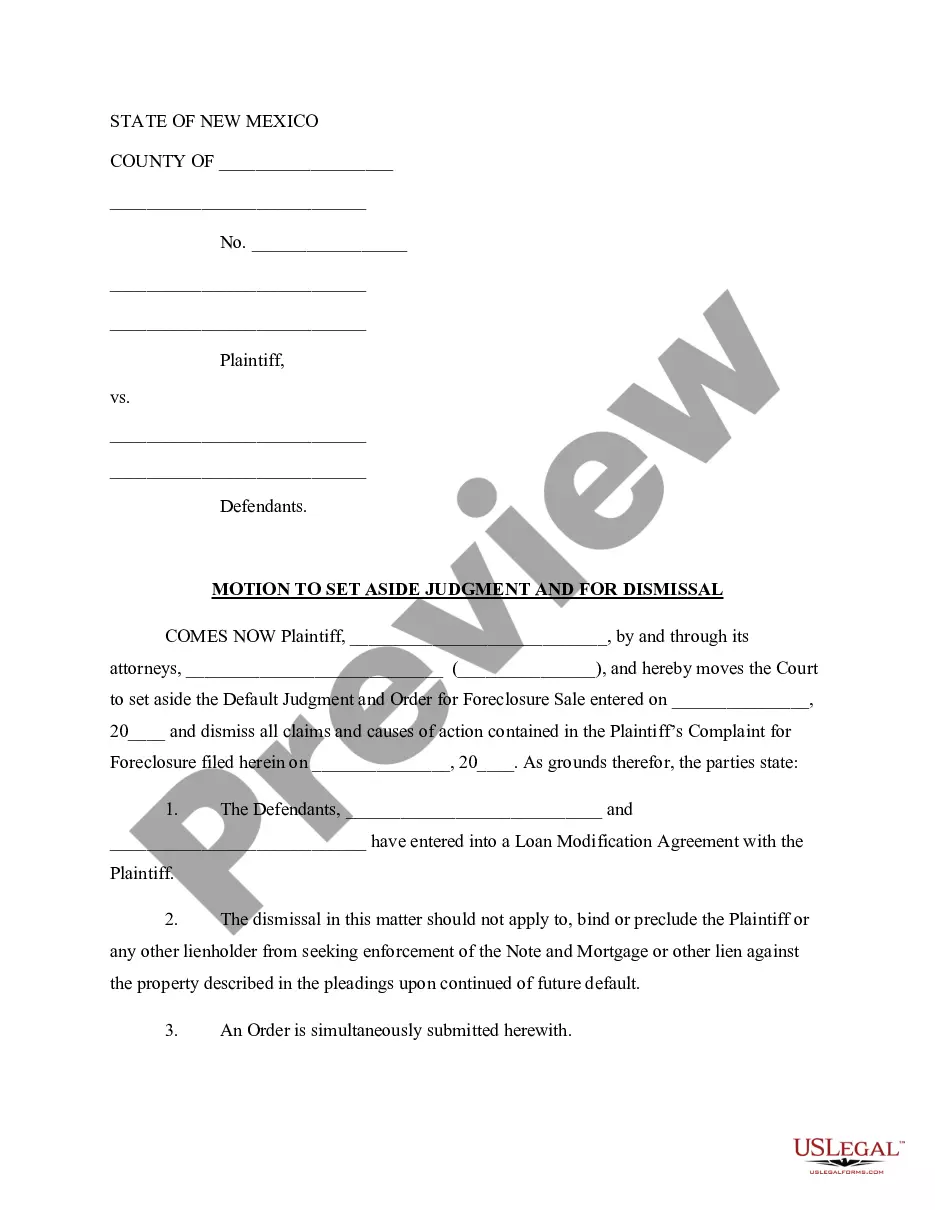
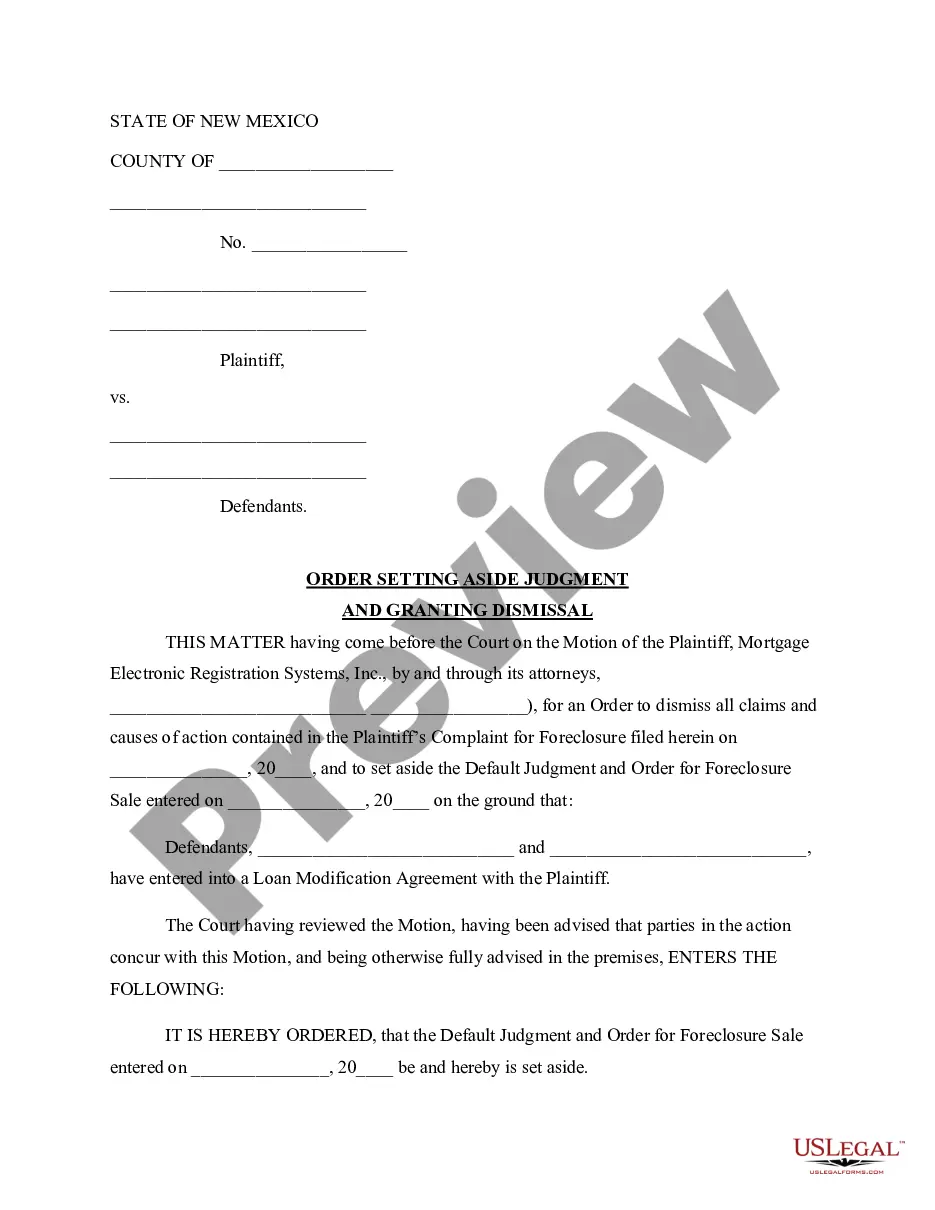
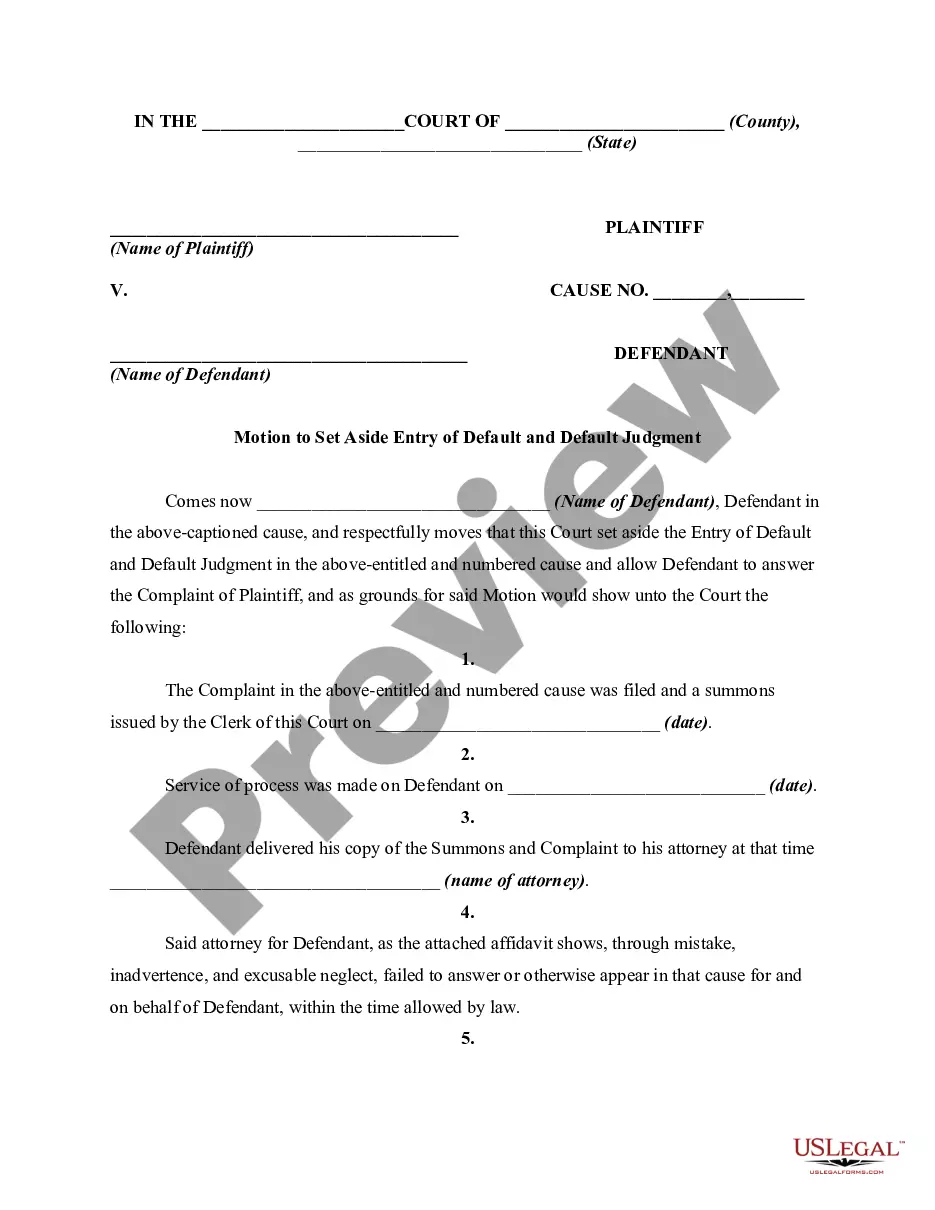
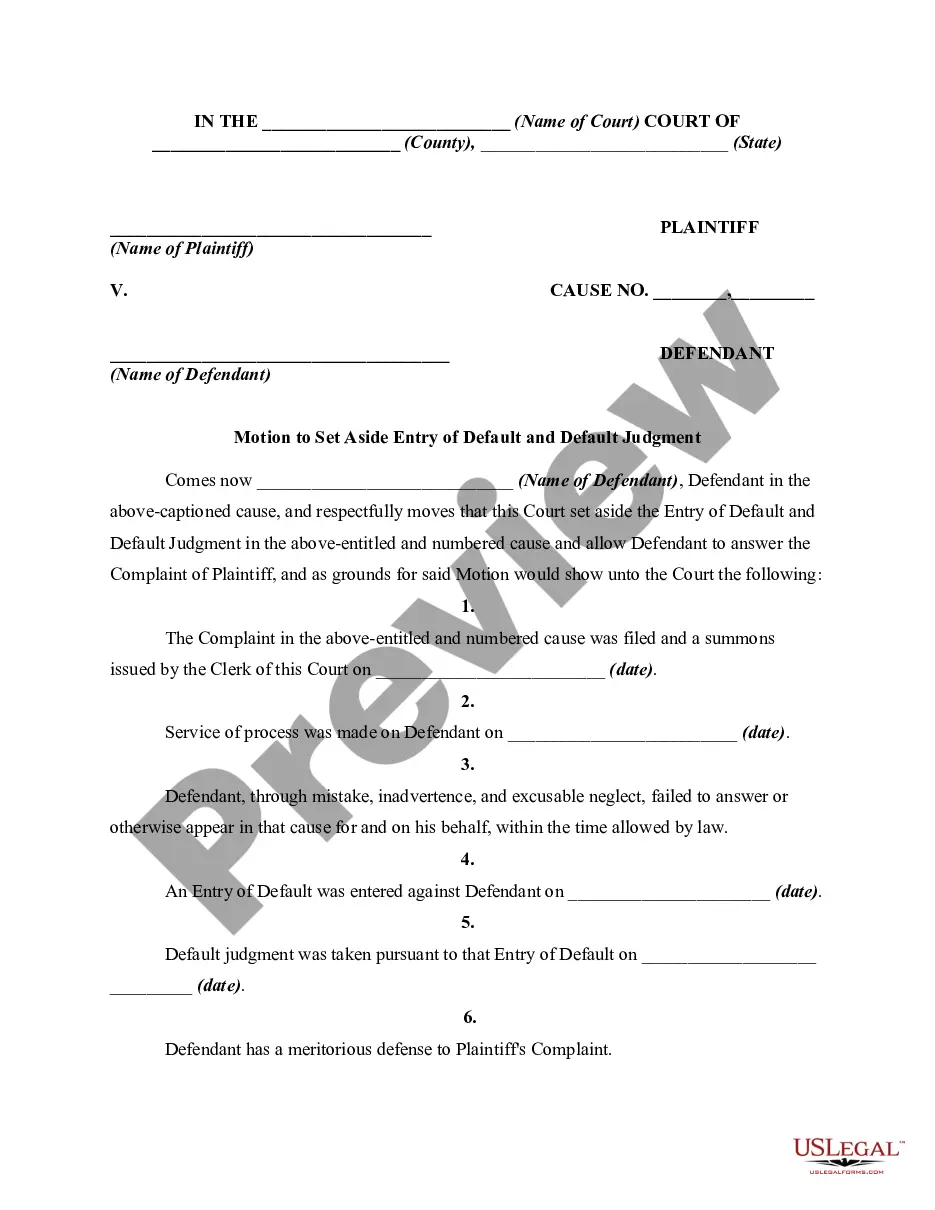
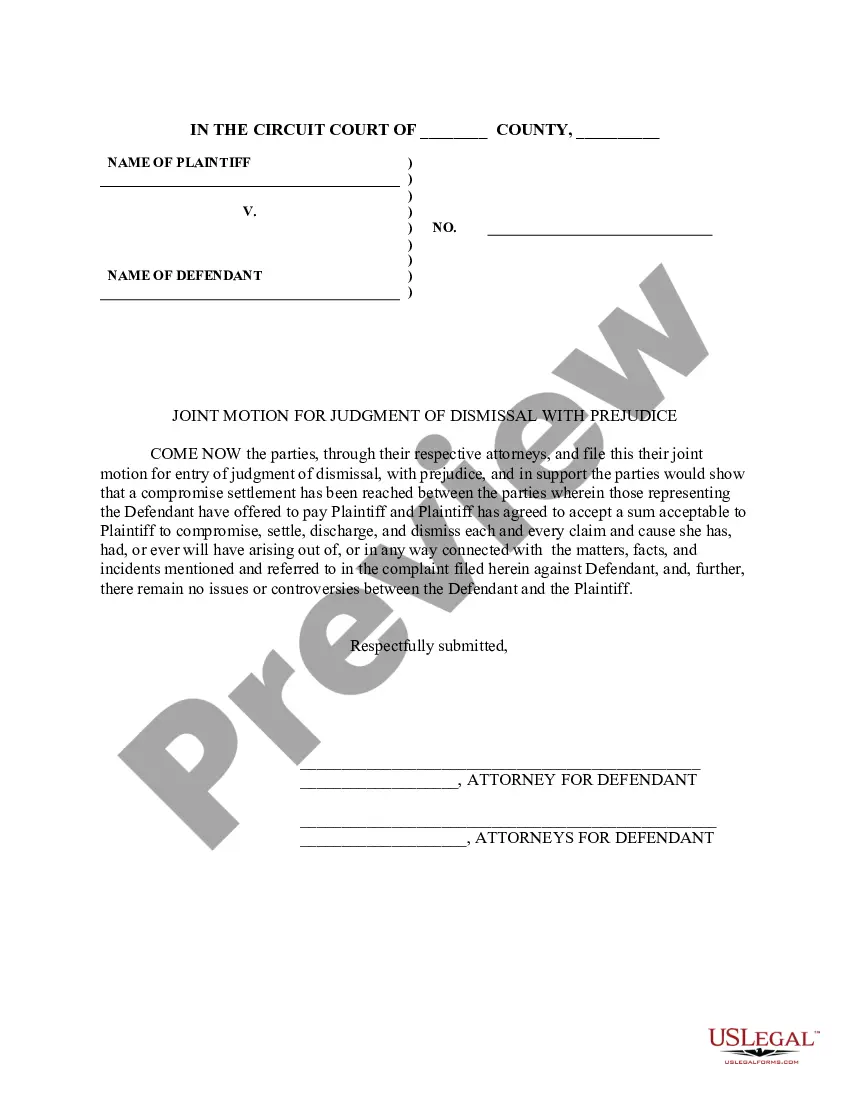
The Motion to Set Aside Judgment and For Dismissal is a legal document that requests the court to overturn a default judgment in a foreclosure action. Unlike other motions, this form specifically addresses situations where a defendant has entered into a Loan Modification Agreement with the plaintiff. By completing this form, a party can seek to dismiss claims and set aside prior court decisions related to foreclosure proceedings.
Key parts of this document
- Identification of the parties involved, including plaintiffs and defendants.
- The statement of grounds for the motion, including details of the Loan Modification Agreement.
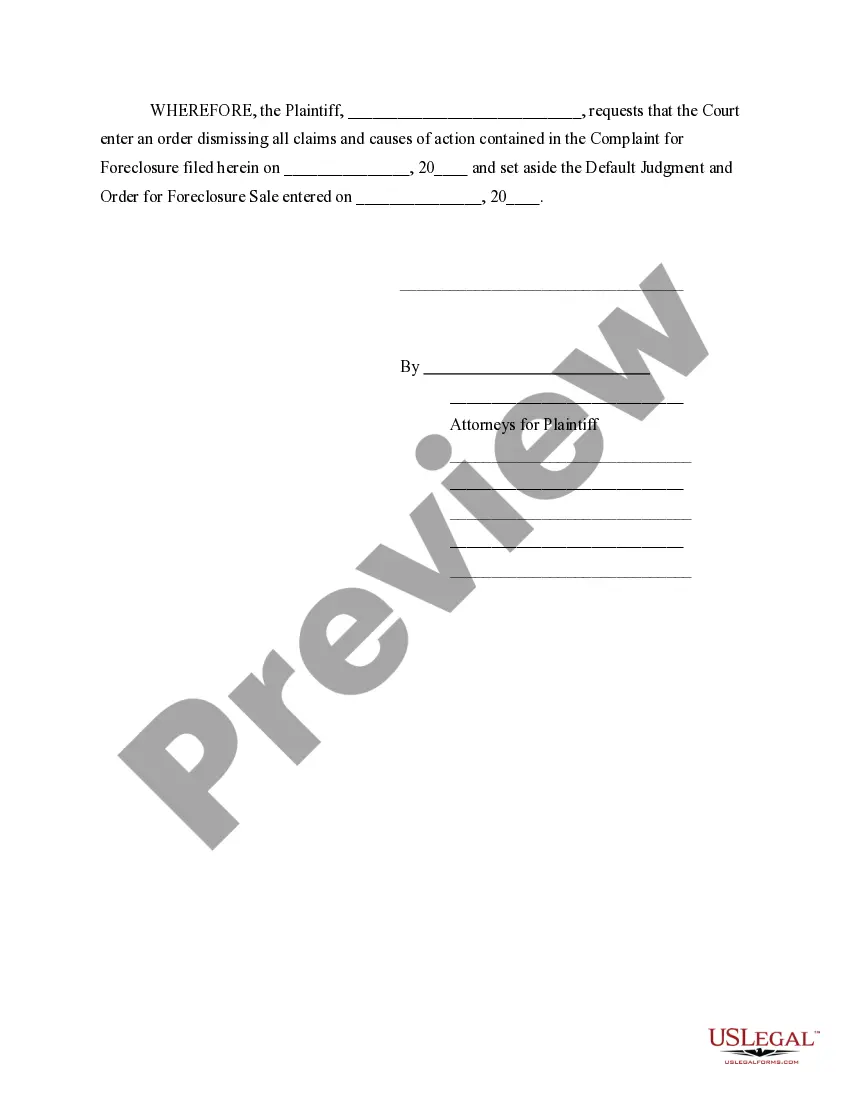
- A formal request for the court to set aside the default judgment and dismiss the complaint for foreclosure.
- Provision for future enforcement of liens against the property in case of future defaults.
- Space for attorneys to sign and provide contact information.
Common use cases
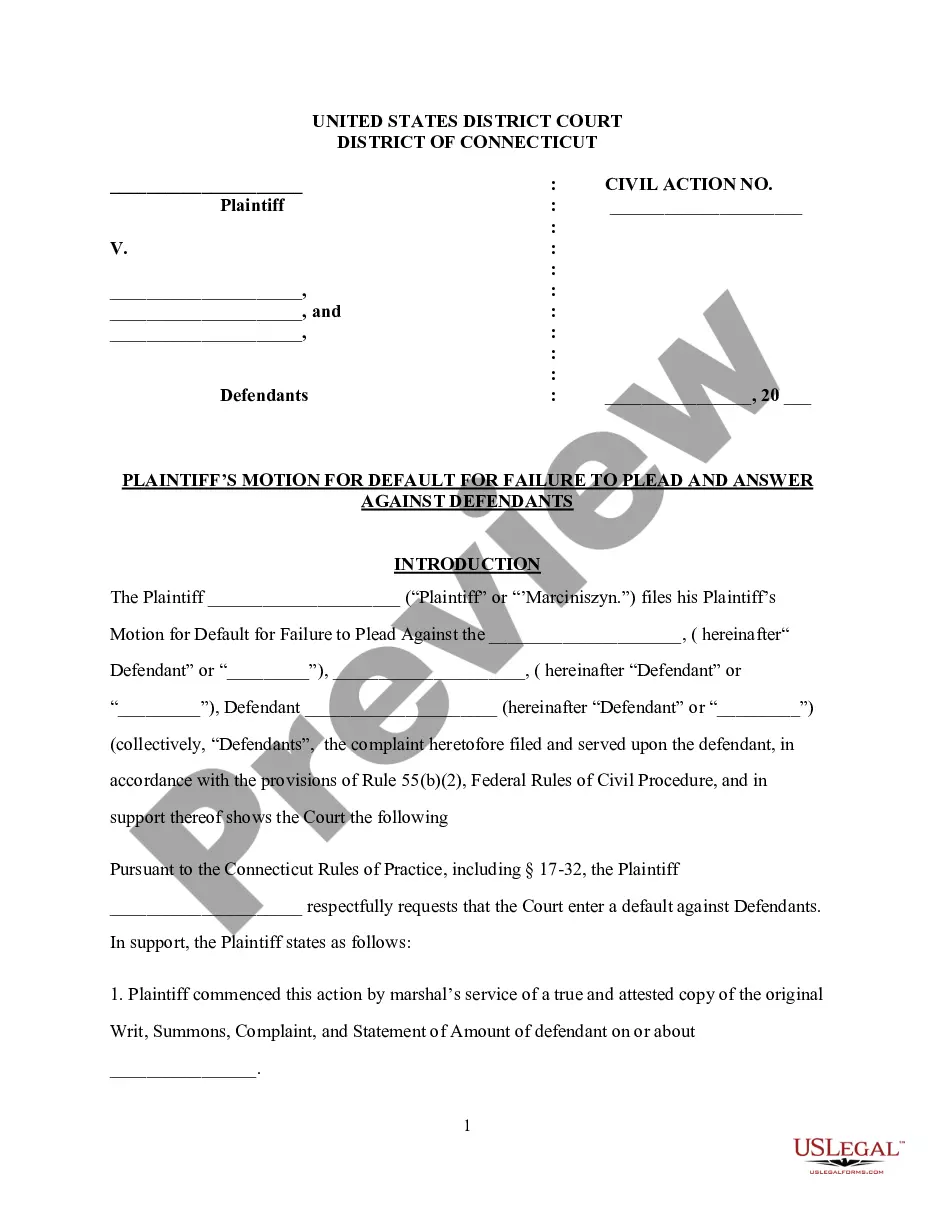
This form should be used when a plaintiff seeks to have a default judgment in a foreclosure case overturned, particularly after reaching a loan modification agreement with the defendants. It is applicable in situations where there has been a failure to respond to a foreclosure complaint, leading to an automatic judgment against one or more defendants who are now looking to rectify the situation.
Who can use this document
- Any plaintiff who has obtained a default judgment in a foreclosure action.
- Defendants who have entered into a loan modification agreement and wish to contest the foreclosure judgment.
- Legal representatives acting on behalf of plaintiffs or defendants in foreclosure cases.
Instructions for completing this form
- Identify all parties involved in the foreclosure action, including plaintiffs and defendants.
- Enter the relevant court case numbers and dates associated with the default judgment.
- State the grounds for the motion, highlighting any agreements reached, such as the loan modification.
- Request the dismissal of claims and the setting aside of the judgment clearly and concisely.
- Have the attorney sign the document and include contact information for all legal representatives.
Notarization requirements for this form
This form does not typically require notarization unless specified by local law.
Get your form ready online
Our built-in tools help you complete, sign, share, and store your documents in one place.
Make edits, fill in missing information, and update formatting in US Legal Forms—just like you would in MS Word.
Download a copy, print it, send it by email, or mail it via USPS—whatever works best for your next step.
Sign and collect signatures with our SignNow integration. Send to multiple recipients, set reminders, and more. Go Premium to unlock E-Sign.
If this form requires notarization, complete it online through a secure video call—no need to meet a notary in person or wait for an appointment.
We protect your documents and personal data by following strict security and privacy standards.

Make edits, fill in missing information, and update formatting in US Legal Forms—just like you would in MS Word.

Download a copy, print it, send it by email, or mail it via USPS—whatever works best for your next step.

Sign and collect signatures with our SignNow integration. Send to multiple recipients, set reminders, and more. Go Premium to unlock E-Sign.

If this form requires notarization, complete it online through a secure video call—no need to meet a notary in person or wait for an appointment.

We protect your documents and personal data by following strict security and privacy standards.
Mistakes to watch out for
- Failing to include all necessary party names and case details.
- Not clearly stating the grounds for setting aside the judgment.
- Omitting required signatures or attorney contact information.
- Neglecting to file the motion within the required time frame.
Why complete this form online
- Convenient access to professionally drafted legal documents.
- Editable templates that adapt to your specific case details.
- Reliability from a source that collaborates with licensed attorneys.
Looking for another form?

Form popularity
FAQ
In order to vacate a judgment in California, You must file a motion with the court asking the judge to vacate or set aside the judgment. Among other things, you must tell the judge why you did not respond to the lawsuit (this can be done by written declaration).
In order to vacate a judgment in California, You must file a motion with the court asking the judge to vacate or set aside the judgment. Among other things, you must tell the judge why you did not respond to the lawsuit (this can be done by written declaration).You may even be able to win the case.
Grounds For Vacating A Default Judgment In California, for example, a judge can vacate a default judgment taken due to mistake, inadvertence, surprise, or excusable neglect.Both states allow the judge to set aside the judgment if you were never served with the original lawsuit papers.
In California, for example, a judge can vacate a default judgment taken due to mistake, inadvertence, surprise, or excusable neglect.Both states allow the judge to set aside the judgment if you were never served with the original lawsuit papers.
If the judgment is set aside, you and the creditor are put back in the position you were both in immediately before the judgment. This means if you have an argument or 'defence' against the judgment which you didn't get a chance to raise when the claim was first issued, you have a second chance to do this.
PLAINTIFF'S MOTION TO VACATE THE JUDGMENT: If you are the plaintiff and you did not go to court, you can ask the court to "vacate" (cancel) the judgment if the court ordered a judgment in favor of the defendant.
Fill out a Notice of Motion to Vacate Judgment and Declaration (Small Claims) (Form SC-135 ). File it with the small claims court clerk. Pay the filing fee. If you cannot afford the fee, ask for a fee waiver. The clerk will give you a date for your hearing.
The Court in its inherent jurisdiction has the power to set aside its own Judgment or Order made without jurisdiction or if same has been fraudulently obtained. In such circumstance, an appeal for the purpose of having the null judgment or order cannot be said to be necessary.
To ask a court to set aside (cancel) a court order or judgment, you have to file a request for order to set aside, sometimes called a motion to set aside or motion to vacate. The terms set aside or vacate a court order basically mean to cancel or undo that order to start over on a particular issue.