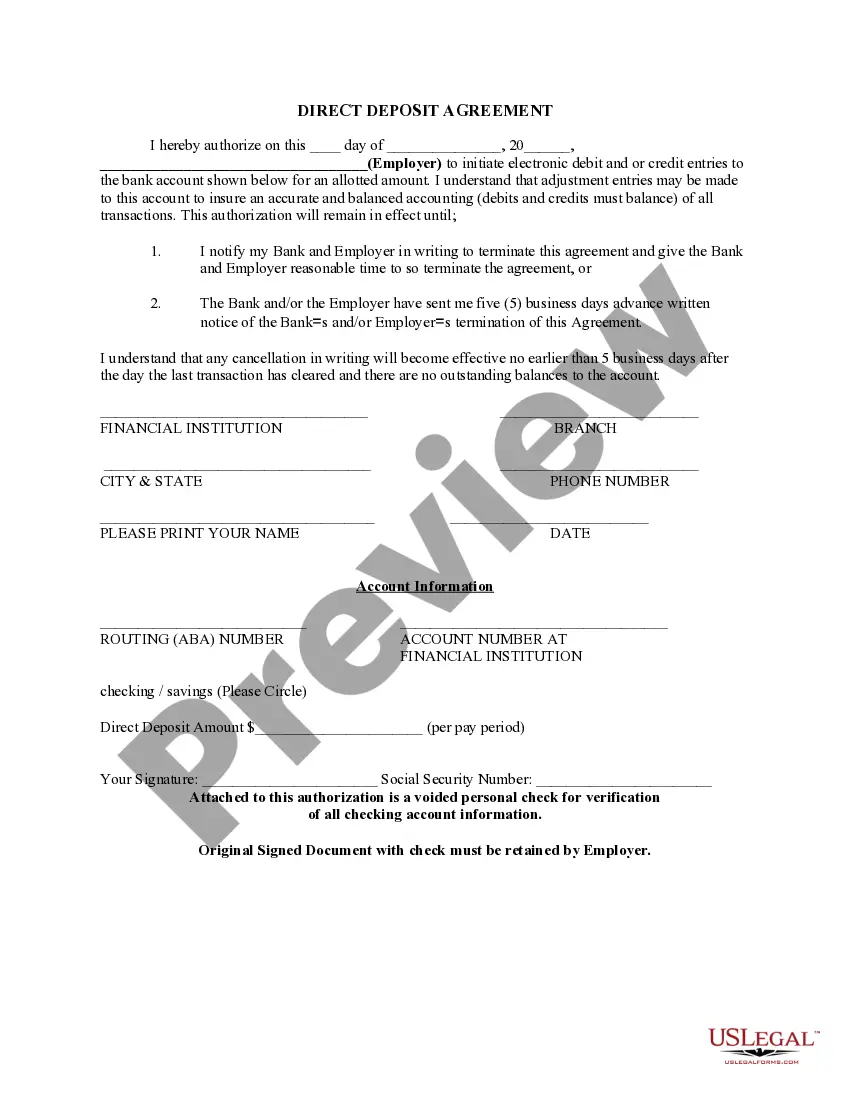
New Jersey Direct Deposit Form for Social Security
Description


Get your form ready online
Our built-in tools help you complete, sign, share, and store your documents in one place.
Make edits, fill in missing information, and update formatting in US Legal Forms—just like you would in MS Word.
Download a copy, print it, send it by email, or mail it via USPS—whatever works best for your next step.
Sign and collect signatures with our SignNow integration. Send to multiple recipients, set reminders, and more. Go Premium to unlock E-Sign.
If this form requires notarization, complete it online through a secure video call—no need to meet a notary in person or wait for an appointment.
We protect your documents and personal data by following strict security and privacy standards.

Make edits, fill in missing information, and update formatting in US Legal Forms—just like you would in MS Word.

Download a copy, print it, send it by email, or mail it via USPS—whatever works best for your next step.

Sign and collect signatures with our SignNow integration. Send to multiple recipients, set reminders, and more. Go Premium to unlock E-Sign.

If this form requires notarization, complete it online through a secure video call—no need to meet a notary in person or wait for an appointment.

We protect your documents and personal data by following strict security and privacy standards.
Looking for another form?


How to fill out Direct Deposit Form For Social Security?
Are you presently in the location where you require documents for perhaps business or specific purposes almost every day.
There are numerous legitimate document templates accessible online, but locating ones you can trust is not easy.
US Legal Forms offers thousands of form templates, such as the New Jersey Direct Deposit Form for Social Security, which can be filled out to meet state and federal requirements.
If you find the right form, click on Buy now.
Select the pricing plan you want, fill in the required information to create your account, and pay for your order using your PayPal or credit card.
- If you are already acquainted with the US Legal Forms website and have an account, just Log In.
- After that, you can download the New Jersey Direct Deposit Form for Social Security template.
- If you do not have an account and wish to start using US Legal Forms, follow these steps.
- Find the form you need and ensure it is for the correct city/area.
- Use the Review button to examine the form.
- Check the summary to ensure you have selected the correct form.
- If the form is not what you're looking for, use the Search box to find the form that meets your needs and requirements.
Form popularity
FAQ
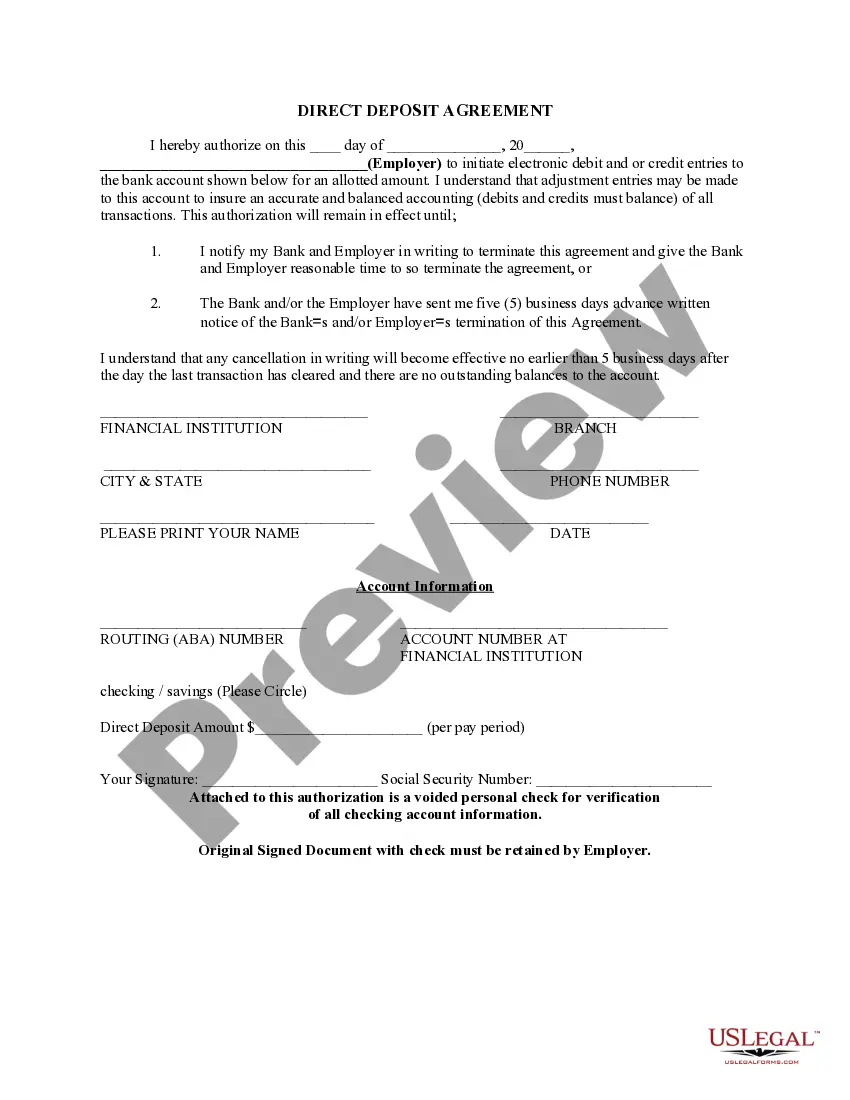
To set up direct deposit for Social Security, you need to complete the New Jersey Direct Deposit Form for Social Security. You can obtain this form online or by visiting your local Social Security office. Once completed, submit the form to ensure your payments are deposited directly into your bank account. This process is secure and eliminates the need for paper checks, making it easier for you to manage your finances.
Submit your completed form to your employer, their payroll company, or their HR department. You may need to scan your printed copy, or they may ask you to mail it or deliver it in person. Or you may be able to submit the form by email. This will depend on your employer's preferences.
Setting up direct deposit is easy. Check with your employer's payroll office, you may be able to set up your direct deposit through an online portal.
Here's the process you will follow to get your own direct deposit payments: Fill out the direct deposit form. ... Include your account information. ... Deposit amount. ... Attach a voided check or deposit slip. ... Submit the form.
For personnel where the individual is paid through direct deposit the easiest way to show the correct documentation is through a paystub. The paystub shows the routing and bank account number to prove the individual as paid.
If you get Social Security benefits (retirement, survivors, or disability) or are enrolled in Medicare, you can change your address or direct deposit information online using the My Profile tab in your personal my Social Security account. You can also decide when the change will take effect.
You can sign up online at Go Direct®, by calling 1-800-333-1795, in person at your bank, savings and loan or credit union, or calling Social Security. Then, just relax. Your benefit will go automatically into your account every month. And you'll have more time to do the things you enjoy!
To obtain a bank confirmation letter from your bank you may request in-person at a bank branch from one of the bankers, by a phone call to the bank, and depending on the financial institution, through their online platform.
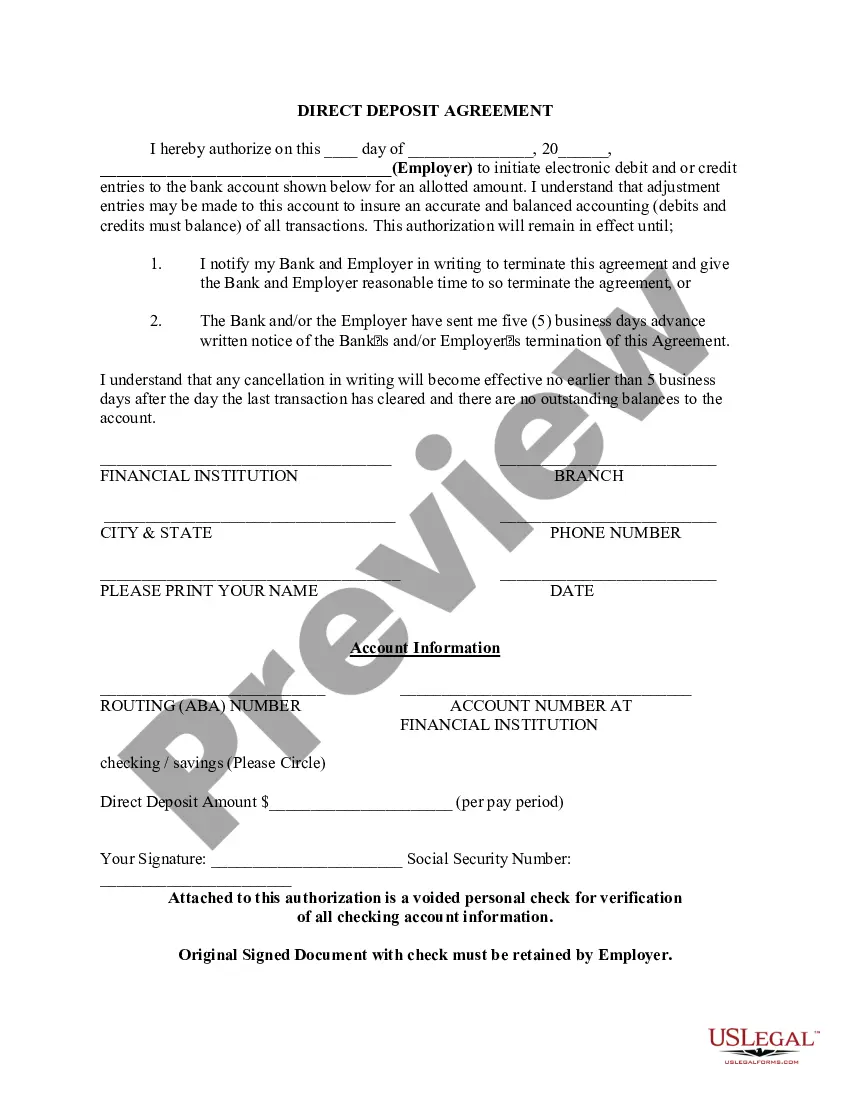
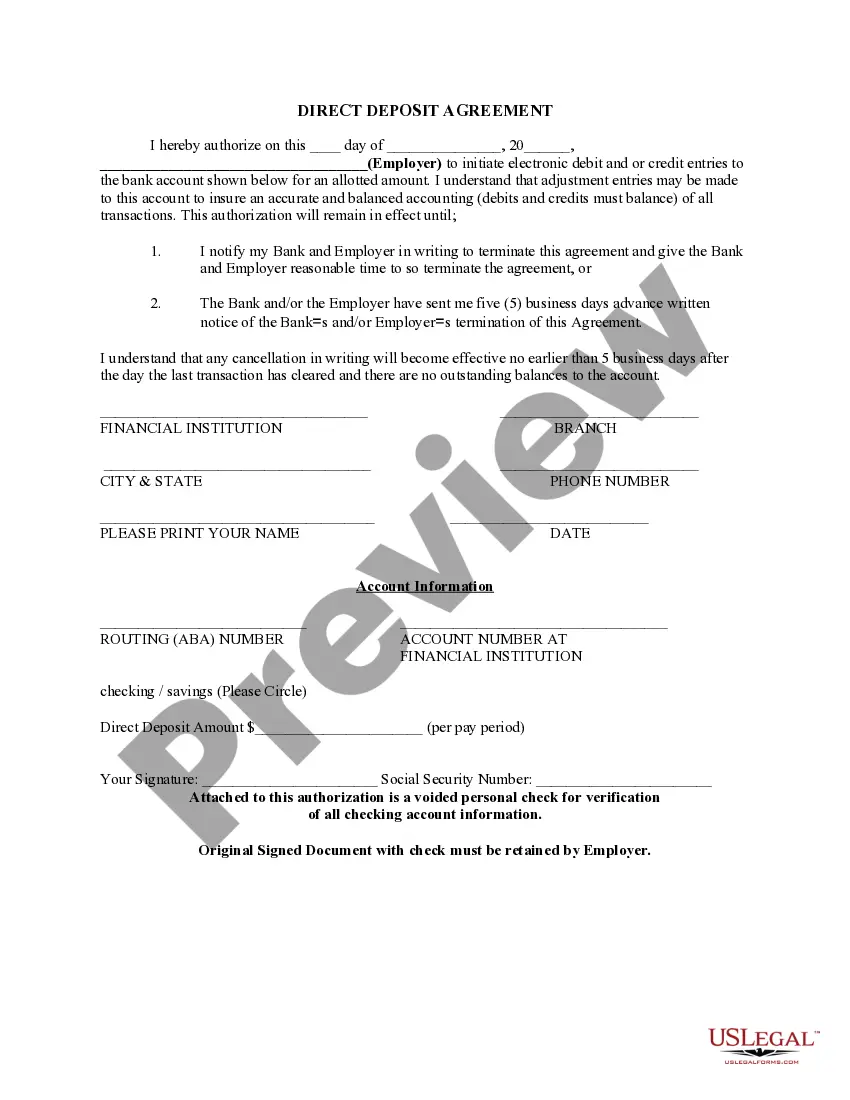
Direct Deposit Authorization Form Company Information. Employee Information. Bank Account Information. ?I hereby authorize?? Statement. Employee Signature and Date. Space for Attached Physical Check (Optional)
A direct deposit authorization form is a form that employees fill out to authorize their employer to deposit money straight into their bank account. Direct deposit is the standard method most businesses use for paying employees.