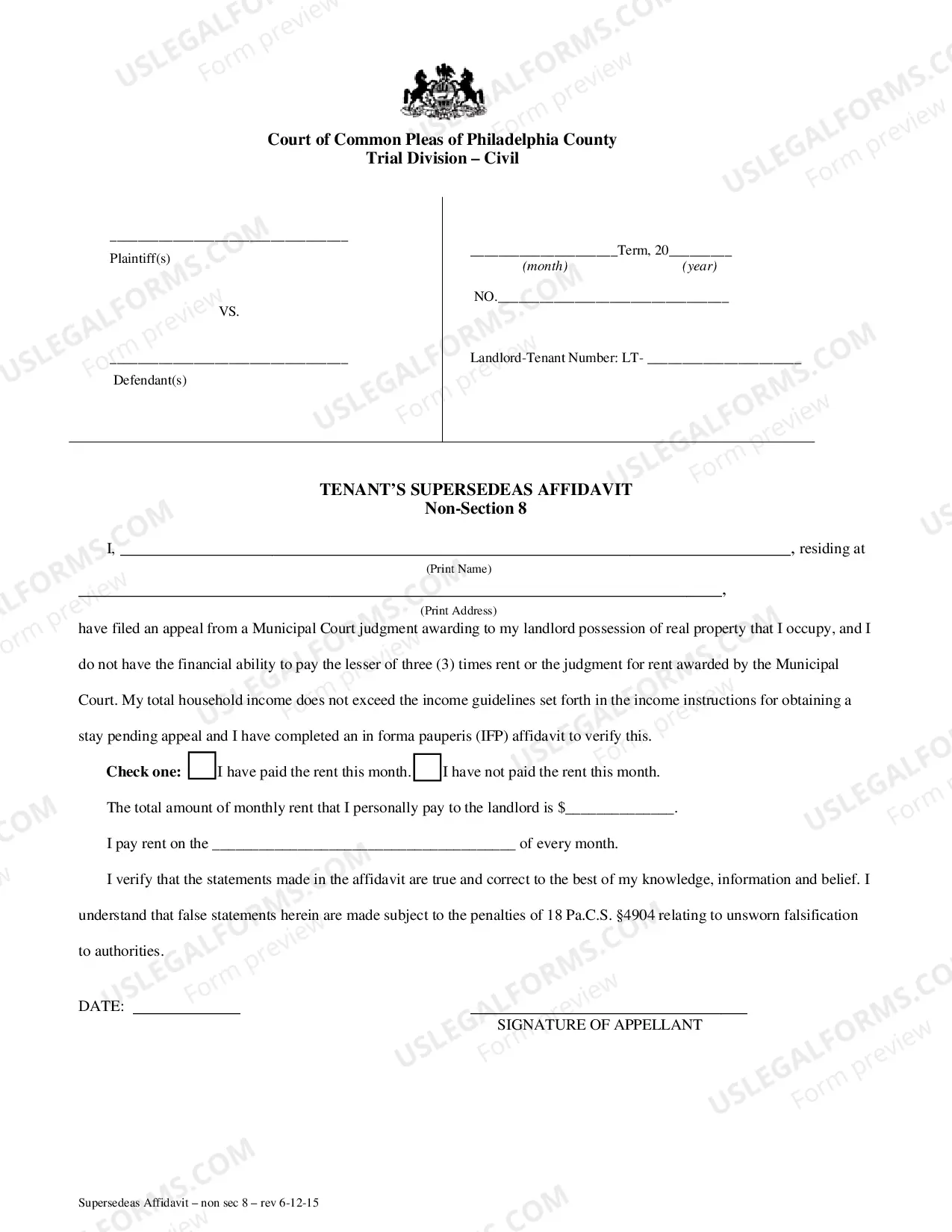
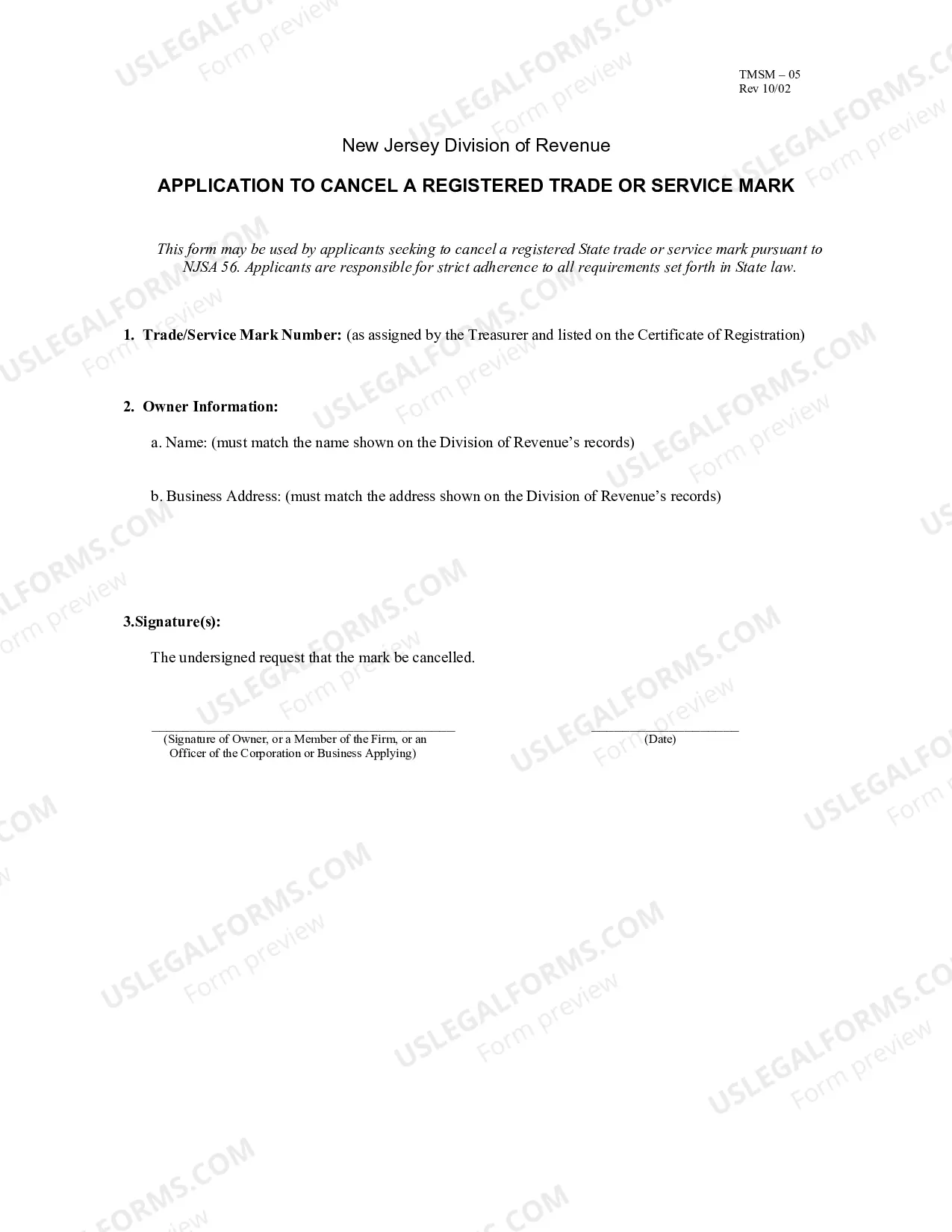
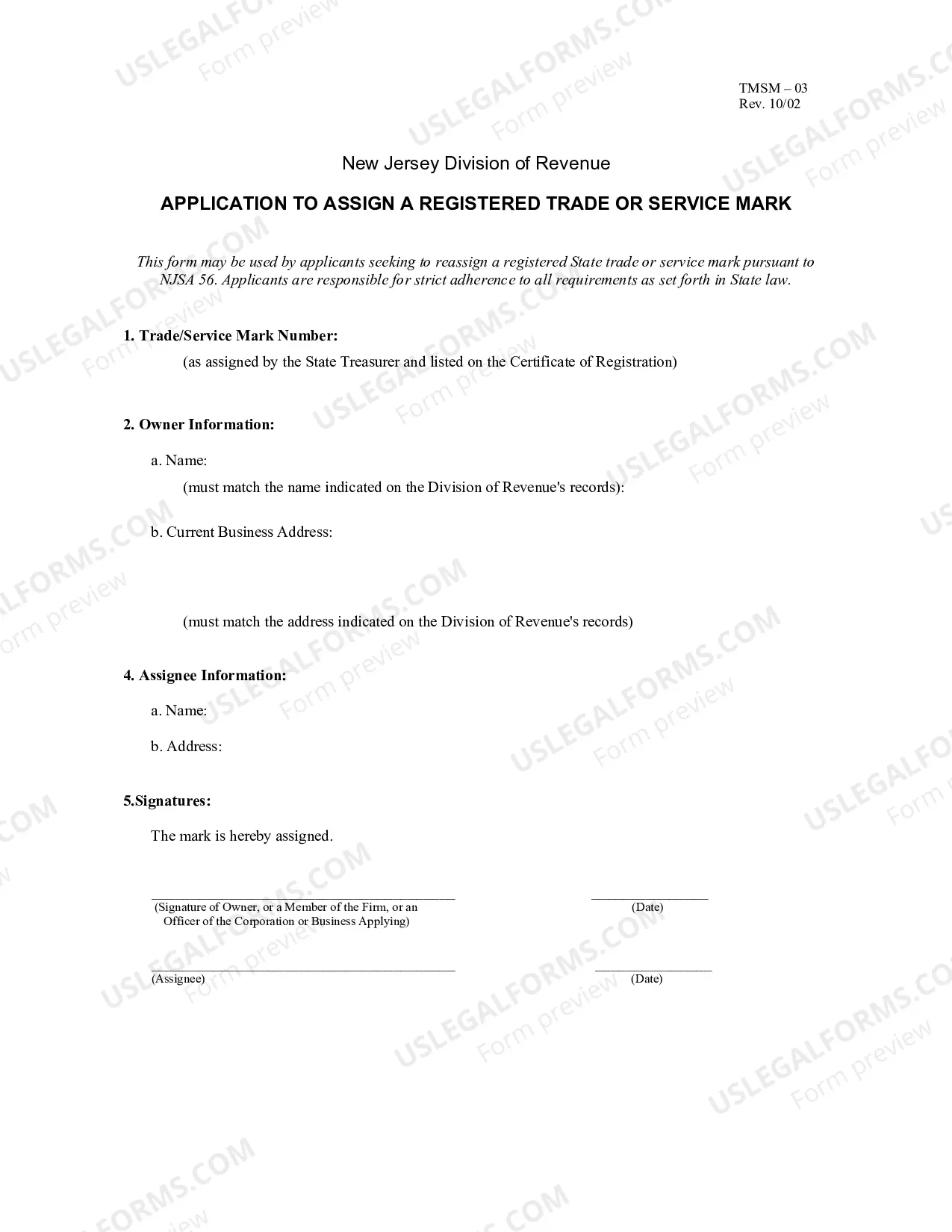
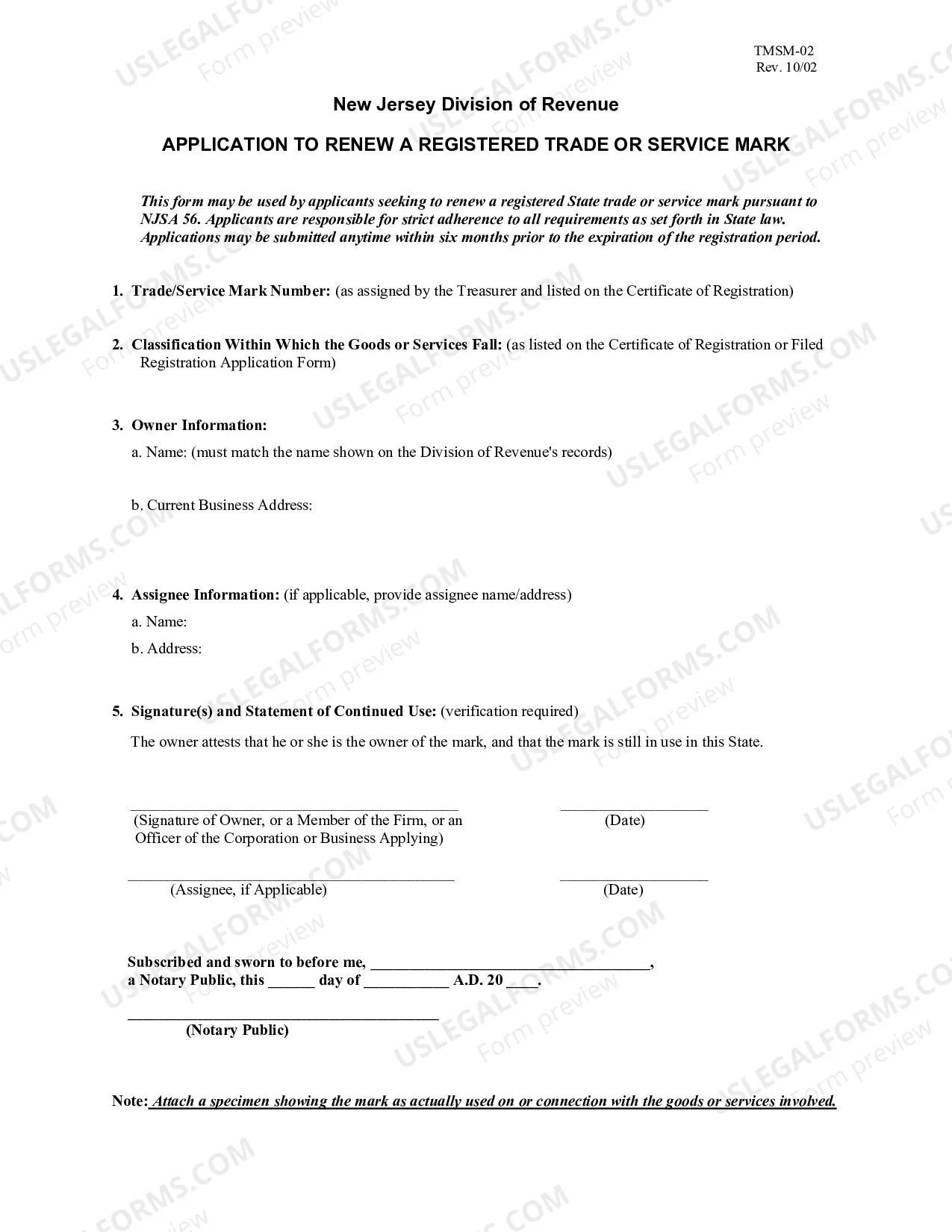
The New Jersey Application to Cancel a Registered Trade or Service Mark is a legal document that allows the owner of a registered trade or service mark in the state of New Jersey to officially cancel their registration. This document is used when the owner no longer wants to claim exclusive rights to the mark or when they are no longer using it in commerce. The two main types of New Jersey Application to Cancel a Registered Trade or Service Mark are a Form D-2: Application to Cancel a Trademark/Service Mark, and a Form D-3: Application to Cancel a Collective Mark. Both forms require the owner to provide specific information, such as the mark’s registration number, the owner’s name, address, and contact information, and any other relevant information. Once the application is completed and filed, the owner will be notified by the Secretary of State and the mark will be officially cancelled.
New Jersey Application to Cancel A Registered Trade Or Service Mark
Description
Get your form ready online
Our built-in tools help you complete, sign, share, and store your documents in one place.
Make edits, fill in missing information, and update formatting in US Legal Forms—just like you would in MS Word.
Download a copy, print it, send it by email, or mail it via USPS—whatever works best for your next step.
Sign and collect signatures with our SignNow integration. Send to multiple recipients, set reminders, and more. Go Premium to unlock E-Sign.
If this form requires notarization, complete it online through a secure video call—no need to meet a notary in person or wait for an appointment.
We protect your documents and personal data by following strict security and privacy standards.

Make edits, fill in missing information, and update formatting in US Legal Forms—just like you would in MS Word.

Download a copy, print it, send it by email, or mail it via USPS—whatever works best for your next step.

Sign and collect signatures with our SignNow integration. Send to multiple recipients, set reminders, and more. Go Premium to unlock E-Sign.

If this form requires notarization, complete it online through a secure video call—no need to meet a notary in person or wait for an appointment.

We protect your documents and personal data by following strict security and privacy standards.
Looking for another form?
How to fill out New Jersey Application To Cancel A Registered Trade Or Service Mark?
If you’re searching for a way to appropriately complete the New Jersey Application to Cancel A Registered Trade Or Service Mark without hiring a lawyer, then you’re just in the right spot. US Legal Forms has proven itself as the most extensive and reputable library of official templates for every private and business scenario. Every piece of paperwork you find on our web service is designed in accordance with federal and state regulations, so you can be sure that your documents are in order.
Follow these straightforward guidelines on how to obtain the ready-to-use New Jersey Application to Cancel A Registered Trade Or Service Mark:
- Ensure the document you see on the page corresponds with your legal situation and state regulations by checking its text description or looking through the Preview mode.
- Type in the document name in the Search tab on the top of the page and select your state from the list to locate an alternative template in case of any inconsistencies.
- Repeat with the content verification and click Buy now when you are confident with the paperwork compliance with all the demands.
- Log in to your account and click Download. Create an account with the service and choose the subscription plan if you still don’t have one.
- Use your credit card or the PayPal option to purchase your US Legal Forms subscription. The blank will be available to download right after.
- Decide in what format you want to save your New Jersey Application to Cancel A Registered Trade Or Service Mark and download it by clicking the appropriate button.
- Upload your template to an online editor to complete and sign it rapidly or print it out to prepare your paper copy manually.
Another wonderful thing about US Legal Forms is that you never lose the paperwork you acquired - you can pick any of your downloaded blanks in the My Forms tab of your profile whenever you need it.
Form popularity
FAQ
Corporations ending business in New Jersey can dissolve, cancel, or withdraw online. Go to njportal.com/dor/annualreports and select ?Close a Business.? Businesses that choose to complete a paper application must submit all of the following: Appropriate dissolution/withdrawal/cancellation form.
For assistance with the online service, contact the Division of Revenue and Enterprise Service by e-mail or call 609.292. 9292.
An Entity ID is a 10-digit number used to identify your corporate business records. Your corporate records are public and kept separate from your tax records, which are confidential.
You can visit the NJ portal website and enter either the name of the company, entity ID number, or even the taxpayer identification number (Federal Employer ID Number) of the business. The website will then verify if the business is registered.
If you don't know your NJ Corporate ID number, you can access it through the Division of Revenue & Enterprise Services' Business Records Service using the "Business Entity Name Search." If you are unable to use this form, contact our Customer Service Center.
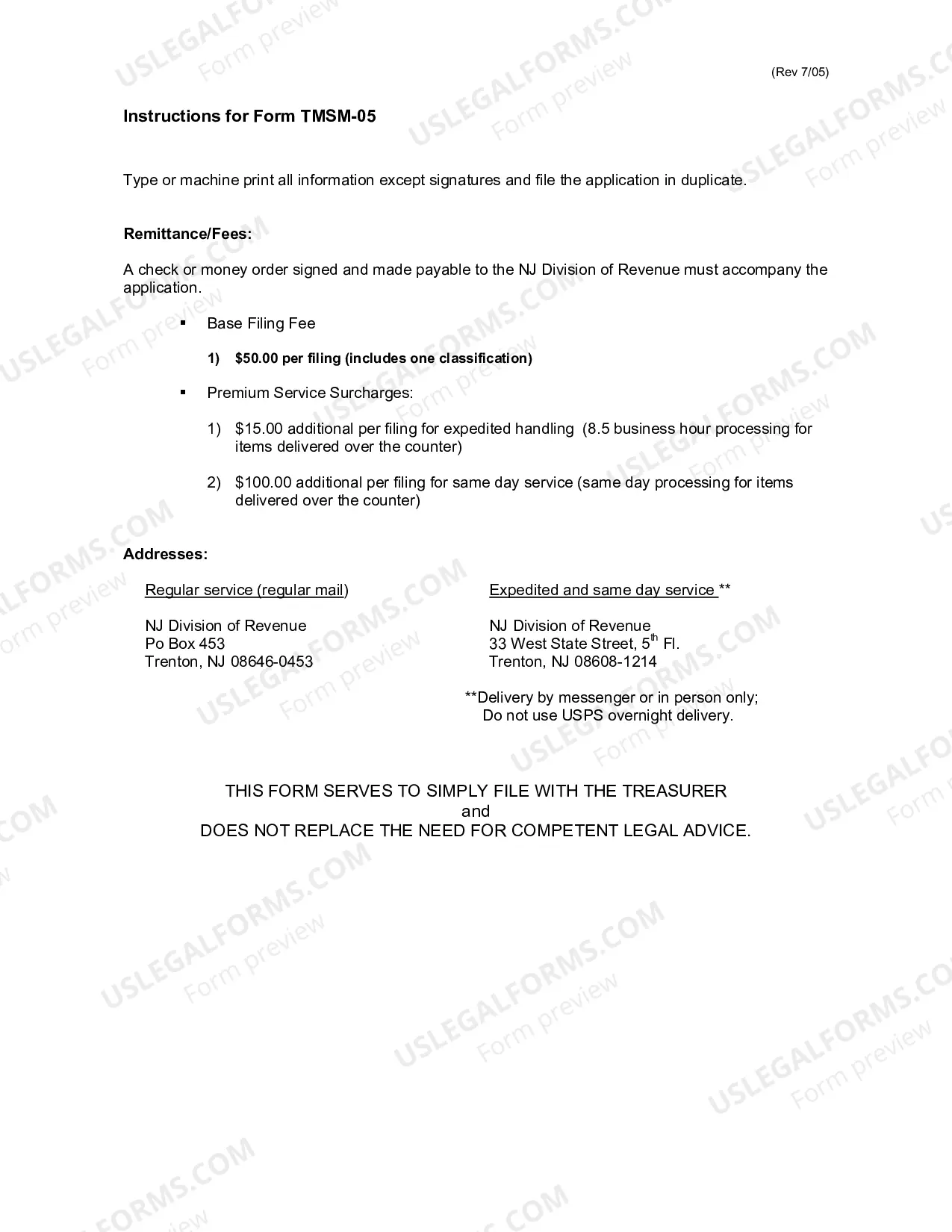
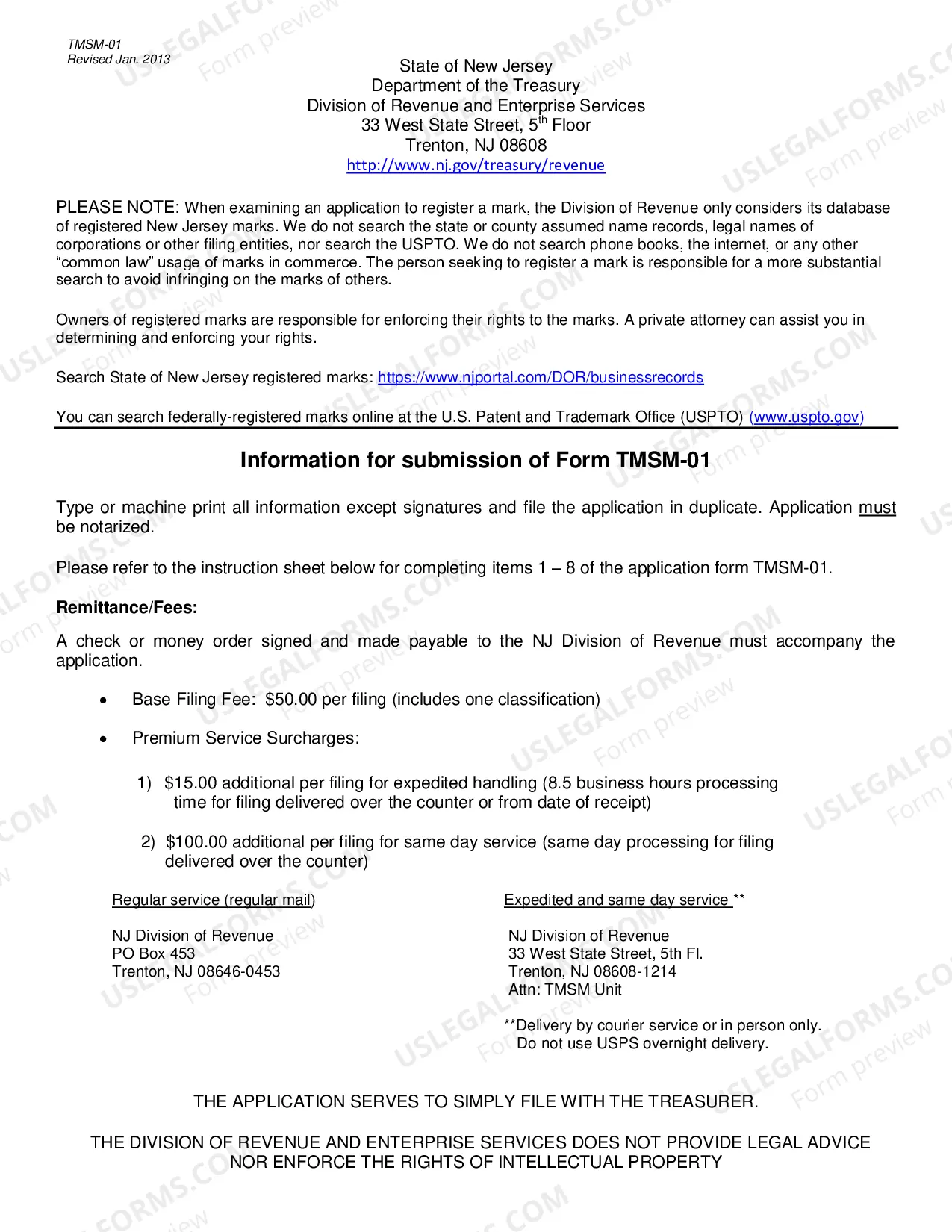
When you file, you must include an actual drawing of the trade or service mark and three specimens of how the mark is being used. The fee is $50.00 per registration and $50.00 for each additional classification, if applicable. The term of the registration and renewal is five years.
You can find information on any corporation or business entity in New Jersey or another state by performing a search on the Secretary of State website of the state or territory where that corporation is registered.
Corporations ending business in New Jersey can dissolve, cancel, or withdraw online. Go to njportal.com/dor/annualreports and select ?Close a Business.? Businesses that choose to complete a paper application must submit all of the following: Appropriate dissolution/withdrawal/cancellation form.