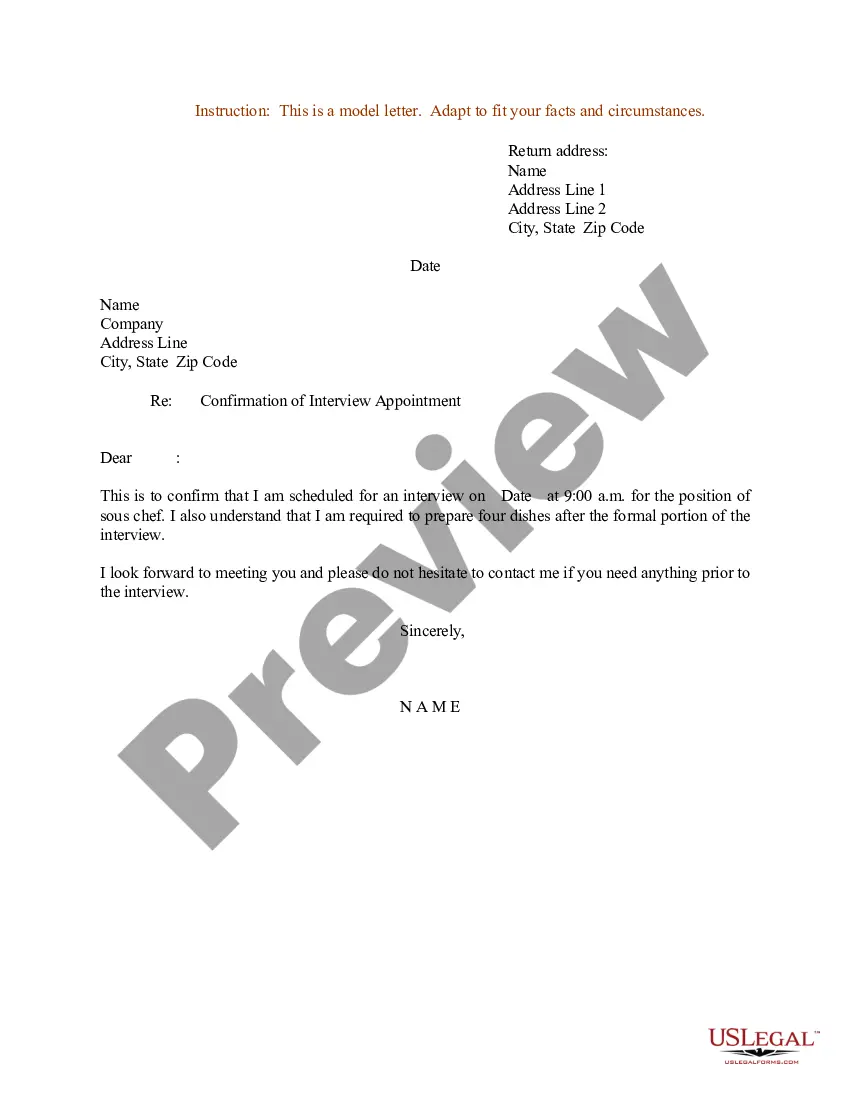
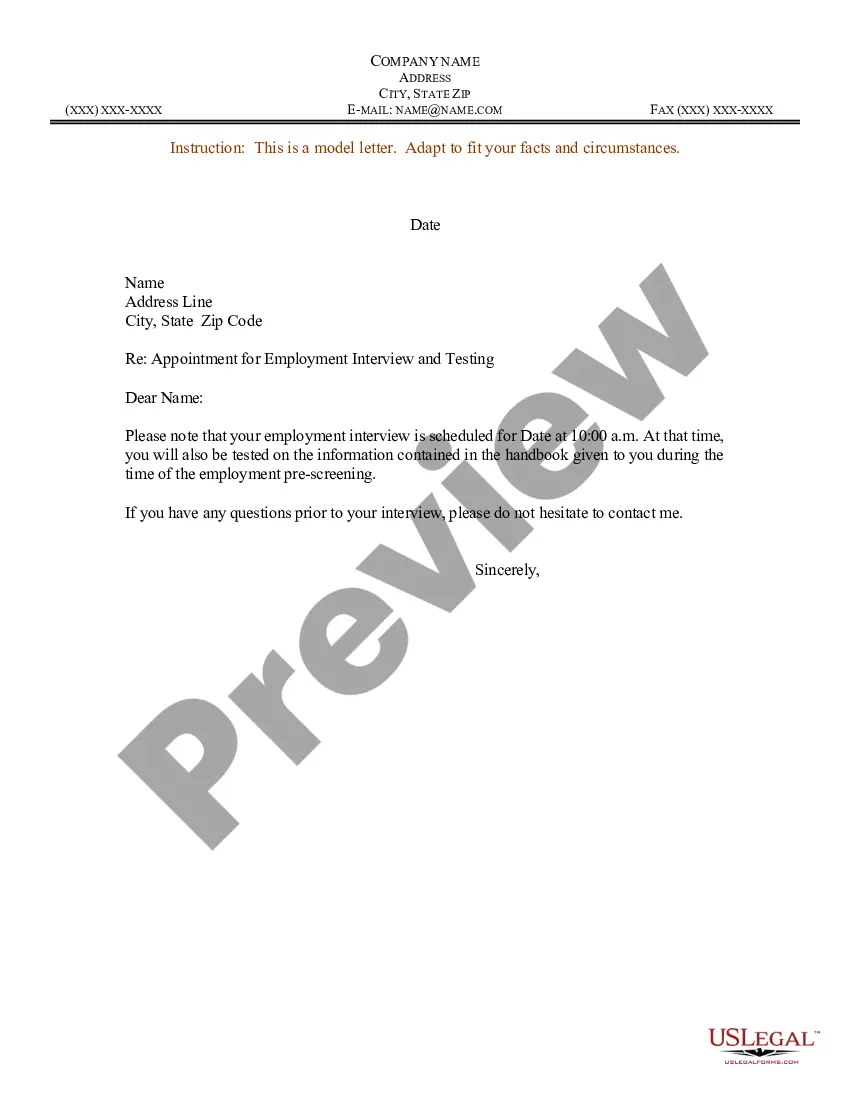
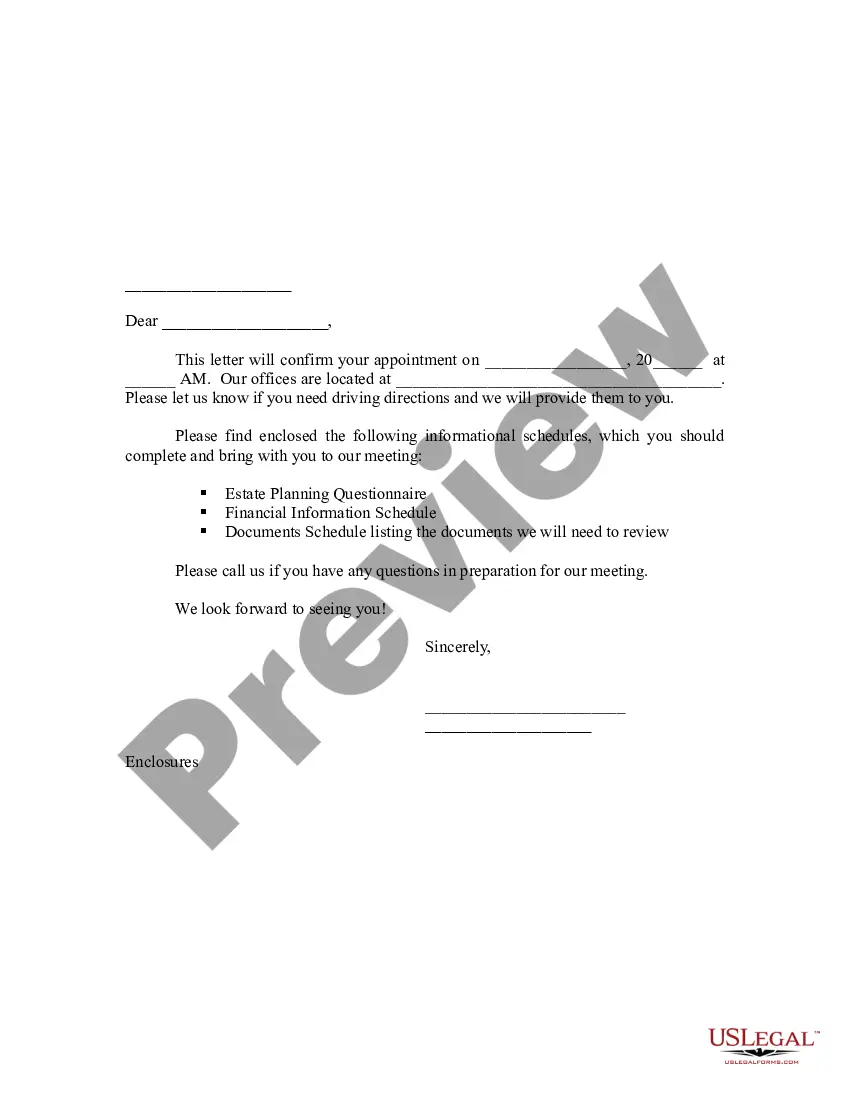
New Hampshire Sample Letter for Confirmation of Interview Appointment
Description

Get your form ready online
Our built-in tools help you complete, sign, share, and store your documents in one place.
Make edits, fill in missing information, and update formatting in US Legal Forms—just like you would in MS Word.
Download a copy, print it, send it by email, or mail it via USPS—whatever works best for your next step.
Sign and collect signatures with our SignNow integration. Send to multiple recipients, set reminders, and more. Go Premium to unlock E-Sign.
If this form requires notarization, complete it online through a secure video call—no need to meet a notary in person or wait for an appointment.
We protect your documents and personal data by following strict security and privacy standards.

Make edits, fill in missing information, and update formatting in US Legal Forms—just like you would in MS Word.

Download a copy, print it, send it by email, or mail it via USPS—whatever works best for your next step.

Sign and collect signatures with our SignNow integration. Send to multiple recipients, set reminders, and more. Go Premium to unlock E-Sign.

If this form requires notarization, complete it online through a secure video call—no need to meet a notary in person or wait for an appointment.

We protect your documents and personal data by following strict security and privacy standards.
Looking for another form?

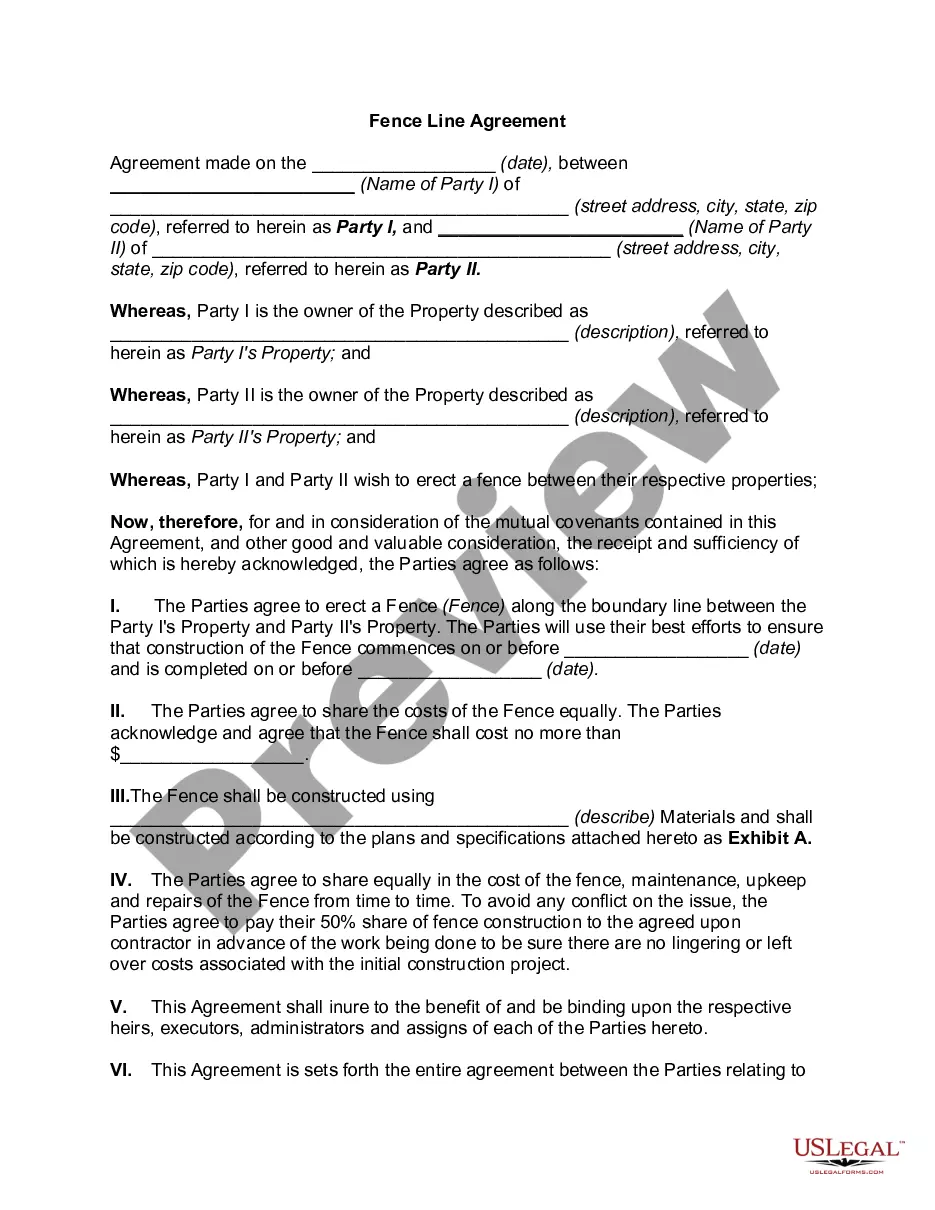


How to fill out Sample Letter For Confirmation Of Interview Appointment?
Selecting the optimum validated document format can be challenging.
Certainly, there are numerous templates available online, but how can you obtain the validated version you need.
Make use of the US Legal Forms website.
If you are a new user of US Legal Forms, here are simple instructions you should follow: First, ensure that you have selected the correct form for your area/state. You can examine the document using the Review button and read the form details to confirm it is suitable for you.
- The platform offers a vast array of templates, such as the New Hampshire Sample Letter for Confirmation of Interview Appointment, which can be utilized for both business and personal purposes.
- All the forms are reviewed by professionals and comply with national and local regulations.
- If you are already registered, Log In to your account and click the Download button to retrieve the New Hampshire Sample Letter for Confirmation of Interview Appointment.
- Utilize your account to browse the validated templates you have previously obtained.
- Navigate to the My documents section of your account to download another copy of the document you need.
Form popularity
FAQ
Here's how to confirm an interview appointment by email: Dear name, Thank you again for your earlier call/email inviting me to interview for the job position role at company. I am emailing to confirm that the interview will take place at time, at place.
How to confirm an interview timeStart with an email.Make sure you ask for all the information you need.Make the call.Write it down!Asking for irrelevant details.Confirming when there's no need.Not reading your entire interview invitation.Being sloppy in your communications.More items...?
What to Include in the Interview Confirmation EmailEnthusiastic Greeting. Introduce yourself and your role in the interview process.Date and Time of the Interview.If It's an In-Person Interview.Interview Details.Names and Job Titles of Interviewers.Contact Information (Including a Phone Number)Special Instructions.
What to Include in the Interview Confirmation EmailEnthusiastic Greeting. Introduce yourself and your role in the interview process.Date and Time of the Interview.If It's an In-Person Interview.Interview Details.Names and Job Titles of Interviewers.Contact Information (Including a Phone Number)Special Instructions.
Dear name, Thank you again for your earlier call/email inviting me to interview for the job position role at company. I am emailing to confirm that the interview will take place at time, at place.
Thank you very much for the opportunity to interview at {company name.} I look forward to meeting {interviewer} on {date} at {time}. I will have copies of my resume on hand for your review. If there is anything else you need me to bring, please let me know.
Thank you very much for the opportunity to interview at {company name.} I look forward to meeting {interviewer} on {date} at {time}. I will have copies of my resume on hand for your review. If there is anything else you need me to bring, please let me know.